Red Hat OpenShift Review 2026: Pros, Cons, Features, and Pricing


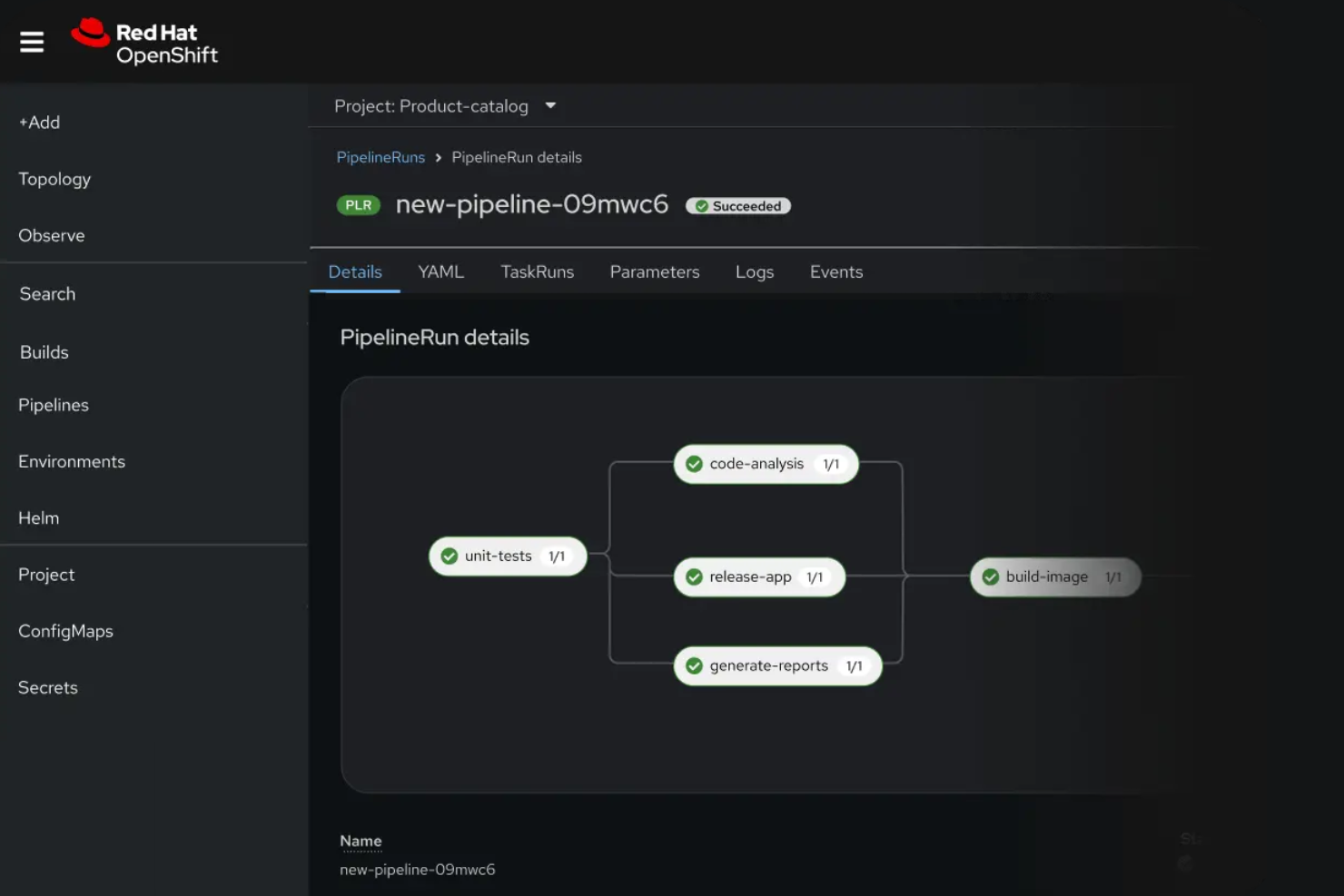
Red Hat OpenShift is a PaaS (Platform as a Service) software designed to help organizations deploy, manage, and scale containerized applications using Kubernetes. For IT specialists balancing security, scalability, and operational efficiency, it offers a unified platform with built-in automation, policy controls, and integration options.
This Red Hat OpenShift review covers features, best and worst use cases, pros and cons, and pricing—helping you decide if its enterprise-grade approach aligns with your team’s cloud strategy.
Red Hat OpenShift Evaluation Summary
- From $0.076/hour
- Free trial available
Why Trust Our Software Reviews
We’ve been testing and reviewing software since 2023. As tech leaders ourselves, we know how critical and difficult it is to make the right decision when selecting software.
We invest in deep research to help our audience make better software purchasing decisions. We’ve tested more than 2,000 tools for different tech use cases and written over 1,000 comprehensive software reviews. Learn how we stay transparent & our software review methodology.
Red Hat OpenShift Overview
Red Hat OpenShift delivers advanced Kubernetes orchestration, strong security controls, and deep integration with enterprise tools, making it a top choice for organizations prioritizing compliance and scalability. Its pricing and learning curve can be steep compared to alternatives, but the platform’s automation, policy management, and responsive support justify the investment for large teams.
OpenShift excels in regulated industries and hybrid cloud environments, but smaller teams may find onboarding and customization demanding. If you’re judging PaaS options for complex, mission-critical workloads, OpenShift’s feature set and reliability set it apart.
pros
-
Its developer-centric tools help your team innovate and deploy faster.
-
The platform provides robust security features, ensuring your applications are protected.
-
It offers seamless Kubernetes integration, making your container management more efficient.
cons
-
Customization options may require more effort compared to other PaaS tools.
-
Some users find the platform's complexity overwhelming for smaller projects.
-
The learning curve can be steep, requiring time for your team to master it.
-

Freshservice
Visit WebsiteThis is an aggregated rating for this tool including ratings from Crozdesk users and ratings from other sites.4.6 -
Deel IT
Visit Website -
Rippling IT
Visit WebsiteThis is an aggregated rating for this tool including ratings from Crozdesk users and ratings from other sites.4.8




Our Review Methodology
How We Test & Score Tools
We’ve spent years building, refining, and improving our software testing and scoring system. The rubric is designed to capture the nuances of software selection and what makes a tool effective, focusing on critical aspects of the decision-making process.
Below, you can see exactly how our testing and scoring works across seven criteria. It allows us to provide an unbiased evaluation of the software based on core functionality, standout features, ease of use, onboarding, customer support, integrations, customer reviews, and value for money.
Core Functionality (25% of final scoring)
The starting point of our evaluation is always the core functionality of the tool. Does it have the basic features and functions that a user would expect to see? Are any of those core features locked to higher-tiered pricing plans? At its core, we expect a tool to stand up against the baseline capabilities of its competitors.
Standout Features (25% of final scoring)
Next, we evaluate uncommon standout features that go above and beyond the core functionality typically found in tools of its kind. A high score reflects specialized or unique features that make the product faster, more efficient, or offer additional value to the user.
We also evaluate how easy it is to integrate with other tools typically found in the tech stack to expand the functionality and utility of the software. Tools offering plentiful native integrations, 3rd party connections, and API access to build custom integrations score best.
Ease of Use (10% of final scoring)
We consider how quick and easy it is to execute the tasks defined in the core functionality using the tool. High scoring software is well designed, intuitive to use, offers mobile apps, provides templates, and makes relatively complex tasks seem simple.
Onboarding (10% of final scoring)
We know how important rapid team adoption is for a new platform, so we evaluate how easy it is to learn and use a tool with minimal training. We evaluate how quickly a team member can get set up and start using the tool with no experience. High scoring solutions indicate little or no support is required.
Customer Support (10% of final scoring)
We review how quick and easy it is to get unstuck and find help by phone, live chat, or knowledge base. Tools and companies that provide real-time support score best, while chatbots score worst.
Customer Reviews (10% of final scoring)
Beyond our own testing and evaluation, we consider the net promoter score from current and past customers. We review their likelihood, given the option, to choose the tool again for the core functionality. A high scoring software reflects a high net promoter score from current or past customers.
Value for Money (10% of final scoring)
Lastly, in consideration of all the other criteria, we review the average price of entry level plans against the core features and consider the value of the other evaluation criteria. Software that delivers more, for less, will score higher.
Core Features
Kubernetes Orchestration
Automates deployment, scaling, and management of containerized applications using Kubernetes. Users get consistent operations across hybrid and multi-cloud environments.
Integrated CI/CD Pipelines
OpenShift Pipelines and GitOps enable automated build, test, and deployment workflows. This supports rapid, reliable application delivery.
Advanced Security Controls
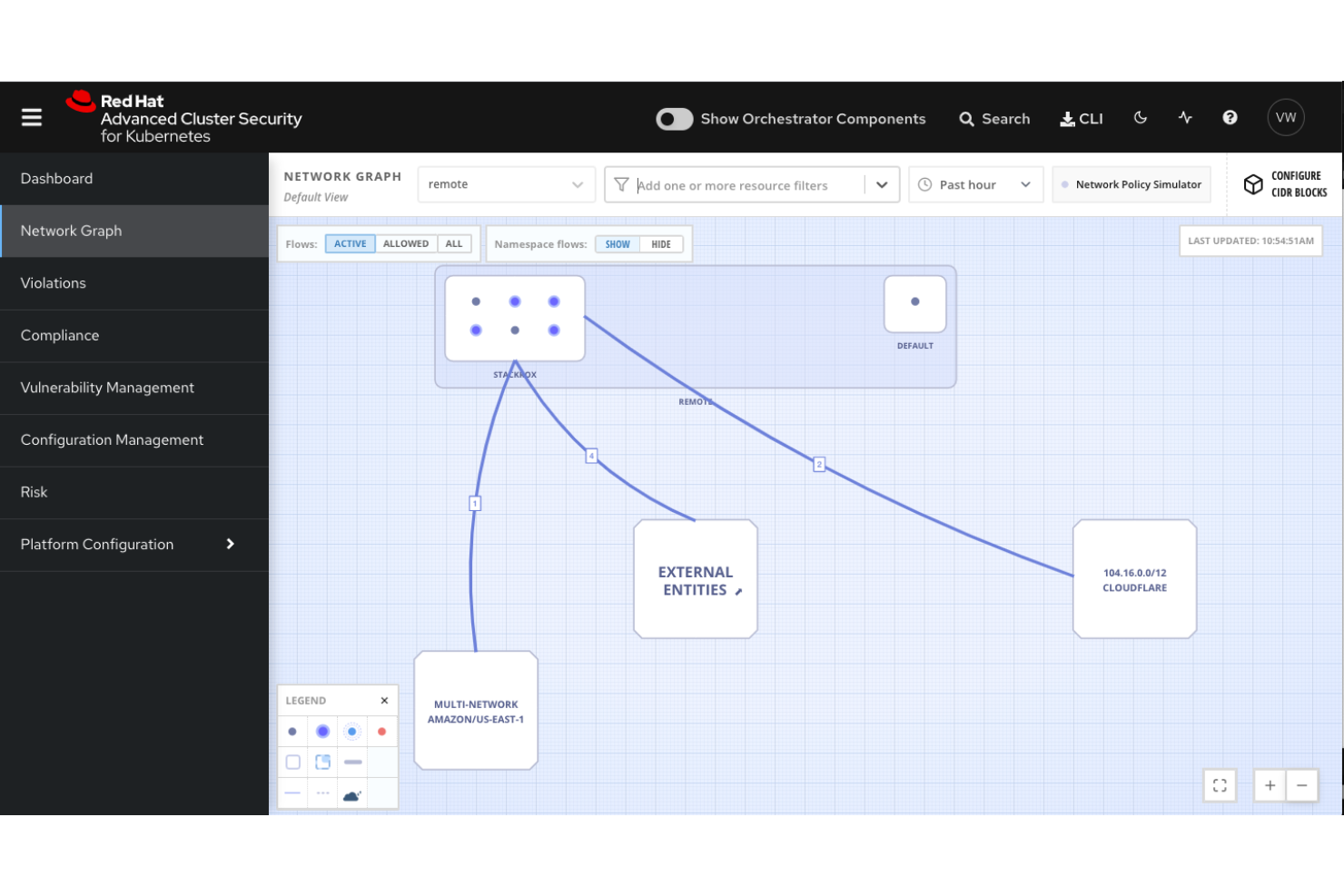
Built-in security features include policy enforcement, image scanning, and role-based access. These help organizations meet compliance and governance requirements.
Self-Service Developer Portal
Developers can access templates, tools, and resources to deploy and manage applications. This accelerates onboarding and reduces dependency on operations teams.
Multi-Cluster Management
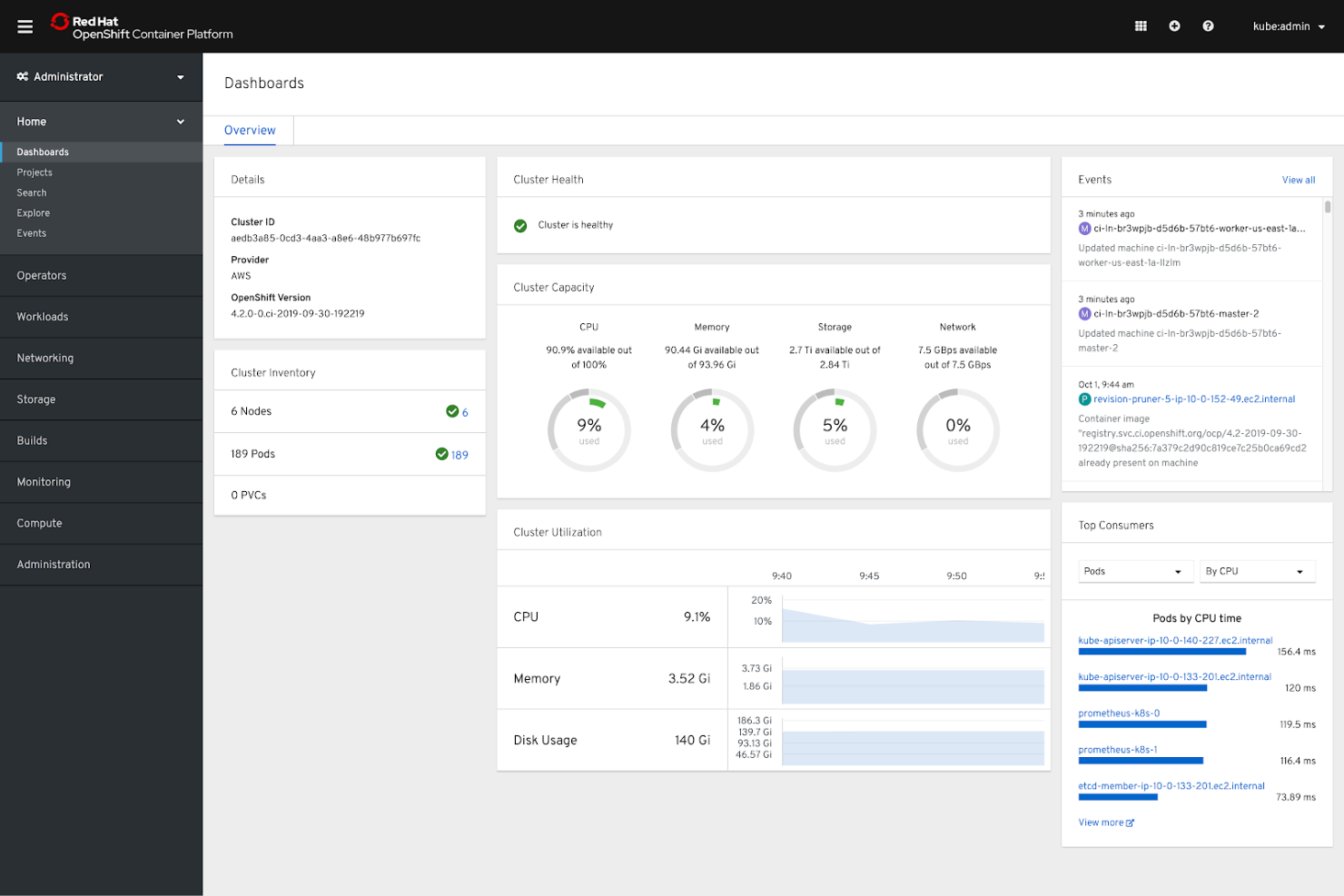
Centralized dashboard allows users to manage multiple clusters across different infrastructures. This simplifies operations for large, distributed environments.
Automated Application Scaling
OpenShift automatically scales applications based on demand and resource usage. This ensures performance and cost efficiency for dynamic workloads.
Ease of Use
Red Hat OpenShift offers a polished web console and clear documentation, but its enterprise-grade features introduce complexity that can challenge new users. Many reviewers note that initial setup, cluster management, and troubleshooting require strong Kubernetes knowledge. While the self-service portal and automation tools help streamline workflows for experienced teams, smaller organizations or those without dedicated DevOps resources may find the platform less approachable than simpler PaaS options.
Integrations
Red Hat OpenShift integrates with Red Hat Enterprise Linux, Red Hat Ansible Automation Platform, Red Hat Quay, OpenShift Service Mesh, OpenShift Serverless, OpenShift GitOps, OpenShift Pipelines, Red Hat Advanced Cluster Security for Kubernetes, Red Hat Advanced Cluster Management for Kubernetes, and HashiCorp Vault, among others.
Red Hat OpenShift also provides a comprehensive API and supports connections with a wide range of third-party integration tools and add-ons.
Red Hat OpenShift Specs
- A/B Testing
- API
- Automated Testing
- Browser Compatibility Testing
- Bug Tracking
- Calendar Management
- CI/CD Integration
- Dashboard
- Data Export
- Data Import
- Data Visualization
- Developer Tools
- External Integrations
- History/Version Control
- Manual Testing
- Multi-User
- Notifications
- Performance Testing
- Regression Testing
- Scheduling
- Status Notifications
- Third-Party Plugins/Add-Ons