
Red Hat Linux Review 2026: Pros, Cons, Features, and Pricing

We review tools independently, and commissions help fund our testing. See our transparency policy, our methodology, or suggest a tool.
Red Hat Linux is a systems management software built for IT teams running enterprise-grade infrastructure at scale. I'd consider it if you need a Linux platform with long-term stability, certified hardware compatibility, and backed support SLAs your business can actually depend on. It's worth choosing over Ubuntu Server when your environment demands formal vendor support, predictable release cycles, and tighter integration with enterprise tools like Ansible and OpenShift, rather than a community-driven model where you're largely on your own when something breaks in production.
Red Hat Linux Evaluation Summary
0/5
- From $196.90/year
- Free demo available
Why Trust Our Software Recommendations
6,700+
Reviews
20
Industry experts
16+
Evaluation factors
14
Years
Our team has been testing and reviewing software since 2012. As tech leaders ourselves, we know how difficult—and important—it is to choose the right software.
For this guide, we evaluated tools using hands-on testing and independent research, scoring tools using our selection criteria.
Our reviews reflect our human editorial judgment, not a sales pitch.
Expert reviewers:
- Paulo Gardini MiguelTech Director
 Tim FisherVP of AI
 Gabriel RosasTech Lead & Software Architect
 Christhian GruhnTech Lead & Platform Architect

Red Hat Linux Overview
Red Hat Linux sets a high bar for systems management software with its reliable automation, strong security controls, and extensive support network. Its pricing reflects enterprise-grade capabilities, which may not suit budget-conscious teams, but the investment pays off in mission-critical environments. The interface is utilitarian rather than modern, yet it integrates well with a wide range of enterprise tools. Onboarding is straightforward for experienced admins, though less intuitive for newcomers.
When judging systems management options, Red Hat Linux stands out for regulated industries, large-scale deployments, and organizations prioritizing stability over cutting-edge UI or low entry costs.
Pros
- Provides long-term support and predictable lifecycle management
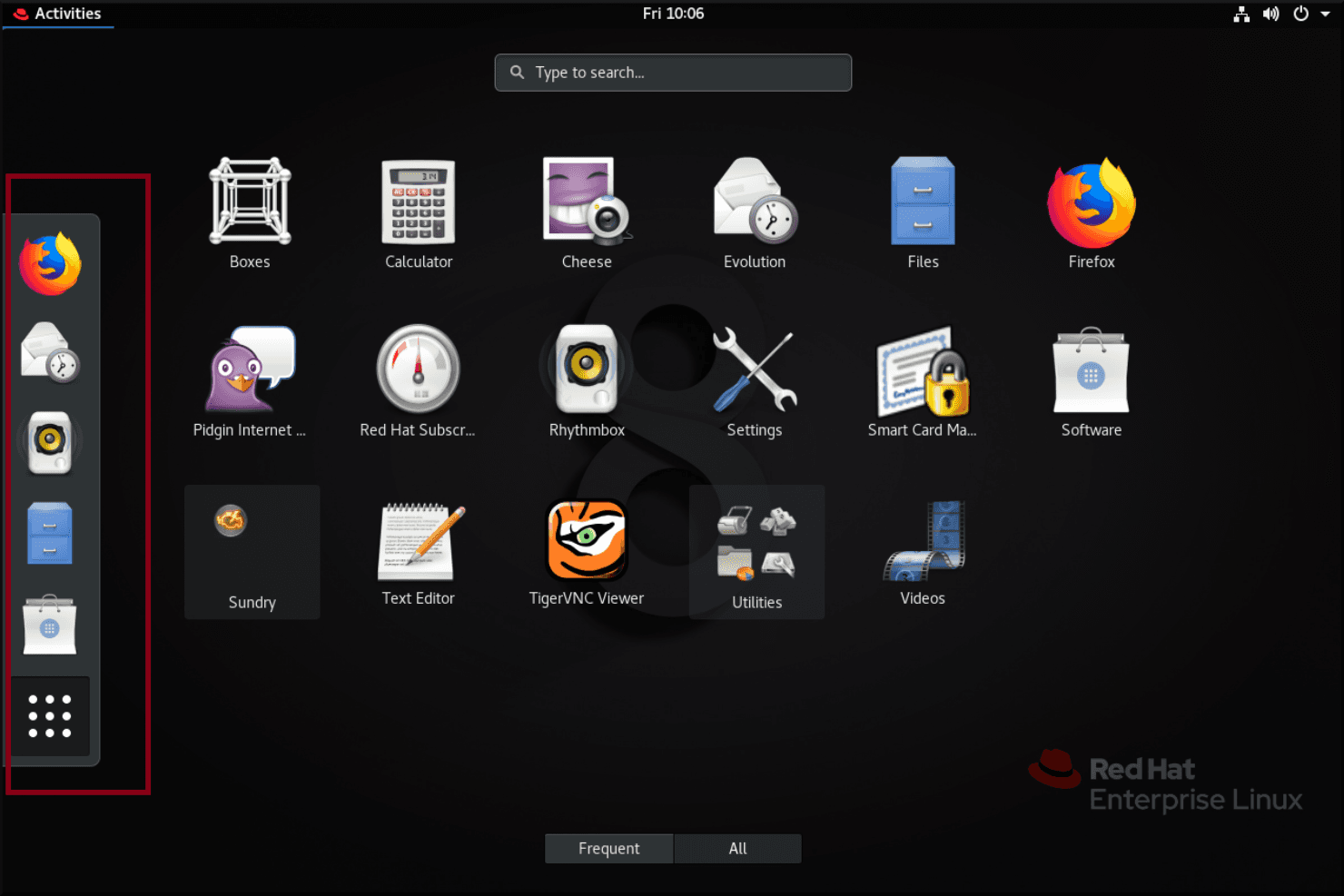
- Offers advanced security features like live kernel patching
- Delivers consistent performance across hybrid and multi-cloud environments
Cons
- Requires experienced administrators for advanced configuration
- Interface is less modern compared to newer platforms
- Subscription pricing is higher than many alternatives
Is Red Hat Linux Right For Your Needs?
Who Would be a Good Fit for Red Hat Linux?
Red Hat Linux is best suited for organizations that require high reliability, strict security, and long-term support in complex environments. It excels in industries with regulatory demands, large-scale deployments, and teams with experienced IT staff.
Its advanced automation, lifecycle management, and support for hybrid cloud make it a strong choice for enterprises that can leverage its full feature set.
- Data CentersOptimizes resource allocation and uptime for high-availability workloads.
- DevOps TeamsEnables infrastructure-as-code and automated patching for continuous delivery.
- Large EnterprisesHandles complex, multi-site deployments with centralized management and automation.
- Government AgenciesDelivers certified security and predictable support for mission-critical systems.
- Healthcare ITSupports HIPAA compliance and stable, long-term infrastructure for patient data.
- Financial ServicesMeets strict compliance and security requirements with advanced controls and certifications.
Who Would be a Bad Fit for Red Hat Linux?
Red Hat Linux is less suitable for organizations with limited budgets, small teams, or those seeking rapid, low-cost deployments. Its pricing, interface, and need for experienced administrators can be barriers for startups, non-technical departments, or businesses with minimal IT resources. Lightweight or highly experimental environments may also find it restrictive.
- Rapid Prototyping TeamsSlower onboarding and configuration hinder fast, iterative development.
- NonprofitsHigh licensing fees and advanced features are unnecessary for basic operations.
- Educational InstitutionsBudget constraints and simpler IT needs make it less practical.
- Retail ChainsOverkill for simple POS or inventory systems with basic needs.
- Creative AgenciesLacks user-friendly interface and flexibility for non-technical staff.
- Small StartupsSubscription costs and admin requirements outweigh the needs of small teams.
Our Review Methodology
How We Test & Score Tools
We’ve spent years building, refining, and improving our software testing and scoring system. The rubric is designed to capture the nuances of software selection and what makes a tool effective, focusing on critical aspects of the decision-making process.
Below, you can see exactly how our testing and scoring works across seven criteria. It allows us to provide an unbiased evaluation of the software based on core functionality, standout features, ease of use, onboarding, customer support, integrations, customer reviews, and value for money.
Core Functionality (25% of final scoring)
The starting point of our evaluation is always the core functionality of the tool. Does it have the basic features and functions that a user would expect to see? Are any of those core features locked to higher-tiered pricing plans? At its core, we expect a tool to stand up against the baseline capabilities of its competitors.
Standout Features (25% of final scoring)
Next, we evaluate uncommon standout features that go above and beyond the core functionality typically found in tools of its kind. A high score reflects specialized or unique features that make the product faster, more efficient, or offer additional value to the user.
We also evaluate how easy it is to integrate with other tools typically found in the tech stack to expand the functionality and utility of the software. Tools offering plentiful native integrations, 3rd party connections, and API access to build custom integrations score best.
Ease of Use (10% of final scoring)
We consider how quick and easy it is to execute the tasks defined in the core functionality using the tool. High scoring software is well designed, intuitive to use, offers mobile apps, provides templates, and makes relatively complex tasks seem simple.
Onboarding (10% of final scoring)
We know how important rapid team adoption is for a new platform, so we evaluate how easy it is to learn and use a tool with minimal training. We evaluate how quickly a team member can get set up and start using the tool with no experience. High scoring solutions indicate little or no support is required.
Customer Support (10% of final scoring)
We review how quick and easy it is to get unstuck and find help by phone, live chat, or knowledge base. Tools and companies that provide real-time support score best, while chatbots score worst.
Customer Reviews (10% of final scoring)
Beyond our own testing and evaluation, we consider the net promoter score from current and past customers. We review their likelihood, given the option, to choose the tool again for the core functionality. A high scoring software reflects a high net promoter score from current or past customers.
Value for Money (10% of final scoring)
Lastly, in consideration of all the other criteria, we review the average price of entry level plans against the core features and consider the value of the other evaluation criteria. Software that delivers more, for less, will score higher.
Core Features
Automated Patch Management
Schedule and deploy security and system updates across large fleets with minimal downtime. Red Hat Linux’s live kernel patching reduces the need for reboots during critical updates.
Role-Based Access Control
Assign granular permissions to users and groups for secure system administration. This helps organizations enforce least-privilege policies and meet compliance standards.
Lifecycle Management
Manage the full lifecycle of systems from provisioning to decommissioning. Red Hat Linux provides predictable release cycles and long-term support for stability.
Configuration Automation
Automate system configuration using tools like Red Hat Ansible Automation Platform. This reduces manual errors and speeds up environment provisioning.
Centralized Monitoring and Logging
Monitor system health and performance from a unified dashboard. Built-in logging and alerting help teams quickly identify and resolve issues.
Security Compliance Tools
Scan and remediate systems for industry compliance using built-in security profiles. Red Hat Linux supports standards like PCI DSS, HIPAA, and FIPS.
Ease of Use
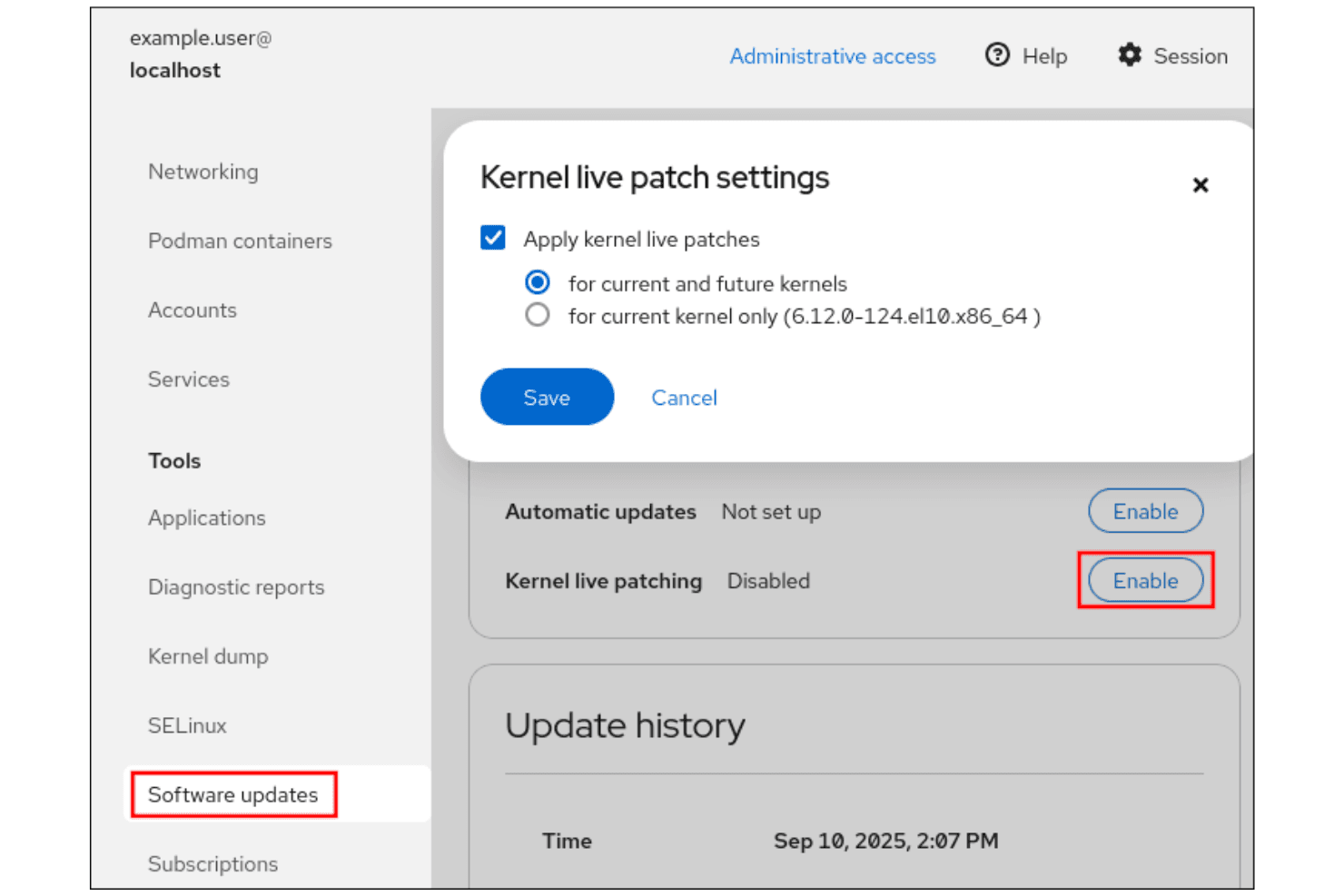
Red Hat Linux prioritizes reliability and control over a modern, intuitive interface, which can make it less approachable for newcomers. Experienced administrators appreciate its predictable workflows, detailed documentation, and command-line tools, but less technical users may find daily tasks less accessible.
User reviews often highlight the steep learning curve for advanced features, yet praise the consistency and transparency it offers for managing complex, large-scale environments.
Integrations
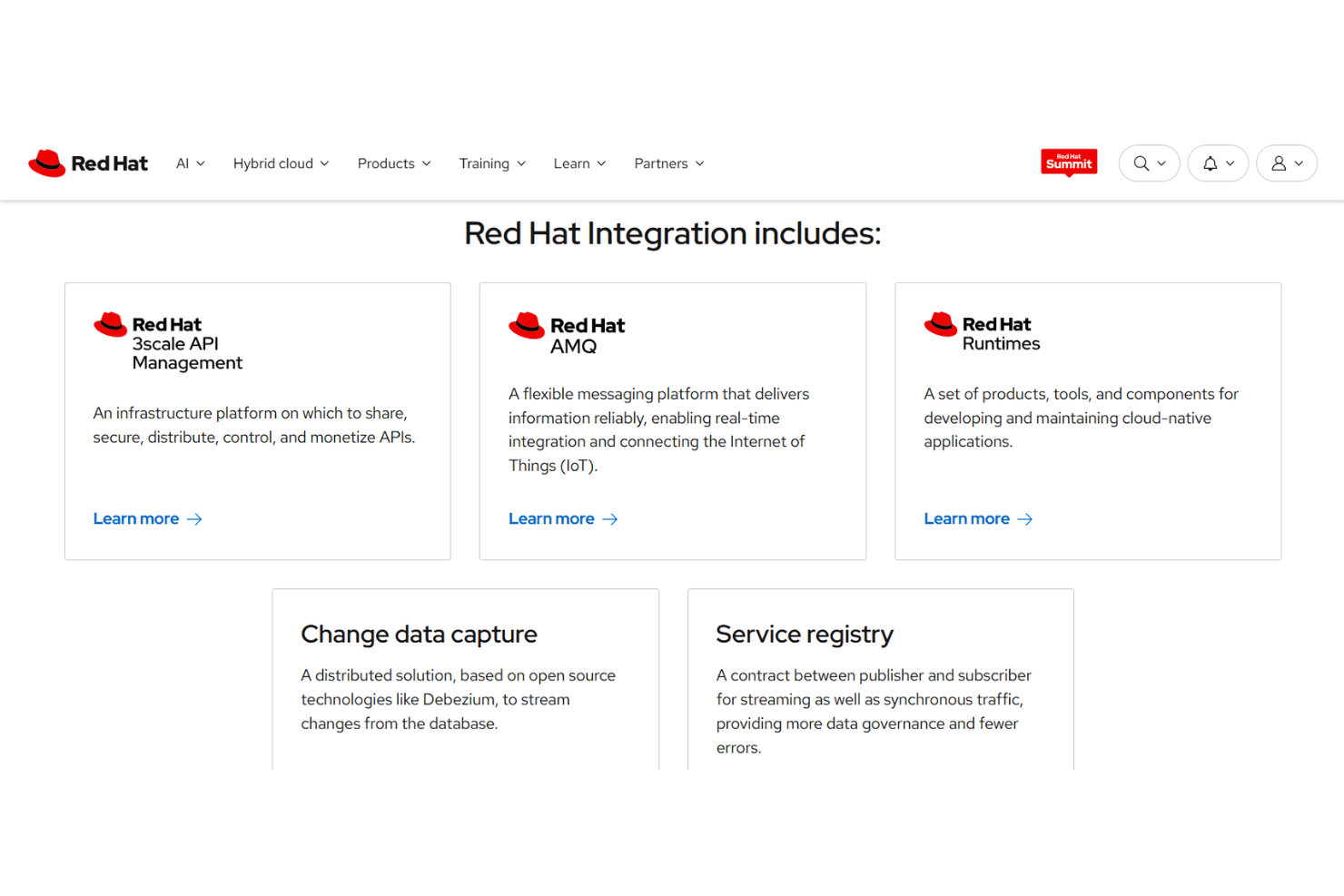
Red Hat Linux integrates with Red Hat Ansible Automation Platform, Red Hat Satellite, Microsoft Azure, Amazon Web Services (AWS), Google Cloud Platform, IBM Cloud, VMware vSphere, SAP, ServiceNow, and OpenShift, among others.
Red Hat Linux also offers a robust API and supports connections with third-party integration tools.
Red Hat Linux Specs
- 2-Factor Authentication: No
- Access Management: No
- Anti-Virus: No
- API: Yes
- Audit Trail: No
- Bug Tracking: No
- Calendar Management: No
- Customer Management: No
- Dashboard: Yes
- Data Export: Yes
- Data Import: Yes
- Data Visualization: No
- Email Integration: No
- External Integrations: Yes
- File Sharing: No
- File Transfer: No
- Firewall: No
- Google Apps Integration: No
- Inventory Tracking: No
- Malware Protection: No
- Multi-User: Yes
- Network Device Performance Monitoring: No
- Network Traffic Monitoring: No
- Network Visualization: No
- Notifications: Yes
- Project Management: No
- Remote Access: No
- Risk Assessment: No
- SAP Integration: No
- Scheduling: No
- Software Integration: No
- Third-Party Plugins/Add-Ons: No
- Ticket Management: No


