

16 Backblaze Alternatives Picked for 2026

Backblaze Alternative Shortlist
Here’s my shortlist of Backblaze alternatives:


A strong Backblaze alternative offers reliable cloud storage, flexible pricing, and security features that fit your team’s needs. If you’re searching for options beyond Backblaze, you’re likely weighing factors like data privacy, integration with your existing tools, or more granular control over storage. This list will help you compare leading cloud storage solutions, highlighting what sets each apart so you can make an informed decision for your business or personal use.
What Is Backblaze?
Backblaze is a cloud backup service and online backup solution designed to help individuals and businesses protect and store data securely. It supports automated data backup, allowing users to back up files across operating systems including Windows and macOS, with support for Linux through compatible tools. Backblaze provides scalable storage space, reliable upload speed, and secure backup storage with encryption and private key options. As a service provider, it focuses on ease of use, helping users manage backup files, restore lost data, and maintain consistent cloud backup services without complex setup.
Best Backblaze Alternatives Summary
This comparison chart summarizes pricing details for my top Backblaze alternative selections to help you find the best one for your budget and business needs.
| Tool | Best For | Trial Info | Price | ||
|---|---|---|---|---|---|
| 1 | Best with advanced data management tools | Free plan available | From $0.02/GB/month | Website | |
| 2 | Best for team collaboration features | Free plan available | From $15/user/month | Website | |
| 3 | Best for lifetime storage purchase option | Free plan available | From $4.99/month | Website | |
| 4 | Best for hybrid backup and sync options | Free plan available | From $1.95/month | Website | |
| 5 | Best for workflow automation capabilities | 14-day free trial + free demo available | From $24/user/month (billed annually) | Website | |
| 6 | Best for Microsoft 365 integration | 1-month free trial | From $6.00/user/month (billed annually) | Website | |
| 7 | Best for privacy-focused compliance needs | 30-day free trial | From $6/user/month (billed annually) | Website | |
| 8 | Best for self-hosted deployment flexibility | 30-day free trial | Pricing upon request | Website | |
| 9 | Best for end-to-end encrypted file storage | Free plan available | From $4.99/month (billed annually) | Website | |
| 10 | Best for predictable flat-rate pricing | 30-day free trial | From $6.99/TB/month | Website |
Why Trust Our Software Reviews
We’ve been testing and reviewing software since 2023. As tech leaders ourselves, we know how critical and difficult it is to make the right decision when selecting software.
We invest in deep research to help our audience make better software purchasing decisions. We’ve tested more than 2,000 tools for different tech use cases and written over 1,000 comprehensive software reviews. Learn how we stay transparent & our software review methodology.
-

Freshservice
Visit WebsiteThis is an aggregated rating for this tool including ratings from Crozdesk users and ratings from other sites.4.6 -
Deel IT
Visit Website -
Rippling IT
Visit WebsiteThis is an aggregated rating for this tool including ratings from Crozdesk users and ratings from other sites.4.8




Backblaze Alternatives Reviews
Below are my detailed summaries of the best Backblaze alternatives that made it onto my shortlist. My reviews offer a detailed look at the features, best use cases, and pricing of each platform to help you find the best one for you.

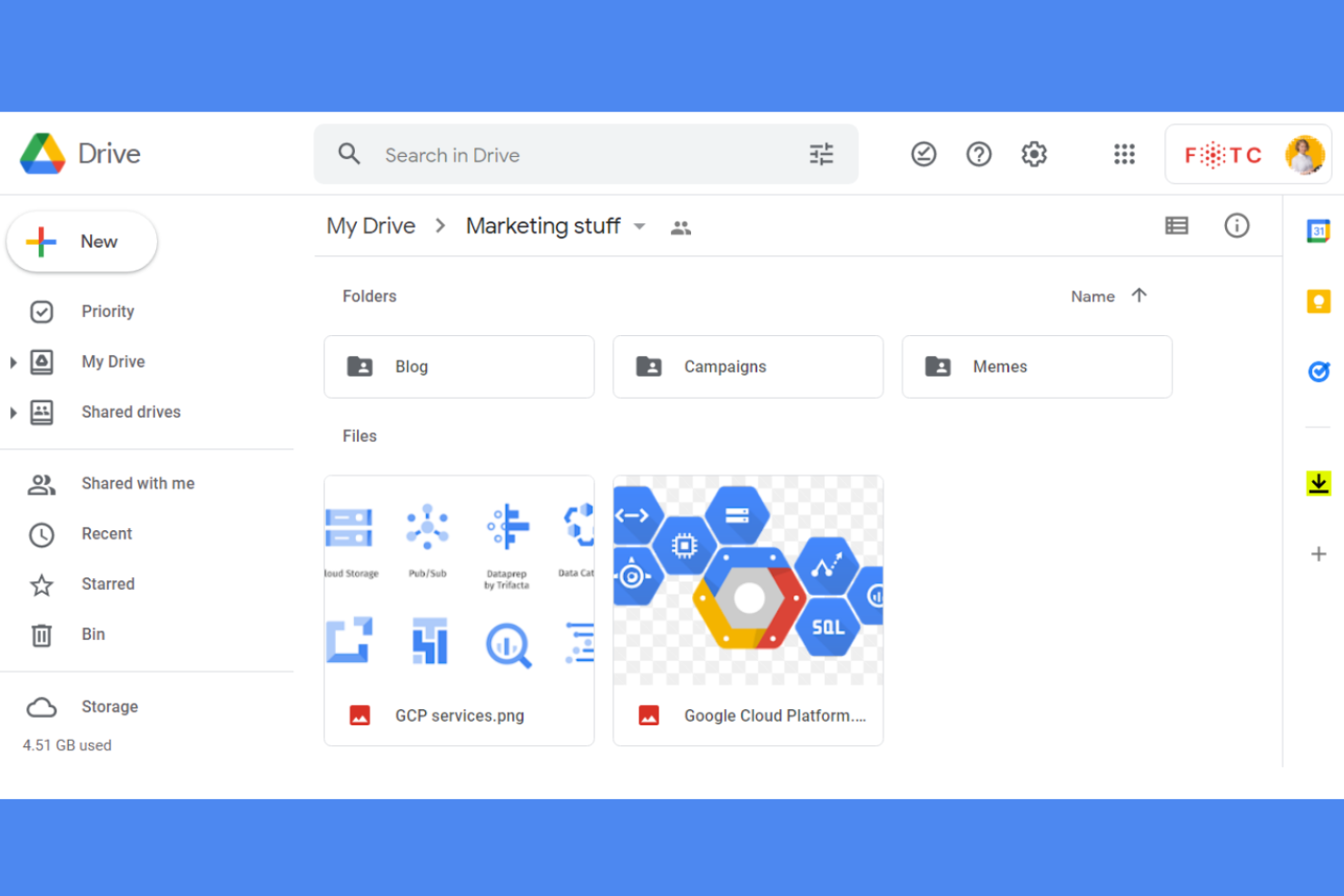
For organizations that need granular control over data, Google Cloud Storage offers advanced management and automation features. This platform is well-suited for IT teams, enterprises, and developers who need to handle large-scale storage, lifecycle policies, and compliance requirements. Unlike Backblaze, Google Cloud Storage gives you built-in tools for data classification, retention, and automated workflows.
Why Google Cloud Storage Is a Good Backblaze Alternative
If you need more than just basic file storage, Google Cloud Storage stands out for its advanced data management capabilities. I picked it because it lets you automate data lifecycle policies, so you can control retention, archival, and deletion without manual intervention.
The platform also supports object versioning and detailed access controls, which help you meet compliance and security requirements. For teams managing complex data environments, these features go far beyond what Backblaze offers.
Google Cloud Storage Key Features
Some other features in Google Cloud Storage make it a flexible choice for a range of storage needs:
- Multi-region storage options: Store data across multiple geographic locations for redundancy and low-latency access.
- Object lifecycle management: Set up automated rules for transitioning data between storage classes based on custom criteria.
- Customer-managed encryption keys: Control your own encryption keys for added security and compliance.
- Event-driven notifications: Trigger workflows or alerts when objects are created, updated, or deleted in your storage buckets.
Google Cloud Storage Integrations
Integrations include BigQuery, Dataproc, Vertex AI, Cloud Functions, Cloud Pub/Sub, Cloud Dataflow, Cloud Composer, Google Kubernetes Engine, Cloud Run, and Looker.
Pros and Cons
Pros:
- Automated lifecycle policies reduce manual data handling
- Multi-region storage improves availability and redundancy
- Granular access controls support secure data management
Cons:
- Data egress fees can increase overall costs
- Pricing structure can be difficult to estimate

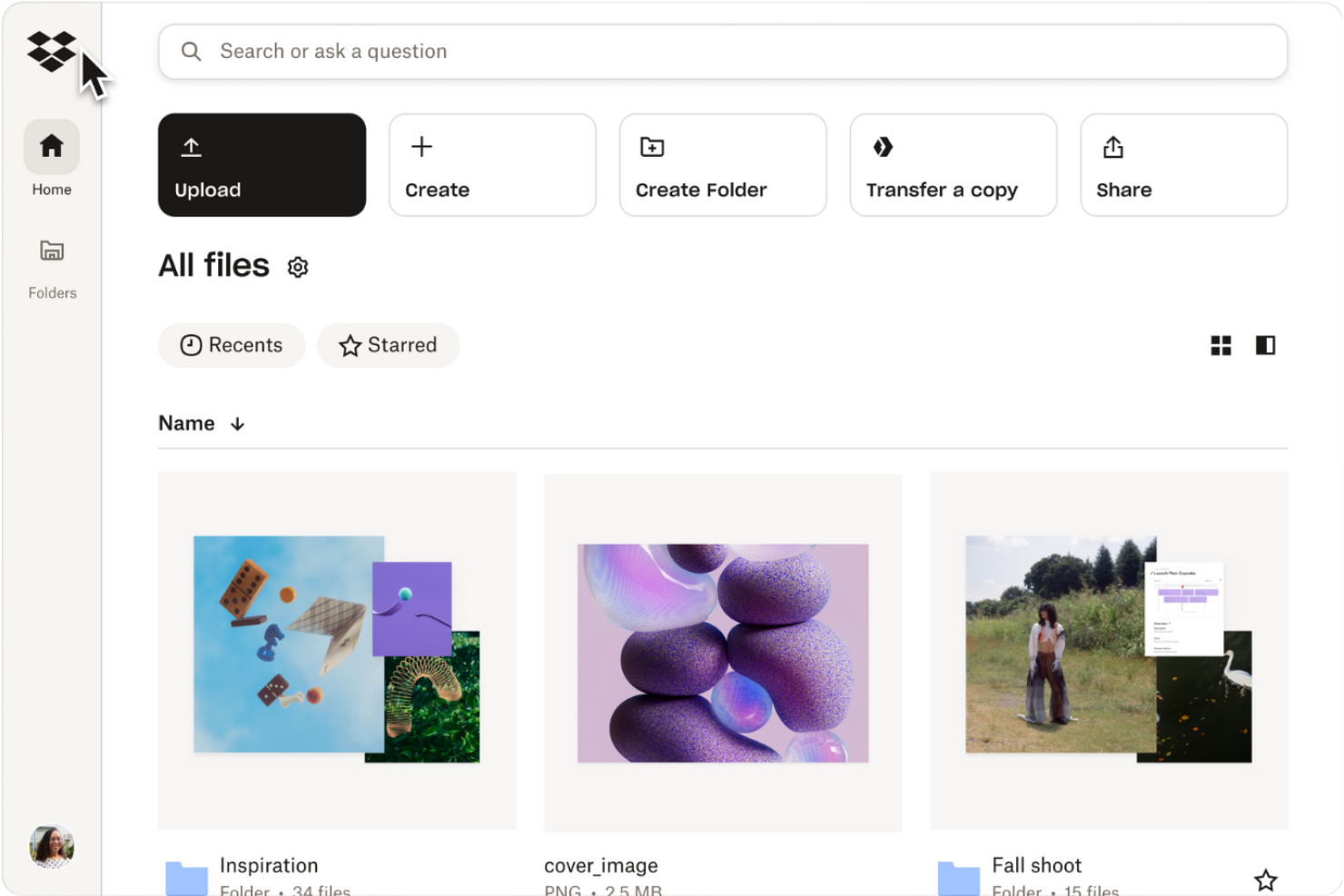
Teams that need to collaborate on files in real time often turn to Dropbox for its integrated sharing and editing tools. This platform is a strong fit for creative agencies, project teams, and businesses that prioritize document feedback, version control, and seamless file requests. Unlike Backblaze, Dropbox offers built-in commenting, shared folders, and workflow features designed for group productivity.
Why Dropbox Is a Good Backblaze Alternative
For teams that need more than just storage, Dropbox offers collaboration features that set it apart from Backblaze. I picked Dropbox because it lets users comment directly on files, assign tasks, and manage shared folders with granular permissions. The platform also supports file requests and version history, making it easier for groups to coordinate and track changes. If your business relies on teamwork and document feedback, Dropbox brings collaboration tools that Backblaze doesn’t provide.
Dropbox Key Features
Some other Dropbox features make it a versatile option for business storage and collaboration needs:
- Smart Sync: Access all files and folders from your desktop without taking up local hard drive space.
- File recovery and restore: Recover deleted files or restore previous versions within a set retention period.
- Team activity tracking: Monitor user actions and file changes with detailed activity logs.
- Third-party app integrations: Connect Dropbox with tools like Slack, Zoom, and Adobe Creative Cloud for streamlined workflows.
Dropbox Integrations
Integrations include Google Workspace, Microsoft, Adobe, HubSpot, Autodesk, Canva, AWS, Slack, Zoom, and Asana.
Pros and Cons
Pros:
- Strong ecosystem of third-party integrations
- Granular permissions improve file access control
- Real-time collaboration supports team productivity
Cons:
- Sync performance can lag with large files
- Storage limits across all paid plans

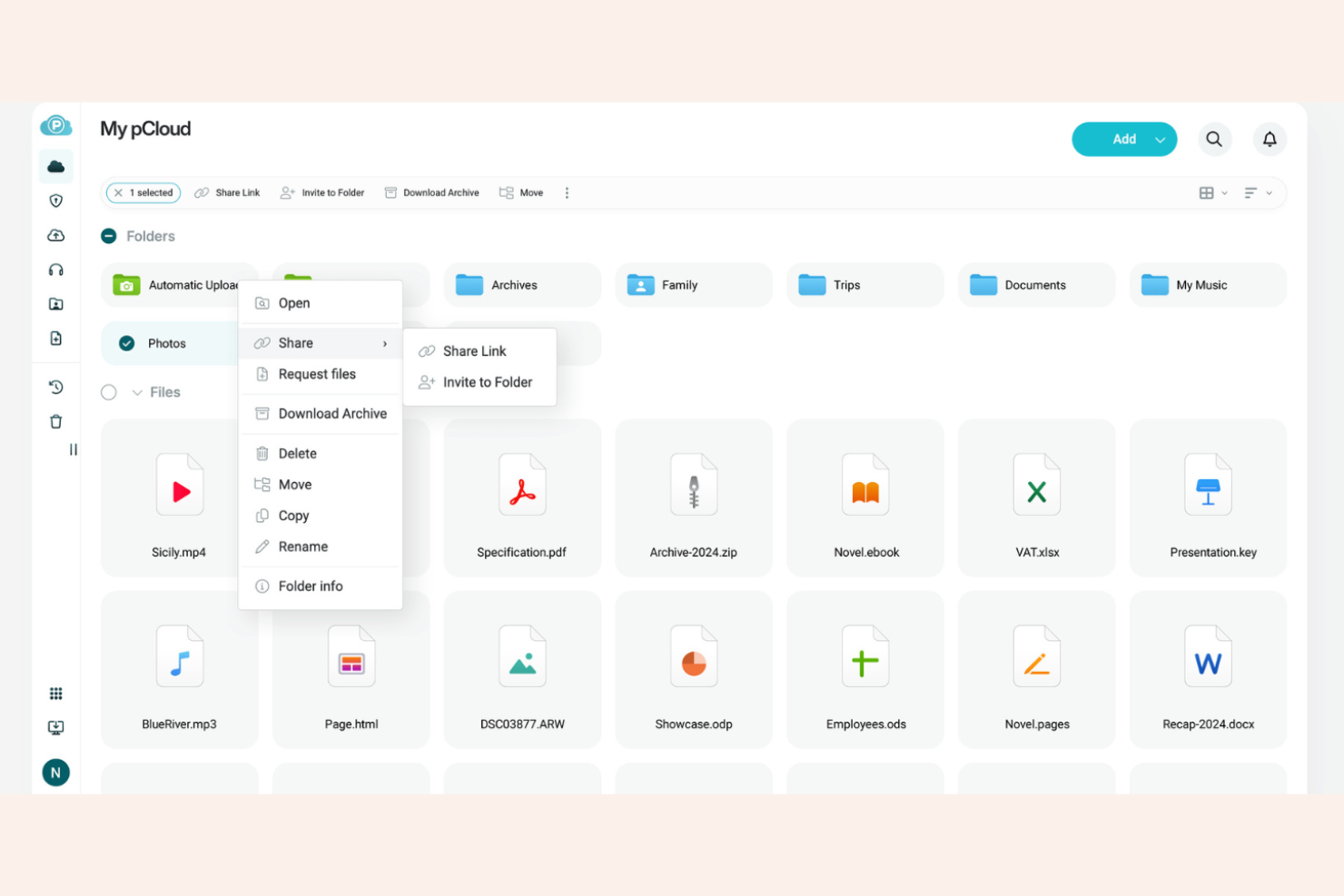
If you’re looking for a cloud storage tool with a one-time payment option, pCloud offers lifetime storage plans that set it apart from subscription-based services like Backblaze. This solution appeals to freelancers, small businesses, and IT professionals who want to avoid recurring fees while maintaining control over their data. pCloud also supports file versioning, encrypted storage, and cross-platform access, making it a flexible choice for long-term storage needs.
Why pCloud Is a Good Backblaze Alternative
Unlike most cloud storage providers, pCloud gives you the option to purchase lifetime storage with a single payment, which is why I picked it as a Backblaze alternative. This approach appeals to users who want to avoid ongoing subscription costs and maintain long-term access to their files. pCloud also offers client-side encryption as an add-on, so you can secure sensitive data before it ever leaves your device. If you’re looking for a storage solution that you can pay for once and use indefinitely, pCloud stands out in this space.
pCloud Key Features
Some other features that make pCloud appealing for long-term storage include:
- Integrated media player: Play audio and video files directly from your cloud storage.
- Selective sync: Choose specific folders to sync between your device and the cloud.
- Rewind feature: Restore your account to a previous state from up to 30 days ago.
- Branded download links: Customize file sharing links with your own branding for a professional touch.
pCloud Integrations
Integrations include Microsoft Office, Google Workspace, Adobe Creative Cloud, Zoom, Slack, Trello, Asana, Docusign, Salesforce, and Microsoft Teams.
Pros and Cons
Pros:
- Built-in media playback for stored files
- Selective sync improves storage control
- Lifetime storage option avoids recurring costs
Cons:
- Limited integrations with external tools
- Client-side encryption requires additional setup

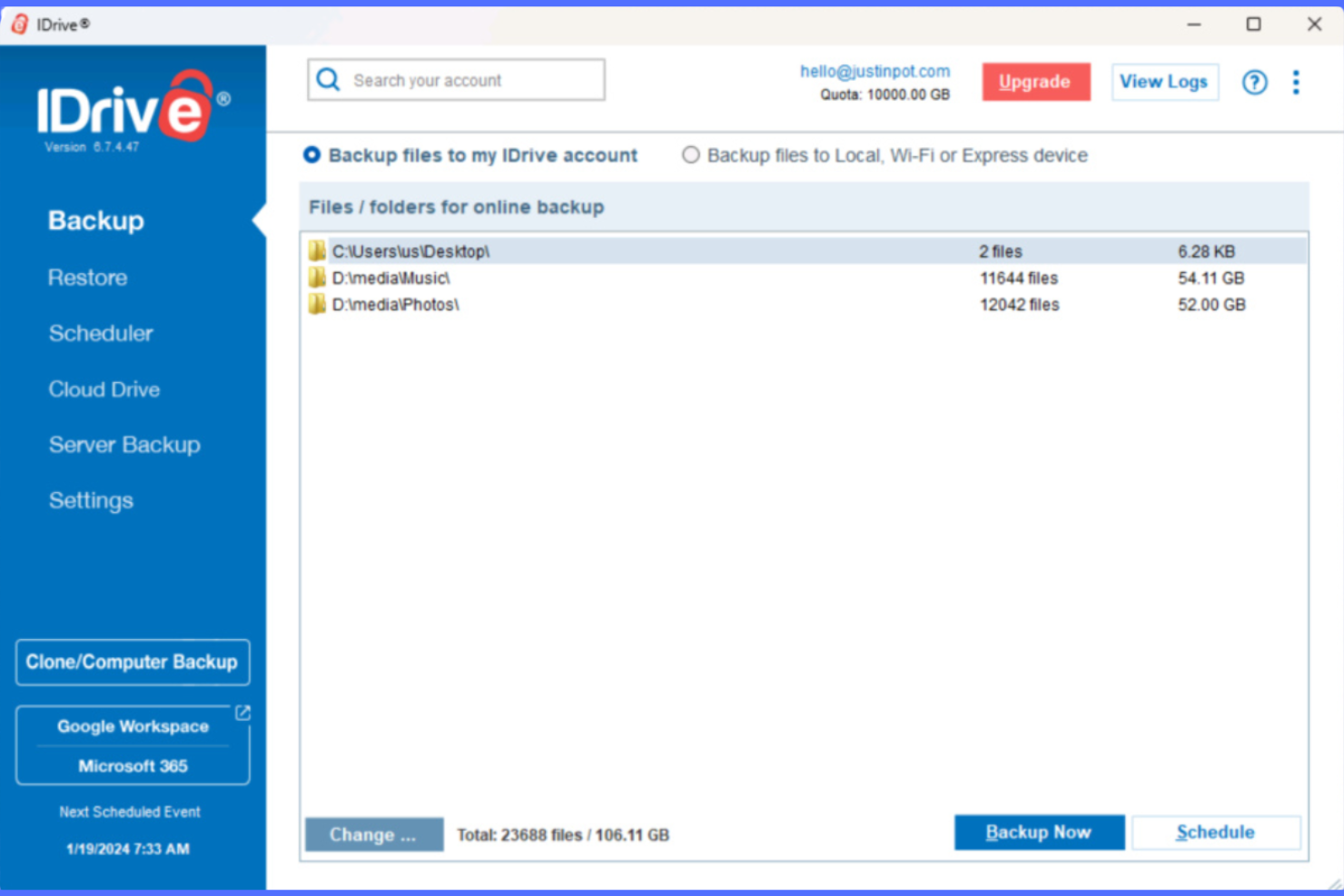
Unlike many cloud storage tools, IDrive combines both cloud and local backup in a single platform. This makes it a strong fit for IT teams and small businesses that need flexible backup and sync options across devices and locations. If you’re looking for a Backblaze alternative that supports hybrid backup strategies and real-time file syncing, IDrive is worth considering.
Why IDrive Is a Good Backblaze Alternative
IDrive stands out for its hybrid backup and sync capabilities, which go beyond what Backblaze offers. I picked IDrive because it lets you back up data both to the cloud and to local drives, giving you more flexibility and control over your storage strategy. The platform also supports real-time file syncing across multiple devices, so your files stay updated everywhere you work. For teams that need both off-site and on-site protection, IDrive’s hybrid approach is a strong fit.
IDrive Key Features
Some other features make IDrive a flexible choice for cloud storage and backup needs:
- Snapshots and versioning: Access and restore previous versions of files and folders.
- Disk image backup: Create full disk image backups for complete system recovery.
- Continuous data protection: Automatically detect and back up changes to files in real time.
- Mobile backup apps: Back up and access files from iOS and Android devices.
IDrive Integrations
Integrations include Microsoft Office 365, Google Workspace, Salesforce, Dropbox, Box, Synology, QNAP, VMware, Hyper-V, and Oracle Server.
Pros and Cons
Pros:
- Disk image backup enables full system recovery
- Real-time sync across multiple devices
- Hybrid backup supports cloud and local storage
Cons:
- Web interface performance can be inconsistent
- Initial backup can be slow for large datasets

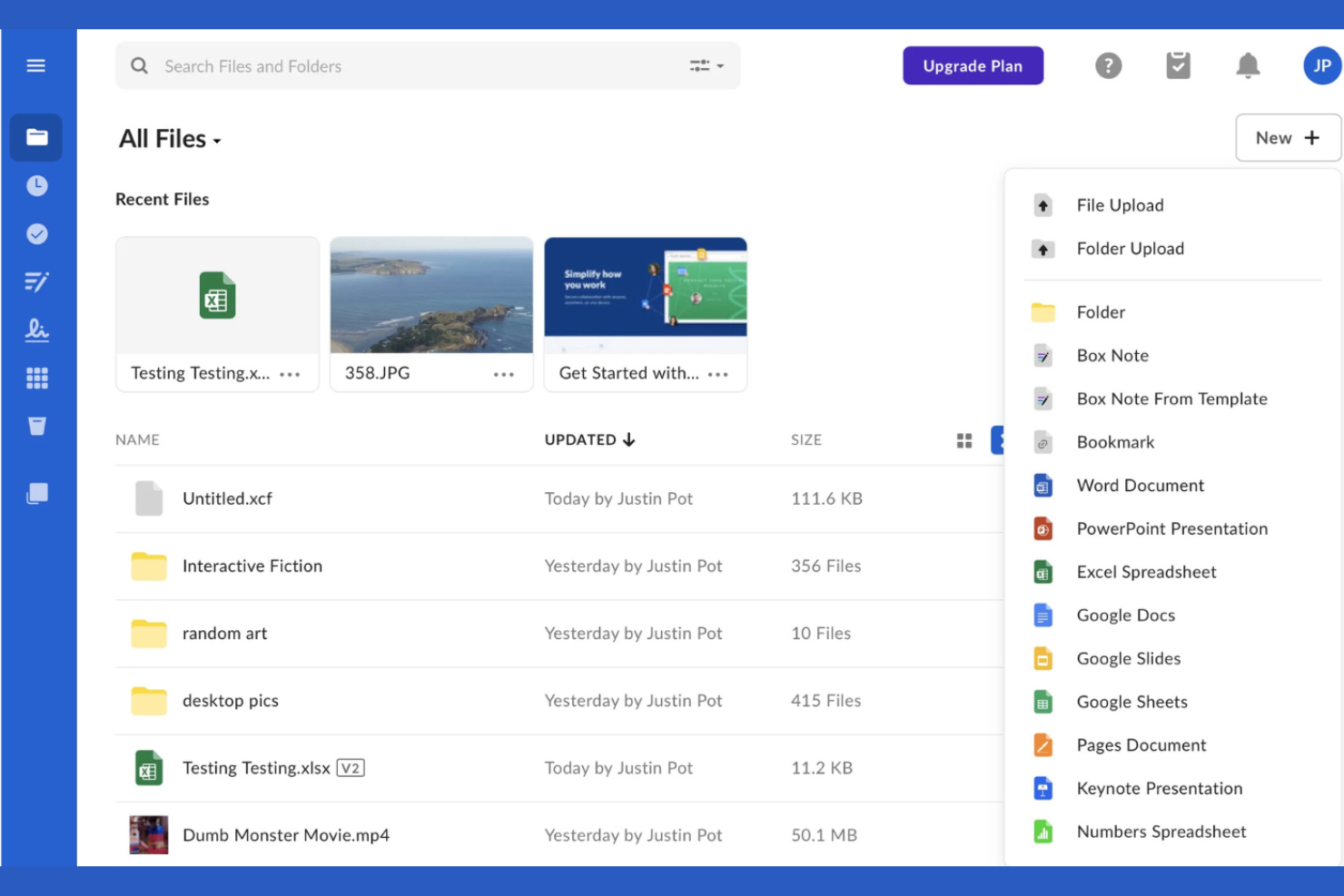
Teams looking to automate document-driven processes often turn to Box for its advanced workflow automation features. This platform is well-suited for organizations that need to manage complex approval chains, content collaboration, and compliance tasks within a secure cloud environment. Unlike Backblaze, Box combines cloud storage with built-in workflow tools that help you standardize and automate repetitive business processes.
Why Box Is a Good Backblaze Alternative
If you need more than just file storage, Box stands out for its workflow automation capabilities. I picked Box because it lets you build custom workflows directly within your cloud storage environment using Box Relay. You can automate document approvals, task assignments, and content reviews without leaving the platform. This approach is very different from Backblaze, which focuses solely on storage and backup.
Box Key Features
Some other features that make Box appealing for IT teams include:
- Granular file and folder permissions: Assign detailed access levels to users and groups for sensitive content.
- Native e-signature with Box Sign: Collect legally binding electronic signatures directly within the platform.
- Advanced data loss prevention (DLP): Monitor and control the movement of sensitive data to prevent leaks.
- Version history and file recovery: Access previous versions of files and restore deleted documents when needed.
Box Integrations
Integrations include Microsoft 365, Google Workspace, Salesforce, Slack, Adobe, Oracle NetSuite, Okta, Broadcom, Splunk, and Palo Alto Networks.
Pros and Cons
Pros:
- Strong integration ecosystem for enterprise tools
- Granular permissions support secure collaboration
- Workflow automation improves document processes
Cons:
- Sync client can be slow with large datasets
- File upload size limits on lower tiers

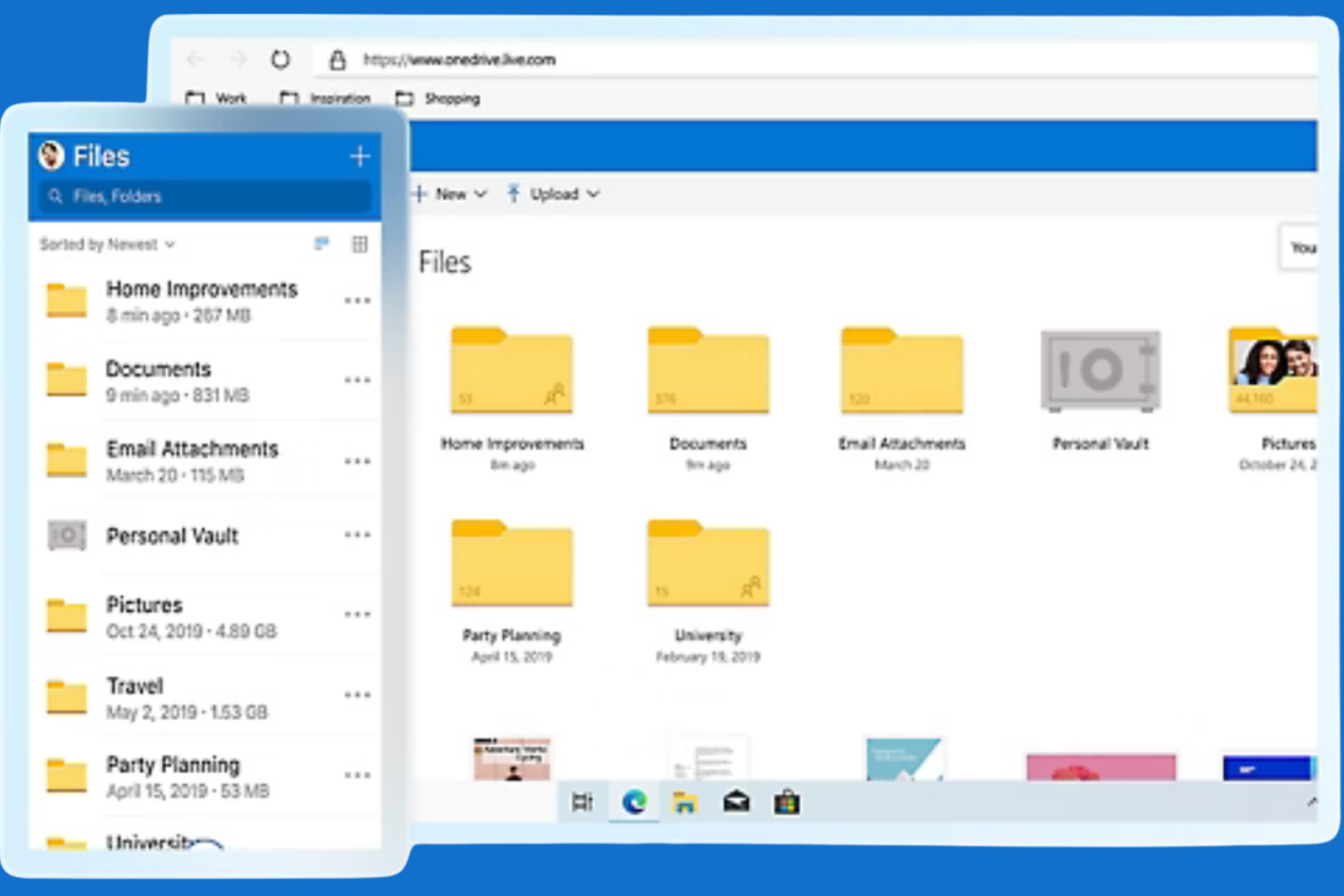
If your organization relies on Microsoft 365 apps, Microsoft OneDrive offers cloud storage that’s tightly woven into your daily workflow. It’s especially useful for businesses and teams that need to co-author documents, manage permissions, and access files directly from familiar tools like Word, Excel, and Teams. Unlike Backblaze, OneDrive provides real-time editing and sharing within the Microsoft ecosystem, making it a natural fit for companies already invested in these platforms.
Why Microsoft OneDrive Is a Good Backblaze Alternative
When you need cloud storage that works hand-in-hand with Microsoft 365, OneDrive is the clear choice. I picked OneDrive because it lets users edit and share files directly within Word, Excel, PowerPoint, and Teams, without leaving those apps.
The platform also supports real-time co-authoring and granular permission controls, which help teams collaborate securely on sensitive documents. For organizations already using Microsoft 365, OneDrive brings a level of integration and workflow continuity that Backblaze doesn’t offer.
Microsoft OneDrive Key Features
Some other features make OneDrive a flexible choice for business storage and file management:
- Personal Vault: Store sensitive files in a protected area with extra security measures.
- Automatic photo and video backup: Sync media from mobile devices directly to the cloud.
- File request: Collect files from anyone, even if they don’t have a Microsoft account.
- Ransomware detection and recovery: Get alerts and restore files if suspicious activity is detected.
Microsoft OneDrive Integrations
Integrations include Microsoft Teams, SharePoint, Outlook, Word, Excel, PowerPoint, OneNote, Microsoft Loop, Microsoft Clipchamp, and Exchange.
Pros and Cons
Pros:
- Built-in ransomware detection enhances file security
- Real-time co-authoring improves team workflows
- Deep integration with Microsoft 365 applications
Cons:
- Sync reliability issues with large files
- Limited support for server or NAS backup
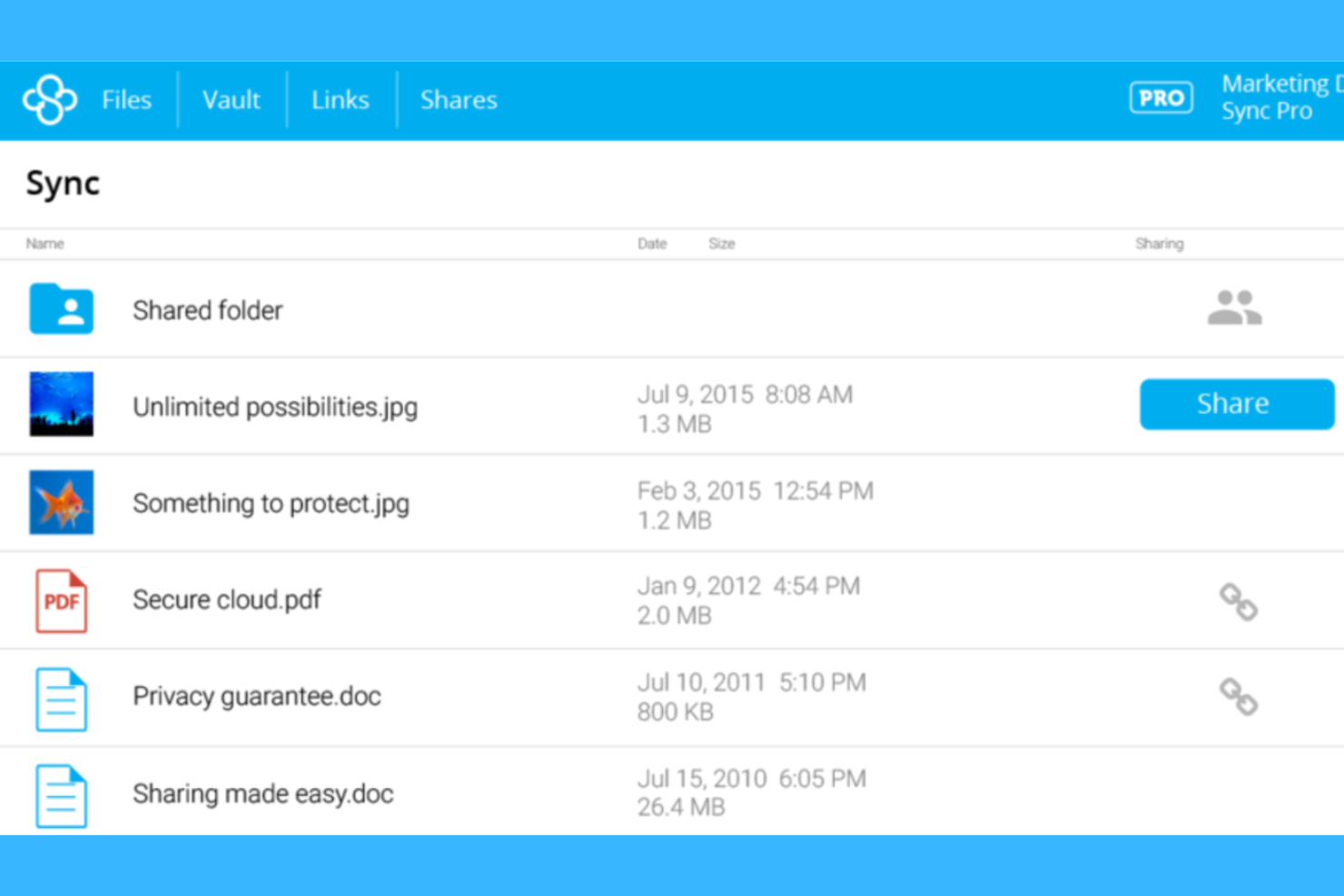
If your organization needs strict data privacy and compliance, Sync is designed with end-to-end encryption and a zero-knowledge architecture. It’s a strong choice for legal, healthcare, and finance teams that handle sensitive files and must meet regulations like GDPR or HIPAA. Unlike Backblaze, Sync puts privacy controls and compliance features at the center of its cloud storage platform.
Why Sync Is a Good Backblaze Alternative
When privacy and compliance are your top priorities, Sync offers protections that go beyond what Backblaze provides. I picked Sync because it uses end-to-end encryption and a zero-knowledge approach, so only your team can access stored data.
The platform also includes built-in compliance tools for GDPR, HIPAA, and other regulations, making it easier to meet strict industry requirements. For organizations where compromising on data privacy is out of the cards, Sync’s security-first design is a strong fit.
Sync Key Features
Some other features make Sync a versatile choice for cloud storage beyond its privacy and compliance focus:
- Granular file and folder permissions: Set detailed access controls for users and groups.
- Remote device wipe: Remove Sync data from lost or stolen devices remotely.
- File version history: Restore previous versions of files for up to 365 days.
- Custom branding: Add your organization’s logo and colors to the Sync web interface.
Sync Integrations
Native integrations are not currently listed. Sync does not advertise direct integrations with other software vendors. If your team needs custom integrations, Sync does offer an API for advanced use cases.
Pros and Cons
Pros:
- Compliance support for regulated industries
- Zero-knowledge architecture protects user data
- End-to-end encryption ensures full data privacy
Cons:
- Limited collaboration features compared to competitors
- No native third-party integrations available
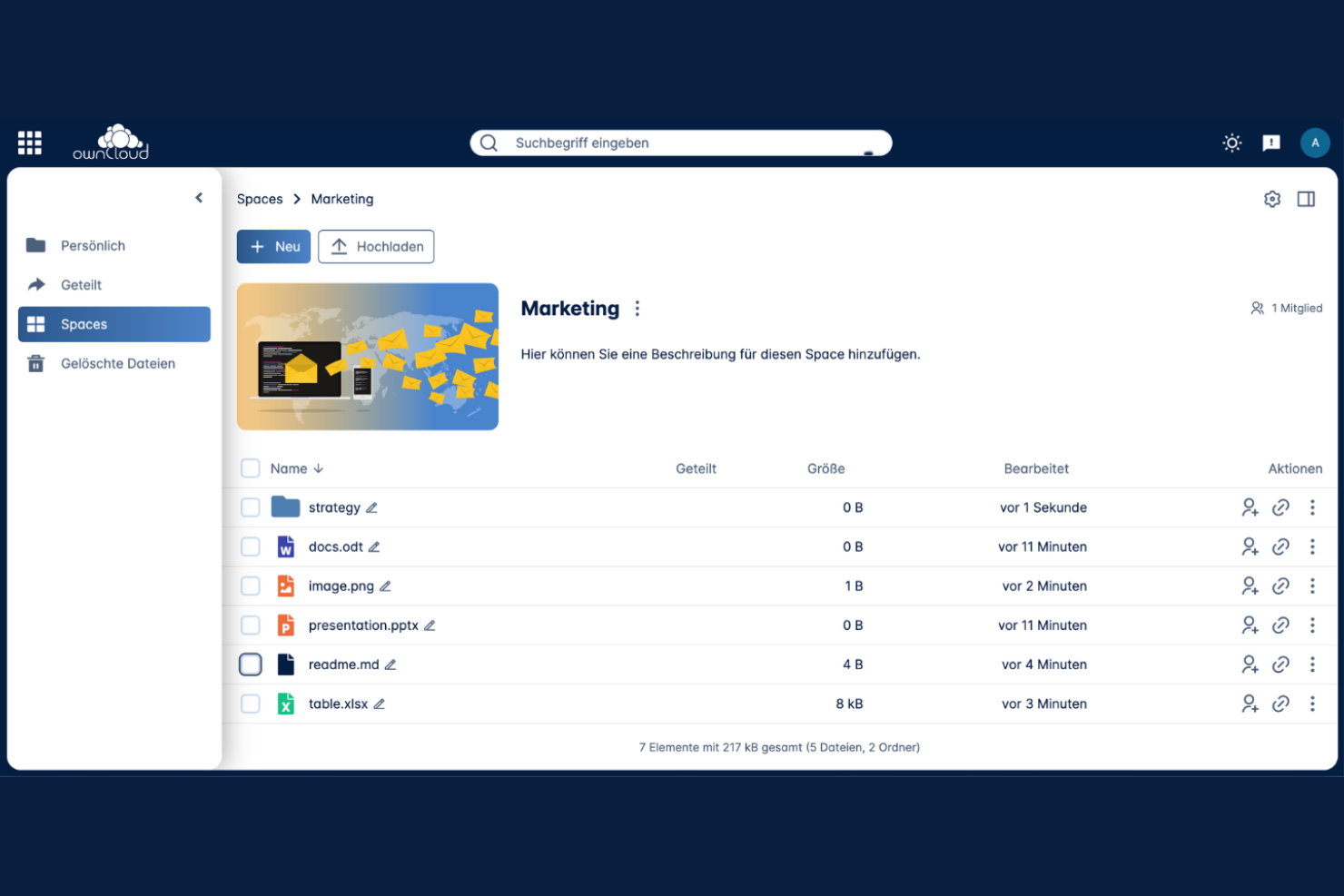
If you need full control over your cloud storage environment, ownCloud offers a self-hosted platform that puts deployment and data management in your hands. This solution is a strong fit for IT teams, regulated industries, and organizations with strict data residency or compliance requirements. Unlike Backblaze, ownCloud lets you customize infrastructure and security settings to match your business’s unique needs.
Why ownCloud Is a Good Backblaze Alternative
For organizations that want to keep full control over their data, ownCloud’s self-hosted deployment flexibility is a major advantage. I picked ownCloud because it lets you run your storage on your own infrastructure, whether that’s on-premises, in a private cloud, or in a hybrid setup.
You can tailor security policies, compliance controls, and storage architecture to fit your business’s requirements. This level of customization isn’t possible with Backblaze’s fully managed cloud approach.
ownCloud Key Features
In addition to deployment flexibility, ownCloud offers several features that support secure and collaborative file management:
- End-to-end encryption: Protect files with encryption from upload to download.
- Granular user and group permissions: Set detailed access controls for files and folders.
- Integrated document editing: Edit Office documents directly within the platform using Collabora Online or ONLYOFFICE.
- File versioning and recovery: Restore previous versions of files and recover deleted items.
ownCloud Integrations
Integrations include Microsoft Office Online Server, Microsoft 365, Microsoft Teams, Microsoft Outlook, Microsoft Windows Network Drive, Collabora Online, and ONLYOFFICE.
Pros and Cons
Pros:
- Granular permissions support secure file access
- Open-source model allows customization flexibility
- Self-hosting provides full data control
Cons:
- Setup and configuration can be complex
- Requires ongoing server maintenance and cloud backup
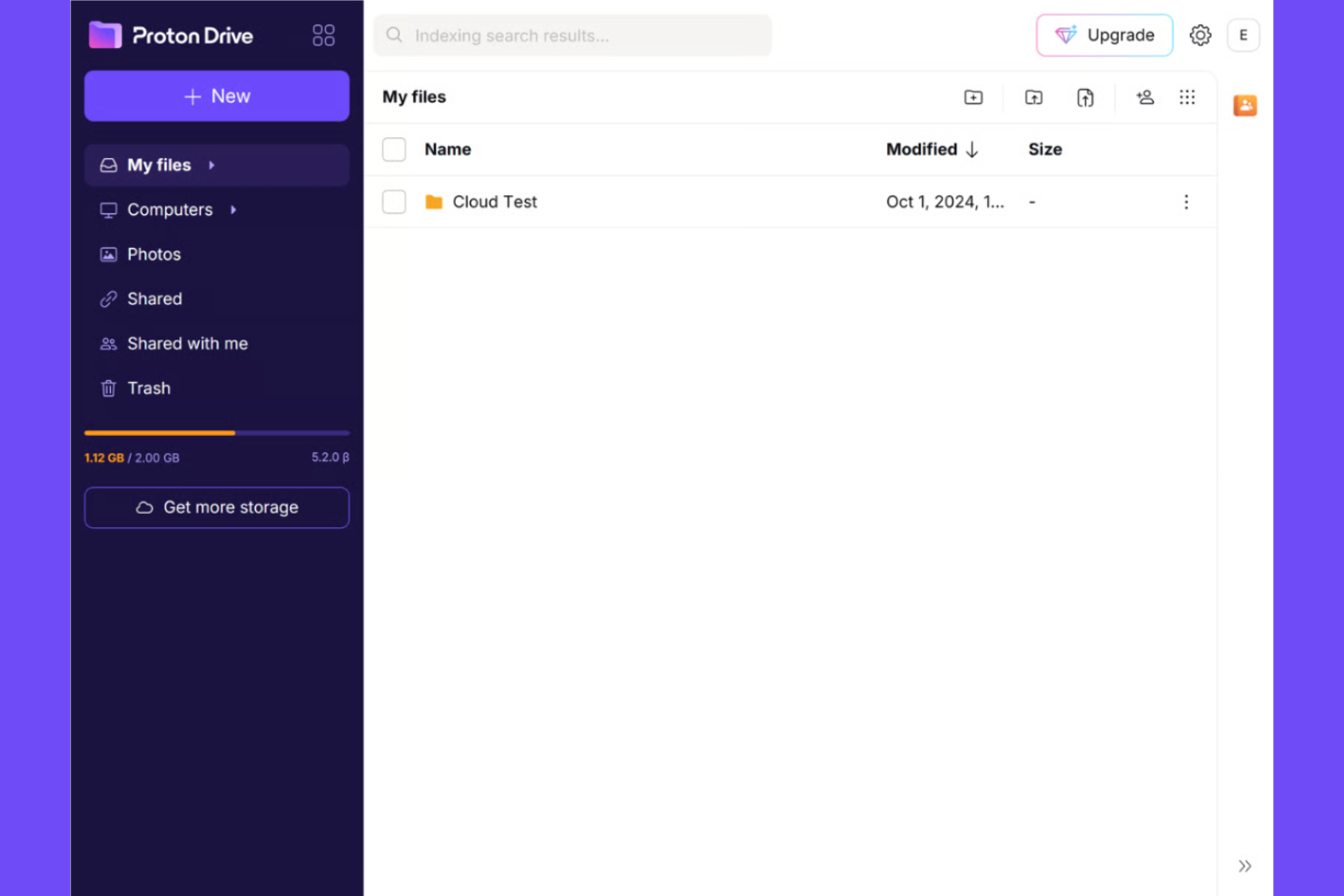
If you need cloud storage with a focus on privacy, Proton Drive stands out for its end-to-end encryption. This platform is a strong fit for IT teams, legal professionals, or anyone handling sensitive data who wants to keep files protected from unauthorized access. Proton Drive addresses concerns around data confidentiality that many standard cloud storage tools, including Backblaze, don’t fully cover.
Why Proton Drive Is a Good Backblaze Alternative
Proton Drive is a strong choice if you need cloud storage with strict privacy controls. I picked it for its end-to-end encryption, which ensures that only you and those you authorize can access your files—Proton itself can’t decrypt your data.
The platform also offers secure file sharing, letting you send files without exposing them to third parties. For teams or individuals who prioritize confidentiality, Proton Drive fills a gap that Backblaze and many other cloud storage tools leave open.
Proton Drive Key Features
Some other features in Proton Drive make it a versatile option for cloud storage:
- Granular file permissions: Set specific access levels for each file or folder to control who can view or edit content.
- Cross-platform access: Use Proton Drive on web, desktop, and mobile devices for flexible file management.
- Automatic file versioning: Restore previous versions of files if you need to recover or review changes.
- Swiss data residency: Store your data exclusively on servers located in Switzerland, benefiting from strong local privacy laws.
Proton Drive Integrations
Integrations include Proton Mail, Proton Calendar, Proton VPN, Proton Pass, Proton Docs, Proton Sheets, Proton Authenticator, and Proton Meet.
Pros and Cons
Pros:
- Integrated with secure Proton ecosystem tools
- Swiss data residency supports strong privacy standards
- End-to-end encryption protects sensitive files
Cons:
- Lacks advanced admin controls for teams
- Limited third-party integrations available

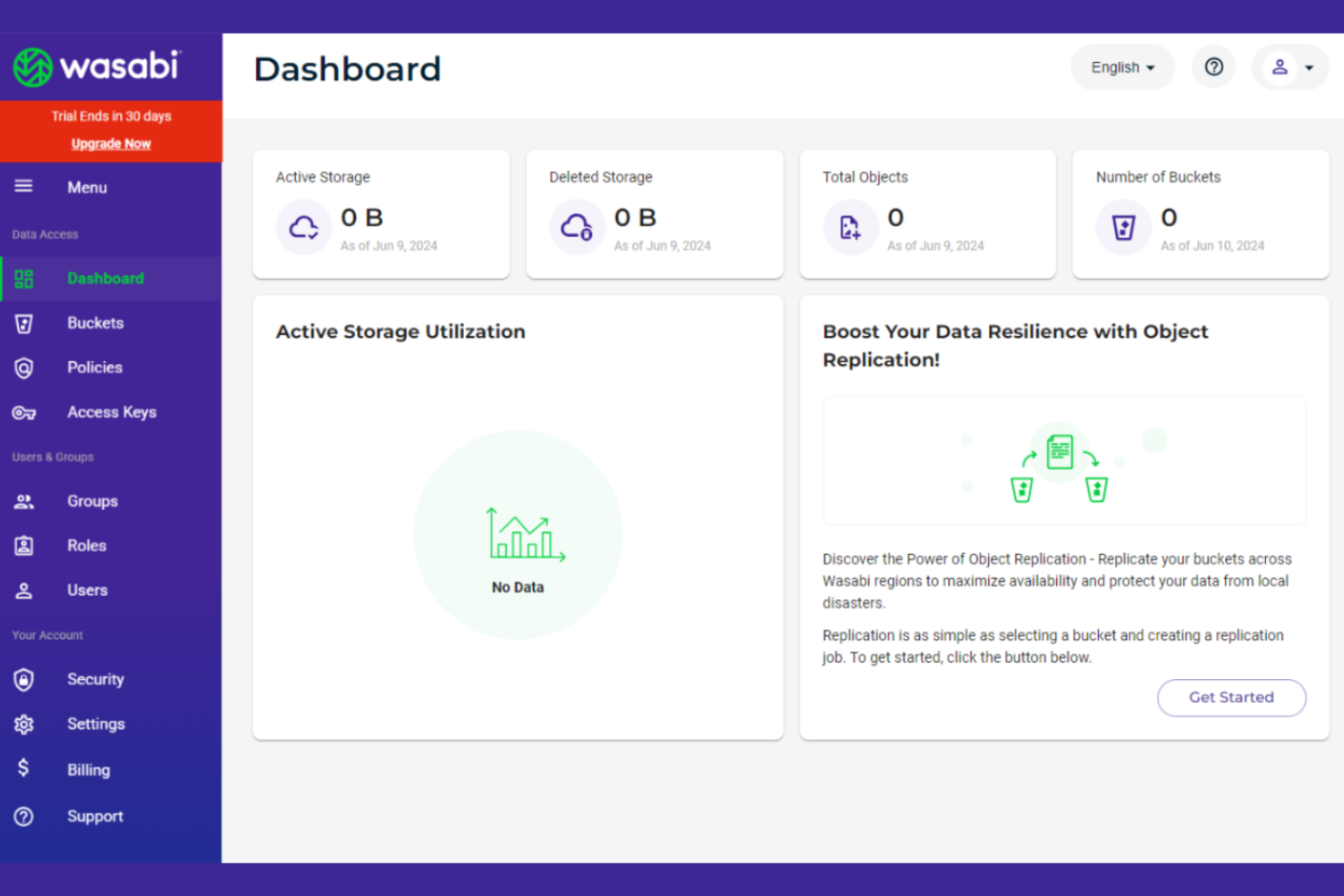
For IT teams that need predictable storage costs, Wasabi offers flat-rate cloud storage with no egress or API request fees. It’s a strong fit for organizations managing large data volumes or frequent data transfers, such as media companies, research institutions, and backup providers. Unlike Backblaze, Wasabi’s pricing model helps you avoid surprise charges when accessing or moving your data.
Why Wasabi Is a Good Backblaze Alternative
For teams that want to avoid unpredictable storage bills, Wasabi’s flat-rate pricing model stands out. I picked Wasabi because it charges a single monthly rate per terabyte with no extra fees for egress or API requests. This approach is especially useful for organizations that need to move or access large amounts of data regularly. Wasabi also offers instant data access and no data retrieval delays, which can be a deciding factor for businesses with time-sensitive workloads.
Wasabi Key Features
Some other features make Wasabi a strong option for cloud storage beyond its pricing model:
- Immutable buckets: Prevent files from being deleted or altered for a set retention period.
- S3 API compatibility: Use existing S3-compatible tools and workflows without modification.
- Data center region selection: Choose from multiple global data centers for data residency needs.
- Multi-user management: Assign roles and permissions to manage access across your organization.
Wasabi Integrations
Integrations include Dell Technologies, IBM, Veeam, MSP360, Acronis, Adobe, and ConnectWise.
Pros and Cons
Pros:
- Immutable storage protects against data loss
- S3 compatibility supports flexible storage workflows
- Flat-rate pricing simplifies cost predictability
Cons:
- Minimum storage commitment required
- No native file sync or collaboration features
Other Backblaze Alternatives
Here are some additional Backblaze alternative options that didn’t make it onto my shortlist, but are still worth checking out:
- Apple iCloud Drive
For Apple ecosystem compatibility
- Amazon S3
With scalable object storage infrastructure
- CrashPlan
For continuous background backup
- Google Drive
For native integration with Google Workspace
- Egnyte
For granular access permissions
- MEGA
For generous free storage allocation


Backblaze Alternatives Selection Criteria
When selecting the best Backblaze alternatives to include in this list, I considered common buyer needs and pain points related to cloud storage tool products, like secure file storage and flexible pricing models. I also used the following framework to keep my evaluation structured and fair:
Core Functionality (25% of total score)
To be considered for inclusion in this list, each solution had to fulfill these common use cases:
- Store files in the cloud
- Sync files across devices
- Share files with others
- Restore deleted files
- Access files from any location
Additional Standout Features (25% of total score)
To help further narrow down the competition, I also looked for unique features, such as:
- Lifetime storage purchase options
- Built-in media streaming
- Zero-knowledge encryption
- Branded file sharing links
- File versioning beyond 30 days
Usability (10% of total score)
To get a sense of the usability of each system, I considered the following:
- Simple and intuitive user interface
- Clear navigation and labeling
- Fast file upload and download speeds
- Mobile and desktop app availability
- Minimal setup required for core tasks
Onboarding (10% of total score)
To evaluate the onboarding experience for each platform, I considered the following:
- Step-by-step setup guides
- Availability of training videos
- Interactive product tours
- Access to migration tools or templates
- Responsive onboarding support team
Customer Support (10% of total score)
To assess each software provider’s customer support services, I considered the following:
- Multiple support channels available
- Fast response times
- Knowledgeable support staff
- Comprehensive help center or documentation
- Availability of live chat or phone support
Value For Money (10% of total score)
To evaluate the value for money of each platform, I considered the following:
- Transparent pricing structure
- Flexible payment options
- Free plan or trial availability
- Features included at each price tier
- Cost compared to similar tools
Customer Reviews (10% of total score)
To get a sense of overall customer satisfaction, I considered the following when reading customer reviews:
- Consistent positive feedback on reliability
- Reports of responsive customer service
- User satisfaction with security features
- Feedback on storage limits and pricing
- Comments on integration and compatibility
Why Look For a Backblaze Alternative?
While Backblaze is a strong cloud backup service, there are a number of reasons why some users seek out alternative online backup services. You might be looking for a backup solution because…
- You need broader support for Linux or multiple operating systems
- You want more control over private key management and encryption
- You require a faster upload speed for large-scale data backup
- You need more flexible storage space or bandwidth options
- You want mobile apps with expanded functionality
- You are comparing different cloud backup services from another service provider
- You need advanced configuration, similar to tools like an ARQ backup option
If any of these sound like you, you’ve come to the right place. My list contains several cloud storage tool options that are better suited for teams facing these challenges with Backblaze and looking for alternative solutions.
Backblaze Key Features
Here are some of the key features of Backblaze, to help you contrast and compare what alternative solutions offer:
- Unlimited backup for individual computers
- Continuous and automatic file backup
- File versioning and restore options
- Web-based file access and management
- External drive backup support
- Locate lost or stolen computers
- Scheduled and throttled backup settings
- Data recovery via USB drive
- Two-factor authentication for account security
- Detailed backup reporting and alerts