


Kubernetes Review 2026: Pros, Cons, Features, and Pricing Explained



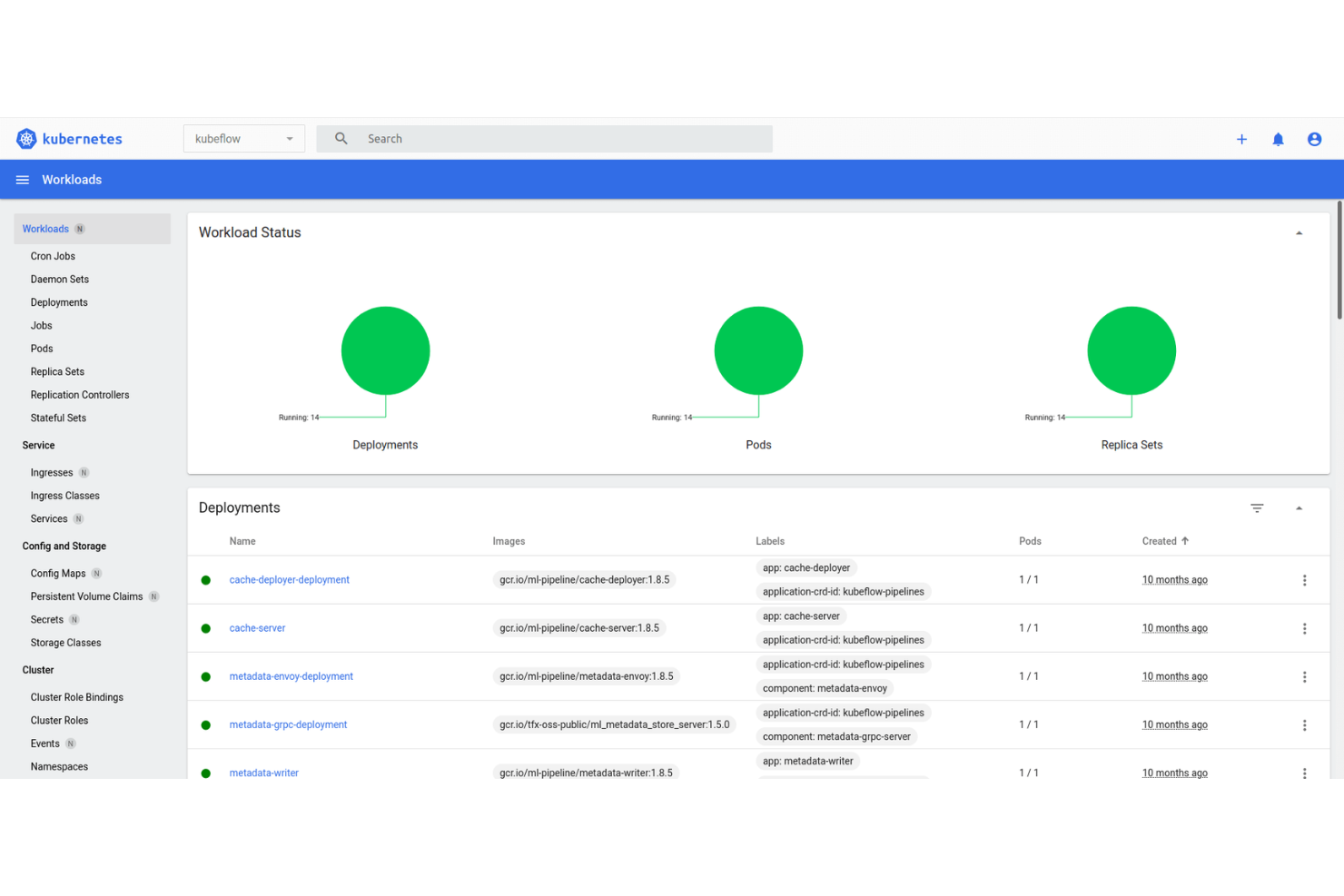
Kubernetes is a container orchestration software for teams managing containerized workloads across distributed infrastructure at scale. I'd consider it when your deployments have outgrown a single host and you need automated scaling, self-healing, and precise control over how services run in production. Compared to Docker Swarm, Kubernetes gives you a far deeper feature set and a much larger ecosystem—it's the better choice if your infrastructure complexity justifies the steeper learning curve that comes with it.
Kubernetes Evaluation Summary
- No licensing cost
- Free to use
Why Trust Our Software Recommendations
Our team has been testing and reviewing software since 2012. As tech leaders ourselves, we know how difficult—and important—it is to choose the right software.
For this guide, we evaluated tools using hands-on testing and independent research, scoring tools using our selection criteria.
Our reviews reflect our human editorial judgment, not a sales pitch.
Kubernetes Overview
Kubernetes sets the benchmark for container orchestration with its extensive feature set, strong community support, and broad integration options. While its open-source model means no direct licensing fees, the complexity of setup and management can be daunting compared to simpler alternatives. Its declarative configuration, robust API, and scalability make it ideal for organizations with skilled teams managing large-scale, multi-cloud, or hybrid deployments.
If you’re judging platforms by flexibility and ecosystem, Kubernetes consistently leads, though onboarding and day-to-day management require a steeper learning curve than some competitors.
pros
-
Scales to thousands of nodes and containers efficiently
-
Supports automated rollouts, rollbacks, and self-healing
-
Open-source with no direct licensing fees
cons
-
Resource-intensive and can drive up infrastructure costs
-
Persistent storage setup for stateful apps is complex
-
Requires external tools for advanced monitoring and debugging
Is Kubernetes Right For Your Needs?
Who Would be a Good Fit for Kubernetes?
Kubernetes is best suited for organizations with complex, large-scale infrastructure needs and skilled technical teams. Its automation, scalability, and support for hybrid or multi-cloud environments make it a strong choice for industries and roles that demand high availability, rapid deployment, and granular control over containerized workloads. Teams with DevOps maturity and a need for advanced orchestration will find Kubernetes’s features—like automated rollouts, self-healing, and declarative configuration—especially valuable.
-
Large Enterprises
Kubernetes handles thousands of containers and nodes, supporting enterprise-scale workloads.
-
Cloud-Native Startups
Startups building microservices architectures benefit from Kubernetes’s automation and scalability.
-
DevOps Teams
DevOps teams use Kubernetes for CI/CD pipelines and automated deployments.
-
SaaS Providers
SaaS companies rely on Kubernetes for multi-tenant, high-availability environments.
-
Financial Services
Financial firms use Kubernetes for secure, compliant, and resilient infrastructure.
-
Hybrid Cloud Environments
Organizations running workloads across multiple clouds leverage Kubernetes’s portability.
Who Would be a Bad Fit for Kubernetes?
Kubernetes is less suitable for teams with limited technical resources, simple application needs, or those seeking minimal operational overhead. Its complexity, resource requirements, and need for ongoing management can outweigh the benefits for smaller businesses, legacy environments, or teams without dedicated DevOps expertise. In these cases, simpler orchestration tools or managed services may be a better match.
-
Small Businesses
Small businesses may find Kubernetes’s complexity and overhead unnecessary.
-
Solo Developers
Solo developers often prefer simpler, less resource-intensive orchestration tools.
-
Legacy IT Departments
Legacy environments may struggle with Kubernetes’s modern, container-centric approach.
-
Non-Technical Teams
Teams without DevOps or cloud expertise face steep operational challenges.
-
Static Websites
Static sites don’t require the orchestration or scalability Kubernetes provides.
-
On-Premises Only
Organizations limited to on-premises infrastructure may face integration hurdles.
Our Review Methodology
How We Test & Score Tools
We’ve spent years building, refining, and improving our software testing and scoring system. The rubric is designed to capture the nuances of software selection and what makes a tool effective, focusing on critical aspects of the decision-making process.
Below, you can see exactly how our testing and scoring works across seven criteria. It allows us to provide an unbiased evaluation of the software based on core functionality, standout features, ease of use, onboarding, customer support, integrations, customer reviews, and value for money.
Core Functionality (25% of final scoring)
The starting point of our evaluation is always the core functionality of the tool. Does it have the basic features and functions that a user would expect to see? Are any of those core features locked to higher-tiered pricing plans? At its core, we expect a tool to stand up against the baseline capabilities of its competitors.
Standout Features (25% of final scoring)
Next, we evaluate uncommon standout features that go above and beyond the core functionality typically found in tools of its kind. A high score reflects specialized or unique features that make the product faster, more efficient, or offer additional value to the user.
We also evaluate how easy it is to integrate with other tools typically found in the tech stack to expand the functionality and utility of the software. Tools offering plentiful native integrations, 3rd party connections, and API access to build custom integrations score best.
Ease of Use (10% of final scoring)
We consider how quick and easy it is to execute the tasks defined in the core functionality using the tool. High scoring software is well designed, intuitive to use, offers mobile apps, provides templates, and makes relatively complex tasks seem simple.
Onboarding (10% of final scoring)
We know how important rapid team adoption is for a new platform, so we evaluate how easy it is to learn and use a tool with minimal training. We evaluate how quickly a team member can get set up and start using the tool with no experience. High scoring solutions indicate little or no support is required.
Customer Support (10% of final scoring)
We review how quick and easy it is to get unstuck and find help by phone, live chat, or knowledge base. Tools and companies that provide real-time support score best, while chatbots score worst.
Customer Reviews (10% of final scoring)
Beyond our own testing and evaluation, we consider the net promoter score from current and past customers. We review their likelihood, given the option, to choose the tool again for the core functionality. A high scoring software reflects a high net promoter score from current or past customers.
Value for Money (10% of final scoring)
Lastly, in consideration of all the other criteria, we review the average price of entry level plans against the core features and consider the value of the other evaluation criteria. Software that delivers more, for less, will score higher.
Core Features
Automated Scaling
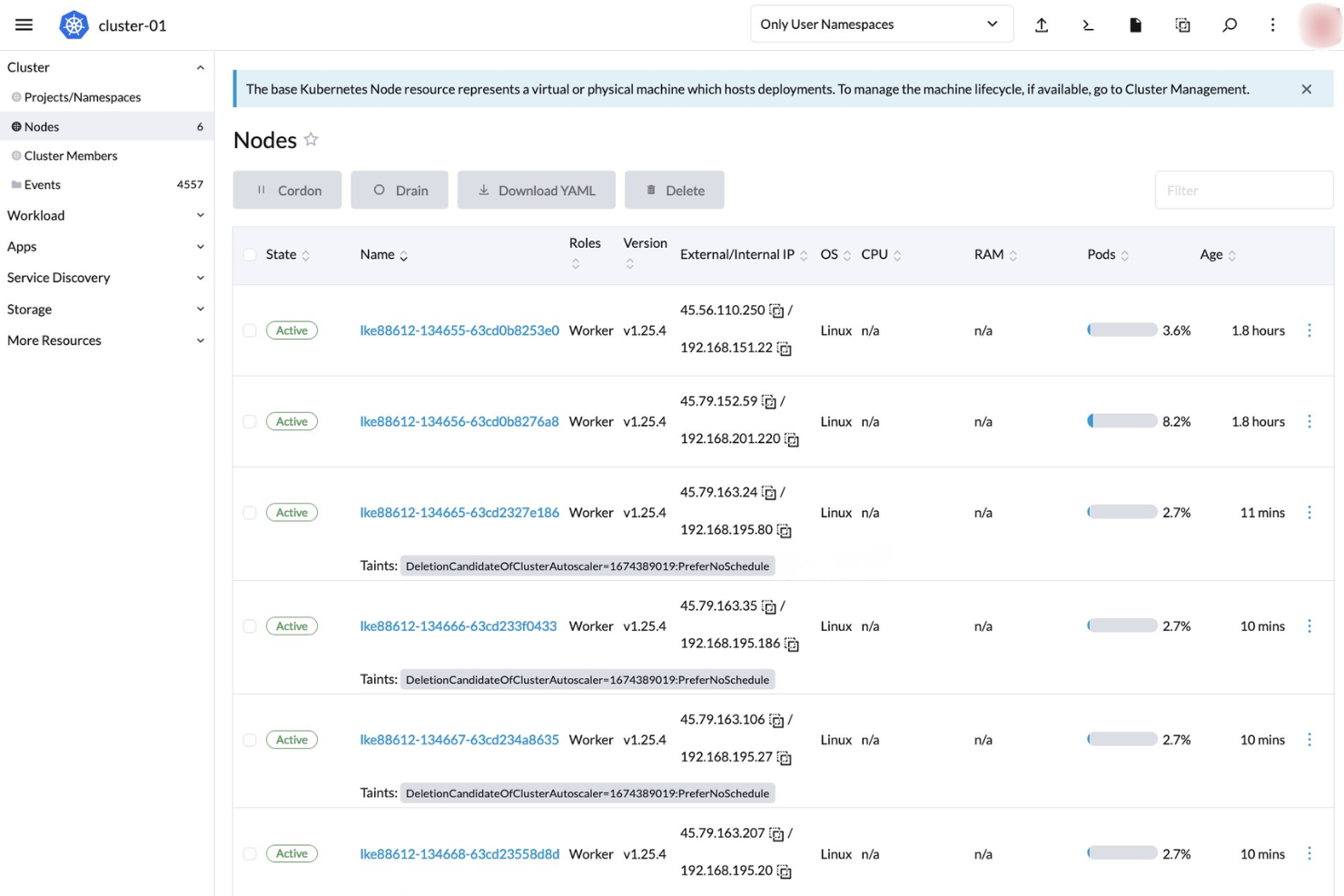
Kubernetes automatically adjusts the number of running containers to handle load changes, ensuring your applications run smoothly without manual intervention.
Self-Healing
It restarts failed containers, relocates them to other nodes, and kills containers that don't respond to user-defined health checks, keeping your applications resilient.
Service Discovery and Load Balancing
Kubernetes assigns IP addresses and a single DNS name to a set of containers, distributing traffic across them, helping your team maintain consistent application performance.
Storage Orchestration
It automatically mounts the storage system of your choice, whether local storage, public cloud providers, or network storage, giving your team flexibility in managing data.
Secret and Configuration Management
Kubernetes lets you deploy and update secrets and application configuration without rebuilding your container images, simplifying the management of sensitive information.
Batch Execution
It manages batch and CI workloads, replacing failed containers if desired, which is essential for teams running scheduled jobs or continuous integration pipelines.
Standout Features
Custom Resource Definitions (CRDs)
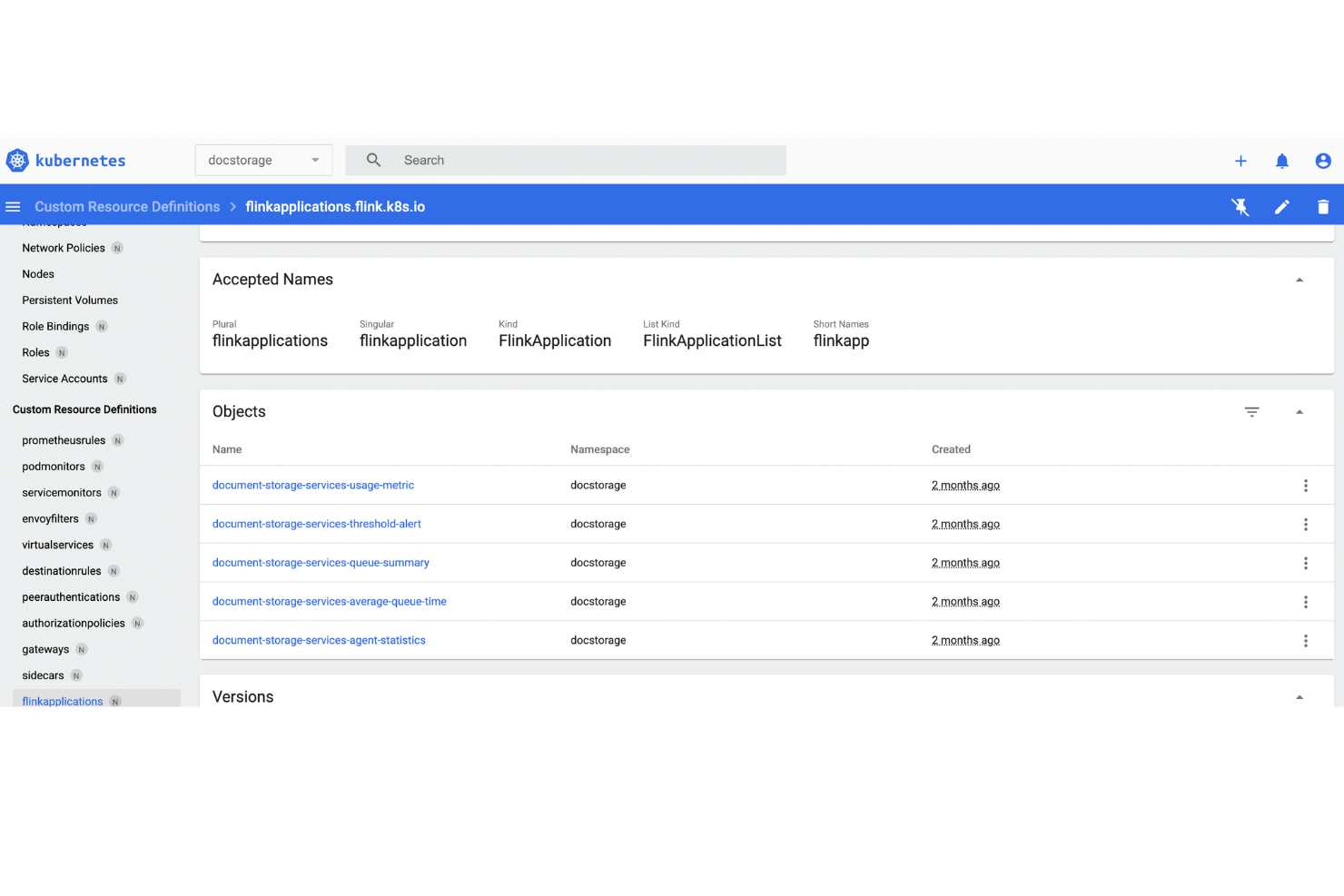
CRDs allow you to extend Kubernetes capabilities by adding custom resources, enabling your team to create bespoke solutions tailored to specific application needs.
Horizontal Pod Autoscaling
This feature automatically scales the number of pods in a deployment based on observed CPU utilization or other select metrics, providing your team with optimized resource usage and cost efficiency.
Ease of Use
Kubernetes is widely recognized for its steep learning curve and operational complexity, especially for teams new to container orchestration. Its command-line interface, YAML-based configuration, and extensive feature set require significant expertise to manage effectively. Many users report that initial setup, cluster management, and troubleshooting demand specialized skills, making it less approachable for smaller teams or those without dedicated DevOps resources. However, its flexibility and control are unmatched for experienced users.
Onboarding
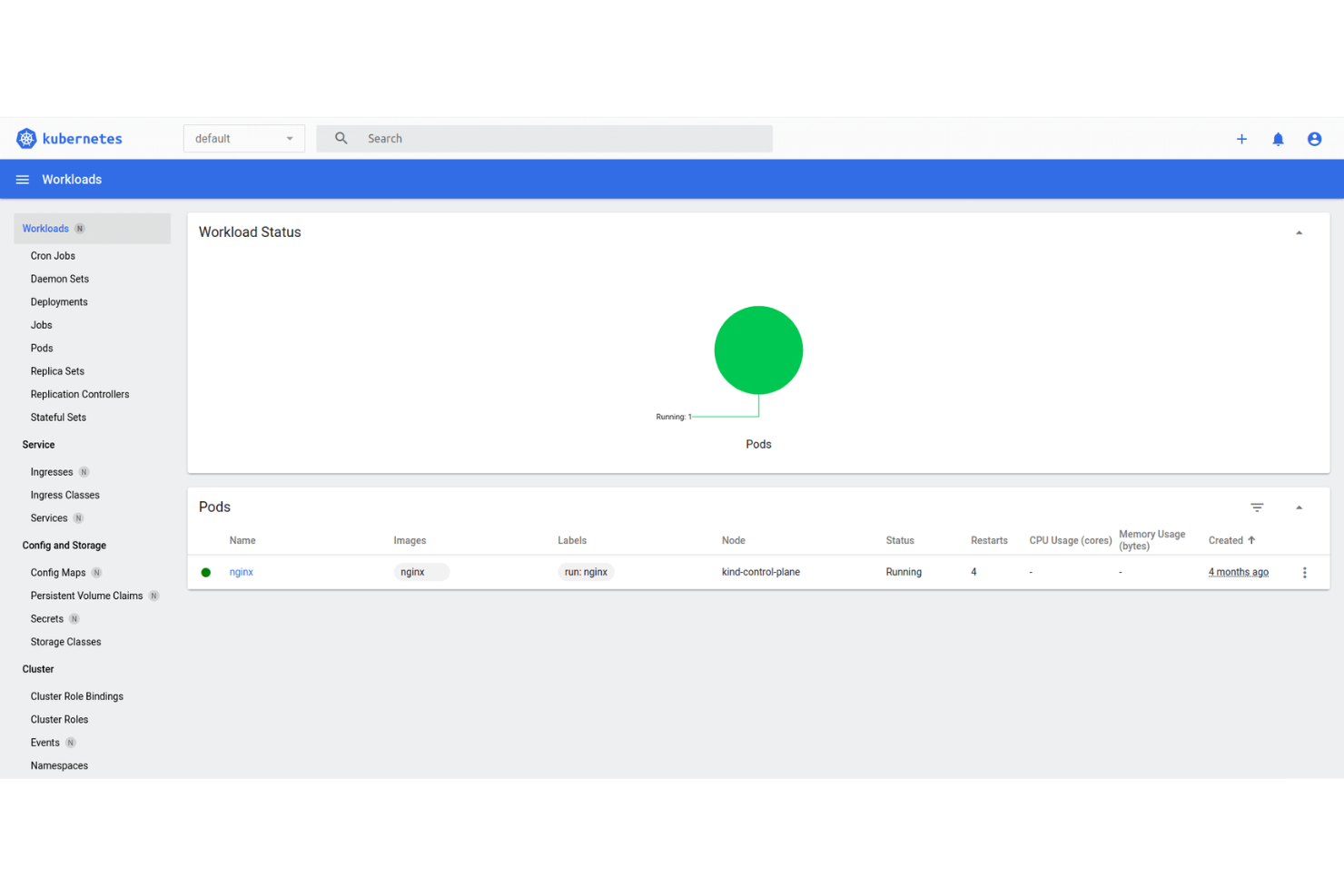
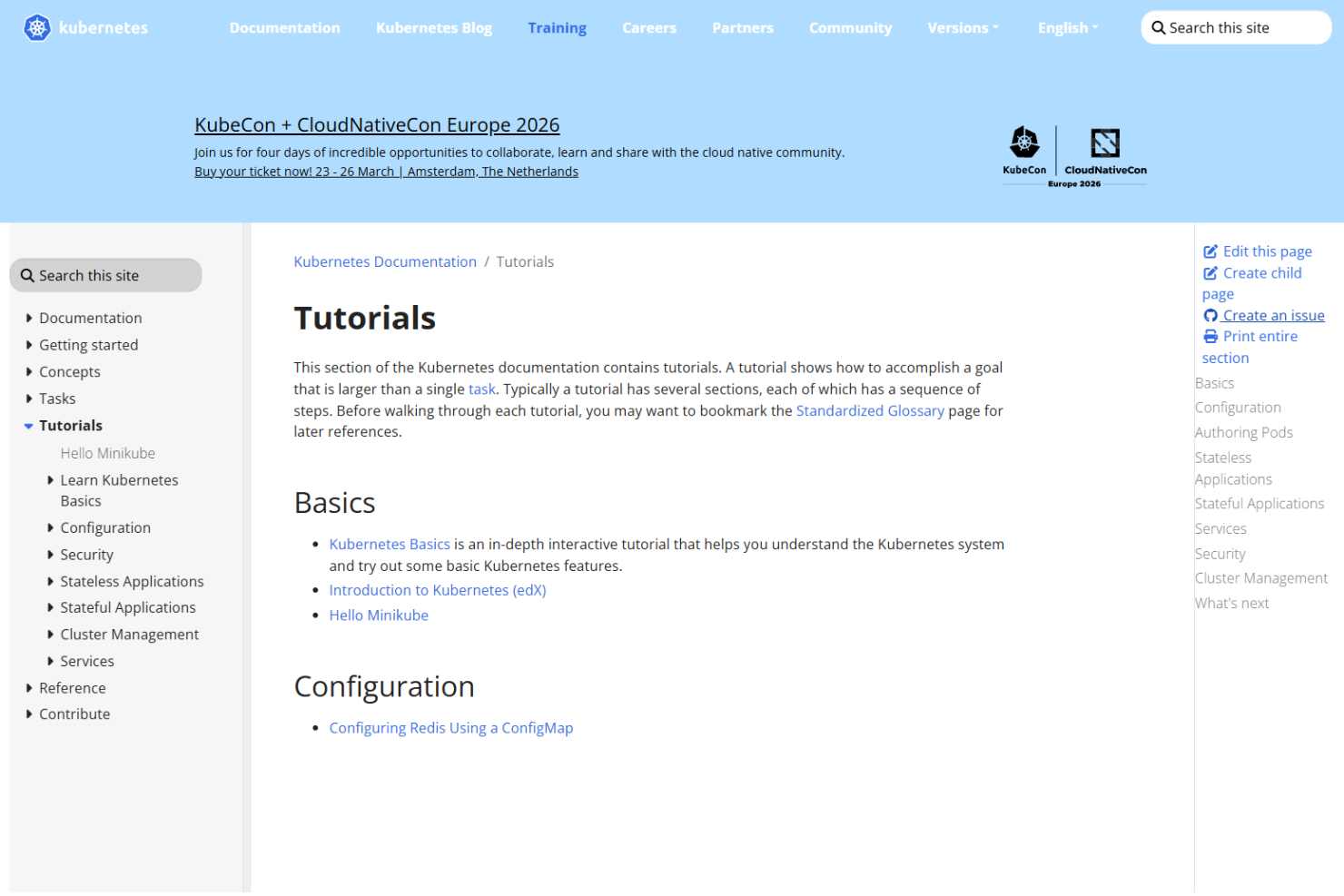
Kubernetes onboarding is often described as challenging, with a complex setup process and a need for foundational container knowledge. While the official documentation is thorough and the community is active, new users frequently mention a slow time to value due to the platform’s depth and breadth. Tutorials, forums, and training resources are abundant, but hands-on guidance is limited, so teams should expect a significant investment in learning before reaching full productivity.
Customer Support
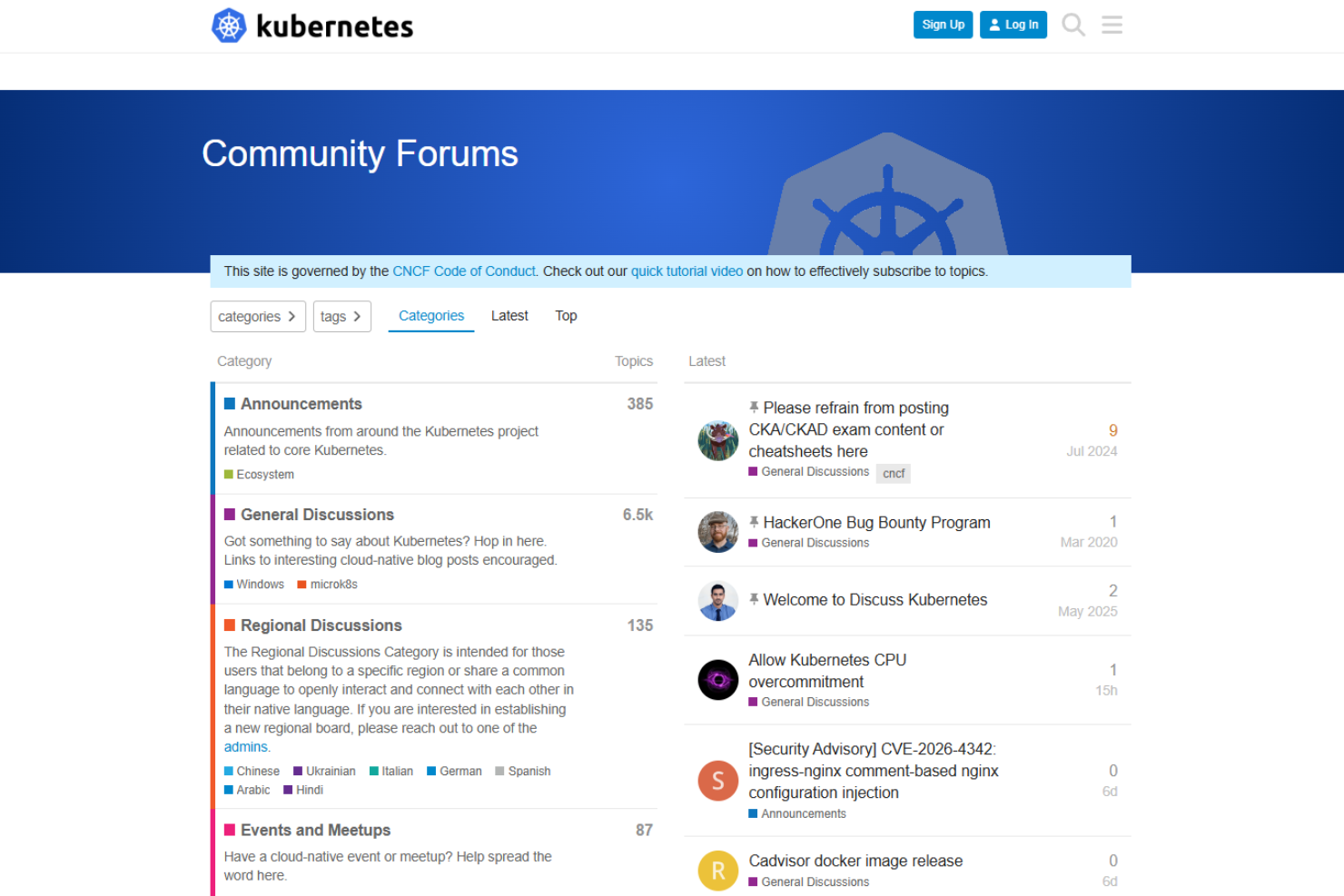
Kubernetes relies heavily on community-driven support, with most assistance coming from forums, Slack channels, and open-source contributors. Users often note that while the community is responsive and documentation is extensive, there’s no official, centralized support for troubleshooting urgent or complex issues. This decentralized approach can slow resolution times, especially for organizations without in-house Kubernetes expertise, making it less ideal for teams needing guaranteed, direct support.
Integrations
Kubernetes integrates with tools like Prometheus, Grafana, Helm, Istio, Fluentd, Calico, CoreDNS, Harbor, Open Policy Agent, and NGINX Ingress Controller, among others. It also offers a robust API that connects with a wide range of third-party tools across the DevOps stack.
Value for Money
Kubernetes is open-source and free to use, which appeals to many users, but the true cost comes from the infrastructure, management, and expertise required to run it at scale. User reviews often highlight that while there are no licensing fees, operational overhead and skilled staffing can make total costs significant for some organizations.
- Open Source: No licensing fees; users deploy and manage their own clusters.
- Managed Kubernetes Services: Offered by cloud providers; includes automated cluster management, scaling, and support for an additional fee.
- Enterprise Support (via third parties): Paid support, consulting, and advanced tooling available from select vendors for organizations needing guaranteed assistance.
Kubernetes Specs
- A/B Testing
- API
- Automated Testing
- Browser Compatibility Testing
- Bug Tracking
- Calendar Management
- CI/CD Integration
- Dashboard
- Data Export
- Data Import
- Data Visualization
- Developer Tools
- External Integrations
- History/Version Control
- Manual Testing
- Multi-User
- Notifications
- Performance Testing
- Regression Testing
- Scheduling
- Status Notifications
- Third-Party Plugins/Add-Ons
Kubernetes FAQs
How does Kubernetes handle high availability and failover?
What are the main security features in Kubernetes?
Can Kubernetes help with regulatory compliance requirements?
How does Kubernetes manage resource allocation and scaling?
What are the options for persistent storage in Kubernetes?
How difficult is it to migrate existing applications to Kubernetes?
What monitoring and logging tools work with Kubernetes?
How does Kubernetes support multi-cloud or hybrid cloud deployments?
Kubernetes Company Overview & History
Kubernetes is an open-source container orchestration platform originally developed by Google and now maintained by the Cloud Native Computing Foundation (CNCF). The project is not owned by a single company and does not have a traditional headquarters or workforce; instead, it is supported by a global community of contributors.
Kubernetes is widely adopted by major enterprises, including many Fortune 100 companies, and is known for its strong community-driven development and influence on cloud-native technologies. Notable organizations such as NASA have publicly shared their use of Kubernetes for mission-critical workloads.
Kubernetes Major Milestones
- 2014: Kubernetes project launched by Google; first commit pushed to GitHub.
- 2015: Kubernetes 1.0 released and project donated to the CNCF.
- 2016: Rapid adoption by enterprises and cloud providers; major community growth.
- 2018: Kubernetes becomes a graduated project within the CNCF, signaling maturity and stability.
- 2024: Celebrated 10 years since the first commit, with widespread adoption across industries.