


HappyFox vs. Zendesk: Detailed Comparison and Expert Reviews for 2026


Customer expectations are higher than ever, but support teams often struggle to keep up with rising ticket volumes, scattered communication channels, and slow response times. Without the right help desk platform, customer inquiries can easily slip through the cracks, leading to frustrated customers and overwhelmed agents. That’s why many organizations turn to dedicated helpdesk software to centralize conversations, automate workflows, and manage tickets more efficiently.
Two popular options in this space are HappyFox and Zendesk—both cloud-based help desk platforms designed to streamline support operations, organize customer requests into tickets, and help teams resolve issues faster across multiple channels. This article breaks down how they compare on features, pricing, and real-world usability, so you can make a confident, informed decision for your team. text goes here.
HappyFox vs. Zendesk: An Overview
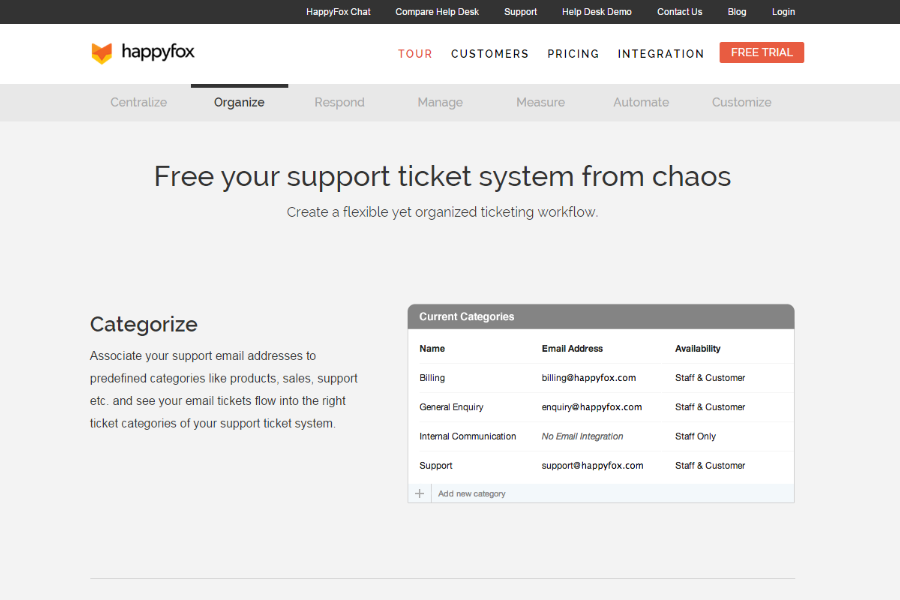
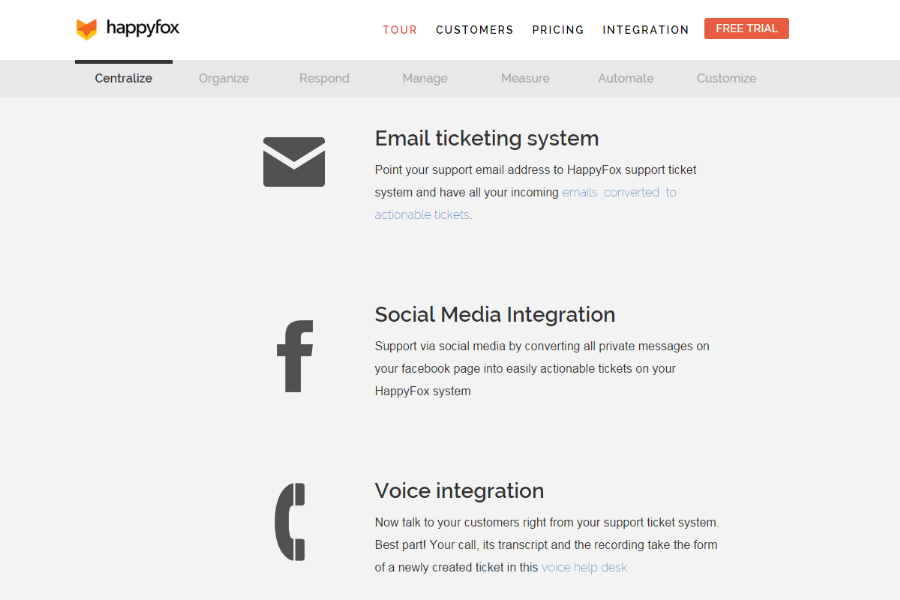
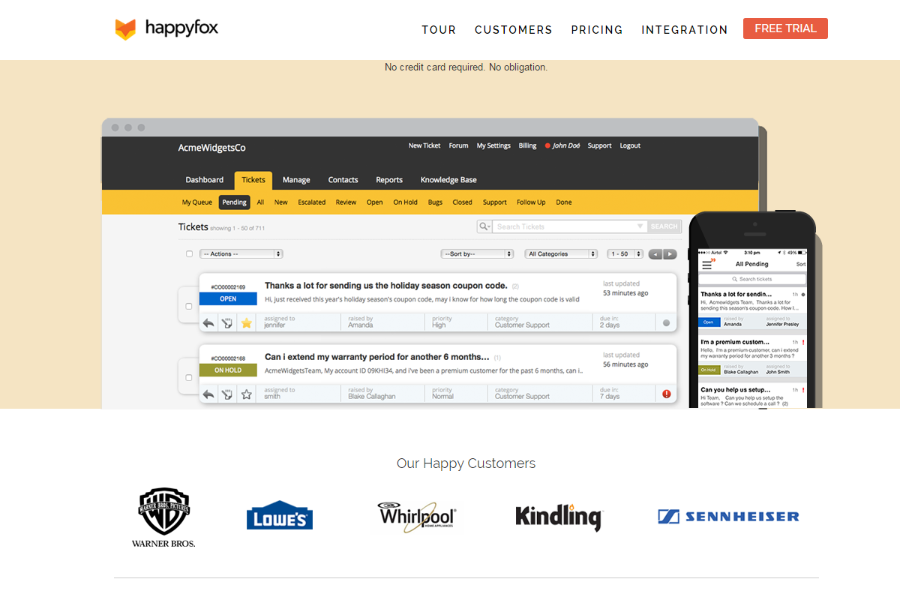
HappyFox

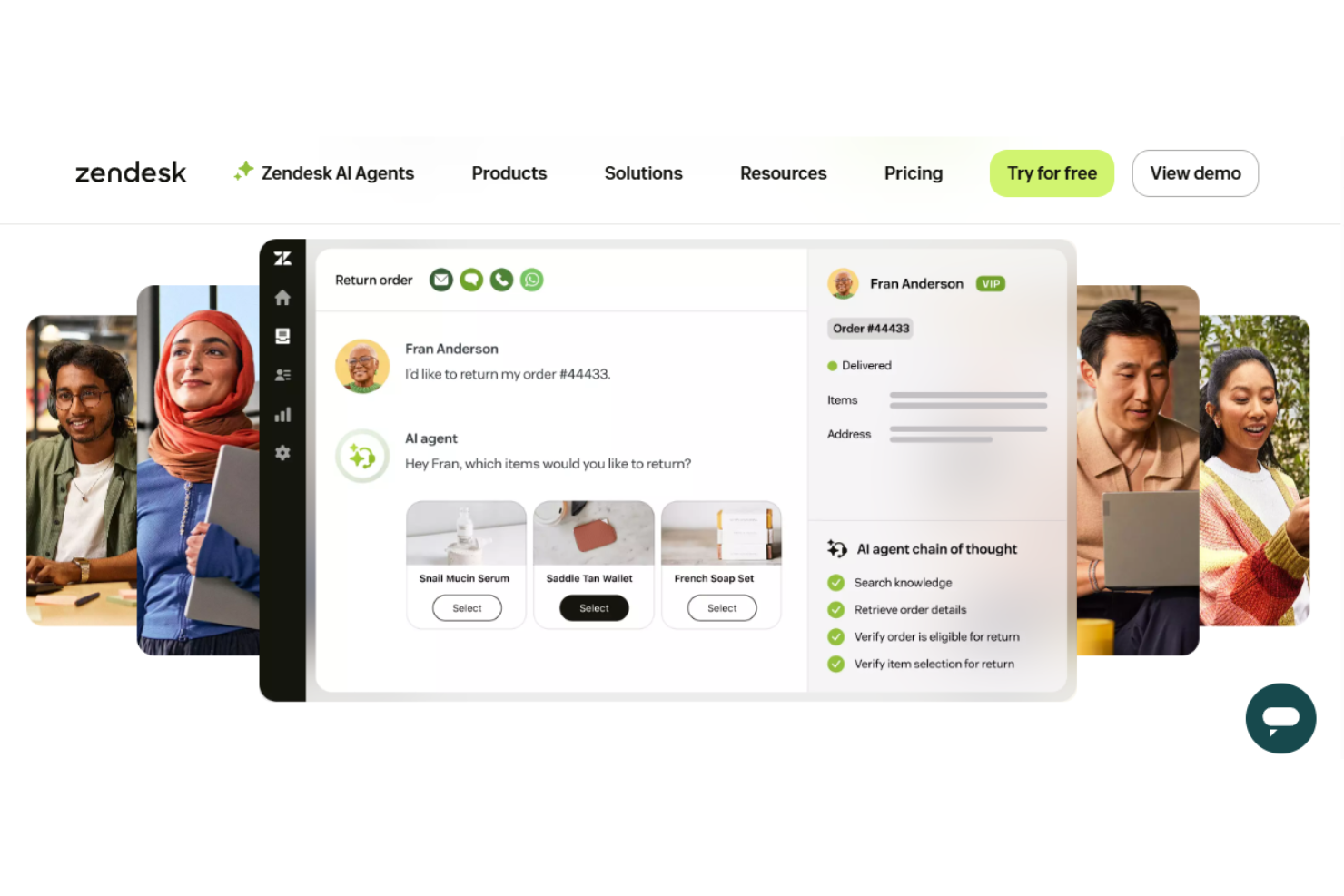
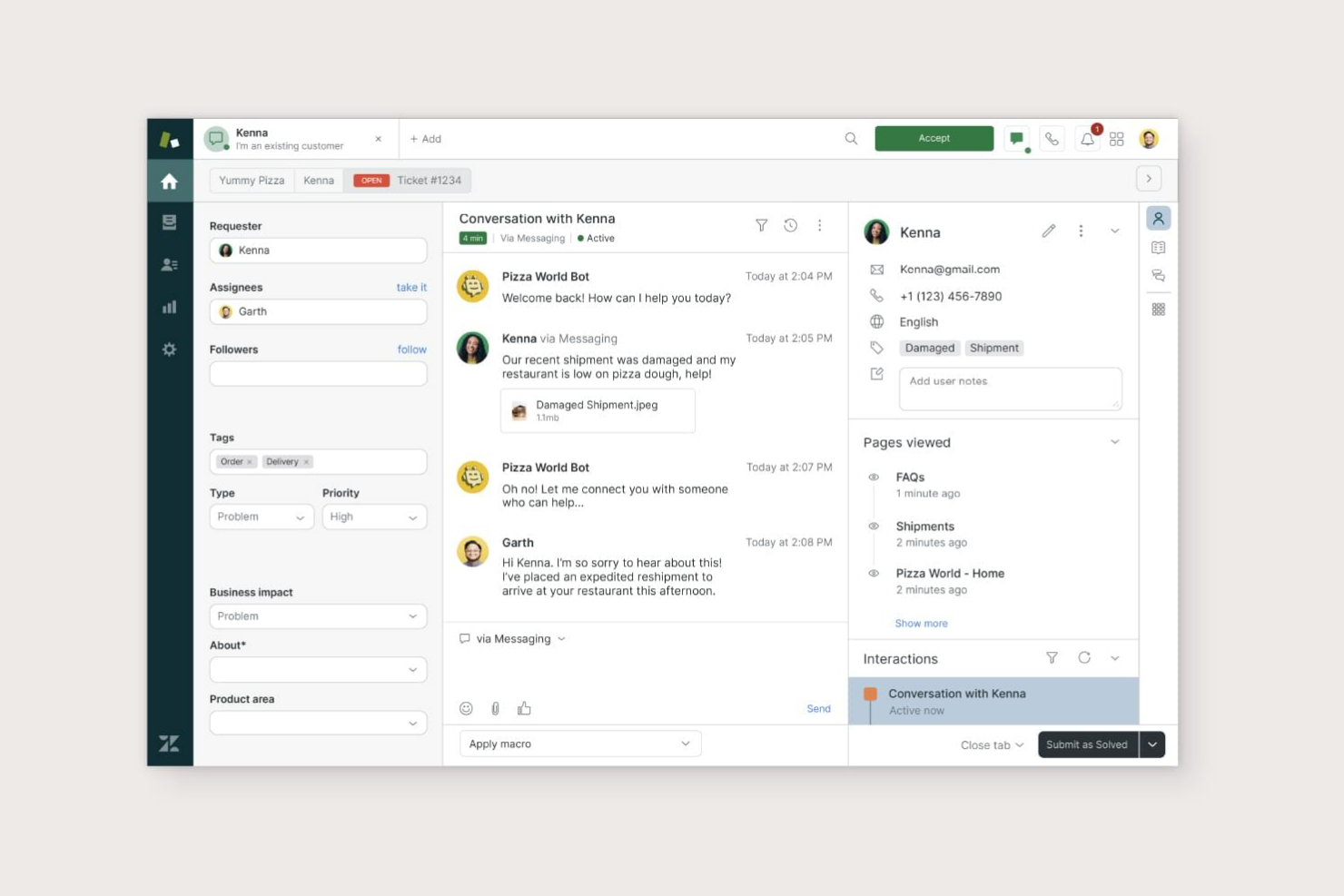
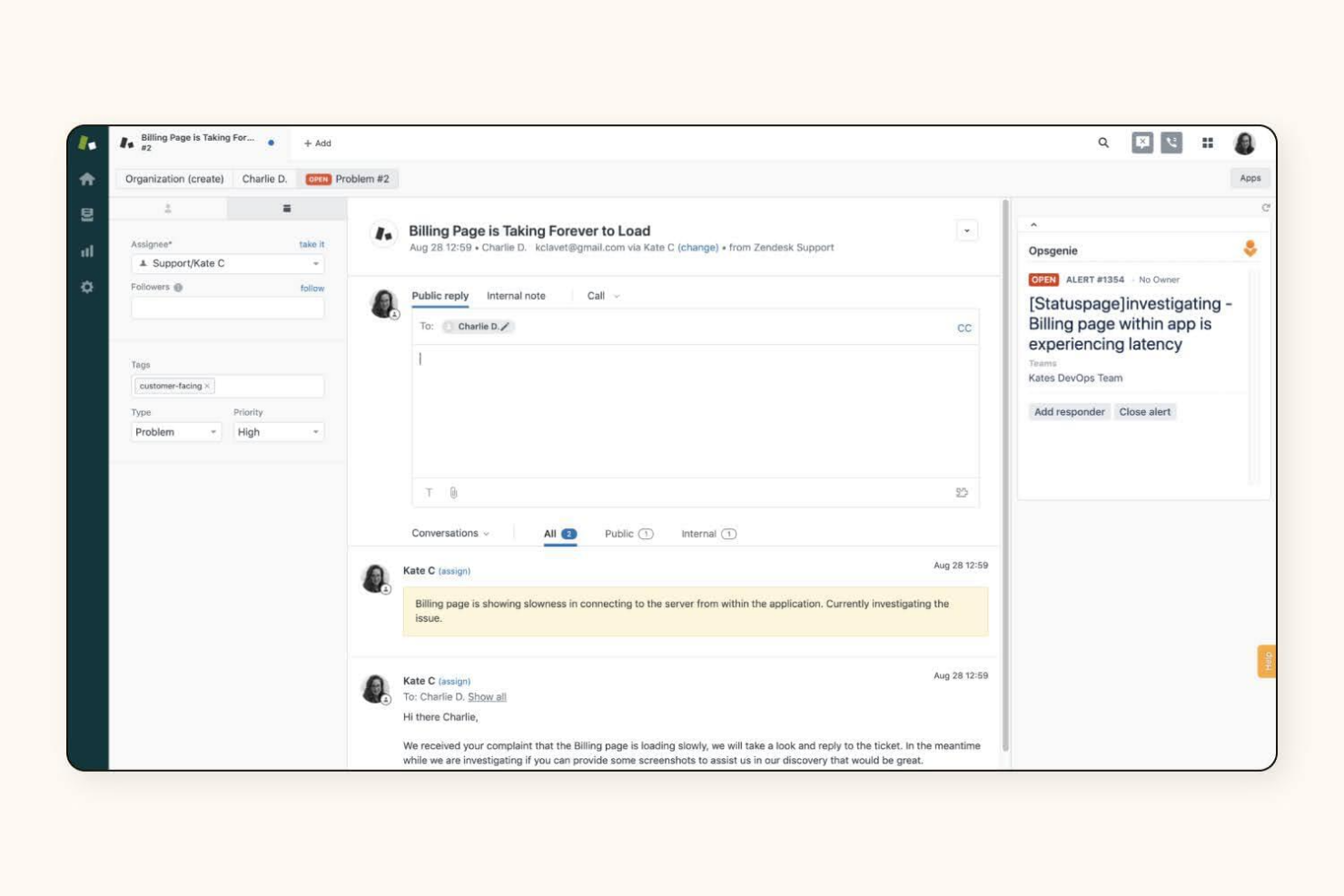
Zendesk

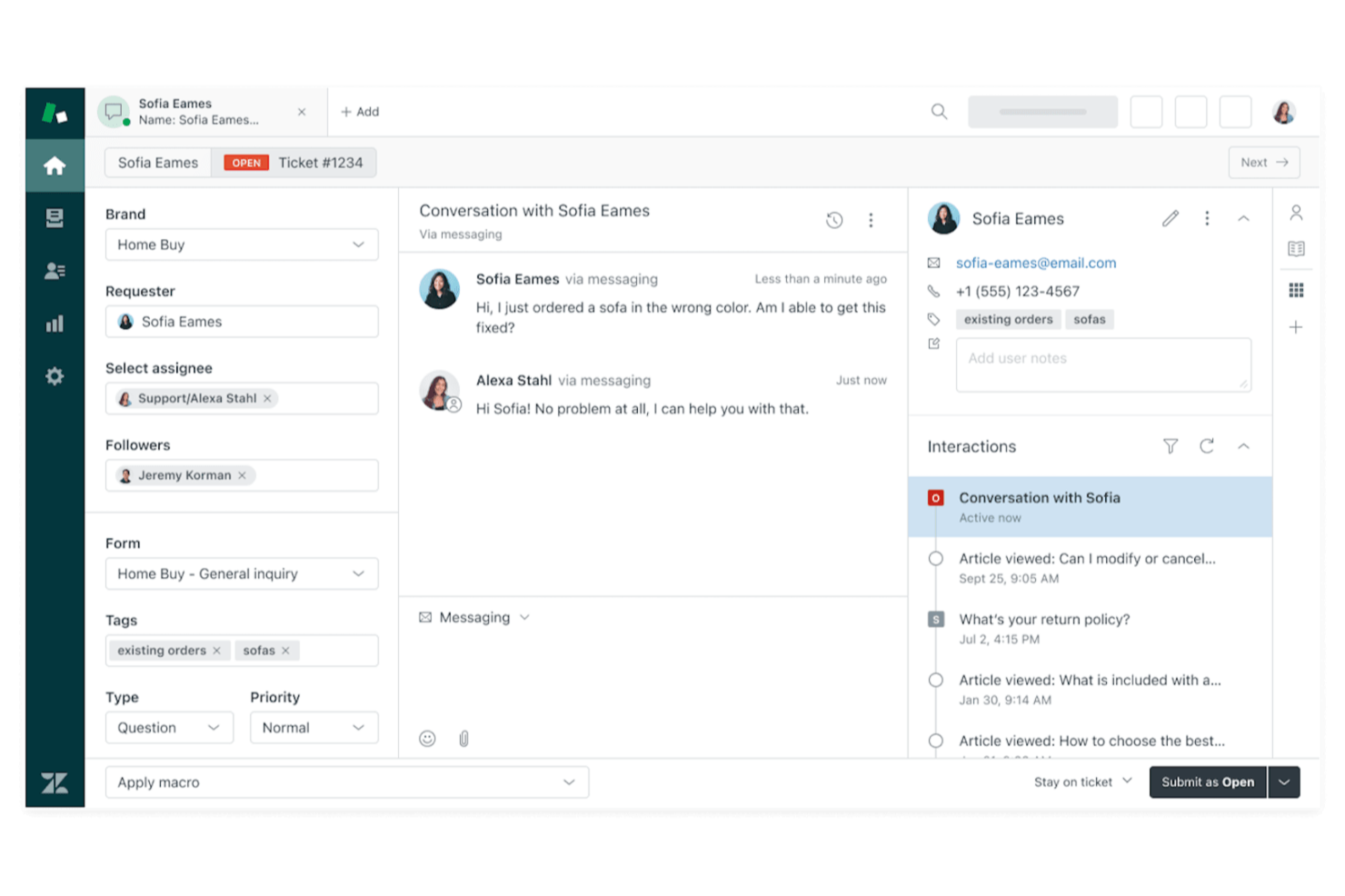
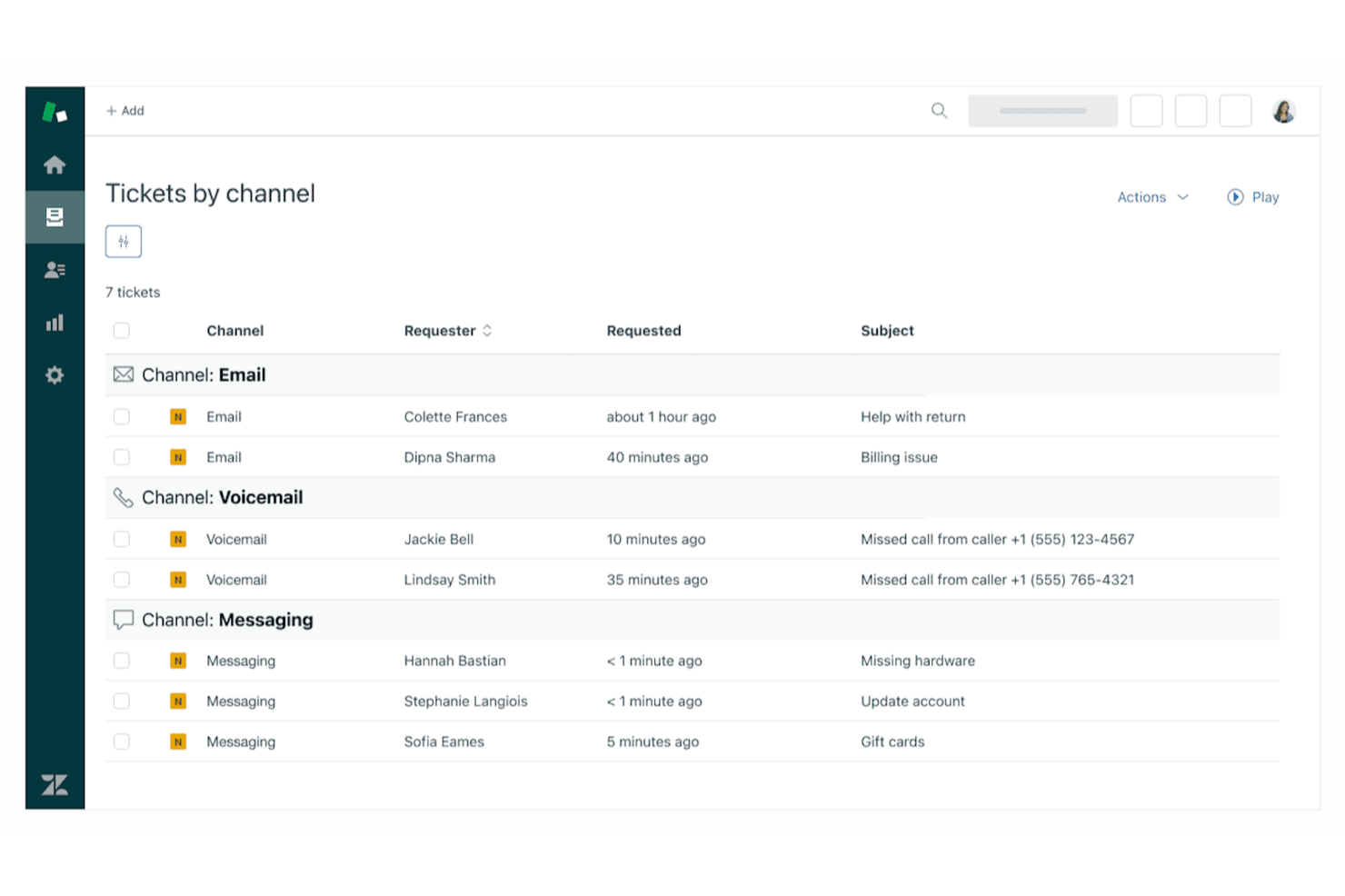
Why Trust Our Software Reviews
We’ve been testing and reviewing software since 2023. As tech leaders ourselves, we know how critical and difficult it is to make the right decision when selecting software.
We invest in deep research to help our audience make better software purchasing decisions. We’ve tested more than 2,000 tools for different tech use cases and written over 1,000 comprehensive software reviews. Learn how we stay transparent & our software review methodology.
HappyFox vs. Zendesk Pricing Comparison
| HappyFox | Zendesk | |
|---|---|---|
| Free Trial | 14-day free trial | 14-day free trial + free demo available |
| Pricing | From $24/agent/month (billed annually) | From $19/agent/month (billed annually) |
HappyFox vs. Zendesk Pricing & Hidden Costs
HappyFox uses a tiered pricing model based on the number of agents and feature sets, with all plans billed annually and no free tier. Zendesk also offers tiered pricing, but with more granular options and add-ons for advanced features, integrations, and support. Both platforms may introduce extra costs for things like API usage, premium support, or additional automation capabilities, so the final bill can be higher than the base subscription.
When evaluating pricing, map out your current and future support needs—like agent count, integration requirements, and automation goals—then request a detailed quote that includes all potential add-ons. Ask each vendor to clarify what’s included in each tier and what might trigger extra charges. This approach helps you avoid surprises and ensures the platform you pick will scale with your team’s growth and evolving workflows.
HappyFox vs. Zendesk Feature Comparison
| HappyFox | Zendesk | |
|---|---|---|
| API | ||
| Analytics | ||
| Batch Permissions & Access | ||
| CRM Integration | ||
| Call Integration | ||
| Chat | ||
| Contact Management | ||
| Contact Sharing | ||
| Customer Management | ||
| Customer Service | ||
| Dashboard | ||
| Data Export | ||
| Data Import | ||
| Data Visualization | ||
| Email Integration | ||
| Escalation Management | ||
| External Integrations | ||
| Instant Chat Integration | ||
| Knowledge Base | ||
| Lead Management | ||
| Lead Scoring | ||
| Multi-User | ||
| Notifications | ||
| Real-time Alerts | ||
| Scheduling | ||
| Self-service Portal | ||
| Social Media Integration | ||
| Support Forum | ||
| Third-Party Plugins/Add-Ons | ||
| Ticket Management | ||
| Workflow Management |
HappyFox vs. Zendesk Integrations
| Integration | HappyFox | Zendesk |
| Slack | ✅ | ✅ |
| Salesforce | ✅ | ✅ |
| Microsoft Teams | ✅ | ✅ |
| Jira | ✅ | ✅ |
| Shopify | ✅ | ✅ |
| HubSpot | ✅ | ✅ |
| QuickBooks | ✅ | ❌ |
| Mailchimp | ✅ | ✅ |
| Google Workspace | ✅ | ✅ |
| FreshBooks | ✅ | ❌ |
| API | ✅ | ✅ |
| Zapier | ✅ | ✅ |
Both HappyFox and Zendesk offer strong integration ecosystems that connect their help desks with widely used business tools. Each platform integrates with collaboration apps, CRMs, and developer tools such as Slack, Salesforce, Jira, HubSpot, Mailchimp, and Shopify, and both support APIs and Zapier for custom automation and workflow connections. The main difference is scale: Zendesk offers a larger marketplace with thousands of apps, while HappyFox focuses on straightforward integrations (around 100 options) with commonly used tools, which can make setup simpler for many teams.
HappyFox vs. Zendesk Security, Compliance & Reliability
| Factor | HappyFox | Zendesk |
| Data Encryption | Encrypts data in transit and at rest using industry-standard protocols. | Uses TLS and AES-256 encryption for data in transit and at rest. |
| Regulatory Compliance | Offers GDPR compliance and data processing agreements. | Supports GDPR, HIPAA, and SOC 2 compliance with detailed audit trails. |
| Access Controls | Provides role-based access and two-factor authentication for agents. | Includes granular role permissions, SSO, and multi-factor authentication. |
| Uptime Guarantee | Publishes a 99.9% uptime SLA and real-time status updates. | Maintains a 99.9% uptime SLA with global data centers and status pages. |
Zendesk edges ahead with broader compliance certifications and more advanced access controls, while HappyFox covers the essentials for most IT teams. HappyFox’s straightforward security features are easy to manage, but Zendesk’s compliance options and global infrastructure offer extra peace of mind for organizations with strict regulatory needs.
HappyFox vs. Zendesk Ease of Use
| Factor | HappyFox | Zendesk |
| User Interface | Features a clean, minimal dashboard with straightforward navigation. | Offers a customizable interface with more options but a steeper learning curve. |
| Onboarding | Provides guided setup and in-app tutorials for new users. | Includes onboarding resources but may require more time to configure. |
| Customization | Allows basic workflow tweaks without much complexity. | Supports advanced workflow customization and automation rules. |
| Support Resources | Offers responsive live chat and a searchable knowledge base. | Delivers 24/7 support, community forums, and extensive documentation. |
HappyFox is easier to pick up and use right away, while Zendesk’s flexibility comes with a learning curve that pays off for teams needing deep customization. HappyFox’s intuitive design is great for quick adoption, but Zendesk’s advanced options suit teams willing to invest time in setup for a tailored experience.
HappyFox vs Zendesk: Pros & Cons
HappyFox
- Your team will appreciate its intuitive and accessible user interface with customizable templates and custom fields.
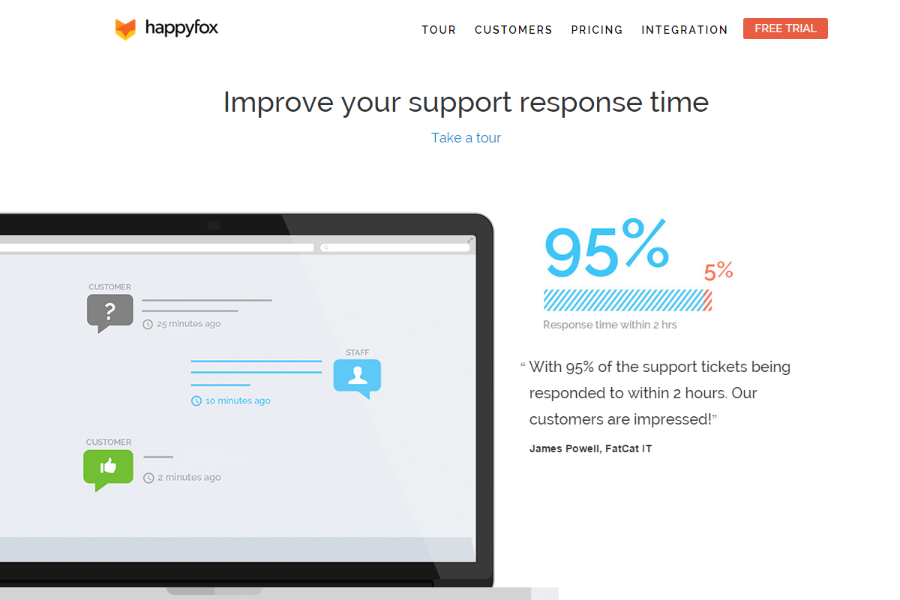
- It offers excellent customer support, with quick response times.
- The ticketing system is efficient and helps manage your workload effectively, reducing repetitive tasks.
- Your team might find the onboarding process a bit lengthy.
- It lacks some advanced customization options for specific needs.
- You may find it has limited integration capabilities with certain third-party tools.
Zendesk
- Your team can easily manage customer interactions with its intuitive interface.
- It offers powerful reporting tools to help you track and improve performance.
- Zendesk provides excellent support, ensuring your issues are addressed promptly.
- You might find the initial setup process a bit complex.
- Customization options can feel limited for advanced users.
- Some users report occasional delays in loading times.
Best Use Cases for HappyFox and Zendesk
HappyFox
- Healthcare Support Teams HappyFox's efficient ticketing system and quick response capabilities make it ideal for handling patient inquiries.
- Educational Institutions Your IT department will benefit from HappyFox's user-friendly interface and ability to manage high volumes of support requests.
- Enterprise Businesses Large teams will appreciate the structured ticket management and Microsoft Teams integration, which help streamline communication and task resolution.
- Customer Service Departments Your team can deliver excellent service with HappyFox's intuitive design, CRM integrations, and responsive chatbot support features.
- Tech-Savvy Teams If your work involves frequent IT issues, HappyFox's quick response and efficient ticket handling will be invaluable.
- Retail Operations HappyFox helps manage customer inquiries efficiently, which is crucial for maintaining customer satisfaction in retail, particularly for businesses active on social media.
Zendesk
- Large Enterprises Zendesk scales well for companies with high customer support volumes and complex workflows.
- E-commerce The platform integrates with online stores and provides tools for managing high volumes of customer inquiries.
- SaaS Companies Zendesk's features align well with subscription-based businesses needing to manage ongoing customer relationships.
- IT Departments The software offers IT service management capabilities suitable for handling internal tech support requests.
- Multichannel Support Zendesk excels in unifying customer interactions across various channels like email, chat, and social media.
- Global Teams The platform supports multiple languages and time zones, making it suitable for international customer service operations.
Who Should Use HappyFox, and Who Should Use Zendesk?
HappyFox is a strong fit for small-to-mid-sized businesses that want a simple, cost-effective help desk without a steep learning curve. Its intuitive interface, automation features, and centralized ticket management make it easier for smaller support teams to get up and running quickly while keeping costs manageable. Because of this balance of simplicity and functionality, it’s commonly chosen by growing companies, agencies, and organizations that need an efficient support system without heavy technical complexity.
Zendesk, on the other hand, is often better suited for larger organizations or rapidly scaling teams that need a more powerful and customizable customer support platform. Its broader ecosystem, advanced features, and extensive integrations make it easier to manage high-ticket volumes and complex workflows across multiple channels. As a result, Zendesk is frequently adopted by tech startups, enterprise companies, and businesses that require a highly scalable customer service solution.
Differences Between HappyFox and Zendesk
| HappyFox | Zendesk | |
|---|---|---|
| Automation | Built-in automation for ticket routing and responses. | Advanced automation with triggers, macros, and custom rules. |
| Customization | Limited workflow and UI customization. | Extensive workflow, UI, and automation customization. |
| Integration Options | Fewer native integrations, focused on essentials. | Wide range of integrations with business and productivity apps. |
| Pricing Model | Annual, agent-based tiers with all features bundled. | Monthly or annual, modular pricing with add-ons and upgrades. |
| Scalability | Best suited for small-to-mid-sized teams. | Designed to scale easily for large enterprises and global teams. |
| Read HappyFox ReviewOpens new window | Read Zendesk ReviewOpens new window |
Similarities Between HappyFox and Zendesk
| Knowledge Base | Each platform includes a self-service knowledge base for end users, with customizable articles and search functionality. |
|---|---|
| Reporting & Analytics | Both provide built-in dashboards and reporting tools to track ticket volume, response times, and agent performance. |
| SLA Management | Each solution supports SLA policies, automated escalations, and time-based triggers to help teams meet response and resolution targets. |
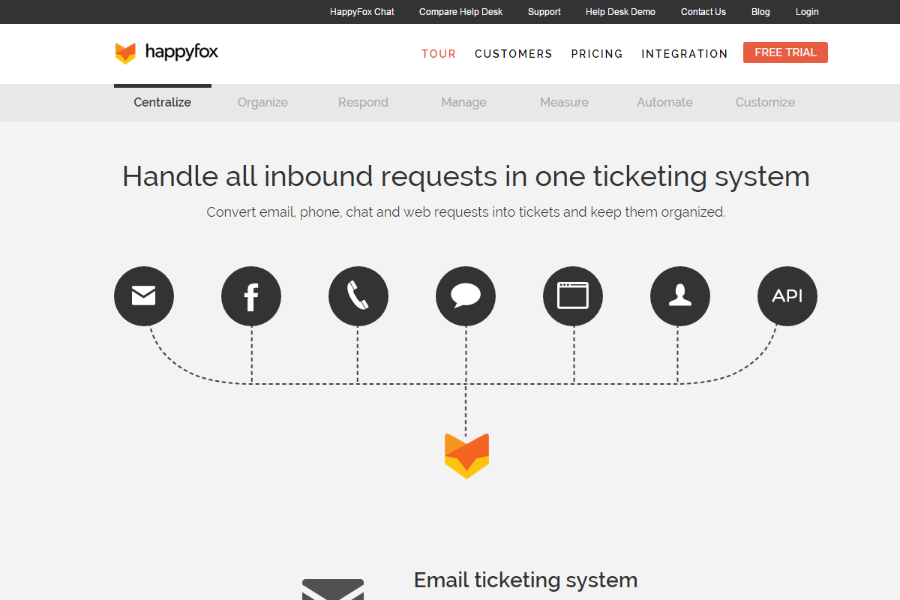
| Ticket Management | Both offer centralized ticketing systems with multi-channel support, letting users manage email, chat, and web requests in one place. |
| Read HappyFox ReviewOpens new window Read Zendesk ReviewOpens new window | |