


Freshservice vs. ManageEngine ServiceDesk Plus: Comparison and Reviews 2026


As your organization grows, managing IT support becomes more complicated. You may be dealing with scattered service requests, inconsistent workflows, or limited insight into assets and changes—issues that slow down your team and frustrate employees who rely on fast support.
Modern ITSM tools are designed to bring order to that chaos, but not every platform solves the same problems equally well. If you’re deciding between Freshservice and ManageEngine ServiceDesk Plus, this article gives you a side-by-side look at how each tool handles real IT challenges, what sets them apart, and which one might be the better fit for your organization’s needs.
Freshservice vs. ManageEngine ServiceDesk Plus: An Overview
Freshservice

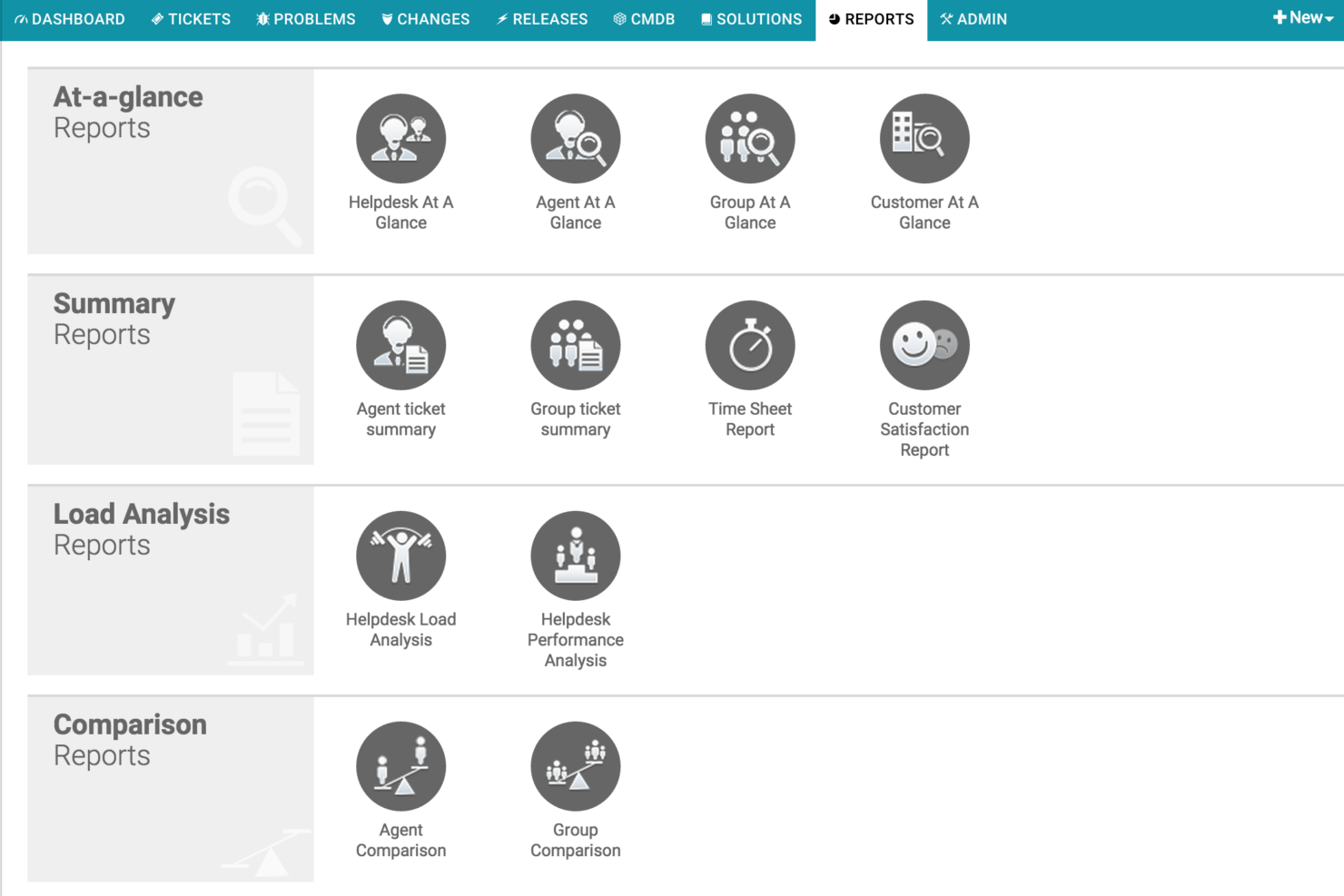
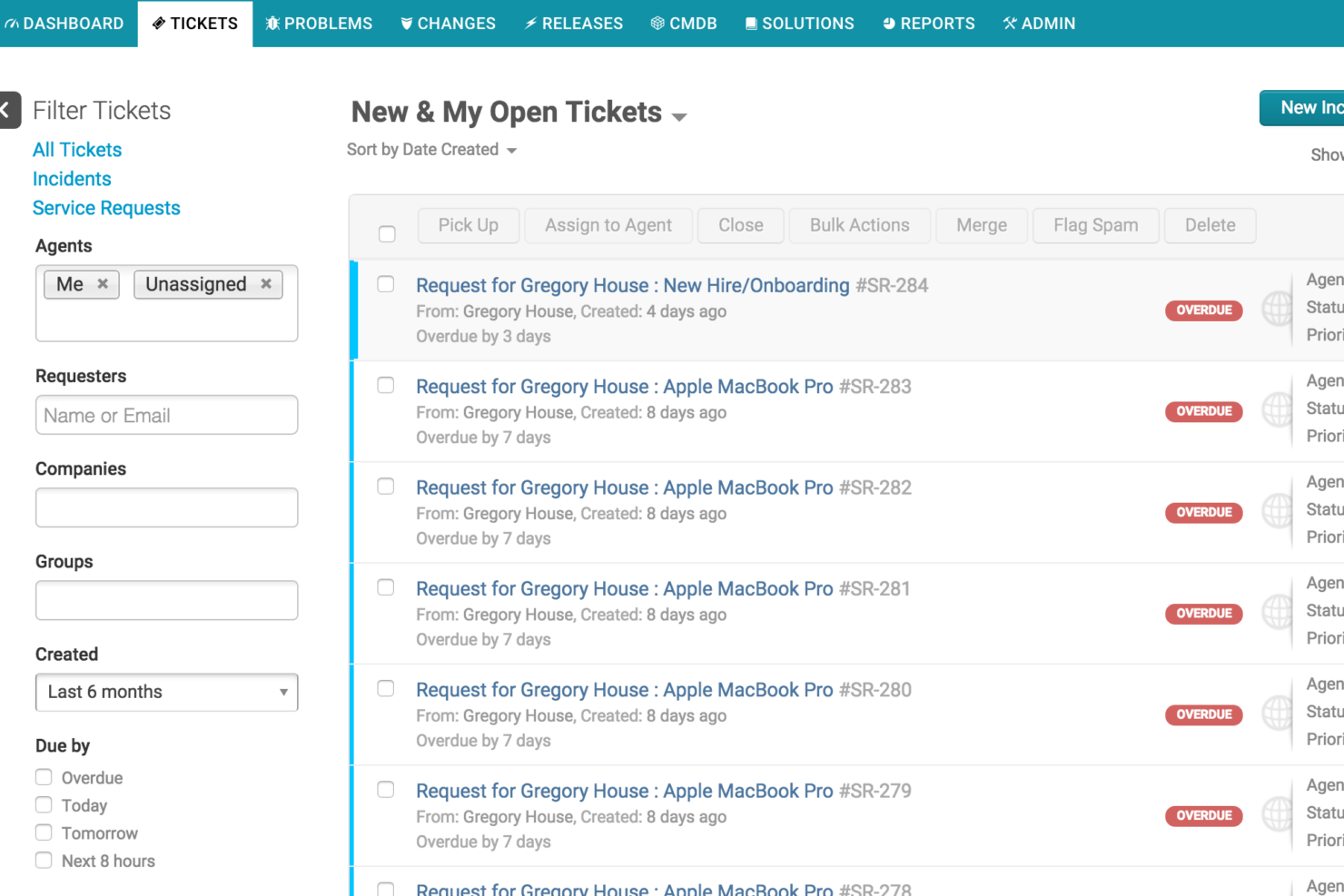
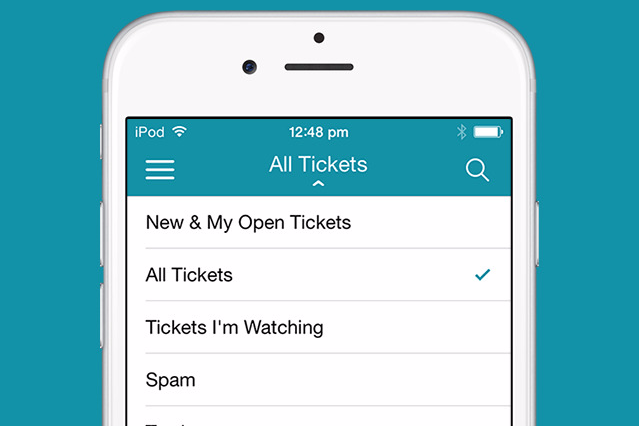
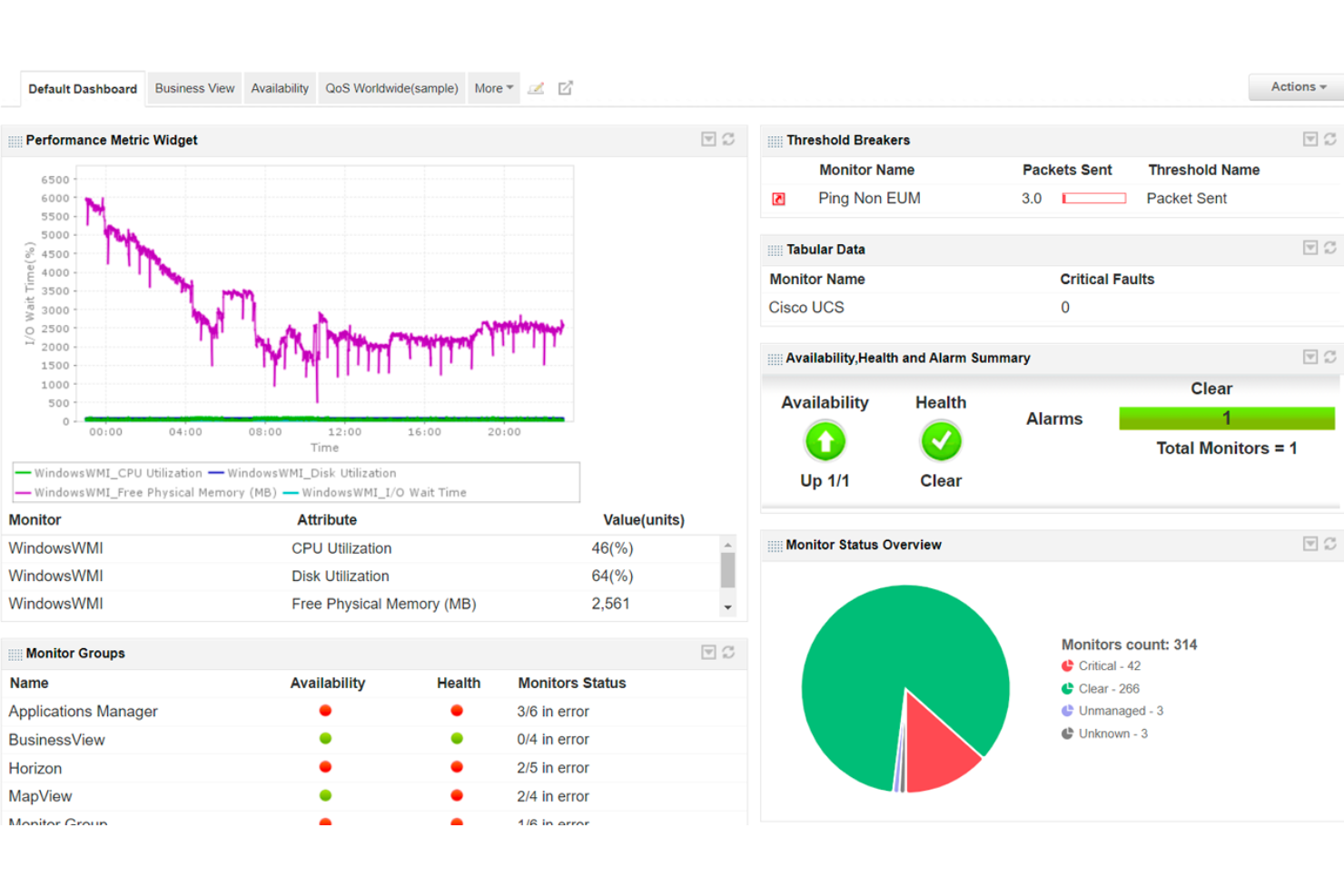
ManageEngine ServiceDesk Plus

Why Trust Our Software Reviews
We’ve been testing and reviewing software since 2023. As tech leaders ourselves, we know how critical and difficult it is to make the right decision when selecting software.
We invest in deep research to help our audience make better software purchasing decisions. We’ve tested more than 2,000 tools for different tech use cases and written over 1,000 comprehensive software reviews. Learn how we stay transparent & our software review methodology.
Freshservice vs. ManageEngine ServiceDesk Plus Pricing Comparison
| Freshservice | ManageEngine ServiceDesk Plus | |
|---|---|---|
| Free Trial | 14-day free trial available | Free demo available |
| Pricing | From $19/user/month (billed annually) | Pricing upon request |
Freshservice vs. ManageEngine ServiceDesk Plus Pricing & Hidden Costs
Freshservice uses a tiered SaaS pricing model based on the number of agents and the features included in each plan. ManageEngine ServiceDesk Plus uses a per-technician licensing model and offers both cloud subscriptions and on-premises deployments, including perpetual licenses for self-hosted environments. Pricing varies by edition (Standard, Professional, or Enterprise), with additional costs depending on the number of technicians, managed assets, and optional modules or integrations.
To choose the right pricing model, start by identifying your key requirements—such as the number of agents, essential features, and integration needs. Request a detailed quote from each vendor that includes add-ons and support costs, and review contract terms to ensure you can scale licenses as your team grows.
Freshservice vs. ManageEngine ServiceDesk Plus Feature Comparison
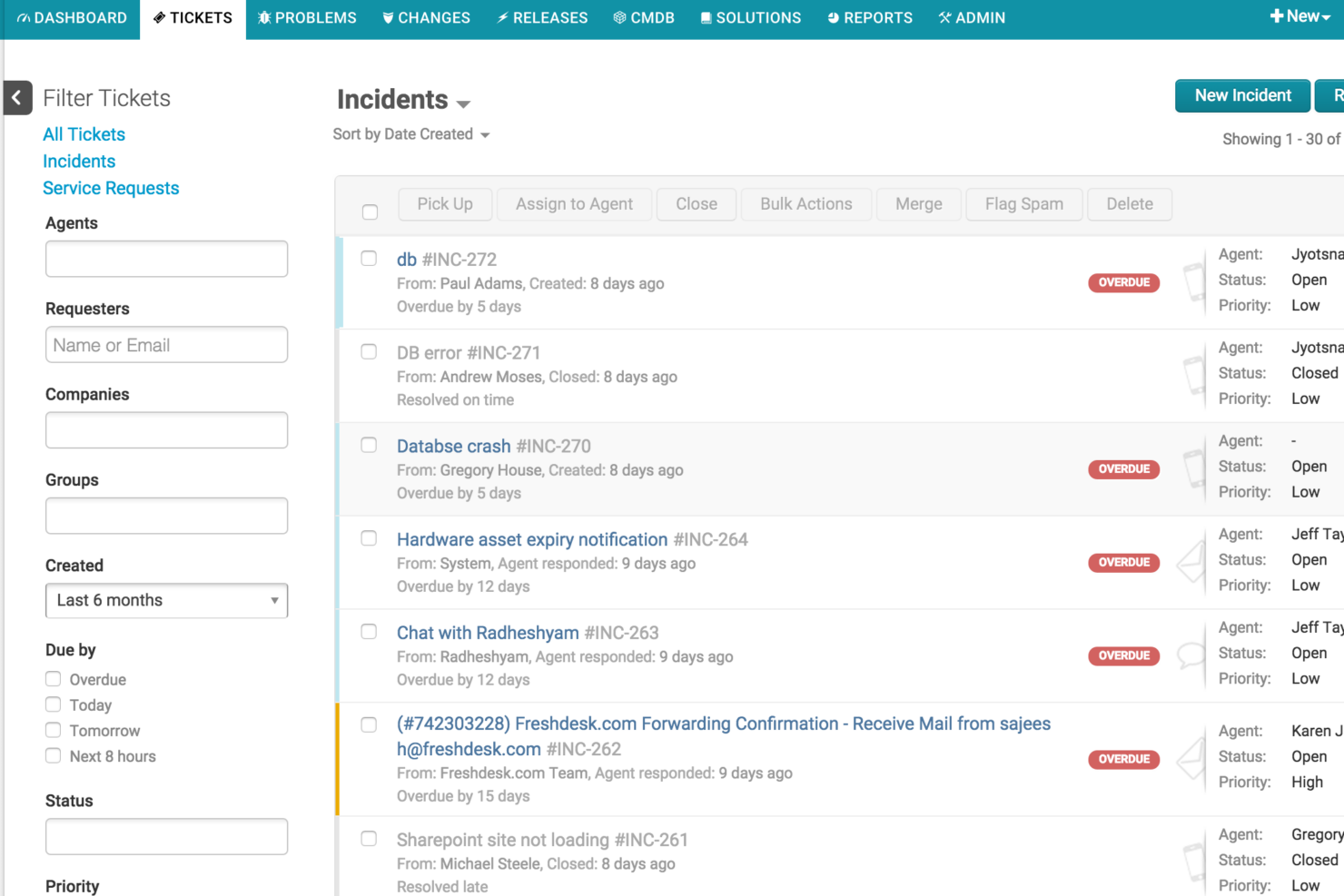
Freshservice and ManageEngine ServiceDesk Plus share many core ITSM capabilities that help teams manage support operations more effectively. Both platforms offer incident, request, and change management, along with SLA tracking to keep service levels consistent. They also include service catalogs, knowledge bases, and workflow automation to streamline ticket handling and support employee self-service.
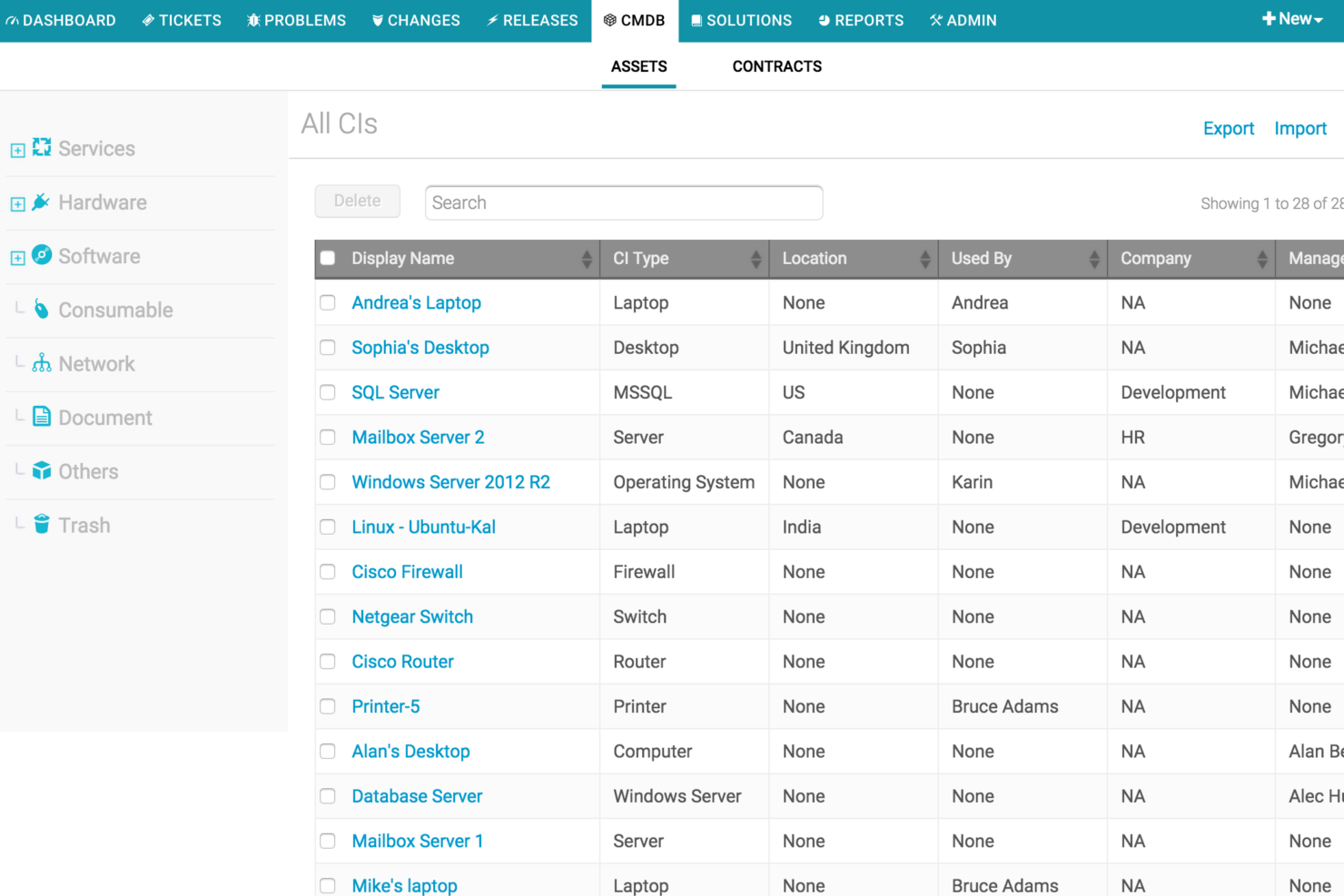
Overall, Freshservice really shines in its modern automation and usability with features like Freddy AI for AI-assisted ticket handling and Workspaces that allow departments beyond IT to manage service workflows. ManageEngine ServiceDesk Plus is known for its flexible deployment options—including on-premises installations—and its strong IT asset management and CMDB capabilities for organizations that need deeper infrastructure visibility.
| Freshservice | ManageEngine ServiceDesk Plus | |
|---|---|---|
| API | ||
| Analytics | ||
| CRM Integration | ||
| Chat | ||
| Customer Management | ||
| Data Export | ||
| Data Import | ||
| External Integrations | ||
| Knowledge Base | ||
| Multi-User | ||
| Notifications |
Freshservice vs. ManageEngine ServiceDesk Plus Integrations
| Integration | Freshservice | ManageEngine ServiceDesk Plus |
|---|---|---|
| Microsoft Teams | ✅ | ✅ |
| Slack | ✅ | ✅ |
| Jira | ✅ | ✅ |
| Salesforce | ✅ | ✅ |
| Google Workspace | ✅ | ✅ |
| Azure Active Directory | ✅ | ✅ |
| Okta | ✅ | ✅ |
| Zoho CRM | ❌ | ✅ |
| QuickBooks | ✅ | ❌ |
| ServiceNow | ❌ | ❌ |
| API | ✅ | ✅ |
| Zapier | ✅ | ❌ |
Both platforms support many of the most common ITSM integrations, including collaboration tools like Microsoft Teams, Slack, and Jira, as well as identity platforms such as Azure Active Directory and Okta. Freshservice generally offers a broader set of ready-to-install marketplace integrations and native connections to cloud applications, while ManageEngine ServiceDesk Plus integrates closely with the Zoho ecosystem and provides strong API and customization options for building integrations.
Freshservice vs. ManageEngine ServiceDesk Plus Security, Compliance & Reliability
| Factor | Freshservice | ManageEngine ServiceDesk Plus |
|---|---|---|
| Data Encryption | Uses AES-256 encryption for data at rest and TLS encryption for data in transit. | Supports TLS encryption in transit and encryption at rest for cloud deployments, with additional security controls configurable by admins. |
| Regulatory Compliance | Supports major compliance standards including SOC 1/2/3 and ISO 27001, along with GDPR and other privacy frameworks. | Provides GDPR-ready features, audit trails, and security controls, with infrastructure operated in ISO-27001–certified environments. |
| Access Controls | Role-based access controls, SSO integrations, and multi-factor authentication available depending on plan and identity provider. | Role-based access controls, SSO integrations, and MFA, with granular permission controls across modules and technician roles. |
| Uptime & Reliability | Cloud-native architecture with global data hosting options and public service status monitoring. | Available as both cloud and on-premises deployment, with backup, failover, and infrastructure controls depending on deployment model. |
Overall, Freshservice and ManageEngine ServiceDesk Plus offer strong security foundations, including encryption, access controls, and auditability. Freshservice emphasizes compliance certifications and managed cloud infrastructure, which can simplify meeting global security standards. ManageEngine ServiceDesk Plus differentiates itself with flexible deployment options and granular permission controls, making it appealing for organizations that require more control over infrastructure or internal security configurations.
Freshservice vs. ManageEngine ServiceDesk Plus Ease of Use
| Factor | Freshservice | ManageEngine ServiceDesk Plus |
|---|---|---|
| User Interface | Clean, modern interface with intuitive navigation and minimal clutter. | Feature-rich interface with more menus and configuration options, which can feel complex for new users. |
| Onboarding | Guided setup, in-app tips, and quick-start templates help teams launch quickly. | Setup wizards and documentation are available, but configuration can take longer for advanced environments. |
| Customization | Visual workflow builder and easy form customization for common service processes. | Extensive customization through forms, scripts, workflows, and configuration settings, but requires more setup. |
| Support Resources | Email and chat support, plus a knowledge base, documentation, and community forums. | Email and phone support, along with a knowledge base, support portal, and community forums. |
Freshservice is generally easier to adopt quickly thanks to its modern interface and guided setup experience. ManageEngine ServiceDesk Plus offers deeper configuration and flexibility, but the broader feature set and customization options can create a steeper learning curve for new users.
Freshservice vs ManageEngine ServiceDesk Plus: Pros & Cons
Freshservice
- Fast setup and easy administration with strong out-of-the-box functionality.
- Built-in IT asset management with CMDB and deep cross-environment discovery.
- AI-powered automation and ticket assistance via Freddy AI.
- Many AI features are limited to higher-tier plans.
- Customization may be less flexible than some enterprise ITSM platforms.
- Reporting and analytics can be limited for advanced management reporting.
ManageEngine ServiceDesk Plus
- Offers ITIL-aligned modules for incident and change management
- Includes built-in asset management and CMDB features
- Provides strong automation for ticket routing and workflows
- Advanced reporting requires manual setup and customization
- Some UI elements feel dated and inconsistent across modules
- Occasional delays in customer support response times
Best Use Cases for Freshservice and ManageEngine ServiceDesk Plus
Freshservice
- Mid-Size to Enterprise Organizations Provides strong out-of-the-box ITSM capabilities and integrations without the implementation complexity of traditional enterprise service management platforms.
- Lean Management Ideal for organizations that want powerful service management without needing large, specialized admin teams.
- Companies Implementing ITIL Best Practices Supports ITIL-aligned processes such as incident, problem, change, and SLA management for structured service delivery.
- Business Teams (HR, Facilities, Finance) Ideal for non-IT teams looking for an intuitive service management solution through enterprise service management capabilities.
- Multi-Tenant SaaS Environments Designed for organizations that benefit from faster updates, lower maintenance overhead, and scalable cloud infrastructure.
- Organizations Looking for a Unified Platform Strong fit for companies that want to manage assets, service management, and IT operations in a single platform.
ManageEngine ServiceDesk Plus
- Financial Services Meets strict compliance needs with audit trails and access controls.
- Higher Education Supports multi-campus environments with asset management and service catalogs.
- Healthcare Providers Offers HIPAA-ready features and granular incident tracking.
- IT Departments Automates ticketing, change management, and asset lifecycle processes.
- Government Agencies Delivers strong reporting and role-based access for regulatory requirements.
- Enterprises (500+ Employees) Handles high ticket volumes and complex workflows with modular scalability.
Who Should Use Freshservice, and Who Should Use ManageEngine ServiceDesk Plus?
Freshservice is a strong choice if you want a modern, easy-to-use ITSM platform that your team can deploy quickly. It works especially well for mid-sized organizations, growing IT teams, and companies that prioritize automation, self-service, and cloud-based workflows. If your team values intuitive design, built-in AI assistance, and the ability to expand service management to departments like HR or facilities, Freshservice can help you standardize processes without heavy configuration.
ManageEngine ServiceDesk Plus is better suited for organizations that need deeper customization, flexible deployment options, or tight control over infrastructure. Companies with complex environments, strict security requirements, or existing investments in the ManageEngine or Zoho ecosystem may benefit from its extensive configuration options and on-premises availability. If you’re willing to invest more time in setup to gain greater control over workflows and integrations, ServiceDesk Plus can be a powerful option.
Differences Between Freshservice and ManageEngine ServiceDesk Plus
| Freshservice | ManageEngine ServiceDesk Plus | |
|---|---|---|
| AI Capabilities | Includes Freddy AI for ticket triage, self-service, and insights. | Limited built-in AI features compared to Freshservice. |
| Customization | Simple drag-and-drop customization for workflows and forms. | Highly customizable modules, fields, and processes. |
| Deployment Options | Cloud-based only, with no on-premises version. | Offers both cloud and on-premises deployment. |
| Implementation Speed | Faster setup with guided onboarding and templates. | Implementation may take longer due to deeper configuration options. |
| User Interface | Modern, minimal, and easy to navigate for new users. | Feature-dense, with more menus and customization options. |
| Visit FreshserviceOpens new window | Read ManageEngine ServiceDesk Plus ReviewOpens new window |
Similarities Between Freshservice and ManageEngine ServiceDesk Plus
| Asset Management | Each includes IT asset management capabilities such as asset discovery, inventory tracking, and CMDB visibility. |
|---|---|
| Change Management | Both tools support structured change management workflows with approvals and risk tracking. |
| ITIL Process Support | Both platforms support ITIL-aligned processes such as incident, problem, change, and service request management. |
| Multi-Channel Support | Both support ticket creation via email, portal, and integrations with chat platforms like Teams and Slack. |
| Ticket Management | Both offer robust ticketing systems with SLA management, prioritization, and automated ticket assignment. |
| Visit FreshserviceOpens new window Read ManageEngine ServiceDesk Plus ReviewOpens new window | |