



Docker vs. Kubernetes: Comparison and Expert Reviews for 2026


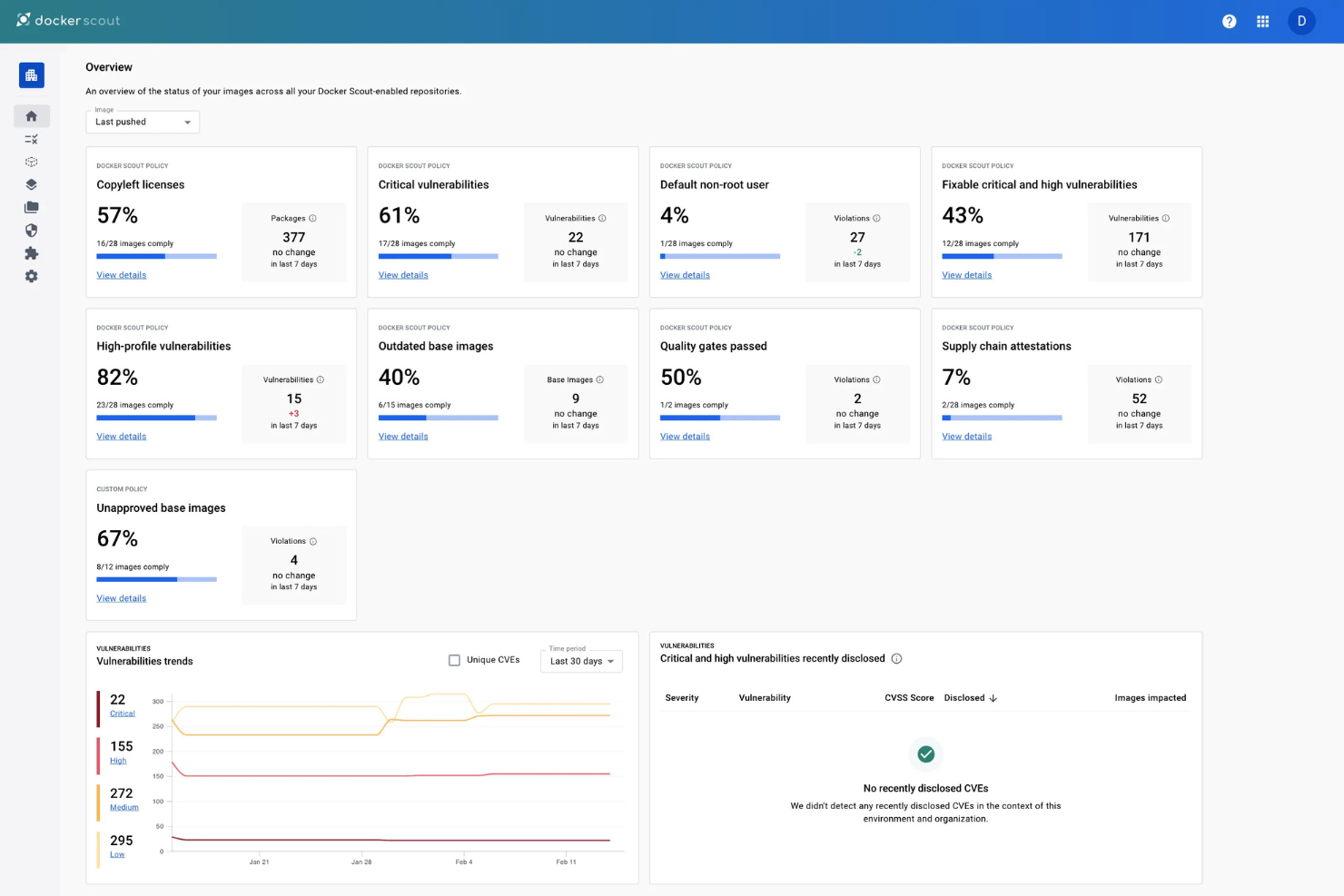
You’re trying to choose between Docker and Kubernetes, but the differences can feel confusing and overly technical. Maybe you’re wondering whether you need simple containerization or a full system to manage and scale applications. At a high level, Docker helps you package and run applications, while Kubernetes focuses on orchestrating and managing them at scale.
In this article, I’ll break down how Docker and Kubernetes compare in the containerization software space, including their pros and cons, key use cases, pricing considerations, security differences, and overall usability—so you can decide which one actually fits your needs.
Docker vs. Kubernetes: An Overview
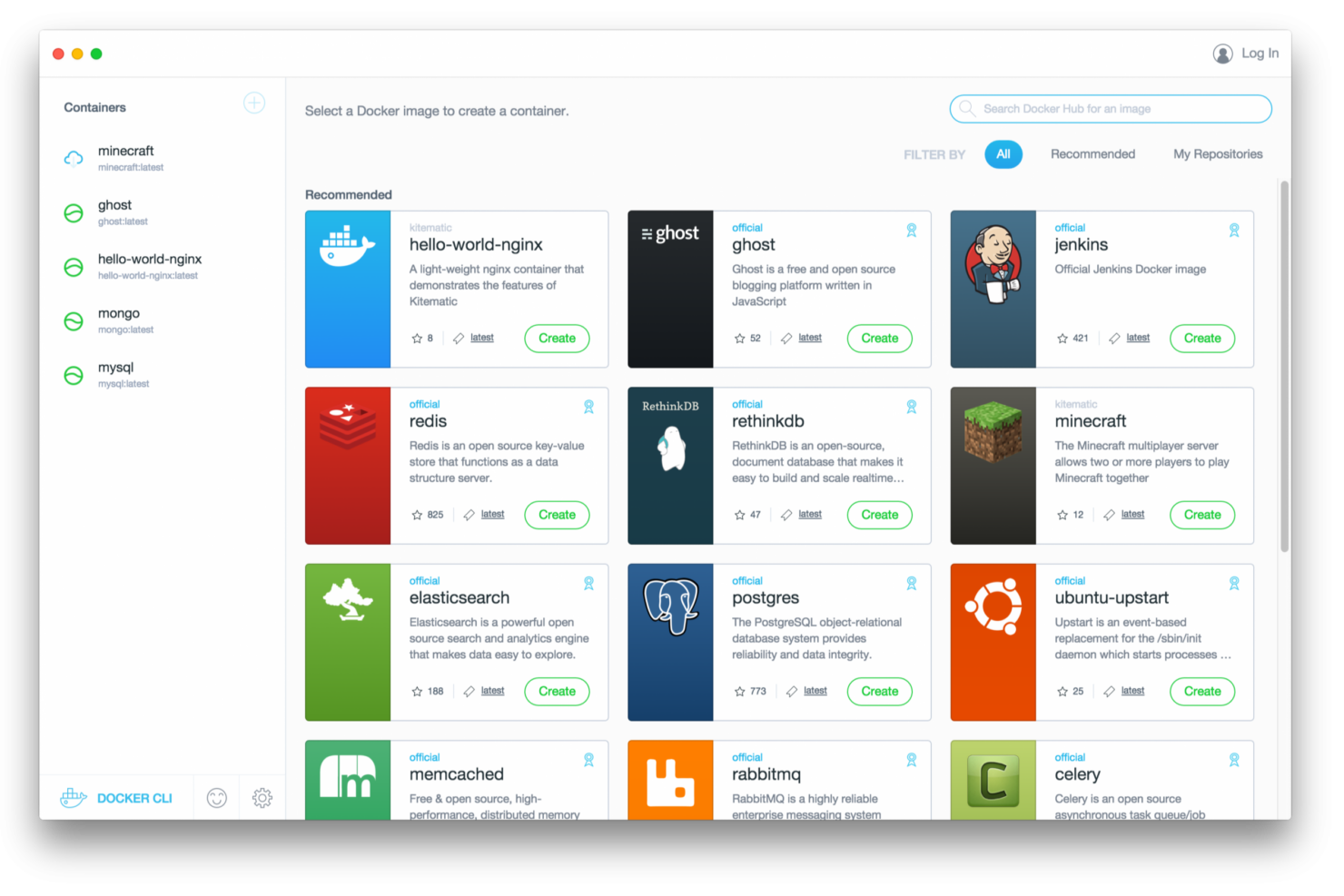
Docker
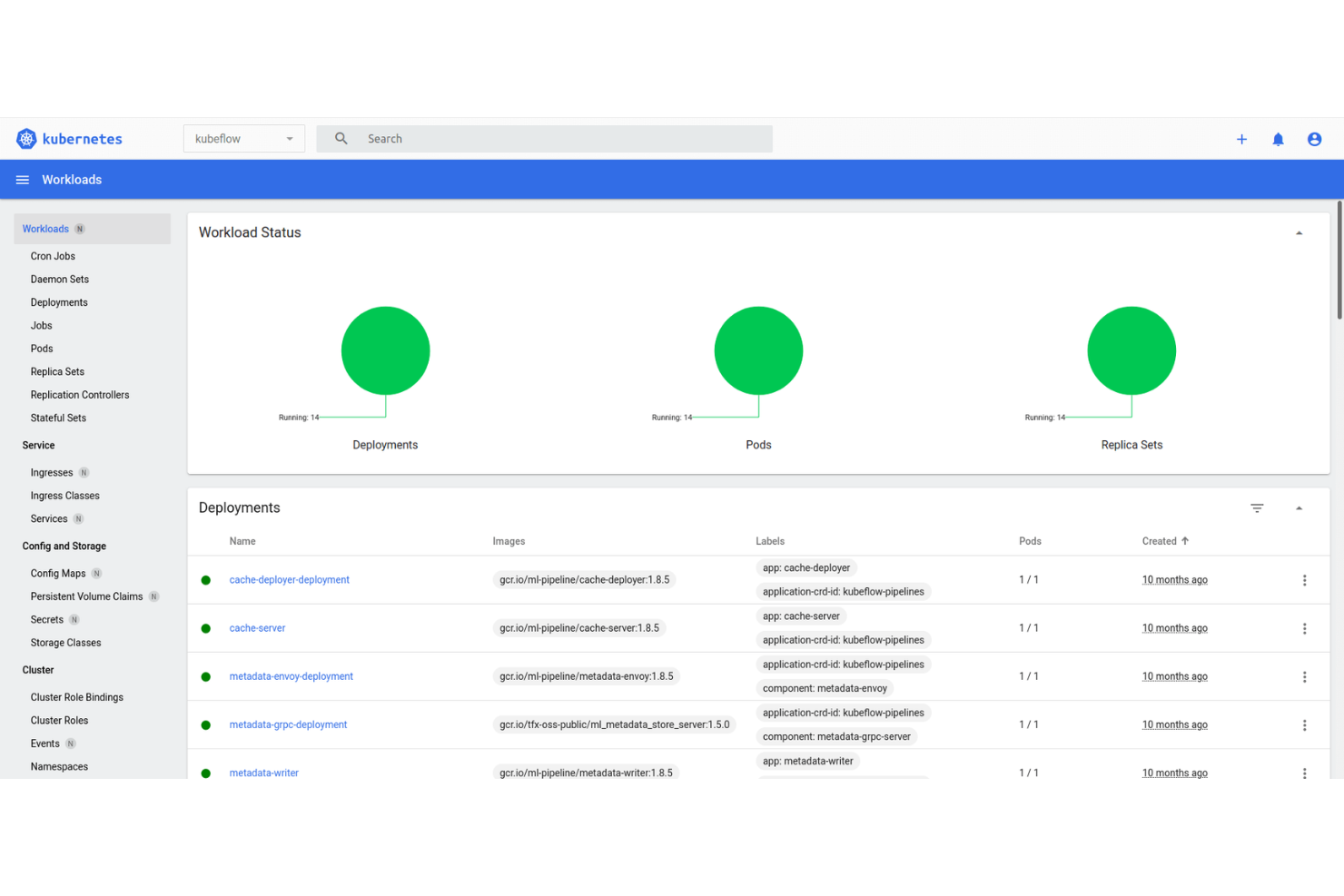
Kubernetes
Why Trust Our Software Reviews
We’ve been testing and reviewing software since 2023. As tech leaders ourselves, we know how critical and difficult it is to make the right decision when selecting software.
We invest in deep research to help our audience make better software purchasing decisions. We’ve tested more than 2,000 tools for different tech use cases and written over 1,000 comprehensive software reviews. Learn how we stay transparent & our software review methodology.
Docker vs. Kubernetes Pricing Comparison
| Docker | Kubernetes | |
|---|---|---|
| Free Trial | Free plan available | Free to use |
| Pricing | From $9/user/month (billed annually) | No licensing cost |
Docker vs. Kubernetes Pricing & Hidden Costs
Docker uses a tiered pricing model, offering a free community edition and paid plans with advanced features and support. You may encounter extra costs for enterprise security or premium support. Kubernetes itself is open source and free to use, but running it often involves hidden expenses, such as infrastructure, managed services, and the expertise needed to deploy and maintain clusters.
To choose the right pricing model, look beyond the sticker price and consider the total cost of ownership. Factor in your team’s skill level, the complexity of your workloads, and the resources needed for setup and ongoing management. Evaluate vendor support, integration needs, and whether you’ll need to invest in training or third-party services. This approach helps you avoid surprises and pick a solution that fits your technical and operational realities.
Docker vs. Kubernetes Feature Comparison
Docker and Kubernetes share a common foundation around container-based application development and deployment. Both let you run applications in isolated containers, manage networking and storage for those containers, and ensure consistency across environments using standardized container images. Because they follow the same container standards, tools like Docker images can be used directly within Kubernetes, making them complementary parts of the same ecosystem.
Where they differ is in their core strengths. Docker stands out for its ability to build, package, and run containers easily, using tools like Dockerfiles and Docker Engine to create portable, self-contained applications that work consistently across systems. Kubernetes, on the other hand, is unique for its advanced orchestration capabilities, such as automated scaling, self-healing, and cluster-wide management of containers across multiple machines—features designed for complex, production-scale environments.
| Docker | Kubernetes | |
|---|---|---|
| API | ||
| Bug Tracking | ||
| CI/CD Integration | ||
| Data Export | ||
| Data Import | ||
| Developer Tools | ||
| External Integrations | ||
| History/Version Control | ||
| Multi-User | ||
| Notifications |
Docker vs. Kubernetes Integrations
| Integration | Docker | Kubernetes |
| AWS (ECS/EKS) | ✅ | ✅ |
| Azure (ACI/AKS) | ✅ | ✅ |
| Google Cloud (Run/GKE) | ✅ | ✅ |
| Jenkins | ✅ | ✅ |
| GitHub Actions | ✅ | ✅ |
| Container Registries (e.g., Docker Hub) | ✅ | ✅ |
| Helm | ❌ | ✅ |
| Istio | ❌ | ✅ |
| API | ✅ | ✅ |
| Zapier | ❌ | ❌ |
Docker and Kubernetes both integrate with major cloud platforms, CI/CD tools, and container registries, making them flexible choices for modern development workflows. Kubernetes stands out with native support for orchestration-focused tools like Helm and Istio, while Docker is more focused on container creation and runtime within a broader ecosystem. Both platforms offer robust APIs for automation and extensibility, so the decision typically comes down to whether you need simple container management or advanced orchestration at scale.
Docker vs. Kubernetes Security, Compliance & Reliability
| Factor | Docker | Kubernetes |
| Image Scanning | Built-in scanning detects vulnerabilities in container images. | Integrates with third-party scanners and supports admission controllers. |
| Role-Based Access | Supports basic user and group permissions for container access. | Offers granular RBAC for users, namespaces, and resources. |
| Network Isolation | Provides container-level network isolation using bridge networks. | Enables advanced network policies and pod-level segmentation. |
| Secrets Management | Stores secrets in local files or integrates with external tools. | Manages secrets natively and integrates with external vaults. |
| High Availability | Supports multi-container apps but requires extra setup for failover. | Built-in self-healing, auto-scaling, and multi-node redundancy. |
Kubernetes delivers more advanced security controls and reliability features than Docker, especially for complex or regulated environments. Docker is straightforward and secure for smaller deployments, while Kubernetes excels at enforcing policies and maintaining uptime in large-scale, multi-user clusters.
Docker vs. Kubernetes Ease of Use
| Factor | Docker | Kubernetes |
| Initial Setup | Quick to install and start containers with simple commands. | Requires more complex installation and cluster configuration. |
| Learning Curve | Easy for beginners to grasp container basics and workflows. | Steep learning curve with many concepts and YAML configurations. |
| Documentation | Clear, concise guides and lots of community tutorials. | Extensive documentation but can be overwhelming for new users. |
| Day-to-Day Tasks | Streamlined CLI and GUI tools for building and running containers. | Involves managing pods, services, and manifests, often via CLI or YAML. |
| Troubleshooting | Straightforward logs and error messages for debugging. | Advanced diagnostics but more complexity in tracing issues across clusters. |
Docker is much easier to pick up and use for everyday container tasks, while Kubernetes demands more time and expertise but pays off for managing large, dynamic environments. Docker’s simplicity is its biggest strength, while Kubernetes stands out for users who need powerful orchestration and are ready to invest in learning.
Docker vs Kubernetes: Pros & Cons
Docker
- The active community support provides you with quick solutions and shared knowledge.
- Its efficiency and speed in deploying applications boost your team's productivity.
- Docker's container technology ensures consistent environments across your development and production setups.
- Managing persistent storage can be tricky, requiring careful planning and execution.
- Networking can be complex, posing challenges for your team in multi-container applications.
- Docker may require significant system resources, impacting your machine's performance.
Kubernetes
- Open-source with no direct licensing fees
- Supports automated rollouts, rollbacks, and self-healing
- Scales to thousands of nodes and containers efficiently
- Requires external tools for advanced monitoring and debugging
- Persistent storage setup for stateful apps is complex
- Resource-intensive and can drive up infrastructure costs
Best Use Cases for Docker and Kubernetes
Docker
- Tech Startups Docker helps you deploy applications quickly, allowing your startup to iterate and scale without infrastructure worries.
- Large Enterprises For your enterprise, Docker ensures consistent environments across various teams, simplifying complex deployments.
- DevOps Teams Docker’s automation capabilities support your continuous integration and continuous deployment (CI/CD) pipelines effectively.
- Software Development If you’re developing applications, Docker’s containerization ensures consistent testing and development environments.
- Microservices Architecture Docker excels in managing microservices, letting your team deploy and manage services independently.
- Cloud-Native Applications Docker’s compatibility with cloud platforms means your cloud-native apps can be deployed seamlessly across environments.
Kubernetes
- Large Enterprises Kubernetes handles thousands of containers and nodes, supporting enterprise-scale workloads.
- Cloud-Native Startups Startups building microservices architectures benefit from Kubernetes’s automation and scalability.
- DevOps Teams DevOps teams use Kubernetes for CI/CD pipelines and automated deployments.
- SaaS Providers SaaS companies rely on Kubernetes for multi-tenant, high-availability environments.
- Financial Services Financial firms use Kubernetes for secure, compliant, and resilient infrastructure.
- Hybrid Cloud Environments Organizations running workloads across multiple clouds leverage Kubernetes’s portability.
Who Should Use Docker, and Who Should Use Kubernetes?
Docker is best suited for developers and small teams who need a simple, fast way to build, package, and run applications in containers. If you’re working on local development, testing environments, or lightweight deployments, Docker gives you everything you need without added complexity. It’s especially useful when you want consistency across environments without managing large-scale infrastructure.
Kubernetes is better for teams running complex, distributed applications that need to scale reliably across multiple servers. If you’re dealing with high availability, automated scaling, or managing many containers in production, Kubernetes provides the orchestration tools to handle that complexity. It’s ideal for larger teams or organizations that need robust control over deployment, networking, and long-term operations.
Differences Between Docker and Kubernetes
| Docker | Kubernetes | |
|---|---|---|
| Automation | Basic automation for building and running containers. | Advanced automation for scaling, self-healing, deployments, and rollouts. |
| Core Functionality | Builds, packages, and runs containers using a container runtime. | Orchestrates, manages, and scales containers across clusters of machines. |
| High Availability | Not inherently designed for high availability. | Built-in self-healing, failover, and high availability features. |
| Networking | Basic container networking on a single host or simple clusters. | Advanced networking with service discovery, load balancing, and ingress control. |
| Read Docker ReviewOpens new window | Read Kubernetes ReviewOpens new window | |
| Scalability | Limited manual scaling (e.g., Docker Compose, Swarm). | Built-in auto-scaling and load balancing across clusters. |
| User Interface | Simple CLI and optional desktop GUI (Docker Desktop). | Primarily CLI (kubectl) with optional dashboards; more complex to navigate. |
| Read Docker ReviewOpens new window | Read Kubernetes ReviewOpens new window |
Similarities Between Docker and Kubernetes
| API Access | Both expose APIs that allow automation, integration, and custom tooling within DevOps workflows. |
|---|---|
| CI/CD Integrations | Both integrate easily into CI/CD pipelines for automated build, test, and deployment workflows. |
| Cloud Integration | Both are widely supported by major cloud providers like AWS, Azure, and Google Cloud. |
| Community Resources | Both have large, active communities with extensive documentation and third-party ecosystems. |
| Container Support | Both work with containerized applications, enabling consistent packaging and deployment across environments. |
| Read Docker ReviewOpens new window Read Kubernetes ReviewOpens new window | |