


Datadog vs. Dynatrace: Comparison and Expert Reviews for 2026


Choosing between Datadog and Dynatrace as your observability platform means weighing Datadog’s flexible, modular monitoring against Dynatrace’s AI-driven automation and deep analytics. If you’re struggling to decide which tool will help your team catch issues faster, reduce noise, and scale with your infrastructure, you’re not alone; both platforms promise to simplify complex environments, but they take very different approaches.
In this article, you’ll get a side-by-side look at how Datadog and Dynatrace stack up in real-world IT environments, what sets each apart, and how to match their strengths to your organization’s needs.
Datadog vs. Dynatrace: An Overview
Datadog
Dynatrace
Why Trust Our Software Reviews
We’ve been testing and reviewing software since 2023. As tech leaders ourselves, we know how critical and difficult it is to make the right decision when selecting software.
We invest in deep research to help our audience make better software purchasing decisions. We’ve tested more than 2,000 tools for different tech use cases and written over 1,000 comprehensive software reviews. Learn how we stay transparent & our software review methodology.
Datadog vs. Dynatrace Pricing Comparison
| Datadog | Dynatrace | |
|---|---|---|
| Free Trial | 14-day free trial available | Free demo + 15-day free trial available |
| Pricing | From $15/host/month (billed annually) | From $7/host/month |
Datadog vs. Dynatrace Pricing & Hidden Costs
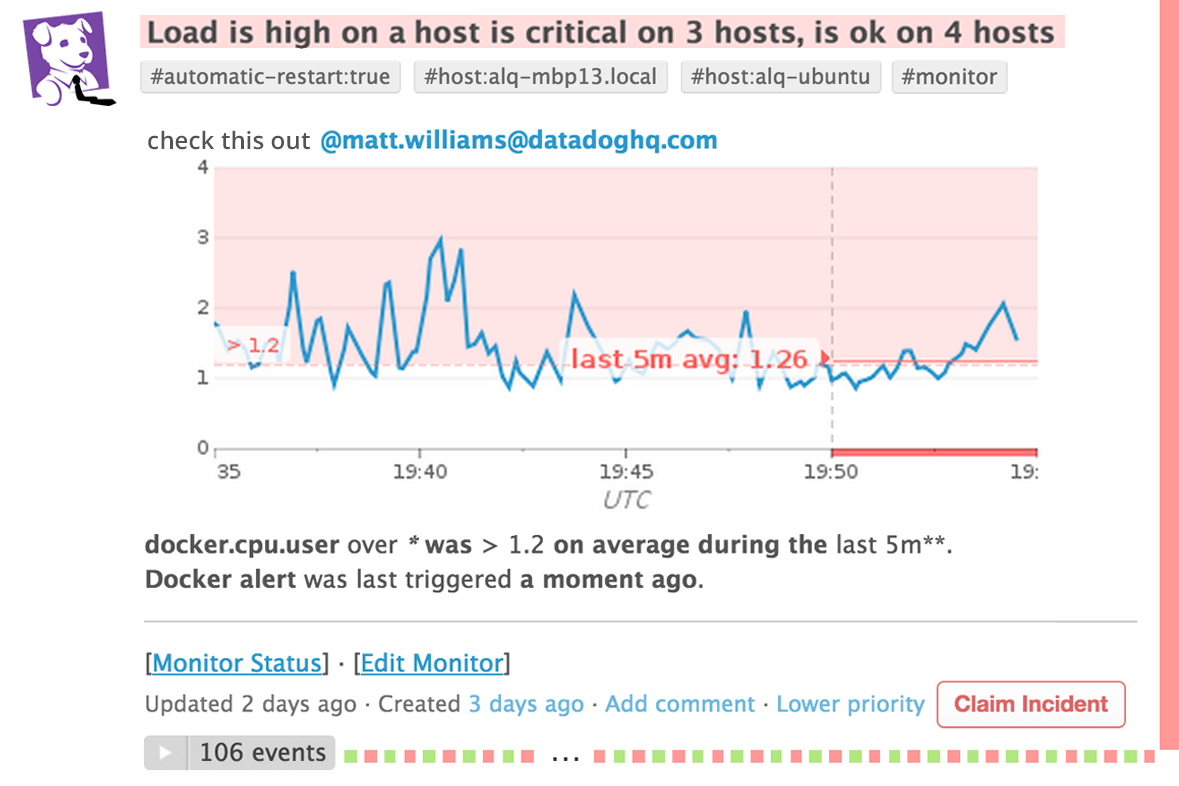
Datadog uses a modular, usage-based pricing model where you pay separately for products like infrastructure monitoring, APM, and log management. While entry costs can be low, additional charges for custom metrics, logs, and containers can quickly increase your total spend as usage grows.
Dynatrace takes a more unified approach with its platform subscription, bundling core capabilities while pricing primarily scales by host, memory usage, or data consumption. This makes costs more predictable at a base level, but usage-based elements like log ingestion, queries, and long-term retention can still add up depending on your data volume and observability needs.
Datadog vs. Dynatrace Feature Comparison
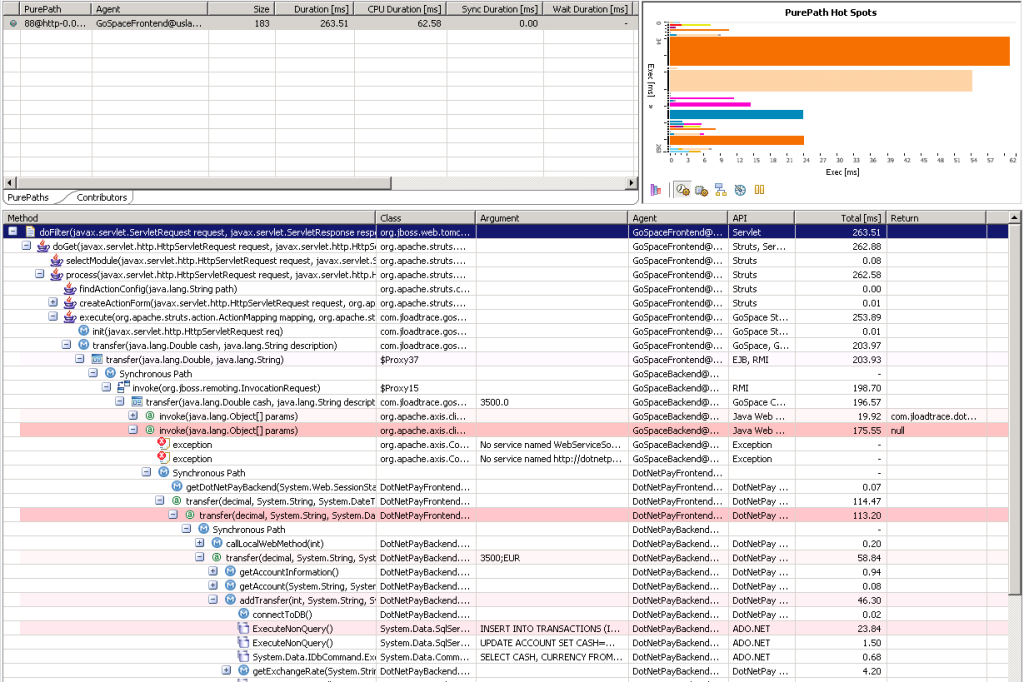
Both Datadog and Dynatrace are full-stack observability platforms, meaning they overlap heavily in core capabilities like infrastructure monitoring, application performance monitoring (APM), log management, and real user monitoring. They also provide alerting, dashboards, and support for modern environments like Kubernetes and multi-cloud setups, giving teams end-to-end visibility across systems, applications, and user experience.
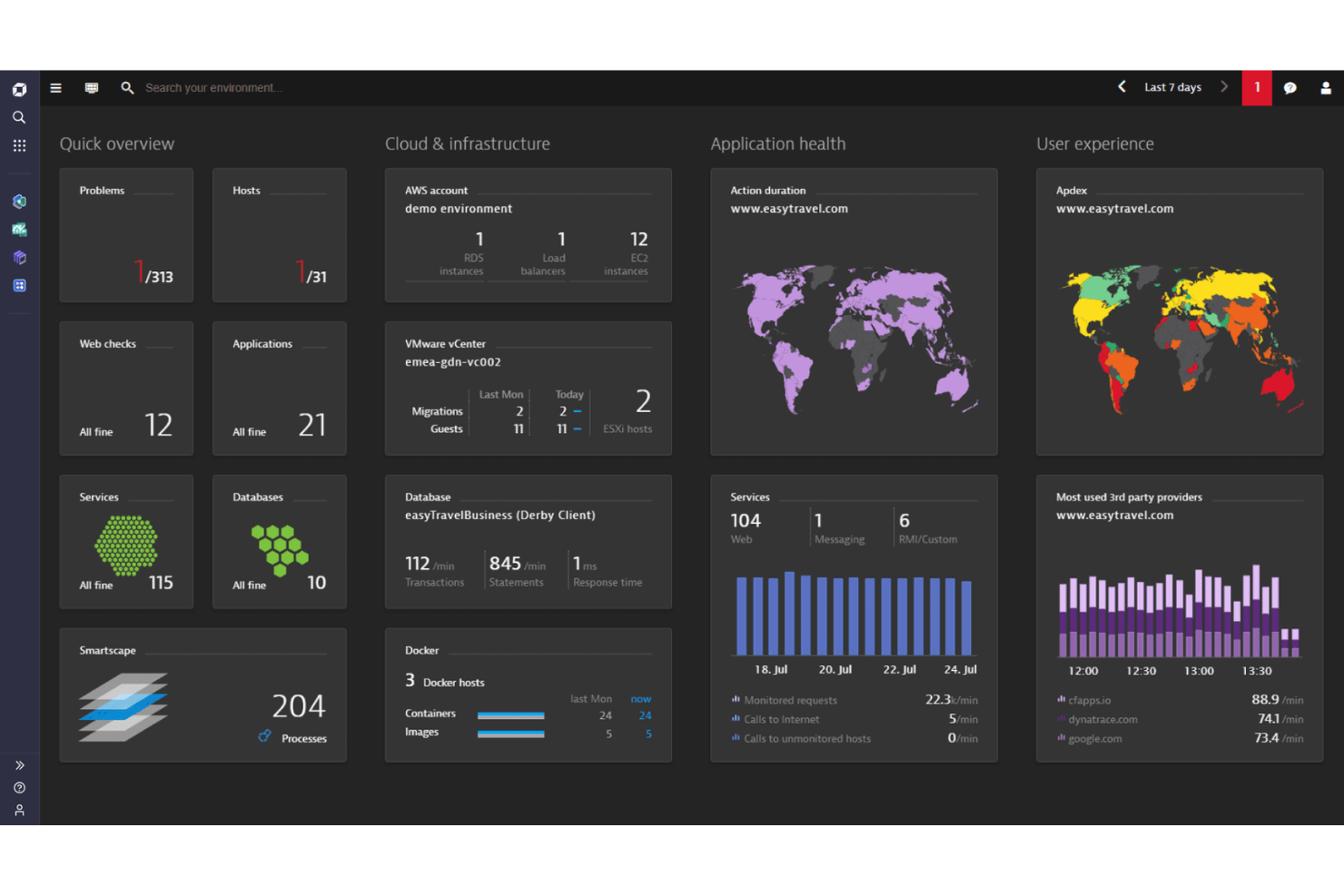
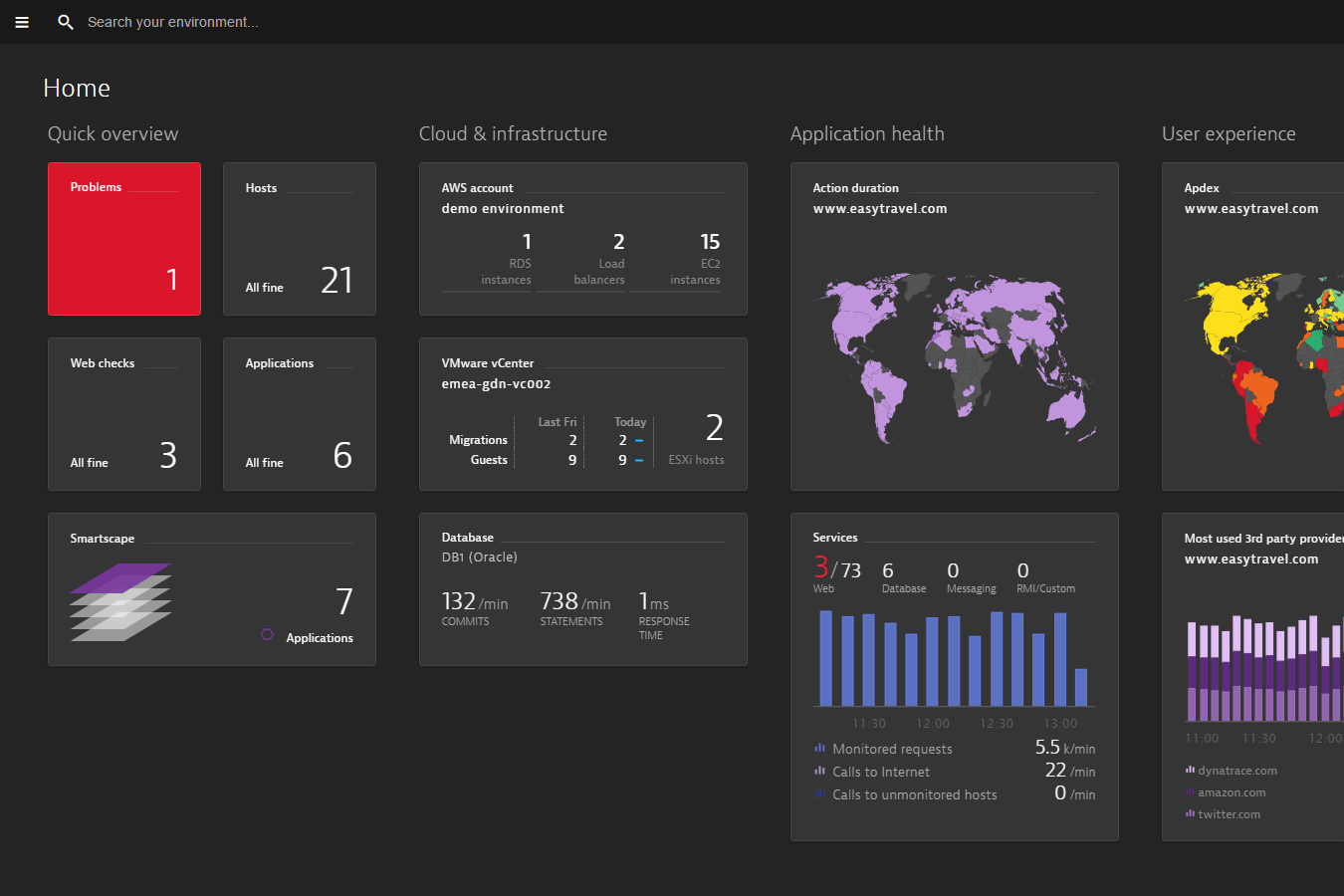
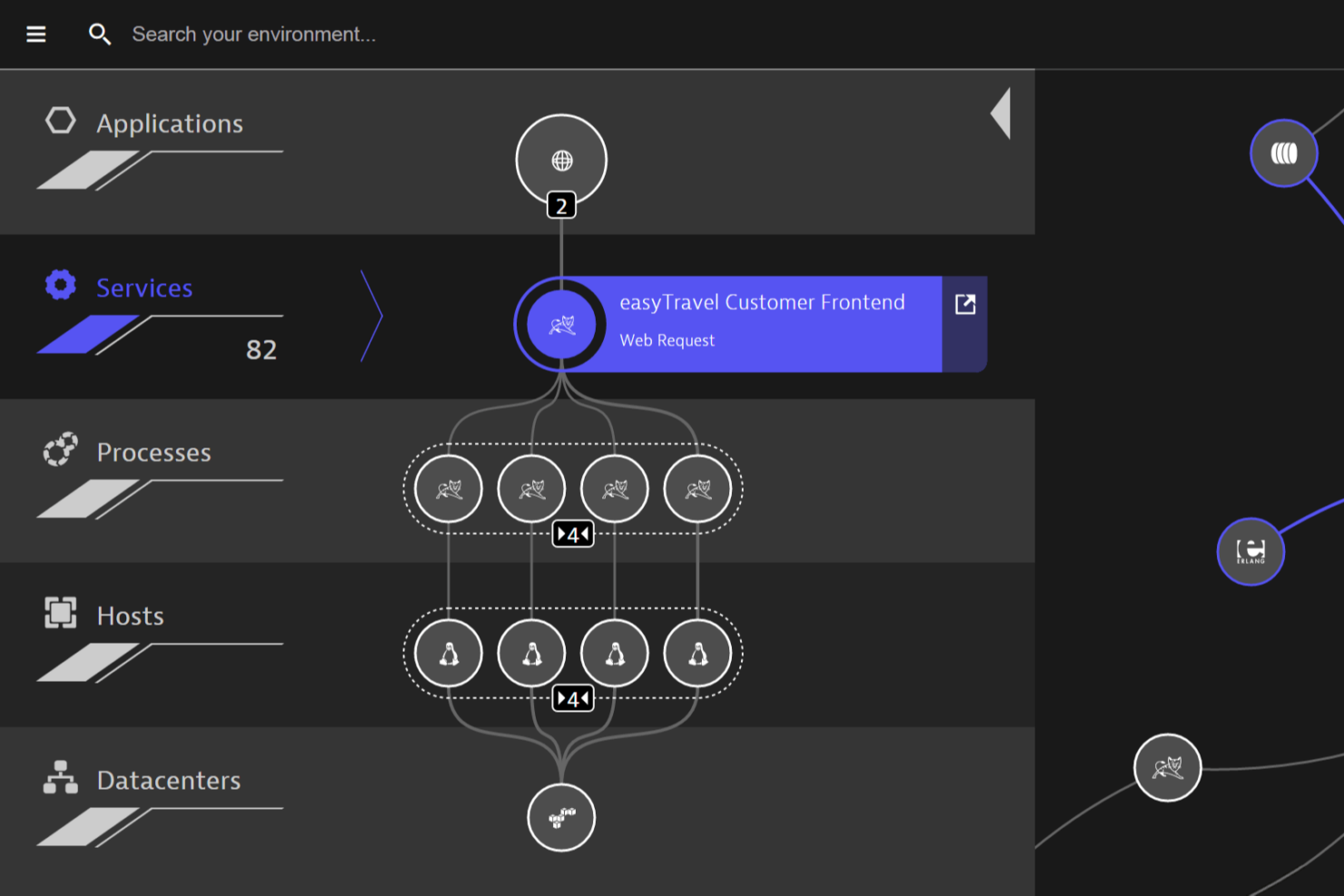
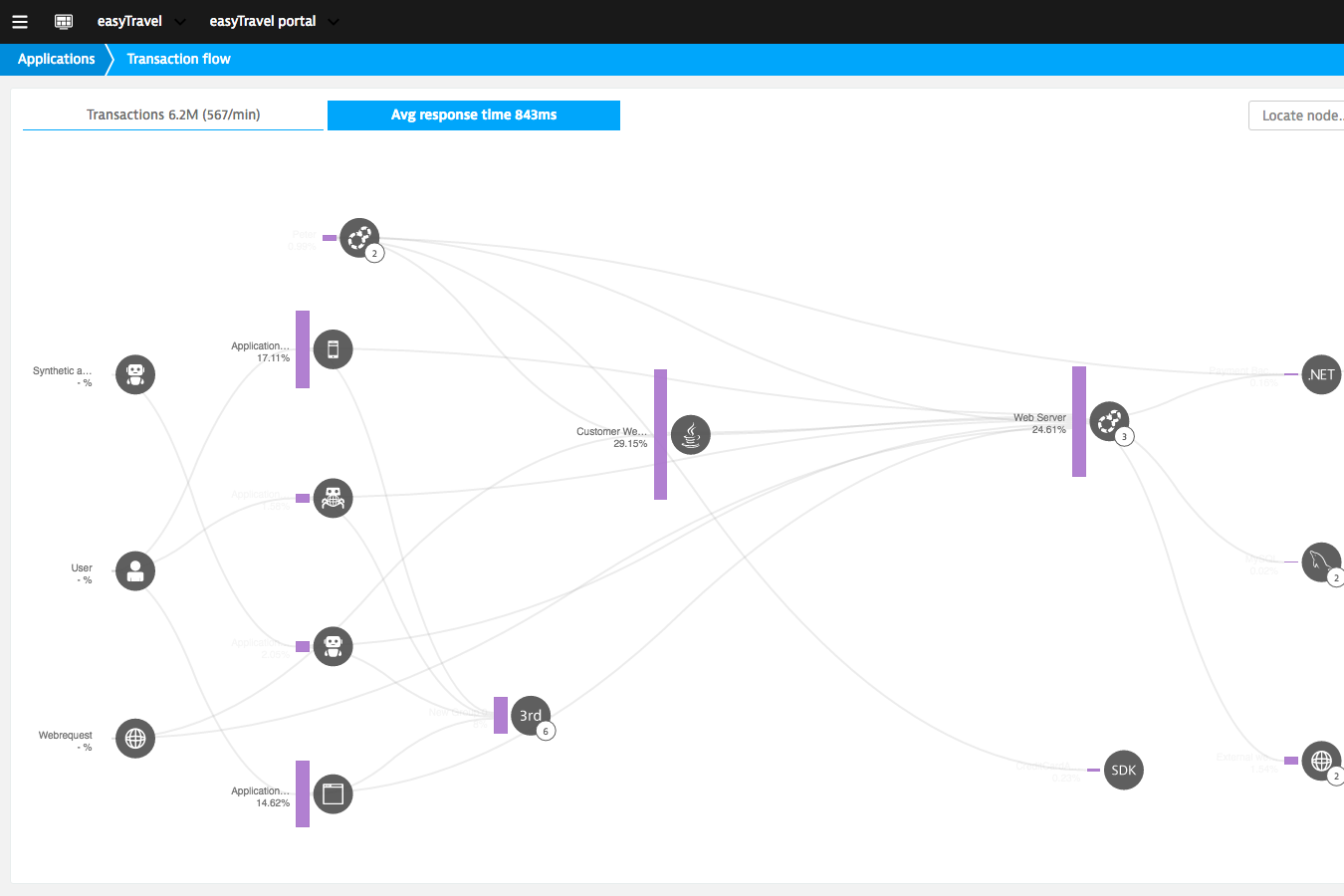
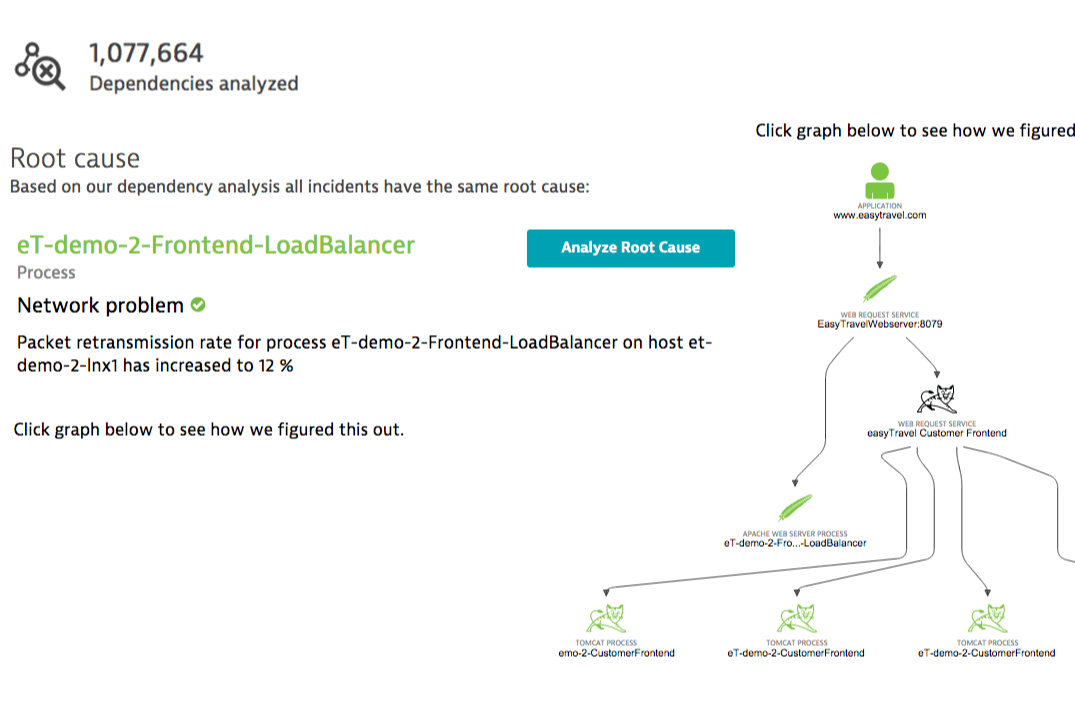
Where they diverge is in how they deliver insights. Dynatrace stands out with its AI-driven automation (Davis AI) and automatic dependency mapping via OneAgent, which can detect root causes with minimal manual setup. Datadog, by contrast, differentiates with its massive integration ecosystem and highly customizable, modular platform—giving teams more flexibility to tailor monitoring but requiring more hands-on configuration.
| Datadog | Dynatrace | |
|---|---|---|
| AI Integration | ||
| API | ||
| Automated Testing | ||
| Browser Compatibility Testing | ||
| Bug Tracking | ||
| Code Review | ||
| Custom Reports | ||
| Data Export | ||
| Data Import | ||
| Developer Tools | ||
| External Integrations | ||
| Malware Protection | ||
| Multi-User | ||
| Notifications | ||
| Performance Testing | ||
| Process Reporting | ||
| Static Analysis | ||
| Status Notifications | ||
| Workflow Management |
Datadog vs. Dynatrace Integrations
| Integration | Datadog | Dynatrace |
| AWS | ✅ | ✅ |
| Microsoft Azure | ✅ | ✅ |
| Google Cloud | ✅ | ✅ |
| Kubernetes | ✅ | ✅ |
| Slack | ✅ | ✅ |
| PagerDuty | ✅ | ✅ |
| ServiceNow | ✅ | ✅ |
| Salesforce | ✅ | ❌ |
| Shopify | ✅ | ❌ |
| SAP | ❌ | ✅ |
| API | ✅ | ✅ |
| Zapier | ✅ | ❌ |
Both Datadog and Dynatrace cover the major cloud, IT, and incident management integrations, but Datadog offers broader support for business apps and workflow tools like Salesforce, Shopify, and Zapier. If you rely on SAP or need deep enterprise integrations, Dynatrace may be a better fit, but most IT teams will find that either platform meets their core integration needs.
Datadog vs. Dynatrace Security, Compliance & Reliability
| Factor | Datadog | Dynatrace |
| Data Encryption | Encrypts data in transit and at rest using industry-standard protocols. | Uses end-to-end encryption for all data, including agent communications. |
| Regulatory Compliance | Offers SOC 2, GDPR, HIPAA, and ISO 27001 certifications. | Provides SOC 2, GDPR, HIPAA, and ISO 27001 compliance out of the box. |
| Access Controls | Supports SSO, RBAC, and granular API key management. | Delivers SSO, RBAC, and fine-grained user permissions. |
| Uptime & SLAs | Publicly reports uptime and offers strong SLAs for enterprise plans. | Maintains high availability with global redundancy and strict SLAs. |
| Audit Logging | Provides detailed audit logs for user and system activity. | Includes comprehensive audit trails for all platform actions. |
Both Datadog and Dynatrace deliver strong security and compliance, but Dynatrace stands out for its end-to-end encryption and global redundancy. Datadog’s granular access controls and transparent uptime reporting make it a reliable choice for teams with strict audit and monitoring needs.
Datadog vs. Dynatrace Ease of Use
| Factor | Datadog | Dynatrace |
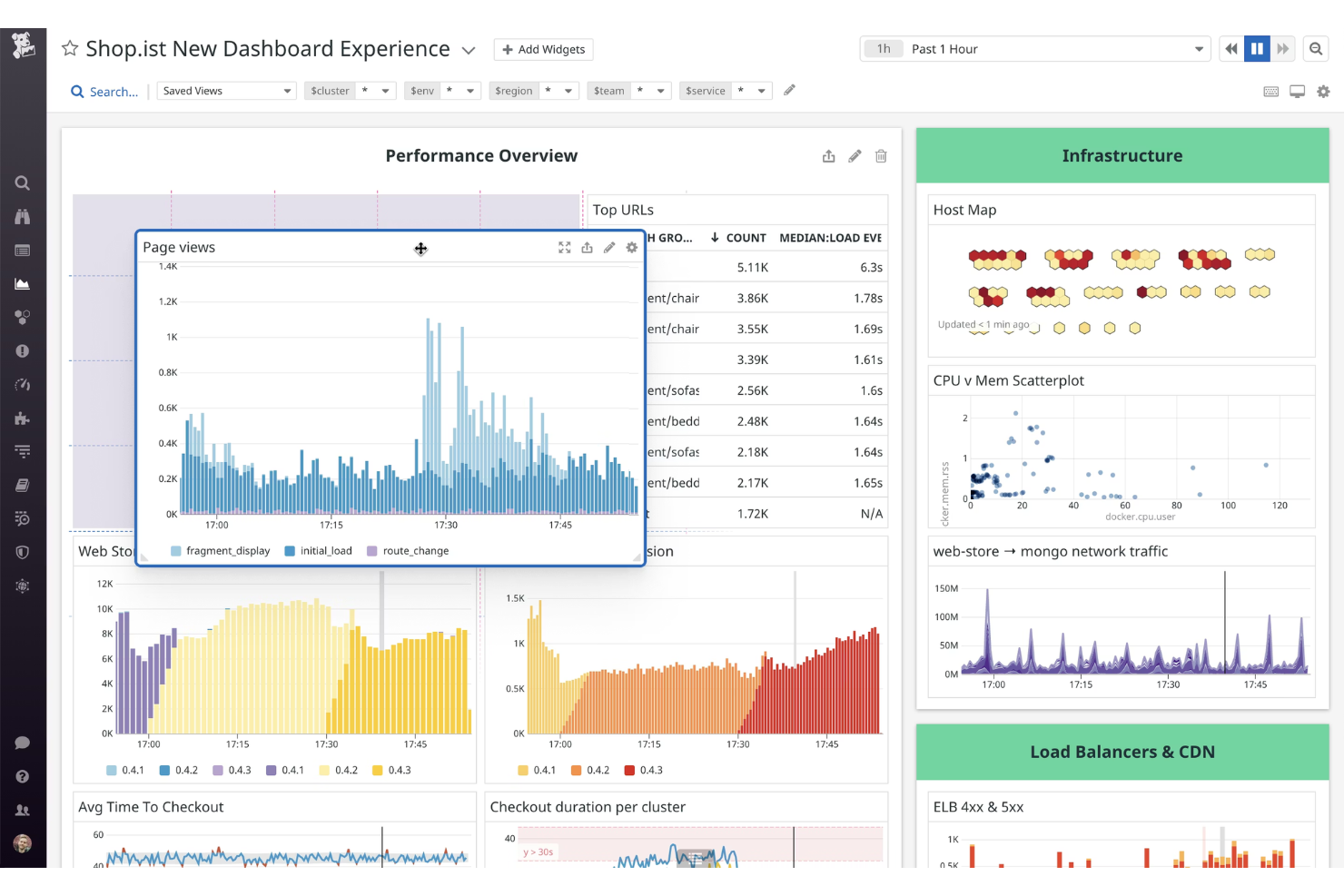
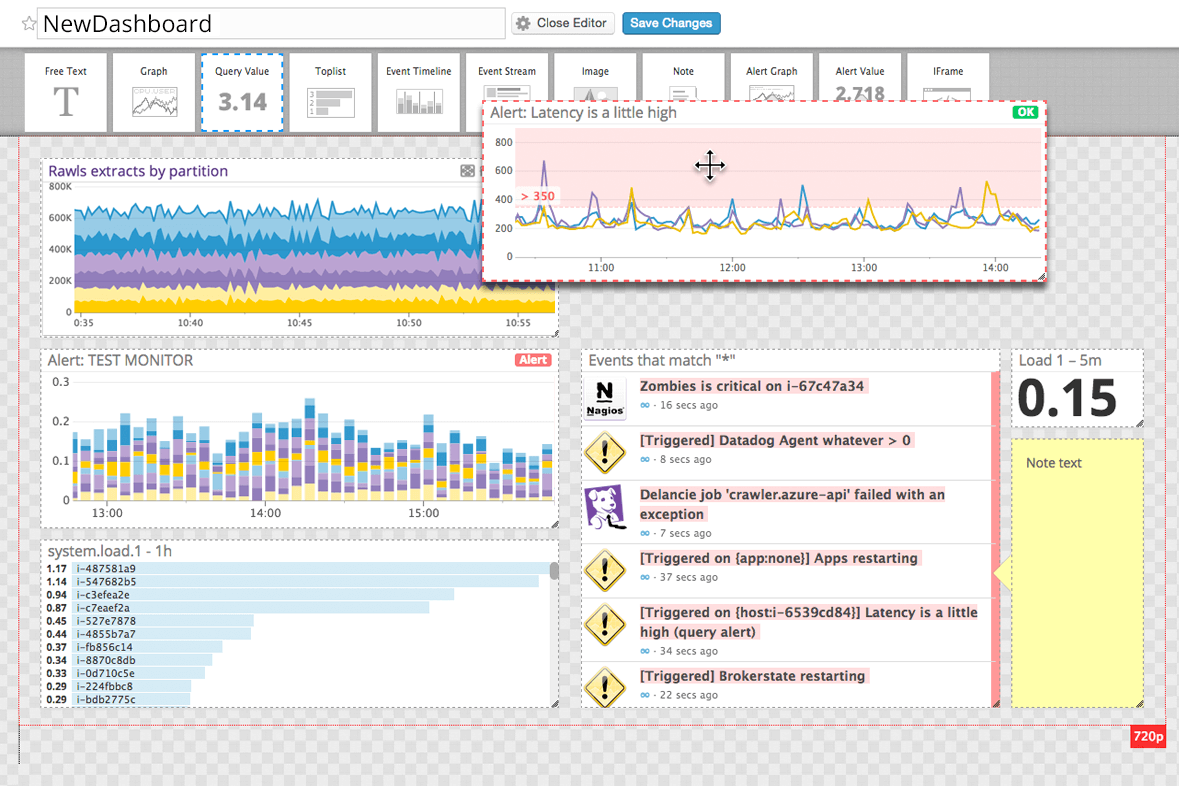
| User Interface | Features a clean, customizable dashboard with drag-and-drop widgets. | Offers a visually rich interface with automated topology mapping. |
| Onboarding | Provides guided setup, in-app tutorials, and extensive documentation. | Automates much of the onboarding process with smart auto-discovery. |
| Setup Complexity | Requires manual configuration for some integrations and custom metrics. | Handles most setup automatically, reducing manual steps for new users. |
| Support Resources | Includes a large knowledge base, active community, and responsive chat. | Delivers expert support, detailed docs, and proactive customer outreach. |
| Alert Management | Let's you easily create, customize, and silence alerts from the UI. | Uses AI to reduce alert noise and prioritize actionable incidents. |
Dynatrace is easier to set up and manage day-to-day, while Datadog gives you more flexibility and control over dashboards and alerts. Datadog shines for teams who want to tailor their experience, but Dynatrace’s automation and smart defaults make it a favorite for those who want to get up and running fast.
Datadog vs Dynatrace: Pros & Cons
Datadog
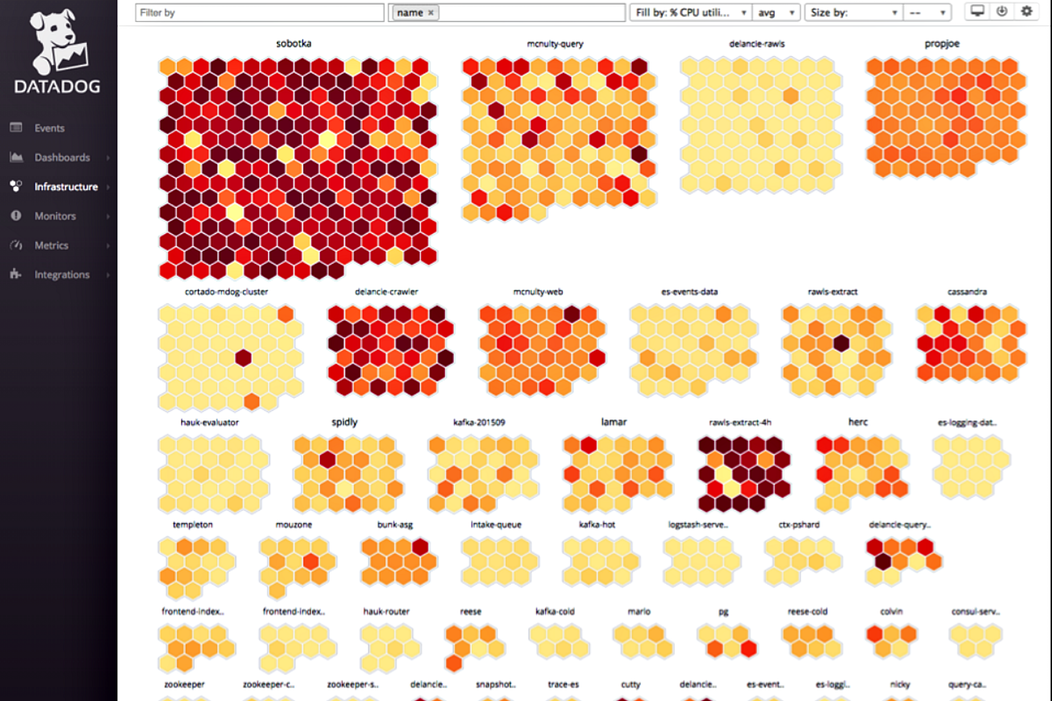
- Highly customizable dashboards for visualizing key metrics
- Advanced alerting and anomaly detection features
- Real-time monitoring across infrastructure, applications, and logs
- Setup complexity grows in large or hybrid environments
- Data retention limits can restrict historical analysis
- Pricing increases quickly with data volume and features
Dynatrace
- Automated discovery and mapping simplify monitoring complex environments.
- Full-stack observability covers infrastructure, apps, and user experience.
- AI-driven root cause analysis accelerates incident resolution.
- Feature depth may overwhelm smaller or less mature teams.
- Serverless and multi-cloud visibility lags behind some competitors.
- Pricing can escalate quickly with high data ingestion.
Best Use Cases for Datadog and Dynatrace
Datadog
- Cloud-Native Startups Datadog’s real-time monitoring and automation support rapid scaling and deployment.
- Large Enterprises Centralized observability and advanced analytics help manage sprawling infrastructure.
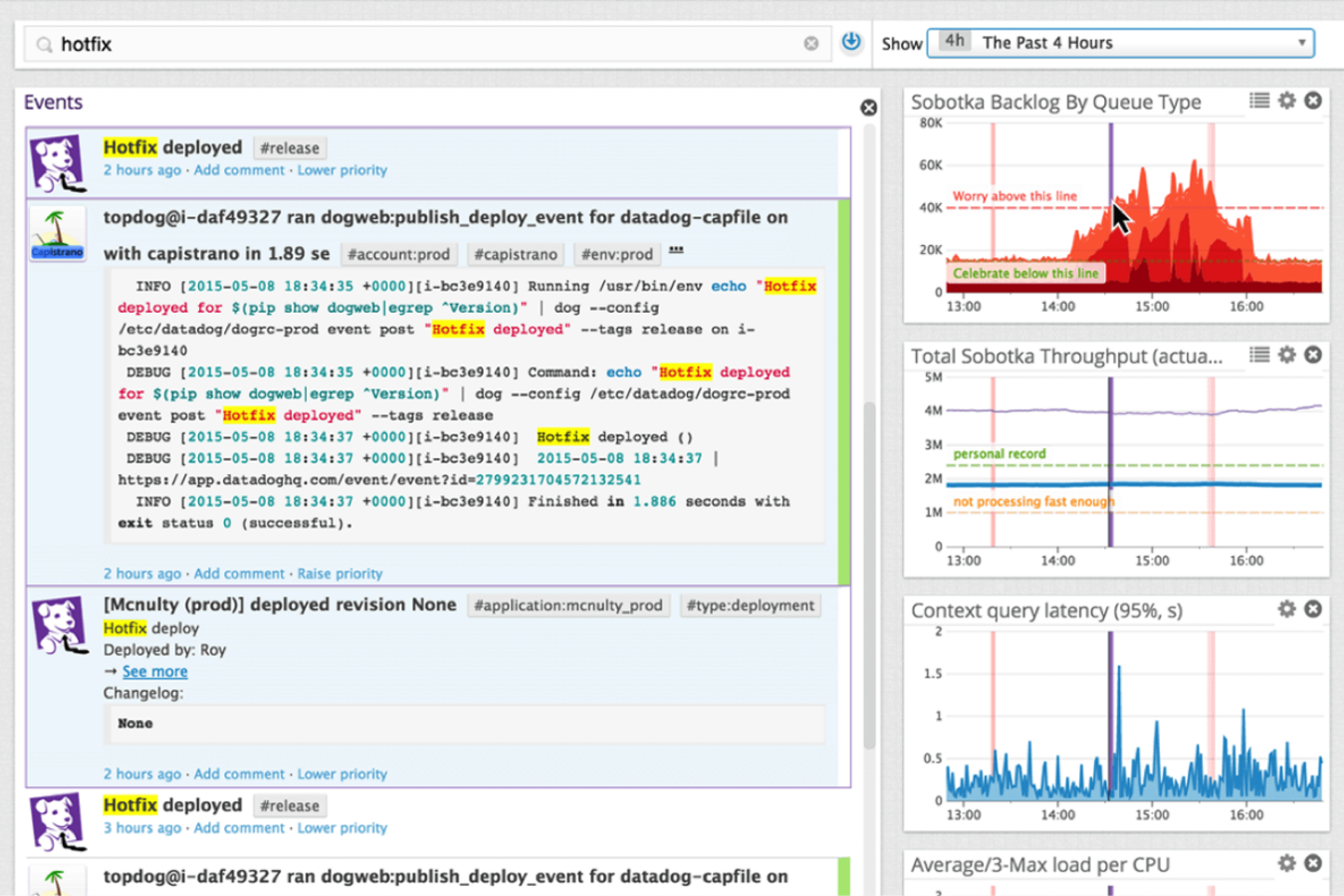
- DevOps Teams Automated alerting and integrations streamline incident response and troubleshooting.
- SaaS Providers End-to-end application monitoring ensures uptime and user experience.
- Ecommerce Platforms Transaction tracing and anomaly detection support high-traffic reliability.
- Hybrid IT Departments Unified dashboards simplify monitoring across on-premises and cloud resources.
Dynatrace
- Large Enterprises Dynatrace scales to monitor thousands of hosts and services across global operations.
- Financial Services Its end-to-end transaction tracing supports compliance and high-availability requirements.
- DevOps Teams Automated deployment monitoring and AI-powered alerts fit continuous delivery pipelines.
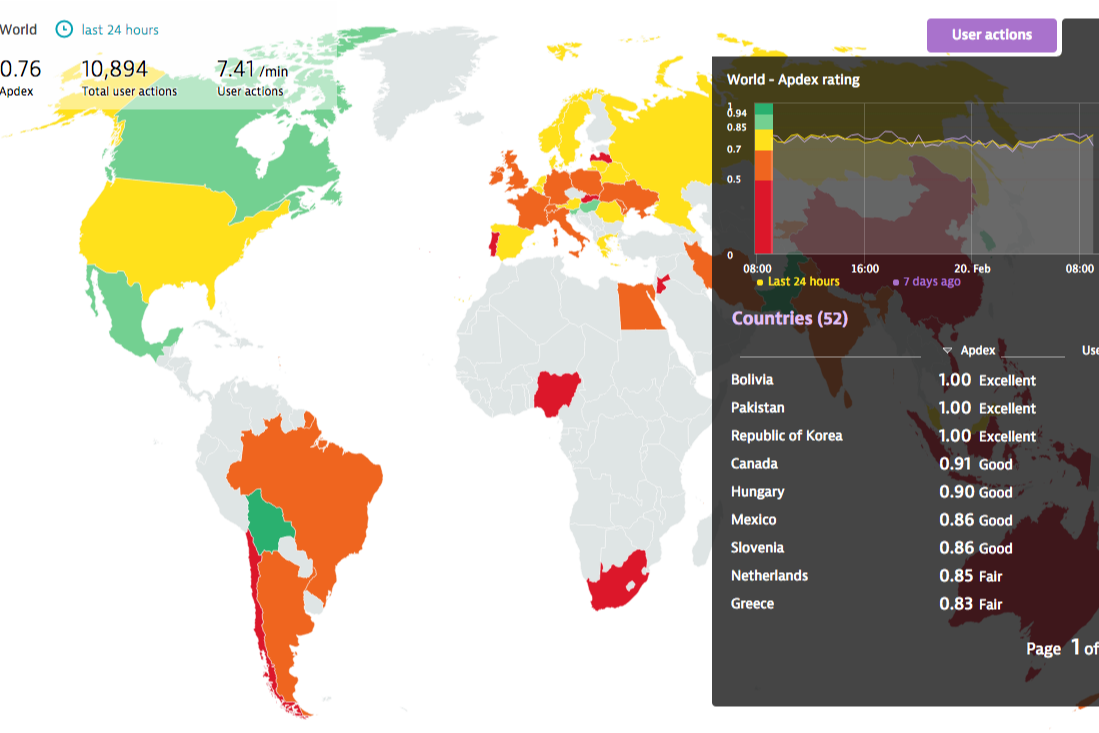
- E-commerce Platforms Real-user monitoring and performance analytics help optimize customer experience.
- Healthcare IT Granular monitoring and security features support HIPAA and uptime needs.
- Cloud-Native Startups Kubernetes and microservices support enables rapid scaling and troubleshooting.
Who Should Use Datadog, And Who Should Use Dynatrace?
Datadog is best suited for teams that want flexibility and control over their observability stack. It works especially well for startups, mid-sized companies, and DevOps teams that prefer a modular approach, allowing them to pick and choose features as they scale. It’s also a strong fit for organizations with diverse tooling needs, thanks to its extensive integrations and highly customizable dashboards.
Dynatrace is a better fit for large enterprises or teams that prioritize automation and simplicity at scale. Its AI-driven insights and automatic discovery reduce the need for manual setup, making it ideal for complex, distributed environments where speed and accuracy matter. Organizations that want a more unified, all-in-one platform with less hands-on configuration will typically get more value from Dynatrace.
Differences Between Datadog and Dynatrace
| Datadog | Dynatrace | |
|---|---|---|
| AI Capabilities | Includes Watchdog for anomaly detection, but tuning is often required. | Davis AI provides built-in, continuous causal analysis with minimal configuration. |
| Automation | Requires more manual setup for instrumentation, alerts, and correlations. | Extensive automation with auto-discovery and AI-driven root cause analysis out of the box. |
| Integration Breadth | 600+ integrations across cloud services, SaaS tools, and developer platforms. | Strong integrations but more focused on deep, infrastructure-level visibility. |
| Pricing Model | Modular, usage-based pricing where each product (APM, logs, infra) is billed separately. | Platform subscription with bundled capabilities, primarily priced by host, memory, and data usage. |
| Root Cause Analysis | Requires manual investigation across dashboards and signals. | Automatic root cause identification using AI and real-time topology mapping. |
| Read Datadog ReviewOpens new window | Read Dynatrace ReviewOpens new window |
Similarities Between Datadog and Dynatrace
| Cloud Monitoring | Both provide real-time monitoring for AWS, Azure, and Google Cloud, with automated discovery of cloud resources. |
|---|---|
| Compliance & Security | Each platform meets major compliance standards (SOC 2, GDPR, HIPAA) and offers strong encryption and access controls. |
| Incident Management | Both integrate with tools like PagerDuty and ServiceNow, supporting alerting, escalation, and incident workflows. |
| Log Management | Each solution collects, indexes, and analyzes logs from multiple sources, with search and visualization tools. |
| Scalability | Both platforms are built to handle large, distributed environments and scale easily as your infrastructure grows. |
| Read Datadog ReviewOpens new window Read Dynatrace ReviewOpens new window | |