

CloudBees Review 2026: Pros, Cons, Features, and Pricing
CloudBees stands out for enterprise-grade CI/CD, offering robust customization and governance, but may be complex for smaller teams compared to simpler continuous delivery tools.

We review tools independently, and commissions help fund our testing. See our transparency policy, our methodology, or suggest a tool.
CloudBees is a continuous delivery tool for enterprise engineering teams that need centralized pipeline management, compliance controls, and governance across large CI/CD environments. I'd mainly consider it if your org runs Jenkins at scale. It goes deeper on policy enforcement, audit trails, and role-based access controls than a platform like Harness typically does out of the box.
CloudBees Evaluation Summary

4.4/5
- Pricing upon request
- Free demo available
Why Trust Our Software Recommendations
6,700+
Reviews
20
Industry experts
16+
Evaluation factors
14
Years
Our team has been testing and reviewing software since 2012. As tech leaders ourselves, we know how difficult—and important—it is to choose the right software.
For this guide, we evaluated tools using hands-on testing and independent research, scoring tools using our selection criteria.
Our reviews reflect our human editorial judgment, not a sales pitch.
Expert reviewers:
- Paulo Gardini MiguelTech Director
 Tim FisherVP of AI
 Gabriel RosasTech Lead & Software Architect
 Christhian GruhnTech Lead & Platform Architect

CloudBees Overview
CloudBees delivers enterprise-grade pipeline automation, granular governance, and deep integration options, making it a strong choice for organizations with complex compliance or scaling needs. Its pricing and advanced features may be more than smaller teams require, but for regulated industries or large-scale DevOps, the investment pays off in control and flexibility.
If you’re judging tools for auditability, custom workflows, or hybrid cloud support, CloudBees stands out—though its interface and setup may feel heavy compared to simpler solutions.
Pros
- CloudBees offers advanced CI/CD tools that enhance your team's deployment efficiency.
- Its intuitive interface helps your team manage complex workflows with ease.
- CloudBees provides excellent visibility into project progress, keeping your team aligned.
Cons
- The platform can have a steep learning curve for new users.
- Initial setup might be time-consuming for your team.
- Some users find the customization options overwhelming at first.
Is CloudBees Right For Your Needs?
Who Would be a Good Fit for CloudBees?
CloudBees is ideal for large enterprises and tech-savvy industries like finance, healthcare, and telecommunications, where complex software development and deployment are crucial. Your DevOps teams will benefit from CloudBees’s robust CI/CD tools, which streamline deployments and enhance collaboration. If your organization prioritizes efficient software delivery and needs a platform that offers excellent visibility and control over projects, CloudBees is a strong choice.
- Large EnterprisesCloudBees’s scalability and advanced features make it perfect for managing vast and complex projects.
- Finance IndustryIts robust security and compliance features are well-suited for financial institutions.
- Healthcare SectorCloudBees supports the stringent data handling and privacy requirements in healthcare.
- TelecommunicationsThe platform’s ability to handle large-scale deployments benefits telecom companies.
- DevOps TeamsYour DevOps team will appreciate the streamlined workflows and enhanced collaboration tools.
- Software Development FirmsCloudBees’s powerful CI/CD capabilities help development firms deliver projects more efficiently.
Who Would be a Bad Fit for CloudBees?
Small businesses and startups might find CloudBees overwhelming due to its complexity and extensive feature set. If your team lacks dedicated DevOps professionals or if you’re looking for a simple, quick-to-deploy solution, CloudBees might not be the best fit. The platform’s robust capabilities can be excessive for teams with straightforward needs or limited resources.
- Small StartupsThe platform’s complexity can be daunting for startups with limited resources.
- Non-Tech IndustriesIndustries with minimal tech demands might find CloudBees’s features unnecessary.
- FreelancersThe extensive capabilities of CloudBees may not be needed for individual projects.
- Simple ProjectsFor projects requiring basic CI/CD, CloudBees’s advanced tools might be overkill.
- Short-Term TeamsTemporary teams will face a steep learning curve with CloudBees’s detailed setup.
- Budget-Conscious CompaniesOrganizations with tight budgets might find the investment in CloudBees hard to justify.
Our Review Methodology
How We Test & Score Tools
We’ve spent years building, refining, and improving our software testing and scoring system. The rubric is designed to capture the nuances of software selection and what makes a tool effective, focusing on critical aspects of the decision-making process.
Below, you can see exactly how our testing and scoring works across seven criteria. It allows us to provide an unbiased evaluation of the software based on core functionality, standout features, ease of use, onboarding, customer support, integrations, customer reviews, and value for money.
Core Functionality (25% of final scoring)
The starting point of our evaluation is always the core functionality of the tool. Does it have the basic features and functions that a user would expect to see? Are any of those core features locked to higher-tiered pricing plans? At its core, we expect a tool to stand up against the baseline capabilities of its competitors.
Standout Features (25% of final scoring)
Next, we evaluate uncommon standout features that go above and beyond the core functionality typically found in tools of its kind. A high score reflects specialized or unique features that make the product faster, more efficient, or offer additional value to the user.
We also evaluate how easy it is to integrate with other tools typically found in the tech stack to expand the functionality and utility of the software. Tools offering plentiful native integrations, 3rd party connections, and API access to build custom integrations score best.
Ease of Use (10% of final scoring)
We consider how quick and easy it is to execute the tasks defined in the core functionality using the tool. High scoring software is well designed, intuitive to use, offers mobile apps, provides templates, and makes relatively complex tasks seem simple.
Onboarding (10% of final scoring)
We know how important rapid team adoption is for a new platform, so we evaluate how easy it is to learn and use a tool with minimal training. We evaluate how quickly a team member can get set up and start using the tool with no experience. High scoring solutions indicate little or no support is required.
Customer Support (10% of final scoring)
We review how quick and easy it is to get unstuck and find help by phone, live chat, or knowledge base. Tools and companies that provide real-time support score best, while chatbots score worst.
Customer Reviews (10% of final scoring)
Beyond our own testing and evaluation, we consider the net promoter score from current and past customers. We review their likelihood, given the option, to choose the tool again for the core functionality. A high scoring software reflects a high net promoter score from current or past customers.
Value for Money (10% of final scoring)
Lastly, in consideration of all the other criteria, we review the average price of entry level plans against the core features and consider the value of the other evaluation criteria. Software that delivers more, for less, will score higher.
Core Features
CI/CD Workflow Automation
Automate build, test, and deployment pipelines for consistent, repeatable releases. Visual pipeline editors and policy controls help teams standardize delivery processes.
Security and Compliance Controls
Continuously assess security and compliance with policy-driven guardrails and audit trails. Built-in dashboards make it easy to monitor and enforce regulatory requirements.
Feature Management
Control feature rollouts with flags for safer, faster releases and targeted testing. Teams can enable or disable features in production without redeploying code.
AI-Driven Smart Tests
Use AI to prioritize and run the most relevant tests, reducing feedback cycles by up to 80%. This accelerates bug detection and improves developer productivity.
Release Orchestration
Coordinate complex releases across multiple teams and environments with centralized visibility. Automated approvals and status tracking reduce manual coordination.
Unified Analytics
Access a single source of truth for delivery metrics, pipeline health, and compliance status. Actionable insights help teams identify bottlenecks and optimize workflows.

Standout Features
Policy as Code
Define and enforce delivery policies programmatically across all pipelines using code. This enables consistent governance, automated compliance checks, and rapid policy updates at scale.
Rollback Automation
Automatically detect failed deployments and trigger instant rollbacks to the last stable version. This minimizes downtime and reduces manual intervention during release failures.
Ease of Use
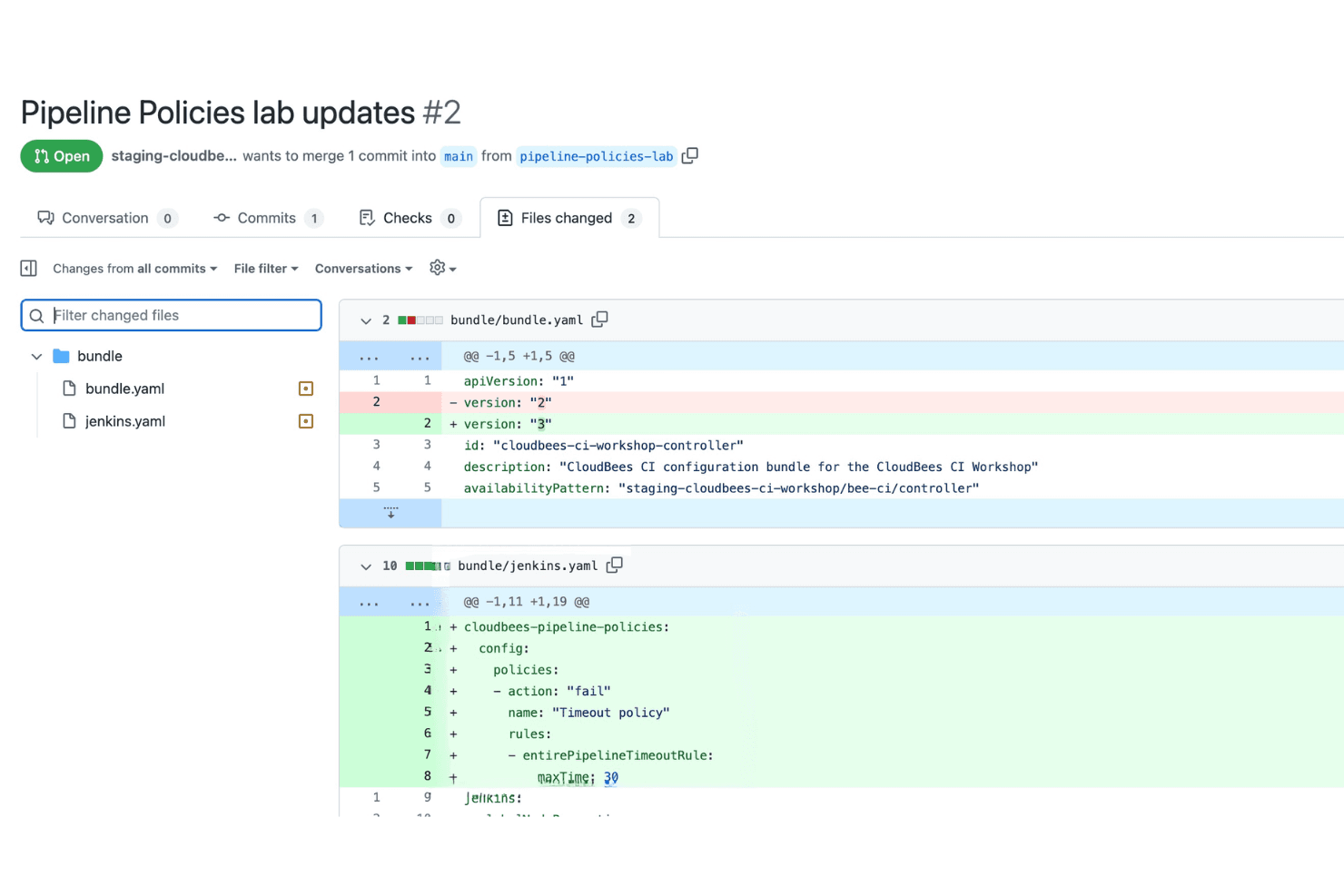
CloudBees offers a feature-rich platform, but its interface and setup process can feel overwhelming for new users or smaller teams. Many users report that configuring pipelines and governance policies requires a strong understanding of CI/CD concepts. However, the platform’s extensive documentation and responsive support help offset the complexity. Once configured, CloudBees provides powerful automation and visibility, making it well-suited for experienced teams managing large-scale or regulated delivery environments.
Onboarding
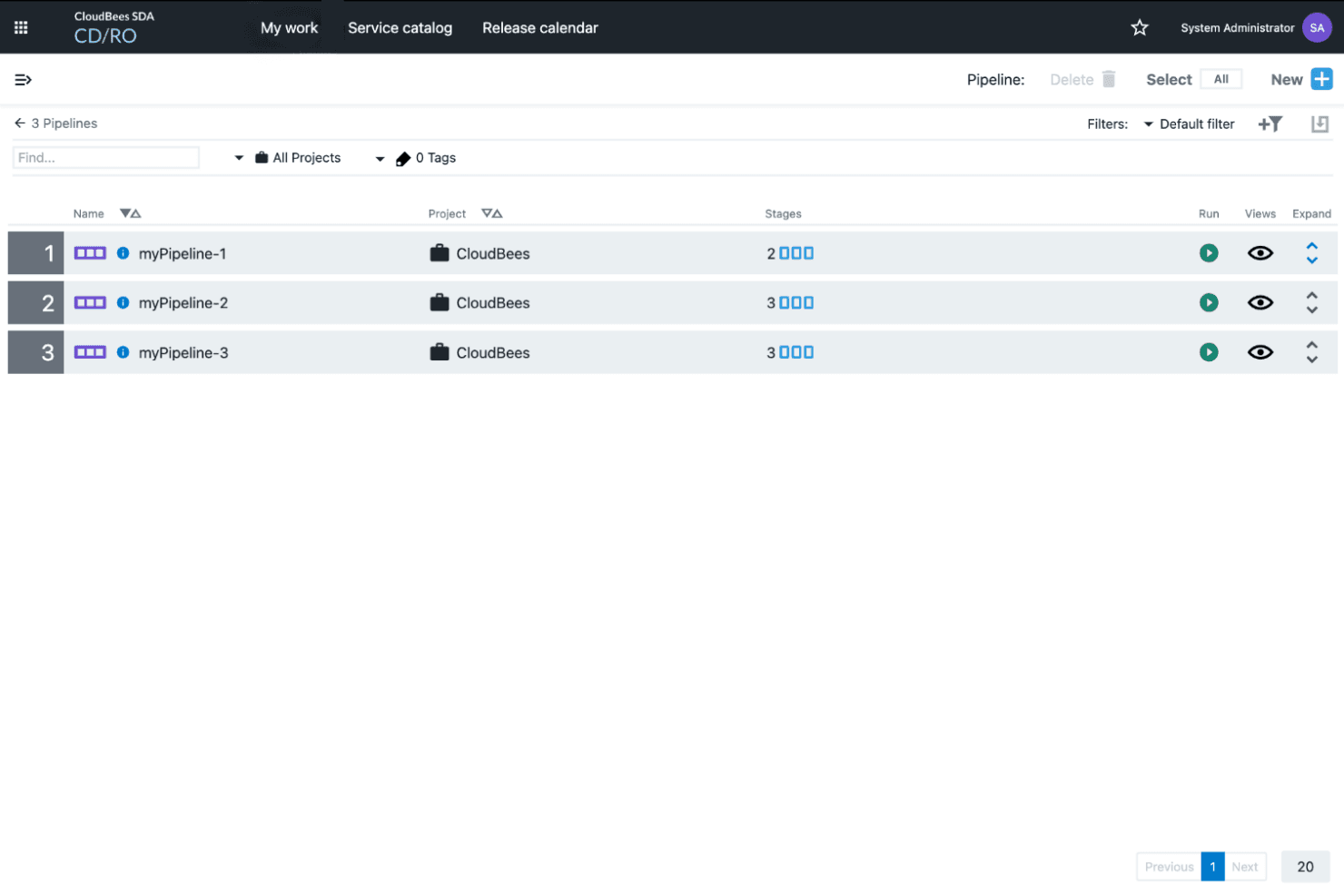
CloudBees’s onboarding process is thorough but can be time-consuming, especially for teams new to enterprise CI/CD. Users often mention the need for initial training to navigate setup and policy configuration. However, CloudBees provides detailed documentation, guided tutorials, and responsive technical support, which help teams overcome early hurdles. The platform’s onboarding resources are robust, but reaching full value typically requires a dedicated effort and some prior CI/CD experience.
Customer Support
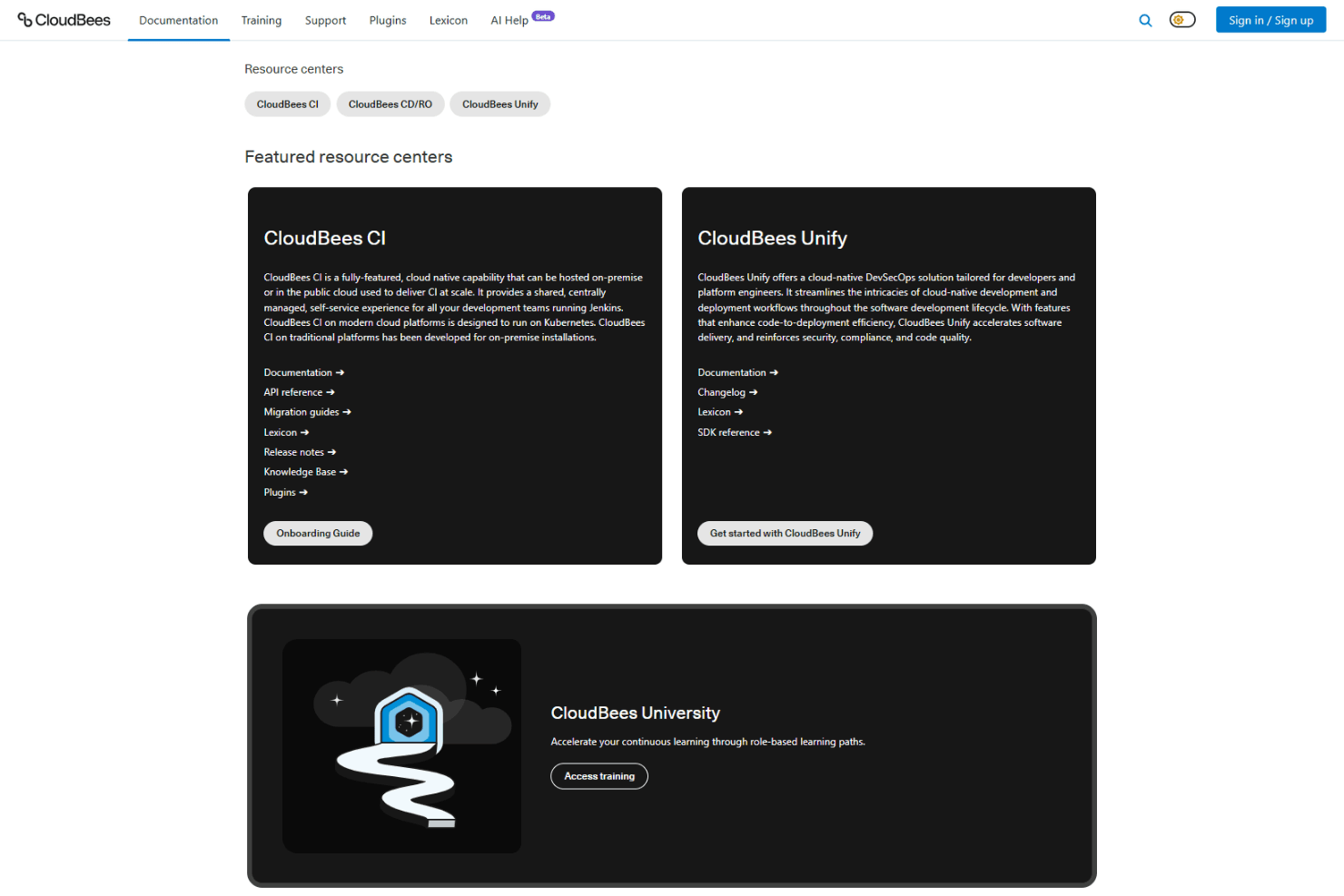
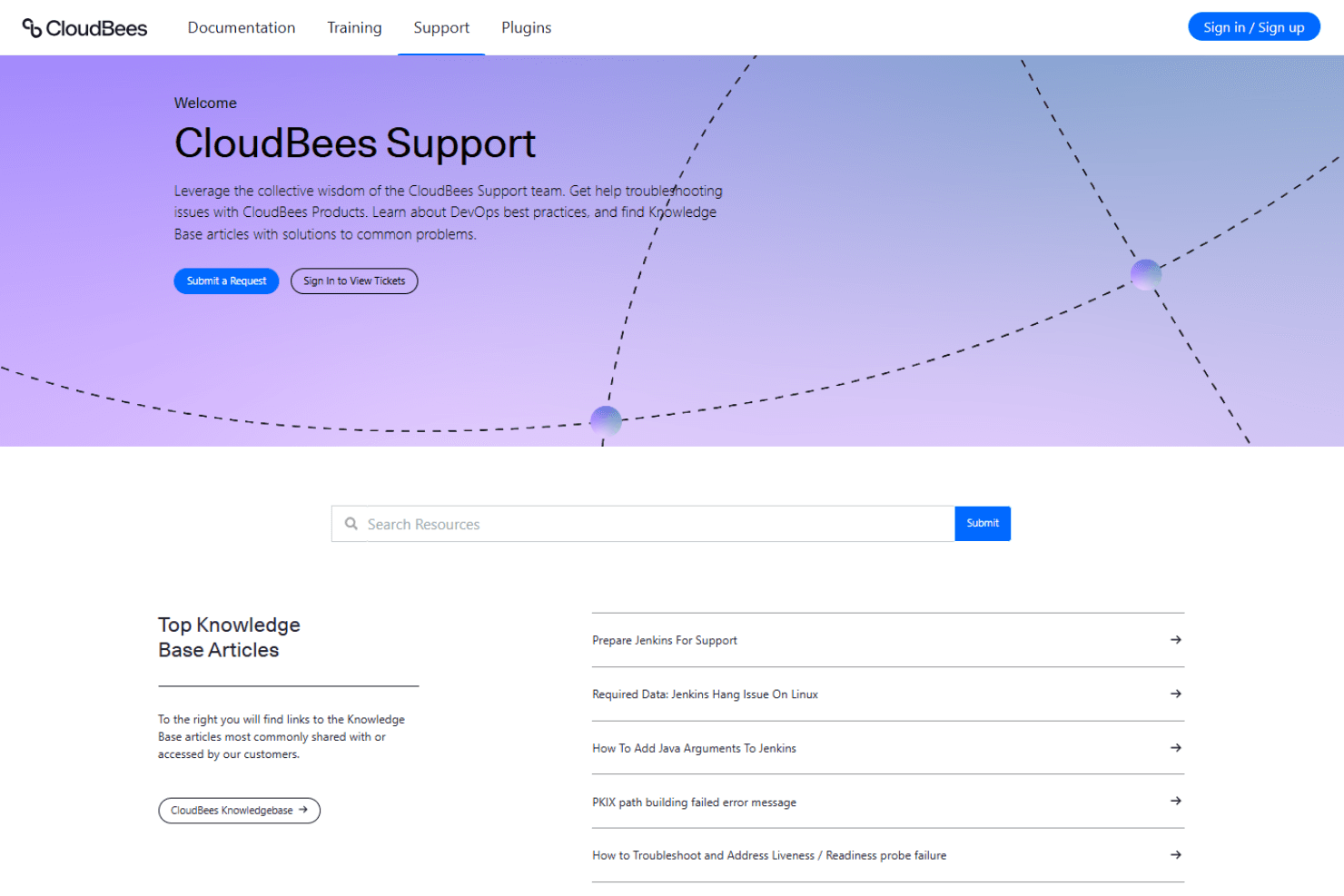
CloudBees is recognized for its responsive and knowledgeable customer support, with users frequently praising the expertise of support engineers. Multiple support channels—including ticketing, live chat, and a comprehensive knowledge base—help resolve issues quickly. Many users note that complex technical questions are handled efficiently, and proactive communication during incidents is a strong point. This level of support is especially valuable for enterprise teams managing mission-critical delivery pipelines.
Integrations
CloudBees integrates with JFrog Artifactory, ServiceNow, CloudBees Feature Management, Docker, Kubernetes, GitHub, GitLab, Bitbucket, Jira, and Slack, among others.
CloudBees also offers a robust API and supports connections with third-party integration tools for custom workflows and automation.

Value for Money
CloudBees is often seen as a premium solution, with pricing that reflects its enterprise-grade features and scalability. Users note that the cost is justified for organizations needing advanced governance, compliance, and analytics, but may be high for smaller teams or simpler use cases. Flexible plans help larger businesses match features to their needs.
- Custom: Tailored solutions with dedicated support, custom integrations, and enterprise-grade SLAs for complex or regulated environments.
CloudBees Specs
- A/B Testing: No
- API: Yes
- Automated Testing: No
- Browser Compatibility Testing: No
- Bug Tracking: No
- Calendar Management: No
- CI/CD Integration: No
- Dashboard: Yes
- Data Export: No
- Data Import: No
- Data Visualization: Yes
- Developer Tools: Yes
- External Integrations: Yes
- History/Version Control: No
- Manual Testing: No
- Multi-User: Yes
- Notifications: Yes
- Performance Testing: No
- Regression Testing: No
- Scheduling: Yes
- Status Notifications: No
- Third-Party Plugins/Add-Ons: Yes
CloudBees FAQs
CloudBees Company Overview & History
CloudBees is a leading provider of enterprise software delivery solutions, founded in 2010 and headquartered in the San Francisco Bay Area. It is known for its deep roots in the Jenkins open-source community and its focus on automation, governance, and AI-driven DevSecOps for large organizations. The tool serves a global client base, including a significant portion of Fortune 100 and Global 2000 companies, particularly in financial services and technology. CloudBees is recognized for its open, intelligent, and secure approach to software delivery and has a workforce led by CEO Anuj Kapur.
CloudBees Major Milestones
- 2010: CloudBees was founded, bringing enterprise-grade automation to software delivery.
- 2016: Became the enterprise standard for Jenkins-based CI/CD, with over 10 million developers using Jenkins globally.
- 2024: Rebranded to reflect a new strategic vision for clarity, context, and control in DevOps.
- 2025: Launched CloudBees Unify, an intelligent operating layer for enterprise DevOps across any toolchain.
- 2026: Recognized for leading the agentic era of software delivery, focusing on AI-driven innovation and governance.