



Zendesk vs. Zoho Desk: Comparison and Expert Reviews for 2026


Choosing between Zendesk and Zoho Desk often comes down to whether you want Zendesk’s polished, enterprise-ready experience or Zoho Desk’s flexible, budget-friendly approach to IT helpdesk software. If you’re weighing these two, you’re likely searching for a solution that can handle complex ticketing, streamline support, and keep your team productive, without creating new headaches.
This guide breaks down the real-world differences, strengths, and tradeoffs so you can confidently pick the right fit for your IT environment.
Zendesk vs. Zoho Desk: An Overview
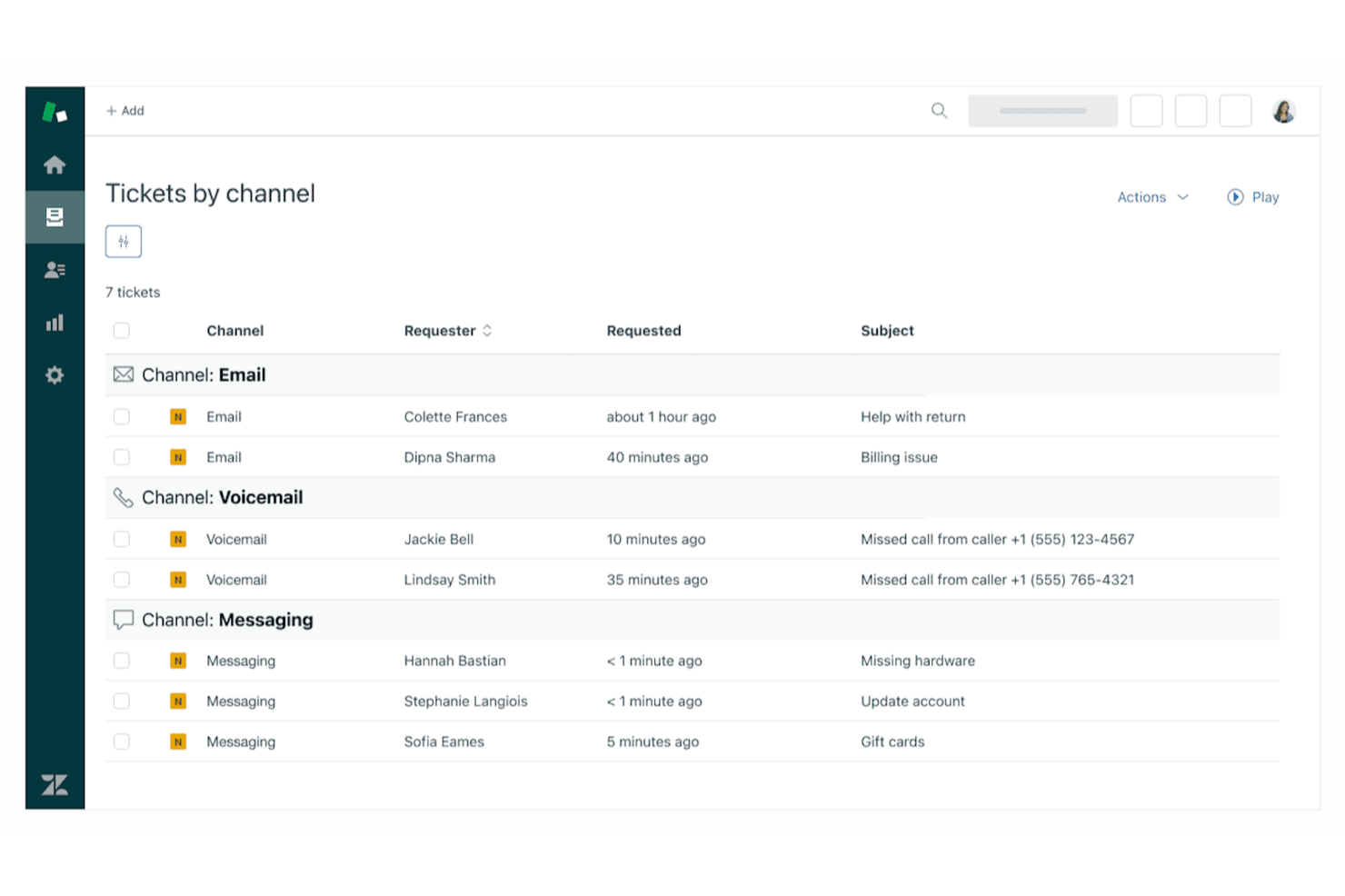
Zendesk

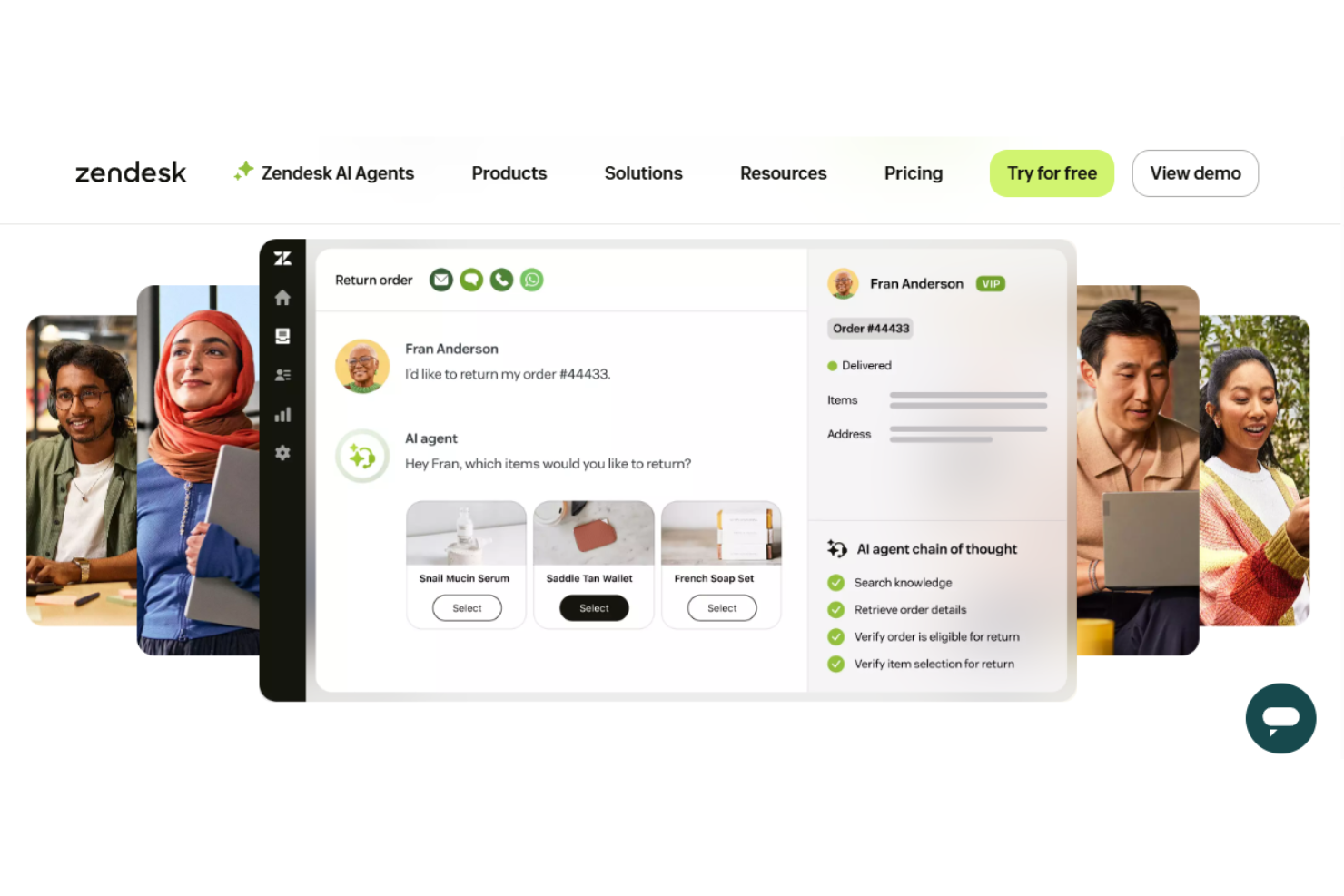
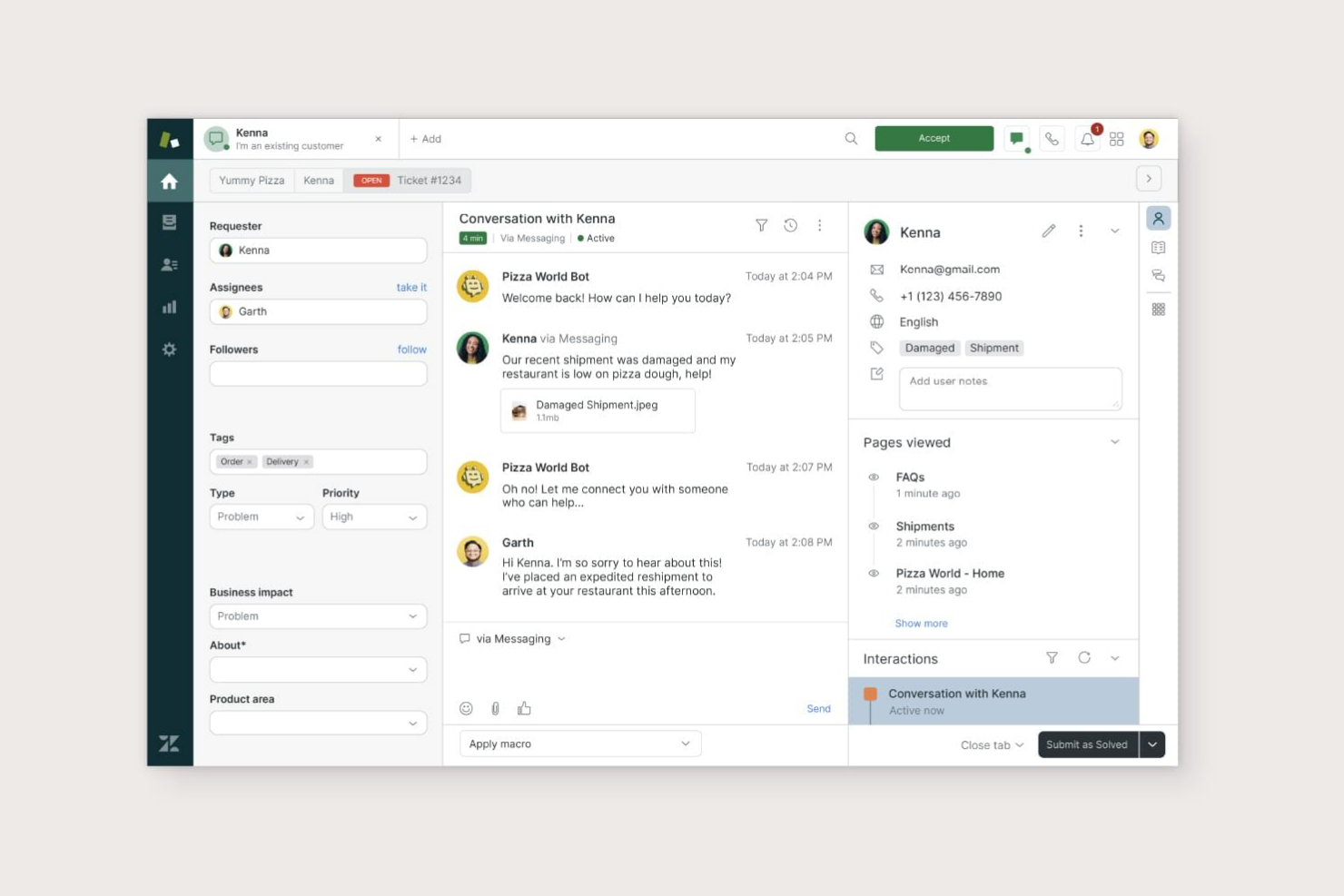
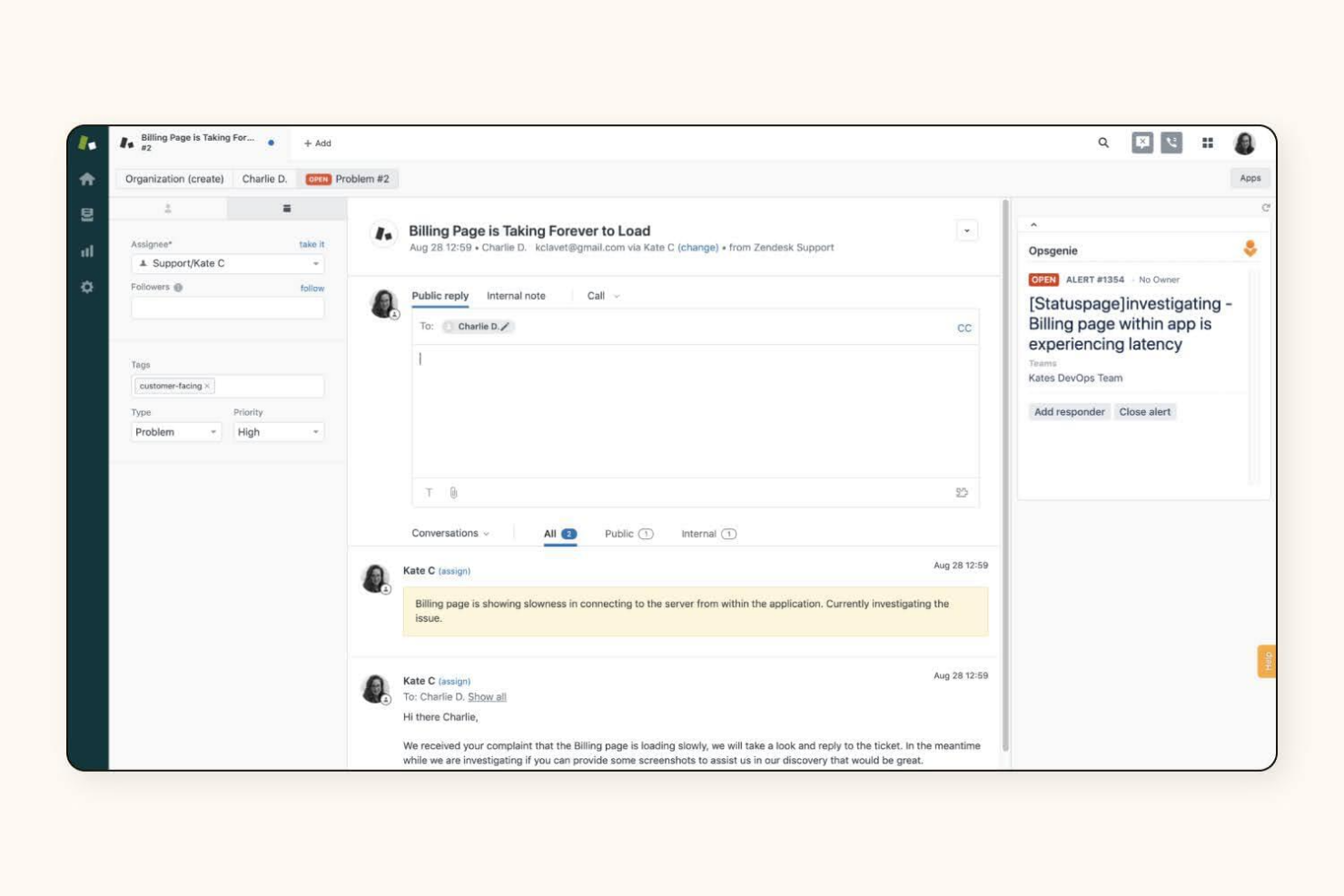
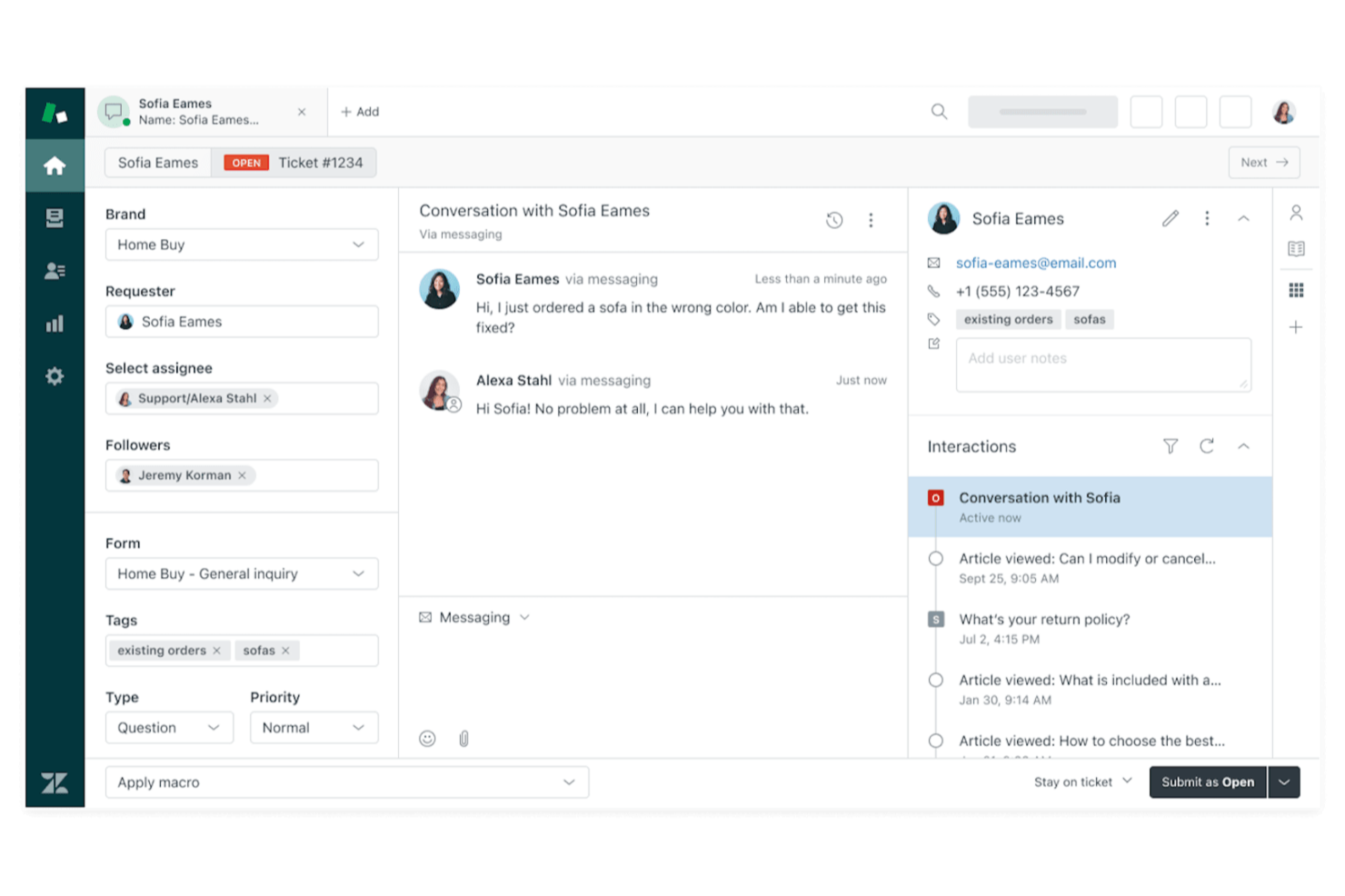
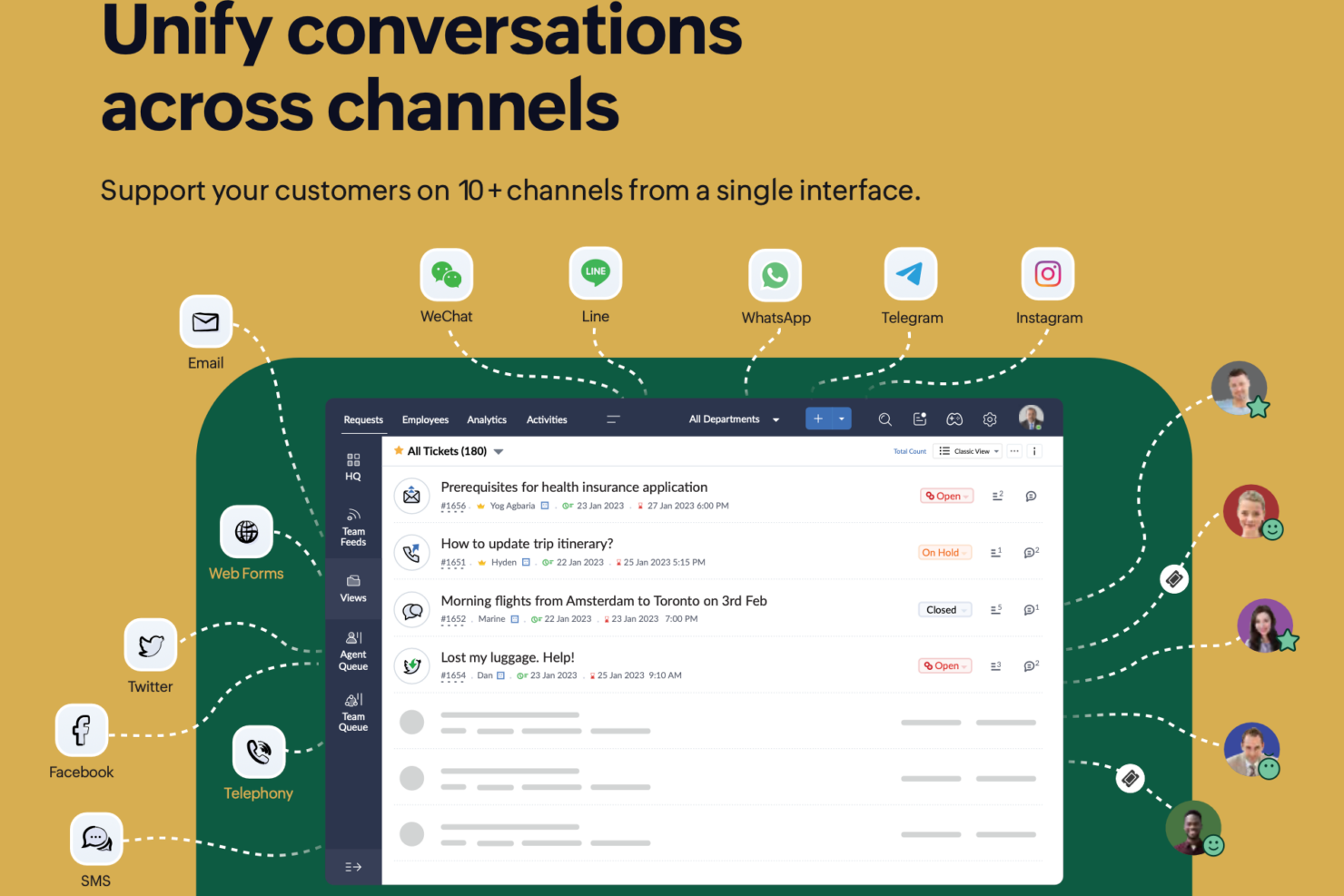
Zoho Desk



Why Trust Our Software Reviews
We’ve been testing and reviewing software since 2023. As tech leaders ourselves, we know how critical and difficult it is to make the right decision when selecting software.
We invest in deep research to help our audience make better software purchasing decisions. We’ve tested more than 2,000 tools for different tech use cases and written over 1,000 comprehensive software reviews. Learn how we stay transparent & our software review methodology.
Zendesk vs. Zoho Desk Pricing Comparison
| Zendesk | Zoho Desk | |
|---|---|---|
| Free Trial | Free trial + free demo available | 15-day free trial + free plan |
| Pricing | From $19/agent/month (billed annually) | From $7/user/month (billed annually) |
Zendesk vs. Zoho Desk Pricing & Hidden Costs
Zendesk uses a tiered subscription model, with each plan unlocking more advanced features and integrations. You may encounter extra charges for add-ons, premium support, or advanced analytics, so costs can climb as your needs grow. Zoho Desk also offers tiered plans, but tends to bundle more features at each level and includes some customization options at no extra charge. However, you might still face additional fees for certain integrations or expanded automation.
To choose the right pricing model, map out your must-have features and estimate how your support needs might evolve over the next year or two. Look beyond the base price, factor in potential add-ons, integration costs, and user limits. Ask each vendor for a detailed quote based on your real usage scenarios, and request clarity on what’s included versus what’s extra.
Zendesk vs. Zoho Desk Feature Comparison
Both Zendesk and Zoho Desk overlap heavily in core help desk functionality, offering multi-channel ticketing, automation, knowledge bases, and reporting in a single platform. They’re designed to centralize customer conversations across email, chat, and social channels while helping teams track performance and resolve issues efficiently.
In practice, most teams can run a full support operation on either tool, since both include workflows, SLAs, analytics dashboards, and self-service capabilities out of the box. Where they stand out is in how those features are executed.
Zendesk differentiates itself with a deeply unified omnichannel workspace and advanced automation (like skill-based routing and macros) built for complex, high-volume environments.
Zoho Desk, on the other hand, stands out with its built-in AI assistant (Zia) and strong no-code customization, giving smaller teams powerful automation and insights without needing add-ons or technical expertise.
| Zendesk | Zoho Desk | |
|---|---|---|
| API | ||
| Analytics | ||
| Batch Permissions & Access | ||
| CRM Integration | ||
| Call Integration | ||
| Chat | ||
| Contact Management | ||
| Contact Sharing | ||
| Customer Management | ||
| Customer Service | ||
| Dashboard | ||
| Data Export | ||
| Data Import | ||
| Data Visualization | ||
| Email Integration | ||
| Escalation Management | ||
| External Integrations | ||
| Instant Chat Integration | ||
| Knowledge Base | ||
| Lead Management | ||
| Lead Scoring | ||
| Multi-User | ||
| Notifications | ||
| Real-time Alerts | ||
| Scheduling | ||
| Self-service Portal | ||
| Social Media Integration | ||
| Support Forum | ||
| Third-Party Plugins/Add-Ons | ||
| Ticket Management | ||
| Workflow Management |
Zendesk vs. Zoho Desk Integrations
| Integration | Zendesk | Zoho Desk |
| Slack | ✅ | ✅ |
| Microsoft Teams | ✅ | ✅ |
| Salesforce | ✅ | ✅ |
| Jira | ✅ | ✅ |
| Shopify | ✅ | ❌ |
| HubSpot | ✅ | ✅ |
| Trello | ✅ | ❌ |
| Zoho CRM | ❌ | ✅ |
| Google Workspace | ✅ | ✅ |
| API | ✅ | ✅ |
| Zapier | ✅ | ✅ |
Both Zendesk and Zoho Desk cover the most popular integrations IT teams rely on, but Zendesk offers a slightly broader range, especially for eCommerce and project management tools. Zoho Desk, on the other hand, is especially powerful for deeply integrating with tools within the Zoho system. With API and Zapier support in both platforms, you can connect to almost any system, so either solution should fit most integration needs.
Zendesk vs. Zoho Desk Security, Compliance & Reliability
| Factor | Zendesk | Zoho Desk |
| Data Encryption | Encrypts data in transit and at rest using industry-standard protocols. | Uses TLS/SSL for data in transit and AES-256 for data at rest. |
| Regulatory Compliance | Offers GDPR, SOC 2, and HIPAA compliance options for enterprise clients. | Provides GDPR compliance and supports other global privacy standards. |
| Access Controls | Supports SSO, role-based permissions, and detailed audit logs. | Includes SSO, custom roles, and granular permission settings. |
| Uptime Guarantee | Delivers a published 99.9% uptime SLA with real-time status monitoring. | Maintains high uptime with a public status page and proactive alerts. |
Both Zendesk and Zoho Desk deliver strong security and compliance, but Zendesk stands out with more advanced certifications and a published uptime SLA. Zendesk’s enterprise-grade compliance and monitoring appeal to larger organizations, while Zoho Desk’s privacy controls and reliability are a great fit for teams focused on data protection and operational continuity.
Zendesk vs. Zoho Desk Ease of Use
| Factor | Zendesk | Zoho Desk |
| User Interface | Features a polished, modern interface with intuitive navigation and clear ticket views. | Offers a clean, customizable dashboard that adapts to different workflows. |
| Onboarding | Provides guided setup, in-app tutorials, and a robust knowledge base for new users. | Includes step-by-step onboarding, contextual help, and video guides. |
| Customization | Allows limited UI customization but strong workflow customization and automation. | Enables deep customization of layouts, fields, and automation rules. |
| Support Resources | Offers 24/7 support, community forums, and extensive documentation. | Delivers responsive support, detailed help docs, and active user forums. |
Zendesk feels more polished and ready out of the box, while Zoho Desk gives you more flexibility to tailor the experience to your team’s needs. Zendesk’s interface and onboarding are especially strong for new users, but Zoho Desk’s customization options make it a favorite for teams with unique workflows.
Zendesk vs Zoho Desk: Pros & Cons
Zendesk
- Zendesk provides excellent support, ensuring your issues are addressed promptly.
- It offers powerful reporting tools to help you track and improve performance.
- Your team can easily manage customer interactions with its intuitive interface.
- Some users report occasional delays in loading times.
- Customization options can feel limited for advanced users.
- You might find the initial setup process a bit complex.
Zoho Desk
- AI-driven insights help your team prioritize tickets effectively.
- Customizable widget dashboards let you tailor views to your team's needs.
- Automation features reduce manual work and save time.
- The user interface can be confusing for new users.
- Customer support response times may be slower than expected.
- Advanced reporting options are limited at lower subscription tiers.
Best Use Cases for Zendesk and Zoho Desk
Zendesk
- Large Enterprises Zendesk scales well for companies with high customer support volumes and complex workflows.
- E-commerce The platform integrates with online stores and provides tools for managing high volumes of customer inquiries.
- SaaS Companies Zendesk's features align well with subscription-based businesses needing to manage ongoing customer relationships.
- IT Departments The software offers IT service management capabilities suitable for handling internal tech support requests.
- Multichannel Support Zendesk excels in unifying customer interactions across various channels like email, chat, and social media.
- Global Teams The platform supports multiple languages and time zones, making it suitable for international customer service operations.
Zoho Desk
- Ecommerce Teams Zoho Desk's automation features help your team handle customer inquiries swiftly and efficiently.
- Tech Startups The customizable dashboards allow your team to tailor views and streamline support processes.
- Customer Support Departments AI-driven insights prioritize tickets, streamlining tasks so your team focuses on urgent issues first.
- Small Businesses Ease of use and onboarding makes Zoho Desk accessible for your growing team.
- IT Support Teams Automation reduces repetitive tasks, freeing your team to solve technical issues faster.
- Retail Companies Efficient ticket management helps your team address customer concerns promptly.
Who Should Use Zendesk, and Who Should Use Zoho Desk?
Zendesk is best suited for mid-sized to large organizations, enterprise teams, or fast-scaling companies that need highly advanced automation, deep integrations, and robust reporting.
It’s particularly strong for businesses managing complex support operations, multiple channels, or strict compliance requirements. If you prioritize a polished user experience and need a platform that can handle sophisticated workflows at scale, Zendesk is the better choice—though it comes with higher cost and setup complexity.
Zoho Desk is a strong fit for small to mid-sized businesses, budget-conscious teams, or companies already using the Zoho ecosystem. It offers solid functionality, flexible customization, and easier setup without requiring heavy technical resources. Choose Zoho Desk if you want a cost-effective, user-friendly help desk that covers all core support needs, with the ability to grow—though it may feel limiting for highly complex or enterprise-scale environments.
Differences Between Zendesk and Zoho Desk
| Zendesk | Zoho Desk | |
|---|---|---|
| Automation | Advanced, highly granular automation (triggers, macros, AI routing, SLAs) suited for complex workflows. | Flexible automation with custom rules and blueprints. |
| Customization | Limited UI customization but highly customizable in other ways (APIs, workflows, help centers). Customization often requires technical expertise. | Easier, no-code customization (layouts, fields, workflows) with less technical effort. |
| Free Plan | No free plan. | Free plan available (limited to small teams). |
| Integration Range | Broader integrations with third-party apps and enterprise platforms. | Strong Zoho ecosystem integration and popular third-party apps. |
| Reporting & Analytics | Advanced analytics (Zendesk Explore) with deep customization. | Solid reporting but less flexible for enterprise-level analysis. |
| Read Zendesk ReviewOpens new window | Read Zoho Desk ReviewOpens new window |
Similarities Between Zendesk and Zoho Desk
| API & Zapier | Both offer open APIs and Zapier integration, making it easy to connect with other tools and automate tasks. |
|---|---|
| Knowledge Base | Each provides a built-in knowledge base for self-service, with customizable articles and search features. |
| Mobile Apps | Both offer mobile apps for iOS and Android so agents can manage tickets on the go. |
| SLA Management | Each supports SLA policies, escalation rules, and automated reminders to help teams meet response targets. |
| Ticket Management | Both offer multi-channel ticketing, automated ticket assignment, and easy tracking for efficient support. |
| Read Zendesk ReviewOpens new window Read Zoho Desk ReviewOpens new window | |