

Rackspace Review 2026: Pros, Cons, Features, and Pricing


Rackspace is a cloud service provider offering managed hosting, private cloud, and multi-cloud solutions for businesses with complex infrastructure needs. For IT specialists who need reliable uptime, expert support, and help managing hybrid or multi-cloud environments, it delivers hands-on service and deep technical guidance.
In this Rackspace review, I’ll break down features, use cases, pros and cons, and pricing—so you can decide if this provider fits your team’s requirements for scalability, security, and operational efficiency.
Rackspace Evaluation Summary
- Pricing upon request
- Free consultation available
Why Trust Our Software Reviews
We’ve been testing and reviewing software since 2023. As tech leaders ourselves, we know how critical and difficult it is to make the right decision when selecting software.
We invest in deep research to help our audience make better software purchasing decisions. We’ve tested more than 2,000 tools for different tech use cases and written over 1,000 comprehensive software reviews. Learn how we stay transparent & our software review methodology.
Rackspace Overview
When judging Rackspace as a cloud service provider, I think its managed support and hybrid cloud expertise set it apart, especially for teams that want hands-on help with complex migrations or ongoing operations. The interface isn’t as modern as some, and pricing can be higher for managed services, but the tradeoff is responsive support and deep technical guidance.
If you’re selecting a provider for regulated industries, legacy workloads, or multi-cloud setups, Rackspace is a strong choice. I’d suggest it’s best for organizations that value expert guidance over self-service tools.
pros
-
Managed support for complex and hybrid cloud environments
-
High uptime guarantees for mission-critical workloads
-
Deep expertise in regulated and compliance-heavy industries
cons
-
Pricing is higher than many competitors
-
Support response times can be inconsistent
-
Interface and dashboard feel outdated compared to others
-

Freshservice
Visit WebsiteThis is an aggregated rating for this tool including ratings from Crozdesk users and ratings from other sites.4.6 -
Deel IT
Visit WebsiteThis is an aggregated rating for this tool including ratings from Crozdesk users and ratings from other sites.4.9 -
Rippling IT
Visit WebsiteThis is an aggregated rating for this tool including ratings from Crozdesk users and ratings from other sites.4.8




Our Review Methodology
How We Test & Score Tools
We’ve spent years building, refining, and improving our software testing and scoring system. The rubric is designed to capture the nuances of software selection and what makes a tool effective, focusing on critical aspects of the decision-making process.
Below, you can see exactly how our testing and scoring works across seven criteria. It allows us to provide an unbiased evaluation of the software based on core functionality, standout features, ease of use, onboarding, customer support, integrations, customer reviews, and value for money.
Core Functionality (25% of final scoring)
The starting point of our evaluation is always the core functionality of the tool. Does it have the basic features and functions that a user would expect to see? Are any of those core features locked to higher-tiered pricing plans? At its core, we expect a tool to stand up against the baseline capabilities of its competitors.
Standout Features (25% of final scoring)
Next, we evaluate uncommon standout features that go above and beyond the core functionality typically found in tools of its kind. A high score reflects specialized or unique features that make the product faster, more efficient, or offer additional value to the user.
We also evaluate how easy it is to integrate with other tools typically found in the tech stack to expand the functionality and utility of the software. Tools offering plentiful native integrations, 3rd party connections, and API access to build custom integrations score best.
Ease of Use (10% of final scoring)
We consider how quick and easy it is to execute the tasks defined in the core functionality using the tool. High scoring software is well designed, intuitive to use, offers mobile apps, provides templates, and makes relatively complex tasks seem simple.
Onboarding (10% of final scoring)
We know how important rapid team adoption is for a new platform, so we evaluate how easy it is to learn and use a tool with minimal training. We evaluate how quickly a team member can get set up and start using the tool with no experience. High scoring solutions indicate little or no support is required.
Customer Support (10% of final scoring)
We review how quick and easy it is to get unstuck and find help by phone, live chat, or knowledge base. Tools and companies that provide real-time support score best, while chatbots score worst.
Customer Reviews (10% of final scoring)
Beyond our own testing and evaluation, we consider the net promoter score from current and past customers. We review their likelihood, given the option, to choose the tool again for the core functionality. A high scoring software reflects a high net promoter score from current or past customers.
Value for Money (10% of final scoring)
Lastly, in consideration of all the other criteria, we review the average price of entry level plans against the core features and consider the value of the other evaluation criteria. Software that delivers more, for less, will score higher.
Core Features
Managed Cloud Services
Rackspace provides hands-on management for public, private, and hybrid cloud environments. Users get 24/7 support and proactive monitoring from certified engineers.
Security and Compliance
The platform offers managed security, threat detection, and compliance support for standards like HIPAA, PCI DSS, and GDPR. This is ideal for industries with strict regulatory requirements.
Cloud Migration Services
Rackspace handles planning, execution, and post-migration support for moving workloads to the cloud. Teams benefit from expert guidance and minimal downtime.
Disaster Recovery
Automated backup and disaster recovery solutions protect data and ensure business continuity. Users can restore systems quickly after outages or cyber incidents.
Multi-Cloud Management
Rackspace centralizes management across AWS, Microsoft Azure, Google Cloud Platform, and private clouds. This helps teams control costs and optimize workloads in one place.
Dedicated Hosting
The platform offers single-tenant servers for high-performance and security-sensitive applications. Users get predictable performance and isolation from other customers.
Ease of Use
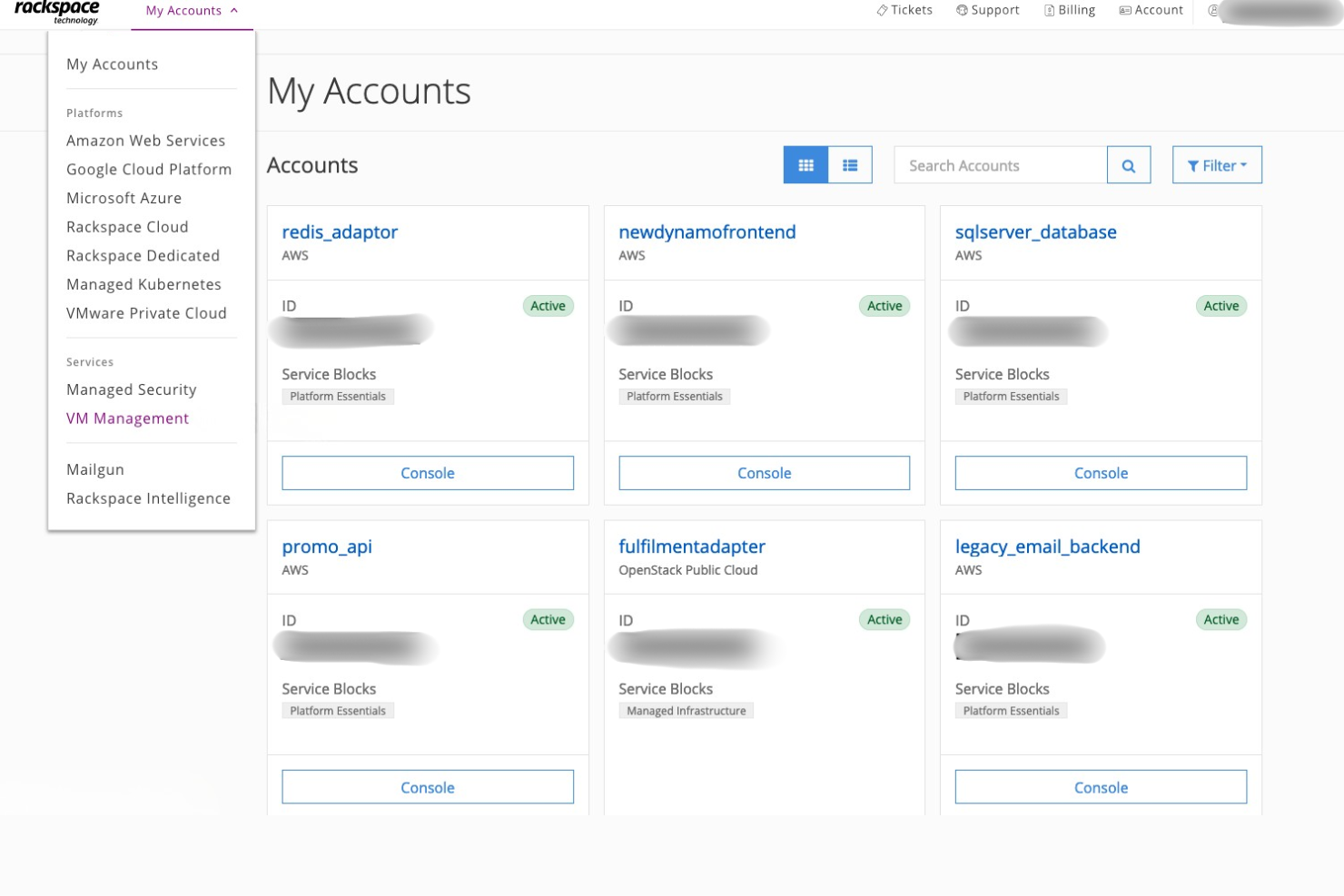
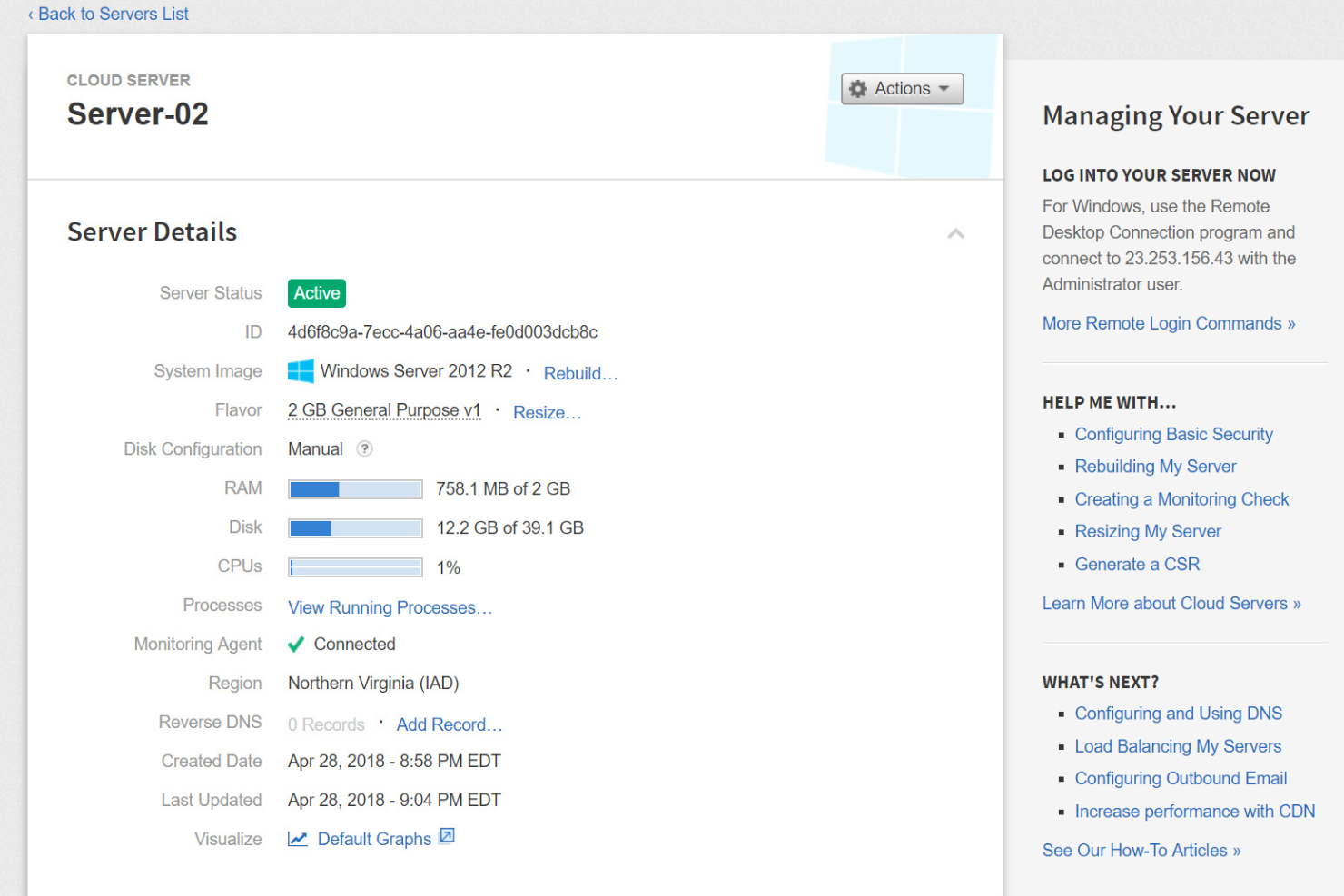
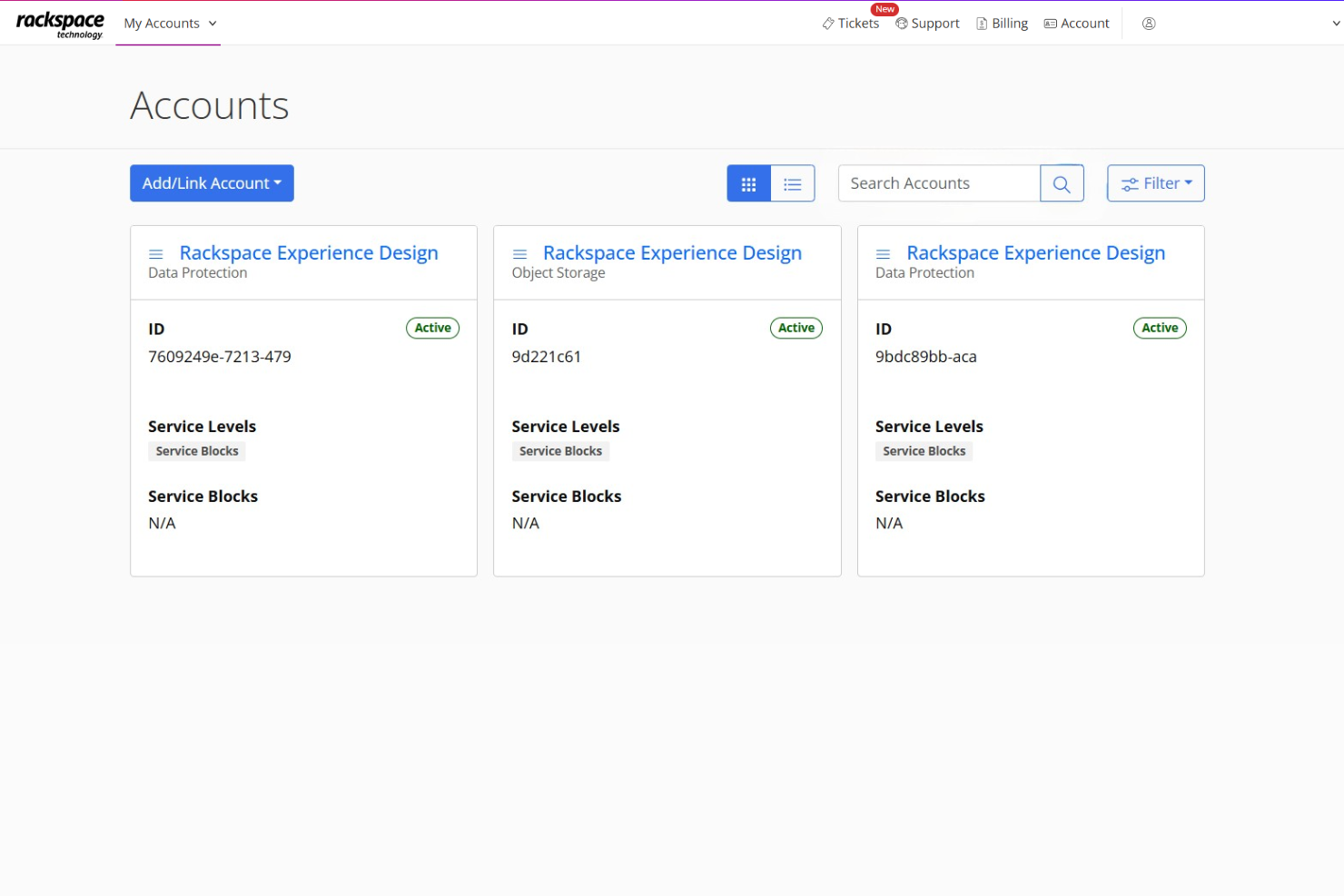
Rackspace’s interface feels dated and less intuitive than many modern cloud platforms, which can slow down onboarding for new users. However, the managed service model means you rarely need to navigate the dashboard for day-to-day operations—most tasks are handled by Rackspace engineers.
Users who value hands-on support over self-service tools will find the experience straightforward, but those who prefer direct control may find the platform less user-friendly.
Integrations
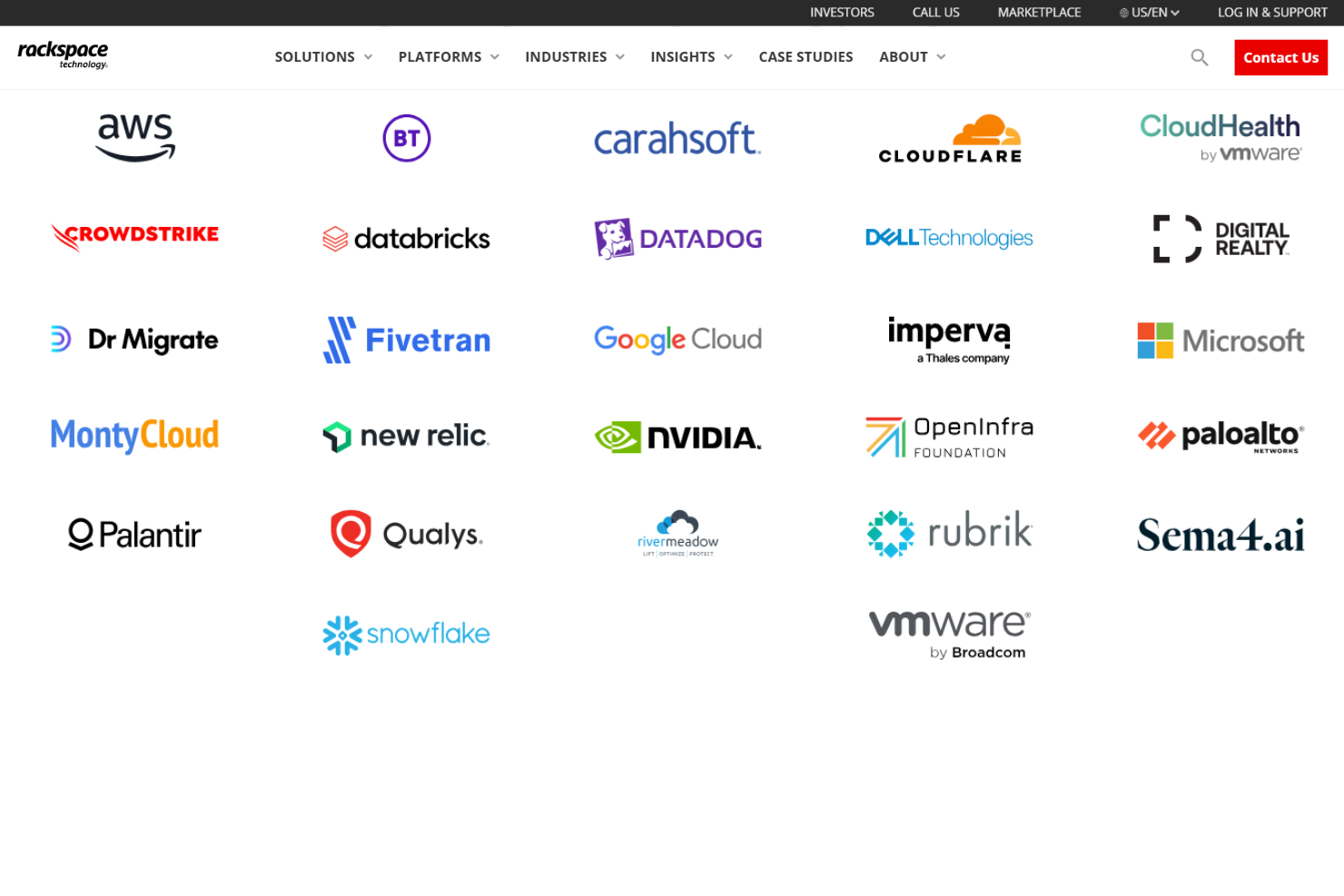
Rackspace integrates with Amazon Web Services, Microsoft Azure, Google Cloud Platform, VMware, Oracle Cloud Infrastructure, OpenStack, Kubernetes, RackConnect Global, Rackspace Government Cloud, and managed hosting, among others.
Rackspace also offers APIs and supports connections with third-party integration tools for custom workflows and automation.
Rackspace Specs
- API
- Bulk Domain Management
- Calendar Management
- Dashboard
- External Integrations
- Multi-User
- Notifications
- Scheduling


