


QMetry Review 2026: Pros, Cons, Features, and Pricing


QMetry is a software testing tool built around test case management, execution tracking, and QA reporting for agile and DevOps teams. I'd consider it if your team runs testing inside Jira—QMetry's native Atlassian integration gives you tighter workflow alignment than something like TestRail, which requires more setup to reach the same level of Jira connectivity.
QMetry Evaluation Summary
- Pricing upon request
- 15-day free trial
Why Trust Our Software Recommendations
Our team has been testing and reviewing software since 2012. As tech leaders ourselves, we know how difficult—and important—it is to choose the right software.
For this guide, we evaluated tools using hands-on testing and independent research, scoring tools using our selection criteria.
Our reviews reflect our human editorial judgment, not a sales pitch.
Expert reviewers:
QMetry Overview
In my experience, QMetry offers a strong mix of automation, traceability, and integration options that make it a top pick for teams working in agile or DevOps environments. Its interface is more technical than some, but the depth of features—like reusable test assets and detailed reporting—justifies the learning curve. Pricing is competitive for mid-sized and enterprise teams, though smaller teams might find it more than they need.
If you’re judging test management tools by integration breadth and automation support, QMetry stands out, especially for organizations prioritizing scalability and structured workflows.
pros
-
AI-powered test case authoring speeds up test creation.
-
Built-in requirement and issue management for traceability.
-
Detailed reporting and analytics with customizable dashboards.
cons
-
Interface can feel cluttered for new users.
-
Migration from legacy tools may require support assistance.
-
Some users report slow performance with large test suites.
Is QMetry Right For Your Needs?
Who Would be a Good Fit for QMetry?
QMetry is best suited for organizations that need advanced automation, traceability, and integration with DevOps pipelines. Teams in regulated industries, large-scale enterprises, and those managing complex test cycles will get the most value from its detailed reporting, reusable test assets, and requirement management features.
If your team needs to coordinate across multiple projects or maintain strict compliance, QMetry’s structured workflows and audit trails are a strong match.
-
Enterprise QA Teams
QMetry supports large-scale test management and complex workflows.
-
Healthcare IT
Audit trails and compliance features help meet regulatory requirements.
-
Financial Services
Detailed reporting and traceability support strict documentation needs.
-
Agile Software Teams
Automation and integration features fit continuous delivery pipelines.
-
Government Agencies
Role-based access and requirement management aid in oversight.
-
Telecom Companies
Handles high-volume, multi-project environments with reusable assets.
Who Would be a Bad Fit for QMetry?
QMetry may not be the best choice for small teams, startups, or those with simple testing needs. Its feature set and pricing are geared toward organizations with complex requirements, and the interface can be overwhelming for those who don’t need advanced capabilities.
If your team values simplicity or has limited resources for onboarding and support, you might find QMetry more than you need.
-
Small Startups
Feature set and pricing are excessive for basic testing needs.
-
Freelance Testers
Interface complexity outweighs benefits for solo practitioners.
-
Marketing Departments
Lacks focus on non-technical, campaign-based testing workflows.
-
Educational Institutions
May be too technical and costly for academic projects.
-
Nonprofit Organizations
Resource requirements and support needs may exceed available capacity.
-
Hardware QA Teams
Focus is on software testing, not hardware or embedded systems.
Our Review Methodology
How We Test & Score Tools
We’ve spent years building, refining, and improving our software testing and scoring system. The rubric is designed to capture the nuances of software selection and what makes a tool effective, focusing on critical aspects of the decision-making process.
Below, you can see exactly how our testing and scoring works across seven criteria. It allows us to provide an unbiased evaluation of the software based on core functionality, standout features, ease of use, onboarding, customer support, integrations, customer reviews, and value for money.
Core Functionality (25% of final scoring)
The starting point of our evaluation is always the core functionality of the tool. Does it have the basic features and functions that a user would expect to see? Are any of those core features locked to higher-tiered pricing plans? At its core, we expect a tool to stand up against the baseline capabilities of its competitors.
Standout Features (25% of final scoring)
Next, we evaluate uncommon standout features that go above and beyond the core functionality typically found in tools of its kind. A high score reflects specialized or unique features that make the product faster, more efficient, or offer additional value to the user.
We also evaluate how easy it is to integrate with other tools typically found in the tech stack to expand the functionality and utility of the software. Tools offering plentiful native integrations, 3rd party connections, and API access to build custom integrations score best.
Ease of Use (10% of final scoring)
We consider how quick and easy it is to execute the tasks defined in the core functionality using the tool. High scoring software is well designed, intuitive to use, offers mobile apps, provides templates, and makes relatively complex tasks seem simple.
Onboarding (10% of final scoring)
We know how important rapid team adoption is for a new platform, so we evaluate how easy it is to learn and use a tool with minimal training. We evaluate how quickly a team member can get set up and start using the tool with no experience. High scoring solutions indicate little or no support is required.
Customer Support (10% of final scoring)
We review how quick and easy it is to get unstuck and find help by phone, live chat, or knowledge base. Tools and companies that provide real-time support score best, while chatbots score worst.
Customer Reviews (10% of final scoring)
Beyond our own testing and evaluation, we consider the net promoter score from current and past customers. We review their likelihood, given the option, to choose the tool again for the core functionality. A high scoring software reflects a high net promoter score from current or past customers.
Value for Money (10% of final scoring)
Lastly, in consideration of all the other criteria, we review the average price of entry level plans against the core features and consider the value of the other evaluation criteria. Software that delivers more, for less, will score higher.
Core Features
AI-Powered Test Authoring
Generate test cases automatically from user stories using AI, speeding up test creation and reducing manual effort.
Reusable Test Assets
Store and reuse test cases, test steps, and data across multiple projects, helping teams maintain consistency and save time.
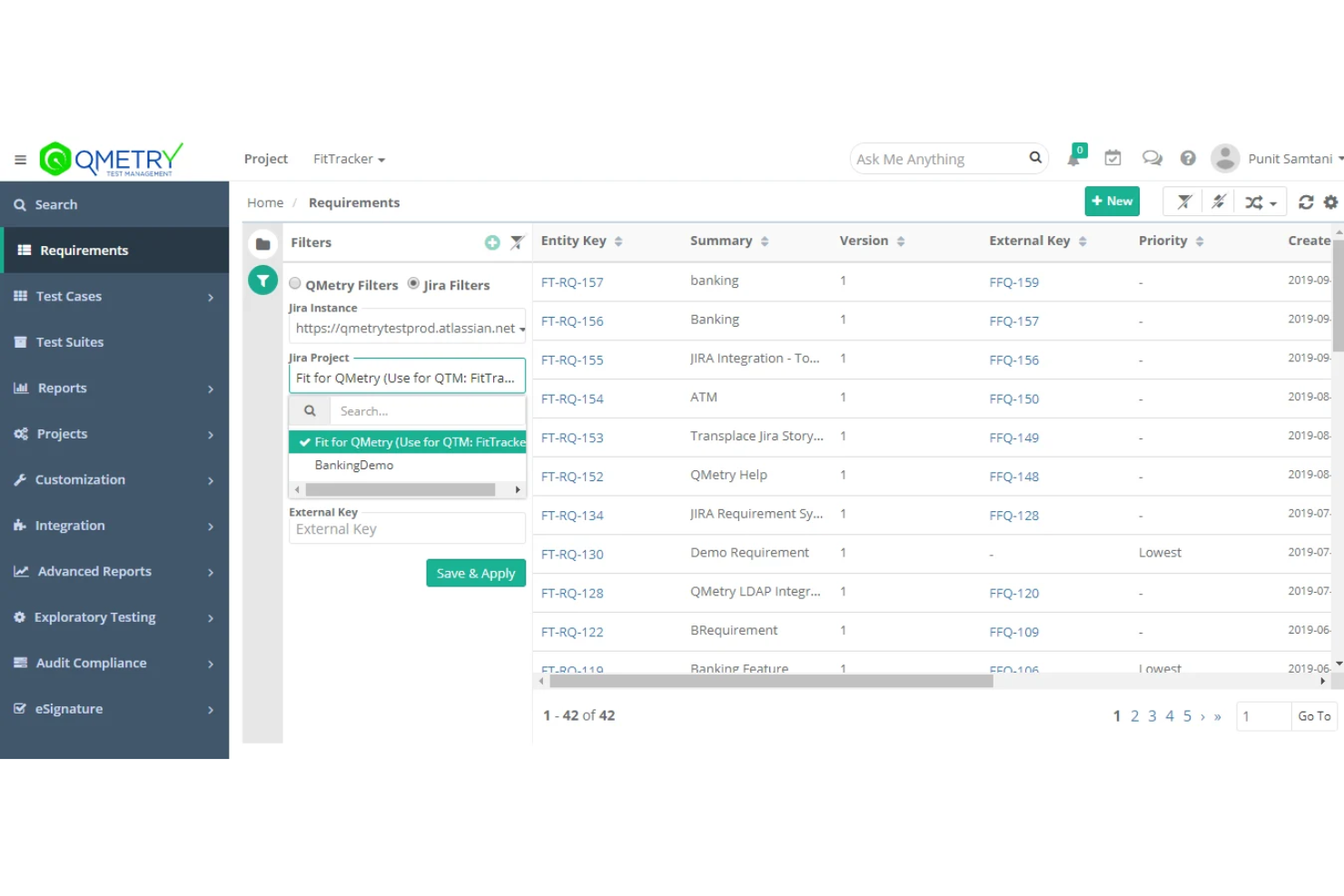
Requirement and Issue Management
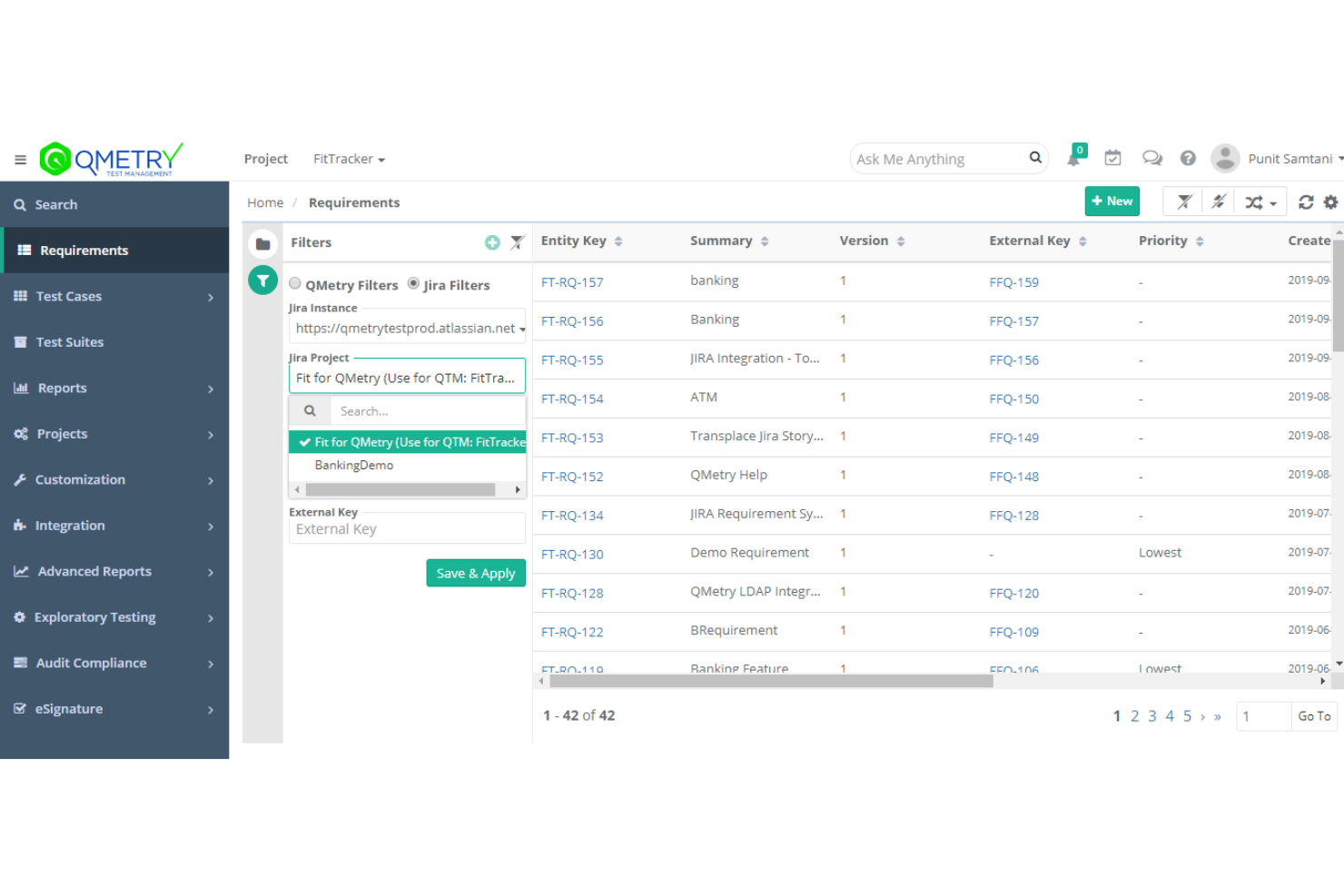
Link requirements and defects directly to test cases for full traceability, making it easier to track coverage and gaps.
Customizable Dashboards and Reports
Access over 140 built-in reports and create custom visualizations to monitor quality metrics and testing progress.
Audit Trails and Compliance
Maintain detailed logs of all changes and actions for regulatory compliance and easy auditing.
Migration Utilities
Move test assets from legacy tools like ALM or TestRail with guided migration utilities, reducing transition headaches.
Standout Features
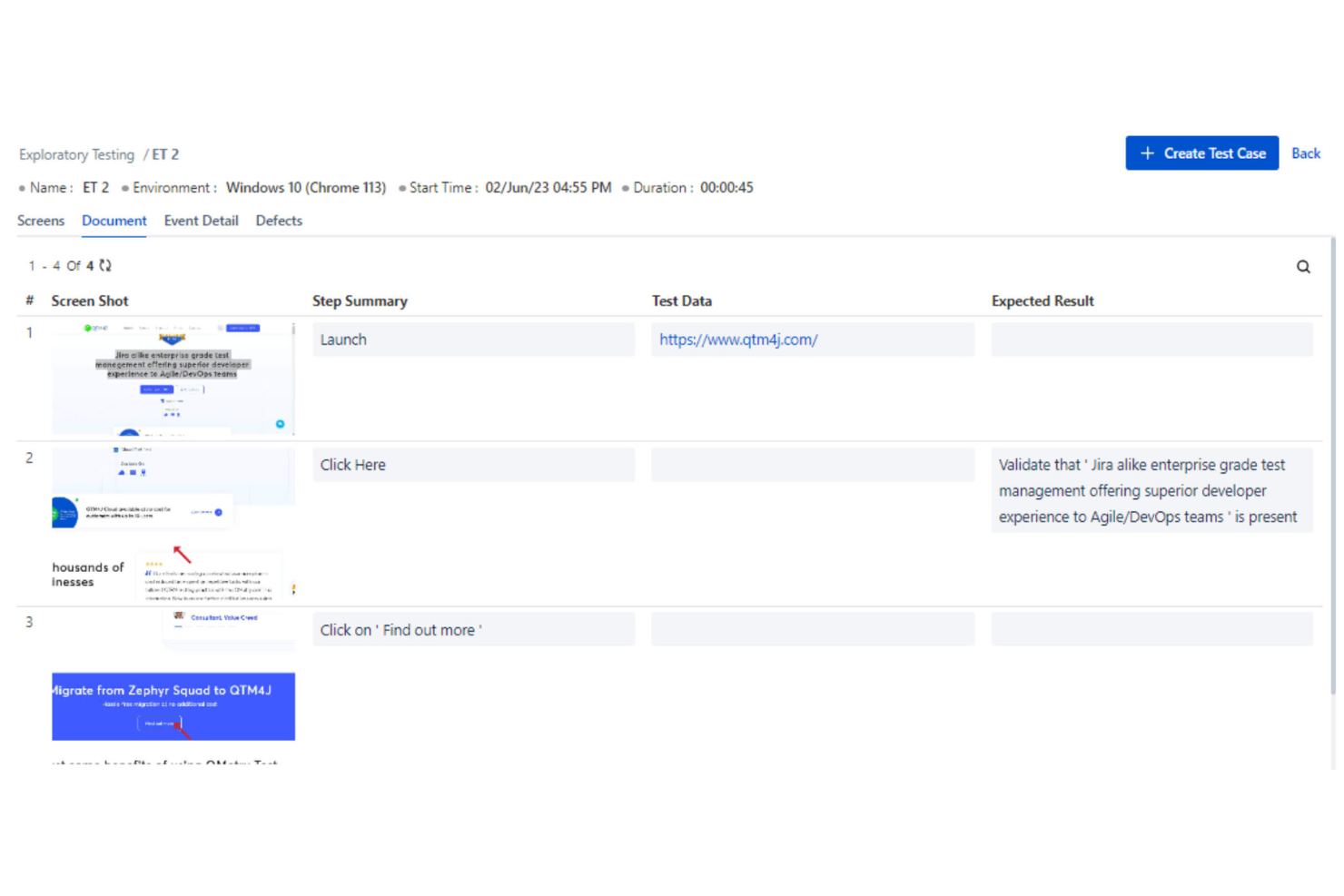
Exploratory Testing Module
QMetry offers a dedicated exploratory testing module that lets testers capture session notes, screenshots, and defects in real time. This helps teams document ad-hoc testing efforts and quickly turn findings into actionable test cases.
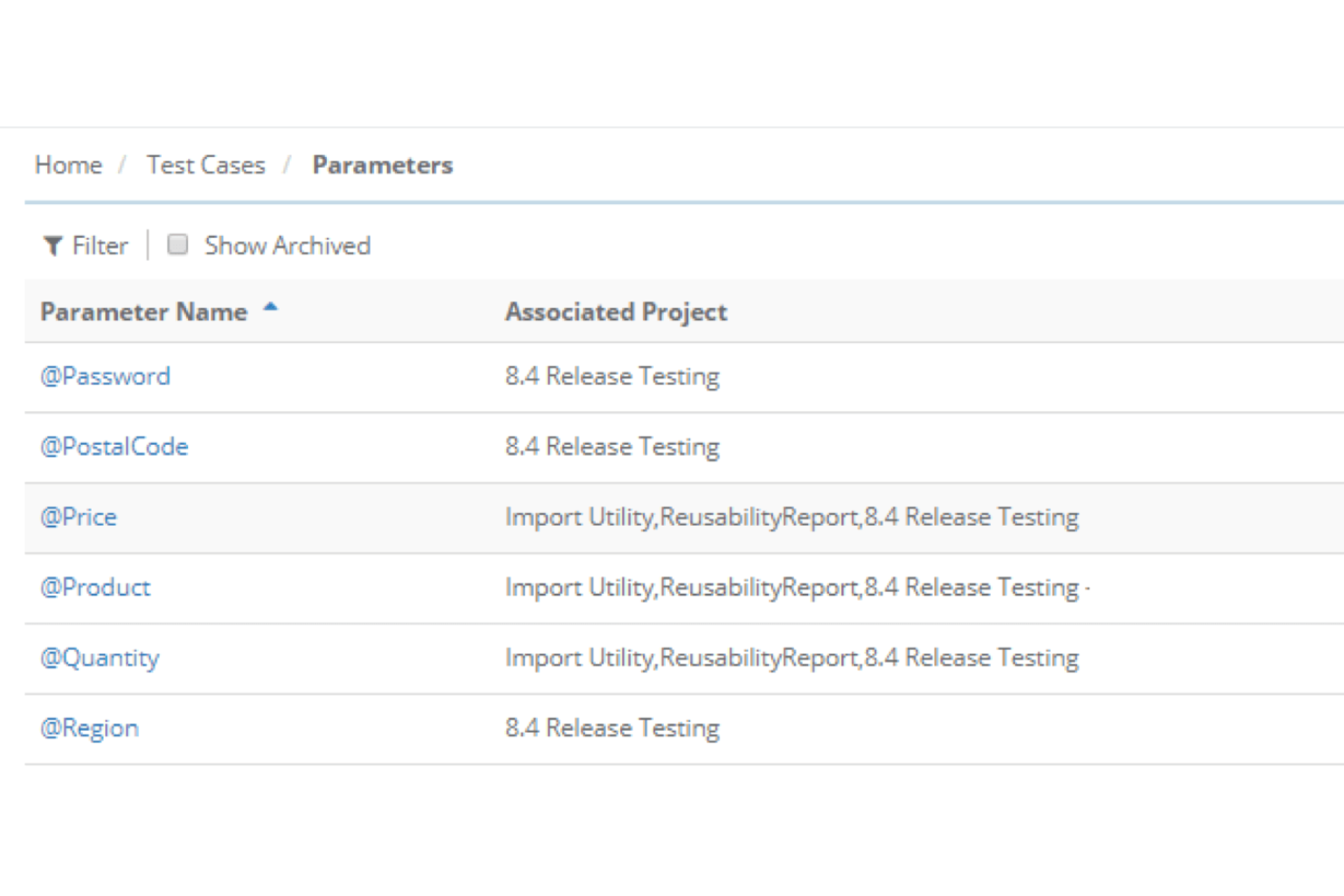
Parameterized Test Execution
With parameterized test execution, you can run the same test case with multiple data sets without duplicating work. This feature streamlines regression testing and supports complex scenarios where input variations matter.
Ease of Use
QMetry’s interface is feature-rich but can feel overwhelming, especially for new users or smaller teams. Many users mention that navigating dashboards and configuring workflows takes time to master, but the depth of customization and reporting options is a clear advantage for experienced QA professionals.
Once set up, the platform’s structured approach and detailed documentation help teams manage complex test cycles with confidence, though onboarding may require extra support.
Onboarding
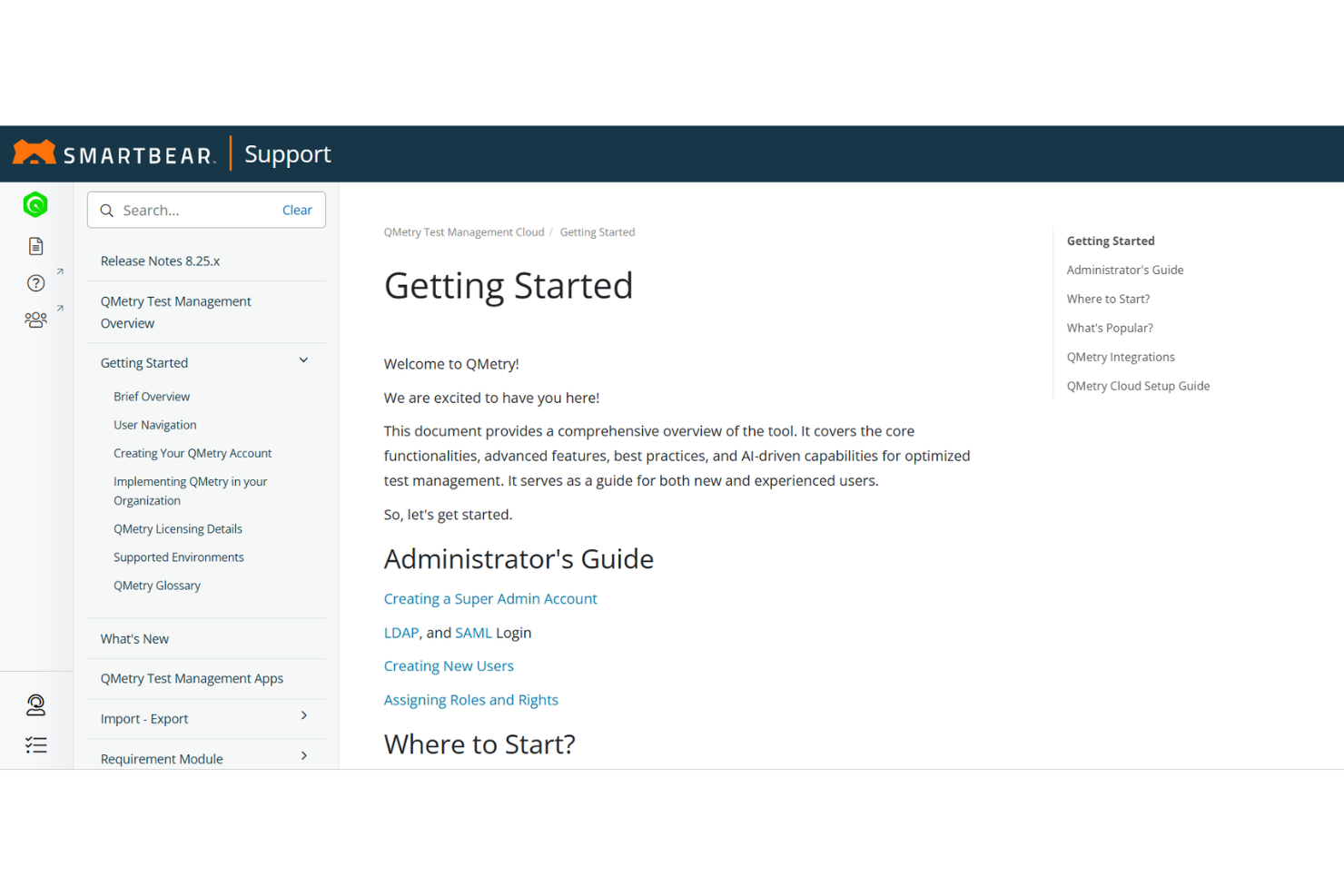
QMetry’s onboarding process is thorough but can be time-consuming, especially for teams migrating from legacy tools. Users report that initial setup often requires guidance from QMetry’s support team, but the vendor provides detailed documentation, webinars, and responsive customer support.
The availability of migration utilities and training resources helps teams get up to speed, though smaller teams may find the process more involved than expected.
Customer Support
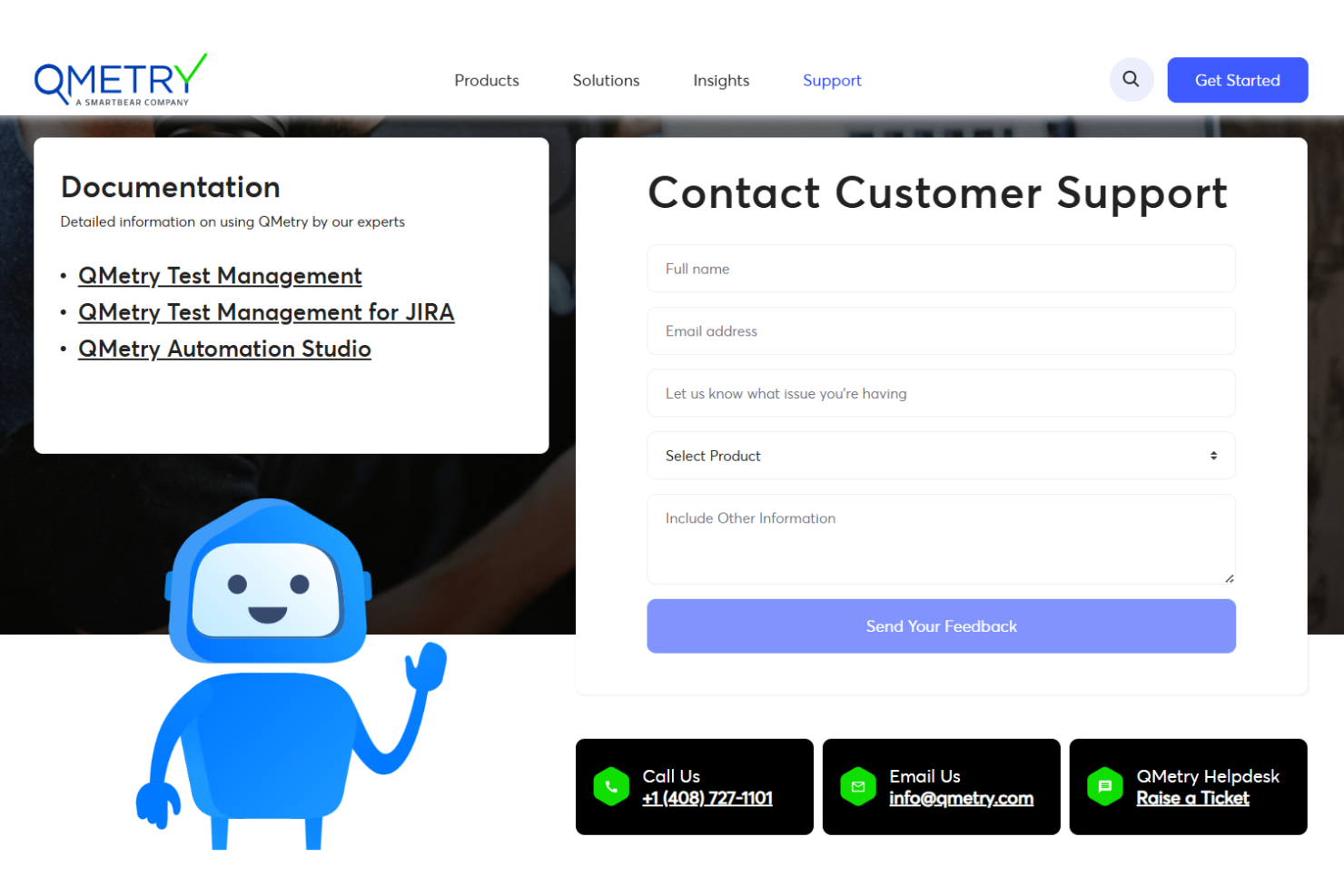
QMetry offers responsive customer support with multiple channels, including live chat, email, and a detailed knowledge base. Users often highlight the helpfulness of the support team during onboarding and troubleshooting, though some mention delays with complex issues.
The availability of webinars, documentation, and ticket-based assistance ensures most teams can resolve problems efficiently, but larger organizations seem to benefit most from the dedicated support options.
Integrations
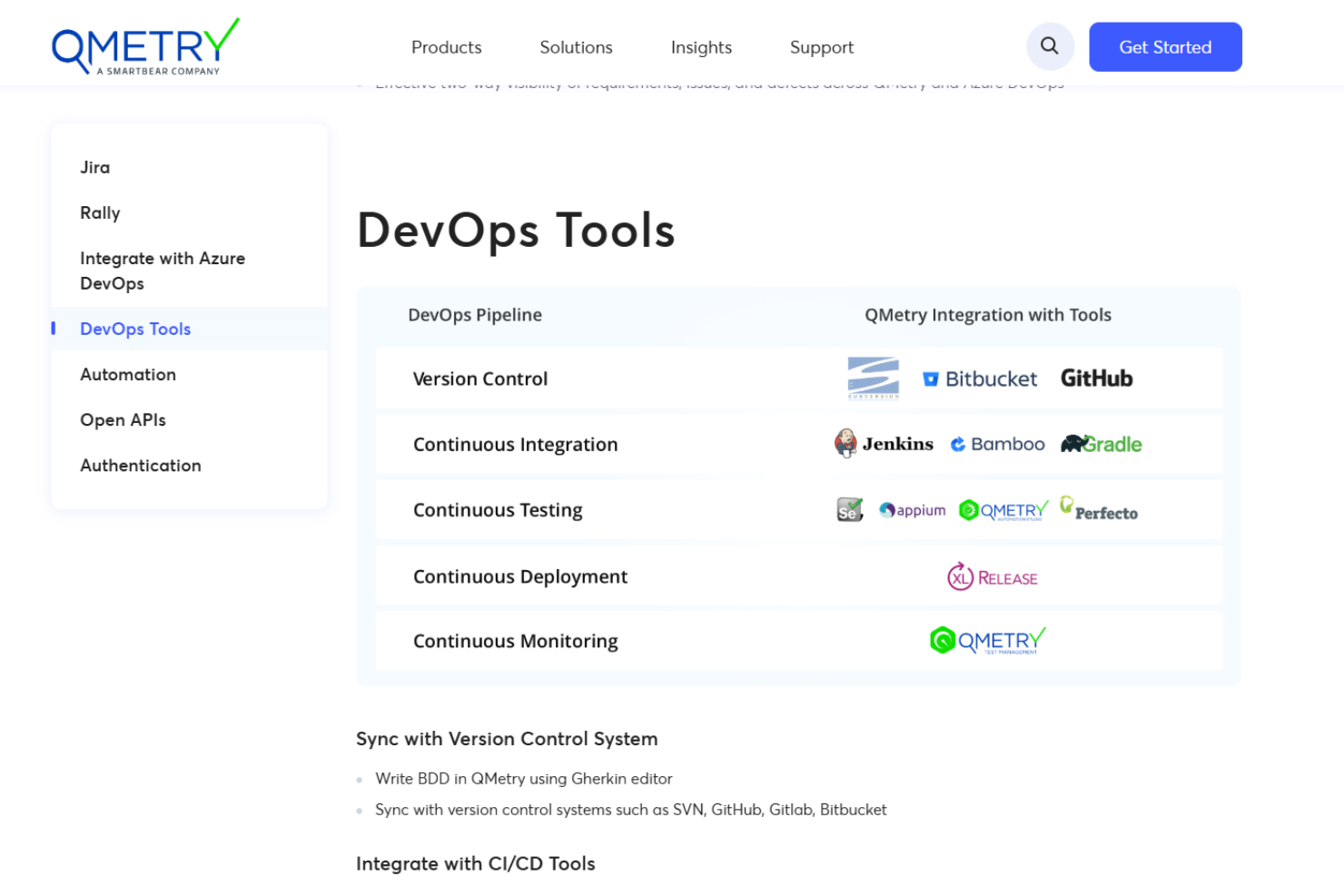
QMetry integrates with Jira, Rally, Azure DevOps, Jenkins, Bamboo, GitHub, GitLab, Bitbucket, Maven, and Gradle, among others.
QMetry also offers extensive Open APIs and supports integration with CI/CD tools and version control systems for custom and third-party connections.
Value for Money
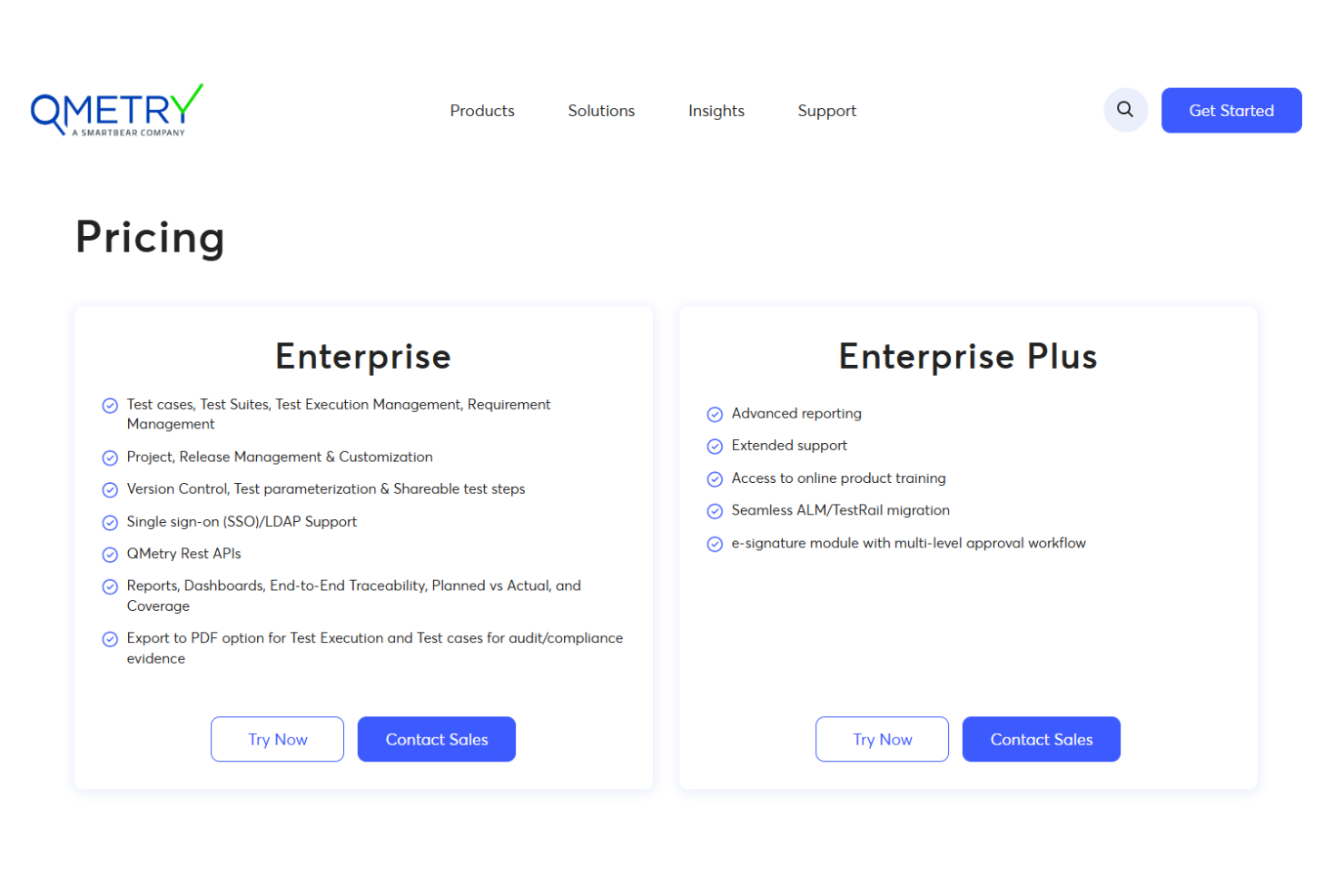
QMetry’s pricing for mid-sized to large organizations, reflecting its advanced features and enterprise focus. Users feel the cost is justified by the depth of automation, reporting, and compliance tools, but smaller teams may find it expensive for their needs. Flexible plans and scalable options help larger teams maximize value.
- Enterprise: Full-featured, scalable test management with flexible licensing, core features, and cloud or on-premise deployment.
- Enterprise Plus: A premium, customizable plan with enhanced scalability, advanced configuration, and higher-level support for complex needs.
QMetry Specs
- A/B Testing
- API
- Automated Testing
- Browser Compatibility Testing
- Bug Tracking
- Calendar Management
- CI/CD Integration
- Dashboard
- Data Export
- Data Import
- Data Visualization
- Developer Tools
- External Integrations
- History/Version Control
- Manual Testing
- Multi-User
- Notifications
- Performance Testing
- Regression Testing
- Scheduling
- Status Notifications
- Third-Party Plugins/Add-Ons
QMetry FAQs
How does QMetry handle test case versioning and history?
Can QMetry support both manual and automated testing workflows?
What data security and compliance features does QMetry offer?
How customizable are QMetry’s dashboards and reports?
Does QMetry support migration from other test management tools?
How does QMetry integrate with CI/CD pipelines?
What kind of support and training resources are available for new users?
Can QMetry scale to support large, distributed QA teams?
QMetry Company Overview & History
QMetry is a test management software provider now owned by SmartBear Software, a well-known player in the software quality and testing space. The company offers two main products: QMetry Test Management and QMetry Test Management for Jira, both designed for enterprise-scale agile and DevOps teams.
QMetry serves a global client base across industries like BFSI, healthcare, energy, and government, and is recognized for its AI-driven features and strong integration ecosystem.
QMetry Major Milestones
- 2023: QMetry acquired by SmartBear Software, expanding its reach and product capabilities.
- 2023**:** Release of QMetry Test Management and QMetry Test Management for Jira, establishing its presence in the enterprise test management market.
- 2024: Continued innovation with AI-powered test authoring and advanced analytics features.
- 2026: QMetry products recognized for regulatory compliance and integration with leading DevOps toolchains.