QA Wolf Review: Pros, Cons, Features, and Pricing Explained


Keeping up with QA is getting harder, not easier. As teams ship faster—often multiple times a day—test suites become brittle, flaky, and time-consuming to maintain. Many teams either slow down releases to keep up with QA or accept bugs slipping into production.
QA Wolf aims to solve this by combining an AI-driven end-to-end testing tool with a fully managed QA service. Instead of requiring your team to build and maintain test coverage, QA Wolf handles everything—from writing end-to-end tests to running them in parallel and fixing them when they break. The result is faster feedback cycles, more reliable releases, and less engineering time spent on QA overhead.
In this review, I’ll break down QA Wolf’s features, pricing, pros and cons, and best use cases to help you decide if it’s the right fit for your team.
QA Wolf Evaluation Summary
- Pricing upon request
- Free demo available
Why Trust Our Software Reviews
We’ve been testing and reviewing software since 2023. As tech leaders ourselves, we know how critical and difficult it is to make the right decision when selecting software.
We invest in deep research to help our audience make better software purchasing decisions. We’ve tested more than 2,000 tools for different tech use cases and written over 1,000 comprehensive software reviews. Learn how we stay transparent & our software review methodology.
QA Wolf Overview
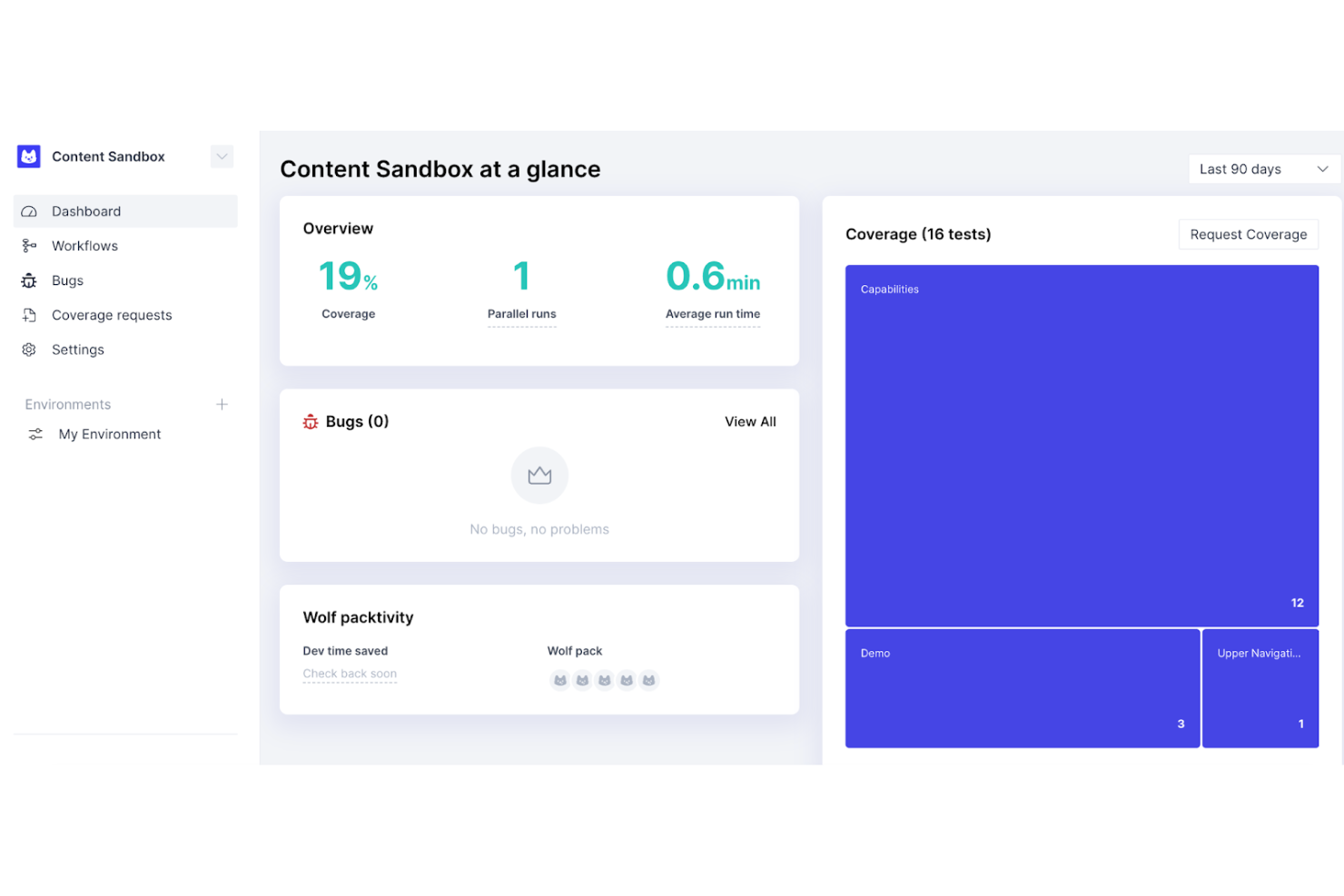
What makes QA Wolf stand out isn’t just that it goes beyond automated testing: It combines AI, infrastructure, and human QA into a single system. Its platform uses AI agents to map user flows, generate production-grade Playwright and Appium test cases, and continuously maintain them as your product changes. Those tests run in fully parallel environments, delivering results in minutes instead of hours.
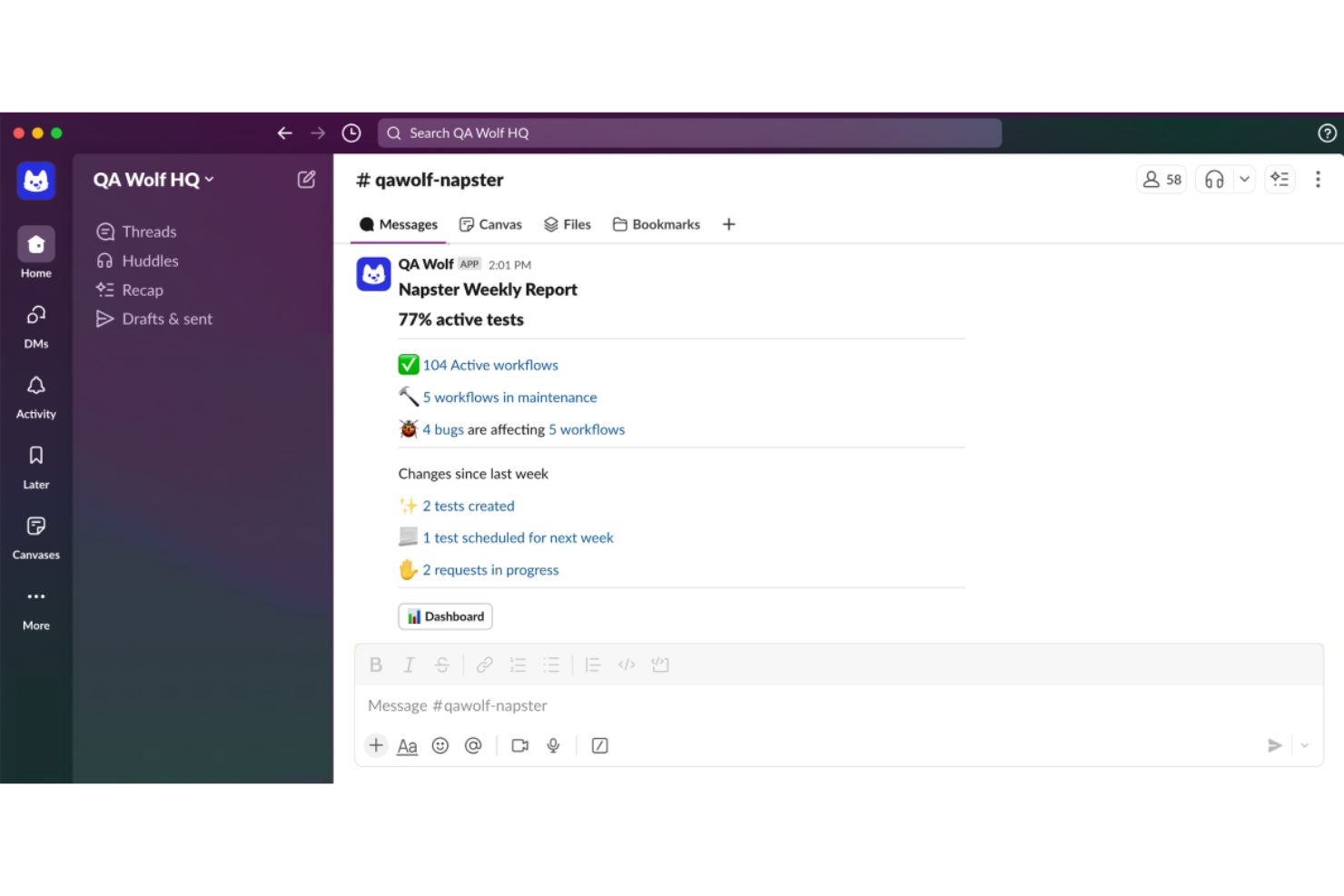
On top of that, QA Wolf layers in a dedicated QA team that monitors failures, reproduces bugs with detailed logs and video, and updates tests on your behalf. This “coverage-as-a-service” model means that on top of a tool, you’re outsourcing the most time-consuming parts of QA while still retaining visibility and control through integrations with your CI/CD pipeline, Slack, and issue tracker.
pros
-
AI generates and maintains tests, reducing manual testing and QA workload significantly.
-
100% parallel test execution delivers fast results within minutes.
-
Platform-enabled service eliminates the need for in-house automation expertise.
cons
-
Less control over test logic compared to fully in-house frameworks.
-
Requires trust in the external team to manage critical QA processes.
-
Onboarding may require coordination and an initial knowledge transfer effort.
-

Site24x7
Visit WebsiteThis is an aggregated rating for this tool including ratings from Crozdesk users and ratings from other sites.4.7 -
GitHub Actions
Visit WebsiteThis is an aggregated rating for this tool including ratings from Crozdesk users and ratings from other sites.4.8 -
Docker
Visit WebsiteThis is an aggregated rating for this tool including ratings from Crozdesk users and ratings from other sites.4.6





Our Review Methodology
How We Test & Score Tools
We’ve spent years building, refining, and improving our software testing and scoring system. The rubric is designed to capture the nuances of software selection and what makes a tool effective, focusing on critical aspects of the decision-making process.
Below, you can see exactly how our testing and scoring works across seven criteria. It allows us to provide an unbiased evaluation of the software based on core functionality, standout features, ease of use, onboarding, customer support, integrations, customer reviews, and value for money.
Core Functionality (25% of final scoring)
The starting point of our evaluation is always the core functionality of the tool. Does it have the basic features and functions that a user would expect to see? Are any of those core features locked to higher-tiered pricing plans? At its core, we expect a tool to stand up against the baseline capabilities of its competitors.
Standout Features (25% of final scoring)
Next, we evaluate uncommon standout features that go above and beyond the core functionality typically found in tools of its kind. A high score reflects specialized or unique features that make the product faster, more efficient, or offer additional value to the user.
We also evaluate how easy it is to integrate with other tools typically found in the tech stack to expand the functionality and utility of the software. Tools offering plentiful native integrations, 3rd party connections, and API access to build custom integrations score best.
Ease of Use (10% of final scoring)
We consider how quick and easy it is to execute the tasks defined in the core functionality using the tool. High scoring software is well designed, intuitive to use, offers mobile apps, provides templates, and makes relatively complex tasks seem simple.
Onboarding (10% of final scoring)
We know how important rapid team adoption is for a new platform, so we evaluate how easy it is to learn and use a tool with minimal training. We evaluate how quickly a team member can get set up and start using the tool with no experience. High scoring solutions indicate little or no support is required.
Customer Support (10% of final scoring)
We review how quick and easy it is to get unstuck and find help by phone, live chat, or knowledge base. Tools and companies that provide real-time support score best, while chatbots score worst.
Customer Reviews (10% of final scoring)
Beyond our own testing and evaluation, we consider the net promoter score from current and past customers. We review their likelihood, given the option, to choose the tool again for the core functionality. A high scoring software reflects a high net promoter score from current or past customers.
Value for Money (10% of final scoring)
Lastly, in consideration of all the other criteria, we review the average price of entry level plans against the core features and consider the value of the other evaluation criteria. Software that delivers more, for less, will score higher.
Core Features
Fully Managed Test Creation
QA Wolf’s QA engineers build, run, and continuously update your end-to-end tests. This removes the need for in-house automation expertise and eliminates ongoing maintenance overhead.
Unlimited Test Runs
Run your entire test suite simultaneously with no limits on executions. This dramatically reduces QA time and enables fast, continuous deployments.
Zero-Flake Testing with Human Verification
QA Wolf combines AI detection with human review to separate real bugs from flaky tests. This ensures reliable, actionable results without false positives.
Open Source Test Code
All tests are written in Playwright or Appium and are fully exportable. You retain ownership of your test suite with no vendor lock-in.
Fast Onboarding and Coverage
QA Wolf delivers 80% automated test coverage for web and mobile apps in just weeks. This helps team members quickly reach high confidence in releases.
Human-Verified Bug Reports
Every failure is investigated and reproduced by QA engineers before being reported. Bug reports include clear steps, logs, and video playback.
Ease of Use
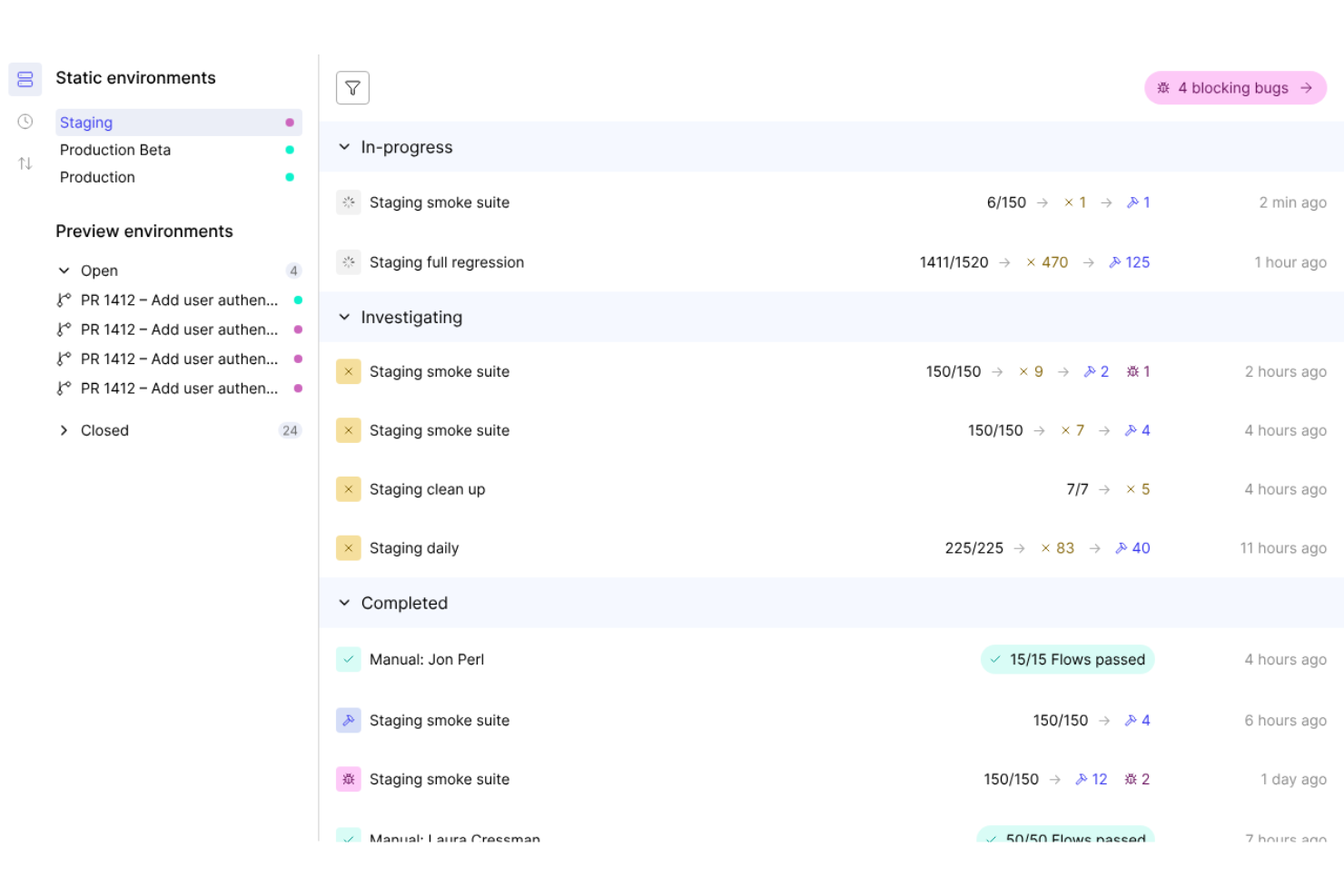
QA Wolf is easy to adopt because it removes most of the hands-on work typically required for test automation. Instead of learning a new framework or maintaining test scripts, your team works directly with QA Wolf’s engineers through a shared Slack or Teams channel. The platform itself is clean and transparent, but most interactions happen through collaboration—reviewing test results, requesting coverage, and triaging bugs. This makes it accessible to both technical and non-technical stakeholders, while still giving developers full visibility into test code and failures.
Integrations
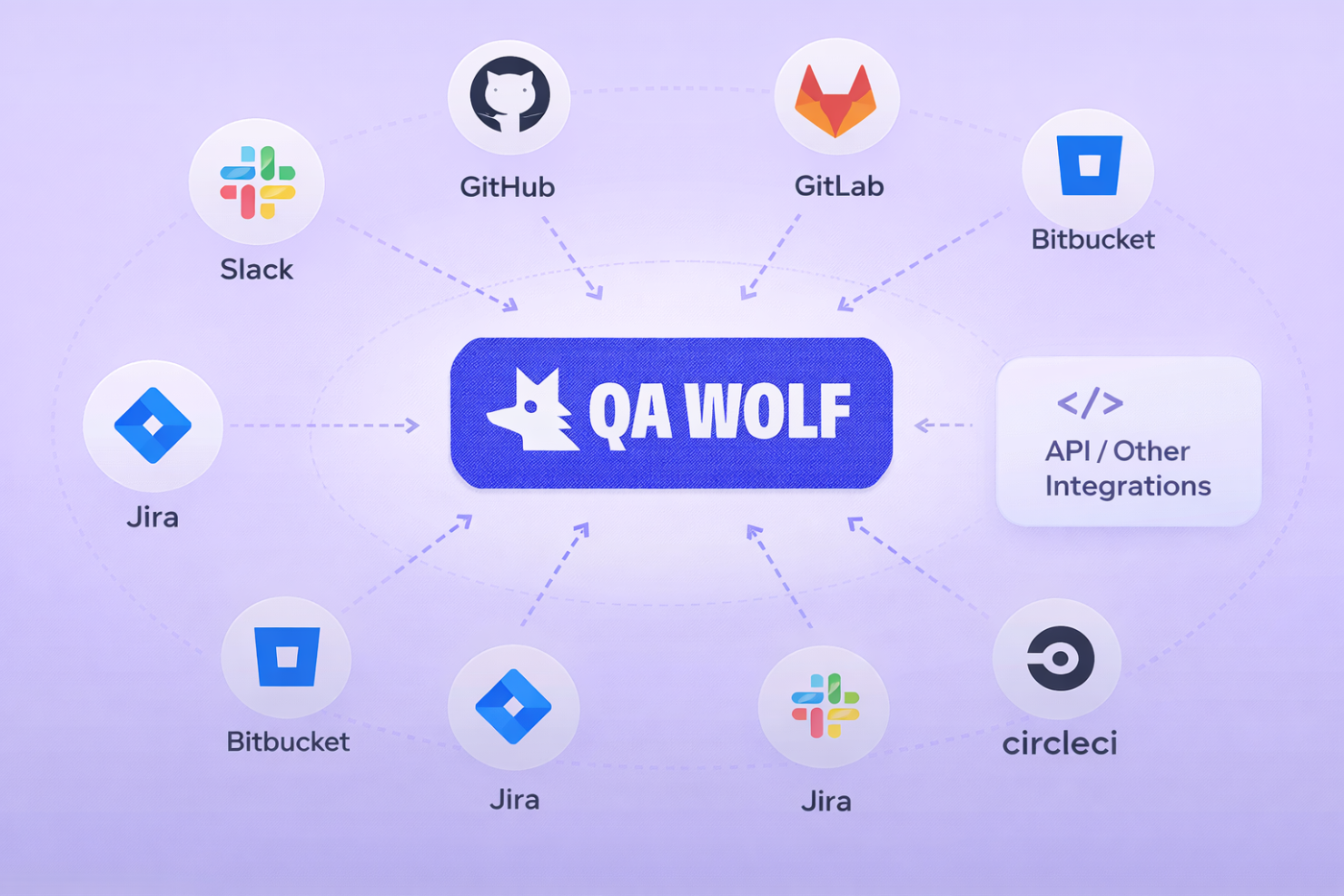
QA Wolf integrates with GitHub, GitLab, Bitbucket, Slack, Jira, CircleCI, and other CI/CD tools..
They also offer an API and support connections with third-party integration tools.
New Product Updates from QA Wolf

QA Wolf Enhances iOS Testing With VPN Support
QA Wolf adds VPN support for iOS app testing with per-test run configuration and automatic session teardown. This improves testing efficiency by removing manual VPN setup and ensuring clean, isolated test environments for each run. Highlights include:
- VPN Configuration for iOS Testing: Enables testing of internal, geo-restricted, and staging environments on real devices.
- Per-Test VPN Sessions: Automatically sets up and tears down VPN connections for each run to prevent lingering states.
Visit QA Wolf’s official site for more details.
 for more details.
QA Wolf Adds Android Emulator Infrastructure for Device Testing
QA Wolf introduces Android emulator infrastructure with support for testing across any device and OS combination, including tablets. These updates improve testing flexibility and allow teams to run parallel tests with real-world accuracy. Highlights include:
- Android Emulator Infrastructure: Enables scalable testing across multiple device and OS combinations.
- Expanded Device Coverage: Supports testing on phones and tablets based on real user environments.
- Parallel Testing: Runs test suites simultaneously for faster execution.
- Real-World Simulation: Supports biometrics, sensors, and background processes for accurate testing.
Visit QA Wolf’s official site for more details.
QA Wolf Specs
- A/B Testing
- API
- Automated Testing
- Browser Compatibility Testing
- Bug Tracking
- Calendar Management
- CI/CD Integration
- Dashboard
- Data Export
- Data Import
- Data Visualization
- Developer Tools
- External Integrations
- History/Version Control
- Manual Testing
- Multi-User
- Notifications
- Performance Testing
- Regression Testing
- Scheduling
- Status Notifications
- Third-Party Plugins/Add-Ons