

JetBrains Review: Pros, Cons, Features, and Pricing
JetBrains stands out in DevOps with its extensive plugin support and intelligent code completion, making it a top choice for developers seeking efficiency.

We review tools independently, and commissions help fund our testing. See our transparency policy, our methodology, or suggest a tool.
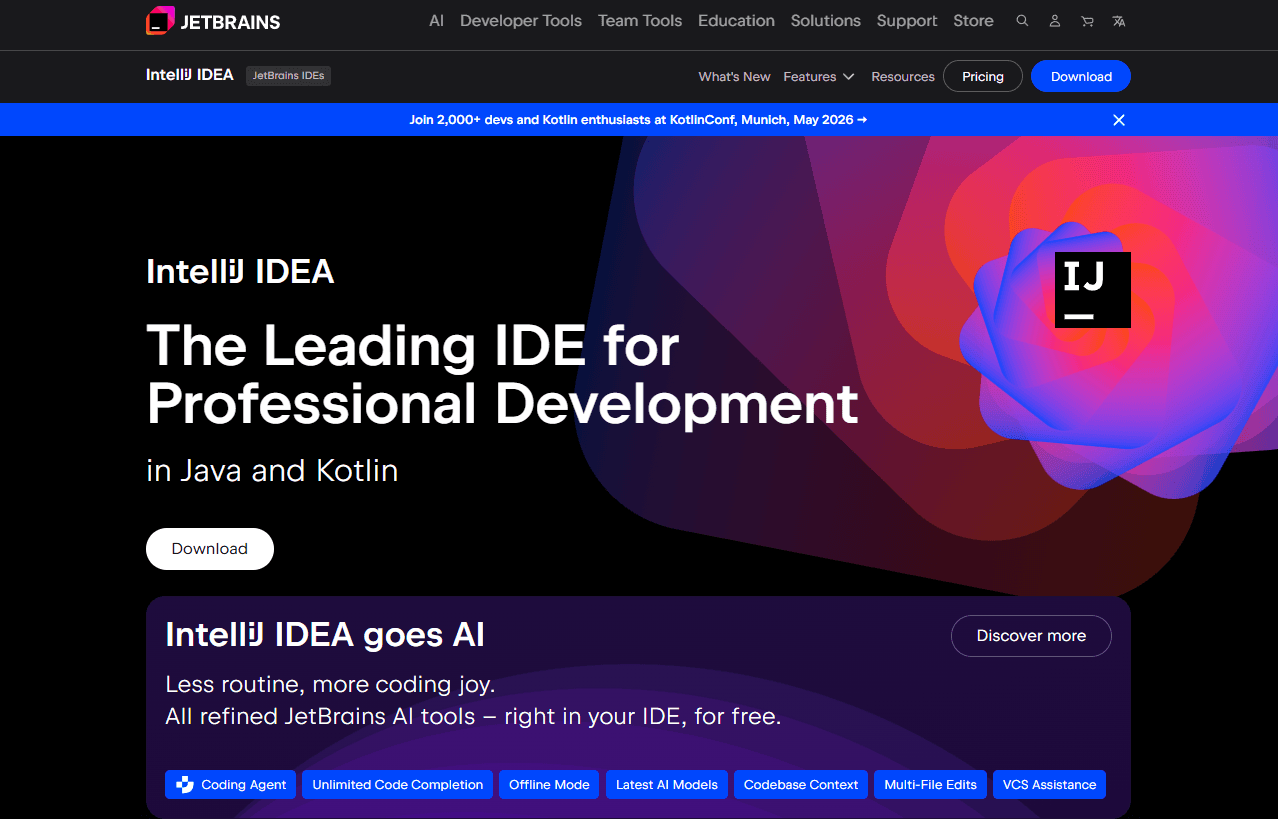
JetBrains is a DevOps platform that combines CI/CD pipelines through TeamCity with a suite of IDEs, code quality tools, and issue tracking. It's worth considering if your team needs tightly integrated developer tooling across the entire software delivery lifecycle. Compared to GitLab, which wraps DevOps into a single web-based interface, JetBrains gives you more granular build configuration control and deeper native IDE integration—making it a stronger fit for teams where the developer environment is central to how code gets built and shipped.
JetBrains Evaluation Summary
4.5/5
- From $19.90/user/month
- 30-day free trial available
Why Trust Our Software Recommendations
6,700+
Reviews
20
Industry experts
16+
Evaluation factors
14
Years
Our team has been testing and reviewing software since 2012. As tech leaders ourselves, we know how difficult—and important—it is to choose the right software.
For this guide, we evaluated tools using hands-on testing and independent research, scoring tools using our selection criteria.
Our reviews reflect our human editorial judgment, not a sales pitch.
Expert reviewers:
- Paulo Gardini MiguelTech Director
 Tim FisherVP of AI
 Gabriel RosasTech Lead & Software Architect
 Christhian GruhnTech Lead & Platform Architect

JetBrains Overview
In my opinion, JetBrains provides excellent tools for developers who prioritize code quality and integration support across complex codebases. Its standout feature is the intelligent code completion and autocomplete, which sets it apart from many competitors, including options in the VS Code ecosystem, Visual Studio, and even editors like Vim. While onboarding is smooth, some users may find the interface less intuitive than other platforms. Pricing is competitive, offering good value, especially for teams heavily invested in Python development, Java, JavaScript, SQL, and other core programming languages. It's best suited for tech companies and development teams needing robust coding assistance, AI tools, and extensive plugin options. If your team values integration, automation, and an enhanced development experience, JetBrains should be on your shortlist.
Pros
- JetBrains offers intelligent code completion that speeds up coding tasks.
- It supports a wide range of programming languages for flexibility in your work.
- The platform's tools enhance your team's collaboration on projects using Git-based workflows.
Cons
- The interface might be less intuitive for new users.
- Some users find the initial setup process complex compared to simpler environments.
- It can be resource-intensive, which may impact your system's performance.
Is JetBrains Right For Your Needs?
Who Would be a Good Fit for JetBrains?
JetBrains is ideal for software development teams focused on enhancing coding efficiency and quality. If your team works across multiple programming languages, frameworks, and APIs, JetBrains's extensive language support makes it a valuable tool. IT departments and tech companies that prioritize collaboration, automation, and code intelligence will benefit from its intelligent code completion, advanced debugging, and built-in AI assistant capabilities such as JetBrains AI, powered by LLMs. This platform is ideal for environments where speed, accuracy, and scalable workflows are essential.
- Software Development TeamsJetBrains enhances productivity with intelligent code completion and refactoring tools. It also supports multiple languages, making it great for diverse coding environments.
- IT DepartmentsYour department will benefit from JetBrains' tools for collaboration, version control, and project management, which improve team workflows.
- Tech CompaniesCompanies focused on innovation and excellence will appreciate the platform's emphasis on code quality, automation, and efficient development processes.
- Small to Medium EnterprisesSMEs can maximize their resources with JetBrains' value for money and comprehensive development tools across web, backend, and mobile projects.
- Freelance DevelopersFreelancers will appreciate JetBrains' wide range of supported languages, shortcuts, and efficient coding features, which can improve individual productivity.
- Educational InstitutionsSchools can utilize JetBrains to teach coding with its user-friendly tools, strong IDE features, and language versatility, making learning more interactive.
Who Would be a Bad Fit for JetBrains?
JetBrains may not suit teams looking for a simple, lightweight tool due to its resource intensity and complex setup. If your team is new to development platforms and needs a highly intuitive interface similar to basic editors, JetBrains may feel overwhelming. Non-technical departments or businesses with minimal coding needs won't find much value in its advanced features. It's not the best choice if your priority is ease of use over feature richness.
- Non-Technical DepartmentsJetBrains's advanced coding tools won't be useful for teams without coding tasks or technical projects.
- Small StartupsStartups needing simple, easy-to-use tools might find JetBrains's setup and resource demands too much compared to lightweight alternatives.
- Casual UsersIf your team only needs basic coding help, JetBrains's extensive features and IDE might be too much for your needs.
- Administrative RolesAdministrative teams won’t benefit from JetBrains's focus on software development and code management.
- Low-Budget ProjectsProjects with tight budgets might struggle with JetBrains's resource demands, despite its long-term value for money.
- Beginner CodersBeginners might find JetBrains's interface and setup complex compared to simpler coding platforms used for first-time coding.
Our Review Methodology
How We Test & Score Tools
We’ve spent years building, refining, and improving our software testing and scoring system. The rubric is designed to capture the nuances of software selection and what makes a tool effective, focusing on critical aspects of the decision-making process.
Below, you can see exactly how our testing and scoring works across seven criteria. It allows us to provide an unbiased evaluation of the software based on core functionality, standout features, ease of use, onboarding, customer support, integrations, customer reviews, and value for money.
Core Functionality (25% of final scoring)
The starting point of our evaluation is always the core functionality of the tool. Does it have the basic features and functions that a user would expect to see? Are any of those core features locked to higher-tiered pricing plans? At its core, we expect a tool to stand up against the baseline capabilities of its competitors.
Standout Features (25% of final scoring)
Next, we evaluate uncommon standout features that go above and beyond the core functionality typically found in tools of its kind. A high score reflects specialized or unique features that make the product faster, more efficient, or offer additional value to the user.
We also evaluate how easy it is to integrate with other tools typically found in the tech stack to expand the functionality and utility of the software. Tools offering plentiful native integrations, 3rd party connections, and API access to build custom integrations score best.
Ease of Use (10% of final scoring)
We consider how quick and easy it is to execute the tasks defined in the core functionality using the tool. High scoring software is well designed, intuitive to use, offers mobile apps, provides templates, and makes relatively complex tasks seem simple.
Onboarding (10% of final scoring)
We know how important rapid team adoption is for a new platform, so we evaluate how easy it is to learn and use a tool with minimal training. We evaluate how quickly a team member can get set up and start using the tool with no experience. High scoring solutions indicate little or no support is required.
Customer Support (10% of final scoring)
We review how quick and easy it is to get unstuck and find help by phone, live chat, or knowledge base. Tools and companies that provide real-time support score best, while chatbots score worst.
Customer Reviews (10% of final scoring)
Beyond our own testing and evaluation, we consider the net promoter score from current and past customers. We review their likelihood, given the option, to choose the tool again for the core functionality. A high scoring software reflects a high net promoter score from current or past customers.
Value for Money (10% of final scoring)
Lastly, in consideration of all the other criteria, we review the average price of entry level plans against the core features and consider the value of the other evaluation criteria. Software that delivers more, for less, will score higher.
Core Features
Code Completion: JetBrains offers smart code completion and autocomplete that predict your next move, speeding up your coding tasks. It enhances accuracy and efficiency across languages such as Python, Java, PHP, and JavaScript.
Version Control: This feature integrates seamlessly with Git and GitHub, helping you manage code changes effectively. Your team can track progress and collaborate better across shared codebases.
Project Management: JetBrains provides tools to organize tasks and deadlines, keeping your projects on track. It ensures your team meets goals efficiently within agile workflows.
Code Refactoring: This feature allows you to restructure code without changing its behavior, improving readability and maintainability. It's crucial for long-term project success.
Debugging Tools: JetBrains includes powerful debugging tools to identify and fix bugs quickly, improving reliability across APIs and services. Your team can maintain high code quality with ease.
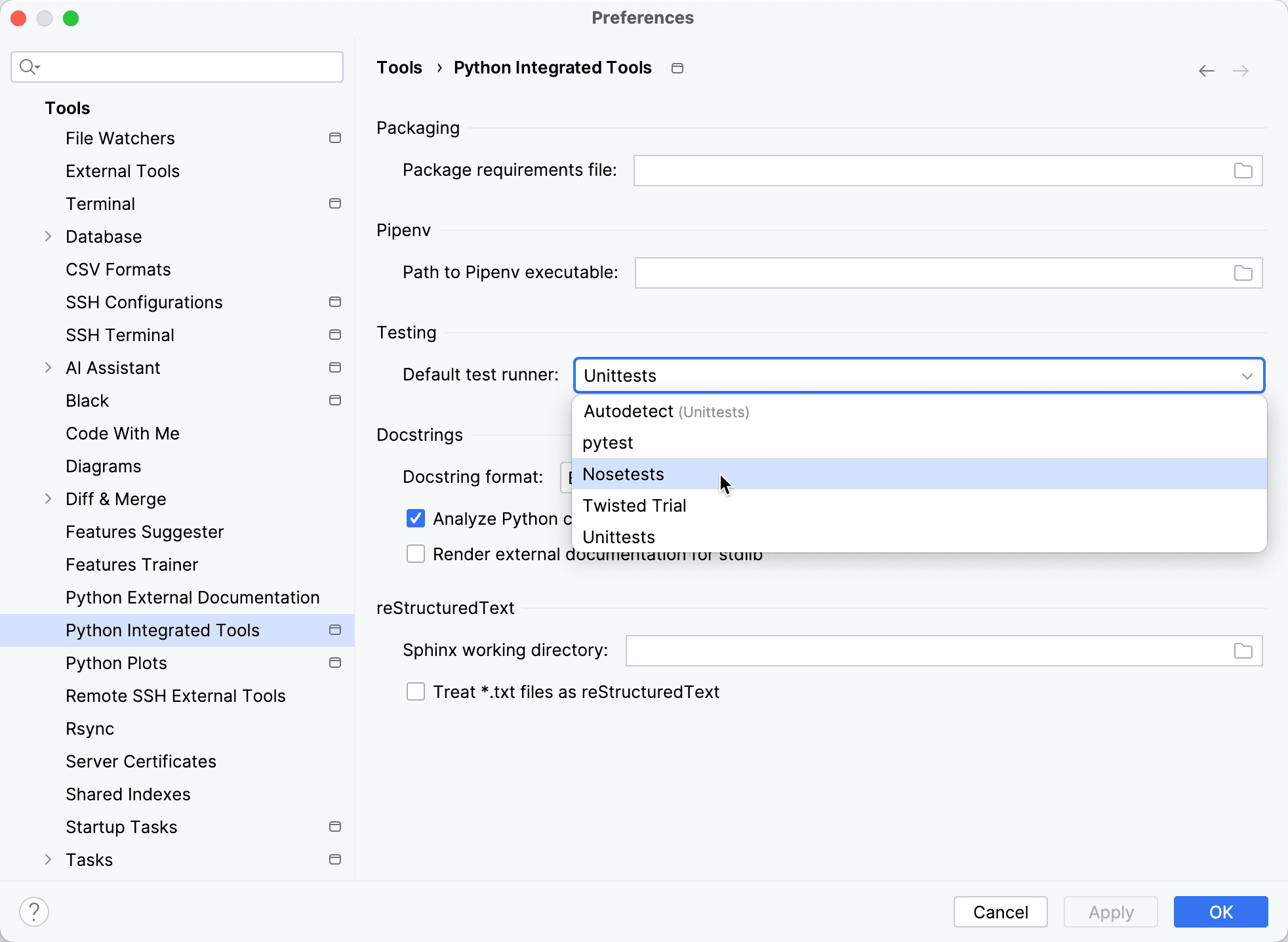
Testing Frameworks: With built-in support for testing, JetBrains helps you automate and run tests efficiently, ensuring your code works as intended.
Ease of Use
JetBrains offers a user-friendly experience with its intuitive design, but new users might find the setup a bit challenging at first. Its intelligent code assistance, shortcuts, and debugging tools make your work efficient once you're familiar. While not the simplest platform, its comprehensive features justify the learning curve. Your team will appreciate the productivity boost after initial onboarding.
Integrations
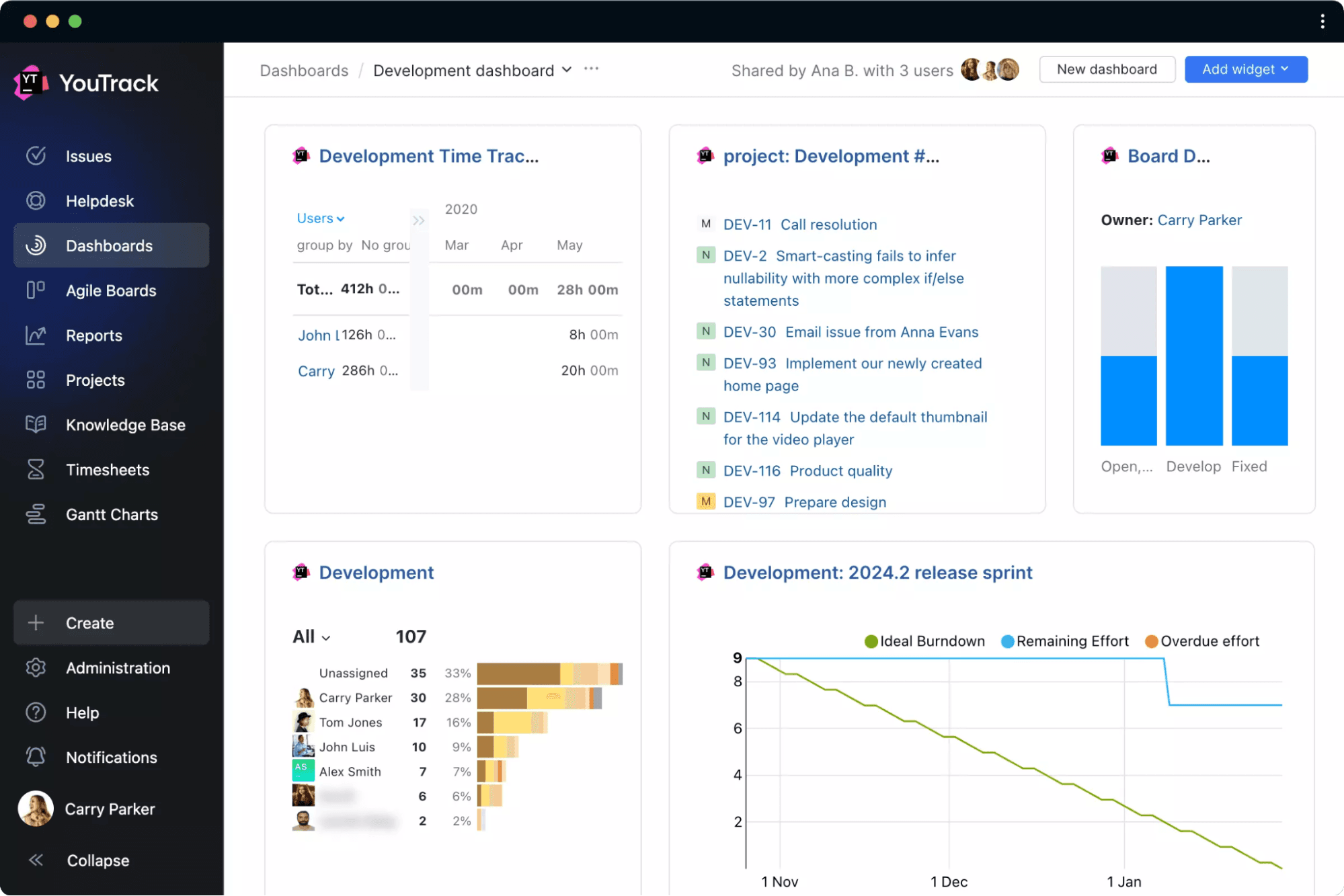
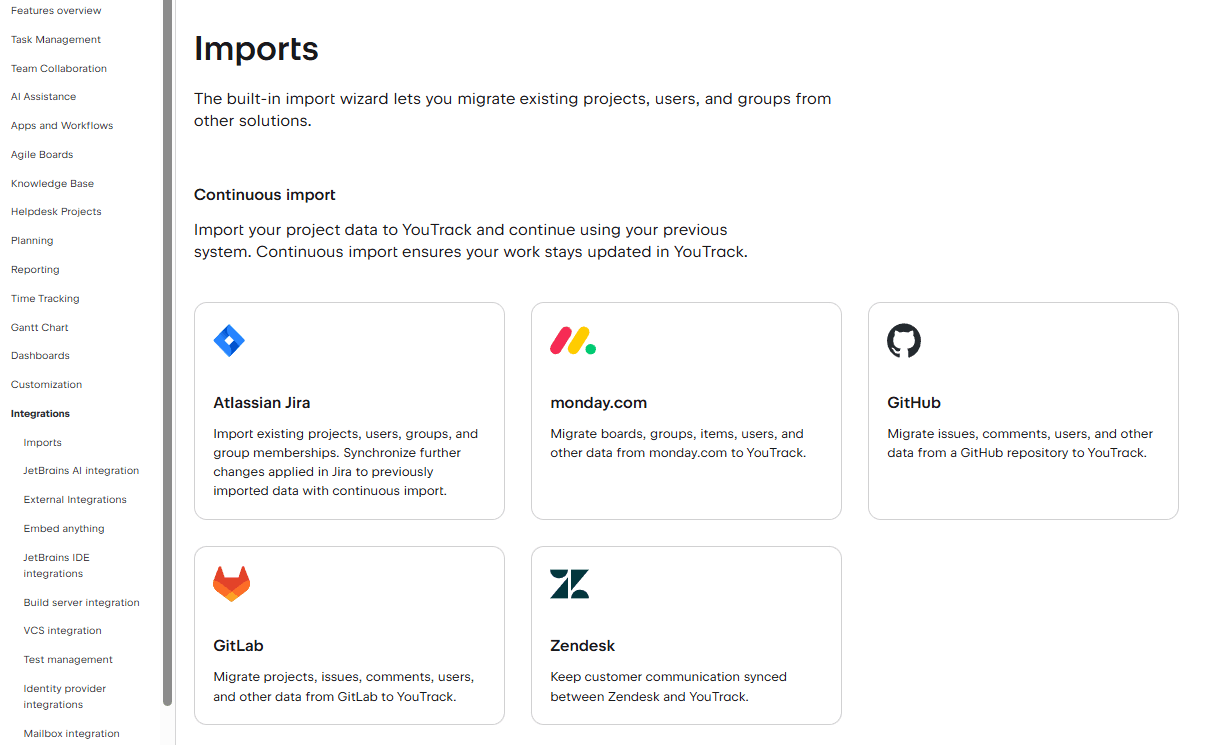
JetBrains integrates with Zendesk, Albato, Google Workspace, YouTube, Figma, Miro, Azure Pipelines, GitHub Actions, Jenkins, and TeamCity.
JetBrains also offers an API for custom integrations and supports connections with third-party integration tools.
JetBrains Specs
- API: Yes
- Bug Tracking: No
- CI/CD Integration: No
- Cloud Deployment: No
- Code Review: Yes
- Code Transformation: Yes
- Collaboration Support: No
- Data Export: Yes
- Data Import: Yes
- Developer Tools: No
- External Integrations: No
- Git Integration: Yes
- History/Version Control: No
- IDE Plugins: Yes
- Local Deployment: Yes
- Multi-User: No
- Notifications: Yes
- Project Management: Yes
- Release Management: No
- Static Analysis: No
- Task Scheduling/Tracking: Yes
- Testing: Yes


