

Godot Engine Review: Pros, Cons, Features, and Pricing
Godot Engine offers unparalleled flexibility and an open-source community, making it a top choice for indie developers seeking a cost-effective solution.

We review tools independently, and commissions help fund our testing. See our transparency policy, our methodology, or suggest a tool.
Godot Engine is an open-source game development software for developers building 2D and 3D games who want full control over their engine without commercial licensing costs. If Unity's runtime fee model has your team rethinking its toolchain, Godot is worth a serious look. It's completely free, MIT-licensed, and lets you ship without paying per-install or revenue-based fees—something Unity can't offer. This review covers what Godot does well, where it falls short, and who it's actually built for.
Godot Engine Evaluation Summary
4.6/5
- From $800
- Free plan available
Why Trust Our Software Recommendations
6,700+
Reviews
20
Industry experts
16+
Evaluation factors
14
Years
Our team has been testing and reviewing software since 2012. As tech leaders ourselves, we know how difficult—and important—it is to choose the right software.
For this guide, we evaluated tools using hands-on testing and independent research, scoring tools using our selection criteria.
Our reviews reflect our human editorial judgment, not a sales pitch.
Expert reviewers:
- Paulo Gardini MiguelTech Director
 Tim FisherVP of AI
 Gabriel RosasTech Lead & Software Architect
 Christhian GruhnTech Lead & Platform Architect

Godot Engine Overview
In my opinion, Godot Engine is a standout choice for indie developers and small teams looking for a cost-effective game development tool. It excels in flexibility and community support, offering a rich set of features at no cost. While its onboarding process could be smoother, the intuitive interface and extensive documentation help bridge the gap. Compared to other video game development software, Godot shines in its open-source nature and value for money, but it may lack the robust customer support of some paid platforms. It's best suited for environments where budget constraints and customization are key factors. If your team values open-source collaboration and has the patience for a learning curve, Godot Engine deserves serious consideration.
Pros
- You can connect with a large, supportive community.
- Your team benefits from a flexible, customizable open-source platform.
- An intuitive interface helps developers build 2D and 3D games with ease.
Cons
- Despite being user-friendly, its unique concepts may take time to learn.
- Customer support may be more limited than with paid solutions.
- It offers fewer advanced features than some high-end tools.
Is Godot Engine Right For Your Needs?
Who Would be a Good Fit for Godot Engine?
Godot Engine is ideal for indie developers and small teams focused on creating 2D and 3D games. Its open-source nature and supportive community make it perfect for those who need flexibility without a hefty price tag. If your team values customization and the ability to experiment with different game mechanics, Godot provides the tools to do so efficiently. Educational institutions also benefit, as students can learn game development using an intuitive and cost-effective platform.
- Indie Game StudiosYour studio can leverage Godot's open-source platform to develop unique games without budget constraints.
- Educational InstitutionsStudents can learn game development with Godot's user-friendly interface and extensive documentation.
- Tech StartupsStartups can use Godot to prototype and develop games quickly, thanks to its flexibility and customization options.
- 2D Game DevelopersGodot excels in 2D game development with features tailored for smooth and efficient design.
- Small Development TeamsYour team can benefit from Godot's collaborative community and cost-effective tools for creative projects.
- Non-Profit OrganizationsNon-profits can use Godot to create educational or social impact games without incurring high software costs.
Who Would be a Bad Fit for Godot Engine?
Godot Engine may not suit large-scale studios or enterprises that require advanced tools and dedicated customer support. If your team relies on cutting-edge graphics or complex 3D game development that require highly specialized shaders and render pipelines, you might find Godot's features lacking compared to other high-end solutions. Teams that need seamless integration with other enterprise tools or require extensive onboarding support might struggle with Godot's community-driven model and limited official support channels.
- AAA Game StudiosYour studio might need more advanced features and support than Godot can provide for large-scale productions.
- Corporate EnterprisesEnterprises could find Godot's lack of dedicated support and integration options a hindrance.
- High-End Graphic DesignersYour team may need more advanced graphic rendering capabilities than what Godot offers.
- Large Development TeamsLarge teams might struggle with Godot's community-based support instead of dedicated customer service.
- Complex Simulation ProjectsProjects that need custom C++ extensions for very complex, specialized simulations, might find Godot's features insufficient for their needs.
Our Review Methodology
How We Test & Score Tools
We’ve spent years building, refining, and improving our software testing and scoring system. The rubric is designed to capture the nuances of software selection and what makes a tool effective, focusing on critical aspects of the decision-making process.
Below, you can see exactly how our testing and scoring works across seven criteria. It allows us to provide an unbiased evaluation of the software based on core functionality, standout features, ease of use, onboarding, customer support, integrations, customer reviews, and value for money.
Core Functionality (25% of final scoring)
The starting point of our evaluation is always the core functionality of the tool. Does it have the basic features and functions that a user would expect to see? Are any of those core features locked to higher-tiered pricing plans? At its core, we expect a tool to stand up against the baseline capabilities of its competitors.
Standout Features (25% of final scoring)
Next, we evaluate uncommon standout features that go above and beyond the core functionality typically found in tools of its kind. A high score reflects specialized or unique features that make the product faster, more efficient, or offer additional value to the user.
We also evaluate how easy it is to integrate with other tools typically found in the tech stack to expand the functionality and utility of the software. Tools offering plentiful native integrations, 3rd party connections, and API access to build custom integrations score best.
Ease of Use (10% of final scoring)
We consider how quick and easy it is to execute the tasks defined in the core functionality using the tool. High scoring software is well designed, intuitive to use, offers mobile apps, provides templates, and makes relatively complex tasks seem simple.
Onboarding (10% of final scoring)
We know how important rapid team adoption is for a new platform, so we evaluate how easy it is to learn and use a tool with minimal training. We evaluate how quickly a team member can get set up and start using the tool with no experience. High scoring solutions indicate little or no support is required.
Customer Support (10% of final scoring)
We review how quick and easy it is to get unstuck and find help by phone, live chat, or knowledge base. Tools and companies that provide real-time support score best, while chatbots score worst.
Customer Reviews (10% of final scoring)
Beyond our own testing and evaluation, we consider the net promoter score from current and past customers. We review their likelihood, given the option, to choose the tool again for the core functionality. A high scoring software reflects a high net promoter score from current or past customers.
Value for Money (10% of final scoring)
Lastly, in consideration of all the other criteria, we review the average price of entry level plans against the core features and consider the value of the other evaluation criteria. Software that delivers more, for less, will score higher.
Core Features
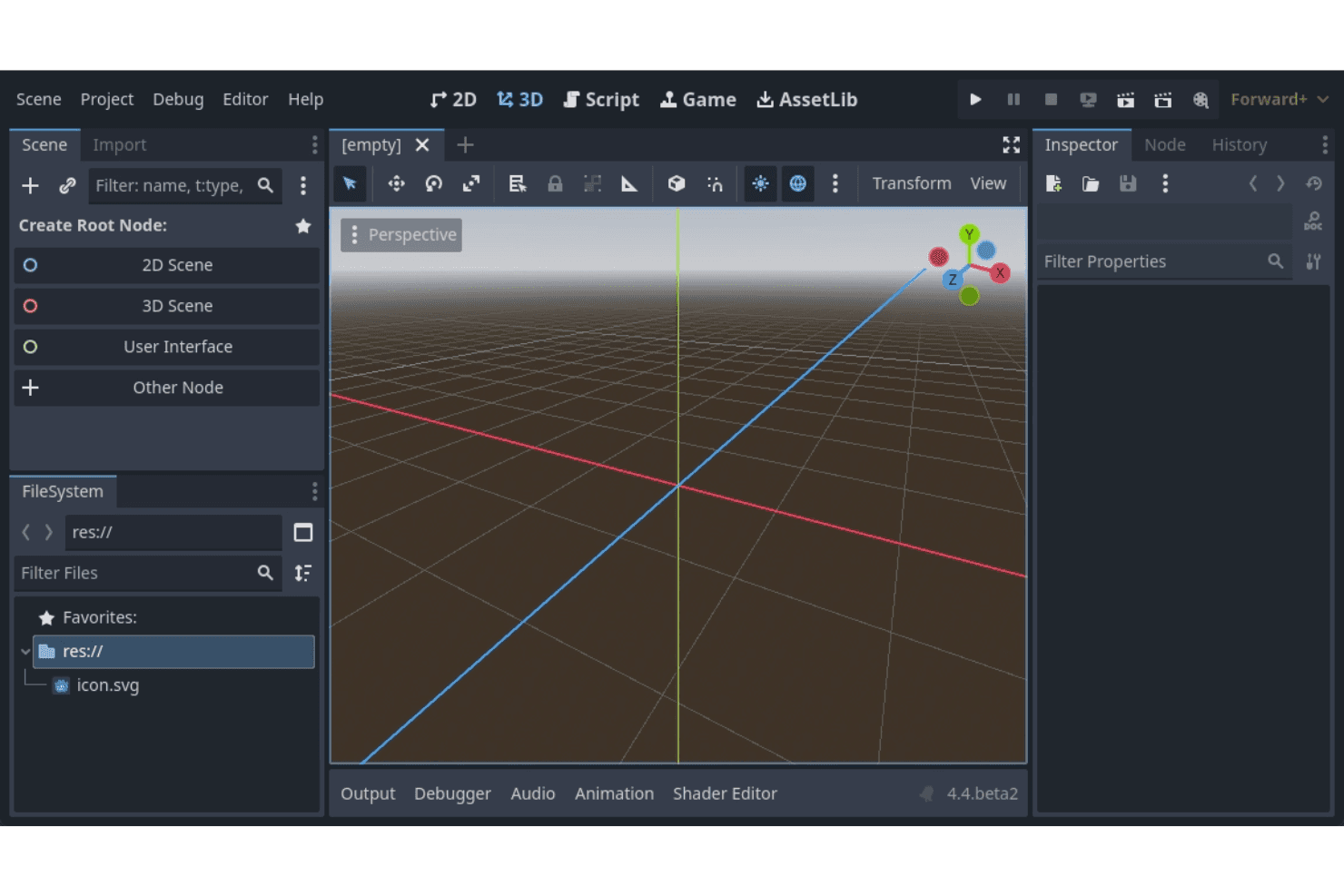
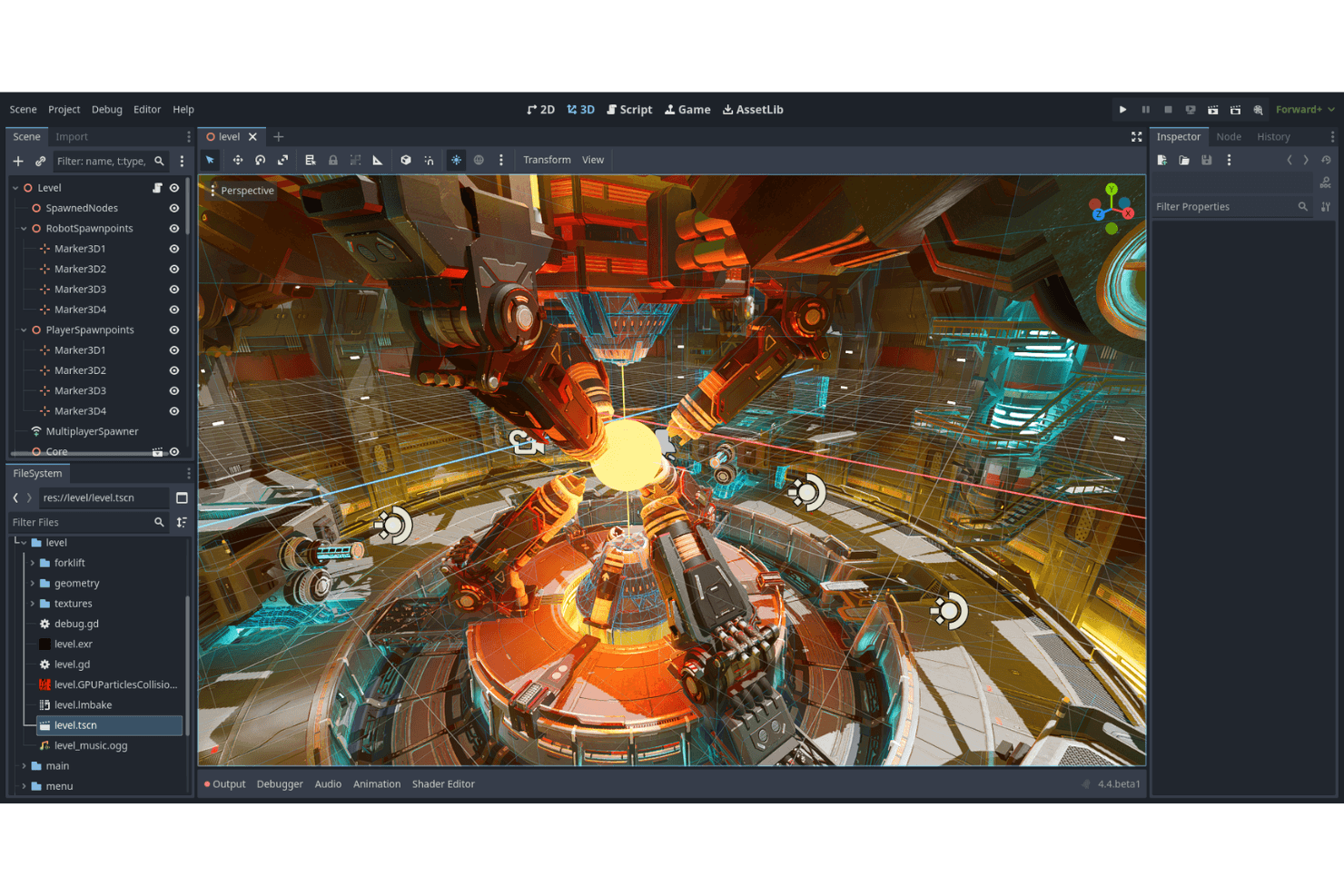
Scene System: Godot uses a unique scene system that lets you organize your game's structure efficiently. Your team can manage different game elements as independent scenes, simplifying complex projects.
Visual Editor: The visual editor is intuitive and user-friendly, helping you design game elements without needing extensive coding knowledge. It includes drag-and-drop functionality that speeds up your workflow.
Animation Tools: Godot offers robust animation tools that allow you to create and tweak animations directly within the engine. This feature supports both 2D and 3D animations, giving your projects a professional touch.
Scripting Language (GDScript): GDScript is a Python-like language that simplifies game scripting, from basic platformers to complex RPG mechanics. It's easy to learn, letting your team quickly implement game logic.
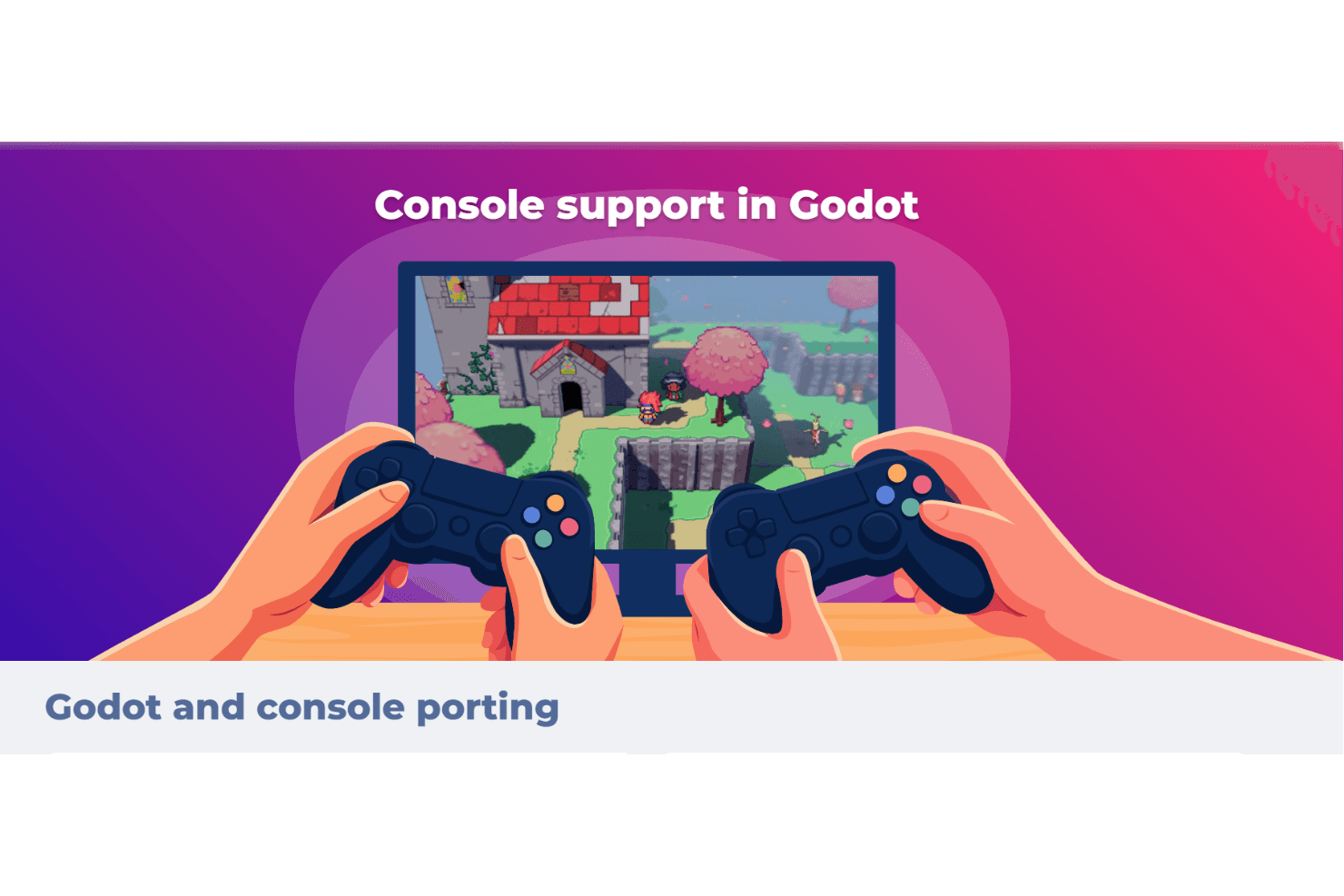
Cross-Platform Deployment: With Godot, you can deploy games across multiple platforms, including Windows, Mac, and Linux. This ensures your work reaches a broader audience without extra effort.
Node-Based Architecture: Godot's node-based architecture allows for modular and organized game development. You can build complex game mechanics by combining different nodes.
Standout Features
Open-Source Community: Godot's open-source nature means you're backed by a large community of developers. This provides you with a wealth of resources, plugins, and community support.
No Royalties: With Godot, you don't pay royalties on your games, meaning your team keeps all the profits. This makes it an attractive choice for indie developers and small studios.
Ease of Use
Godot Engine scores well in ease of use with its intuitive visual editor and straightforward scripting language, GDScript. Your team will find that the node-based architecture makes organizing game elements, like a simple sprite or a complex scene, simple and logical. Godot lets you work directly in pixel coordinates in its 2D mode. While onboarding could be smoother, the extensive community resources help bridge the gap. Compared to other software, Godot lets you dive into game development without a steep learning curve, making it accessible for both beginners and experienced developers.
Onboarding
Godot Engine's onboarding process is generally considered smooth for those new to game development, though its unique interface and features might take some time to learn. Your team will benefit from the extensive documentation and active community that provides valuable support. While the initial learning curve is often less steep than other platforms, the wealth of tutorials and community forums helps ease the transition. Once you get familiar with the system, the time to value becomes apparent as you leverage Godot's flexibility and capabilities.
Customer Support
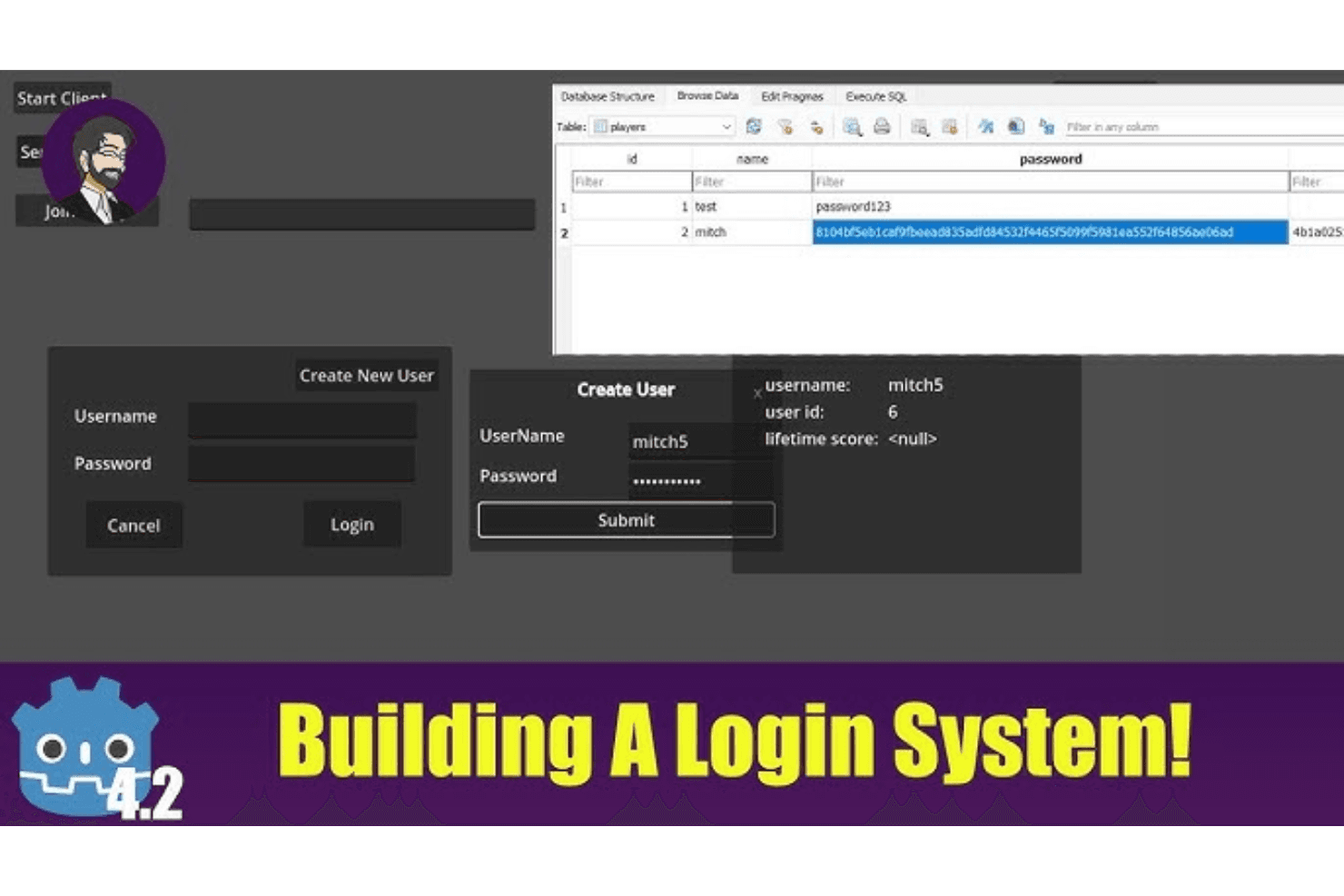
Godot Engine's customer support leans heavily on its community-driven model. Your team can access a wealth of knowledge through forums, user groups, extensive documentation, and direct issue tracking on platforms like GitHub. While there's no dedicated support team, the active community often fills this gap by providing timely assistance and sharing solutions. If you value community interaction and peer support, you'll find Godot's approach effective, though it might lack the direct support channels of some paid platforms.
.png&w=3840&q=75)
Integrations
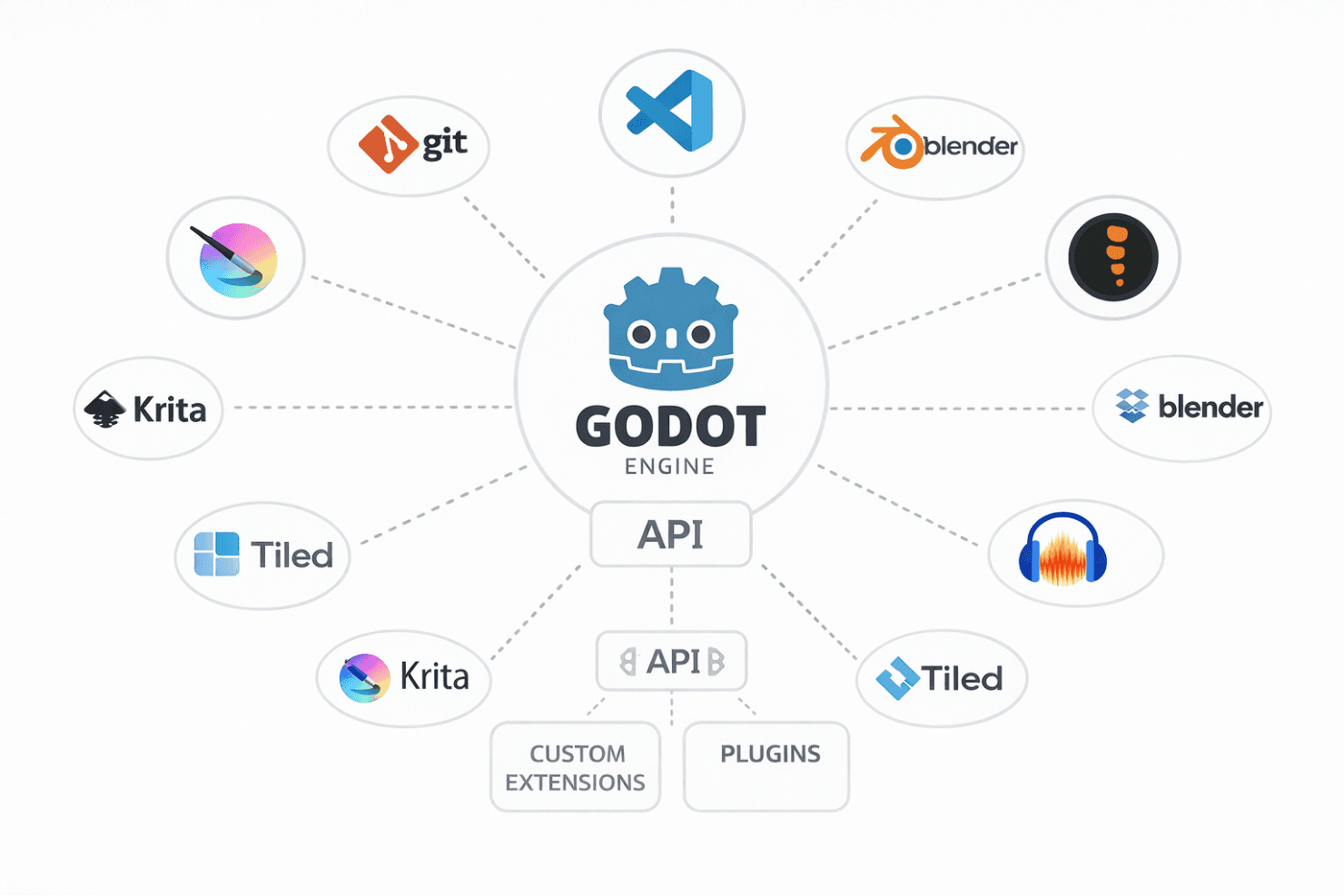
Godot Engine integrates with Git, Visual Studio Code, Blender, Spine, Tiled, Inkscape, Krita, and Audacity.
Godot Engine offers an API for creating custom extensions and supports third-party integration tools through its community-developed plugins.
Value for Money
Godot Engine offers excellent value for money as it's completely free and open-source, allowing your team to develop games without any licensing costs. This cost-effective model is ideal for indie developers and small teams. There's no free trial or demo since the full version is available without charge.
Godot Engine Specs
- API: Yes
- Bug Tracking: Yes
- CI/CD Integration: No
- Cloud Deployment: Yes
- Code Review: Yes
- Code Transformation: Yes
- Collaboration Support: Yes
- Data Export: No
- Data Import: No
- Developer Tools: Yes
- External Integrations: Yes
- Git Integration: Yes
- History/Version Control: Yes
- IDE Plugins: Yes
- Local Deployment: Yes
- Multi-User: Yes
- Notifications: No
- Project Management: Yes
- Release Management: No
- Static Analysis: No
- Task Scheduling/Tracking: No
- Testing: No
Godot Engine FAQs
Godot Engine Company Overview & History
The Godot Engine was initially developed by Ariel Manzur and Juan Linietsky as a proprietary tool in Argentina. Due to economic challenges, they open-sourced the engine in 2014. It has since grown into a significant open-source project with substantial community involvement. The engine has over a thousand contributors and continues to evolve, focusing on improved rendering and performance.
Godot Engine Major Milestones
2014: Released Godot 1.0 as an open-source project.
2015: Rémi Verschelde joined to help manage community growth.
2018: Released Godot 3.0, marking a turning point with a larger user base.
2020: Over a thousand contributors joined the project.
2023: Released Godot 4.0 to enhance rendering quality and performance.