


Freshservice vs. Jira Service Management: Comparison and Expert Reviews for 2026


Running an IT service desk often means balancing competing priorities. You’re expected to resolve incidents quickly, keep employees productive, and maintain visibility into assets and changes—all while working with limited resources. The challenge is that many ITSM tools promise efficiency but end up adding complexity, forcing teams to juggle workflows, integrations, and reporting just to keep operations running smoothly.
If you’re evaluating Freshservice vs. Jira Service Management, you’re likely trying to solve problems like scattered support requests, manual ticket routing, or tools that don’t integrate well with the rest of your stack. In this article, you’ll get a side-by-side look at features, pricing, and use cases to help you confidently decide which solution will keep your IT operations running smoothly.
Freshservice vs. Jira Service Management: An Overview
Freshservice


Jira Service Management


Why Trust Our Software Reviews
We’ve been testing and reviewing software since 2023. As tech leaders ourselves, we know how critical and difficult it is to make the right decision when selecting software.
We invest in deep research to help our audience make better software purchasing decisions. We’ve tested more than 2,000 tools for different tech use cases and written over 1,000 comprehensive software reviews. Learn how we stay transparent & our software review methodology.
Freshservice vs. Jira Service Management Pricing Comparison
| Freshservice | Jira Service Management | |
|---|---|---|
| Free Trial | 14-day free trial + free demo available | 7-day free trial + free plan available |
| Pricing | From $19/agent/month (billed annually) | From $20/agent/year (billed annually) |
Freshservice vs. Jira Service Management Pricing & Hidden Costs
Freshservice uses a tiered subscription model priced per agent, with plans that increase in capability as you move from Starter to Enterprise. Higher tiers unlock features such as advanced automation, orchestration, and expanded AI capabilities, while additional usage-based costs may apply for items like connector apps, orchestration transactions, or AI sessions.
Jira Service Management also follows a per-agent pricing structure but is organized into four plans: Free, Standard, Premium, and Enterprise. While the base pricing can be relatively affordable, total costs often increase through Atlassian Marketplace apps, additional Atlassian products such as Confluence for knowledge management, or higher-tier plans needed for advanced features like asset management.
Freshservice vs. Jira Service Management Feature Comparison
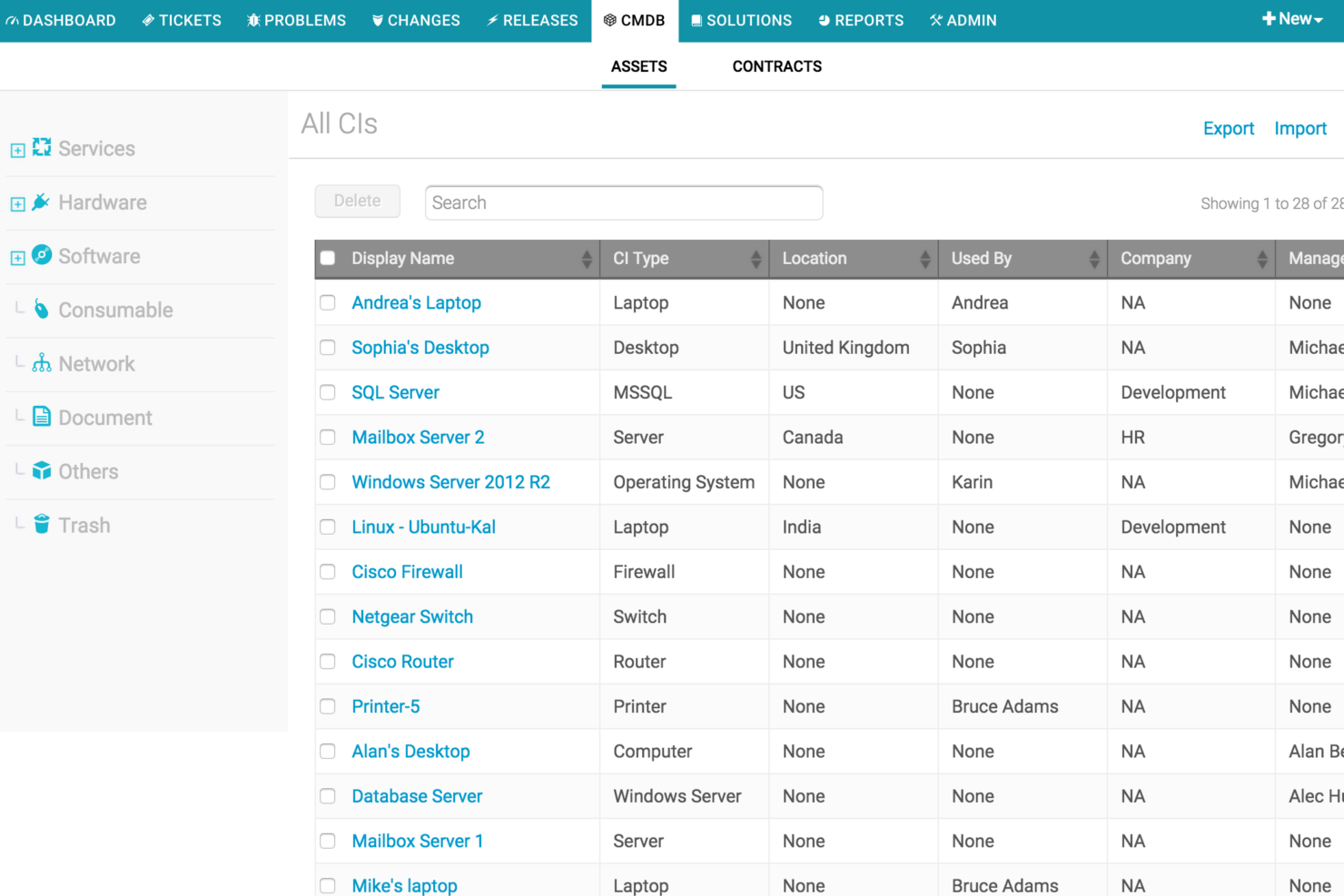
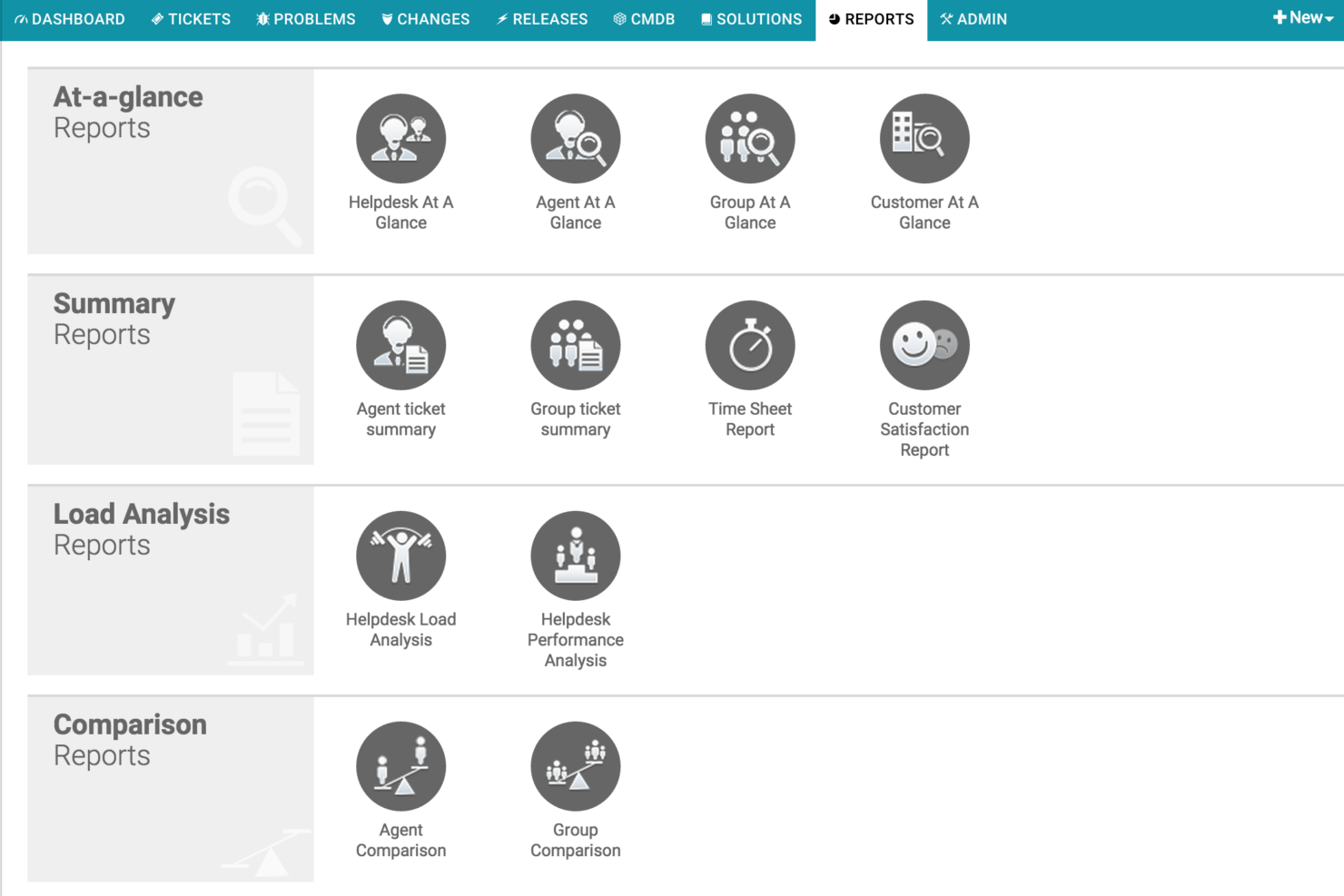
Freshservice stands out for its built-in IT asset management and CMDB, which give IT teams clear visibility into assets and dependencies directly within the service desk. It also includes Freddy AI, which helps automate ticket routing, power self-service, and assist agents with resolving issues faster.
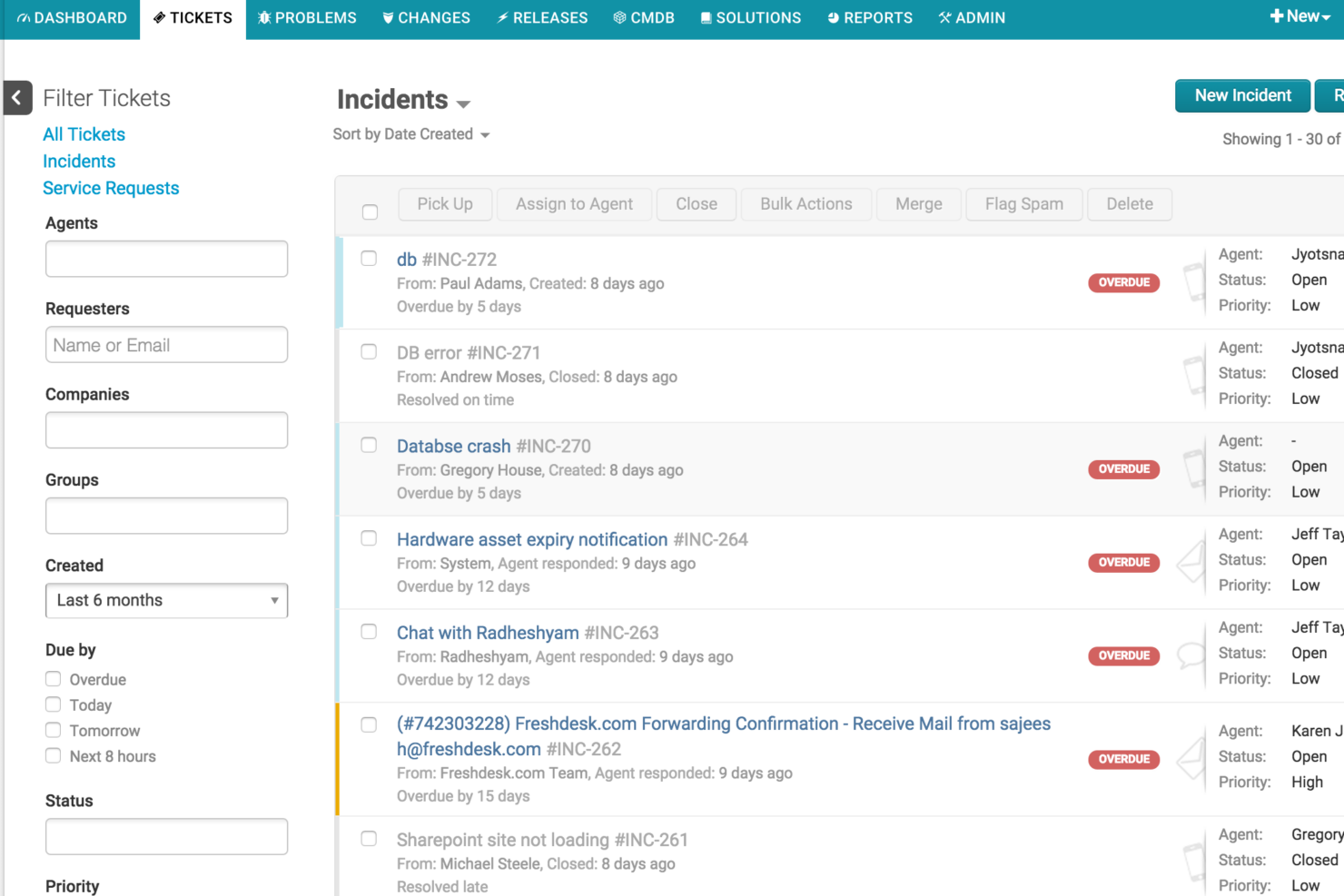
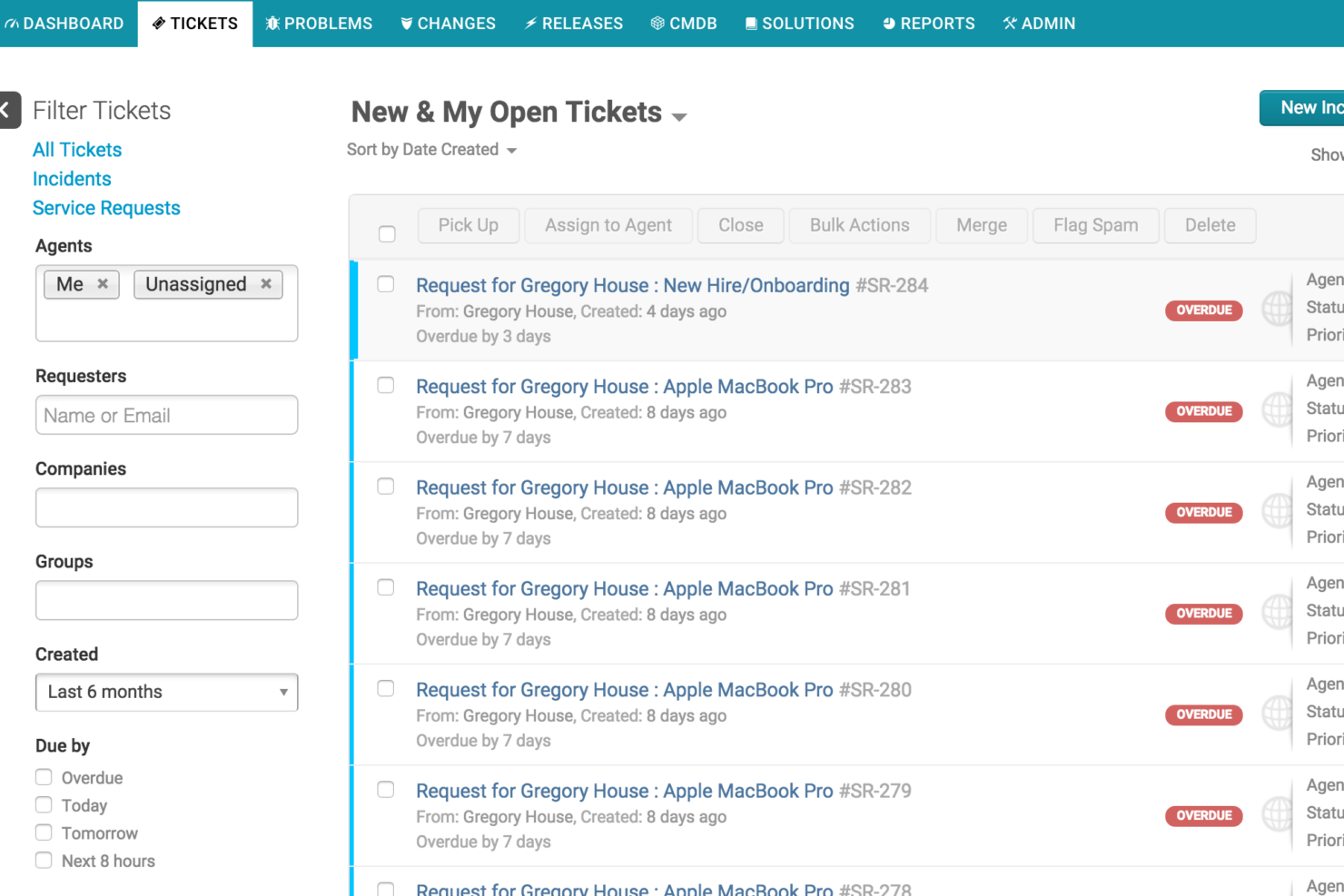
Jira Service Management differentiates itself through deep integration with the Atlassian ecosystem, allowing IT and development teams to collaborate closely using tools like Jira Software and Confluence. Aside from these differences, both platforms offer core ITSM capabilities such as incident management, service request portals, workflow automation, knowledge bases, and SLA tracking.
| Freshservice | Jira Service Management | |
|---|---|---|
| 2-Factor Authentication | ||
| API | ||
| Analytics | ||
| Anti-Virus | ||
| Batch Permissions & Access | ||
| Bug Tracking | ||
| CRM Integration | ||
| Call Integration | ||
| Chat | ||
| Contact Management | ||
| Customer Management | ||
| Data Export | ||
| Data Import | ||
| Email Integration | ||
| Escalation Management | ||
| External Integrations | ||
| Incident Management | ||
| Instant Chat Integration | ||
| Knowledge Base | ||
| Malware Protection | ||
| Multi-User | ||
| Notifications | ||
| Organization Management | ||
| Password & Access Management | ||
| Project Management | ||
| Real-time Alerts | ||
| SAP Integration | ||
| Self-service Portal | ||
| Social Media Integration | ||
| Support Forum | ||
| Ticket Management | ||
| Workflow Management |
Freshservice vs. Jira Service Management Integrations
| Integration | Freshservice | Jira Service Management |
|---|---|---|
| Microsoft Teams | ✅ | ✅ |
| Slack | ✅ | ✅ |
| Google Workspace | ✅ | ✅ |
| Azure Active Directory | ✅ | ✅ |
| Salesforce | ✅ | ✅ |
| Confluence | ✅ | ✅ |
| Trello | ✅ | ✅ |
| Okta | ✅ | ✅ |
| API | ✅ | ✅ |
| Zapier | ✅ | ✅ |
Both platforms integrate with many of the most common tools used in IT service management environments. Jira Service Management stands out for its tight integration with Atlassian products such as Confluence and Trello, making it a strong choice for teams already using the Atlassian ecosystem. Freshservice also integrates with those same Atlassian products and provides a wide range of integrations through the Freshworks Marketplace and tools like Zapier, which can simplify connecting service workflows to other SaaS platforms.
With APIs available in both systems, organizations can extend integrations further depending on their automation and infrastructure needs.
Freshservice vs. Jira Service Management Security, Compliance & Reliability
| Factor | Freshservice | Jira Service Management |
|---|---|---|
| Data Encryption | Uses AES-256 encryption for data at rest and TLS 1.2+ for data in transit. | Uses strong encryption for data at rest and in transit, with configurable security settings. |
| Regulatory Compliance | Supports standards such as SOC 1/2/3, ISO 27001, ISO 27701, PCI DSS, and GDPR-related privacy frameworks. | Supports standards such as SOC 2, SOC 3, ISO 27001, ISO 27018, GDPR, and other Atlassian Cloud compliance programs. |
| Uptime & Reliability | Cloud-native architecture designed for high availability, with fewer reported incidents and faster recovery times. | Provides a 99.9% uptime SLA, but has experienced frequent outages and incidents in recent reports. |
| Access Controls | Supports SSO, role-based permissions, and audit logs for user activity. | Includes SSO, granular permissions, and advanced audit logging. |
| Data Residency | Lets you choose data center regions for compliance and performance needs. | Offers flexible data residency options, especially for enterprise customers. |
Both Freshservice and Jira Service Management offer strong enterprise-grade security foundations, including encryption, role-based access controls, audit logging, and compliance with widely recognized standards such as SOC and ISO frameworks. Both platforms also provide data residency options and integrate with identity providers for secure access management, making them suitable for mid-market and enterprise environments with regulatory requirements.
Where they differ more noticeably is in reliability and architectural approach. Freshservice was built as a cloud-native platform, which can contribute to more consistent performance and simpler operations. Jira Service Management, which evolved from legacy Server and Data Center deployments, has introduced cloud capabilities over time but may present variability in performance, incident frequency, and operational control in some environments. In practice, both platforms meet the needs of most teams, but organizations with complex workloads or strict uptime expectations may want to evaluate reliability considerations alongside ecosystem fit.
Freshservice vs. Jira Service Management Ease of Use
| Factor | Freshservice | Jira Service Management |
|---|---|---|
| User Interface | Features a clean, intuitive dashboard designed for quick navigation and minimal learning curve. | Uses the Jira interface, which is powerful but can feel complex for teams unfamiliar with the Atlassian ecosystem. |
| Onboarding | Provides guided setup, templates, and in-app tips to help teams launch quickly. | Offers templates for ITSM projects but typically requires more configuration to tailor workflows and permissions. |
| Customization | Allows drag-and-drop workflow edits and form customization without heavy technical setup. | Supports extensive customization through workflows, fields, and automation, but may require knowledge of concepts like JQL and Jira configurations. |
| Support Resources | Includes live chat, documentation, and a large knowledge base for troubleshooting and setup guidance. | Provides extensive documentation, community forums, and enterprise support through Atlassian services. |
| Mobile Access | Offers a dedicated mobile app designed for managing tickets and responding to incidents on the go. | Provides Jira mobile apps for issue tracking and notifications, though most service management administration is done on desktop. |
Freshservice is generally easier for teams to adopt quickly due to its intuitive interface, out-of-the-box capabilities, and guided setup process. Jira Service Management offers greater flexibility and depth, but its multi-project structure and reliance on concepts like JQL can make initial setup and customization more complex. In practice, Freshservice tends to suit teams prioritizing speed and simplicity, while Jira Service Management is often a better fit for organizations already familiar with Jira or those needing more advanced configuration capabilities.
Freshservice vs Jira Service Management: Pros & Cons
Freshservice
- Fast setup and easy administration with strong out-of-the-box functionality.
- Built-in IT asset management with CMDB and deep cross-environment discovery.
- AI-powered automation and ticket assistance via Freddy AI.
- Many AI features are limited to higher-tier plans.
- Customization may be less flexible than some enterprise ITSM platforms.
- Reporting and analytics can be limited for advanced management reporting.
Jira Service Management
- It offers comprehensive reporting tools to track your team's performance.
- You can customize workflows to fit your specific needs.
- Your team will benefit from its robust incident management capabilities.
- Your team may need additional training for advanced functionalities.
- It can take some time to fully leverage all its features.
- Your team might find the interface a bit complex initially.
Best Use Cases for Freshservice and Jira Service Management
Freshservice
- Mid-Size to Enterprise Organizations Provides strong out-of-the-box ITSM capabilities and integrations without the implementation complexity of traditional enterprise service management platforms.
- Lean Management Ideal for organizations that want powerful service management without needing large, specialized admin teams.
- Companies Implementing ITIL Best Practices Supports ITIL-aligned processes such as incident, problem, change, and SLA management for structured service delivery.
- Business Teams (HR, Facilities, Finance) Ideal for non-IT teams looking for an intuitive service management solution through enterprise service management capabilities.
- Multi-Tenant SaaS Environments Designed for organizations that benefit from faster updates, lower maintenance overhead, and scalable cloud infrastructure.
- Organizations Looking for a Unified Platform Strong fit for companies that want to manage assets, service management, and IT operations in a single platform.
Jira Service Management
- Large Enterprises It provides the scalability and comprehensive tools needed for managing extensive service operations.
- Atlassian Ecosystem Users If you're already using tools like Jira Software, Confluence, or Bitbucket, it integrates seamlessly into your existing workflows.
- On-Premise or Data Center Environments Supports organizations that require on-premise or self-managed deployments for compliance or infrastructure control.
- Highly Customizable Workflows (JQL Users) Ideal for teams that need granular control and are comfortable using JQL and advanced configurations to tailor the platform.
- Advanced Project Management Needs Offers deep project tracking and workflow management capabilities, especially for teams managing complex service and development processes.
- IT Departments Your IT team can leverage its robust incident management features to resolve issues swiftly.
Who Should Use Freshservice, and Who Should Use Jira Service Management?
Freshservice is a great fit for IT teams that want a straightforward, easy-to-adopt ITSM tool with strong automation and minimal setup—especially in mid-sized businesses or organizations with limited IT resources. It’s also ideal for departments expanding service management beyond IT, such as HR or facilities.
On the other hand, Jira Service Management is best for larger enterprises, tech-driven teams, or companies already using Atlassian products that need deep customization, advanced workflows, and tight integration with development. If your priority is fast onboarding and simplicity, Freshservice will keep your team moving. If you need granular control, scalability, and a platform that grows with complex IT and DevOps needs, Jira Service Management may be a better fit.
Differences Between Freshservice and Jira Service Management
| Freshservice | Jira Service Management | |
|---|---|---|
| Customization | Quick, template-driven customization for forms and workflows. | Highly customizable with granular workflow, permission controls, and JQL-based configuration. |
| Deployment Options | Cloud-only SaaS platform. | Offers cloud and data center options for more deployment flexibility. |
| Integration Ecosystem | Works as a standalone ITSM platform with broad integrations across tools. | Deeply integrated with the Atlassian ecosystem (Jira Software, Confluence, Bitbucket). |
| Platform Architecture | Built as a cloud-native platform with modern infrastructure and faster time to value. | Evolved from Server and Data Center deployments, with cloud capabilities added over time. |
| Target Audience | Designed primarily for IT teams and enterprise service management across departments. | Popular with IT teams that collaborate closely with software development and DevOps teams. |
| Visit FreshserviceOpens new window | Read Jira Service Management ReviewOpens new window |
Similarities Between Freshservice and Jira Service Management
| Knowledge Base | Each provides a built-in knowledge base for self-service and internal documentation, reducing ticket volume. |
|---|---|
| Reporting & Analytics | Both deliver customizable dashboards and detailed reporting to track performance, trends, and compliance. |
| Security Standards | Each platform meets high security standards, including encryption, SSO, and compliance certifications. |
| Ticket Management | Both offer robust ticketing systems with SLA management, escalation rules, and multi-channel support. |
| Workflow Automation | Each platform includes automation for routing tickets, triggering actions, and reducing manual work. |
| Visit FreshserviceOpens new window Read Jira Service Management ReviewOpens new window | |