

Elasticsearch Review: Pros, Cons, Features and Pricing
Elasticsearch excels in real-time data analytics, making it a top choice for teams needing swift insights from large datasets.

We review tools independently, and commissions help fund our testing. See our transparency policy, our methodology, or suggest a tool.
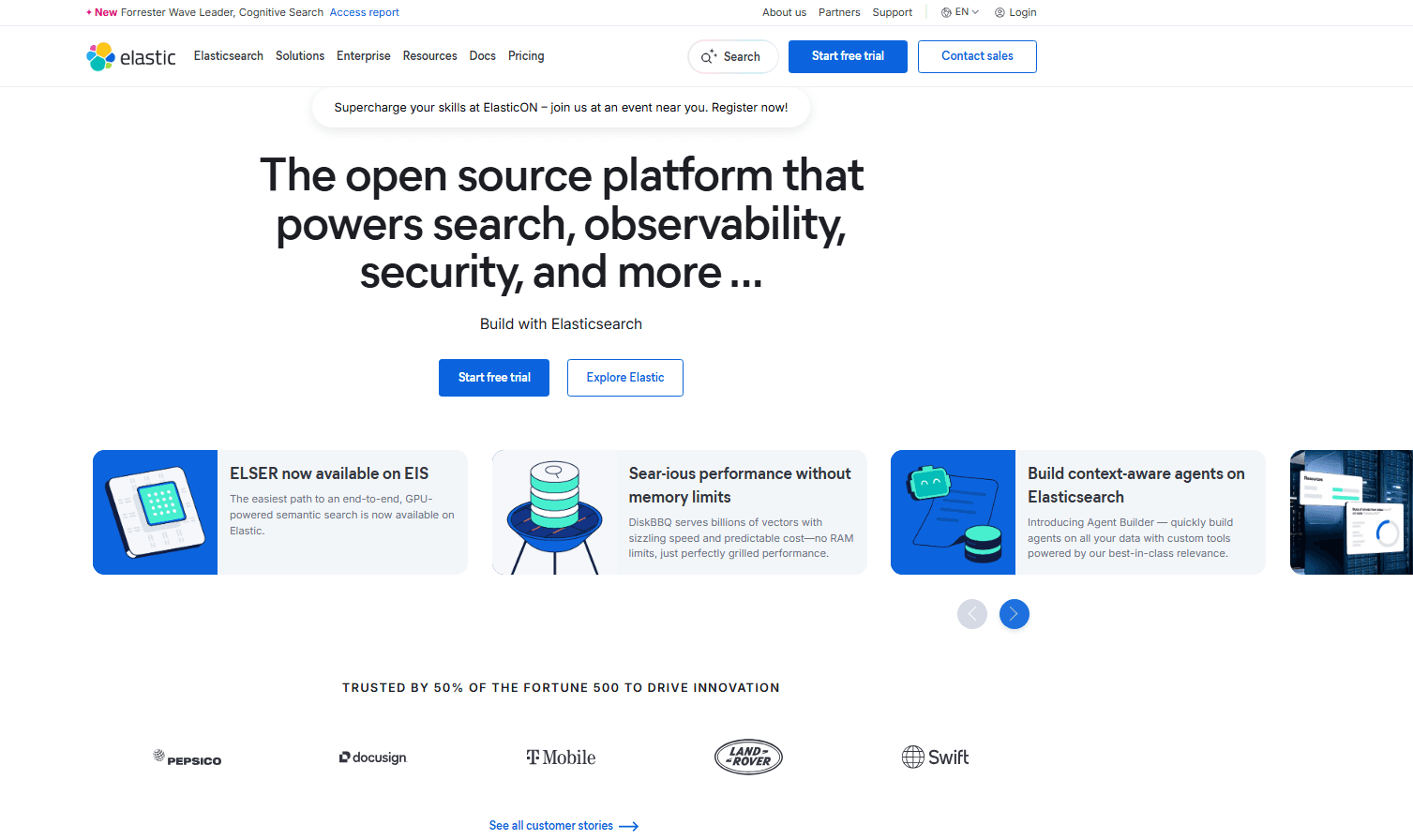
Elasticsearch is a DataOps tool built around distributed search and real-time log analytics, designed for teams that need to index, query, and analyze large volumes of machine-generated data fast. I'd consider it when you need deep search and observability capabilities across structured and unstructured data at scale. If cost control and deployment flexibility matter to your team, Elasticsearch is worth a close look over Splunk—you get comparable search depth and analytics with open-source roots and far more control over how and where you run it.
Elasticsearch Evaluation Summary
4.5/5
- Pricing upon request
- Free trial available
Why Trust Our Software Recommendations
6,700+
Reviews
20
Industry experts
16+
Evaluation factors
14
Years
Our team has been testing and reviewing software since 2012. As tech leaders ourselves, we know how difficult—and important—it is to choose the right software.
For this guide, we evaluated tools using hands-on testing and independent research, scoring tools using our selection criteria.
Our reviews reflect our human editorial judgment, not a sales pitch.
Expert reviewers:
- Paulo Gardini MiguelTech Director
 Tim FisherVP of AI
 Gabriel RosasTech Lead & Software Architect
 Christhian GruhnTech Lead & Platform Architect

Elasticsearch Overview
In my opinion, Elasticsearch is a strong choice for teams that need fast data insights and operate in distributed systems such as finance, e-commerce, and modern software development. Its real-time search engine and analytics engine deliver rapid querying across large datasets, outperforming many traditional SQL or relational database tools.
The onboarding experience is smooth and integrates well with the broader ELK stack, though occasional integration friction can occur. Elasticsearch’s Kibana-driven visualization layer makes metrics and data storage exploration intuitive, but user reviews often highlight slow response times in support. For teams prioritizing speed, scalability, and open-source search capabilities, Elasticsearch is a compelling option.
Pros
- Provides sub-second search query response times and real-time log analysis.
- Horizontal scaling to handle petabytes of data ingestion.
- Powerful and flexible visual interface for dashboarding and data exploration.
- It delivers real-time data analytics for quick insights.
- The search functionality is fast and efficient for large datasets.
- Your team will find the interface intuitive and easy to navigate.
Cons
- Requires complex JVM tuning since performance depends heavily on memory allocation.
- Consumes significant RAM and risks resource overuse or split-brain issues.
- ML features, and direct vendor support are only available through paid subscription.
- There might be a learning curve for those not tech-savvy.
Is Elasticsearch Right For Your Needs?
Who Would be a Good Fit for Elasticsearch?
Elasticsearch is well-suited for tech-savvy teams in industries like finance and e-commerce. If your work involves handling in-depth large datasets and you need quick, real-time insights, Elasticsearch's fast search capabilities can be invaluable. Departments such as IT or data analytics will benefit from its intuitive interface, allowing your team to manage data efficiently without getting bogged down in complexity.
- E-commerce AnalyticsElasticsearch analyzes large-scale transaction data to uncover customer behavior patterns and sales trends in real time. Its full-text search engine supports misspellings, synonyms, and relevance scoring, making it ideal for powering accurate and intuitive search on retail sites.
- Financial ServicesElasticsearch enables real-time visibility into financial transactions, allowing your team to detect anomalies as they occur. With paid-tier machine learning, it automatically analyzes behavioral patterns to flag fraud and other high-risk events much earlier than conventional systems.
- IT OperationsElasticsearch helps IT teams ingest, search, and analyze system logs at scale to maintain reliable performance. As the core engine of the ELK/Elastic Stack, it aggregates logs, traces, and metrics for real-time operational analytics and anomaly detection.
- Data Analytics TeamsWith its fast search capabilities, Elasticsearch supports your data team in performing complex queries with ease.
- Healthcare Data ManagementElasticsearch allows for the efficient handling and analysis of large patient data sets, aiding in quick decision-making.
- Retail Business IntelligenceYour retail team can leverage Elasticsearch to analyze sales data, helping with inventory management and customer insights.
Who Would be a Bad Fit for Elasticsearch?
Elasticsearch may not be ideal for small businesses or teams that lack technical expertise. If your team doesn't deal with large datasets or doesn't require real-time data analytics, the tool's capabilities might be overkill. Additionally, if you rely heavily on customer support for troubleshooting, you might find Elasticsearch's support lacking compared to other providers.
- Small BusinessesMassive operational overhead (JVM tuning, node management) is overkill. Simple SQL databases or managed NoSQL services are far more cost-effective and simpler to maintain.
- Non-Technical TeamsWithout a tech-savvy team, you might struggle with Elasticsearch's setup and troubleshooting processes. The required expertise in cluster lifecycle management, mapping configuration (JSON schema), and query DSL mandates dedicated DevOps or data engineering expertise.
- Customer Service DepartmentsIf your team requires constant support, Elasticsearch's customer service might not meet your expectations.
- Creative AgenciesFor agencies focused on creative output rather than data analysis, Elasticsearch's functionalities won't be a match.
- Local Brick-and-Mortar ShopsIf you don't handle large datasets, Elasticsearch's capabilities may far exceed your needs.
- Educational InstitutionsFor schools with basic data requirements, the complexity of Elasticsearch might not be warranted.
Our Review Methodology
How We Test & Score Tools
We’ve spent years building, refining, and improving our software testing and scoring system. The rubric is designed to capture the nuances of software selection and what makes a tool effective, focusing on critical aspects of the decision-making process.
Below, you can see exactly how our testing and scoring works across seven criteria. It allows us to provide an unbiased evaluation of the software based on core functionality, standout features, ease of use, onboarding, customer support, integrations, customer reviews, and value for money.
Core Functionality (25% of final scoring)
The starting point of our evaluation is always the core functionality of the tool. Does it have the basic features and functions that a user would expect to see? Are any of those core features locked to higher-tiered pricing plans? At its core, we expect a tool to stand up against the baseline capabilities of its competitors.
Standout Features (25% of final scoring)
Next, we evaluate uncommon standout features that go above and beyond the core functionality typically found in tools of its kind. A high score reflects specialized or unique features that make the product faster, more efficient, or offer additional value to the user.
We also evaluate how easy it is to integrate with other tools typically found in the tech stack to expand the functionality and utility of the software. Tools offering plentiful native integrations, 3rd party connections, and API access to build custom integrations score best.
Ease of Use (10% of final scoring)
We consider how quick and easy it is to execute the tasks defined in the core functionality using the tool. High scoring software is well designed, intuitive to use, offers mobile apps, provides templates, and makes relatively complex tasks seem simple.
Onboarding (10% of final scoring)
We know how important rapid team adoption is for a new platform, so we evaluate how easy it is to learn and use a tool with minimal training. We evaluate how quickly a team member can get set up and start using the tool with no experience. High scoring solutions indicate little or no support is required.
Customer Support (10% of final scoring)
We review how quick and easy it is to get unstuck and find help by phone, live chat, or knowledge base. Tools and companies that provide real-time support score best, while chatbots score worst.
Customer Reviews (10% of final scoring)
Beyond our own testing and evaluation, we consider the net promoter score from current and past customers. We review their likelihood, given the option, to choose the tool again for the core functionality. A high scoring software reflects a high net promoter score from current or past customers.
Value for Money (10% of final scoring)
Lastly, in consideration of all the other criteria, we review the average price of entry level plans against the core features and consider the value of the other evaluation criteria. Software that delivers more, for less, will score higher.
Core Features
Real-Time Analytics: Elasticsearch supports near real-time search and analytics, allowing teams to analyze logs, metrics, and events as they arrive with minimal indexing latency.
Full-Text Search: Built on the Apache Lucene inverted index, Elasticsearch delivers fast, relevance-ranked full-text search across massive unstructured datasets with stemming, tokenization, and custom analyzers.
Scalability: The system scales horizontally across clusters by automatically distributing data into shards and replicas, ensuring consistent performance as data volume grows.
Cluster Management: Through distributed sharding and replica shards, Elasticsearch ensures fault tolerance and load balancing across nodes, coordinated via the internal cluster discovery mechanism.
Indexing: Elasticsearch indexes data for faster retrieval, helping your team access the information they need without delay.
Data Aggregation: The platform supports complex analytical aggregations (min, max, percentiles, histograms, time-series analysis), making it a powerful engine for operational analytics and real-time dashboards.
Ease of Use
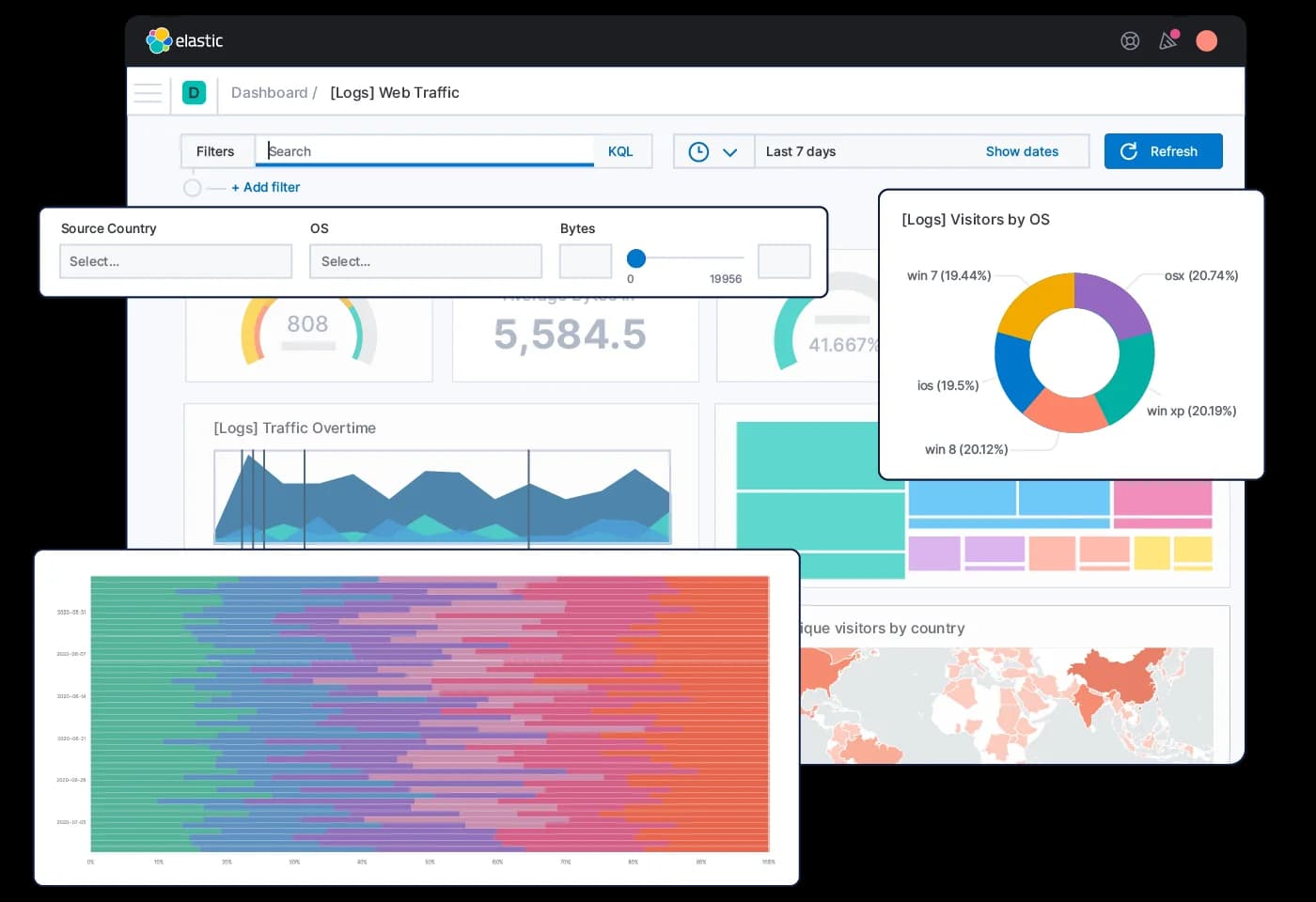
Elasticsearch is easy to explore but hard to operate. Kibana makes visualization, dashboards, and basic data discovery straightforward, yet the system itself requires technical skill. Setting up Elasticsearch means configuring JSON mappings, tuning clusters, and managing indexing behavior. Kibana is simple for data consumers, but the learning curve for developers and administrators remains steep.
Integrations
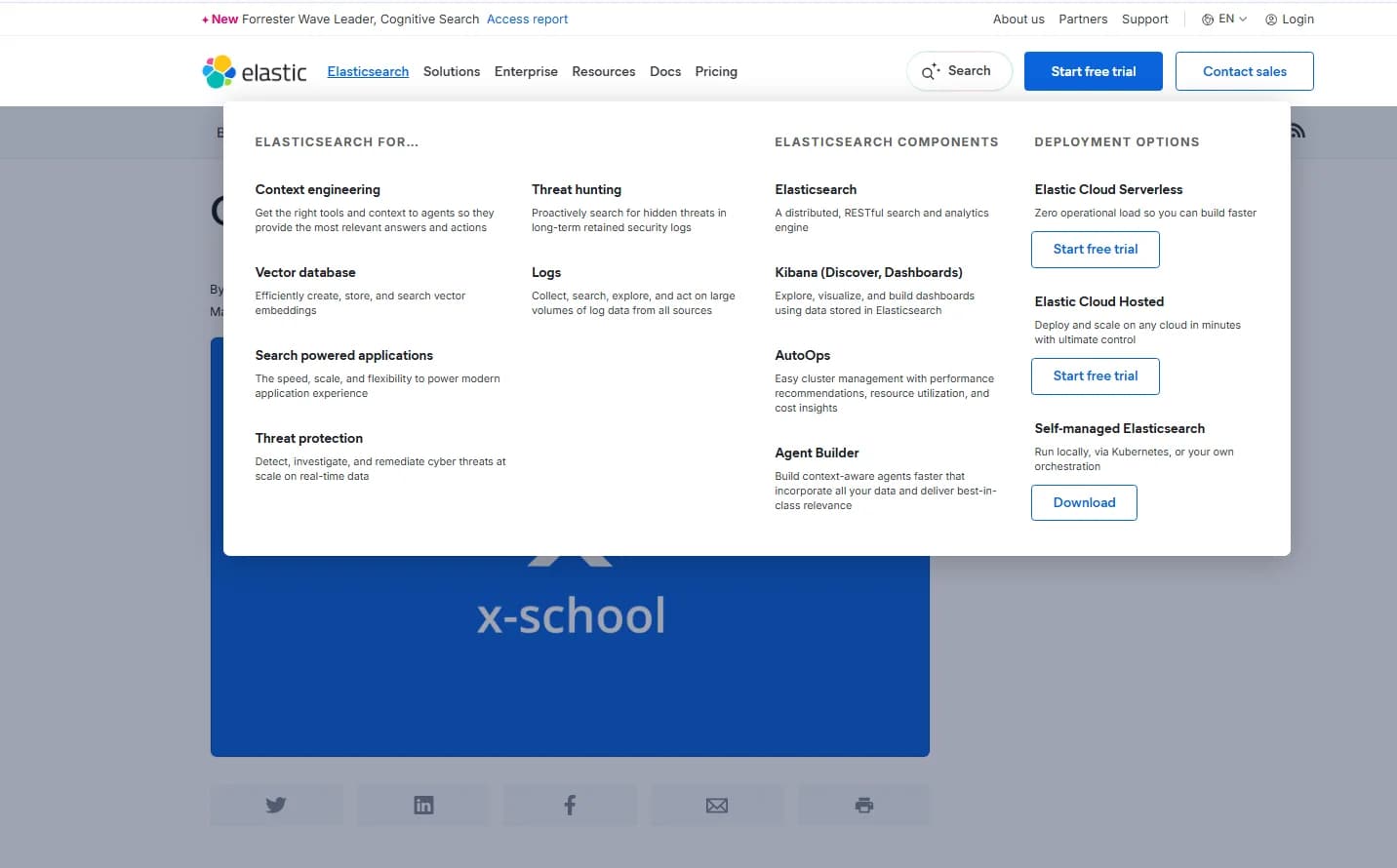
Elasticsearch integrates with Elastic Agent, Open Crawler, Data Connectors, AWS, Microsoft Azure, Google Cloud, Logstash, Elastic language clients, and APIs for data ingestion.
Elasticsearch also provides APIs and supports third-party integration tools, enhancing its flexibility in various environments.
Elasticsearch Specs
- API: Yes
- Bug Tracking: No
- CI/CD Integration: No
- Cloud Deployment: Yes
- Code Review: No
- Code Transformation: No
- Collaboration Support: No
- Data Export: Yes
- Data Import: Yes
- Developer Tools: Yes
- External Integrations: Yes
- Git Integration: No
- History/Version Control: No
- IDE Plugins: No
- Local Deployment: Yes
- Multi-User: Yes
- Notifications: Yes
- Project Management: No
- Release Management: No
- Static Analysis: No
- Task Scheduling/Tracking: No
- Testing: No


