


Checksum vs. TestMu AI: Comparison and Expert Reviews for 2026


If you’re struggling to choose between Checksum and TestMu AI, you’re not alone. You want an end-to-end testing tool that fits your workflow, delivers reliable results, and doesn’t slow your team down. Both are positioned as modern testing solutions that promise speed, coverage, and test automation—but which one actually meets your needs?
In this article, you’ll get a clear comparison of Checksum and TestMu AI, including pros and cons, use cases, pricing, security, and usability. I’ll break down where each platform excels, where they fall short, and which one is the better fit for your team’s workflow and testing needs.
Checksum vs. TestMu AI: An Overview
Checksum
TestMu AI
Why Trust Our Software Reviews
We’ve been testing and reviewing software since 2023. As tech leaders ourselves, we know how critical and difficult it is to make the right decision when selecting software.
We invest in deep research to help our audience make better software purchasing decisions. We’ve tested more than 2,000 tools for different tech use cases and written over 1,000 comprehensive software reviews. Learn how we stay transparent & our software review methodology.
Checksum vs. TestMu AI Pricing Comparison
| Checksum | TestMu AI | |
|---|---|---|
| Free Trial | 30-day free trial | Free plan available + free demo |
| Pricing | Pricing upon request | From $15/user/month (billed annually) |
Checksum vs. TestMu AI Pricing & Hidden Costs
Checksum and TestMu AI take very different approaches to pricing, and that difference can have a big impact depending on how your team works. Checksum prices based on the number of workflows (tests) it maintains, with no per-seat or per-run charges. In contrast, TestMu AI uses a modular, usage-based model—pricing varies by features like live testing, real devices, parallel execution, and AI capabilities, which can add up as you scale.
If you’re evaluating both, it’s important to look beyond the headline pricing. With Checksum, I’d focus on how many workflows you actually need and whether the reduction in test maintenance justifies the cost. With TestMu AI, you’ll want to understand which modules you need, how usage (like parallel tests or real devices) affects pricing, and how costs grow as your team expands. Taking the time to map pricing to your actual usage will help you avoid surprises and choose the better long-term fit.
Checksum vs. TestMu AI Feature Comparison
Checksum and TestMu AI overlap in several core areas. Both support automated test generation and execution, integrate with CI/CD pipelines, and connect with tools like GitHub, GitLab, and Slack. They also use AI to accelerate test creation, surface issues, and improve coverage.
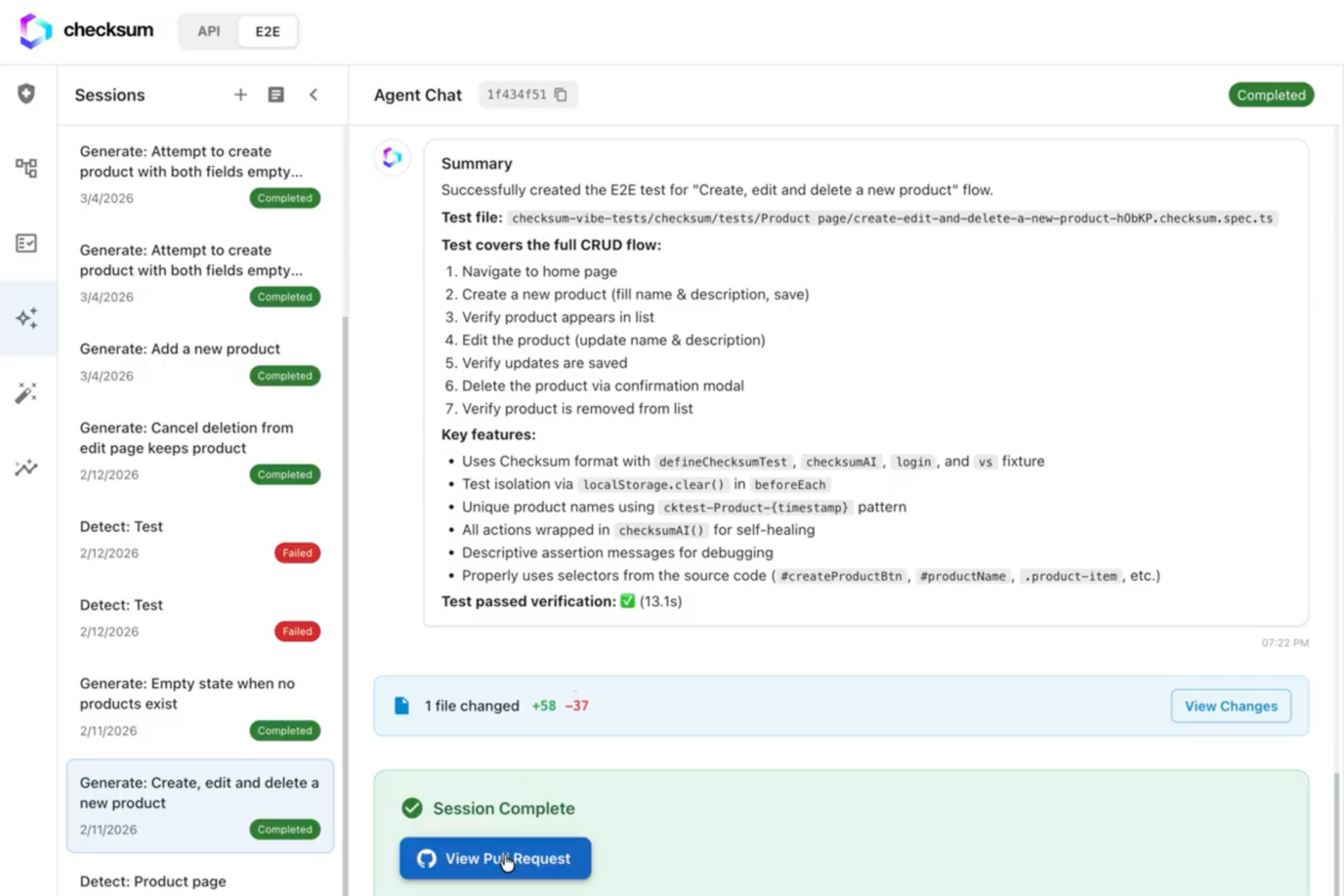
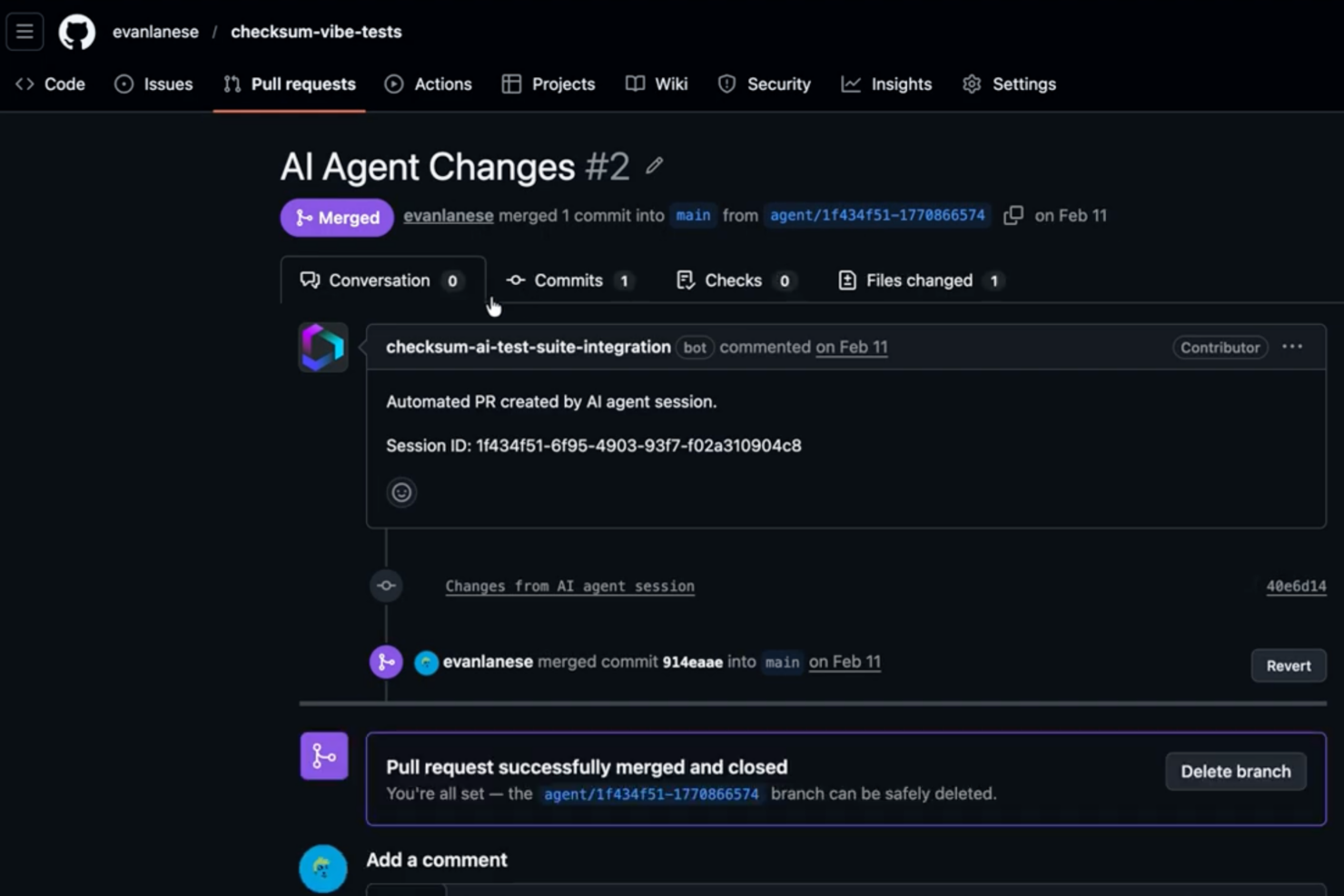
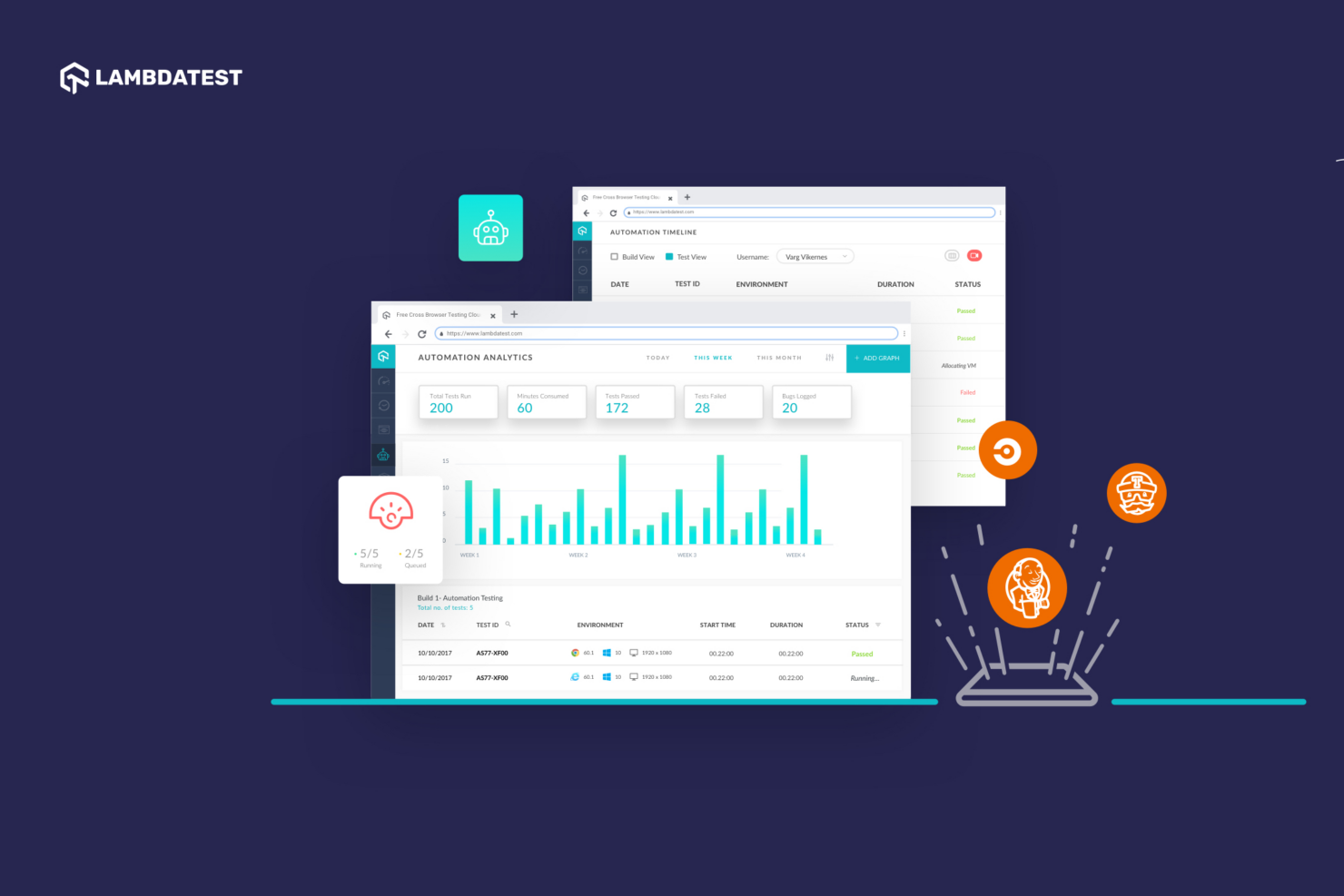
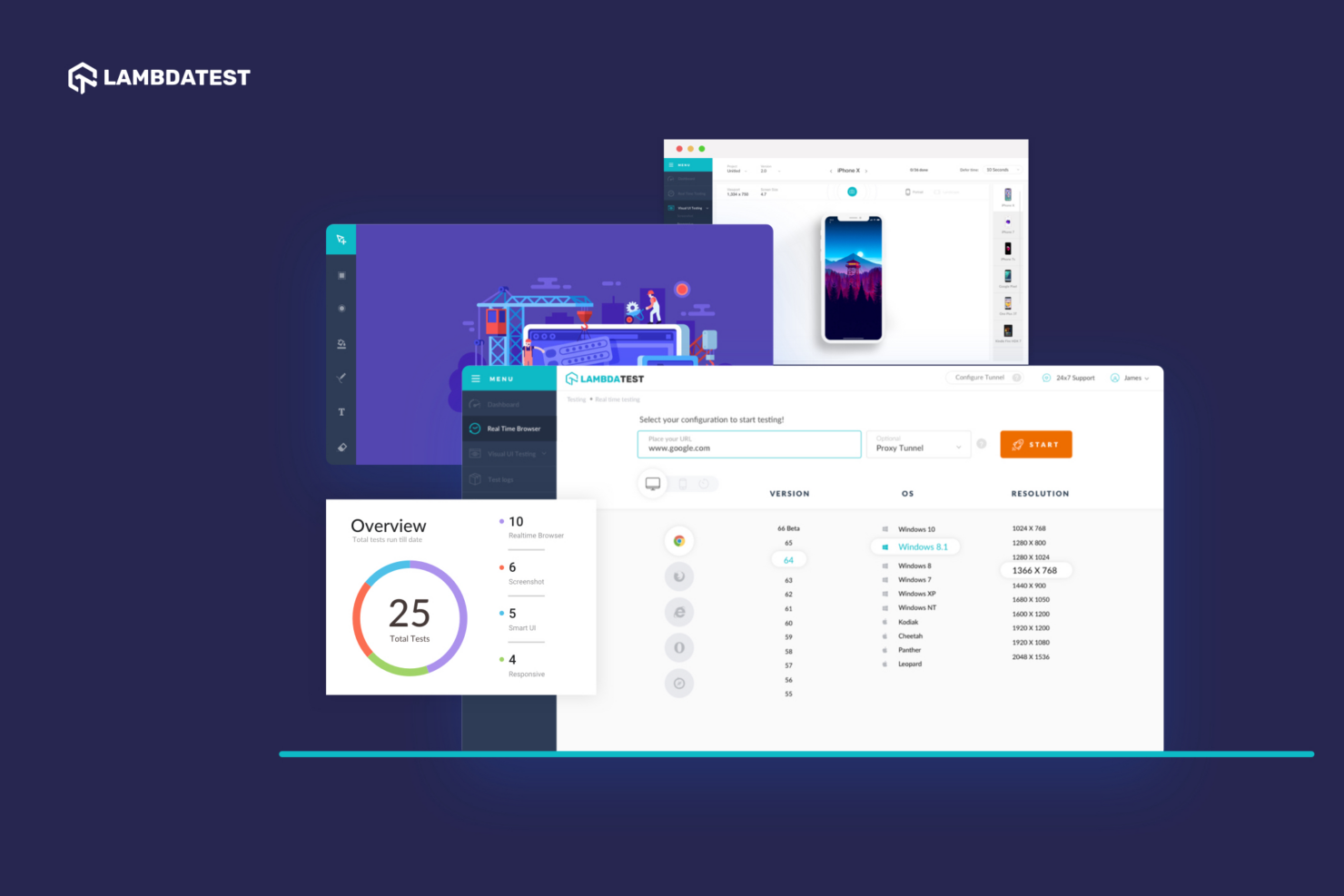
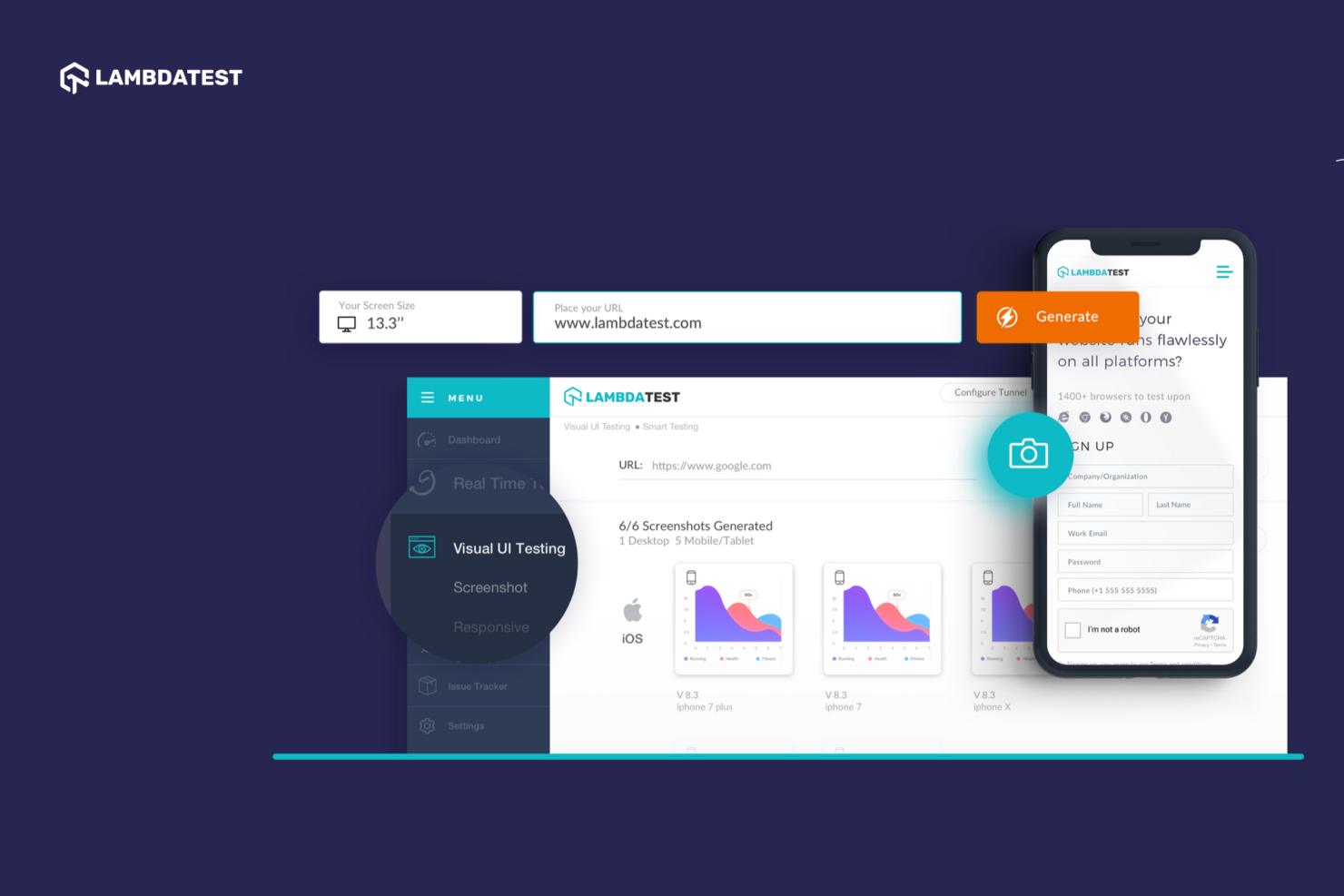
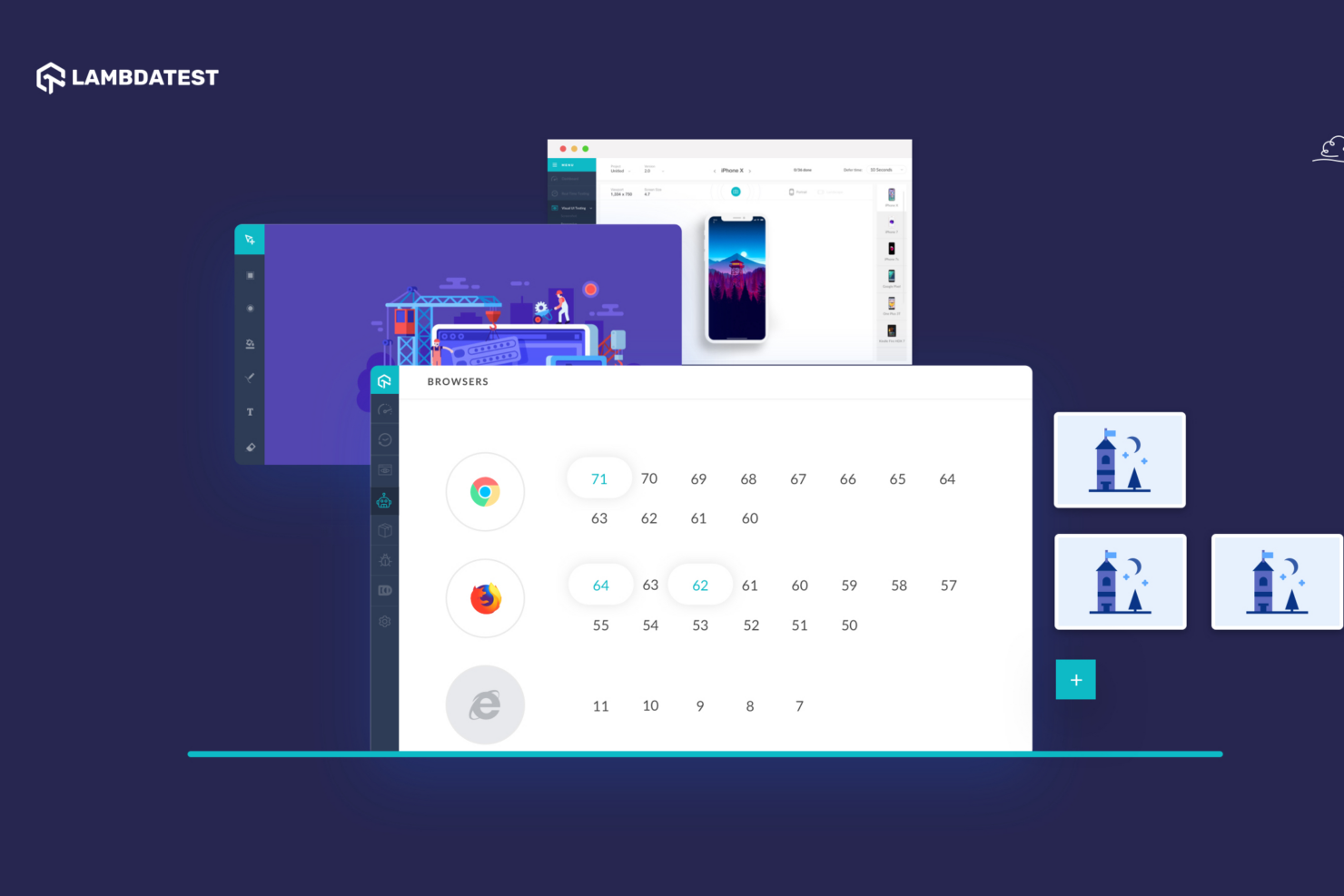
Where they diverge is in both capability scope and approach. Checksum focuses on autonomy, with features like continuous test maintenance, test generation from pull requests, third-party plugin testing, and a tests-as-code model (AI keeps a Playwright suite up to date directly in your repository). TestMu AI, by contrast, offers a broader platform that includes a real device cloud, extensive cross-browser infrastructure, centralized test management, and support for mobile, accessibility, and performance testing.
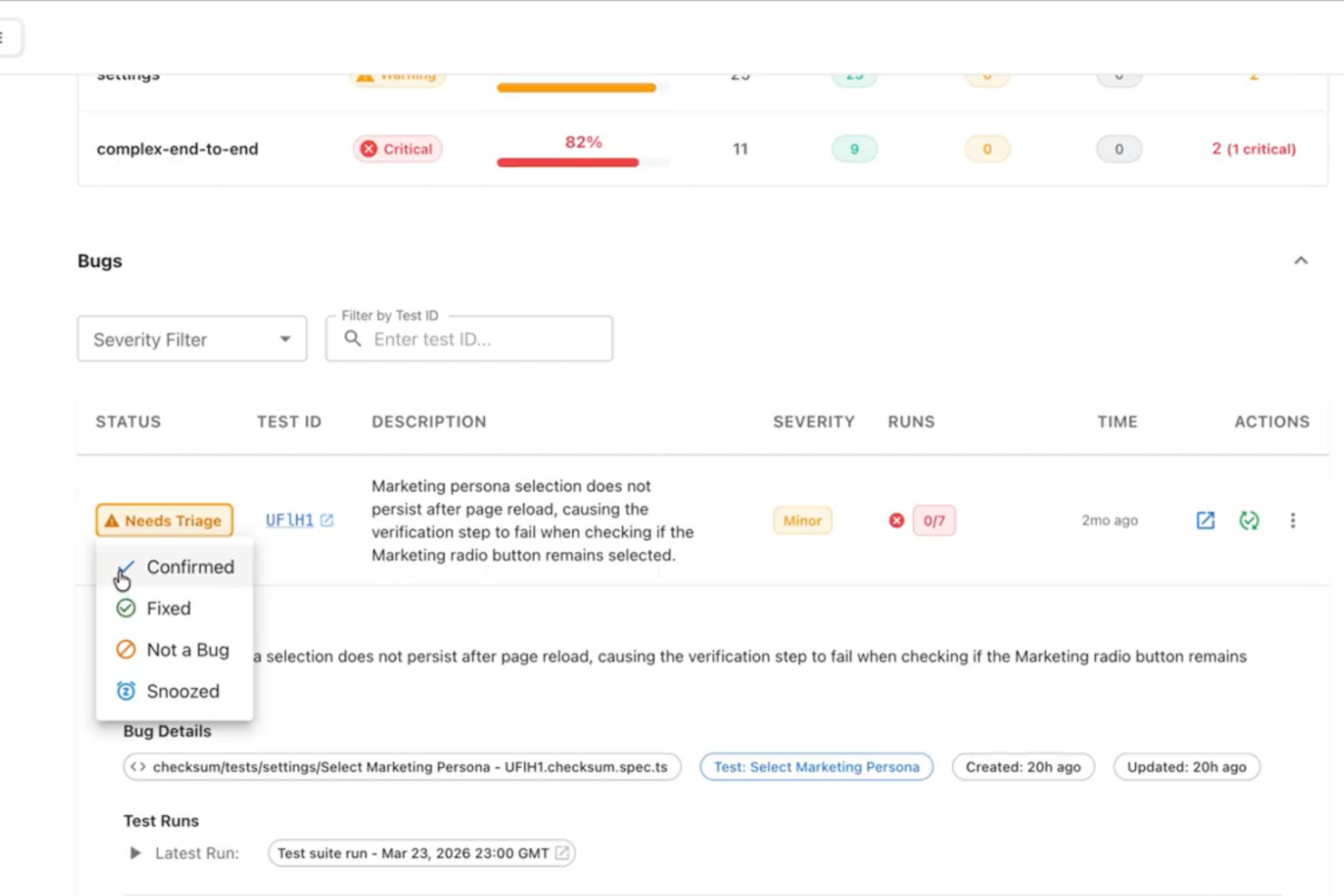
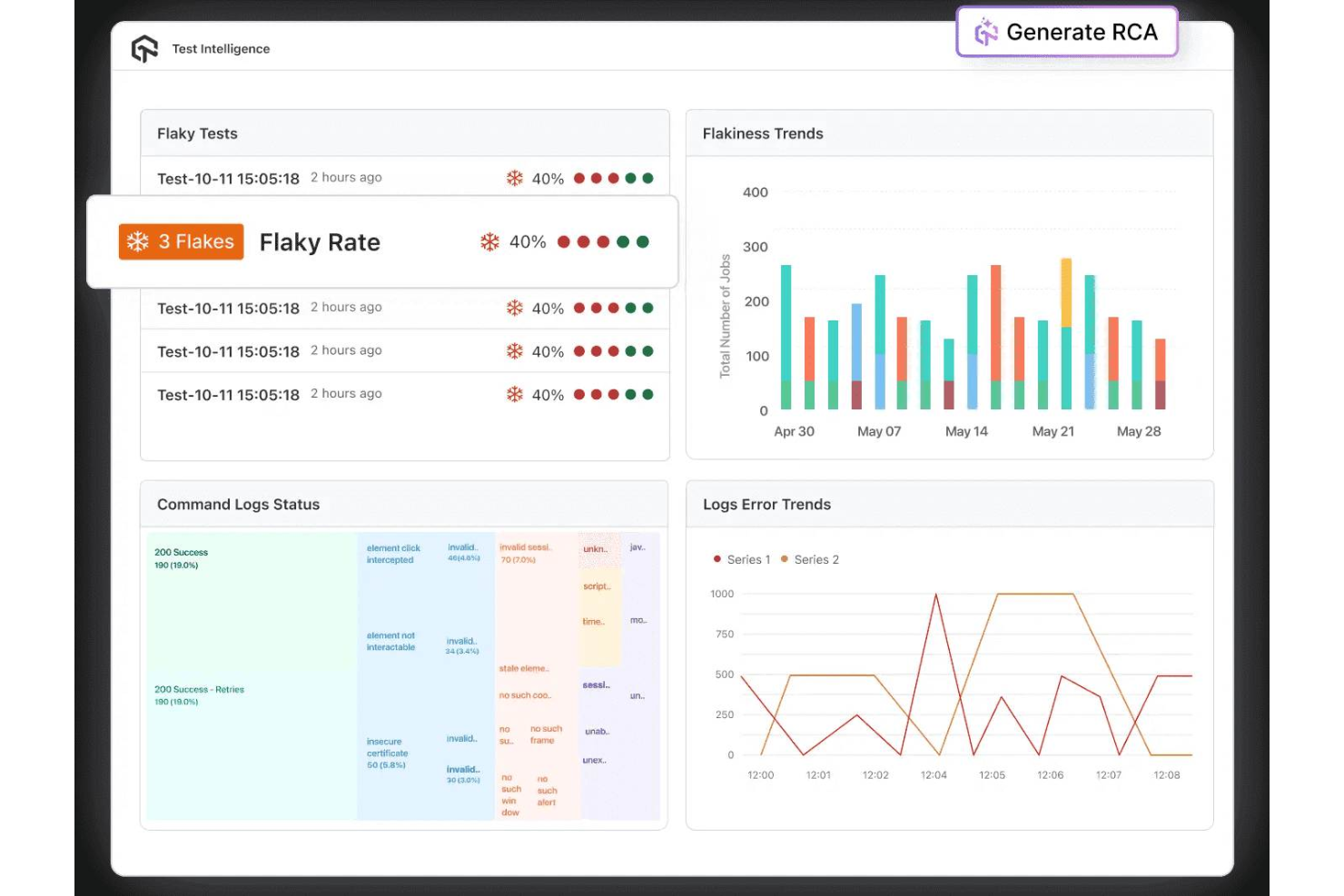
This difference is rooted in how each applies AI. TestMu AI is AI-native across the lifecycle—embedding AI agents into test creation (KaneAI), execution orchestration (HyperExecute), and analytics (Test Intelligence) to enhance and scale quality assurance workflows. Checksum is also AI-native, but more focused: it uses AI to reduce or eliminate the need to manage testing altogether by continuously generating, running, and maintaining tests in the background.
| Checksum | TestMu AI | |
|---|---|---|
| A/B Testing | ||
| API | ||
| Automated Testing | ||
| Browser Compatibility Testing | ||
| Bug Tracking | ||
| CI/CD Integration | ||
| Calendar Management | ||
| Dashboard | ||
| Data Export | ||
| Data Import | ||
| Data Visualization | ||
| Developer Tools | ||
| External Integrations | ||
| History/Version Control | ||
| Manual Testing | ||
| Multi-User | ||
| Notifications | ||
| Performance Testing | ||
| Regression Testing | ||
| Scheduling | ||
| Status Notifications | ||
| Third-Party Plugins/Add-Ons |
Checksum vs. TestMu AI Integrations
| Integration | Checksum | TestMu AI |
| GitHub | ✅ | ✅ |
| GitLab | ✅ | ✅ |
| Slack | ✅ | ✅ |
| Microsoft Teams | ✅ | ✅ |
| Jenkins | ✅ | ✅ |
| CircleCI | ✅ | ✅ |
| ClickUp | ✅ | ✅ |
| Jira | ✅ | ✅ |
| Azure DevOps | ✅ | ✅ |
| Trello | ✅ | ✅ |
| Linear | ✅ | ✅ |
| API | ✅ | ✅ |
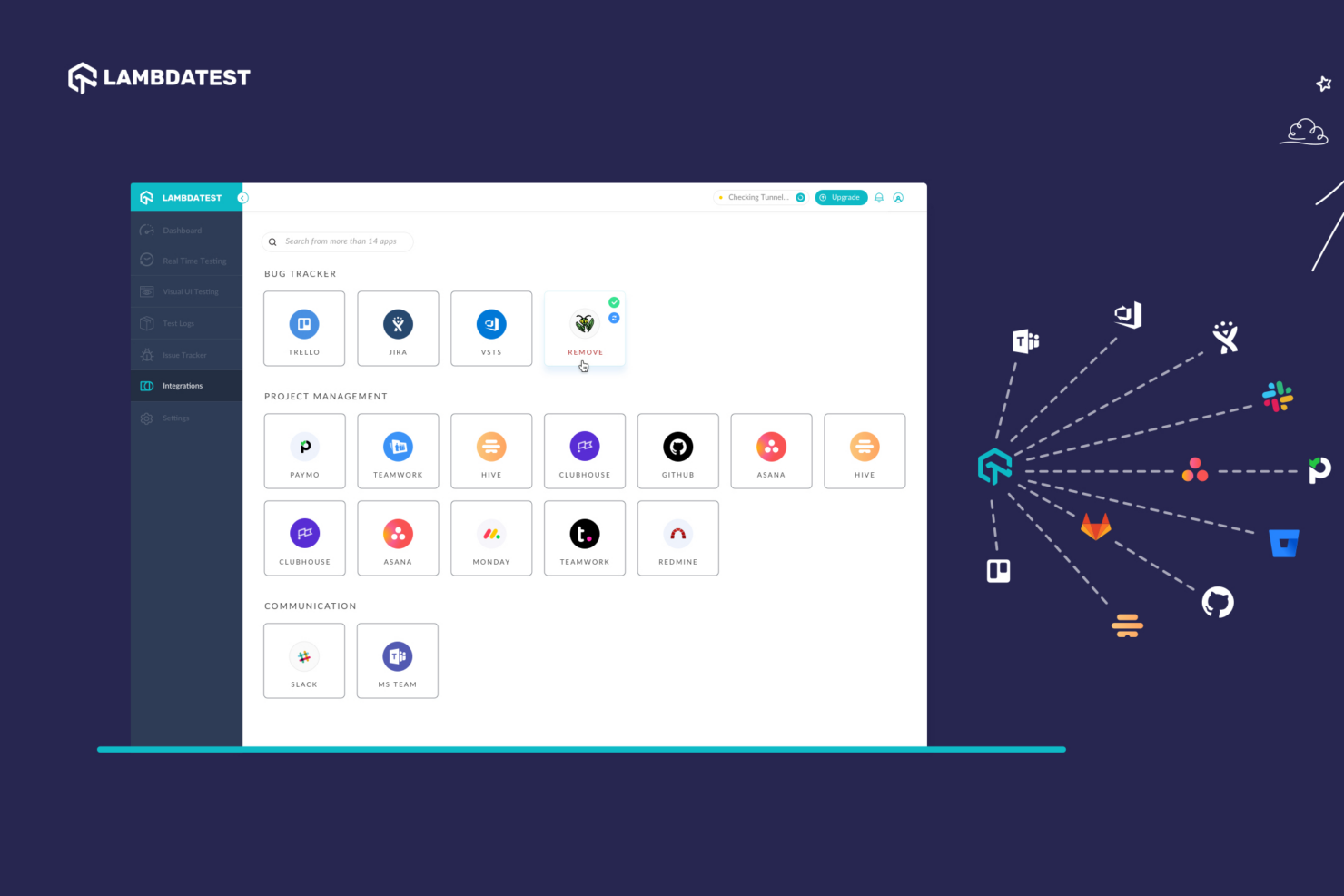
Both Checksum and TestMu AI integrate well with core developer workflows, including repositories, CI/CD tools, and team communication platforms. Aside from the above integrations, TestMu AI generally has a broader native integration library, but because both platforms also provide API and webhook support, you can enable real-time integrations with any of your internal systems and workflows, regardless of which solution you choose.
Checksum vs. TestMu AI Security, Compliance & Reliability
| Factor | Checksum | TestMu AI |
| Data Encryption | Encrypts data in transit and at rest using industry-standard protocols. | Uses TLS (in transit) and AES-256 (at rest) encryption. |
| Compliance | SOC 2 compliant with DPA available for enterprise customers. | SOC 2 Type II and ISO certifications (27001, 27017, 27701), and GDPR support. |
| Access Controls | Standard access controls and internal security policies. | SSO, SCIM, role-based access, 2FA, and enterprise identity controls. |
| Infrastructure | Cloud-based with defined security practices and subprocessors. | Hosted on AWS/Azure with global regions and documented security layers. |
| Reliability | No public uptime SLA disclosed. | Public status page; no explicit uptime SLA publicly stated. |
Both Checksum and TestMu AI follow strong security practices, including encryption and enterprise-grade controls. Checksum provides a solid foundation with SOC 2 compliance and a Data Processing Addendum (DPA), making it a reliable option for teams with standard security requirements.
TestMu AI, however, goes further with additional certifications, advanced identity management, and more detailed infrastructure transparency. For larger organizations with strict compliance or identity requirements, that added depth may be important.
Checksum vs. TestMu AI Ease of Use
| Factor | Checksum | TestMu AI |
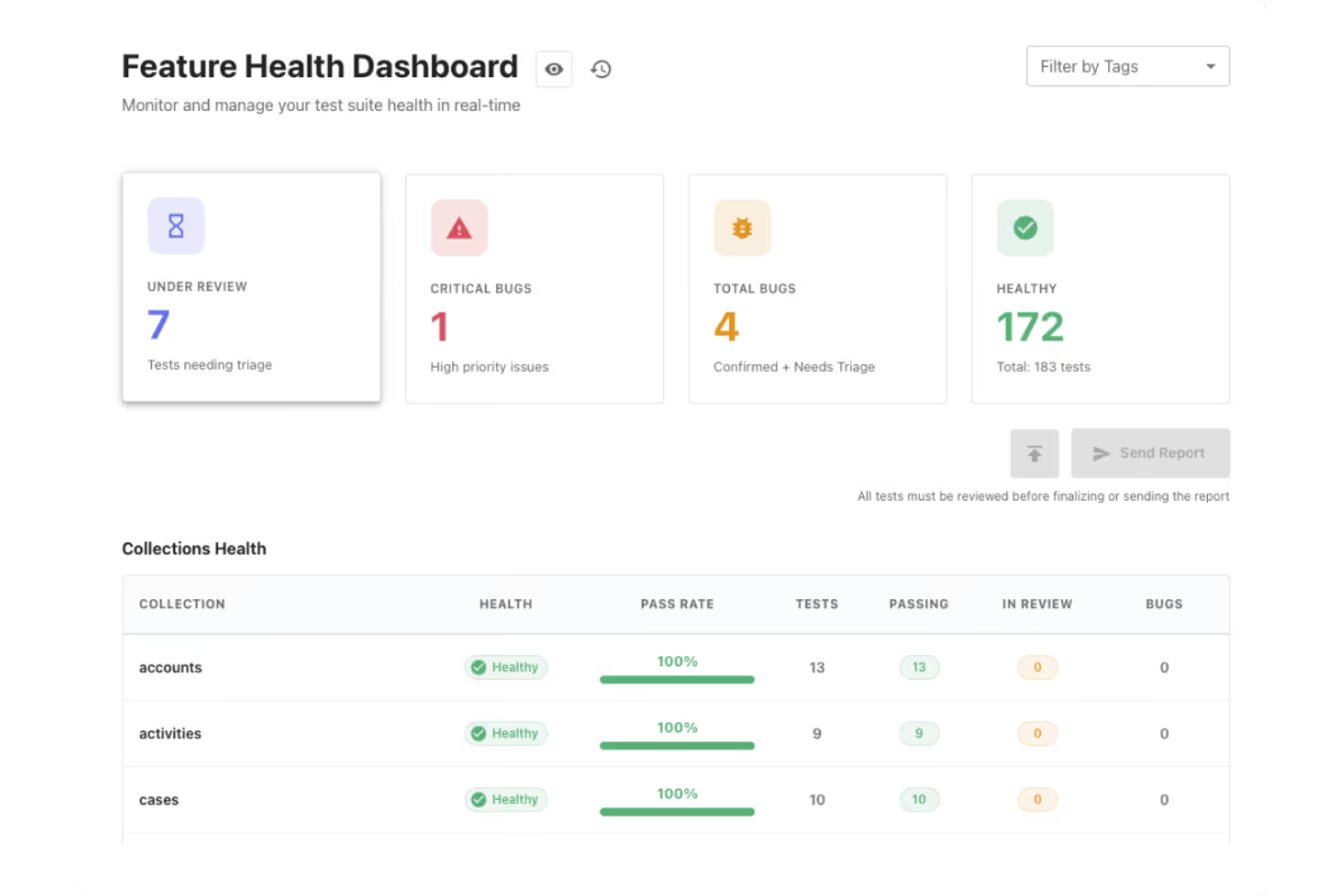
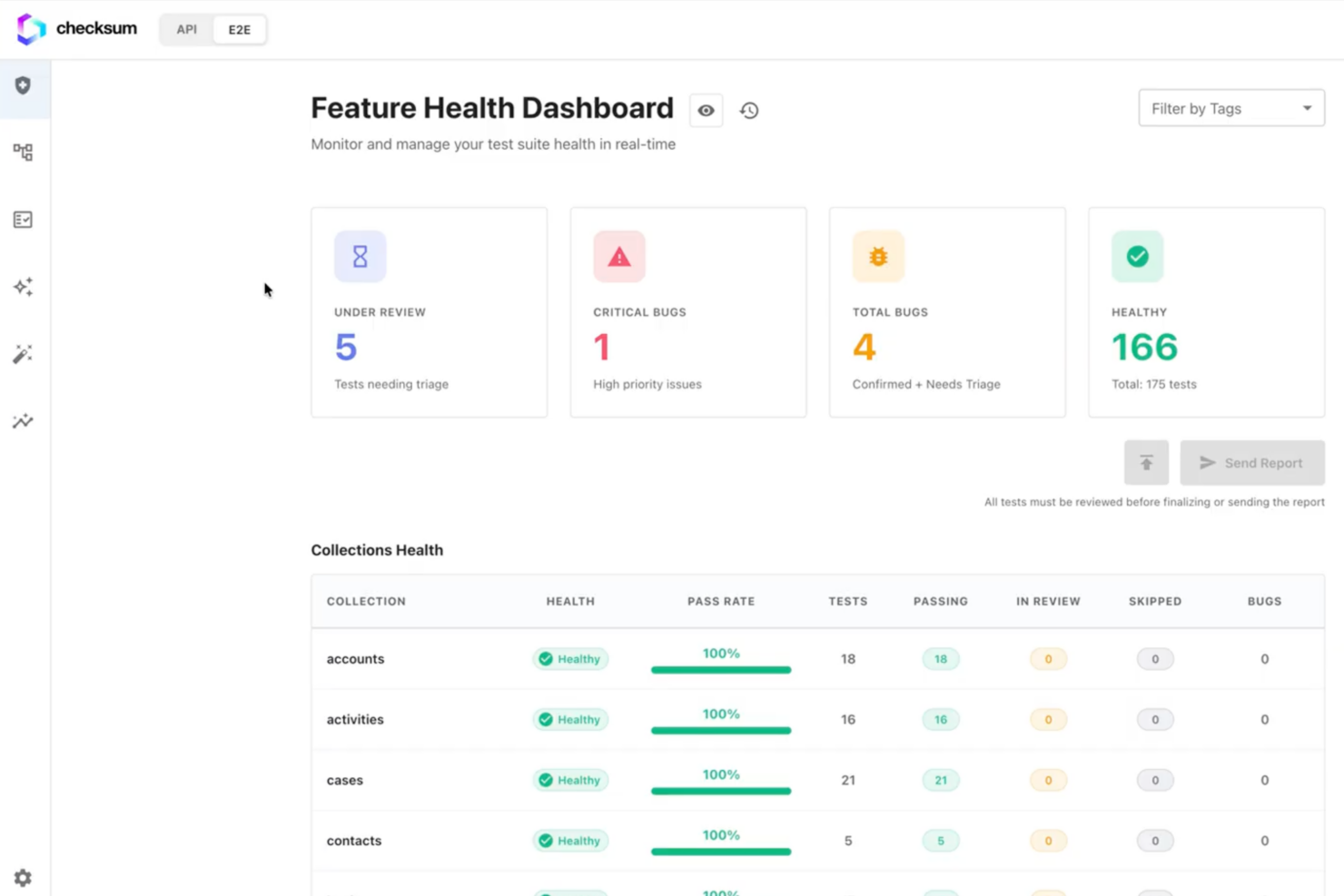
| User Interface | Clean, intuitive dashboard with customizable views and quick navigation. | Modern interface with guided workflows and visual test builders. |
| Onboarding | Guided, high-touch onboarding (Proof of Value with solutions engineer). | Flexible onboarding: self-serve for smaller teams, guided for enterprise. |
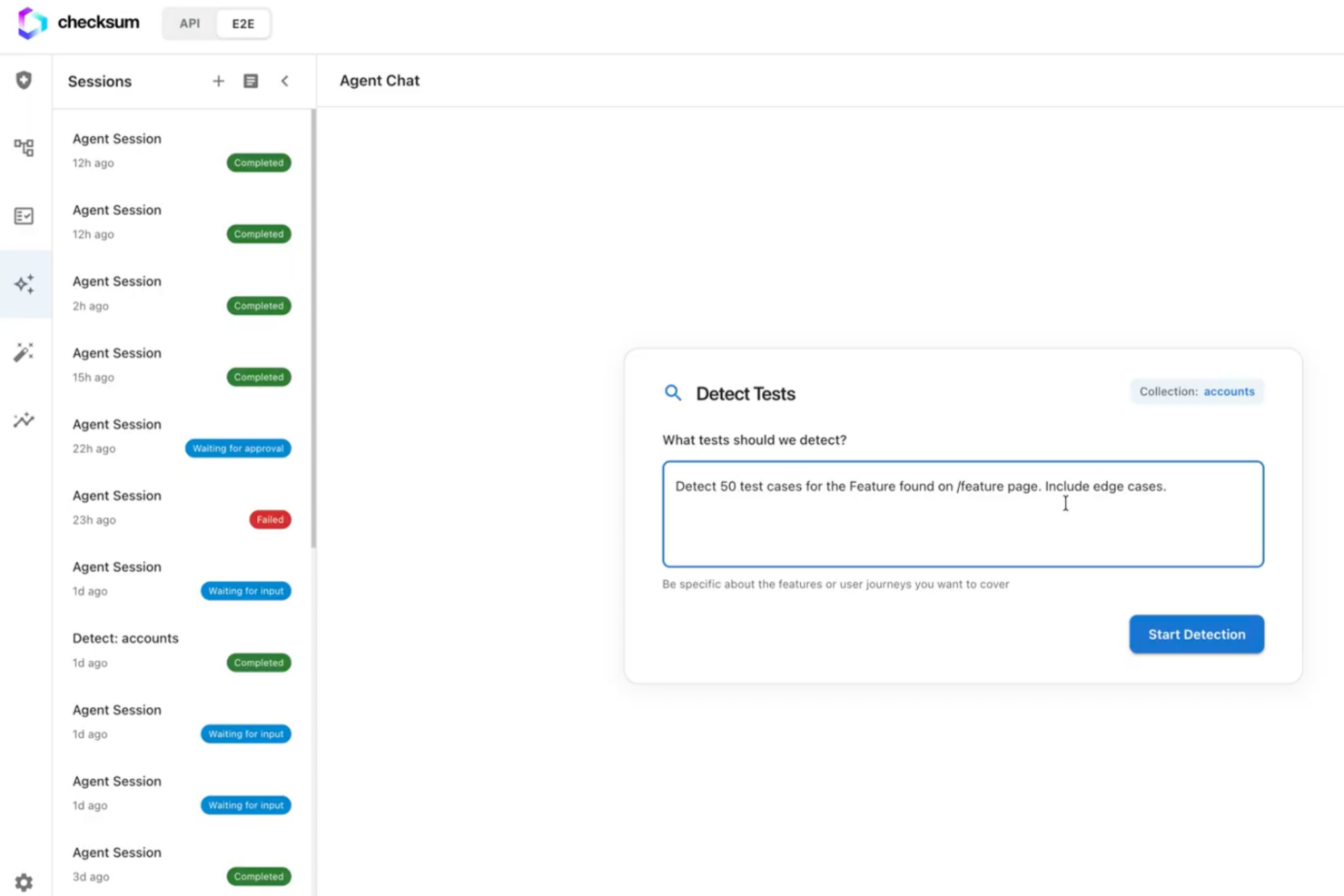
| Test Setup | Minimal manual testing setup—tests are generated and maintained automatically. | Multiple setup paths (SDKs, UI, AI via KaneAI), depending on your test cases and edge cases. |
| Customer Support | Dedicated solutions engineer, often via Slack, with proactive guidance. | Responsive support, documentation, community, plus enterprise support tiers. |
Checksum and TestMu AI approach ease of use from opposite directions. Checksum is easier in day-to-day operation because it removes most of the work—onboarding is fully guided through a Proof of Value, and once implemented, the platform provides the ability to generate, maintain, and run tests automatically in the background with minimal ongoing input from your team.
TestMu AI is easier to get started with, especially for smaller teams, thanks to its self-serve onboarding, documentation, and flexible setup options, but despite its easy onboarding and AI-native capabilities, like KaneAI, it requires more hands-on configuration and ongoing management as you scale. If you want minimal effort after setup, Checksum is easier overall; if you prefer flexibility and the ability to get started independently, TestMu AI offers a more accessible entry point.
Checksum vs TestMu AI: Pros & Cons
Checksum
- Fully autonomous test generation, execution, and maintenance (not just AI-assisted).
- Automatically heals broken tests as the application changes, reducing maintenance overhead.
- Delivers tests as real Playwright code in your repo (no vendor lock-in).
- Requires access to a live staging or production-like environment to get started.
- Higher cost and no self-serve pricing make it less suitable for smaller teams or tight budgets.
- Not fully hands-off—some test maintenance may involve optional human review.
TestMu AI
- AI-native platform with autonomous test creation, execution, and analysis (KaneAI + Test Intelligence).
- Extensive test coverage across 3000+ browser and OS combinations and 10,000+ real devices.
- A unified platform that combines test creation, management, execution, and insights, which reduces tool sprawl.
- Advanced features and enterprise capabilities may require onboarding support or technical guidance.
- Pricing can increase significantly as teams scale usage across multiple modules.
- Despite deep AI capabilities, it’s not ideal for hands-off teams as it still requires some engineering involvement.
Best Use Cases for Checksum and TestMu AI
Checksum
- Teams with Broad Test Coverage Needs Checksum is a strong fit for teams that want unified coverage across end-to-end, API, and PR-level testing, without stitching together multiple tools or systems.
- Organizations Treating Quality as Infrastructure Companies that view testing as a core part of their delivery pipeline benefit most from Checksum’s continuous approach to test generation, execution, and maintenance.
- QA Teams Checksum allows QA teams to shift away from fixing brittle tests, focusing on higher-value validation work while the platform continuously maintains the test suite.
- Web Applications with Complex User Flows Products with multi-step user journeys gain value from Checksum’s end-to-end test generation and auto-healing, ensuring critical paths stay covered as UI elements and flows change.
- Lean Startups & Teams with No Existing Test Coverage Teams starting from zero can use Checksum to rapidly generate a full test suite without upfront engineering effort. This makes it a strong fit for teams that need to go from no coverage to comprehensive validation quickly, without building a testing framework from scratch.
- SaaS Teams (Mid-Market & Enterprise) Checksum helps mid-market and enterprise SaaS teams with established CI/CD workflows maintain reliable test coverage as they ship frequent releases, automatically generating and updating tests as the product evolves without engineering effort.
TestMu AI
- Product Managers KaneAI enables product managers and non-technical stakeholders to create tests with natural language, contribute to coverage, validate user journeys, and collaborate more effectively with QA and engineering teams.
- Mobile App Testing Teams The real device cloud enables thorough validation across a wide range of devices, OS versions, and real-world usage conditions that emulators can’t fully replicate.
- Global Teams Requiring Localization Testing Broad browser, device, and geolocation coverage makes it easier to validate user experiences across multiple devices, regions, languages, and environments.
- AI Product Teams (LLMs, Chatbots, Voice Agents) Agent-to-agent testing enables teams to evaluate hallucination, bias, and response quality, making it a strong fit for organizations building and deploying AI-driven applications.
- Enterprises Standardizing QA Tooling Helps enterprises consolidate testing tools into a single platform while scaling automation across teams. Its AI-native test creation, execution, and analysis improve reliability, enhance visibility, governance, and collaboration, and reduce maintenance for QA engineers.
- DevOps & Platform Engineering Teams TestMu AI integrates directly into CI/CD pipelines and supports large-scale orchestration, making it ideal for teams embedding testing into infrastructure and release workflows.
Who Should Use Checksum, and Who Should Use TestMu AI?
Teams that want to reduce or eliminate the ongoing burden of test maintenance should use Checksum. It’s best suited for engineering teams with mature CI/CD pipelines that ship frequently and want reliable, continuously updated test coverage without dedicating time to writing and fixing tests. If your priority is minimizing manual QA effort and keeping tests in your codebase with little ongoing involvement, Checksum is the better fit for your testing process.
TestMu AI is a better choice for teams that need broad testing capabilities across web, mobile, and multiple environments. It works well for organizations that want a unified platform to manage, execute, and analyze tests at scale, but it can also support smaller teams or startups through its self-serve onboarding, low barrier to entry (through AI-native features), and lower entry pricing tiers. If you need flexibility, control, and the ability to grow and optimize your testing setup over time, TestMu AI may be right for you.
Differences Between Checksum and TestMu AI
| Checksum | TestMu AI | |
|---|---|---|
| AI-Powered Role | System-level autonomy: generates, runs, and maintains tests continuously with minimal input. | AI testing using agent-level autonomy: For example, KaneAI can author, execute, debug, and evolve tests within broader workflows. |
| Coverage | Focused on web app testing across end-to-end, API, and CI/CD workflows throughout the development lifecycle. | Broad platform covering web, mobile apps, APIs, AI systems, and more. |
| Maintenance Model | Continuous self-healing that adapts to code changes with minimal input. | AI-assisted maintenance with engineering oversight. |
| Test Generation | Autonomous and continuous in the background. | AI agent (KaneAI) supports natural language + multi-input test creation. |
| Test Ownership | Tests are delivered as standard Playwright code in your repo, so you can run, edit, or migrate them independently—no vendor lock-in. | Platform-centric with centralized management and execution. |
| Visit ChecksumOpens new window | Visit TestMu AIOpens new window |
Similarities Between Checksum and TestMu AI
| CI/CD Pipeline Integration | Both integrate with CI/CD tools like GitHub, GitLab, Jenkins, and CircleCI to embed software testing into pipelines. |
|---|---|
| Cross-Browser Support | Both platforms allow you to test across multiple browsers and environments for broad coverage. |
| Enterprise Readiness | Both offer enterprise-grade features like security controls and scalability for larger teams. |
| Multi-Layer Testing Support | Both support testing functions beyond basic UI flows, including API-level validation. |
| Team Collaboration | Both facilitate collaboration among development teams and cross-functional departments, integrating with tools like Slack and Microsoft Teams to share results and alerts. |
| Visit ChecksumOpens new window Visit TestMu AIOpens new window | |