
14 MongoDB Atlas Alternatives to Consider in 2026

10 MongoDB Atlas Alternative Shortlist
Here’s my shortlist of MongoDB Atlas alternatives:


A strong MongoDB Atlas alternative offers flexible data models, high availability, and scalability for modern application workloads. If you’re searching for a MongoDB Atlas alternative, you’re likely weighing options for database storage platforms that can handle demanding data requirements, integrate with your existing stack, and support your team’s operational needs.
With so many choices—each with unique architectures, query languages, and management models—it’s essential to compare features, compatibility, and deployment options. This list will help you quickly identify and evaluate the top alternatives so you can make an informed decision for your next project or migration.
What Is MongoDB Atlas?
MongoDB Atlas is a fully managed cloud database service for MongoDB, designed to automate deployment, scaling, and maintenance across AWS, Azure, and Google Cloud. It provides built-in security, backup, and monitoring features, allowing teams to focus on application development instead of infrastructure management.
MongoDB Atlas is used by organizations that need flexible, scalable document storage with minimal operational overhead.
Best MongoDB Atlas Alternatives Summary
This comparison chart summarizes pricing details for my top MongoDB Atlas alternative selections to help you find the best one for your budget and business needs.
| Tool | Best For | Trial Info | Price | ||
|---|---|---|---|---|---|
| 1 | Multi-model database with native graph, document, and key-value support | 14-day free trial available | Priced by the hour based on the size of the deployment and the region in which it is created | Website | |
| 2 | Distributed search and analytics engine for structured and unstructured data | Free trial available | From $0.09/VCU/hour (for serverless) | Website | |
| 3 | Flexible JSON document and key-value database with SQL support | Free plan available | From $0.15/hr per node | Website | |
| 4 | Multi-master sync and easy replication | Free | Completely free and open-source | Website | |
| 5 | Serverless, fully managed, and single-digit millisecond latency | Free plan available | Pricing upon request | Website | |
| 6 | Highly scalable distributed database for handling large data | Free | Completely free and open-source | Website | |
| 7 | High-performance NoSQL database for low-latency workloads | Free trial available | Pricing upon request | Website | |
| 8 | Multi-model database with graph and document support | Free version available | From €1000/month | Website | |
| 9 | Serverless, scalable NoSQL database for mobile and web apps | Free plan available | From $0.20/GiB/month | Website | |
| 10 | Serverless MySQL platform with non-blocking schema changes | No trial info available | From $15/month | Website |
Why Trust Our Software Reviews
-

Site24x7
Visit WebsiteThis is an aggregated rating for this tool including ratings from Crozdesk users and ratings from other sites.4.6 -
Docker
Visit WebsiteThis is an aggregated rating for this tool including ratings from Crozdesk users and ratings from other sites.4.6 -
Pulumi
Visit WebsiteThis is an aggregated rating for this tool including ratings from Crozdesk users and ratings from other sites.4.8





MongoDB Atlas Alternative Reviews
Below are my detailed summaries of the MongoDB Atlas alternatives that made it onto my shortlist. My reviews offer a detailed look at the features, capabilities, and best use cases of each database platform to help you find the best one for your needs.

ArangoDB
Multi-model database with native graph, document, and key-value support
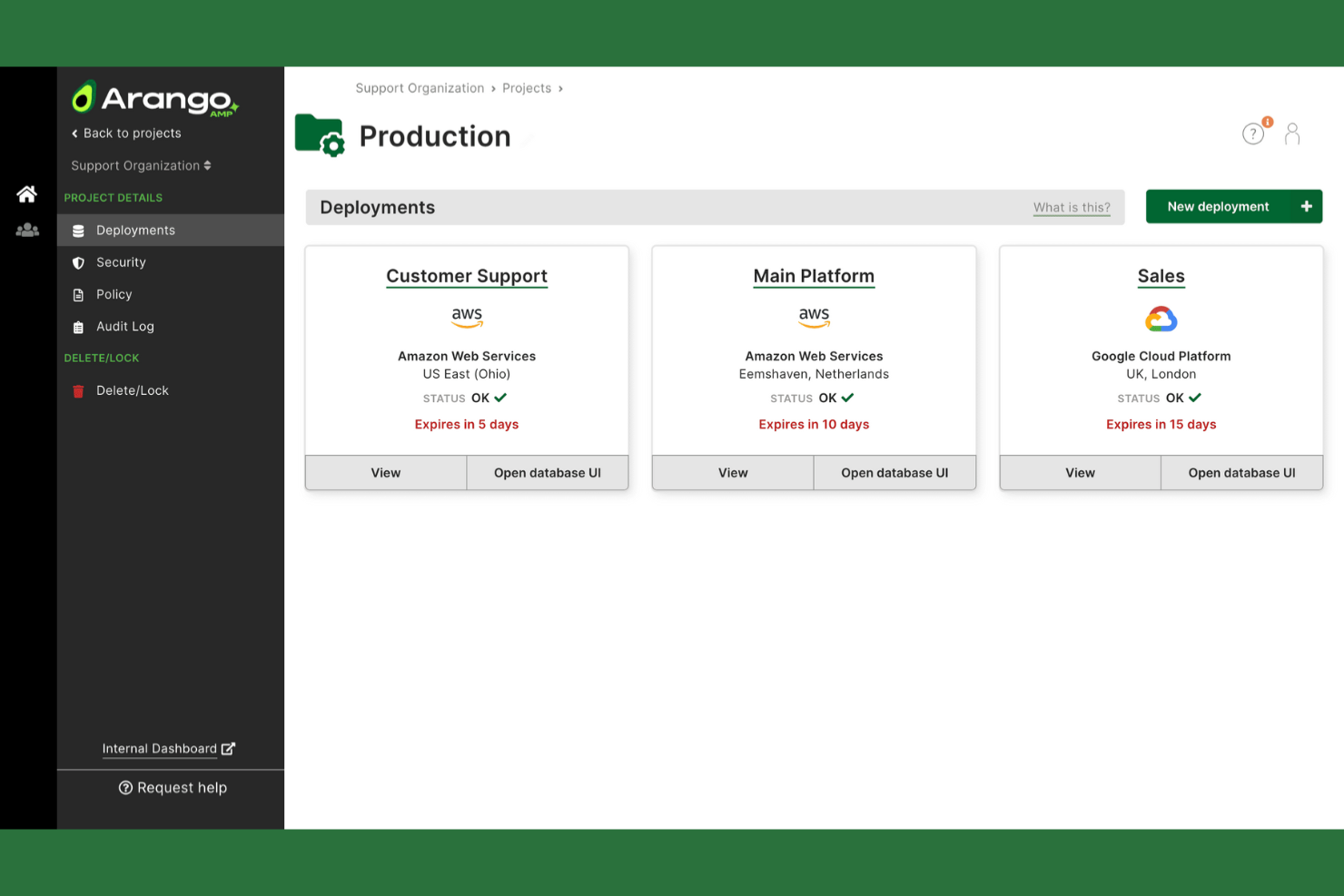
ArangoDB is a database platform designed for teams that need to work with multiple data models in a single system. It’s especially appealing to organizations handling complex relationships, such as those in analytics, fraud detection, or knowledge graphs.
If you’re looking for a flexible alternative to MongoDB Atlas that supports graph, document, and key-value data, ArangoDB is worth considering.
Who Is ArangoDB Best For?
ArangoDB is a strong choice for data engineers and architects at organizations that need to manage interconnected data across graph, document, and key-value models within a single platform.
Why ArangoDB Is a Good MongoDB Atlas Alternative
What sets ArangoDB apart is its native support for multiple data models—graph, document, and key-value—within a single database engine. I picked ArangoDB for teams that need to combine these models without running separate systems or complex integrations.
Its unified query language, AQL, lets you work across all data types in one place, which is especially useful for applications with complex relationships or hybrid data needs. This flexibility makes ArangoDB a strong alternative to MongoDB Atlas for organizations that want more than just document storage.
ArangoDB Key Features
Some other features that database teams may find valuable include:
- SmartGraphs: Enables efficient sharding and querying of large graph datasets across distributed clusters.
- Foxx Microservices Framework: Lets you build and deploy custom microservices directly within the database.
- Enterprise Security Controls: Offers LDAP integration, encryption at rest, and fine-grained access management.
- Automated Backups: Provides scheduled and on-demand backup options for data protection and recovery.
ArangoDB Integrations
Integrations include Spring Data, Datadog, LangChain, Appsmith, Cambridge Intelligence, Retool, Digibee, Python, Java, and R.
Pros and Cons
Pros:
- Provides enterprise security and access controls
- SmartGraphs feature for distributed graph data
- Built-in Foxx framework for microservices
Cons:
- Limited analytics and BI tool connectors
- Less mature managed cloud offering

Distributed search and analytics engine for structured and unstructured data
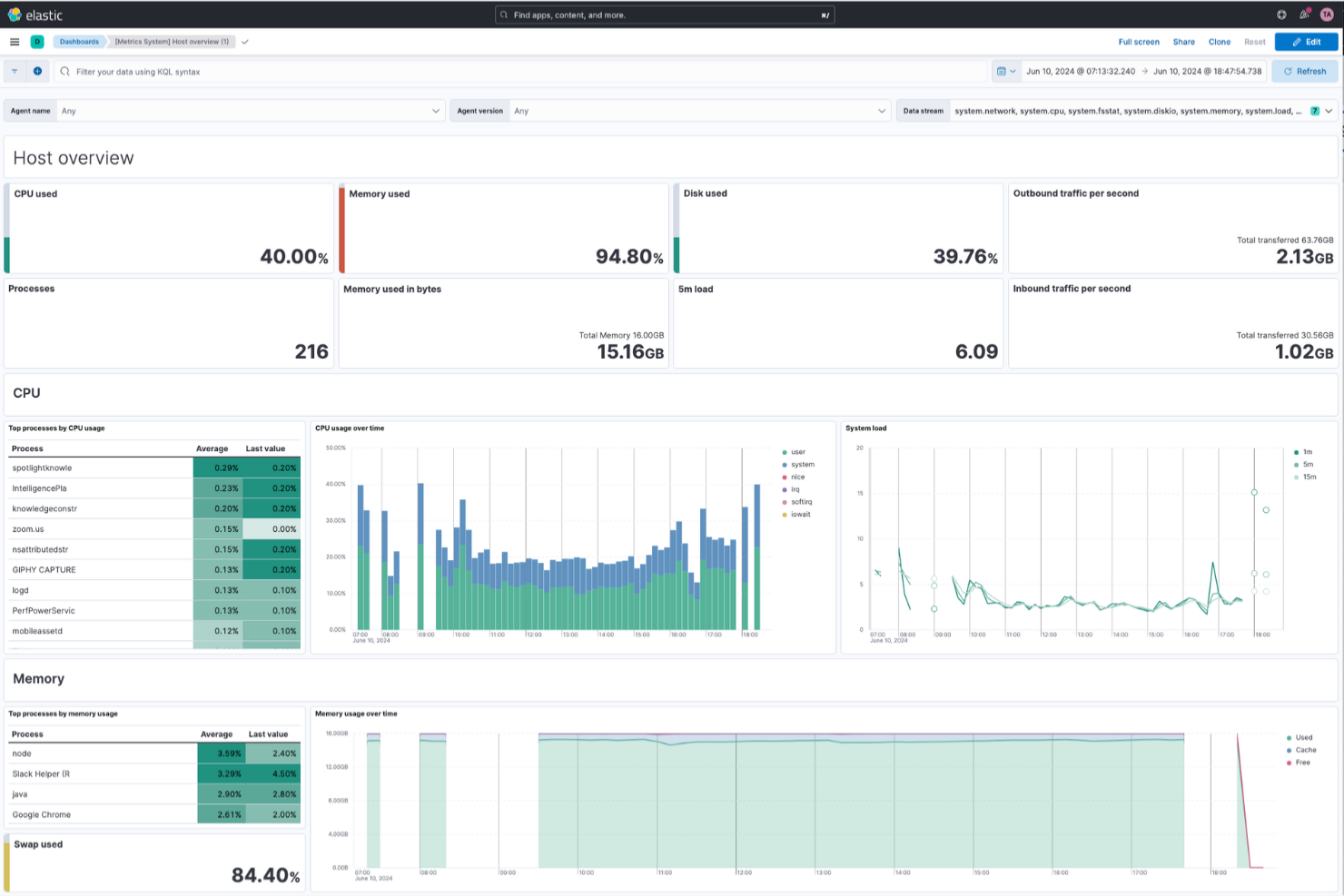
Elasticsearch is a distributed search and analytics engine built for teams that need to handle large volumes of structured and unstructured data. It’s a strong choice for organizations in ecommerce, security, or media that require fast, scalable search capabilities across complex datasets.
If you’re looking for a MongoDB Atlas alternative with advanced full-text search and real-time analytics, Elasticsearch is worth considering.
Who Is Elasticsearch Best For?
Elasticsearch is a strong fit for engineering and analytics teams in ecommerce, security, and media organizations that need scalable, real-time search and analytics across large datasets.
Why Elasticsearch Is a Good MongoDB Atlas Alternative
When you need a database storage platform that excels at distributed search and analytics, Elasticsearch stands out. I picked Elasticsearch because it’s purpose-built for handling both structured and unstructured data at scale, making it ideal for real-time search and log analytics.
Its distributed architecture allows you to index, search, and analyze massive datasets quickly across multiple nodes. The platform’s advanced full-text search capabilities and support for complex queries make it a strong alternative to MongoDB Atlas for teams prioritizing search and analytics performance.
Elasticsearch Key Features
Some other features that database teams may find valuable include:
- Snapshot and Restore: Create backups of your data and restore clusters as needed for disaster recovery.
- Role-Based Access Control: Manage user permissions and secure sensitive data with granular access policies.
- Index Lifecycle Management: Automate index rollover, retention, and deletion to optimize storage and performance.
- Machine Learning Integration: Detect anomalies and automate data analysis directly within your Elasticsearch environment.
Elasticsearch Integrations
Integrations include AWS, Google Cloud, Microsoft Azure, Kubernetes, Apache, OpenTelemetry, Kibana, Logstash, Beats, and Elastic Agent.
Pros and Cons
Pros:
- Built-in machine learning for anomaly detection
- Advanced full-text and relevance ranking
- Real-time search across massive datasets
Cons:
- Limited relational data modeling capabilities
- No native support for multi-document transactions

Flexible JSON document and key-value database with SQL support
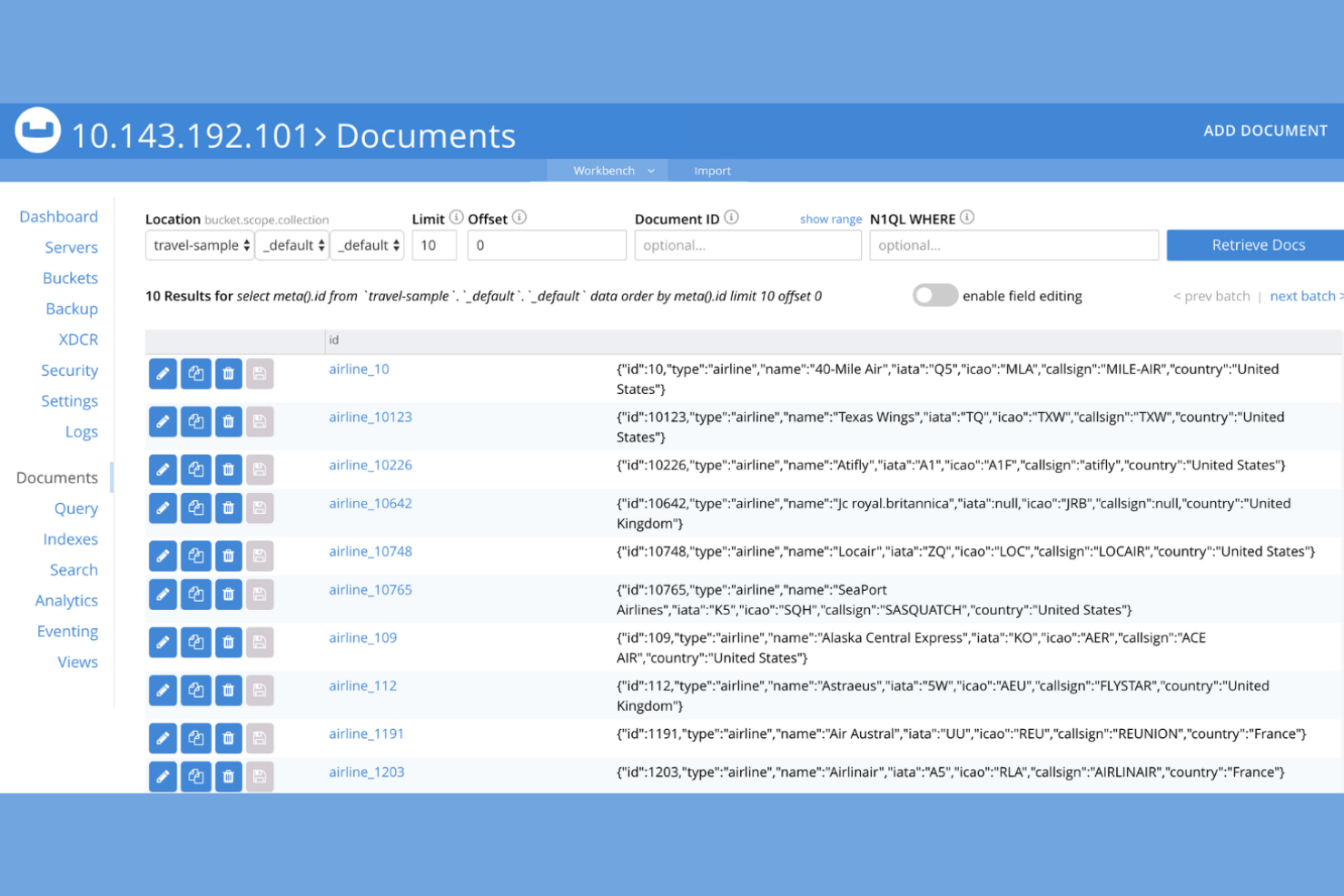
Couchbase is a distributed NoSQL database designed for teams that need both flexible data modeling and high performance at scale. It’s a strong choice for businesses building real-time applications, such as ecommerce platforms or mobile apps, that require low-latency access and offline sync.
If you’re looking for a MongoDB Atlas alternative with built-in SQL support and multi-model capabilities, Couchbase is worth a closer look.
Who Is Couchbase Best For?
Couchbase is a good fit for development teams at mid-sized to large enterprises building real-time, high-availability applications that require flexible data models and SQL-like querying.
Why Couchbase Is a Good MongoDB Atlas Alternative
What makes Couchbase stand out as a MongoDB Atlas alternative is its combination of flexible JSON document storage with native SQL support. I picked Couchbase for teams that want to use familiar SQL syntax (N1QL) to query and manipulate JSON data, which can simplify migration and development for those coming from relational databases.
Couchbase also supports key-value access and built-in mobile sync, making it a strong fit for real-time and offline-first applications. These features give you more options for data modeling and querying than many other NoSQL platforms.
Couchbase Key Features
Some other features that database teams may find valuable include:
- Built-in Full-Text Search: Run advanced text queries directly within your database using integrated search capabilities.
- Multi-Dimensional Scaling: Independently scale compute, storage, and query services to match workload requirements.
- Integrated Analytics Service: Analyze operational data in real time without impacting transactional performance.
- Role-Based Access Control: Manage user permissions and security with granular, role-based access policies.
Couchbase Integrations
Native integrations include Microsoft Excel, QlikView, SAP Lumira, AWS, Azure, Google Cloud, LlamaIndex, Solace, Unstructured, and React Native.
Pros and Cons
Pros:
- Enables offline-first application development
- Includes integrated full-text search capabilities
- Provides multi-dimensional scaling for workloads
Cons:
- Requires more resources for optimal performance
- Analytics features are less mature than competitors

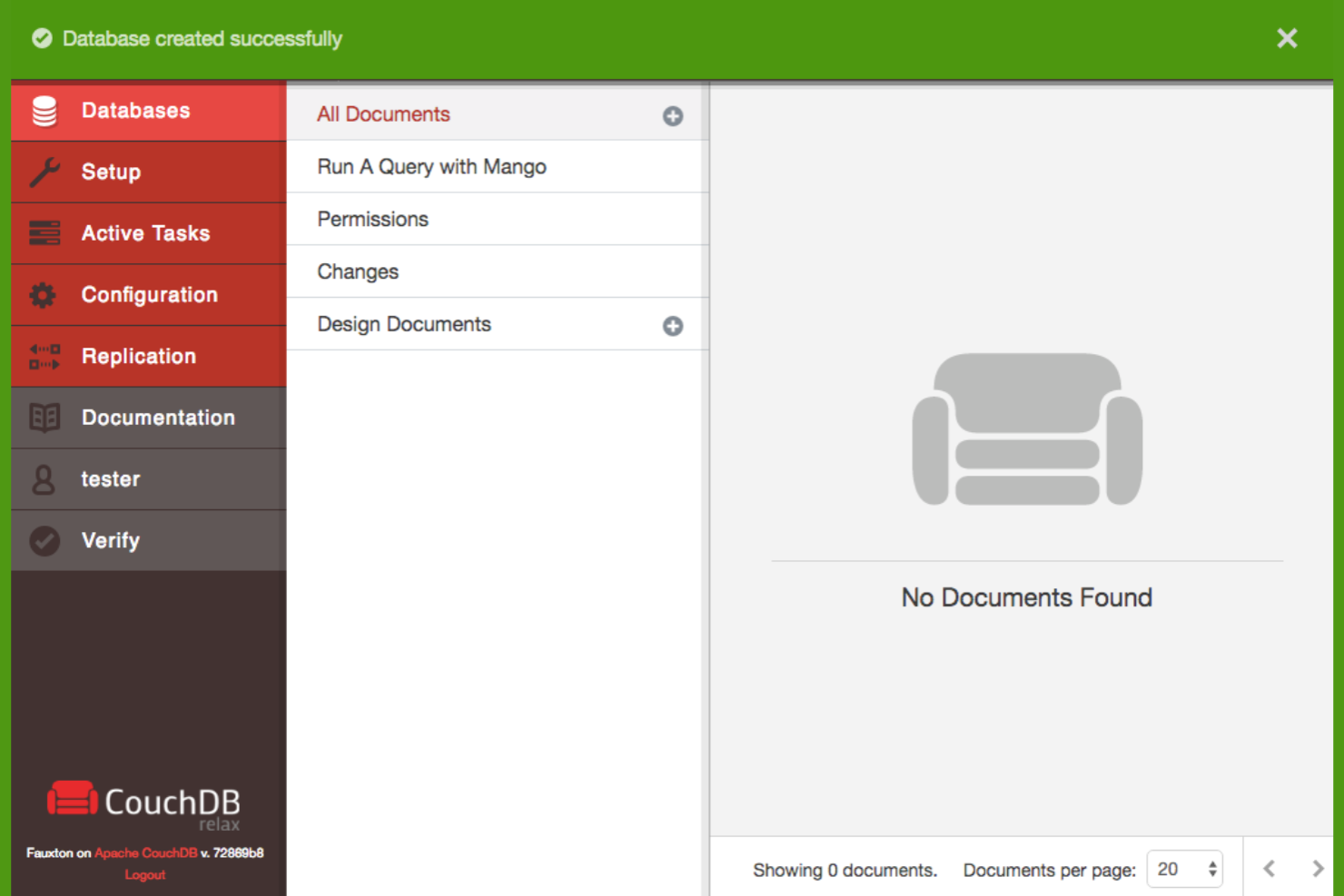
Apache CouchDB offers a flexible, document-oriented database platform for teams that need reliable data sync across devices and locations. It’s a strong choice for organizations with distributed or offline-first applications, such as field services or mobile solutions.
If you’re looking for a database that supports easy replication and conflict resolution, CouchDB is worth considering.
Who Is Apache CouchDB Best For?
Apache CouchDB is a good fit for organizations building distributed or offline-capable applications that require reliable multi-device data synchronization.
Why Apache CouchDB Is a Good MongoDB Atlas Alternative
I picked Apache CouchDB because its multi-master sync and easy replication set it apart from other database storage platforms. CouchDB’s replication protocol lets you synchronize data across multiple devices and locations, even when some are offline or intermittently connected.
This makes it especially useful for distributed teams or applications that need reliable data consistency in challenging network environments. If you need a database that handles conflict resolution and offline-first scenarios natively, CouchDB is a strong alternative to MongoDB Atlas.
Apache CouchDB Key Features
Some other features I found valuable for database teams include:
- HTTP/RESTful API: CouchDB exposes a full-featured HTTP API for interacting with and managing your data using standard web protocols.
- MapReduce Queries: Use JavaScript-based MapReduce functions to create flexible and powerful queries over your document data.
- Built-in Authentication and Authorization: Manage user access and permissions directly within CouchDB, supporting both local and external authentication methods.
- Incremental Data Replication: CouchDB supports efficient, incremental replication that only transfers changes since the last sync, reducing bandwidth and resource usage.
Apache CouchDB Integrations
Integrations include PouchDB, IBM Cloudant, Fauxton, and a RESTful HTTP API for custom integrations; native integrations are not currently listed beyond these.
Pros and Cons
Pros:
- Open-source with active community development
- Offline-first design suits mobile and edge use
- Multi-master sync supports distributed deployments
Cons:
- Performance tuning can be complex for large datasets
- Fewer managed hosting options than MongoDB Atlas

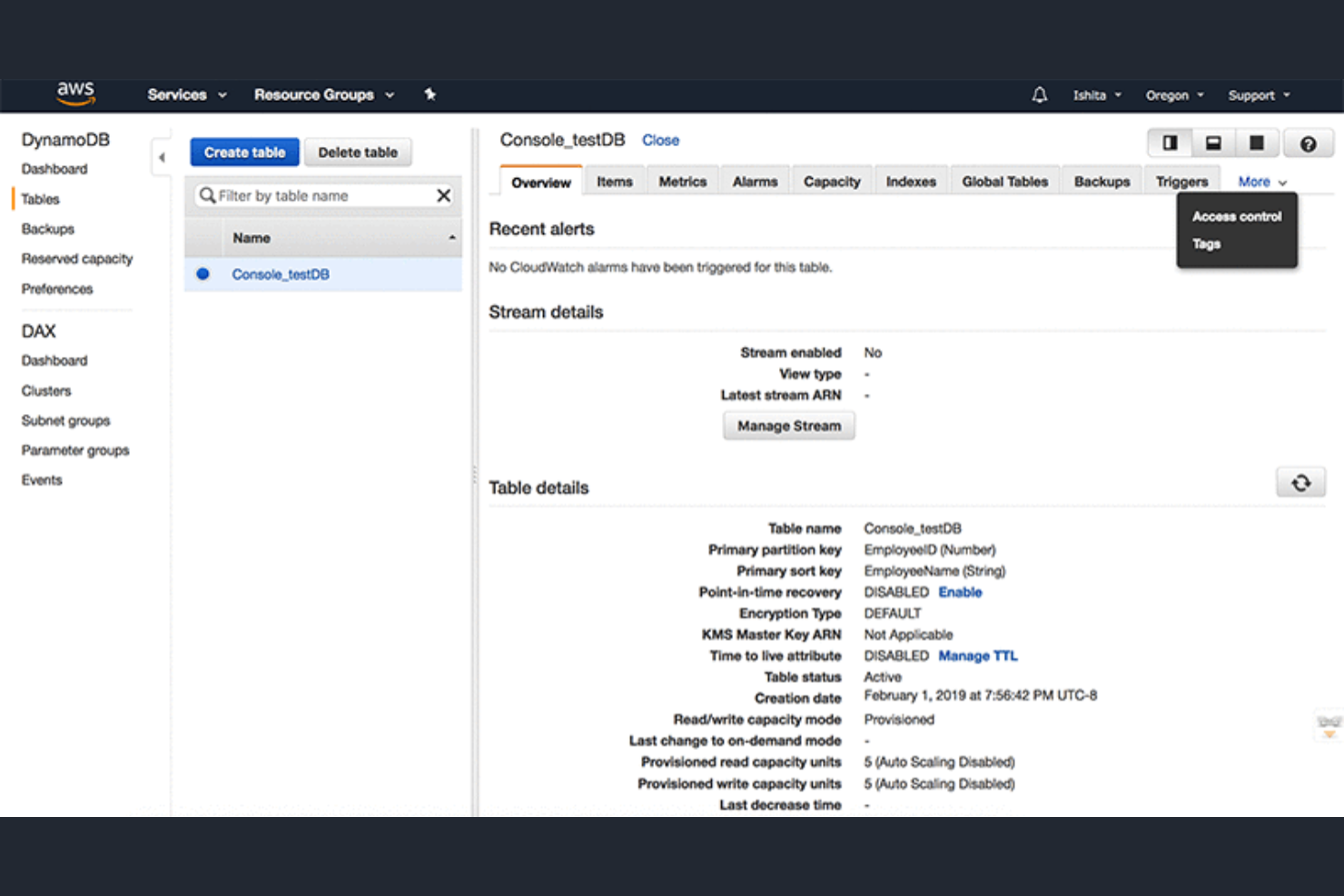
Amazon DynamoDB is a fully managed NoSQL database service designed for teams that need high scalability and low-latency performance. It’s a strong fit for businesses running large-scale web, mobile, or IoT applications on AWS infrastructure.
If you’re looking for a database that handles unpredictable workloads and automatic scaling without manual intervention, DynamoDB is worth considering.
Who Is Amazon DynamoDB Best For?
Amazon DynamoDB is a good fit for development teams at enterprises or fast-growing startups that need to support high-traffic, globally distributed applications on AWS.
Why Amazon DynamoDB Is a Good MongoDB Atlas Alternative
What sets Amazon DynamoDB apart is its serverless, fully managed architecture that delivers consistent single-digit millisecond latency at any scale. I picked DynamoDB for teams that need to handle unpredictable workloads without worrying about infrastructure management or manual scaling. Its on-demand capacity mode and automatic partitioning let you support sudden spikes in traffic without pre-provisioning resources.
For organizations running mission-critical workloads on AWS, DynamoDB’s seamless integration with other AWS services and global replication options make it a strong alternative to MongoDB Atlas.
Amazon DynamoDB Key Features
Some other features that database teams may find valuable include:
- Point-in-Time Recovery: Restore your DynamoDB table to any second in the past 35 days for data protection and disaster recovery.
- DAX (DynamoDB Accelerator): Add an in-memory cache to your tables for microsecond read response times without code changes.
- Global Tables: Replicate tables automatically across multiple AWS regions for high availability and low-latency global access.
- Fine-Grained Access Control: Use AWS Identity and Access Management (IAM) policies to control access to specific items and attributes within your tables.
Amazon DynamoDB Integrations
Integrations include Amazon SageMaker, Amazon S3, Amazon Redshift, Amazon OpenSearch Service, AWS Lambda, DynamoDB Accelerator (DAX), AWS Identity and Access Management (IAM), AWS CloudWatch, AWS Glue, and AWS Data Pipeline.
Pros and Cons
Pros:
- Supports automatic multi-region replication
- Offers on-demand and provisioned capacity modes
- Integrates tightly with AWS ecosystem services
Cons:
- Query flexibility is limited compared to MongoDB
- No support for multi-document ACID transactions

Highly scalable distributed database for handling large data
Apache Cassandra is a distributed NoSQL database designed for organizations that need to manage massive volumes of data across multiple locations. It’s a strong fit for enterprises in telecommunications, finance, and IoT that require high availability and fault tolerance.
Teams looking for a solution that can handle heavy write loads and scale horizontally without downtime will find Cassandra especially appealing.
Who Is Apache Cassandra Best For?
Apache Cassandra is a good fit for large enterprises and technology teams in industries like telecommunications and finance that need to manage distributed, high-volume data workloads across multiple regions.
Why Apache Cassandra Is a Good MongoDB Atlas Alternative
I picked Apache Cassandra for its ability to handle massive data volumes across distributed environments, which sets it apart from many other database storage platforms. Its architecture is designed for high scalability, letting you add nodes without downtime or performance loss.
Cassandra’s peer-to-peer model ensures no single point of failure, making it reliable for mission-critical workloads. If you need a solution that excels at high availability and horizontal scaling, Cassandra is a strong alternative to MongoDB Atlas.
Apache Cassandra Key Features
Some other features of Apache Cassandra that stand out for database teams include:
- Tunable Consistency Levels: Choose the level of consistency for each operation, allowing you to balance between performance and data accuracy.
- CQL (Cassandra Query Language): Use a familiar SQL-like language to interact with and manage your data.
- Support for Multi-Data Center Replication: Replicate data across multiple geographic locations to improve resilience and data locality.
- Pluggable Storage Engine: Integrate custom storage backends to tailor Cassandra’s storage layer to your specific requirements.
Apache Cassandra Integrations
Integrations include Apache Spark, Apache Kafka, Apache Flink, Presto, JanusGraph, Grafana, Prometheus, Apache NiFi, DataStax Studio, and Stargate.
Pros and Cons
Pros:
- Supports multi-region and multi-cloud deployments
- Peer-to-peer architecture eliminates single points of failure
- Handles petabyte-scale workloads without downtime
Cons:
- Operational complexity increases with cluster size
- Lacks built-in full-text search capabilities

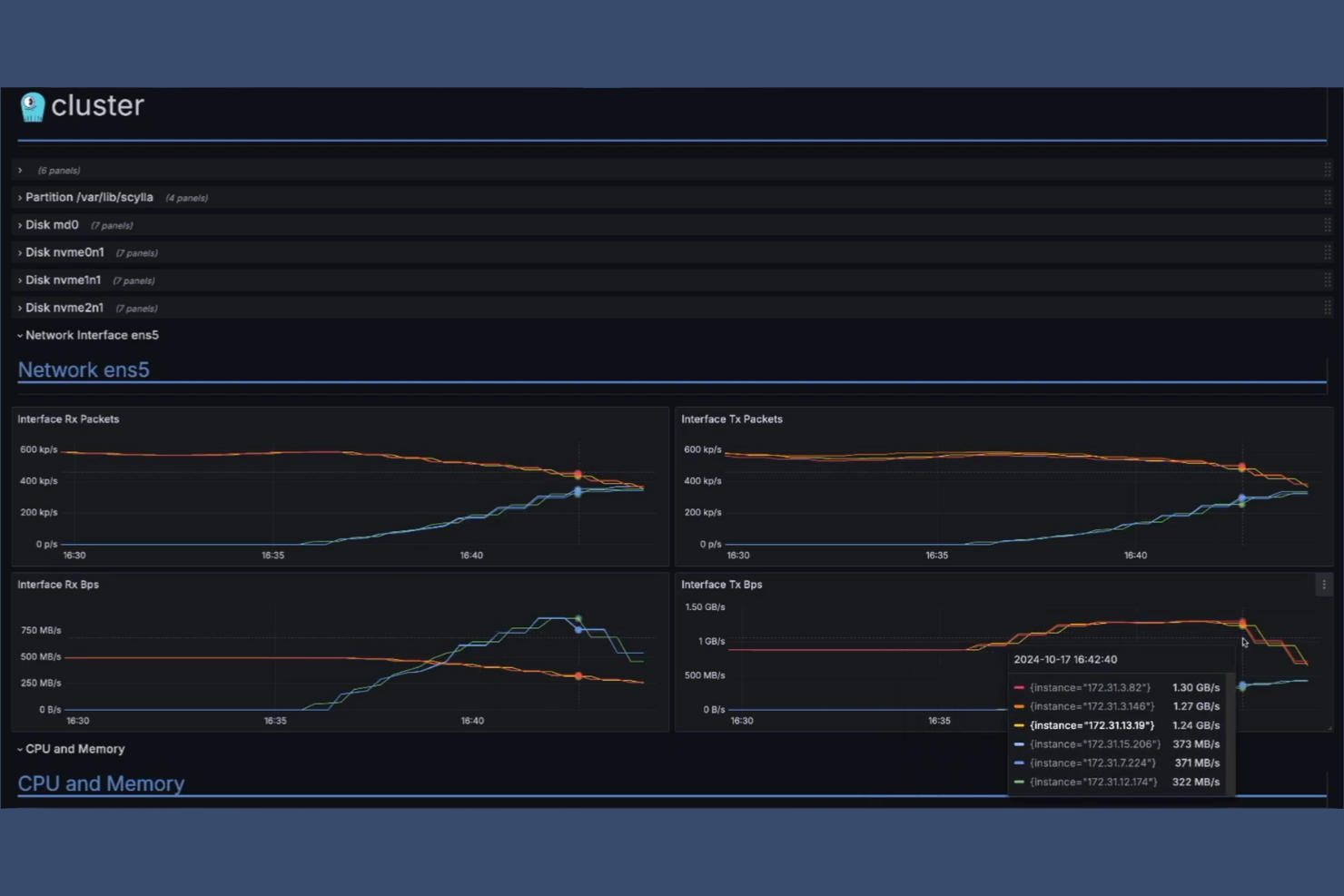
ScyllaDB is a NoSQL database designed for teams that need high throughput and low latency at scale. It’s a strong fit for organizations in IoT, fintech, and gaming that process massive volumes of real-time data.
If you’re looking for a MongoDB Atlas alternative that can handle demanding workloads with minimal operational overhead, ScyllaDB is worth a closer look.
Who Is ScyllaDB Best For?
ScyllaDB is a strong choice for engineering teams in industries like IoT, fintech, and gaming that require high-performance NoSQL databases for real-time, low-latency data processing.
Why ScyllaDB Is a Good MongoDB Atlas Alternative
For teams that need consistently high performance under heavy workloads, ScyllaDB offers a compelling alternative to MongoDB Atlas. I picked ScyllaDB because it’s built on a shard-per-core architecture that delivers extremely low latency and high throughput, even as data volumes grow.
Its fully compatible Cassandra API and DynamoDB API support make migration and integration straightforward for teams already using those ecosystems. If your workloads demand predictable, real-time responsiveness at scale, ScyllaDB’s architecture is designed to meet those needs.
ScyllaDB Key Features
Some other features that database teams may find valuable include:
- Change Data Capture: Track and stream real-time changes to your data for analytics or downstream processing.
- Workload Prioritization: Assign different priorities to workloads to ensure critical operations get the resources they need.
- Secondary Indexes: Create and manage secondary indexes to support more flexible query patterns.
- Encryption at Rest and in Transit: Protect sensitive data with built-in encryption for both stored and transmitted information.
ScyllaDB Integrations
Integrations include Apache Spark, Apache Kafka, Datadog, Akka, Presto, Apache Parquet, JanusGraph, KairosDB, Newts, and IOTA Chronicle.
Pros and Cons
Pros:
- Compatible with Cassandra and DynamoDB APIs
- Shard-per-core architecture maximizes hardware efficiency
- Handles high-throughput workloads with low latency
Cons:
- Limited support for ad hoc queries
- No built-in multi-document transaction support

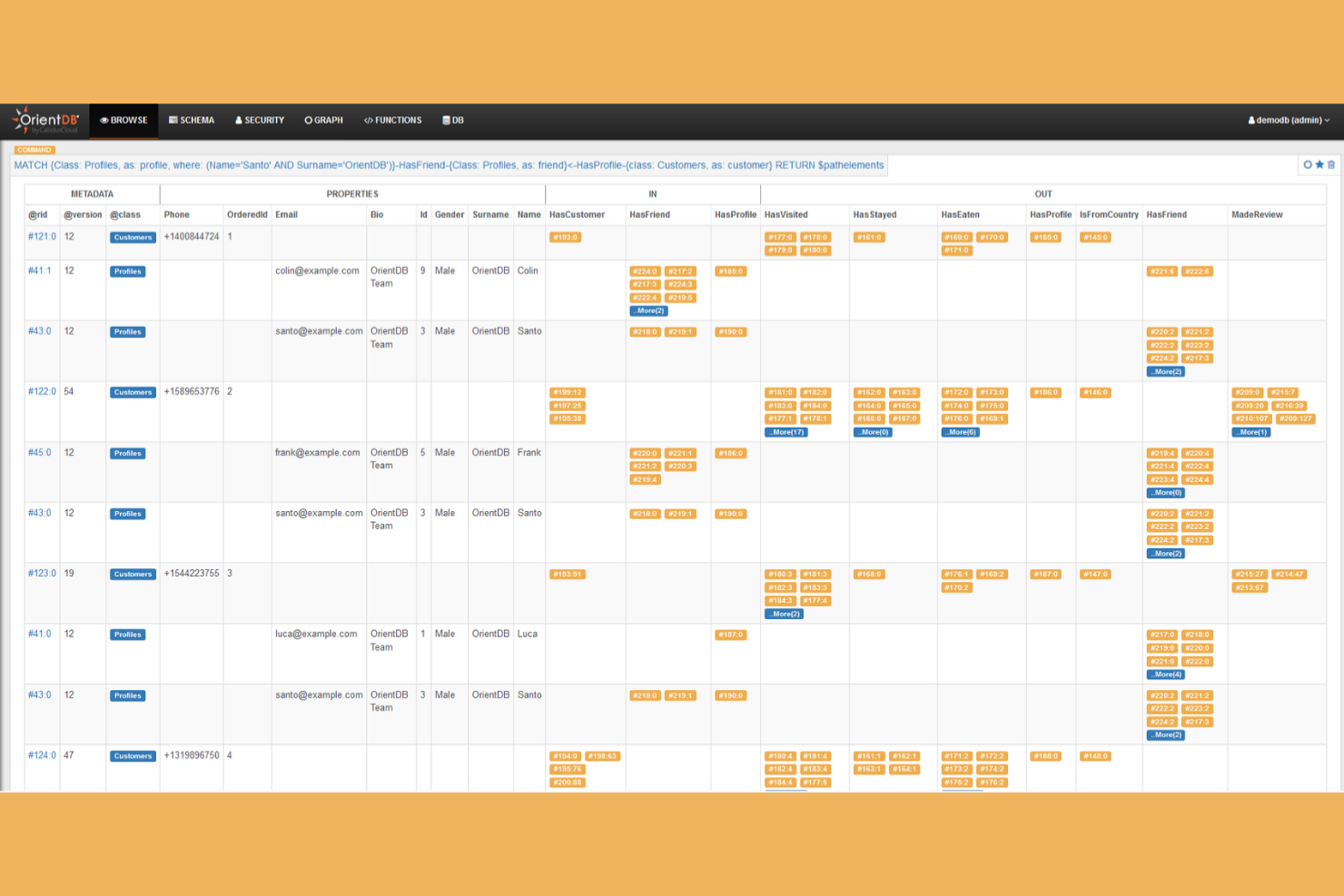
OrientDB is a database platform designed for teams that need to manage both graph and document data in one system. It’s a good fit for organizations handling complex relationships, such as those in finance, logistics, or knowledge management.
If you’re looking for a flexible alternative to MongoDB Atlas that supports multi-model data, OrientDB is worth a closer look.
Who Is OrientDB Best For?
OrientDB is a strong fit for data architects and engineering teams in industries like finance, logistics, and research that need to manage both graph and document data within a single platform.
Why OrientDB Is a Good MongoDB Atlas Alternative
What makes OrientDB stand out is its true multi-model approach, supporting both graph and document data in a single engine. I picked OrientDB for teams that need to model complex relationships and hierarchies without running separate systems. Its SQL-like query language lets you work with both data types easily, which is especially useful for applications that need flexible data modeling.
This combination of graph and document support in one platform makes OrientDB a strong alternative to MongoDB Atlas for organizations with hybrid data needs.
OrientDB Key Features
Some other features that database teams may find valuable include:
- ACID Transactions: Supports multi-record ACID transactions for reliable data consistency.
- Role-Based Security: Provides granular access control with user and role management.
- Distributed Architecture: Enables horizontal scaling and high availability across multiple nodes.
- ETL Tools: Includes built-in extract, transform, and load tools for data migration and integration.
OrientDB Integrations
Native integrations are not currently listed.
Pros and Cons
Pros:
- Built-in distributed architecture for scaling
- ACID-compliant transactions for multi-model data
- Supports both graph and document models natively
Cons:
- Documentation can be inconsistent across features
- Smaller community and ecosystem than MongoDB
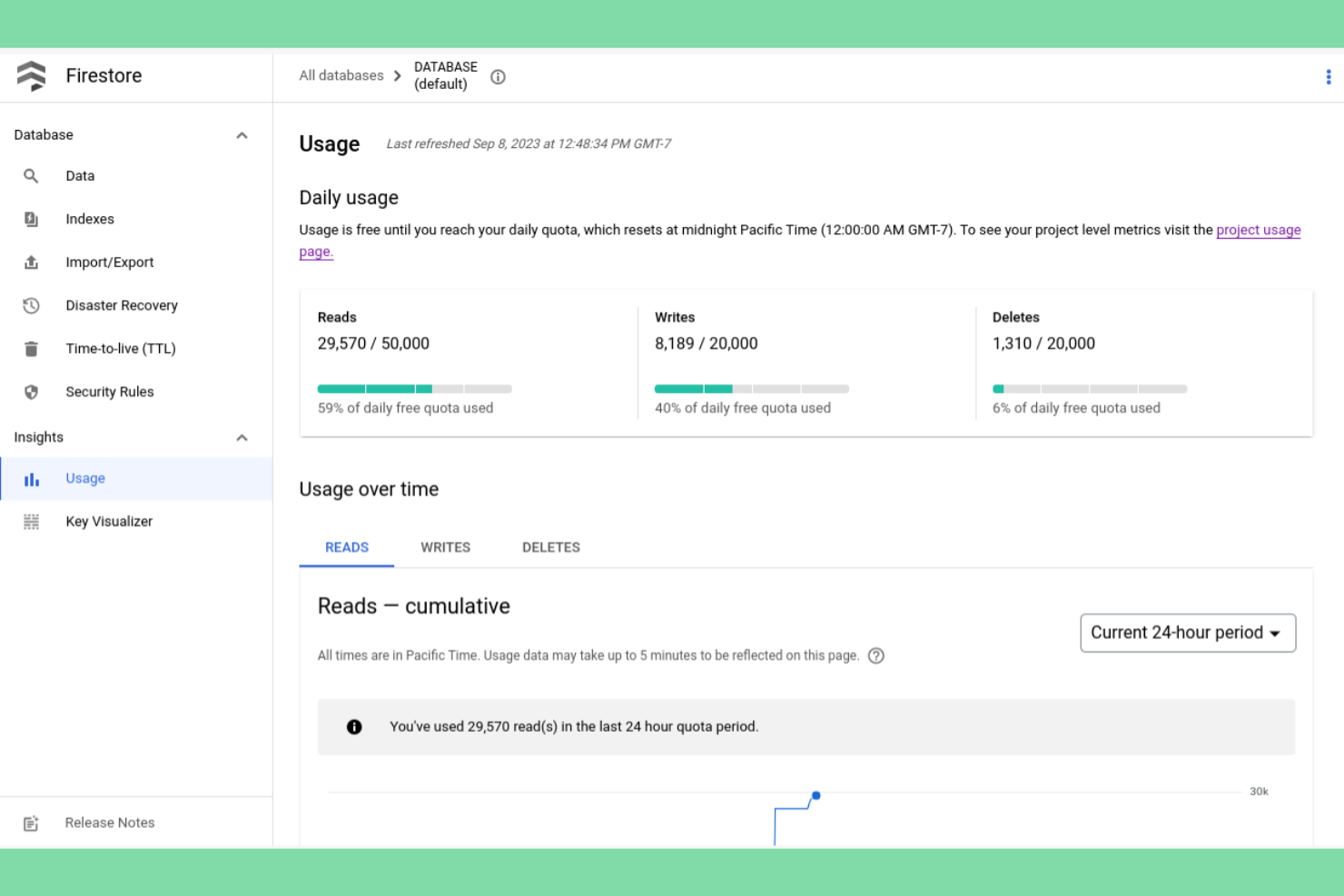
Firebase Firestore is a cloud-native NoSQL database built for teams developing mobile and web applications that need real-time data sync and offline support. It’s especially appealing to product teams and startups looking for a managed backend that scales automatically with user demand.
If you’re searching for a MongoDB Atlas alternative that integrates tightly with Google Cloud and Firebase services, Firestore is worth considering.
Who Is Firebase Firestore Best For?
Firebase Firestore is a strong fit for mobile and web app development teams that need real-time data synchronization and automatic scaling.
Why Firebase Firestore Is a Good MongoDB Atlas Alternative
If you’re looking for a serverless, scalable NoSQL database that’s purpose-built for mobile and web apps, Firebase Firestore stands out as a strong alternative to MongoDB Atlas. I picked Firestore because it automatically handles scaling, replication, and high availability without requiring manual intervention or infrastructure management.
Its real-time data synchronization and offline support are especially valuable for teams building collaborative or user-facing applications. With deep integration into the Firebase and Google Cloud ecosystem, Firestore makes it easy to connect authentication, analytics, and other backend services in one place.
Firebase Firestore Key Features
Some other features that database teams may find valuable include:
- Granular security rules: Define fine-grained access controls at the document and collection level to protect sensitive data.
- Multi-region replication: Store data across multiple geographic locations for improved reliability and global access.
- Automatic backups: Schedule and manage backups directly from the Firebase console to help safeguard your data.
- SDKs for multiple platforms: Access official client libraries for web, iOS, Android, C++, and Unity to support cross-platform development.
Firebase Firestore Integrations
Integrations include Firebase Authentication, Cloud Functions, Cloud Storage, Google Analytics, Firebase Realtime Database, Firebase ML, Firebase Hosting, Firebase Extensions, App Check, and Cloud Messaging.
Pros and Cons
Pros:
- Granular, rules-based security model
- Automatic scaling with no server management
- Real-time data sync for mobile and web
Cons:
- Regional availability may restrict global deployments
- No support for complex aggregations

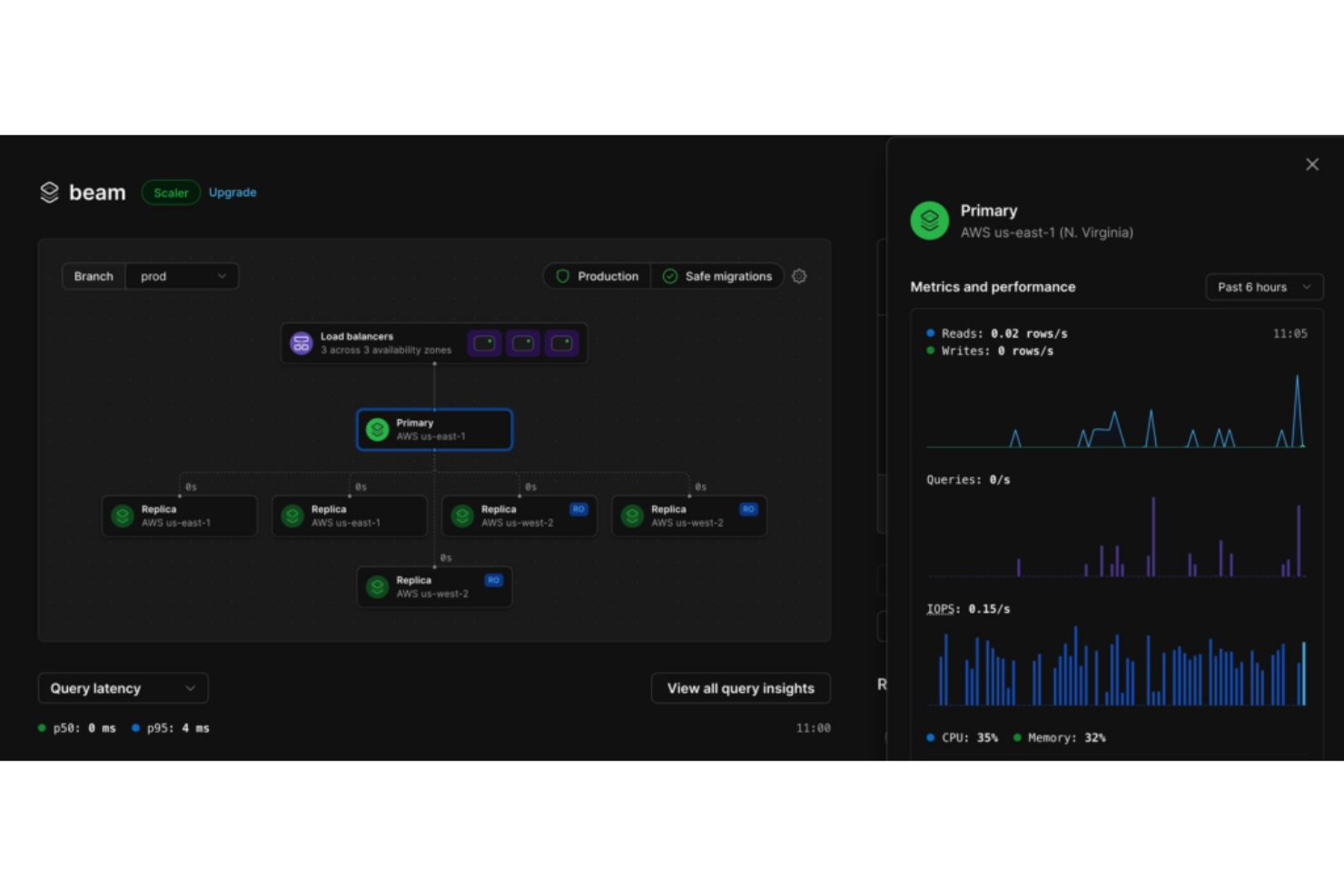
PlanetScale offers a serverless MySQL database platform designed for teams that need high availability and scalability without managing infrastructure. It’s especially appealing to developers and SaaS businesses looking for a cloud-native alternative to traditional relational databases.
If you want to avoid vendor lock-in and need features like branching and non-blocking schema changes, PlanetScale addresses those needs directly.
Who Is PlanetScale Best For?
PlanetScale is a strong choice for development teams at SaaS companies or startups that need a scalable, cloud-native MySQL database with minimal operational overhead.
Why PlanetScale Is a Good MongoDB Atlas Alternative
Unlike MongoDB Atlas, PlanetScale gives you a serverless MySQL platform that supports non-blocking schema changes, which is especially valuable for teams that need to evolve their database structure without downtime.
I picked PlanetScale because its branching feature lets you create isolated database environments for development and testing, similar to how you’d branch code in Git. This approach helps reduce risk when making changes and supports agile workflows. For teams that want a relational database with modern DevOps capabilities, PlanetScale offers a compelling alternative to document-based solutions like MongoDB Atlas.
PlanetScale Key Features
Some other features that make PlanetScale appealing for database storage include:
- Automated Backups: PlanetScale automatically creates daily backups to help protect your data and support disaster recovery.
- Query Insights: The platform provides query performance analytics so you can monitor and optimize database queries in real time.
- Role-Based Access Control: Assign granular permissions to users and teams to manage who can access and modify database resources.
- Import Tools: Easily migrate existing MySQL databases into PlanetScale using built-in import utilities.
PlanetScale Integrations
Integrations include GitHub, Vercel, Netlify, HashiCorp Terraform, Slack, Datadog, AWS Lambda, Google Cloud Functions, Azure Functions, and a public API for custom integrations.
Pros and Cons
Pros:
- Native MySQL compatibility for existing workflows
- Branching for isolated development environments
- Non-blocking schema changes for zero downtime
Cons:
- Lacks built-in full-text search features
- No support for document-based data models
Other MongoDB Atlas Alternatives
Here are some additional MongoDB Atlas alternative options that didn’t make it onto my shortlist, but are still worth checking out:
- Supabase
Open source Firebase alternative with a Postgres core
- Amazon DocumentDB
Fully managed, MongoDB-compatible database service for AWS
- RavenDB
NoSQL document database with ACID guarantees and built-in distributed data replication
- MarkLogic
Multi-model database platform with integrated search and data harmonization


MongoDB Atlas Alternative Selection Criteria
When selecting the best MongoDB Atlas alternative to include in this list, I considered common buyer needs and pain points related to database storage platform products, like minimizing downtime during schema changes and supporting scalable, cloud-native deployments. I also used the following framework to keep my evaluation structured and fair:
Core Functionality (25% of total score)
To be considered for inclusion in this list, each solution had to fulfill these common use cases:
- Store and retrieve structured or unstructured data
- Support high availability and data durability
- Enable secure access and user management
- Provide backup and restore capabilities
- Allow for data scaling and sharding
Additional Standout Features (25% of total score)
To help further narrow down the competition, I also looked for unique features, such as:
- Support for non-blocking schema changes
- Branching and version control for databases
- Built-in query performance analytics
- Automated scaling based on workload
- Native integrations with developer tools
Usability (10% of total score)
To get a sense of the usability of each system, I considered the following:
- Intuitive user interface design
- Clear and accessible documentation
- Logical navigation and menu structure
- Minimal setup steps for core workflows
- Customizable dashboards and views
Onboarding (10% of total score)
To evaluate the onboarding experience for each platform, I considered the following:
- Availability of step-by-step product tours
- Access to training videos and webinars
- Pre-built templates for common use cases
- In-app chatbots or guided help
- Migration tools for importing existing data
Customer Support (10% of total score)
To assess each software provider’s customer support services, I considered the following:
- 24/7 support availability
- Multiple support channels (chat, email, phone)
- Access to a knowledge base or help center
- Fast response and resolution times
- Community forums or user groups
Value For Money (10% of total score)
To evaluate the value for money of each platform, I considered the following:
- Transparent and predictable pricing
- Free tier or trial availability
- Flexible plans for different business sizes
- Included features vs. paid add-ons
- Cost compared to similar solutions
Customer Reviews (10% of total score)
To get a sense of overall customer satisfaction, I considered the following when reading customer reviews:
- Positive feedback on reliability and uptime
- Reports of responsive customer support
- User satisfaction with performance and speed
- Comments on ease of migration and setup
- Critiques of limitations or missing features
Why Look For a MongoDB Atlas Alternative?
While MongoDB is a widely used database platform, there are several reasons why teams start exploring alternative solutions. As applications grow or infrastructure needs change, developers often look for databases that better match their performance, deployment, or ecosystem requirements. You might be looking for a MongoDB alternative because…
- MongoDB Atlas pricing is becoming too expensive as usage scales
- Your workloads require extremely high throughput or lower latency
- You need stronger integration with AWS-native services or other cloud ecosystems
- Your application relies heavily on graph relationships or complex data connections
- You want a fully managed or serverless database infrastructure
If any of these sound familiar, you’re in the right place. The tools in this list offer different strengths—from managed cloud databases to high-performance distributed systems—helping teams find a platform that better fits their technical and operational needs.
MongoDB Atlas Key Features
Here are some of MongoDB Atlas’ key capabilities, which combine the core MongoDB database engine with fully managed cloud infrastructure. These features can help you compare how alternative database platforms differ in terms of scalability, performance, and operational management.
- Document data model: Stores data in flexible, JSON-like documents, allowing for dynamic schemas, making it easier to model evolving application data.
- Indexing: Supports a wide range of index types, including single field, compound, geospatial, and text indexes to optimize query performance.
- Aggregation framework: The aggregation framework lets you transform, filter, and combine data directly inside the database using pipeline queries.
- Horizontal scaling: Enables horizontal scaling through sharding, distributing data across multiple servers to support large-scale workloads.
- Replica sets: Provide built-in replication and automatic failover to maintain high availability and data redundancy.
- Geospatial queries: Supports location-based indexing and queries for applications that work with geographic data.
- ACID transactions: Supports multi-document transactions for complex, reliable operations across multiple documents and collections.
- Change streams: Allows applications to subscribe to real-time data changes without polling the database.
- Flexible schema design: Lets you evolve your data model over time without downtime or complex migrations.
- Role-based access control: Provides granular user permissions and security controls for managing data access.
- Native drivers: Offers official drivers for popular programming languages, making it easy to integrate with a wide range of applications.
What’s Next:
If you're in the process of researching a database or data storage platform, connect with a SoftwareSelect advisor for free recommendations.
You fill out a form and have a quick chat where they get into the specifics of your needs. Then you'll get a shortlist of software to review. They'll even support you through the entire buying process, including price negotiations.