
Ansible vs. Puppet: Detailed Comparison and Expert Reviews for 2026

Tech Lead & software architect with 15+ years building cloud-native systems.

We review tools independently, and commissions help fund our testing. See our transparency policy, our methodology, or suggest a tool.

You need IT process automation software that actually makes your life easier—not harder. Maybe you’re tired of manual tasks, or you’re struggling to keep systems consistent and secure. Ansible and Puppet both promise to simplify automation, but they take very different approaches to configuration, management, and scaling within a modern automation platform.

In this article, you’ll get a clear comparison of Ansible and Puppet, including their pros and cons, best use cases, pricing, security, and usability. I’ll help you decide which tool fits your team’s needs and workflow.

Ansible
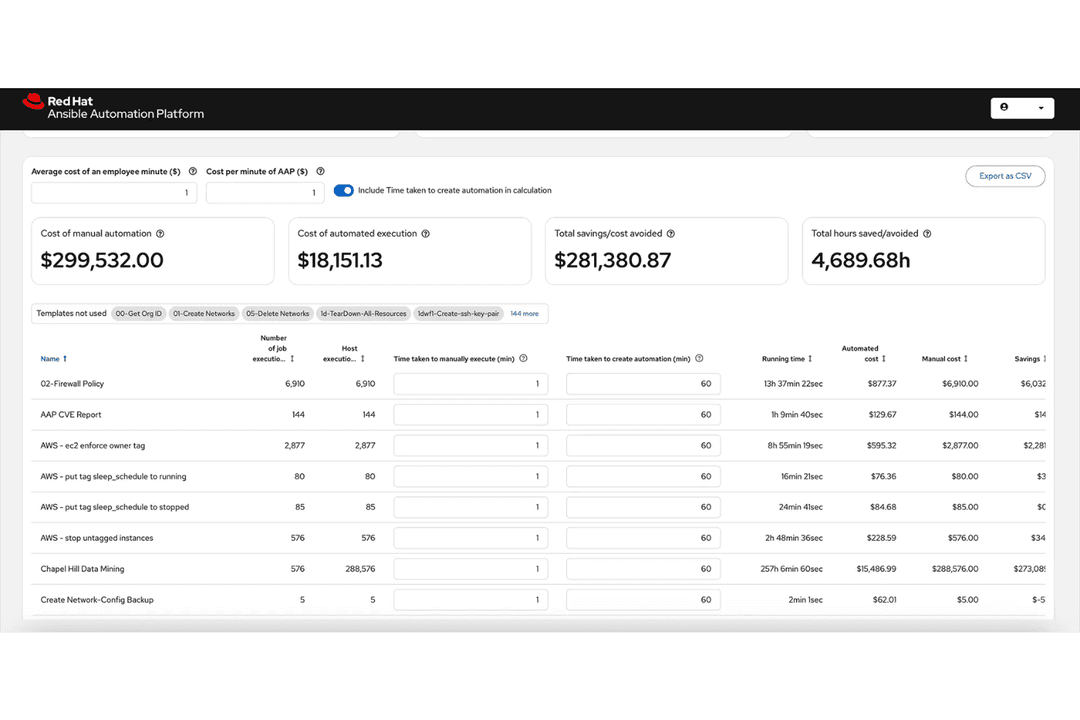
Automates IT processes, configs, and deployments via agentless playbooks.
Customer rating

4.6/5

Pricing
  • 60-day free trial
  • Pricing upon request

Puppet Enterprise
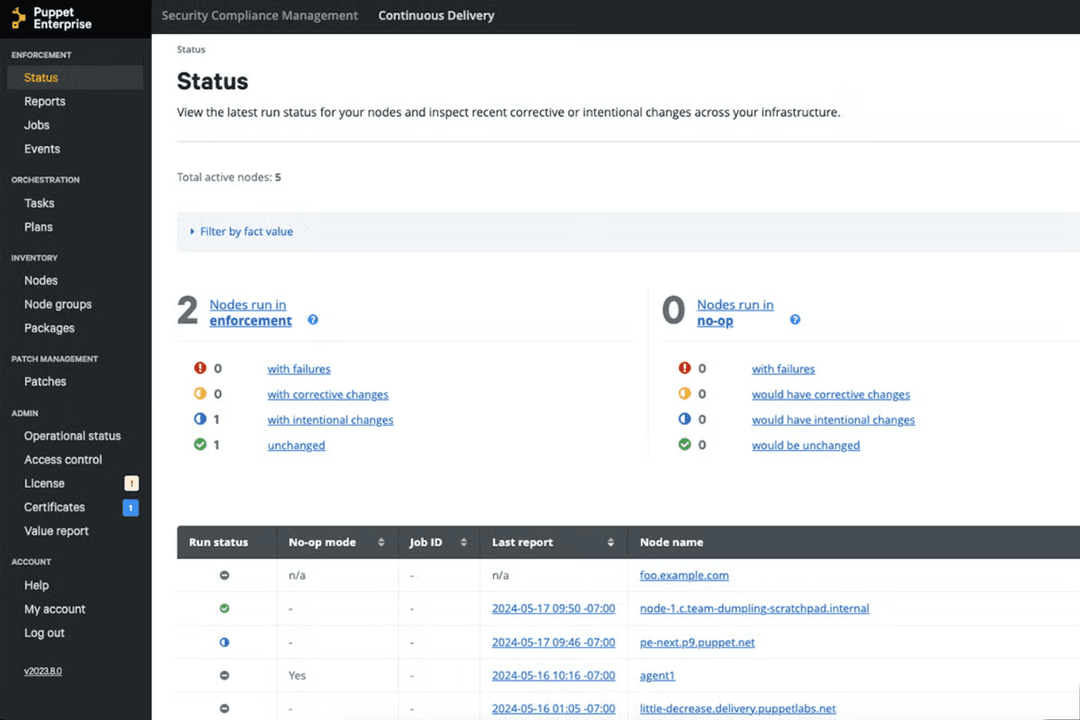
Puppet Enterprise automates infrastructure provisioning and configuration at scale.
Customer rating

4.2/5

Pricing
  • Free trial available
  • Pricing upon request

Why Trust Our Software Recommendations

6,700+

Reviews

20

Industry experts

16+

Evaluation factors

14

Years

Our team has been testing and reviewing software since 2012. As tech leaders ourselves, we know how difficult—and important—it is to choose the right software.

For this guide, we evaluated tools using hands-on testing and independent research, scoring tools using our selection criteria.

Our reviews reflect our human editorial judgment, not a sales pitch.

Expert reviewers:

AnsiblePuppet Enterprise
Free Trial60-day free trialFree trial available
PricingPricing upon requestPricing upon request

Ansible vs. Puppet Pricing & Hidden Costs

Ansible offers an open-source version that’s free to use, with a paid enterprise edition that adds support, advanced features, and integrations. Puppet also provides a free open-source option, but its enterprise version comes with extra costs for premium features, support, and scalability, especially in Puppet enterprise deployments. Both tools may introduce hidden costs, such as expenses for training, onboarding, third-party integrations, or scaling infrastructure as your environment grows.

To choose the right pricing model, look beyond the sticker price and consider your team’s experience, the complexity of your environment, and the level of support you’ll need. Evaluate the total cost of ownership—including setup, maintenance, and potential downtime—by mapping out your automation goals and estimating the resources required for each tool. This approach helps you avoid surprises and ensures you invest in a solution that fits your long-term needs.

Both Ansible and Puppet are widely used open-source infrastructure automation and configuration management tools. They share core capabilities like provisioning servers, deploying applications, enforcing configuration consistency, and managing updates across large environments using infrastructure as code practices. In practice, both platforms help teams automate repetitive DevOps tasks, orchestrate workflows, and maintain system state across distributed systems at scale.

Where they diverge is in how they approach automation. Ansible stands out for its agentless architecture and simple YAML-based syntax, which makes it easier to adopt and run tasks over SSH without installing software on target nodes. 

Puppet, by contrast, differentiates itself with a declarative model and agent-based architecture, where a Puppet agent runs on each node to enforce desired state continuously, enabling strong reporting and compliance features. These architectural differences make Ansible more lightweight and flexible for quick automation, while Puppet excels in long-term configuration control and large-scale.

AnsiblePuppet Enterprise
APIYesYes
Bug TrackingNoNo
CI/CD IntegrationYesYes
Data ExportYesYes
Data ImportYesYes
Developer ToolsYesYes
External IntegrationsYesYes
History/Version ControlNoYes
Multi-UserYesYes
NotificationsYesYes

IntegrationAnsiblePuppet
ServiceNow✅✅
VMware✅✅
Microsoft Azure✅✅ 
AWS✅❌
Google Cloud✅❌
Cisco✅❌
Jenkins✅✅
Datadog❌✅
New Relic❌✅
API✅✅
Zapier❌❌

Ansible and Puppet both integrate with major infrastructure platforms like AWS, Azure, Google Cloud, VMware, and ServiceNow, giving teams broad coverage for automation across modern environments. The key difference is how those integrations are delivered: Ansible relies heavily on official, vendor-specific modules and collections, while Puppet uses a module ecosystem (Puppet Forge) and API-driven integrations to achieve similar coverage. 

In practice, this means Ansible users often get quicker, ready-to-use integrations out of the box, while Puppet users may spend more time selecting and configuring modules but gain flexibility and deeper customization.

FactorAnsiblePuppet
Access ControlIntegrates with LDAP and Active Directory for granular role-based access.Offers detailed role-based access control and integrates with enterprise directories.
EncryptionAnsible uses SSH for secure communication and supports encrypted vaults for secrets.Encrypts data in transit and at rest, with built-in secrets management.
Audit LoggingProvides detailed logs of automation runs and changes for traceability.Maintains comprehensive audit trails and change reports for compliance.
Regulatory SupportSupports compliance with standards like PCI DSS and HIPAA through automation.Offers compliance modules and reporting for standards like SOX, PCI DSS, and HIPAA.
High AvailabilitySupports clustering and redundancy for reliable automation at scale.Provides high availability with multi-master architecture and failover options.

Puppet edges ahead with more advanced compliance modules and reporting, while Ansible’s simplicity and SSH-based security make it easy to deploy securely. Ansible is strong for teams wanting straightforward, reliable automation, while Puppet excels for organizations with strict compliance and audit requirements.

FactorAnsiblePuppet
Setup ProcessQuick to install with minimal dependencies and agentless architecture.Requires more initial setup, including agents and master servers.
Learning CurveUses simple, human-readable YAML playbooks that are easy to pick up.Involves learning a custom declarative language that can be complex.
DocumentationOffers extensive, beginner-friendly guides and active community support.Provides detailed documentation but can be dense for new users.
User InterfaceFeatures a clean CLI and optional web UI for enterprise users.Includes a robust web console for managing nodes and reporting.
TroubleshootingClear error messages and straightforward debugging tools.Advanced reporting and diagnostics, but troubleshooting can be complex.

Ansible is much easier for new users to pick up and run with, while Puppet’s interface and language require more time and expertise. Ansible’s simplicity is its biggest strength, while Puppet’s detailed controls and reporting shine for experienced teams managing large, complex environments.

Ansible

Pros
  • Agentless setup simplifies infrastructure management significantly.
  • Easy to learn with simple YAML syntax.
  • Idempotent tasks ensure consistent system states.
Cons
  • Not ideal for continuous configuration enforcement.
  • Large playbooks become hard to maintain.
  • Slower performance at scale due to SSH.

Puppet Enterprise

Pros
  • Automates repetitive tasks, freeing your team to focus on strategic initiatives.
  • Ensures consistent configuration management across your IT infrastructure.
  • Supports compliance and security needs, crucial for industries like finance and healthcare.
Cons
  • The learning curve can be steep for new users.
  • Requires significant initial setup and customization.
  • Some users find the interface less intuitive compared to competitors.

Ansible

Automates IT processes, configs, and deployments via agentless playbooks.
  1. Agile Development TeamsAnsible’s straightforward automation and configuration management make it ideal for agile teams focusing on rapid deployment.
  2. Tech StartupsStartups benefit from Ansible’s ease of use, enabling quick automation without needing extensive IT infrastructure.
  3. IT DepartmentsFor IT departments, Ansible simplifies task automation, allowing your team to focus on strategic initiatives.
  4. Software DeploymentAnsible’s ability to streamline and automate software deployment processes enhances efficiency for development teams.
  5. Configuration ManagementTeams managing multiple server configurations find Ansible’s playbooks a powerful tool for consistency and control.
  6. Network AutomationNetwork administrators can automate device configurations and updates, reducing manual errors and saving time.

Puppet Enterprise

Puppet Enterprise automates infrastructure provisioning and configuration at scale.
  1. Finance SectorPuppet Enterprise supports strict compliance and security requirements essential for financial institutions.
  2. Healthcare ITIt ensures consistent configurations, vital for maintaining standards in healthcare environments.
  3. Large EnterprisesThe software scales well, making it ideal for managing extensive IT infrastructures.
  4. IT DepartmentsAutomating routine tasks helps your team focus on innovation and strategic planning.
  5. Data CentersPuppet Enterprise manages configurations efficiently, crucial for data center operations.
  6. Regulated IndustriesIts compliance features are well-suited for industries with strict regulatory requirements.

Who Should Use Ansible, And Who Should Use Puppet?

Ansible is best suited for teams that want a fast, lightweight automation tool with minimal setup and a gentle learning curve. Its agentless architecture and YAML-based playbooks make it ideal for DevOps teams, cloud engineers, and organizations that need to automate tasks quickly across diverse environments. It’s especially effective for smaller teams or those prioritizing speed, flexibility, and ease of use over strict configuration enforcement.

Puppet is a better fit for larger organizations that require strong control, consistency, and long-term configuration management at scale. Its declarative model and agent-based architecture make it well-suited for environments where maintaining a continuously enforced desired state and compliance is critical. Enterprises with complex infrastructure and dedicated operations teams often benefit most from Puppet’s structure, reporting, and governance capabilities.

Agent ArchitecturesAnsible

Agentless (SSH/WinRM-based).

Puppet Enterprise

Agent-based with optional agentless modes; typically uses a master/agent setup.

ConfigurationAnsible

Task-based (imperative workflows with some declarative elements) using YAML playbooks.

Puppet Enterprise

Fully declarative model using Puppet DSL manifests.

Execution ModelAnsible

Push-based (runs tasks on demand).

Puppet Enterprise

Pull-based (agents check in and enforce state continuously).

Learning CurveAnsible

Easier to learn with human-readable YAML and minimal setup.

Puppet Enterprise

Steeper due to custom DSL and more complex architecture.

State ManagementAnsible

Not strictly state-enforcing unless configured.

Puppet Enterprise

Continuously enforces desired state automatically.

Configuration Management

Both automate configuration management across servers, enabling consistent system state and scalable updates.

Enterprise Support

Both offer paid enterprise editions with advanced features, integrations, and professional support.

Infrastructure as Code

Each uses infrastructure as code to define, version, and manage configurations programmatically.

Multi-Platform Support

Both support Linux, Windows, and cloud environments, making them suitable for hybrid and multi-cloud setups.

Orchestration

Both can orchestrate complex workflows, including application deployments and multi-step automation tasks.

Scalability

Each tool is built to manage large-scale, distributed infrastructure across many nodes.


