
Puppet Enterprise Review 2026: Pros, Cons, Features, and Pricing
If you want rock-solid automation with enterprise-grade control, Puppet Enterprise stands out—here’s how it really stacks up against the competition in 2026.

We review tools independently, and commissions help fund our testing. See our transparency policy, our methodology, or suggest a tool.
Puppet Enterprise is an infrastructure automation tool built for IT teams that need to enforce configuration consistency, automate compliance reporting, and manage infrastructure state across large, complex environments. I'd consider it over Ansible if your team needs a model-driven approach with stronger built-in compliance auditing and drift detection out of the box—rather than piecing that together through playbooks and third-party integrations.
Puppet Enterprise Evaluation Summary

4.2/5
- Pricing upon request
- Free trial available
Why Trust Our Software Recommendations
6,700+
Reviews
20
Industry experts
16+
Evaluation factors
14
Years
Our team has been testing and reviewing software since 2012. As tech leaders ourselves, we know how difficult—and important—it is to choose the right software.
For this guide, we evaluated tools using hands-on testing and independent research, scoring tools using our selection criteria.
Our reviews reflect our human editorial judgment, not a sales pitch.
Expert reviewers:
- Paulo Gardini MiguelTech Director
 Tim FisherVP of AI
 Gabriel RosasTech Lead & Software Architect
 Christhian GruhnTech Lead & Platform Architect

Puppet Enterprise Overview
From my experience, Puppet Enterprise offers some of the most granular policy controls and reporting you’ll find, making it a top pick for teams managing large, regulated, or hybrid environments. Its pricing is on the higher side, but you get mature integrations, strong support, and a clear, scriptable interface. Onboarding can be complex if you’re new to infrastructure as code, but the documentation and community help bridge the gap.
If you’re judging tools for compliance-heavy or multi-cloud setups, Puppet Enterprise is a strong contender, especially when you need detailed change tracking and role-based access.
Pros
- Automates repetitive tasks, freeing your team to focus on strategic initiatives.
- Ensures consistent configuration management across your IT infrastructure.
- Supports compliance and security needs, crucial for industries like finance and healthcare.
Cons
- The learning curve can be steep for new users.
- Requires significant initial setup and customization.
- Some users find the interface less intuitive compared to competitors.
Is Puppet Enterprise Right For Your Needs?
Who Would be a Good Fit for Puppet Enterprise?
Large enterprises and IT departments in sectors like finance and healthcare would benefit from Puppet Enterprise. It offers robust configuration management, ensuring consistency and compliance in environments where these are critical. Your team can automate repetitive tasks, reducing errors and freeing up time for strategic projects. If your business requires stringent security and compliance standards, Puppet Enterprise’s capabilities can help you achieve those goals effectively.
- Finance SectorPuppet Enterprise supports strict compliance and security requirements essential for financial institutions.
- Healthcare ITIt ensures consistent configurations, vital for maintaining standards in healthcare environments.
- Large EnterprisesThe software scales well, making it ideal for managing extensive IT infrastructures.
- IT DepartmentsAutomating routine tasks helps your team focus on innovation and strategic planning.
- Data CentersPuppet Enterprise manages configurations efficiently, crucial for data center operations.
- Regulated IndustriesIts compliance features are well-suited for industries with strict regulatory requirements.
Who Would be a Bad Fit for Puppet Enterprise?
Small businesses or startups with limited IT resources might struggle with Puppet Enterprise. Its steep learning curve and initial setup demands require significant time and technical expertise, which might not be feasible for smaller teams. If your business doesn’t need advanced compliance or configuration management, you might find simpler tools more suitable. Puppet Enterprise’s robust features could be overkill if your IT infrastructure is minimal or straightforward.
- Small StartupsThe complexity and resource demands of Puppet Enterprise can overwhelm small startup teams.
- FreelancersIndividual IT consultants or freelancers may find the tool’s extensive features unnecessary for their needs.
- Non-Tech CompaniesBusinesses without a dedicated IT department might struggle with implementation and management.
- Basic IT NeedsCompanies with straightforward IT requirements may find Puppet Enterprise’s capabilities excessive.
- Budget-Conscious TeamsPuppet Enterprise might not align with the financial constraints of teams with tight budgets.
- Occasional UsersOrganizations that don’t regularly manage configurations might not leverage Puppet Enterprise’s full potential.
Our Review Methodology
How We Test & Score Tools
We’ve spent years building, refining, and improving our software testing and scoring system. The rubric is designed to capture the nuances of software selection and what makes a tool effective, focusing on critical aspects of the decision-making process.
Below, you can see exactly how our testing and scoring works across seven criteria. It allows us to provide an unbiased evaluation of the software based on core functionality, standout features, ease of use, onboarding, customer support, integrations, customer reviews, and value for money.
Core Functionality (25% of final scoring)
The starting point of our evaluation is always the core functionality of the tool. Does it have the basic features and functions that a user would expect to see? Are any of those core features locked to higher-tiered pricing plans? At its core, we expect a tool to stand up against the baseline capabilities of its competitors.
Standout Features (25% of final scoring)
Next, we evaluate uncommon standout features that go above and beyond the core functionality typically found in tools of its kind. A high score reflects specialized or unique features that make the product faster, more efficient, or offer additional value to the user.
We also evaluate how easy it is to integrate with other tools typically found in the tech stack to expand the functionality and utility of the software. Tools offering plentiful native integrations, 3rd party connections, and API access to build custom integrations score best.
Ease of Use (10% of final scoring)
We consider how quick and easy it is to execute the tasks defined in the core functionality using the tool. High scoring software is well designed, intuitive to use, offers mobile apps, provides templates, and makes relatively complex tasks seem simple.
Onboarding (10% of final scoring)
We know how important rapid team adoption is for a new platform, so we evaluate how easy it is to learn and use a tool with minimal training. We evaluate how quickly a team member can get set up and start using the tool with no experience. High scoring solutions indicate little or no support is required.
Customer Support (10% of final scoring)
We review how quick and easy it is to get unstuck and find help by phone, live chat, or knowledge base. Tools and companies that provide real-time support score best, while chatbots score worst.
Customer Reviews (10% of final scoring)
Beyond our own testing and evaluation, we consider the net promoter score from current and past customers. We review their likelihood, given the option, to choose the tool again for the core functionality. A high scoring software reflects a high net promoter score from current or past customers.
Value for Money (10% of final scoring)
Lastly, in consideration of all the other criteria, we review the average price of entry level plans against the core features and consider the value of the other evaluation criteria. Software that delivers more, for less, will score higher.
Core Features
Policy-Driven Automation
Define and enforce infrastructure policies to maintain consistent configurations across servers, cloud, and edge.
Desired State Management
Automatically detects and remediates configuration drift to keep systems in their intended state.
Role-Based Access Control
Assigns granular permissions to users and teams for secure, auditable operations.
Detailed Audit Reporting
Tracks every change with full audit trails, supporting compliance and troubleshooting.
Hybrid Infrastructure Support
Manages resources across on-premises, cloud, and edge environments from a single platform.
Automated Remediation
Identifies and fixes security or compliance issues before they impact your environment.

Standout Features
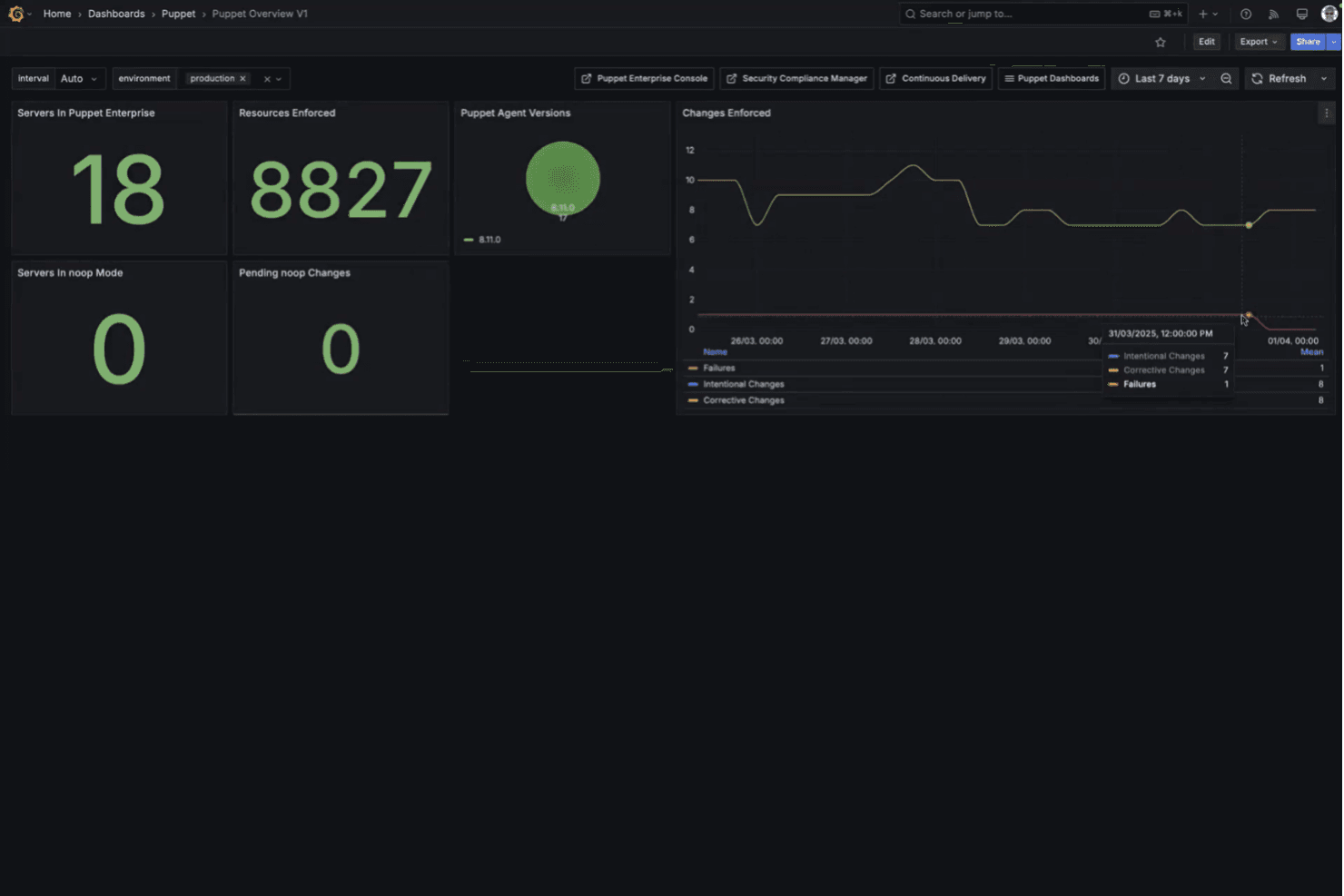
Visual Change Reporting
See infrastructure changes in a visual timeline, making it easy to spot trends and investigate incidents. This helps teams quickly understand the impact of updates or rollbacks.
Orchestrated Task Automation
Run complex, multi-step tasks across thousands of nodes with a single command. This feature streamlines patching, deployments, and emergency fixes without manual intervention.
Ease of Use
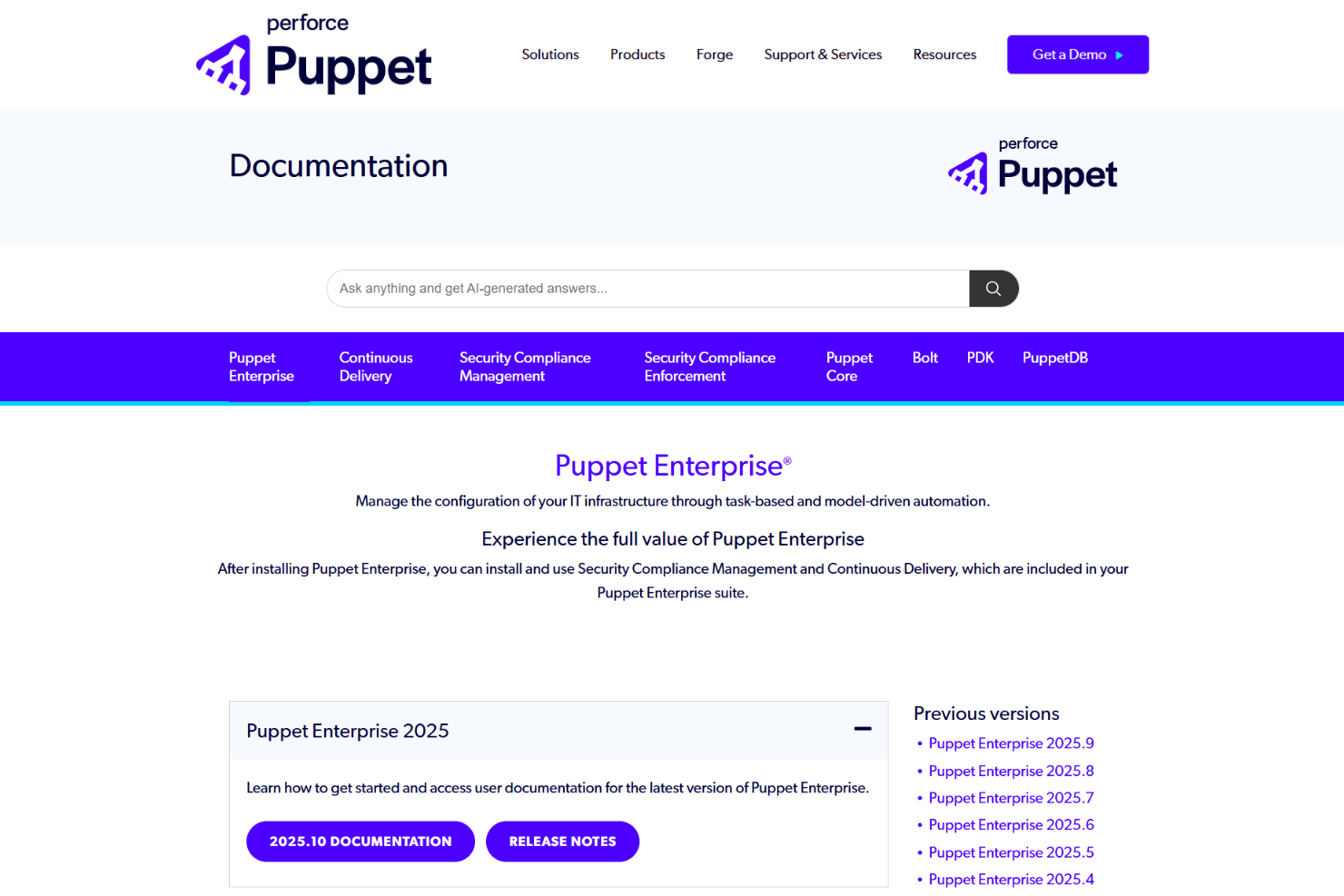
Puppet Enterprise isn’t the most beginner-friendly tool, but it offers powerful control once you’re up to speed. The interface is clean and scriptable, and the documentation is thorough, but you’ll need to understand Puppet DSL or Ruby to get the most out of it.
Users with infrastructure as code experience find it intuitive, while newcomers may face a steeper learning curve, especially during initial setup and policy creation.

Onboarding
Onboarding with Puppet Enterprise can be challenging, especially for teams new to infrastructure automation or Puppet’s DSL. However, the platform offers extensive documentation, guided tutorials, and an active community forum, which help shorten the learning curve.
Many users mention responsive support and professional services that can accelerate deployment. Still, expect a significant upfront investment in training and setup before realizing full value.
Customer Support
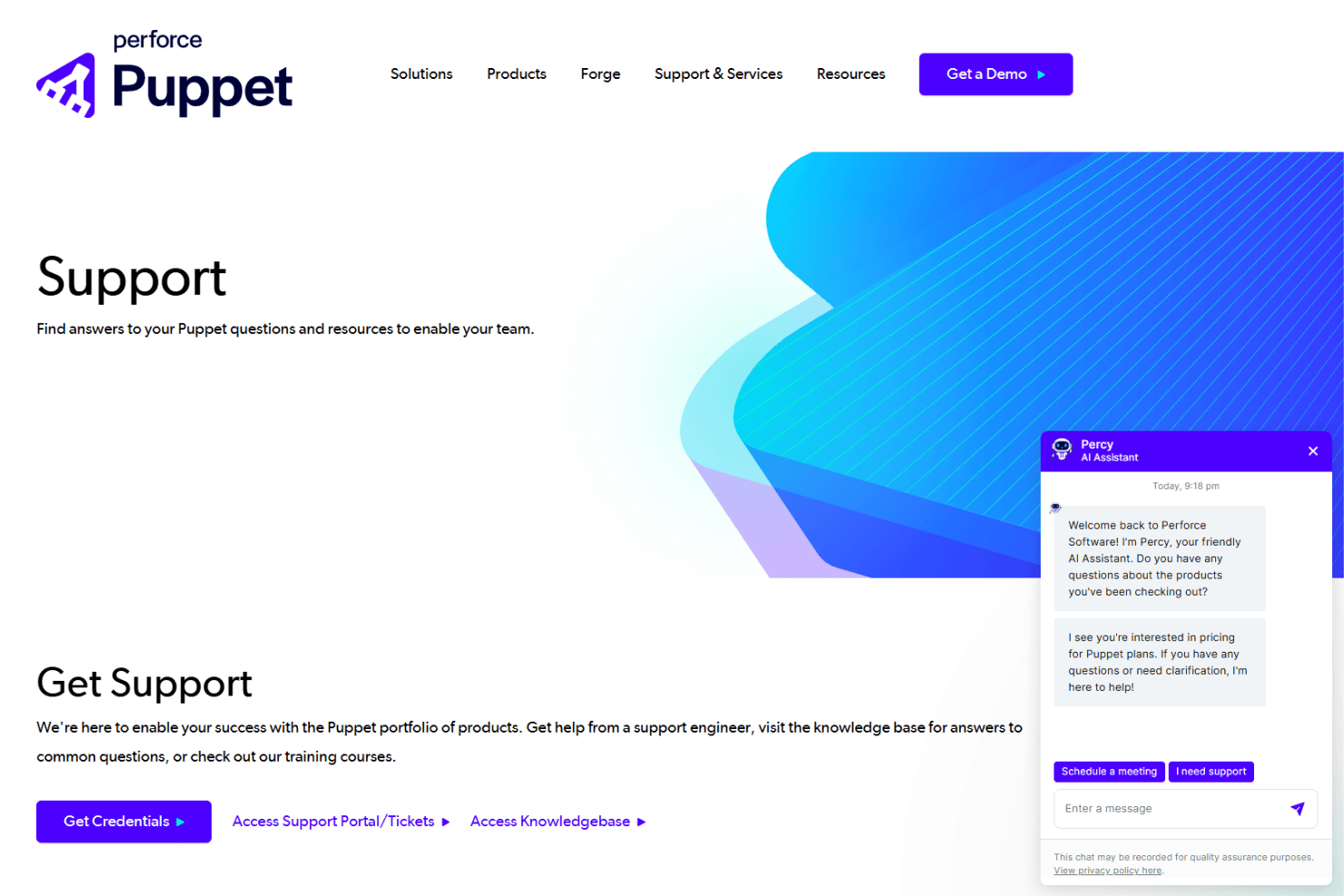
Puppet Enterprise offers responsive customer support with multiple channels, including ticketing, live chat, and a knowledge base. Users often highlight the expertise of support staff and the value of dedicated account managers for enterprise clients.
The community forum and detailed documentation provide additional help, making it easier to resolve complex issues. Many users feel well-supported, especially during critical incidents or large-scale deployments.
Integrations
Puppet Enterprise integrates with AWS, Google Cloud, Microsoft Azure, Jenkins, GitHub, GitLab, Kubernetes, ServiceNow, Splunk, and Grafana, among others.
Puppet Enterprise also offers a robust API and supports connections with third-party integration tools.

Value for Money
Puppet Enterprise delivers strong value for organizations managing infrastructure at scale, especially those needing automation, governance, and compliance. Users often find the platform worthwhile due to its policy enforcement, hybrid environment support, and operational efficiency, with greater value realized as infrastructure complexity grows.
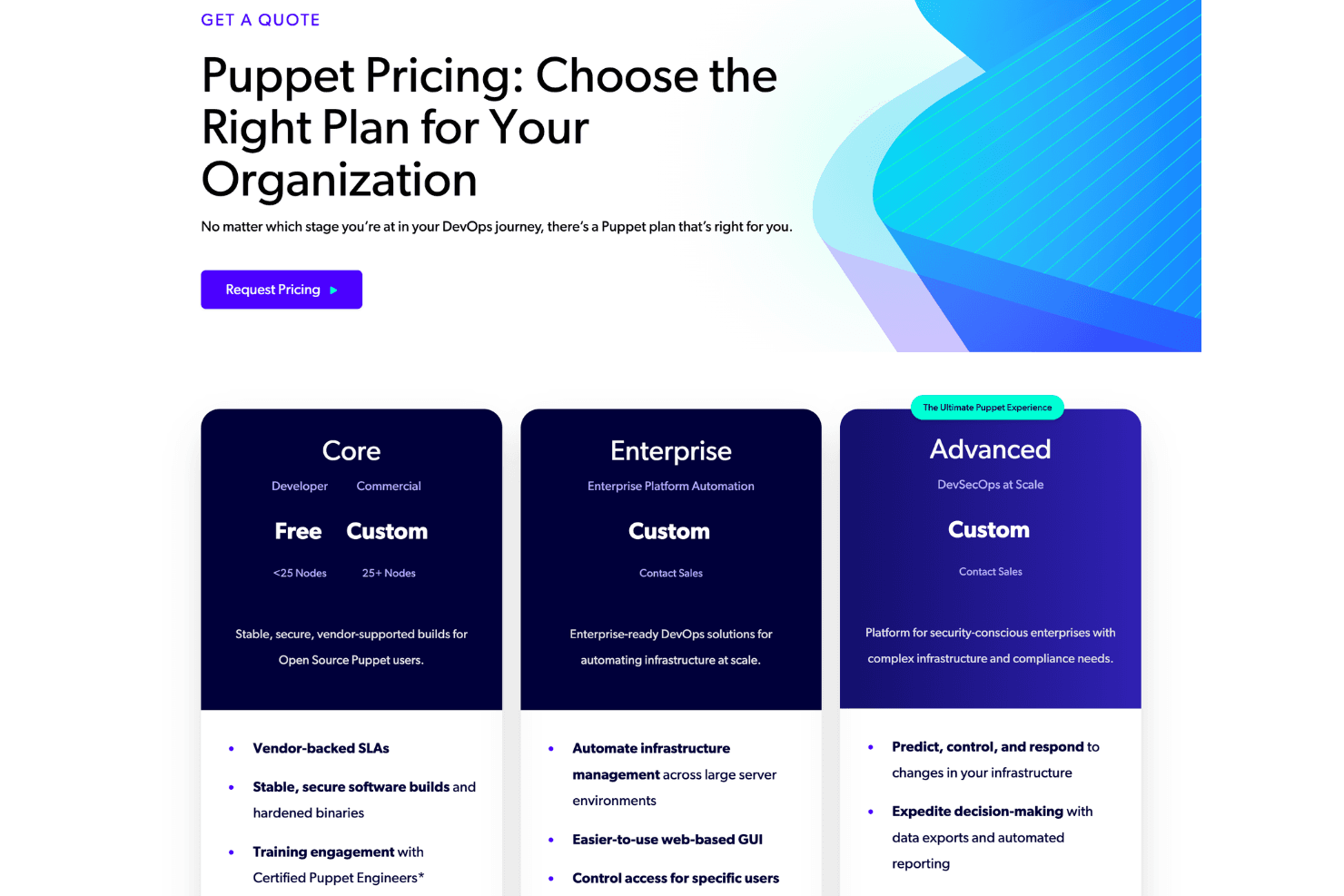
- Core (Free/Commercial): Supports up to 25 nodes for free, with a commercial option for larger environments that includes vendor-backed SLAs, secure builds, and continuous policy enforcement.
- Enterprise: Provides platform automation with features like RBAC, web-based management, and infrastructure orchestration across on-premises, cloud, and hybrid environments.
- Advanced: Adds DevSecOps-focused capabilities, including vulnerability remediation, compliance enforcement, AI-powered insights, and enhanced security and automation at scale.
Puppet Enterprise Specs
- API: Yes
- Bug Tracking: No
- CI/CD Integration: Yes
- Cloud Deployment: Yes
- Code Review: No
- Code Transformation: No
- Collaboration Support: Yes
- Data Export: Yes
- Data Import: Yes
- Developer Tools: Yes
- External Integrations: Yes
- Git Integration: Yes
- History/Version Control: Yes
- IDE Plugins: No
- Local Deployment: No
- Multi-User: Yes
- Notifications: Yes
- Project Management: No
- Release Management: Yes
- Static Analysis: No
- Task Scheduling/Tracking: Yes
- Testing: Yes
Puppet Enterprise FAQs
Puppet Enterprise Company Overview & History
Puppet Enterprise is a leading infrastructure automation platform headquartered in Portland, Oregon. The company is part of Perforce Software and serves over 40,000 organizations worldwide, including major clients like Salesforce, Walmart, Splunk, and DBS Bank. Puppet is known for its strong focus on security, compliance, and automation across hybrid and multi-cloud environments. The company fosters a culture of innovation and is recognized for its active community and extensive module ecosystem.
Puppet Enterprise Major Milestones
- 2005: Puppet was founded in Portland, Oregon.
- 2011: Puppet Enterprise product released.
- 2022: Acquired by Perforce Software, expanding its reach and resources.
- 2026: Serves over 40,000 organizations globally, including several Fortune 500 companies.