

Ansible vs. Chef: Comparison and Expert Reviews for 2026

We review tools independently, and commissions help fund our testing. See our transparency policy, our methodology, or suggest a tool.
Managing complex systems and repetitive tasks can drain your time and resources. If you’re weighing Ansible against Chef, you’re likely searching for IT process automation software that actually makes your life easier, not harder. Both tools promise to simplify configuration, deployment, and management—but which one truly fits your team’s needs?
In this article, you’ll get a clear comparison of Ansible and Chef, including their pros and cons, best use cases, pricing, security features, and usability. I’ll help you cut through the noise so you can make a confident, informed decision.
Ansible
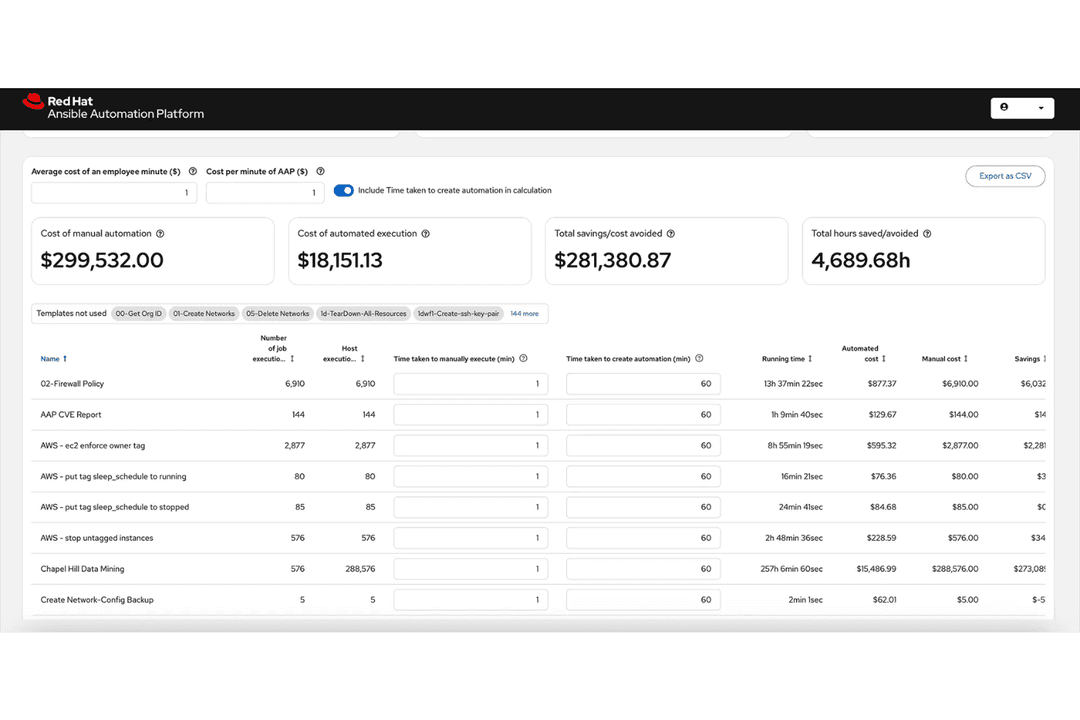
4.6/5
- 60-day free trial
- Pricing upon request
Chef
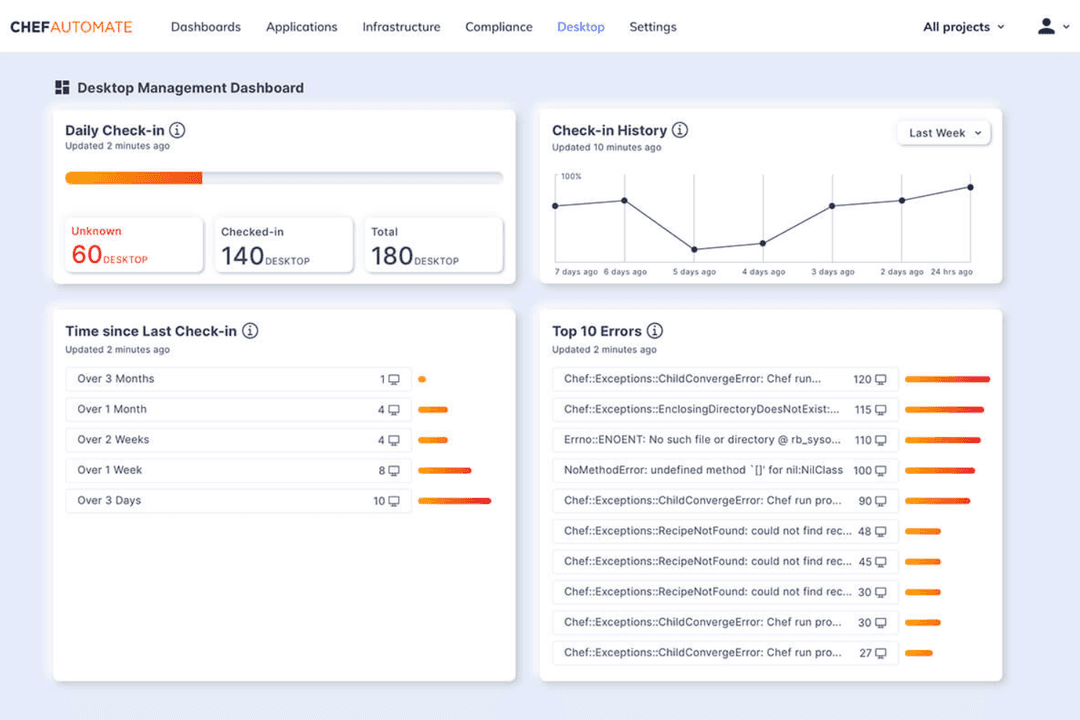
4.3/5
- Free trial + free demo available
- From $59/node/month (billed annually)
Why Trust Our Software Recommendations
6,700+
Reviews
20
Industry experts
16+
Evaluation factors
14
Years
Our team has been testing and reviewing software since 2012. As tech leaders ourselves, we know how difficult—and important—it is to choose the right software.
For this guide, we evaluated tools using hands-on testing and independent research, scoring tools using our selection criteria.
Our reviews reflect our human editorial judgment, not a sales pitch.
Expert reviewers:
- Paulo Gardini MiguelTech Director
 Tim FisherVP of AI
 Gabriel RosasTech Lead & Software Architect
 Christhian GruhnTech Lead & Platform Architect

| Ansible | Chef | |
|---|---|---|
| Free Trial | 60-day free trial | Free trial + free demo available |
| Pricing | Pricing upon request | From $59/node/month (billed annually) |
Ansible vs. Chef Pricing & Hidden Costs
Ansible offers an open-source version that’s free to use, alongside a paid enterprise edition with advanced features and support. Chef also provides an open-source core, but its commercial offerings bundle extra automation, compliance, and support options into tiered packages. With both tools, you may encounter hidden costs for premium support, integrations, training, or scaling up to manage larger environments.
To choose the right pricing model, look beyond the sticker price and consider your team’s growth plans, support needs, and integration requirements. Evaluate the total cost of ownership by factoring in setup time, ongoing maintenance, and any add-ons you’ll need as your infrastructure evolves. This approach helps you avoid surprises and ensures your investment matches your long-term goals.
Both Ansible and Chef are open-source configuration management and automation tools used to provision infrastructure, deploy applications, and maintain system consistency at scale. They support core DevOps practices like infrastructure as code, orchestration, and repeatable deployments across large server environments. In practice, both platforms let teams define system states in code and automate routine operations like updates, configuration, and provisioning, ensuring consistency and reducing manual work.
Where they diverge is in architecture and flexibility. Ansible stands out for its agentless, SSH-based approach and simple YAML syntax, making it fast to set up and easy for non-developers to adopt. Chef, by contrast, uses an agent-based model and a Ruby DSL, which enables deeper programmability and fine-grained control for complex, large-scale environments.
| Ansible | Chef | |
|---|---|---|
| API | Yes | Yes |
| Bug Tracking | No | No |
| Calendar Management | No | No |
| Dashboard | Yes | Yes |
| Data Export | Yes | No |
| Data Import | Yes | Yes |
| Data Visualization | No | Yes |
| External Integrations | Yes | Yes |
| Multi-User | Yes | No |
| Notifications | Yes | Yes |
| Scheduling | No | Yes |
| Third-Party Plugins/Add-Ons | Yes | No |
| Integration | Ansible | Chef |
| AWS | ✅ | ✅ |
| Microsoft Azure | ✅ | ✅ |
| Google Cloud | ✅ | ✅ |
| VMware | ✅ | ✅ |
| ServiceNow | ✅ | ❌ |
| F5 Networks | ✅ | ❌ |
| Palo Alto Networks | ✅ | ❌ |
| Splunk | ✅ | ✅ |
| IBM Cloud | ✅ | ❌ |
| NetApp | ✅ | ❌ |
| API | ✅ | ✅ |
| Zapier | ❌ | ❌ |
Ansible and Chef both integrate with major cloud providers and core infrastructure platforms, but Ansible stands out for its large library of pre-built, vendor-supported integrations—especially across networking and security tools—making it quicker to deploy in diverse environments. Chef can achieve similar integrations, but typically relies more on custom code, APIs, or community plugins rather than turnkey options.
| Factor | Ansible | Chef |
| Encryption | Supports SSH-based encryption for secure communication and secrets management. | Uses SSL/TLS for encrypted communication between nodes and server. |
| Access Control | Integrates with LDAP, Active Directory, and RBAC for granular permissions. | Offers RBAC, LDAP integration, and policy-based access controls. |
| Audit Logging | Provides detailed logs and integrates with SIEM tools for traceability. | Maintains comprehensive audit trails and integrates with logging tools. |
| Compliance Modules | Includes built-in modules for CIS benchmarks and automated compliance checks. | Offers InSpec for compliance automation and custom policy enforcement. |
| High Availability | Supports clustering and redundancy for controller nodes. | Provides server clustering and failover for reliability. |
Both Ansible and Chef deliver strong security and compliance features, but Chef’s InSpec stands out for compliance automation, while Ansible’s simplicity makes secure setup easier. Ansible shines for straightforward, secure deployments, while Chef is a favorite for teams needing advanced compliance and policy controls.
| Factor | Ansible | Chef |
| Learning Curve | Uses simple, human-readable YAML syntax that’s easy for beginners to pick up. | Requires knowledge of Ruby and a steeper learning curve for new users. |
| Setup Process | Agentless architecture allows for quick, straightforward setup. | Needs agent installation and more initial configuration steps. |
| Documentation | Offers extensive, beginner-friendly documentation and active community support. | Provides detailed documentation but can be dense for newcomers. |
| User Interface | Features a clean CLI and optional web UI for managing playbooks. | Includes Chef Manage web UI, but some users find it less intuitive. |
| Troubleshooting | Clear error messages and strong community forums help resolve issues quickly. | Advanced troubleshooting tools, but errors can be harder to interpret. |
Ansible is widely considered easier to learn and use, especially for teams new to automation, while Chef appeals to those who want deep customization and don’t mind a steeper learning curve. Ansible’s straightforward syntax and agentless setup make it user-friendly, while Chef’s flexibility rewards experienced users who need advanced control.
Ansible
- Agentless setup simplifies infrastructure management significantly.
- Easy to learn with simple YAML syntax.
- Idempotent tasks ensure consistent system states.
- Not ideal for continuous configuration enforcement.
- Large playbooks become hard to maintain.
- Slower performance at scale due to SSH.
Chef
- It scales well across cloud, on-premise, and hybrid environments.
- It centralizes infrastructure, compliance, and automation in one platform.
- It automates configuration and policy enforcement, improving consistency.
- Integrating Chef Automate with existing workflows can take time and effort.
- The learning curve is steep, especially if your team lacks DevOps experience.
- Initial setup and configuration can be time-consuming for new users.
Ansible
- Agile Development TeamsAnsible’s straightforward automation and configuration management make it ideal for agile teams focusing on rapid deployment.
- Tech StartupsStartups benefit from Ansible’s ease of use, enabling quick automation without needing extensive IT infrastructure.
- IT DepartmentsFor IT departments, Ansible simplifies task automation, allowing your team to focus on strategic initiatives.
- Software DeploymentAnsible’s ability to streamline and automate software deployment processes enhances efficiency for development teams.
- Configuration ManagementTeams managing multiple server configurations find Ansible’s playbooks a powerful tool for consistency and control.
- Network AutomationNetwork administrators can automate device configurations and updates, reducing manual errors and saving time.
Chef
- Large EnterprisesChef’s scalability ensures that your extensive infrastructure is managed consistently and securely.
- Healthcare IndustryChef’s compliance features help your team meet strict regulatory requirements efficiently.
- Finance SectorChef’s robust policy enforcement enhances security for your sensitive data management.
- DevOps TeamsChef’s automation capabilities streamline your workflows and boost your team’s productivity.
- IT DepartmentsChef’s configuration management reduces errors and ensures consistency in your infrastructure.
- Cloud ProvidersChef’s flexibility allows your team to manage diverse environments effectively.
Who Should Use Ansible, And Who Should Use Chef?
Ansible is best suited for teams that want fast setup, simplicity, and broad automation without heavy development overhead. Its agentless architecture and YAML-based playbooks make it ideal for IT teams, DevOps generalists, and organizations managing diverse environments who need quick wins and easy maintenance. It’s especially strong for configuration management, orchestration, and environments where ease of use and speed matter most.
Chef is better suited for organizations with complex, large-scale infrastructure that requires deep customization and control. Its Ruby-based DSL and agent-based model make it a strong fit for experienced DevOps teams and developers who want to build highly tailored automation workflows. Enterprises with strict compliance needs or highly dynamic systems often benefit most from Chef’s flexibility and programmability.
| Ansible | Chef | |
|---|---|---|
| Agent Architectures | Ansible Agentless (SSH/WinRM), no software required on nodes. | Chef Agent-based, requires Chef Client installed on nodes. |
| Execution Model | Ansible Push-based (you run tasks when needed). | Chef Pull-based (agents regularly check in and enforce state). |
| Language Used | Ansible YAML (declarative and easy to read). | Chef Ruby-based DSL (more powerful but requires coding knowledge). |
| Onboarding | Ansible Faster to learn and adopt, lower barrier to entry. | Chef Steeper learning curve, better suited for experienced teams. |
| State Management | Ansible Task-oriented (executes steps in sequence). | Chef Declarative/state-driven (continuously enforces desired state). |
| Automation | Both automate configuration management, application deployment, and system updates at scale. |
|---|---|
| Enterprise Readiness | Both provide commercial offerings with enterprise features like RBAC, auditing, and support. |
| Extensibility | Both offer APIs and extensibility to integrate with external tools and custom workflows. |
| Infrastructure as Code | Both let you define, version, and manage infrastructure using code for consistency and repeatability. |
| Multi-Platform Support | Each supports Linux, Windows, cloud providers, and hybrid environments. |