
TestGrid Review 2026: Pros, Cons, Features, and Pricing


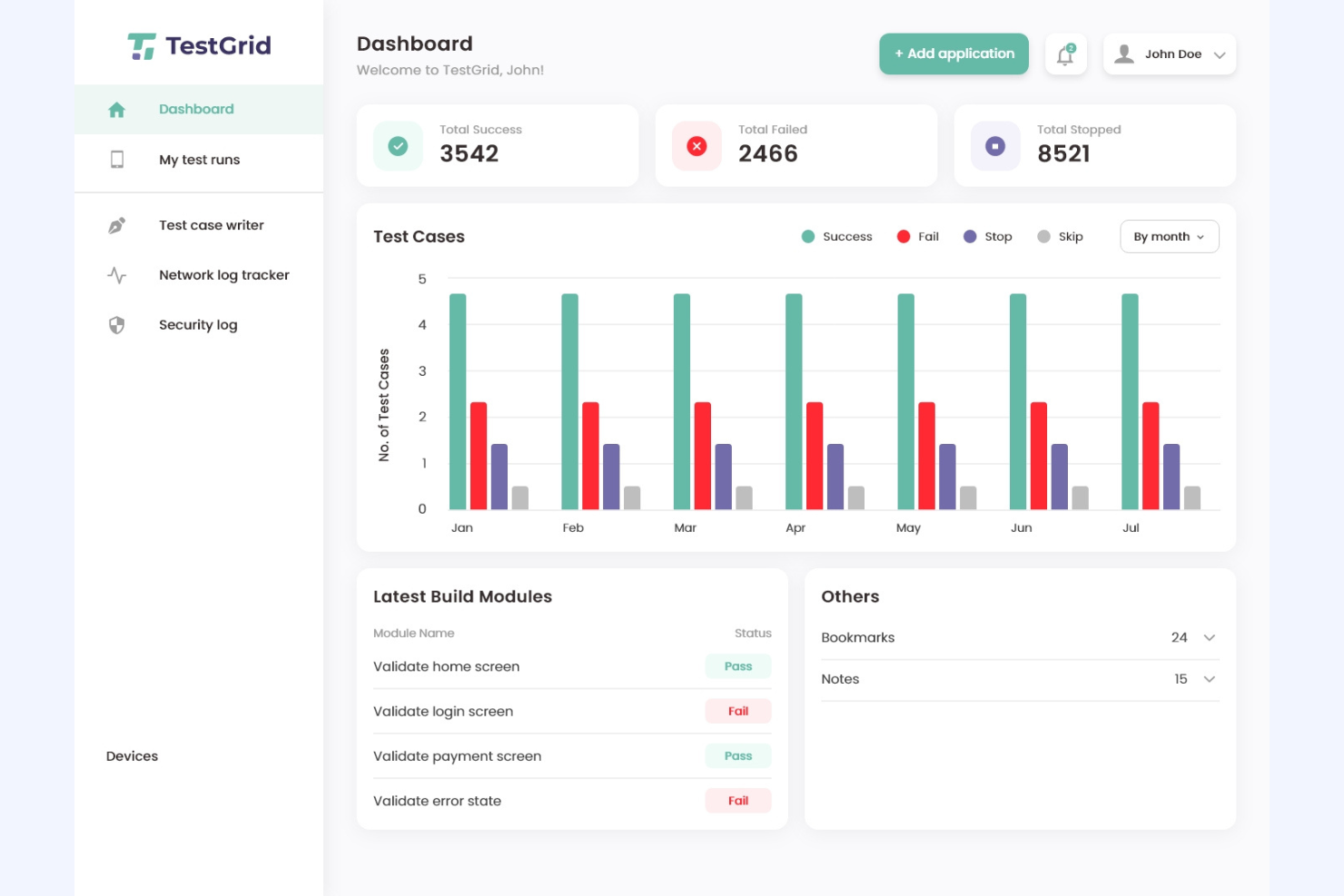
TestGrid is a test management software designed to help IT teams automate, manage, and scale their testing processes across web, mobile, and API environments. For tech specialists dealing with fragmented toolchains, limited device access, and the need for reliable automation, it offers a unified platform with real device testing, codeless automation, and detailed reporting.
This TestGrid review covers features, use cases, pros and cons, and pricing to help you decide if it fits your team’s testing requirements
TestGrid Evaluation Summary
- From $199/month/year (minimum of 4 seats)
- Free trial available
Why Trust Our Software Reviews
We’ve been testing and reviewing software since 2023. As tech leaders ourselves, we know how critical and difficult it is to make the right decision when selecting software.
We invest in deep research to help our audience make better software purchasing decisions. We’ve tested more than 2,000 tools for different tech use cases and written over 1,000 comprehensive software reviews. Learn how we stay transparent & our software review methodology.
TestGrid Overview
TestGrid provides automated testing solutions to streamline software quality assurance. It serves developers and QA professionals seeking robust testing automation tools. The software improves testing efficiency, significantly reducing the time required for test cycles. It addresses key pain points such as manual test orchestration, slow feedback loops, and integration issues with other tools in the software development lifecycle.
Key features include detailed analytics, real-time monitoring, and various integrations with popular development tools.
pros
-
The collaboration tools enhance communication within your QA department.
-
You can easily track progress with detailed reporting and analytics.
-
TestGrid's intuitive interface makes managing test cases simple for your team.
cons
-
The customer support response time can be slower than expected.
-
You might need more customization options for specific workflows.
-
Some users find the onboarding process a bit lengthy.
-

Site24x7
Visit WebsiteThis is an aggregated rating for this tool including ratings from Crozdesk users and ratings from other sites.4.6 -
GitHub Actions
Visit WebsiteThis is an aggregated rating for this tool including ratings from Crozdesk users and ratings from other sites.4.8 -
Docker
Visit WebsiteThis is an aggregated rating for this tool including ratings from Crozdesk users and ratings from other sites.4.6





Our Review Methodology
How We Test & Score Tools
We’ve spent years building, refining, and improving our software testing and scoring system. The rubric is designed to capture the nuances of software selection and what makes a tool effective, focusing on critical aspects of the decision-making process.
Below, you can see exactly how our testing and scoring works across seven criteria. It allows us to provide an unbiased evaluation of the software based on core functionality, standout features, ease of use, onboarding, customer support, integrations, customer reviews, and value for money.
Core Functionality (25% of final scoring)
The starting point of our evaluation is always the core functionality of the tool. Does it have the basic features and functions that a user would expect to see? Are any of those core features locked to higher-tiered pricing plans? At its core, we expect a tool to stand up against the baseline capabilities of its competitors.
Standout Features (25% of final scoring)
Next, we evaluate uncommon standout features that go above and beyond the core functionality typically found in tools of its kind. A high score reflects specialized or unique features that make the product faster, more efficient, or offer additional value to the user.
We also evaluate how easy it is to integrate with other tools typically found in the tech stack to expand the functionality and utility of the software. Tools offering plentiful native integrations, 3rd party connections, and API access to build custom integrations score best.
Ease of Use (10% of final scoring)
We consider how quick and easy it is to execute the tasks defined in the core functionality using the tool. High scoring software is well designed, intuitive to use, offers mobile apps, provides templates, and makes relatively complex tasks seem simple.
Onboarding (10% of final scoring)
We know how important rapid team adoption is for a new platform, so we evaluate how easy it is to learn and use a tool with minimal training. We evaluate how quickly a team member can get set up and start using the tool with no experience. High scoring solutions indicate little or no support is required.
Customer Support (10% of final scoring)
We review how quick and easy it is to get unstuck and find help by phone, live chat, or knowledge base. Tools and companies that provide real-time support score best, while chatbots score worst.
Customer Reviews (10% of final scoring)
Beyond our own testing and evaluation, we consider the net promoter score from current and past customers. We review their likelihood, given the option, to choose the tool again for the core functionality. A high scoring software reflects a high net promoter score from current or past customers.
Value for Money (10% of final scoring)
Lastly, in consideration of all the other criteria, we review the average price of entry level plans against the core features and consider the value of the other evaluation criteria. Software that delivers more, for less, will score higher.
Core Features
Test Case Management
You can organize and manage your test cases efficiently with a straightforward interface. This helps your team keep track of testing progress and ensure coverage.
Defect Tracking
Capture and track defects easily, allowing your team to address issues promptly. This feature helps maintain the quality of your software by ensuring no bug goes unnoticed.
Reporting and Analytics
Get insights into your testing processes with detailed reports. These analytics help your team improve decision-making and testing strategies.
Collaboration Tools
Enhance communication within your team with integrated collaboration features. This ensures everyone stays on the same page and works efficiently together.
Test Execution
Run tests seamlessly and monitor their progress in real time. This helps your team execute testing plans effectively and meet deadlines.
Requirement Management
Align your testing efforts with project requirements. This feature ensures that your testing is comprehensive and meets the necessary standards.
Ease of Use
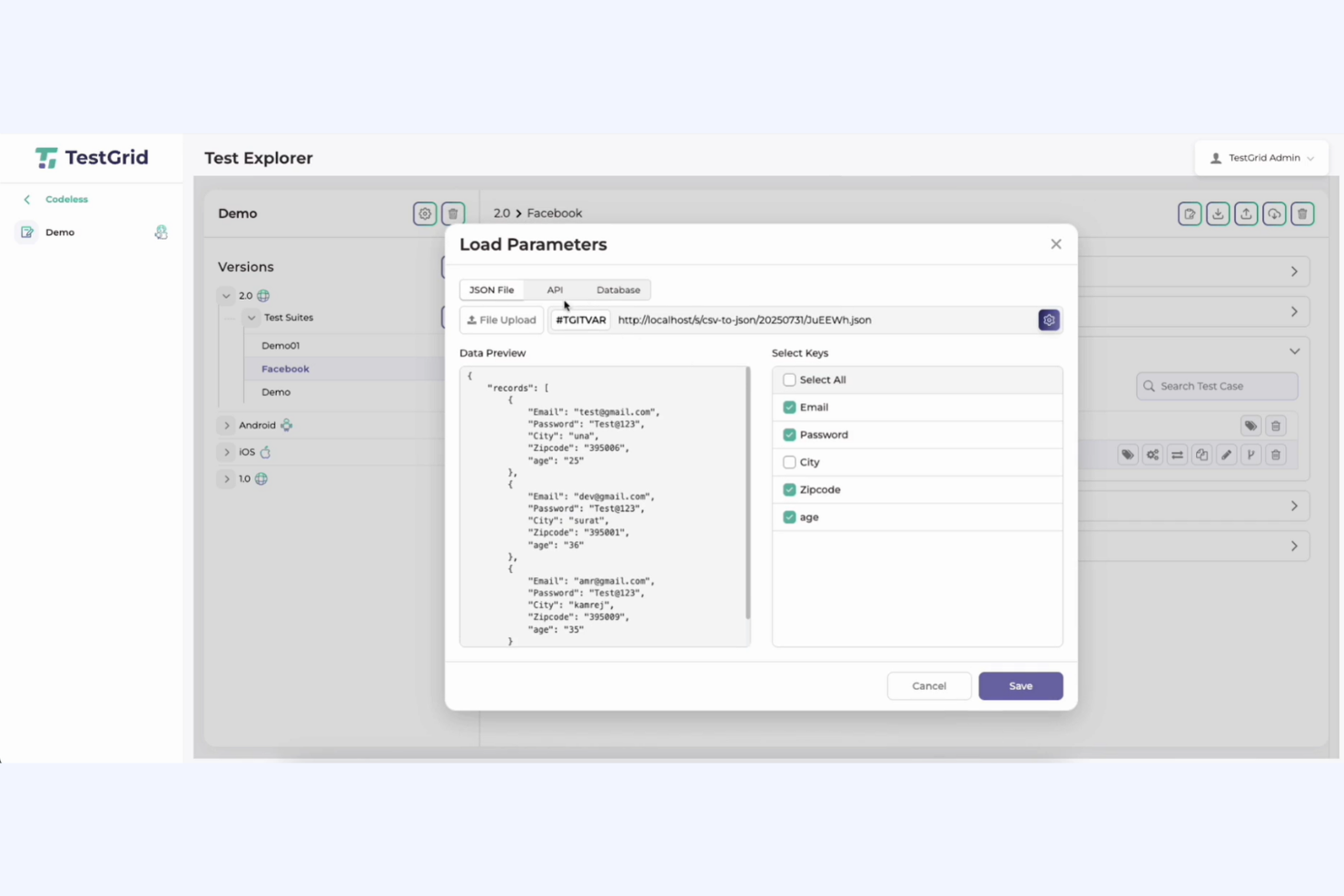
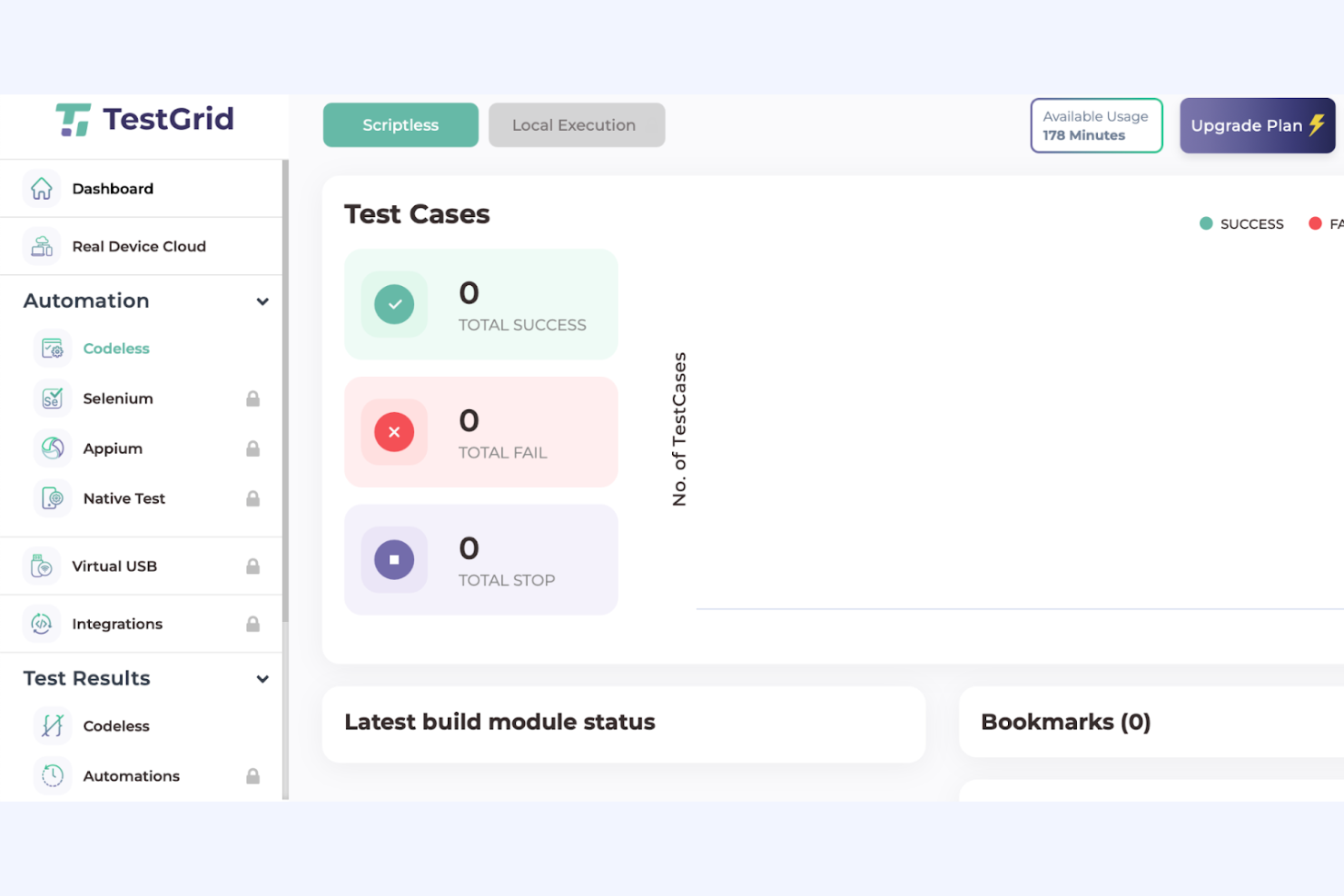
TestGrid offers a modern, intuitive interface that makes navigating between test creation, execution, and reporting straightforward, even for less technical users. The codeless automation and AI script generation features lower the barrier for non-developers, while clear documentation and responsive support help teams onboard quickly. Some users mention occasional clutter during complex test management, but overall, TestGrid balances advanced capabilities with an accessible design better than many alternatives.
Integrations
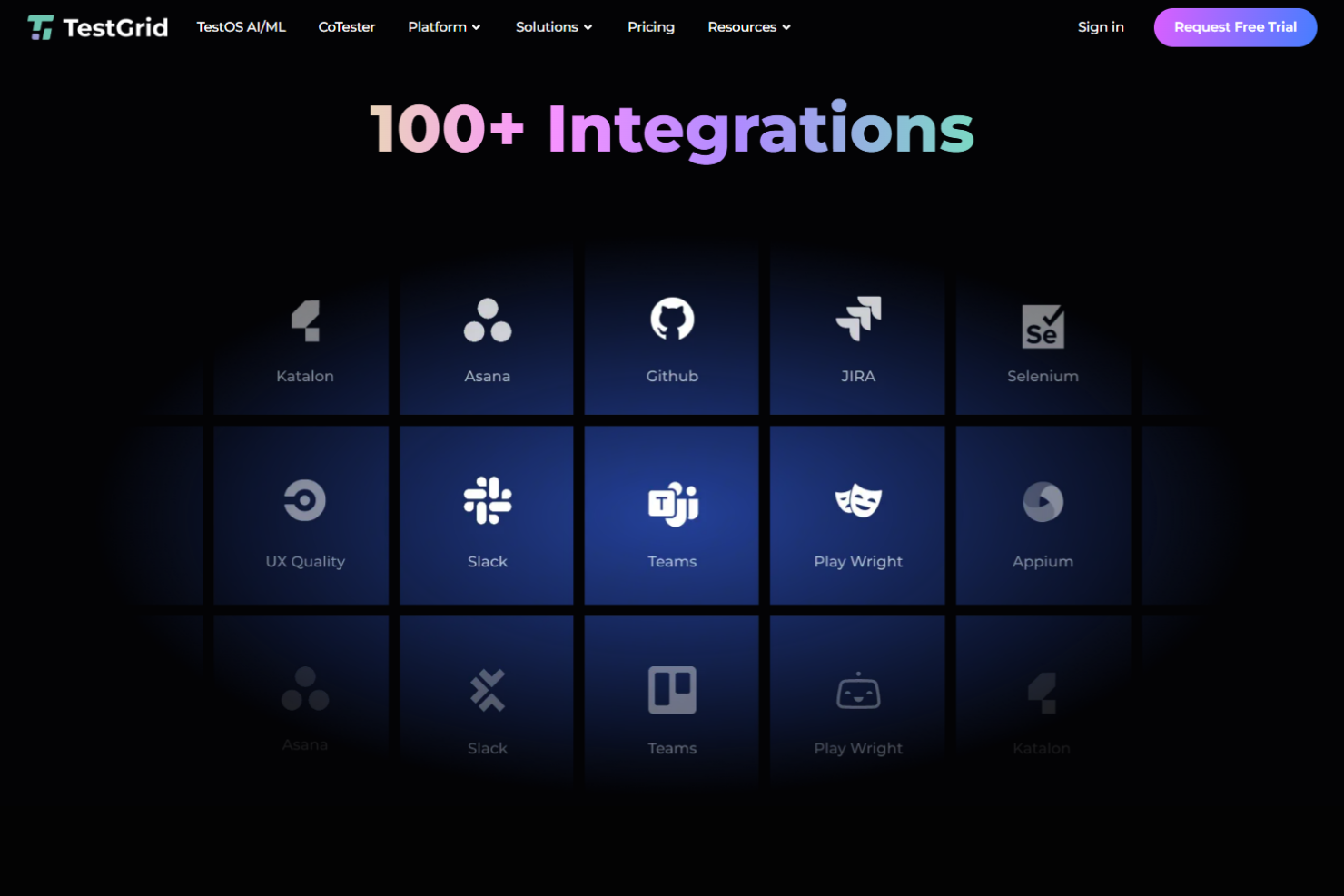
TestGrid integrates with Salesforce, SAP, MS Dynamics, Zoho, Netsuite, ServiceNow, JIRA, Slack, Jenkins, and GitHub, among others.
TestGrid also offers an API and supports connections with third-party integration tools for custom workflows.
New Product Updates from TestGrid
TestGrid's Quantum Fuze Introduces Smart Execution
Quantum Fuze adds Smart Execution to its Test Runner Agent, allowing tests to run with unique device, OS, and resolution combinations. This improves execution control and helps teams identify environment-specific issues more effectively. Highlights include:
- Environment-Specific Runs: Execute tests using unique device and OS combinations.
- Independent Test Execution: Each run is treated separately for better accuracy.
- Improved Coverage Accuracy: Validate app behavior across real-world environments.
- Higher Test Reliability: Deliver more consistent and dependable test results.
Visit Quantum Fuze’s official site for more details.
 for more details.
TestGrid Introduces CoTester for ServiceNow
TestGrid has introduced CoTester, the industry's first AI-powered testing solution for ServiceNow modules, designed to improve testing efficiency and reliability for users of ServiceNow's diverse applications. This release promises significant user value by enhancing testing capabilities with AI-driven automation and adaptability. Here are the details of the update:
- AI-Generated Test Cases from Workflows: Enables streamlined testing processes by automatically creating test cases based on existing workflows.
- Automatic Self-Healing Scripts: Minimizes the need for manual script maintenance by automatically adapting to changes.
- Zero-Maintenance Execution: Reduces the testing overhead and resource allocation required for maintaining ServiceNow modules.
- Prebuilt Test Libraries: Expedites the testing process with readily available tests for common and custom modules.
- Integration with CI/CD Tools: Enhances continuous integration and delivery workflows by seamlessly incorporating testing phases.
- Unified Reporting with Logs and Screenshots: Provides comprehensive testing insights with detailed reporting features.
Visit TestGrid's official site for more details.
TestGrid Specs
- A/B Testing
- Access Management
- API
- Automated Testing
- Browser Compatibility Testing
- Bug Tracking
- CI/CD Integration
- Dashboard
- Data Export
- Data Import
- Data Visualization
- Developer Tools
- External Integrations
- History/Version Control
- Manual Testing
- Multi-User
- Notifications
- Performance Testing
- Regression Testing
- Scheduling
- Status Notifications
- Test Case Library
- Test Management
- Third-Party Plugins/Add-Ons