

CA Technologies Application Test Review 2026: Features, Pricing, Pros and Cons
CA Technologies Application Test helps automate software testing with faster test creation, execution, and validation. Learn how it supports testing workflows, integrations, and complex automation needs.

We review tools independently, and commissions help fund our testing. See our transparency policy, our methodology, or suggest a tool.
CA Technologies Application Test is an automation testing tool built for enterprise teams running functional, regression, and API tests across complex, interconnected application environments. I'd consider it if your team needs test execution and service virtualization in the same platform—rather than stitching together separate tools. Compared to Micro Focus UFT, CA Technologies Application Test gives you tighter integration between test automation and virtual services, which makes it a stronger fit when you're testing against dependencies that aren't always available.
CA Technologies Application Test Evaluation Summary

0/5
- Pricing upon request
- Free demo available
Why Trust Our Software Recommendations
6,700+
Reviews
20
Industry experts
16+
Evaluation factors
14
Years
Our team has been testing and reviewing software since 2012. As tech leaders ourselves, we know how difficult—and important—it is to choose the right software.
For this guide, we evaluated tools using hands-on testing and independent research, scoring tools using our selection criteria.
Our reviews reflect our human editorial judgment, not a sales pitch.
Expert reviewers:
- Paulo Gardini MiguelTech Director
 Tim FisherVP of AI
 Gabriel RosasTech Lead & Software Architect
 Christhian GruhnTech Lead & Platform Architect

CA Technologies Application Test Overview
When I compare automation testing tools, CA Technologies Application Test stands out for its deep integration capabilities and flexible scripting options, but the learning curve and interface feel dated next to newer solutions. Pricing is better suited to large enterprises than to smaller teams.
I think regulated industries and organizations with complex legacy systems will get the most value, especially if they need customizable test automation at scale. However, you’ll want to judge onboarding support and documentation quality before choosing—setup can require dedicated resources. If you prioritize integration, control, and detailed test orchestration, it’s a strong contender.
Pros
- Supports testing for both web and legacy systems
- Detailed reporting captures granular test execution data
- Scripting engine allows high customization of test flows
Cons
- Interface feels outdated compared to newer platforms
- Setup often demands advanced technical resources
- Limited cloud-native deployment options for modern workflows
Is CA Technologies Application Test Right For Your Needs?
Who Would be a Good Fit for CA Technologies Application Test?
CA Technologies Application Test is best suited for large organizations with complex, legacy IT infrastructures, especially those in regulated industries. Enterprises needing mainframe and API testing, centralized reporting, and deep integration with legacy systems can take full advantage of its capabilities. Specialized QA teams and IT departments managing mission-critical applications will find value in its advanced customization, service virtualization, and broad protocol support.
- Financial ServicesHighly regulated environments benefit from strong data masking, audit trails, and robust mainframe support.
- Enterprise QA TeamsCentralized reporting and service virtualization make handling large-scale automated tests easier for experienced QA professionals.
- TelecommunicationsIntegration with legacy systems and capacity for complex transaction testing supports telecommunications providers running hybrid environments.
- Healthcare ITCompliance-ready test data management and transactional testing are ideal for healthcare teams working with sensitive information.
- Government AgenciesGovernment IT teams get reliable support for mainframe, batch, and web application workflows.
- Large-Scale RetailRetailers managing diverse, interconnected infrastructure automate and monitor both old and new transaction systems with ease.
Who Would be a Bad Fit for CA Technologies Application Test?
CA Technologies Application Test is not a fit for smaller companies or teams seeking rapid, low-complexity test automation or those using only cloud-native applications. Startups, agile departments, or organizations prioritizing user-friendly interfaces and fast onboarding will likely be frustrated by the required technical expertise and heavier setup. If your tech stack is modern and you’re after broad community support or self-service resources, there are better-suited options.
- Small StartupsThe platform's complexity and cost present a steep barrier for small, fast-moving teams.
- Fully Cloud-Native CompaniesLacks modern deployment options and native focus for cloud-only architectures.
- DevOps-Driven TeamsSlow onboarding and configuration frustrate teams needing rapid, iterative releases.
- Marketing DepartmentsOverkill for teams needing basic UI or web test automation without legacy integration.
- Freelancers or SolopreneursPricing and setup are unrealistic for solo practitioners or very small firms.
- Non-Technical StaffNon-coders and business users face a daunting learning curve and limited self-service documentation.
Our Review Methodology
How We Test & Score Tools
We’ve spent years building, refining, and improving our software testing and scoring system. The rubric is designed to capture the nuances of software selection and what makes a tool effective, focusing on critical aspects of the decision-making process.
Below, you can see exactly how our testing and scoring works across seven criteria. It allows us to provide an unbiased evaluation of the software based on core functionality, standout features, ease of use, onboarding, customer support, integrations, customer reviews, and value for money.
Core Functionality (25% of final scoring)
The starting point of our evaluation is always the core functionality of the tool. Does it have the basic features and functions that a user would expect to see? Are any of those core features locked to higher-tiered pricing plans? At its core, we expect a tool to stand up against the baseline capabilities of its competitors.
Standout Features (25% of final scoring)
Next, we evaluate uncommon standout features that go above and beyond the core functionality typically found in tools of its kind. A high score reflects specialized or unique features that make the product faster, more efficient, or offer additional value to the user.
We also evaluate how easy it is to integrate with other tools typically found in the tech stack to expand the functionality and utility of the software. Tools offering plentiful native integrations, 3rd party connections, and API access to build custom integrations score best.
Ease of Use (10% of final scoring)
We consider how quick and easy it is to execute the tasks defined in the core functionality using the tool. High scoring software is well designed, intuitive to use, offers mobile apps, provides templates, and makes relatively complex tasks seem simple.
Onboarding (10% of final scoring)
We know how important rapid team adoption is for a new platform, so we evaluate how easy it is to learn and use a tool with minimal training. We evaluate how quickly a team member can get set up and start using the tool with no experience. High scoring solutions indicate little or no support is required.
Customer Support (10% of final scoring)
We review how quick and easy it is to get unstuck and find help by phone, live chat, or knowledge base. Tools and companies that provide real-time support score best, while chatbots score worst.
Customer Reviews (10% of final scoring)
Beyond our own testing and evaluation, we consider the net promoter score from current and past customers. We review their likelihood, given the option, to choose the tool again for the core functionality. A high scoring software reflects a high net promoter score from current or past customers.
Value for Money (10% of final scoring)
Lastly, in consideration of all the other criteria, we review the average price of entry level plans against the core features and consider the value of the other evaluation criteria. Software that delivers more, for less, will score higher.
Core Features
Service Virtualization
Simulate dependent services for end-to-end testing without real endpoints. This lets teams test earlier and resolve integration issues fast.
Test Data Management
Create, mask, and provision test data automatically. You get consistent, compliant data for every test run.
Scriptless Test Authoring
Build and maintain tests with drag-and-drop actions. Even non-coders can quickly automate complex scenarios.
Centralized Reporting
Aggregate results and metrics in customizable dashboards. Teams identify failures and bottlenecks right from a single portal.
API and UI Test Automation
Automate both front-end application flows and backend API calls. This bridges gaps between business logic and user interaction testing.
Parallel Test Execution
Run multiple tests simultaneously across environments. Accelerate feedback cycles and reduce overall test duration.

Standout Features
Mainframe Transaction Testing
Directly tests mainframe transactions in their native environments. Enterprises can validate legacy systems without manual scripting or third-party plugins.
Continuous Validation Integration
Hooks automated tests into CI/CD pipelines for ongoing validation. This ensures every build is checked for regressions before deployment.
Ease of Use
CA Technologies Application Test has a steep learning curve and a dated interface that frustrates new users, especially those used to more intuitive automation testing tools. However, experienced teams appreciate its powerful scripting options, granular control, and strong support for testing mainframe or legacy environments.
Documentation gaps and setup complexity can slow onboarding, but its flexibility for advanced scenarios stands out once properly configured.

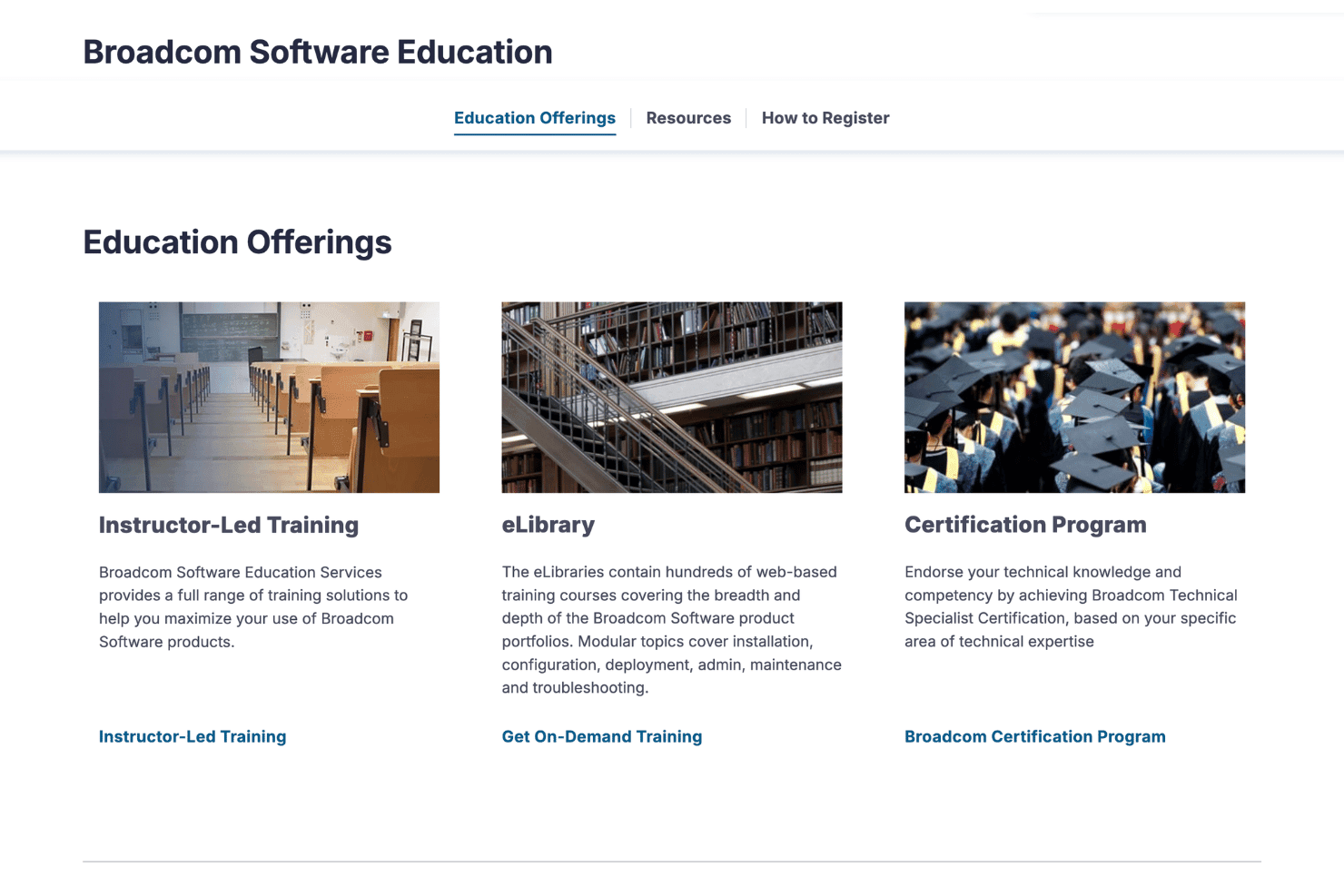
Onboarding
User onboarding with CA Technologies Application Test feels slow and sometimes overwhelming due to limited in-product guidance and heavy documentation. Users often rely on formal training and support tickets to get started.
While enterprise support is responsive, the lack of community resources and hands-on tutorials makes initial setup and achieving value slower than with more modern platforms.
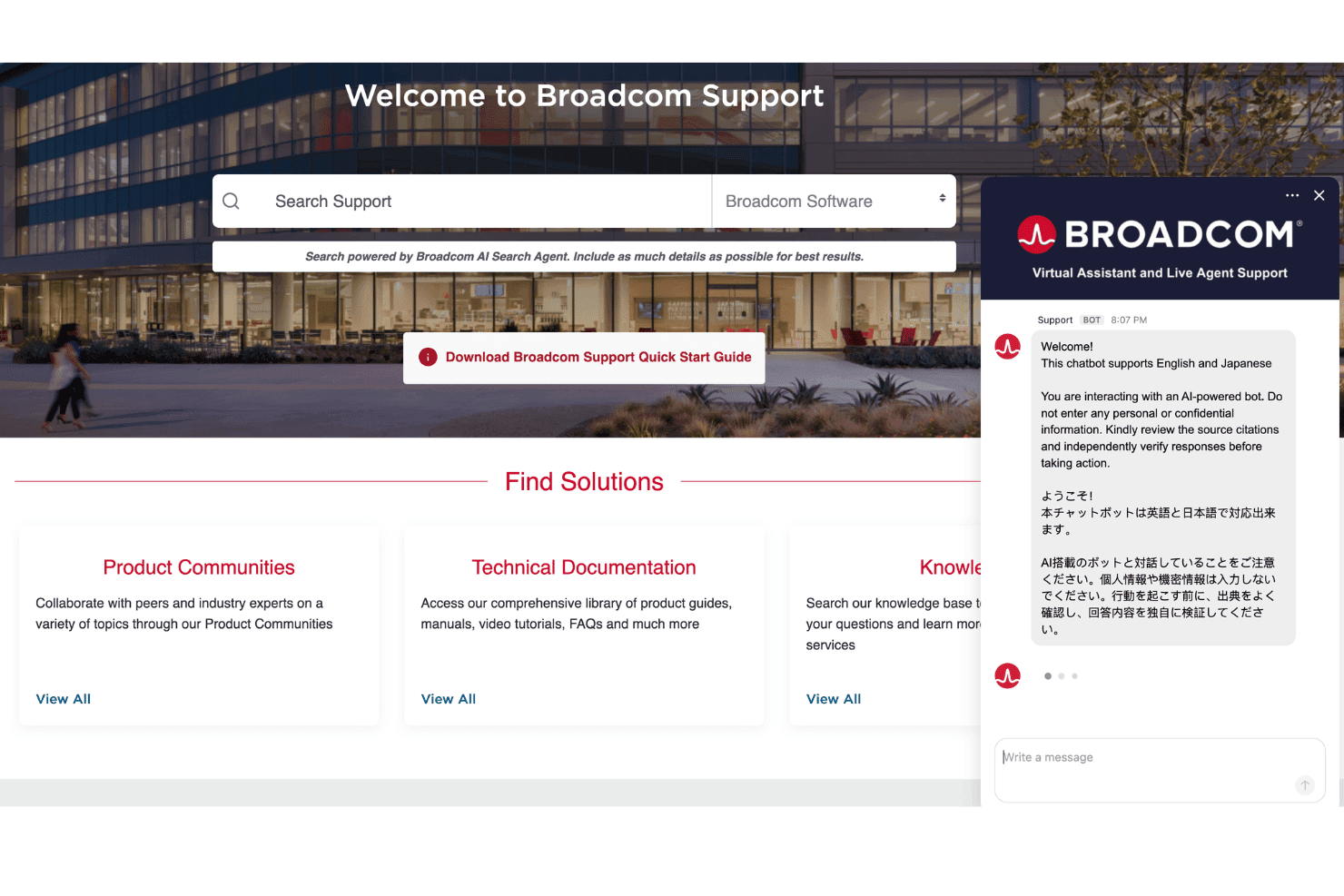
Customer Support
CA Technologies Application Test offers direct enterprise support that users say is reliable and knowledgeable, especially for complex troubleshooting. However, the experience can feel slow because answers often require escalation and the self-service knowledge base lacks depth.
Most users prefer reaching out for assistance instead of searching for answers independently.
Integrations
CA Technologies Application Test integrates with Jenkins, Selenium, JIRA, HP ALM, ServiceNow, IBM Rational Quality Manager, SOAP UI, CA Workload Automation, Microsoft Azure DevOps, and Apache Maven, among others.
It also offers a REST API for custom integrations and can connect with various third-party tools through its extensibility options.
Value for Money
CA Technologies Application Test does not publicly list pricing, as costs depend on enterprise requirements, deployment size, and selected testing capabilities. Businesses need to contact Broadcom for a custom quote based on their automation testing needs.
CA Technologies Application Test Specs
- A/B Testing: No
- API: Yes
- Automated Testing: Yes
- Browser Compatibility Testing: No
- Bug Tracking: No
- Calendar Management: No
- CI/CD Integration: Yes
- Dashboard: Yes
- Data Export: Yes
- Data Import: Yes
- Data Visualization: Yes
- Developer Tools: Yes
- External Integrations: Yes
- History/Version Control: Yes
- Manual Testing: No
- Multi-User: Yes
- Notifications: Yes
- Performance Testing: Yes
- Regression Testing: Yes
- Scheduling: No
- Status Notifications: Yes
- Third-Party Plugins/Add-Ons: Yes
CA Technologies Application Test FAQs
CA Technologies Application Test Company Overview & History
CA Technologies, formerly known as Computer Associates International, was founded in the United States and headquartered in New York. The company grew into one of the world’s largest independent software corporations, with thousands of employees before its 2018 acquisition by Broadcom Inc.
CA Technologies Application Test is part of a broader portfolio focused on enterprise IT management, automation, and security. The company is known for its deep roots in mainframe and enterprise infrastructure, serving clients across finance, healthcare, government, and telecommunications.
CA Technologies Application Test Major Milestones
- 1976: Company founded as Computer Associates International.
- 2010: Released CA Technologies Application Test, expanding into enterprise testing automation.
- 2018: Acquired by Broadcom Inc., integrating application test tools into a larger IT management suite.
- 2021: Application Test received updates focused on API, mainframe, and compliance testing for regulated industries.