

Recensione di Elasticsearch: Pro, Contro, Caratteristiche e Prezzi
Elasticsearch eccelle nell'analisi dei dati in tempo reale, rendendolo la scelta ideale per i team che necessitano di insight rapidi da grandi volumi di dati.

Recensiamo gli strumenti in modo indipendente e le commissioni ci aiutano a finanziare i nostri test. Consulta la nostra politica sulla trasparenza, la nostra metodologia, oppure suggerisci uno strumento.
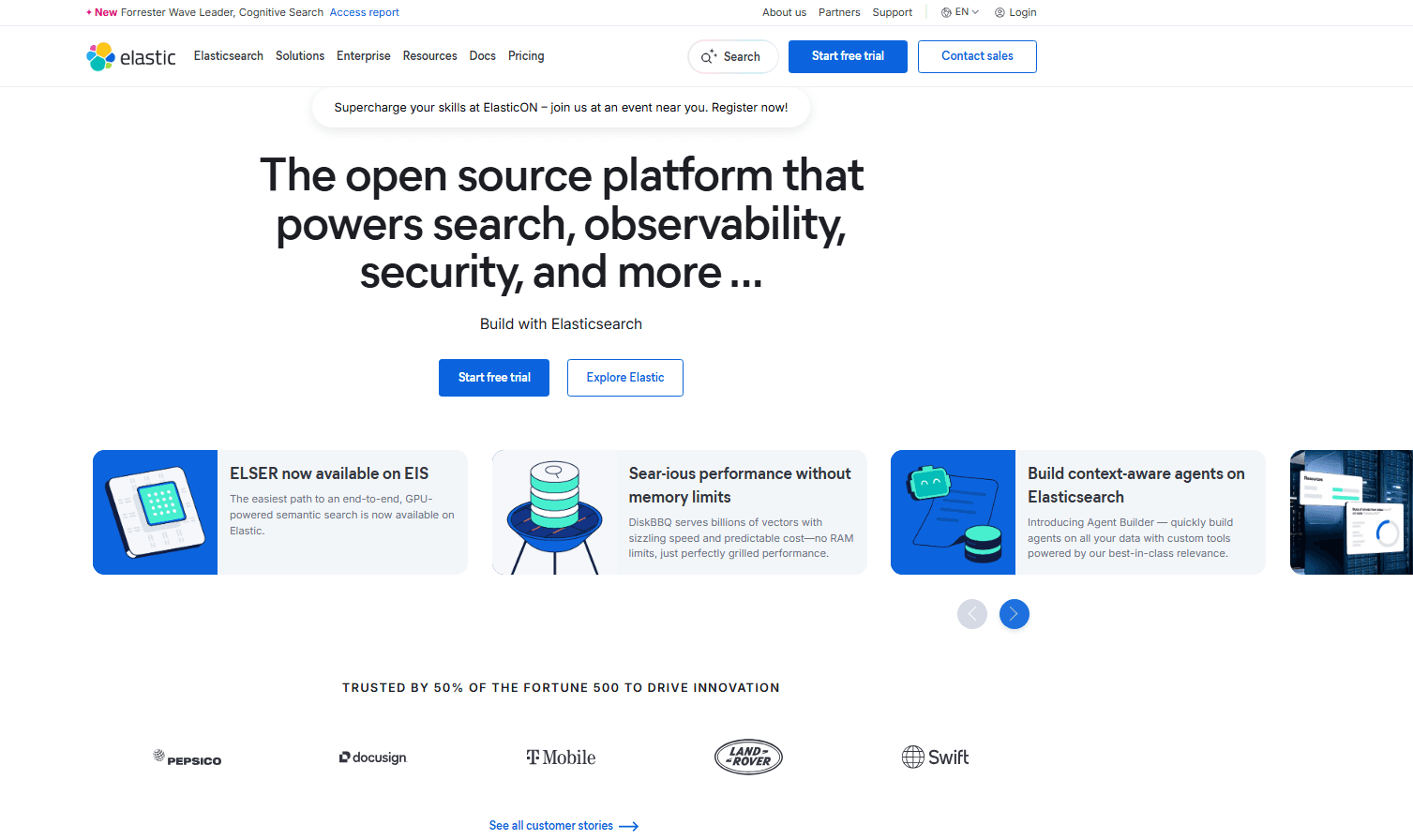
Elasticsearch is a DataOps tool built around distributed search and real-time log analytics, designed for teams that need to index, query, and analyze large volumes of machine-generated data fast. I'd consider it when you need deep search and observability capabilities across structured and unstructured data at scale. If cost control and deployment flexibility matter to your team, Elasticsearch is worth a close look over Splunk—you get comparable search depth and analytics with open-source roots and far more control over how and where you run it.
Elasticsearch Evaluation Summary
4.5/5
- Pricing upon request
- Free trial available
Perché fidarsi dei nostri consigli sui software
6,700+
Reviews
20
Industry experts
16+
Evaluation factors
14
Years
Il nostro team testa e recensisce software dal 2012. In quanto leader tecnologici noi stessi, sappiamo quanto sia difficile — e importante — scegliere il software giusto.
Per questa guida, abbiamo valutato gli strumenti attraverso test praticie ricerche indipendenti, assegnando un punteggio agli strumenti in base ai nostri criteri di selezione.
Le nostre recensioni riflettono il nostro giudizio editoriale umano, non un discorso di vendita.
Revisori esperti:
- Paulo Gardini MiguelDirettore tecnico
 Tim FisherVP dell'IA
 Gabriel RosasTech Lead e architetto software
 Christhian GruhnTech Lead e architetto della piattaforma

Elasticsearch Overview
In my opinion, Elasticsearch is a strong choice for teams that need fast data insights and operate in distributed systems such as finance, e-commerce, and modern software development. Its real-time search engine and analytics engine deliver rapid querying across large datasets, outperforming many traditional SQL or relational database tools.
The onboarding experience is smooth and integrates well with the broader ELK stack, though occasional integration friction can occur. Elasticsearch’s Kibana-driven visualization layer makes metrics and data storage exploration intuitive, but user reviews often highlight slow response times in support. For teams prioritizing speed, scalability, and open-source search capabilities, Elasticsearch is a compelling option.
Pros
- Provides sub-second search query response times and real-time log analysis.
- Horizontal scaling to handle petabytes of data ingestion.
- Powerful and flexible visual interface for dashboarding and data exploration.
- It delivers real-time data analytics for quick insights.
- The search functionality is fast and efficient for large datasets.
- Your team will find the interface intuitive and easy to navigate.
Cons
- Requires complex JVM tuning since performance depends heavily on memory allocation.
- Consumes significant RAM and risks resource overuse or split-brain issues.
- ML features, and direct vendor support are only available through paid subscription.
- There might be a learning curve for those not tech-savvy.
Is Elasticsearch Right For Your Needs?
Who Would be a Good Fit for Elasticsearch?
Elasticsearch is well-suited for tech-savvy teams in industries like finance and e-commerce. If your work involves handling in-depth large datasets and you need quick, real-time insights, Elasticsearch's fast search capabilities can be invaluable. Departments such as IT or data analytics will benefit from its intuitive interface, allowing your team to manage data efficiently without getting bogged down in complexity.
- E-commerce AnalyticsElasticsearch analyzes large-scale transaction data to uncover customer behavior patterns and sales trends in real time. Its full-text search engine supports misspellings, synonyms, and relevance scoring, making it ideal for powering accurate and intuitive search on retail sites.
- Financial ServicesElasticsearch enables real-time visibility into financial transactions, allowing your team to detect anomalies as they occur. With paid-tier machine learning, it automatically analyzes behavioral patterns to flag fraud and other high-risk events much earlier than conventional systems.
- IT OperationsElasticsearch helps IT teams ingest, search, and analyze system logs at scale to maintain reliable performance. As the core engine of the ELK/Elastic Stack, it aggregates logs, traces, and metrics for real-time operational analytics and anomaly detection.
- Data Analytics TeamsWith its fast search capabilities, Elasticsearch supports your data team in performing complex queries with ease.
- Healthcare Data ManagementElasticsearch allows for the efficient handling and analysis of large patient data sets, aiding in quick decision-making.
- Retail Business IntelligenceYour retail team can leverage Elasticsearch to analyze sales data, helping with inventory management and customer insights.
Who Would be a Bad Fit for Elasticsearch?
Elasticsearch may not be ideal for small businesses or teams that lack technical expertise. If your team doesn't deal with large datasets or doesn't require real-time data analytics, the tool's capabilities might be overkill. Additionally, if you rely heavily on customer support for troubleshooting, you might find Elasticsearch's support lacking compared to other providers.
- Small BusinessesMassive operational overhead (JVM tuning, node management) is overkill. Simple SQL databases or managed NoSQL services are far more cost-effective and simpler to maintain.
- Non-Technical TeamsWithout a tech-savvy team, you might struggle with Elasticsearch's setup and troubleshooting processes. The required expertise in cluster lifecycle management, mapping configuration (JSON schema), and query DSL mandates dedicated DevOps or data engineering expertise.
- Customer Service DepartmentsIf your team requires constant support, Elasticsearch's customer service might not meet your expectations.
- Creative AgenciesFor agencies focused on creative output rather than data analysis, Elasticsearch's functionalities won't be a match.
- Local Brick-and-Mortar ShopsIf you don't handle large datasets, Elasticsearch's capabilities may far exceed your needs.
- Educational InstitutionsFor schools with basic data requirements, the complexity of Elasticsearch might not be warranted.
La Nostra Metodologia di Recensione
Come Testiamo e Valutiamo gli Strumenti
Abbiamo trascorso anni a costruire, perfezionare e migliorare il nostro sistema di testing e valutazione del software. Il nostro schema è progettato per cogliere le sfumature della selezione software e cosa rende efficace uno strumento, focalizzandosi sugli aspetti critici del processo decisionale.
Di seguito, puoi vedere esattamente come funziona il nostro testing e punteggio su sette criteri. Ci permette di offrire una valutazione imparziale del software basata su funzionalità principali, caratteristiche distintive, facilità d’uso, onboarding, assistenza clienti, integrazioni, recensioni dei clienti e rapporto qualità-prezzo.
Funzionalità Principali (25% del punteggio finale)
Il punto di partenza della nostra valutazione è sempre la funzionalità principale dello strumento. Ha le funzioni e caratteristiche base che ci si aspetta? Alcune di queste caratteristiche sono limitate ai piani tariffari superiori? Fondamentalmente, ci aspettiamo che uno strumento regga il confronto rispetto alle capacità di base dei concorrenti.
Caratteristiche Distintive (25% del punteggio finale)
Successivamente, valutiamo le caratteristiche distintive e non comuni che vanno oltre la funzionalità base tipicamente trovata negli strumenti di questa categoria. Un punteggio alto riflette funzionalità specializzate o uniche che rendono il prodotto più veloce, efficiente o offrono ulteriore valore all’utente.
Valutiamo inoltre quanto sia semplice integrare altri strumenti tipicamente utilizzati nell’infrastruttura tecnologica per espandere la funzionalità e l’utilità del software. Gli strumenti che offrono numerose integrazioni native, connessioni di terze parti e accesso API per creare integrazioni personalizzate ottengono i punteggi migliori.
Facilità d’Uso (10% del punteggio finale)
Consideriamo quanto sia rapido e semplice svolgere i compiti definiti nella funzionalità principale utilizzando lo strumento. Il software con punteggio alto è ben progettato, intuitivo da usare, offre app mobili, fornisce modelli e rende semplici attività relativamente complesse.
Onboarding (10% del punteggio finale)
Sappiamo quanto sia importante l’adozione rapida da parte del team per una nuova piattaforma, quindi valutiamo quanto sia facile imparare e utilizzare uno strumento con formazione minima. Valutiamo quanto velocemente un membro del team possa iniziare a usare lo strumento anche senza esperienza. Soluzioni con punteggio alto indicano che sono richiesti pochi o nessun supporto.
Assistenza Clienti (10% del punteggio finale)
Esaminiamo quanto sia veloce e facile ricevere assistenza e risolvere problemi tramite telefono, live chat o knowledge base. Gli strumenti e le aziende che garantiscono supporto in tempo reale ottengono il miglior punteggio, mentre i chatbot ottengono il peggiore.
Recensioni dei Clienti (10% del punteggio finale)
Oltre ai nostri test e valutazioni, prendiamo in considerazione il net promoter score dei clienti attuali e passati. Valutiamo la probabilità che, data la scelta, selezionerebbero nuovamente lo strumento per la funzionalità principale. Un software con punteggio alto riflette un alto net promoter score da parte dei clienti attuali o passati.
Rapporto Qualità-Prezzo (10% del punteggio finale)
Infine, considerando tutti gli altri criteri, analizziamo il prezzo medio dei piani base rispetto alle funzionalità principali e consideriamo il valore degli altri criteri di valutazione. Il software che offre di più a meno otterrà un punteggio più alto.
Core Features
Real-Time Analytics: Elasticsearch supports near real-time search and analytics, allowing teams to analyze logs, metrics, and events as they arrive with minimal indexing latency.
Full-Text Search: Built on the Apache Lucene inverted index, Elasticsearch delivers fast, relevance-ranked full-text search across massive unstructured datasets with stemming, tokenization, and custom analyzers.
Scalability: The system scales horizontally across clusters by automatically distributing data into shards and replicas, ensuring consistent performance as data volume grows.
Cluster Management: Through distributed sharding and replica shards, Elasticsearch ensures fault tolerance and load balancing across nodes, coordinated via the internal cluster discovery mechanism.
Indexing: Elasticsearch indexes data for faster retrieval, helping your team access the information they need without delay.
Data Aggregation: The platform supports complex analytical aggregations (min, max, percentiles, histograms, time-series analysis), making it a powerful engine for operational analytics and real-time dashboards.
Ease of Use
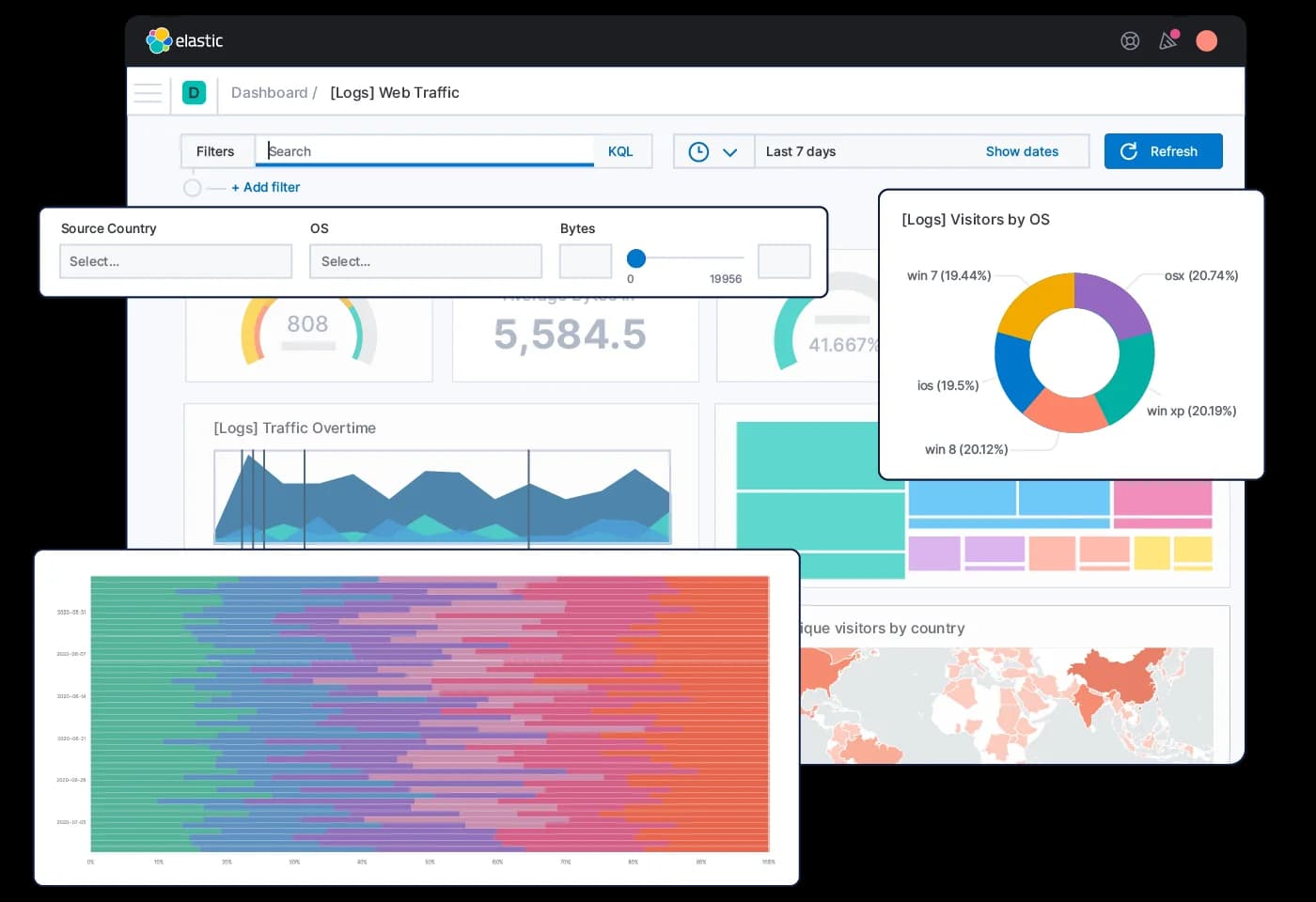
Elasticsearch is easy to explore but hard to operate. Kibana makes visualization, dashboards, and basic data discovery straightforward, yet the system itself requires technical skill. Setting up Elasticsearch means configuring JSON mappings, tuning clusters, and managing indexing behavior. Kibana is simple for data consumers, but the learning curve for developers and administrators remains steep.
Integrations
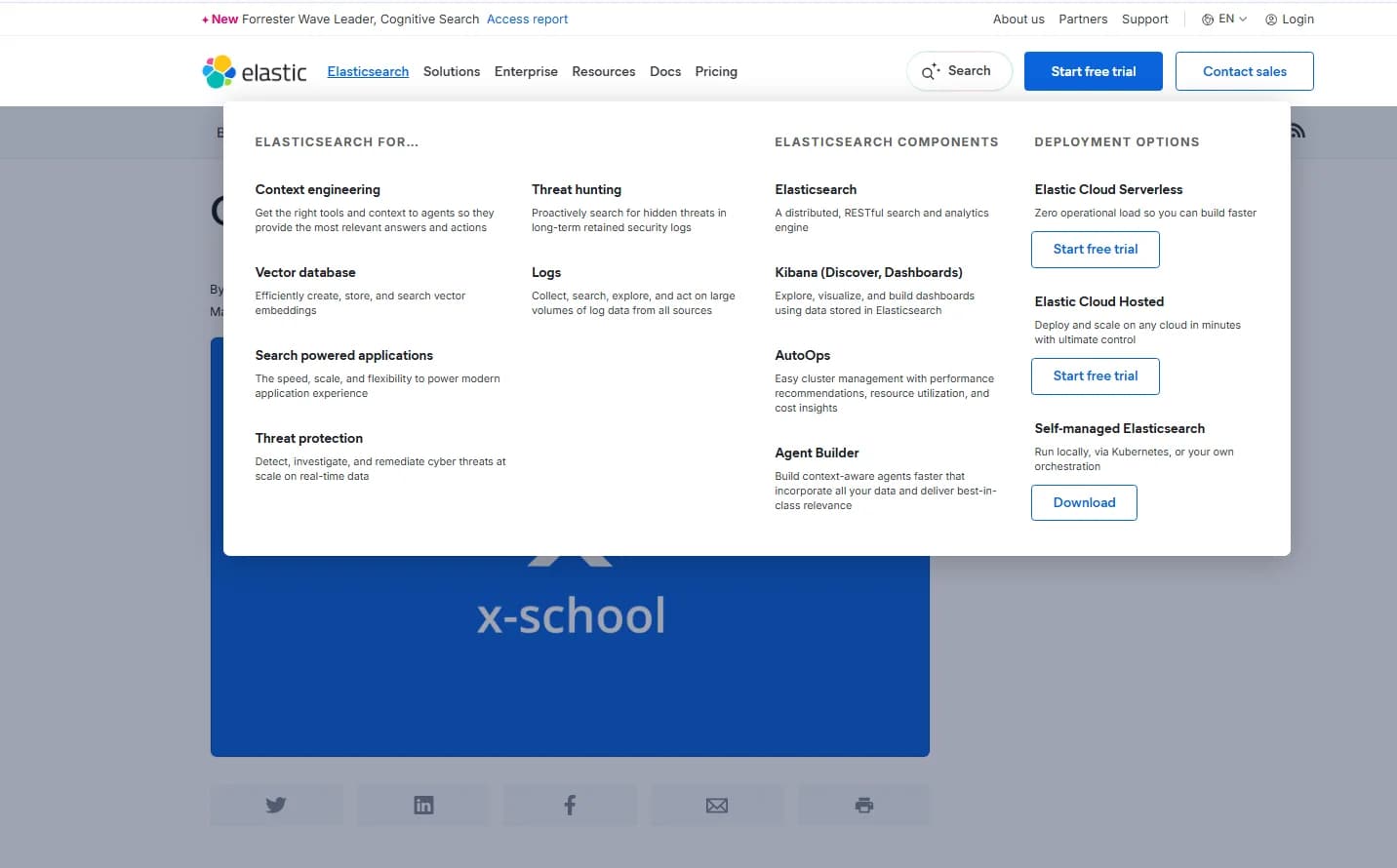
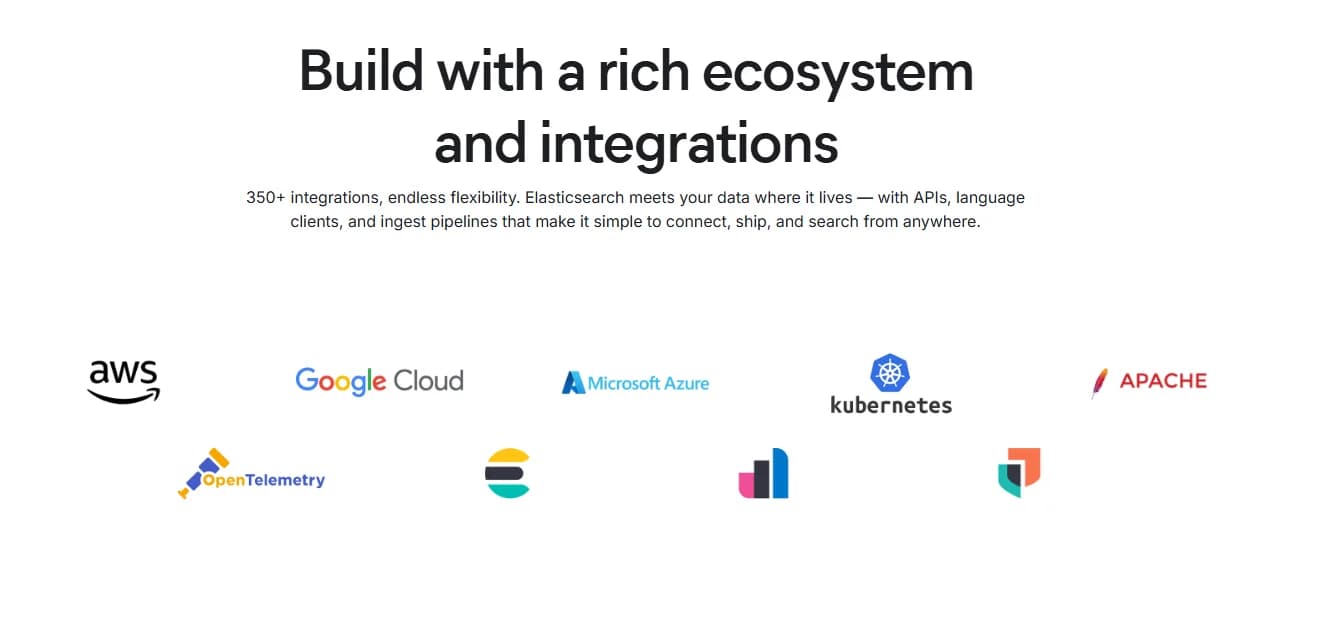
Elasticsearch integrates with Elastic Agent, Open Crawler, Data Connectors, AWS, Microsoft Azure, Google Cloud, Logstash, Elastic language clients, and APIs for data ingestion.
Elasticsearch also provides APIs and supports third-party integration tools, enhancing its flexibility in various environments.
Elasticsearch Specs
- API: Yes
- Bug Tracking: No
- CI/CD Integration: No
- Cloud Deployment: Yes
- Code Review: No
- Code Transformation: No
- Collaboration Support: No
- Data Export: Yes
- Data Import: Yes
- Developer Tools: Yes
- External Integrations: Yes
- Git Integration: No
- History/Version Control: No
- IDE Plugins: No
- Local Deployment: Yes
- Multi-User: Yes
- Notifications: Yes
- Project Management: No
- Release Management: No
- Static Analysis: No
- Task Scheduling/Tracking: No
- Testing: No


