


monday service vs. Zoho Desk: Confronto Esperto per il 2026



monday service offre una piattaforma versatile che ti aiuta a gestire il lavoro del tuo team in modo efficiente. Zoho Desk propone una soluzione solida per gestire con efficacia le attività di assistenza clienti.
Sebbene monday service e Zoho Desk siano entrambi software di gestione del lavoro, rispondono a esigenze differenti: monday service eccelle nella gestione dei progetti, mentre Zoho Desk è pensato per le operazioni di supporto clienti.
In questo articolo trovi un confronto dettagliato di questi strumenti, delle loro funzionalità, dei pro e contro e dei prezzi per aiutarti a scegliere il miglior software di gestione del lavoro per il tuo team.
monday service vs. Zoho Desk: An Overview
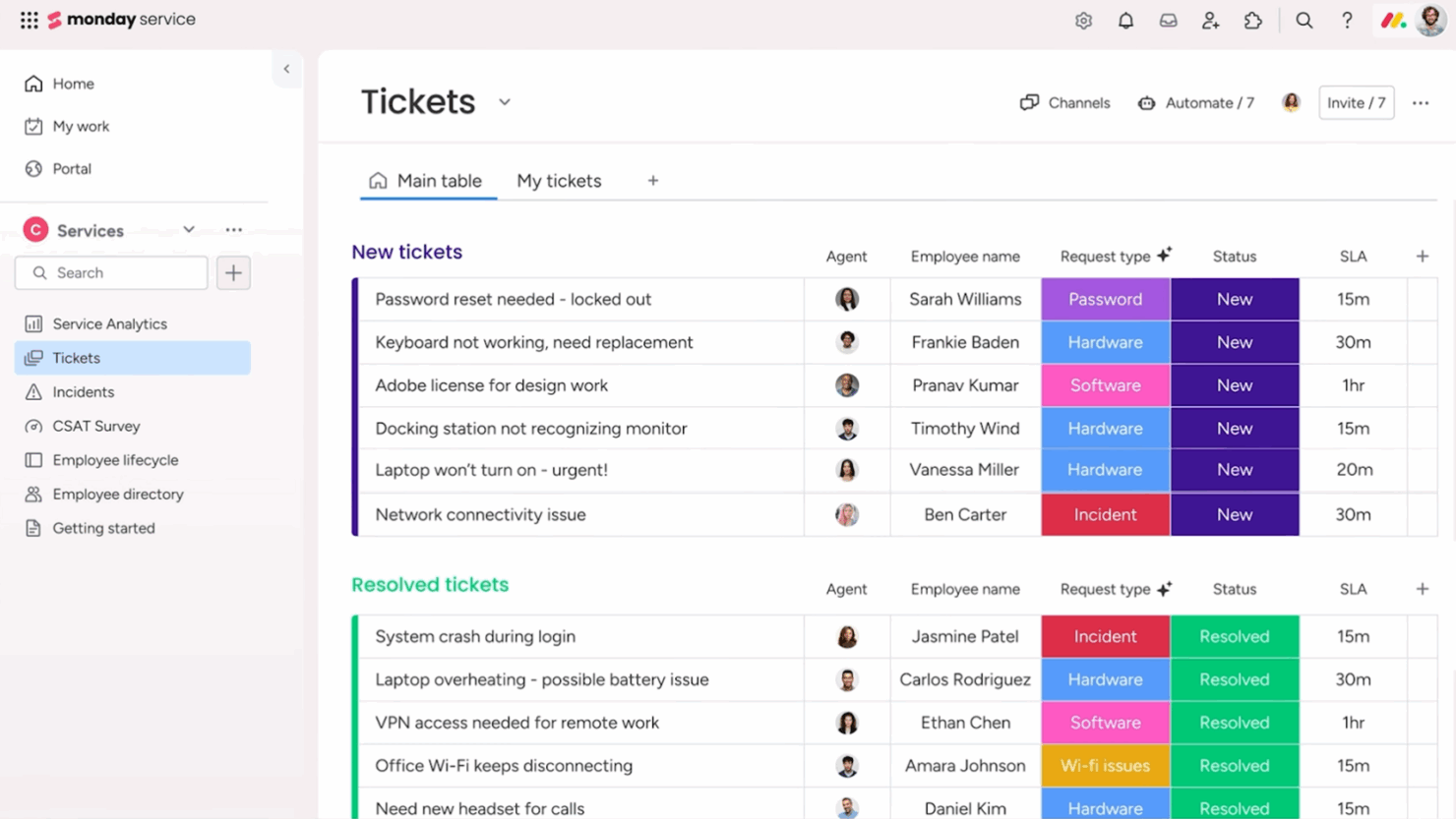
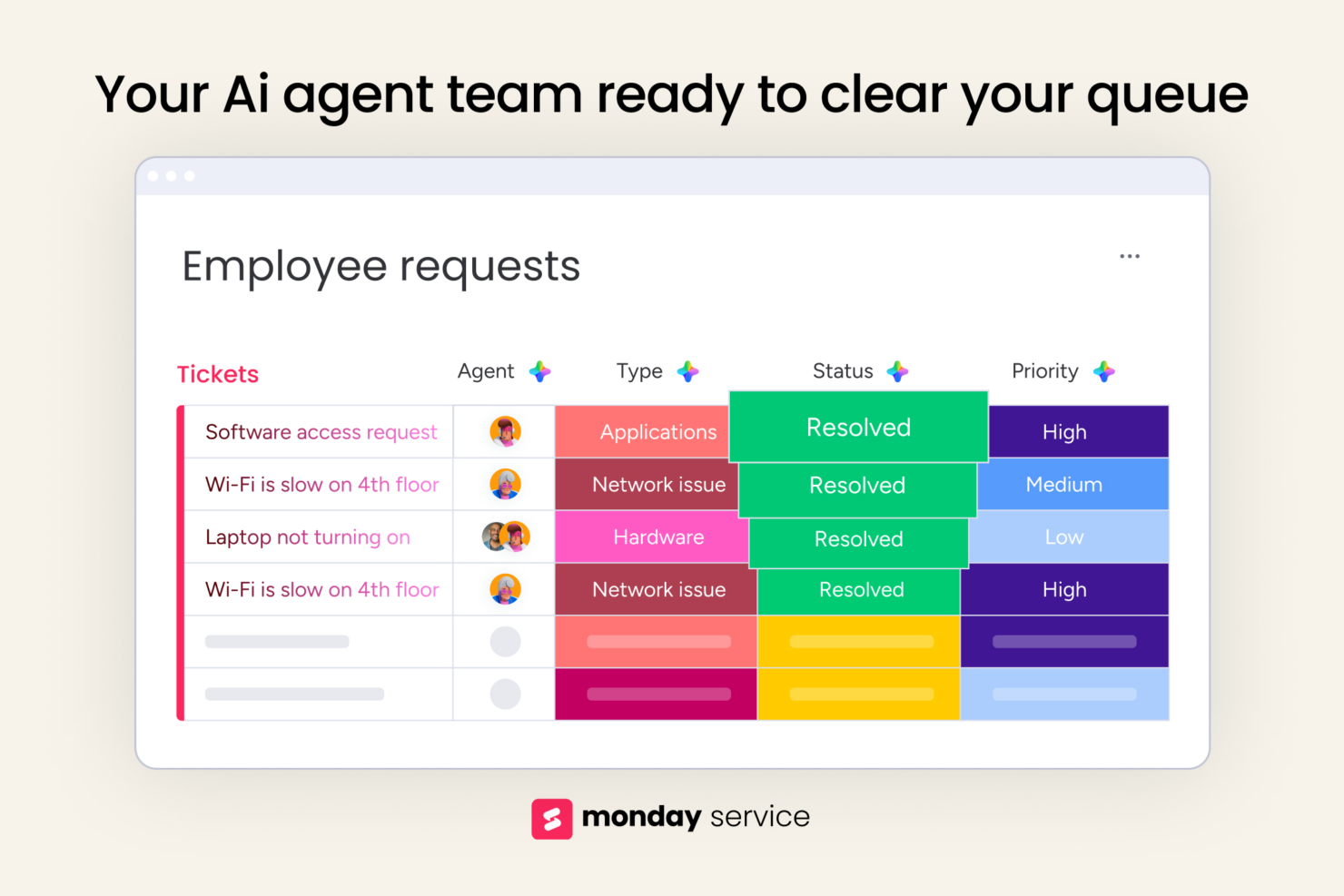
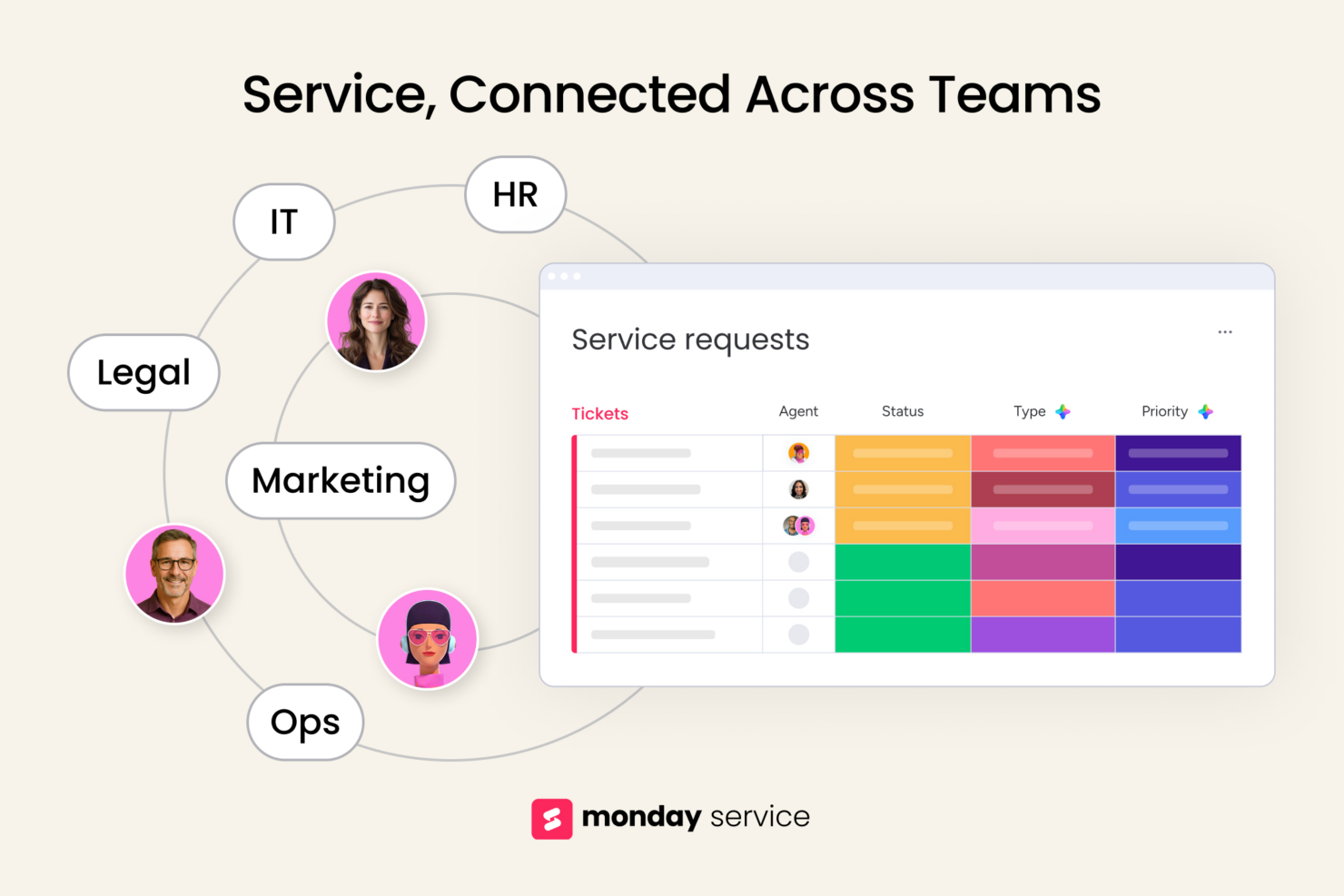
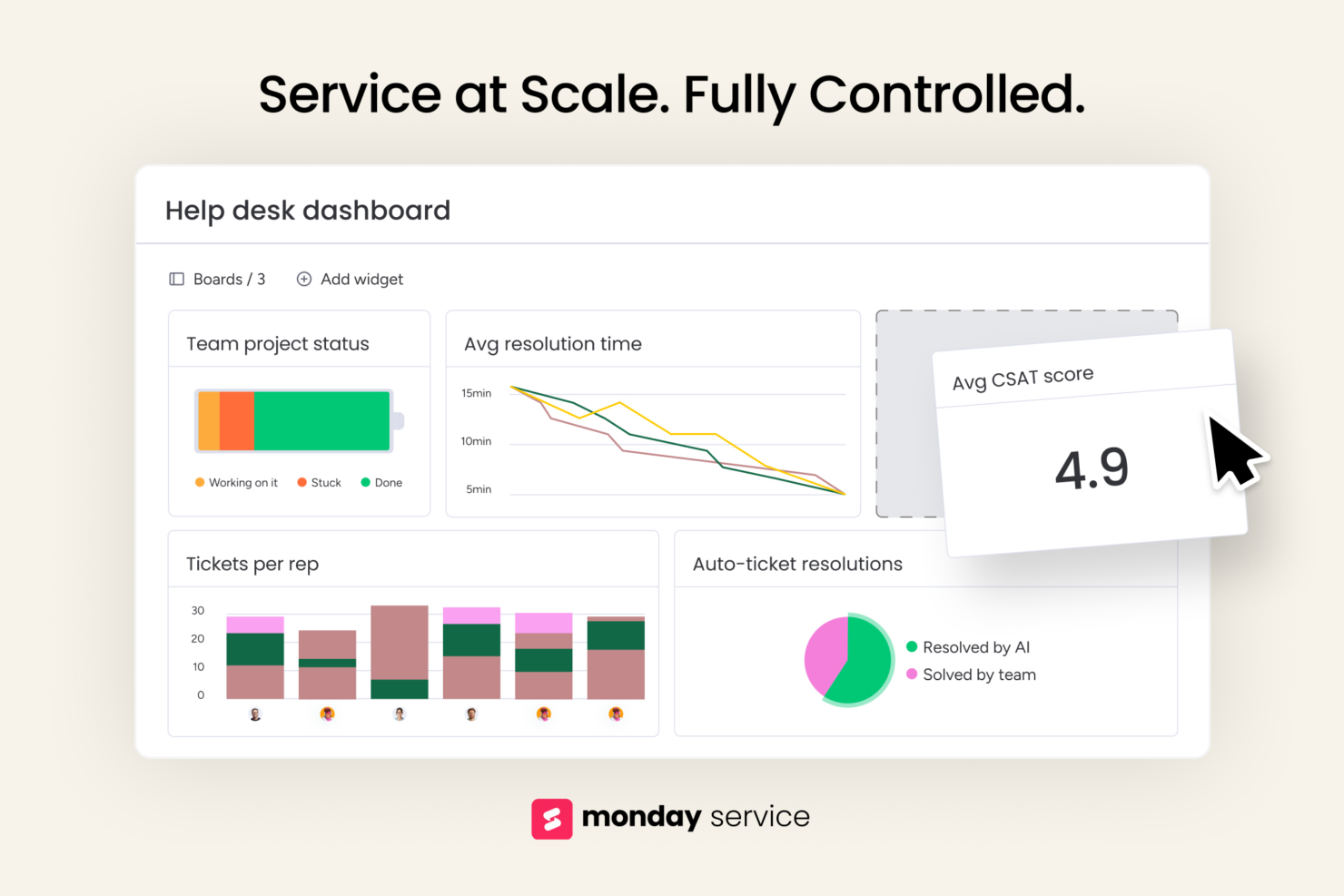
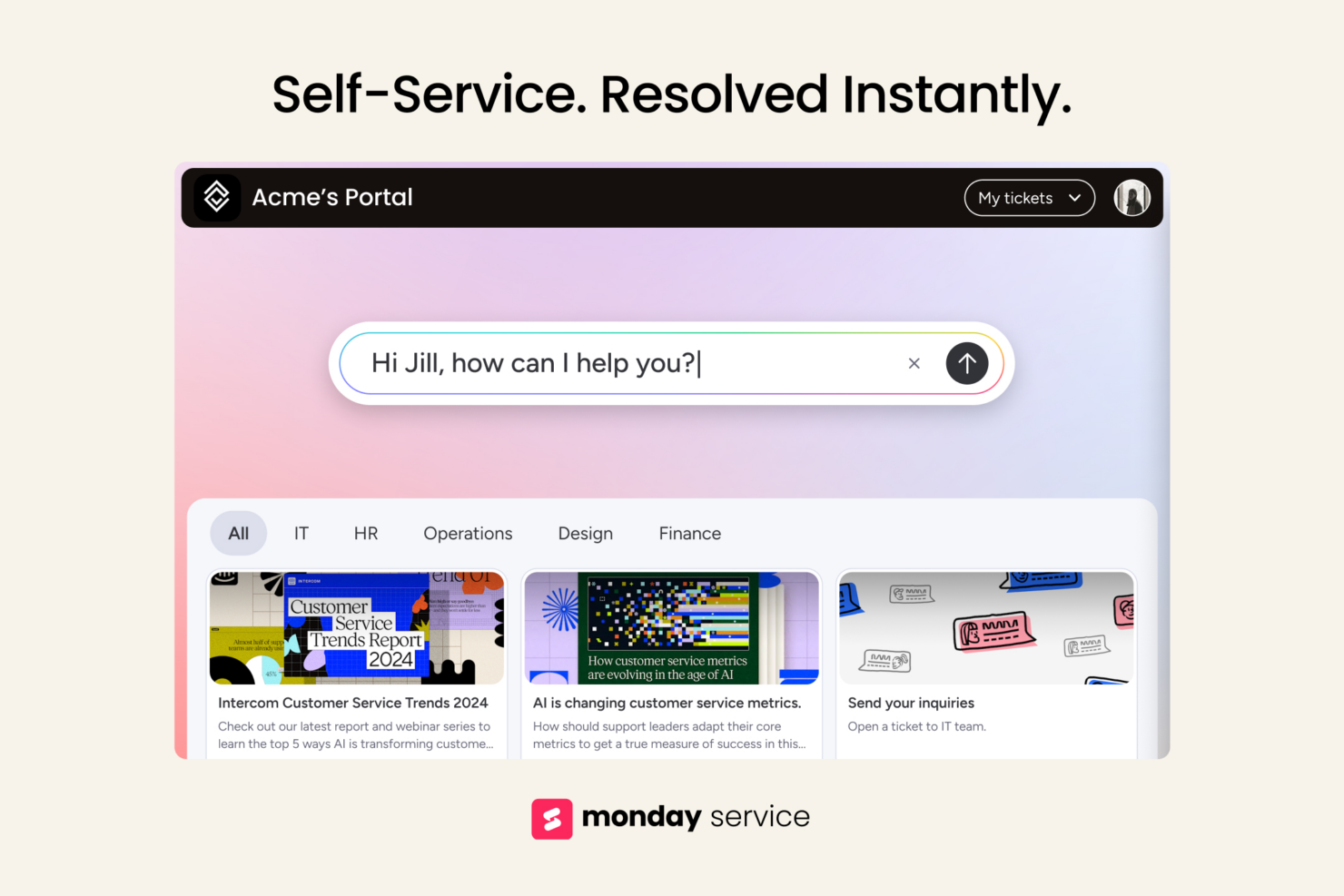
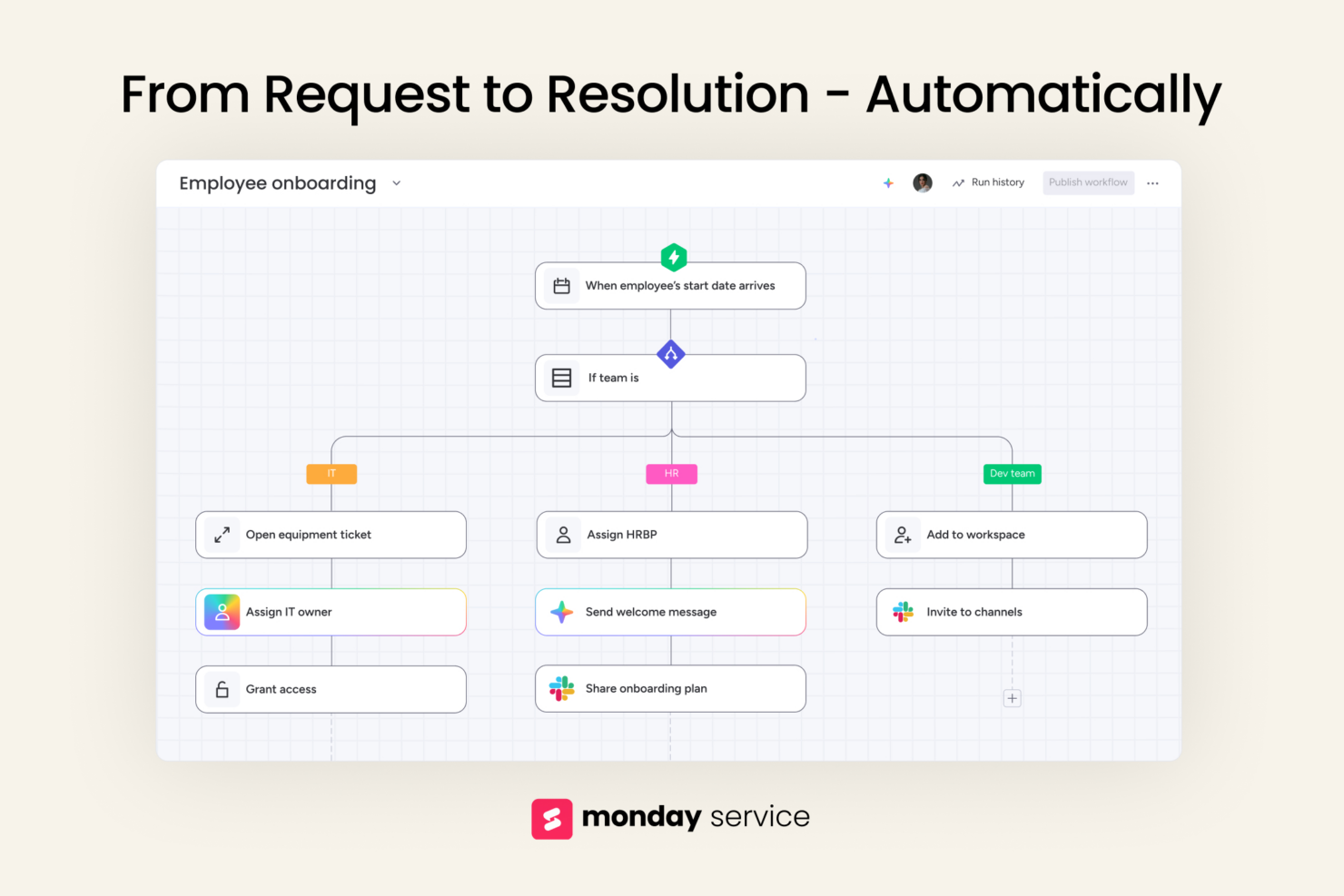
monday service
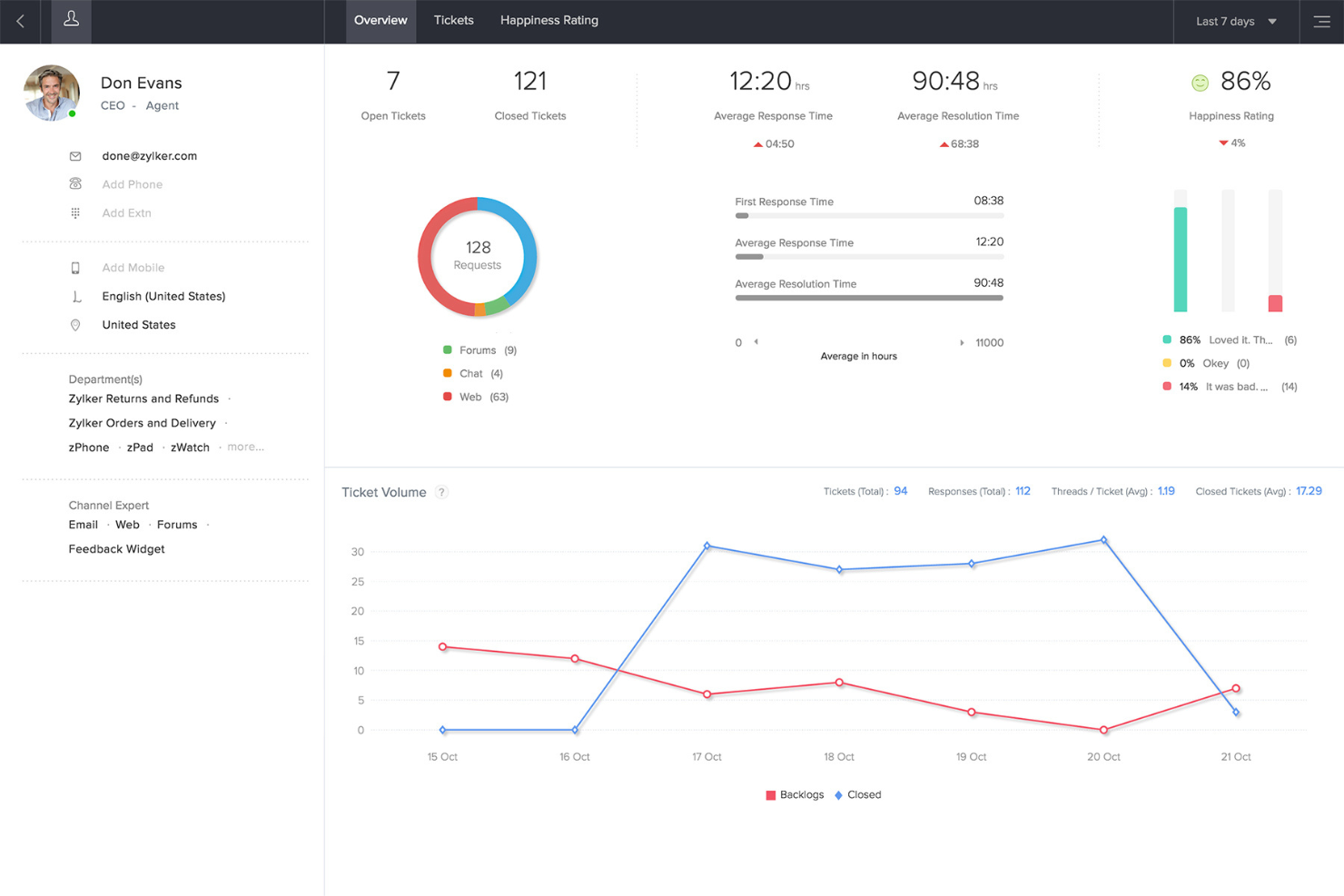
Zoho Desk
Perché fidarsi dei nostri consigli sui software
Il nostro team testa e recensisce software dal 2012. In quanto leader tecnologici noi stessi, sappiamo quanto sia difficile — e importante — scegliere il software giusto.
Per questa guida, abbiamo valutato gli strumenti attraverso test praticie ricerche indipendenti, assegnando un punteggio agli strumenti in base ai nostri criteri di selezione.
Le nostre recensioni riflettono il nostro giudizio editoriale umano, non un discorso di vendita.
Revisori esperti:
monday service vs. Zoho Desk Pricing Comparison
| monday service | Zoho Desk | |
|---|---|---|
| Free Trial | 14-day free trial | 15-day free trial |
| Pricing | From $9/seat/month (billed annually) | Pricing upon request |
monday service vs. Zoho Desk: Prezzi e Costi Nascosti
Il prezzo di monday service si basa su un modello di abbonamento a livelli che cresce in base al numero di utenti e funzionalità, ma è importante considerare i possibili costi aggiuntivi per funzionalità avanzate.
Anche la tariffazione di Zoho Desk segue una struttura in abbonamento a livelli, con diversi piani a seconda delle funzionalità offerte e costi supplementari per integrazioni e opzioni di supporto extra.
Come CTO, valuta le esigenze specifiche e il potenziale di crescita del tuo team considerando le funzionalità di cui avrai più bisogno, la scalabilità del piano e ogni costo aggiuntivo che potrebbe sorgere, assicurandoti che lo strumento selezionato sia in linea con gli obiettivi strategici.
monday service vs. Zoho Desk Feature Comparison
Con i flussi di lavoro personalizzabili di monday service, puoi facilmente gestire progetti trasversali fra diversi reparti, il che lo rende ideale per un CTO che supervisiona team eterogenei.
Il solido sistema di ticketing di Zoho Desk è ottimo per gestire in modo efficiente le richieste di assistenza clienti, aspetto cruciale quando il tuo team necessita di una comunicazione semplificata con i clienti. Entrambi gli strumenti offrono funzionalità utili adatte a differenti esigenze operative, supportando le responsabilità variegate di un CTO.
| monday service | Zoho Desk | |
|---|---|---|
| API | ||
| Analytics | ||
| CRM Integration | ||
| Call Integration | ||
| Chat | ||
| Contact Management | ||
| Customer Management | ||
| Dashboard | ||
| Data Export | ||
| Data Import | ||
| Data Visualization | ||
| Email Integration | ||
| External Integrations | ||
| Instant Chat Integration | ||
| Knowledge Base | ||
| Lead Management | ||
| Lead Scoring | ||
| Multi-User | ||
| Notifications | ||
| Real-time Alerts | ||
| Scheduling | ||
| Self-service Portal | ||
| Social Media Integration | ||
| Support Forum | ||
| Ticket Management | ||
| Workflow Management |
monday service vs. Zoho Desk Integrazioni
| Integrazione | monday service | Zoho Desk |
|---|---|---|
| Slack | ✅ | ❌ |
| Microsoft Teams | ✅ | ✅ |
| Google Workspace | ✅ | ✅ |
| HubSpot | ✅ | ❌ |
| Salesforce | ✅ | ✅ |
| Zoom | ✅ | ❌ |
| Zendesk | ❌ | ✅ |
| Zoho CRM | ❌ | ✅ |
| API | ✅ | ✅ |
| Zapier | ✅ | ❌ |
L'integrazione di monday service con Slack ti permette di ottimizzare la comunicazione del team e ricevere aggiornamenti sui progetti in tempo reale, fondamentale per mantenere allineati tutti i membri su progetti che avanzano rapidamente.
L'integrazione di Zoho Desk con Zoho CRM è ideale per un CTO che gestisce le interazioni con i clienti, poiché offre un flusso di informazioni senza interruzioni tra i team di vendita e di supporto.
Entrambi gli strumenti potenziano vari aspetti dell’operatività quotidiana di un CTO, offrendo flessibilità e connettività su misura per esigenze specifiche.
monday service vs. Zoho Desk Sicurezza, Conformità & Affidabilità
| Fattore | monday service | Zoho Desk |
|---|---|---|
| Crittografia dei dati | Utilizza la crittografia AES-256 per proteggere i dati sia in transito che a riposo. | Implementa TLS 1.2 per i dati in transito e AES-256 per i dati a riposo. |
| Conformità normativa | Rispetta GDPR e HIPAA per la protezione dei dati e gli standard di privacy. | Offre conformità a GDPR e CCPA per garantire la privacy dei dati. |
| Affidabilità operativa | Garantisce il 99,9% di uptime con un'infrastruttura solida e misure di ridondanza. | Fornisce un SLA di uptime del 99,99% con sistemi di failover implementati. |
Sia monday service che Zoho Desk offrono solide misure di sicurezza e conformità, ma Zoho Desk si distingue leggermente grazie a una maggiore affidabilità operativa.
Come CTO, dovresti valutare questi strumenti esaminando le certificazioni specifiche sulla sicurezza, le garanzie di uptime e le funzionalità di protezione dei dati, per assicurarti che siano allineati con i requisiti di conformità e le strategie di gestione del rischio della tua organizzazione.
monday service vs. Zoho Desk Facilità d'Uso
| Fattore | monday service | Zoho Desk |
|---|---|---|
| Interfaccia utente | Presenta un'interfaccia visivamente intuitiva con funzionalità di drag-and-drop. | Offre un layout pulito e organizzato con dashboard personalizzabili. |
| Esperienza di onboarding | Fornisce tutorial interattivi e una knowledge base completa per i nuovi utenti. | Include guide passo-passo e sessioni di onboarding personalizzate. |
| Processo di configurazione | Configurazione rapida con modelli predefiniti per avviare i progetti. | Configurazione semplificata con workflow guidati e wizard di integrazione. |
monday service si distingue per la sua interfaccia visivamente intuitiva, che facilita la navigazione e la gestione delle attività, anche se la configurazione può risultare complessa se desideri workflow altamente personalizzati.
Zoho Desk è semplice da configurare grazie ai workflow guidati, ma potrebbe richiedere più tempo per esplorare e sfruttare appieno tutte le sue funzionalità.
monday service vs Zoho Desk: Pros & Cons
monday service
- You can customize workflows to suit your team's specific needs.
- Visual project tracking makes it easy for your team to stay on top of tasks.
- Automation features save your team time on repetitive tasks.
- The initial setup can be overwhelming if your team isn't tech-savvy.
- Advanced features require a learning curve for your team.
- Some users find the mobile app less intuitive than the desktop version.
Zoho Desk
- Automation rules simplify repetitive ticket management tasks
- AI-powered suggestions help agents resolve tickets faster
- Multi-channel support covers email, chat, phone, and social media
- Reporting customization is limited for complex analytics needs
- Some users report slow or inconsistent customer support
- Bulk ticket updates can be slow with large ticket volumes
Best Use Cases for monday service and Zoho Desk
monday service
- Tech Startups monday service's customizable workflows fit perfectly with your agile project management needs.
- Marketing Teams Visual boards make tracking campaigns easy for your team, enhancing collaboration and oversight.
- Creative Agencies Automation features save your team time on repetitive tasks, allowing more focus on creative work.
- Product Development You can manage complex product roadmaps with visual tracking and task dependencies.
- Remote Teams Centralized communication and task management keep your remote team connected and productive.
- HR Departments Streamlined onboarding processes and workflow automation simplify your team's HR tasks.
Zoho Desk
- Healthcare Clinics HIPAA-compliant workflows and secure ticket handling protect patient data.
- Education Institutions Self-service portals and knowledge base tools support students and staff.
- Internal IT Departments Customizable SLAs and ticket routing fit internal support needs.
- Ecommerce Retailers Multi-channel support covers email, chat, and social media inquiries.
- Managed IT Services Centralized ticketing and workflow automation streamline client support operations.
- SaaS Startups Zoho Desk’s automation and affordable plans help manage rapid ticket growth.
Chi dovrebbe utilizzare monday service e chi dovrebbe utilizzare Zoho Desk?
Credo che monday service sia particolarmente adatto ai team che si concentrano sulla gestione dei progetti e sulla collaborazione tra diversi settori, soprattutto per chi valorizza workflow visivi e flessibilità. Dal mio punto di vista, Zoho Desk è più indicato per i team di assistenza clienti che necessitano di un sistema di ticketing robusto e integrazione CRM, risultando ideale per le aziende che danno priorità all'efficienza nel servizio clienti.
A mio parere, se il tuo team lavora meglio con la gestione visiva dei task e configurazioni di progetto adattabili, monday service è la soluzione consigliata. Ma se la vostra priorità è ottimizzare le interazioni con i clienti e i processi di supporto, Zoho Desk rappresenta la scelta migliore.
Differences Between monday service and Zoho Desk
| monday service | Zoho Desk | |
|---|---|---|
| Automation | Includes automation for repetitive tasks within project workflows. | Offers automation for managing customer interactions efficiently. |
| Core Functionality | Focuses on project management with customizable workflows for diverse teams. | Centers around customer support with robust ticketing and CRM tools. |
| Integration Focus | Integrates well with team collaboration tools like Slack and Zoom. | Strong integration with CRM systems like Zoho CRM and Zendesk. |
| Pricing | Offers tiered plans based on users and features, with potential add-on costs. | Provides tiered pricing with additional charges for integrations. |
| User Interface | Features a visually intuitive interface with drag-and-drop capabilities. | Provides a clean, organized layout with customizable dashboards. |
| Read monday service ReviewOpens new window | Read Zoho Desk ReviewOpens new window |
Similarities Between monday service and Zoho Desk
| Automation | Both include automation features, with monday service automating tasks in projects and Zoho Desk automating support workflows. |
|---|---|
| Customization | Each provides customizable options, with monday service focusing on workflow layouts and Zoho Desk on ticketing processes. |
| Data Security | Each ensures data protection with strong encryption and compliance measures, safeguarding your team's information. |
| Pricing | Both offer tiered pricing models, allowing you to choose plans based on your team's size and needs. |
| User Training | Both platforms offer comprehensive training resources and onboarding guides to help your team get started quickly. |
| Read monday service ReviewOpens new window Read Zoho Desk ReviewOpens new window | |