


monday service vs. Zoho Desk: Expertenvergleich für 2026


monday service bietet eine vielseitige Plattform, mit der Sie die Arbeit Ihres Teams effizient verwalten können. Zoho Desk stellt eine leistungsstarke Lösung für die effektive Bearbeitung von Kundensupport-Aufgaben bereit.
Obwohl sowohl monday service als auch Zoho Desk als Work-Management-Software dienen, erfüllen sie unterschiedliche Anforderungen: monday service ist hervorragend für Projektmanagement geeignet, während Zoho Desk speziell auf Kundenservice-Operationen zugeschnitten ist.
In diesem Artikel finden Sie einen detaillierten Vergleich dieser Tools, ihrer Funktionen, Vor- und Nachteile sowie der Preisgestaltung, sodass Sie die beste Work-Management-Software für Ihr Team auswählen können.
monday service vs. Zoho Desk: An Overview
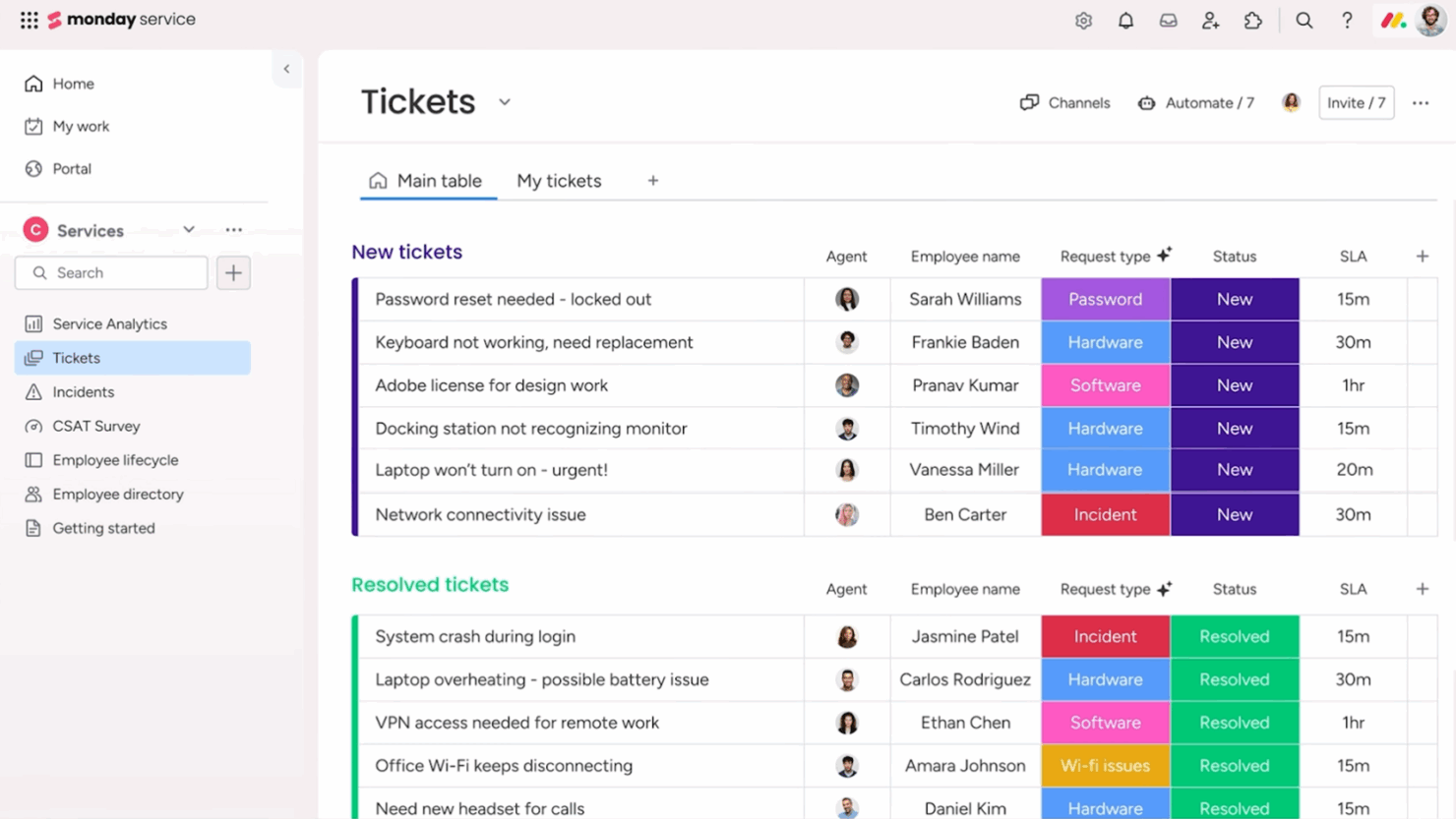
monday service
Zoho Desk



Why Trust Our Software Reviews
We’ve been testing and reviewing software since 2023. As tech leaders ourselves, we know how critical and difficult it is to make the right decision when selecting software.
We invest in deep research to help our audience make better software purchasing decisions. We’ve tested more than 2,000 tools for different tech use cases and written over 1,000 comprehensive software reviews. Learn how we stay transparent & our software review methodology.
monday service vs. Zoho Desk Pricing Comparison
| monday service | Zoho Desk | |
|---|---|---|
| Free Trial | 14-day free trial | 15-day free trial + free plan |
| Pricing | From $9/seat/month (billed annually) | From $7/user/month (billed annually) |
monday service vs. Zoho Desk Preise & versteckte Kosten
Die Preisstruktur von monday service basiert auf einem gestaffelten Abonnementmodell, das je nach Nutzeranzahl und Funktionsumfang skaliert. Nutzer sollten jedoch mögliche Zusatzkosten für erweiterte Funktionen beachten.
Auch Zoho Desk setzt auf ein gestaffeltes Abonnementmodell und bietet verschiedene Pläne abhängig vom Funktionsumfang – mit zusätzlichen Gebühren für Integrationen und erweiterte Support-Optionen.
Als CTO sollten Sie den spezifischen Bedarf und das Wachstumspotenzial Ihres Teams evaluieren, indem Sie die wichtigsten Funktionen, die Skalierbarkeit des gewählten Tarifs und eventuelle Zusatzkosten berücksichtigen. So stellen Sie sicher, dass das ausgewählte Tool sich optimal mit Ihren strategischen Zielen deckt.
monday service vs. Zoho Desk Feature Comparison
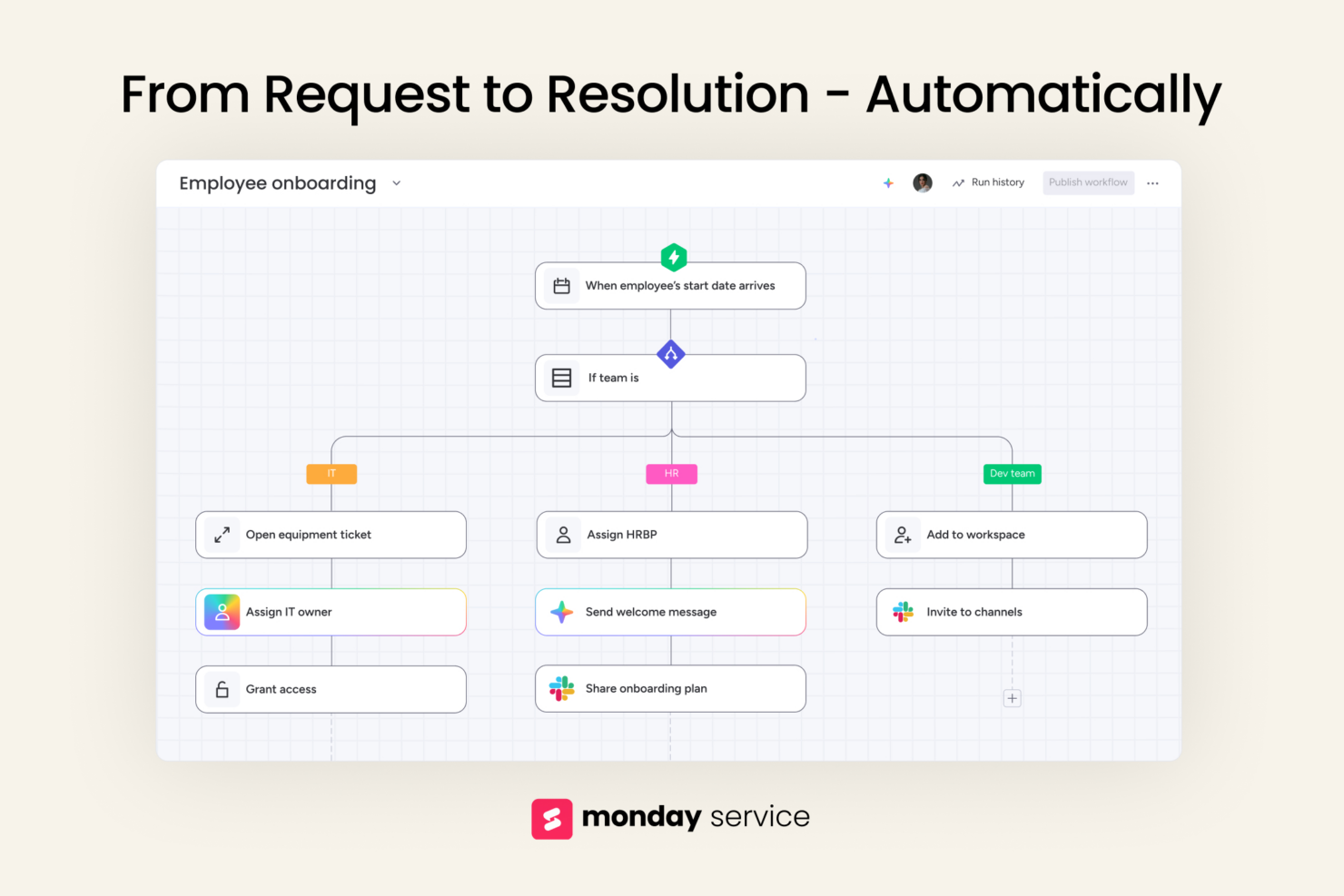
Mit den anpassbaren Workflows von monday service können Sie problemlos abteilungsübergreifende Projekte verwalten – ideal für CTOs, die verschiedene Teams leiten.
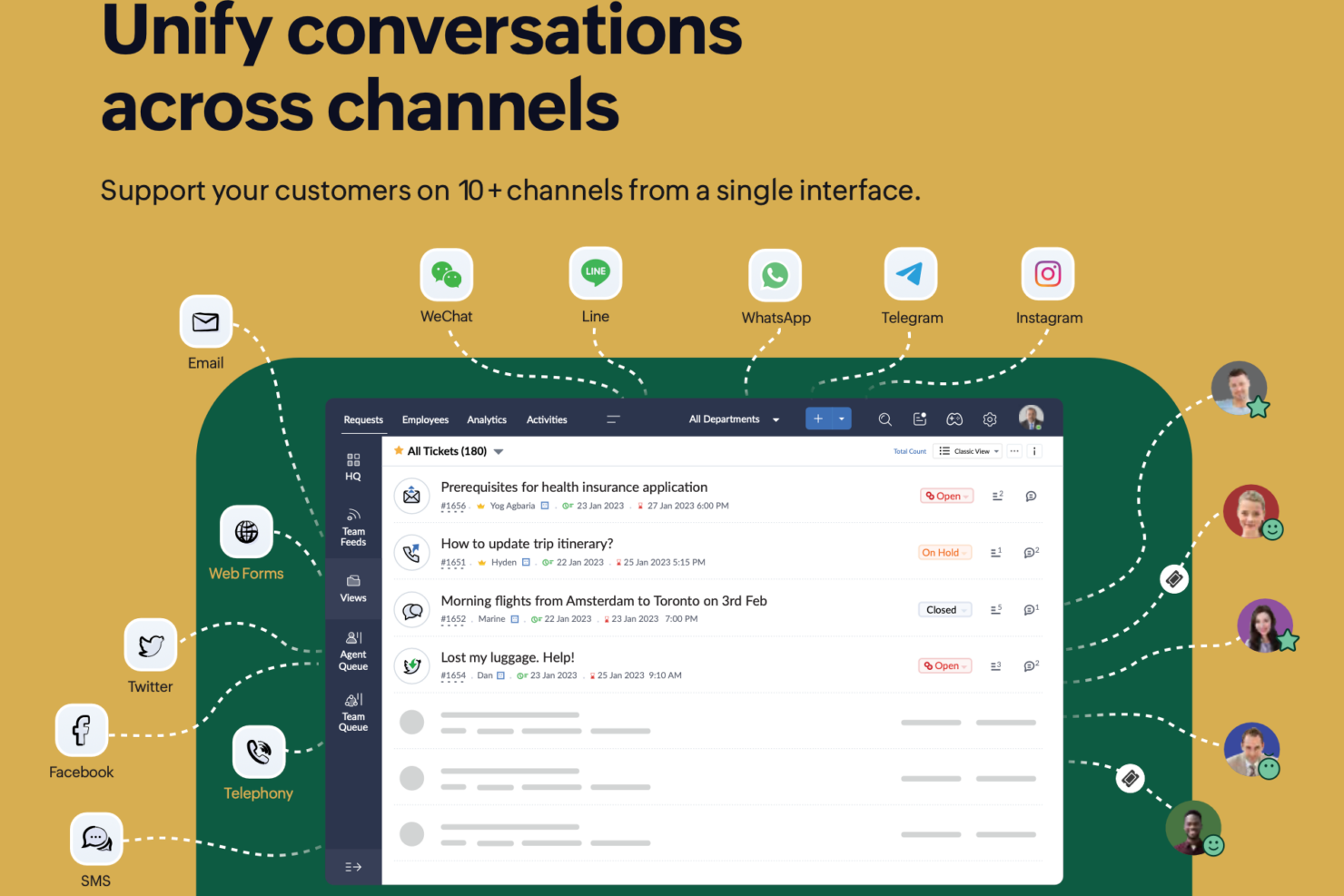
Das leistungsstarke Ticketsystem von Zoho Desk eignet sich hervorragend, um Kundensupport-Anfragen effizient zu bearbeiten – entscheidend, wenn Ihr Team eine reibungslose Kommunikation mit Kunden benötigt. Beide Tools bieten wertvolle Funktionen, die unterschiedliche operative Anforderungen unterstützen und damit die vielseitigen Aufgaben eines CTOs abdecken.
| monday service | Zoho Desk | |
|---|---|---|
| API | ||
| Analytics | ||
| CRM Integration | ||
| Call Integration | ||
| Chat | ||
| Contact Management | ||
| Customer Management | ||
| Dashboard | ||
| Data Export | ||
| Data Import | ||
| Data Visualization | ||
| Email Integration | ||
| External Integrations | ||
| Instant Chat Integration | ||
| Knowledge Base | ||
| Lead Management | ||
| Lead Scoring | ||
| Multi-User | ||
| Notifications | ||
| Real-time Alerts | ||
| Scheduling | ||
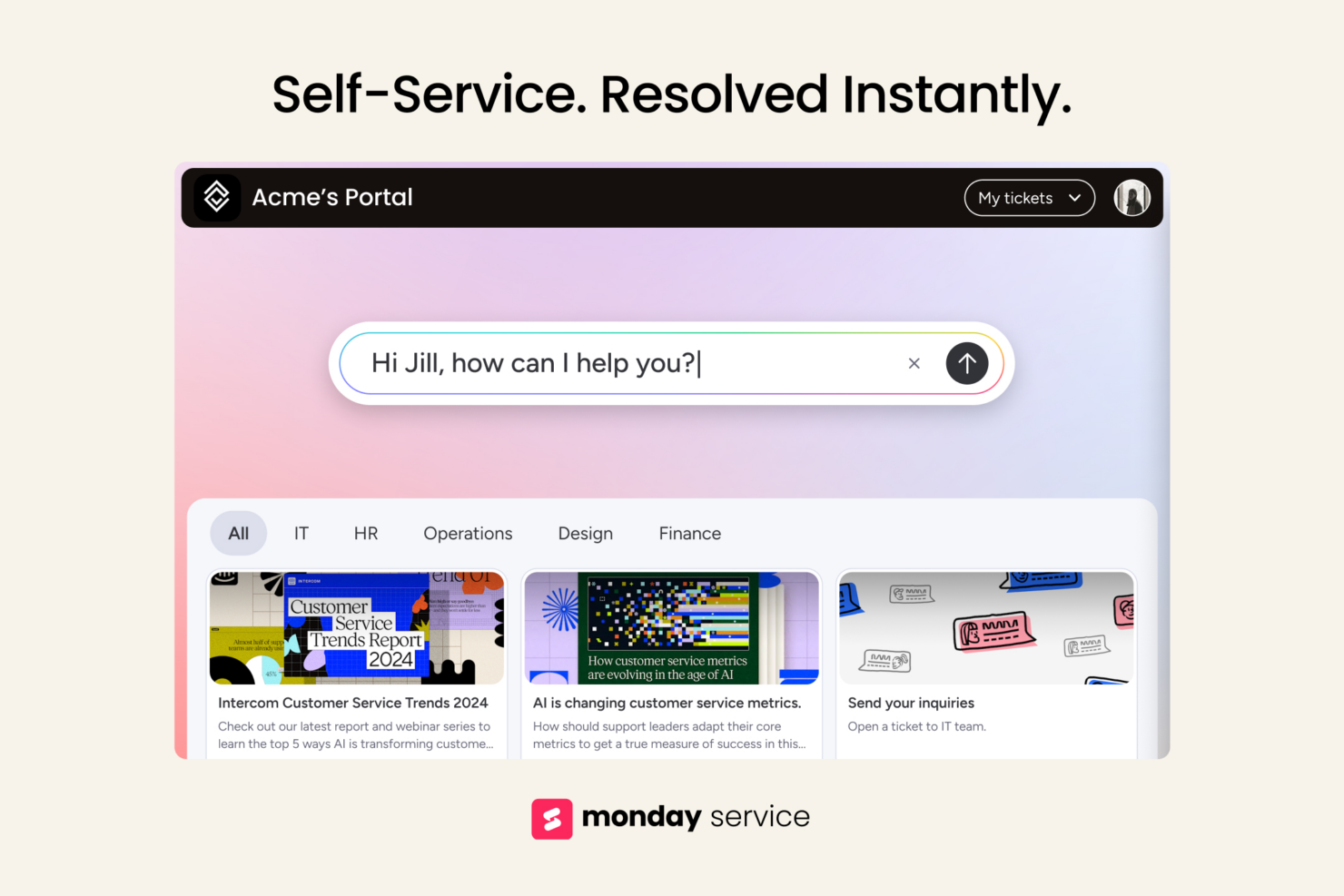
| Self-service Portal | ||
| Social Media Integration | ||
| Support Forum | ||
| Ticket Management | ||
| Workflow Management |
monday service vs. Zoho Desk Integrationen
| Integration | monday service | Zoho Desk |
|---|---|---|
| Slack | ✅ | ❌ |
| Microsoft Teams | ✅ | ✅ |
| Google Workspace | ✅ | ✅ |
| HubSpot | ✅ | ❌ |
| Salesforce | ✅ | ✅ |
| Zoom | ✅ | ❌ |
| Zendesk | ❌ | ✅ |
| Zoho CRM | ❌ | ✅ |
| API | ✅ | ✅ |
| Zapier | ✅ | ❌ |
Die Integration von monday service mit Slack ermöglicht es Ihnen, die Teamkommunikation und Projekt-Updates in Echtzeit zu bündeln – ein entscheidender Vorteil, um alle bei schnelllebigen Projekten auf dem gleichen Stand zu halten.
Die Integration von Zoho Desk mit Zoho CRM ist besonders für CTOs vorteilhaft, die Kundeninteraktionen managen – sie sorgt für einen nahtlosen Informationsfluss zwischen Vertriebs- und Supportteam.
Beide Tools stärken unterschiedliche Aspekte im Arbeitsalltag eines CTOs und bieten Flexibilität sowie Konnektivität, die auf individuelle Anforderungen zugeschnitten sind.
monday service vs. Zoho Desk Sicherheit, Compliance & Zuverlässigkeit
| Faktor | monday service | Zoho Desk |
|---|---|---|
| Datenverschlüsselung | Verwendet AES-256-Verschlüsselung, um Daten sowohl bei der Übertragung als auch im Ruhezustand zu schützen. | Setzt TLS 1.2 für Datenübertragungen und AES-256 für ruhende Daten ein. |
| Regulatorische Compliance | Entspricht den Anforderungen von GDPR und HIPAA in Bezug auf Datenschutz und Privatsphäre. | Bietet Compliance mit GDPR und CCPA, um Datenschutz zu gewährleisten. |
| Zuverlässigkeit (Uptime) | Garantiert eine Verfügbarkeit von 99,9 % durch eine robuste Infrastruktur und Redundanzmaßnahmen. | Stellt eine SLA mit 99,99 % Verfügbarkeit und Failover-Systemen bereit. |
monday service und Zoho Desk bieten beide starke Sicherheits- und Compliance-Maßnahmen, jedoch liegt Zoho Desk mit einer etwas höheren Ausfallsicherheit vorn.
Als CTO sollten Sie diese Tools bewerten, indem Sie deren spezifische Sicherheitszertifikate, Verfügbarkeitsgarantien und Datenschutzfunktionen prüfen, um sicherzustellen, dass sie mit den Compliance-Anforderungen und Risikomanagement-Strategien Ihres Unternehmens übereinstimmen.
monday service vs. Zoho Desk Benutzerfreundlichkeit
| Faktor | monday service | Zoho Desk |
|---|---|---|
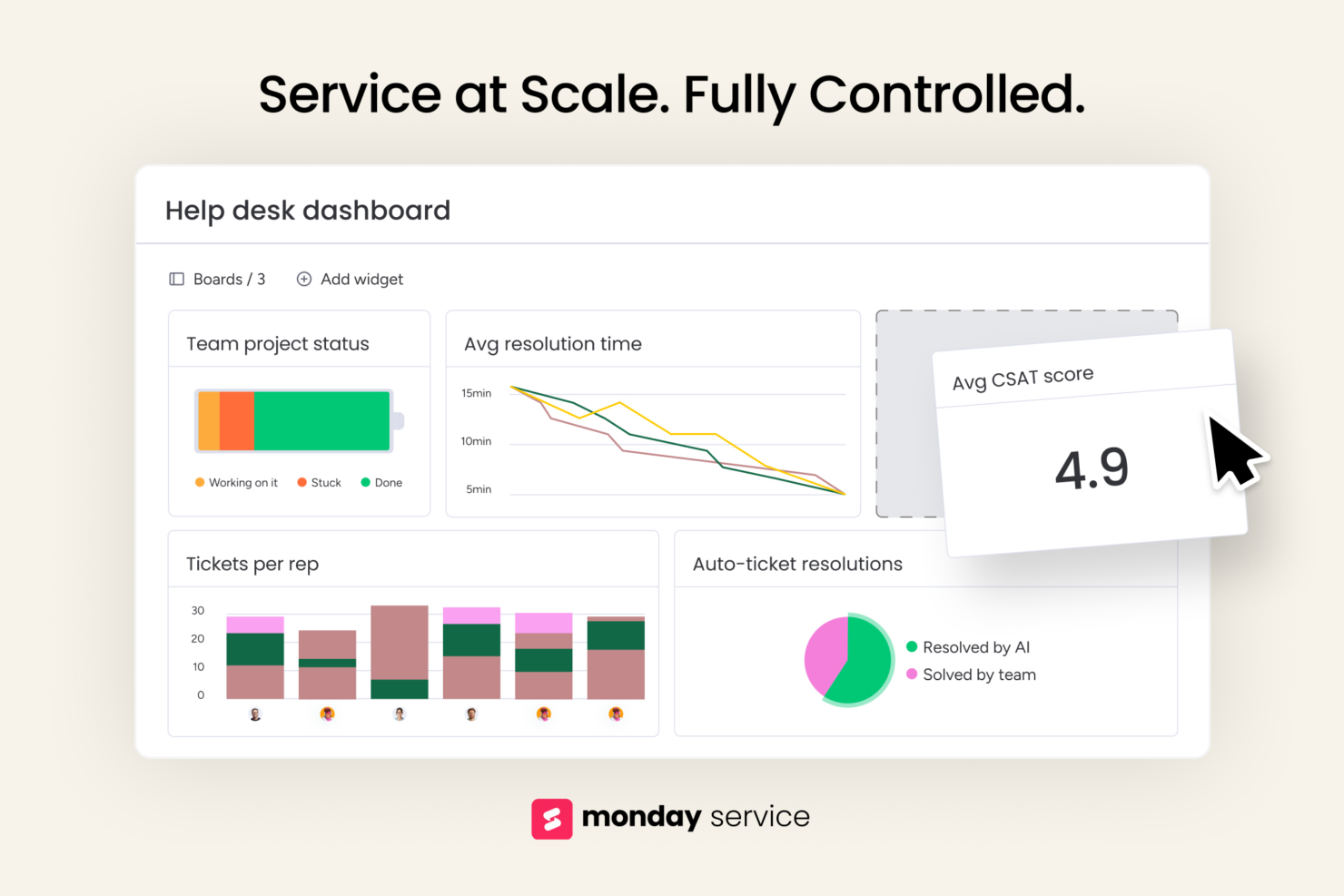
| Benutzeroberfläche | Bietet eine optisch intuitive Oberfläche mit Drag-and-Drop-Funktionen. | Verfügt über ein übersichtliches, organisiertes Layout mit anpassbaren Dashboards. |
| Onboarding-Erlebnis | Bietet interaktive Tutorials und eine umfassende Wissensdatenbank für neue Benutzer. | Beinhaltet Schritt-für-Schritt-Anleitungen und personalisierte Onboarding-Sitzungen. |
| Einrichtungsprozess | Schnelle Einrichtung mit vorgefertigten Vorlagen, um Projekte zu starten. | Vereinfachte Einrichtung mit geführten Workflows und Integrationsassistenten. |
monday service überzeugt durch seine optisch intuitive Benutzeroberfläche, die eine einfache Navigation und Aufgabenverwaltung ermöglicht, allerdings kann die Einrichtung bei sehr individuellen Workflows herausfordernd sein.
Zoho Desk lässt sich dank seiner geführten Workflows einfach einrichten, allerdings benötigt man mehr Zeit, um sämtliche Funktionen effektiv zu entdecken und zu nutzen.
monday service vs Zoho Desk: Pros & Cons
monday service
- Automation features save your team time on repetitive tasks.
- Visual project tracking makes it easy for your team to stay on top of tasks.
- You can customize workflows to suit your team's specific needs.
- Some users find the mobile app less intuitive than the desktop version.
- Advanced features require a learning curve for your team.
- The initial setup can be overwhelming if your team isn't tech-savvy.
Zoho Desk
- AI-driven insights help your team prioritize tickets effectively.
- Customizable widget dashboards let you tailor views to your team's needs.
- Automation features reduce manual work and save time.
- The user interface can be confusing for new users.
- Customer support response times may be slower than expected.
- Advanced reporting options are limited at lower subscription tiers.
Best Use Cases for monday service and Zoho Desk
monday service
- Marketing Teams Visual boards make tracking campaigns easy for your team, enhancing collaboration and oversight.
- Creative Agencies Automation features save your team time on repetitive tasks, allowing more focus on creative work.
- Product Development You can manage complex product roadmaps with visual tracking and task dependencies.
- Remote Teams Centralized communication and task management keep your remote team connected and productive.
- HR Departments Streamlined onboarding processes and workflow automation simplify your team's HR tasks.
- Tech Startups monday service's customizable workflows fit perfectly with your agile project management needs.
Zoho Desk
- Ecommerce Teams Zoho Desk's automation features help your team handle customer inquiries swiftly and efficiently.
- Tech Startups The customizable dashboards allow your team to tailor views and streamline support processes.
- Customer Support Departments AI-driven insights prioritize tickets, streamlining tasks so your team focuses on urgent issues first.
- Small Businesses Ease of use and onboarding makes Zoho Desk accessible for your growing team.
- IT Support Teams Automation reduces repetitive tasks, freeing your team to solve technical issues faster.
- Retail Companies Efficient ticket management helps your team address customer concerns promptly.
Wer sollte monday service und wer sollte Zoho Desk nutzen?
Ich halte monday service für besonders geeignet für Teams, die Wert auf Projektmanagement und Zusammenarbeit legen – branchenübergreifend, insbesondere dort, wo visuelle Workflows und Flexibilität wichtiger sind. Aus meiner Sicht ist Zoho Desk die bessere Wahl für Kundenservice-Teams, die ein starkes Ticketmanagement und CRM-Integration benötigen, also ideal für Unternehmen, die Effizienz im Kundenservice priorisieren.
Meiner Meinung nach ist monday service die beste Wahl, wenn Ihr Team von visueller Aufgabenverwaltung und anpassbaren Projektstrukturen profitiert. Liegt Ihr Fokus hingegen auf der Optimierung von Kundeninteraktionen und Supportprozessen, sollten Sie Zoho Desk bevorzugen.
Differences Between monday service and Zoho Desk
| monday service | Zoho Desk | |
|---|---|---|
| Automation | Includes automation for repetitive tasks within project workflows. | Offers automation for managing customer interactions efficiently. |
| Core Functionality | Focuses on project management with customizable workflows for diverse teams. | Centers around customer support with robust ticketing and CRM tools. |
| Integration Focus | Integrates well with team collaboration tools like Slack and Zoom. | Strong integration with CRM systems like Zoho CRM and Zendesk. |
| Pricing | Offers tiered plans based on users and features, with potential add-on costs. | Provides tiered pricing with additional charges for integrations. |
| User Interface | Features a visually intuitive interface with drag-and-drop capabilities. | Provides a clean, organized layout with customizable dashboards. |
| Visit monday serviceOpens new window | Read Zoho Desk ReviewOpens new window |
Similarities Between monday service and Zoho Desk
| Automation | Both include automation features, with monday service automating tasks in projects and Zoho Desk automating support workflows. |
|---|---|
| Customization | Each provides customizable options, with monday service focusing on workflow layouts and Zoho Desk on ticketing processes. |
| Data Security | Each ensures data protection with strong encryption and compliance measures, safeguarding your team's information. |
| Pricing | Both offer tiered pricing models, allowing you to choose plans based on your team's size and needs. |
| User Training | Both platforms offer comprehensive training resources and onboarding guides to help your team get started quickly. |
| Visit monday serviceOpens new window Read Zoho Desk ReviewOpens new window | |