


Hiver is a help desk platform that helps your team manage conversations across email, chat, voice, WhatsApp, and self-service tools from a single, inbox-style interface. It’s built for customer service leads who want something easy for their agents to learn but powerful enough to support industries like logistics, travel, e-commerce, IT, and professional services. The main value comes from its simple design, smooth collaboration, and AI tools that help you respond faster and personalize every interaction.
In this review, I’ll walk you through Hiver’s features, benefits, potential drawbacks, best and worst use cases, pricing details, and more, so you can decide if it’s the right platform for your team’s needs.
Hiver Evaluation Summary

- From $25/user/month (billed annually)
- Free plan available
Why Trust Our Software Reviews
Hiver Overview
Hiver is a strong fit for teams that want a modern customer service platform but don’t want to deal with overwhelming dashboards or stiff help desk structures. Its AI Copilot, inbox-style workspace, and straightforward workflows make it competitive with more complex tools that require months of training. Overall, Hiver shines when you’re comparing ease of adoption, collaboration, and how quickly your team can deliver personalized support. It’s best suited for teams who prioritize responsiveness and operational simplicity.
pros
-
Your team stays aligned with shared drafts, notes, collision alerts, and clear ownership.
-
Hiver AI reduces manual effort by drafting responses, auto-tagging conversations, and summarizing threads in seconds
-
You deliver human-like, personalized responses without switching tabs or sounding robotic.
cons
-
No advanced help desk forecasting, capacity planning, or predictive SLA breach modeling.
-
Complex enterprise workflows may require more customization than Hiver currently offers.
-
Teams with support channels outside of chat, email, and call (like social channels), may find the platform lacks features.
-

Site24x7
Visit WebsiteThis is an aggregated rating for this tool including ratings from Crozdesk users and ratings from other sites.4.6 -
Docker
Visit WebsiteThis is an aggregated rating for this tool including ratings from Crozdesk users and ratings from other sites.4.6 -
Pulumi
Visit WebsiteThis is an aggregated rating for this tool including ratings from Crozdesk users and ratings from other sites.4.8





Our Review Methodology
How We Test & Score Tools
We’ve spent years building, refining, and improving our software testing and scoring system. The rubric is designed to capture the nuances of software selection and what makes a tool effective, focusing on critical aspects of the decision-making process.
Below, you can see exactly how our testing and scoring works across seven criteria. It allows us to provide an unbiased evaluation of the software based on core functionality, standout features, ease of use, onboarding, customer support, integrations, customer reviews, and value for money.
Core Functionality (25% of final scoring)
The starting point of our evaluation is always the core functionality of the tool. Does it have the basic features and functions that a user would expect to see? Are any of those core features locked to higher-tiered pricing plans? At its core, we expect a tool to stand up against the baseline capabilities of its competitors.
Standout Features (25% of final scoring)
Next, we evaluate uncommon standout features that go above and beyond the core functionality typically found in tools of its kind. A high score reflects specialized or unique features that make the product faster, more efficient, or offer additional value to the user.
We also evaluate how easy it is to integrate with other tools typically found in the tech stack to expand the functionality and utility of the software. Tools offering plentiful native integrations, 3rd party connections, and API access to build custom integrations score best.
Ease of Use (10% of final scoring)
We consider how quick and easy it is to execute the tasks defined in the core functionality using the tool. High scoring software is well designed, intuitive to use, offers mobile apps, provides templates, and makes relatively complex tasks seem simple.
Onboarding (10% of final scoring)
We know how important rapid team adoption is for a new platform, so we evaluate how easy it is to learn and use a tool with minimal training. We evaluate how quickly a team member can get set up and start using the tool with no experience. High scoring solutions indicate little or no support is required.
Customer Support (10% of final scoring)
We review how quick and easy it is to get unstuck and find help by phone, live chat, or knowledge base. Tools and companies that provide real-time support score best, while chatbots score worst.
Customer Reviews (10% of final scoring)
Beyond our own testing and evaluation, we consider the net promoter score from current and past customers. We review their likelihood, given the option, to choose the tool again for the core functionality. A high scoring software reflects a high net promoter score from current or past customers.
Value for Money (10% of final scoring)
Lastly, in consideration of all the other criteria, we review the average price of entry level plans against the core features and consider the value of the other evaluation criteria. Software that delivers more, for less, will score higher.
Core Features
Omnichannel Inbox:
You handle email, live chat, WhatsApp, voice, and portal communications in one space that feels like your inbox. This keeps your team organized and helps prevent confusion.
Ticket Management:
You assign conversations, track progress, and maintain clear ownership. It helps your team stay on top of every message without losing time.
Workflow Automation:
You automate routing, tagging, and assignment based on rules. This reduces manual effort and helps you stay consistent at scale.
Live Chat:
Allows you to answer customer questions in real-time, giving a quicker way to resolve issues and facilitate better customer engagement.
Knowledge Base & Self-Service:
You publish help articles and use an AI-enhanced chat widget to help customers solve problems on their own. This reduces ticket volume while improving customer experience.
Analytics & Reporting:
You track performance metrics like response time, resolution time, and CSAT. Dashboards give you visibility into trends and team performance.
Ease of Use
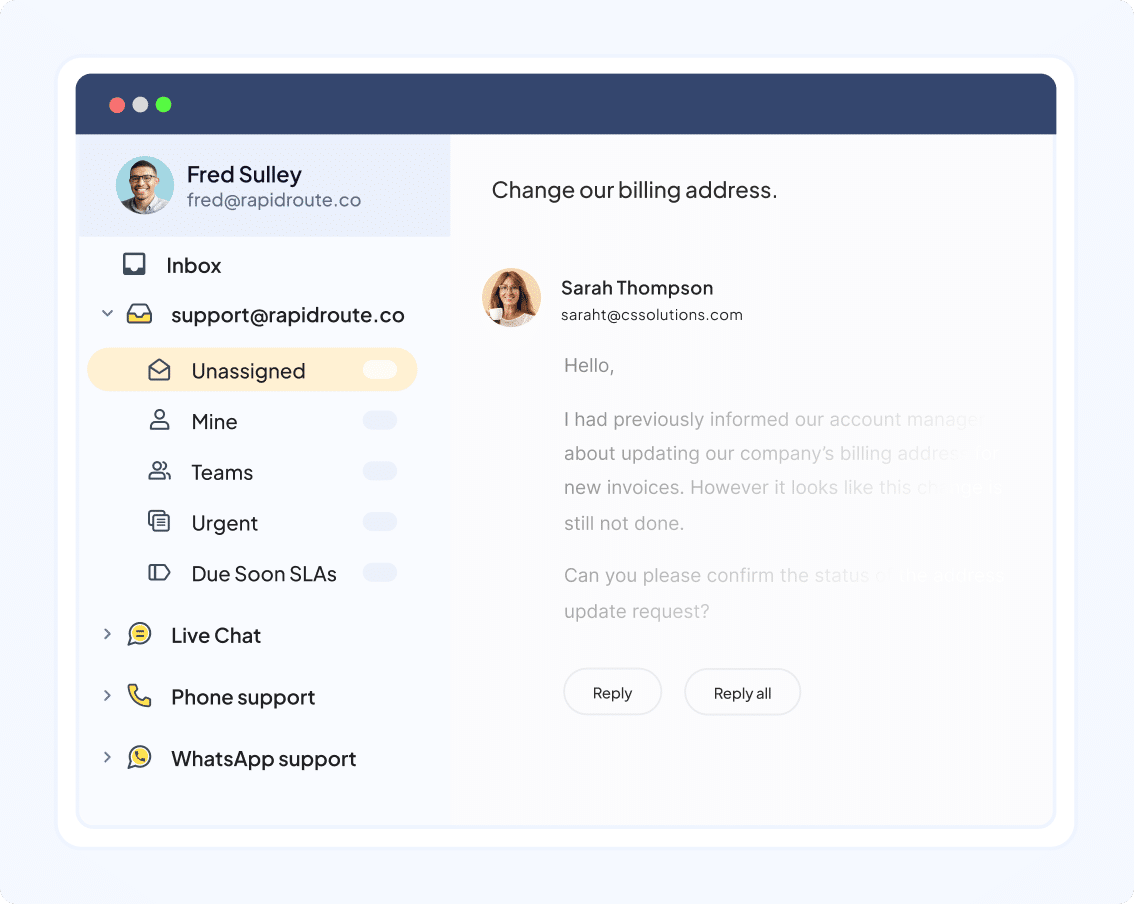
Hiver is simple to use because it mirrors the look and feel of your inbox, which makes it easy for your team to get comfortable quickly. Even with heavy volumes, the layout stays clean and helps you identify what needs attention. AI reduces the number of clicks needed to manage each ticket, so your team can handle more work with less effort. It’s a great fit for teams that need fast adoption and reliable productivity.
Integrations
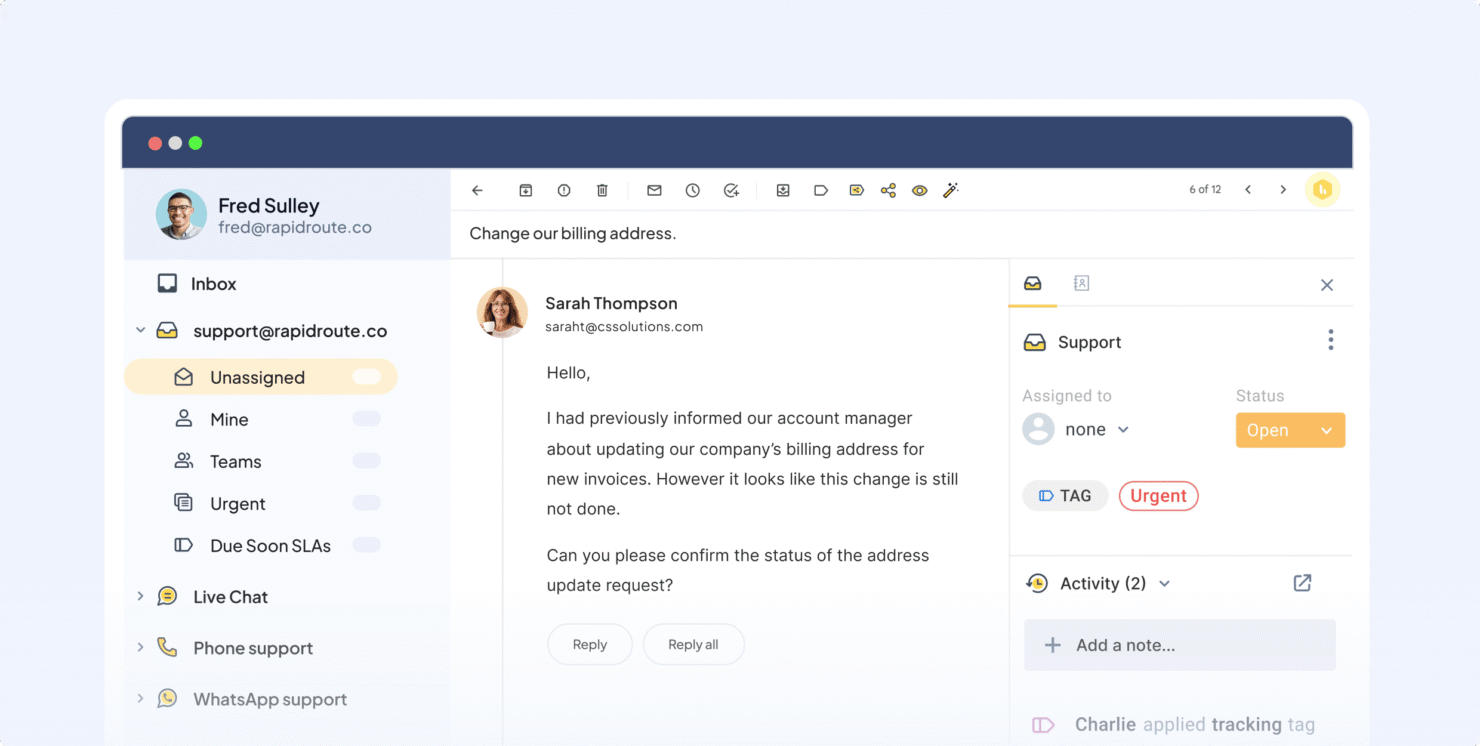
Hiver integrates with Slack, Salesforce, HubSpot, Pipedrive, Zoho CRM, Copper, Shopify, WooCommerce, Jira, Asana, ClickUp, and monday.com. Hiver also offers an API and connects with third-party integration tools like Zapier, providing flexibility for custom integrations.
New Product Updates from Hiver

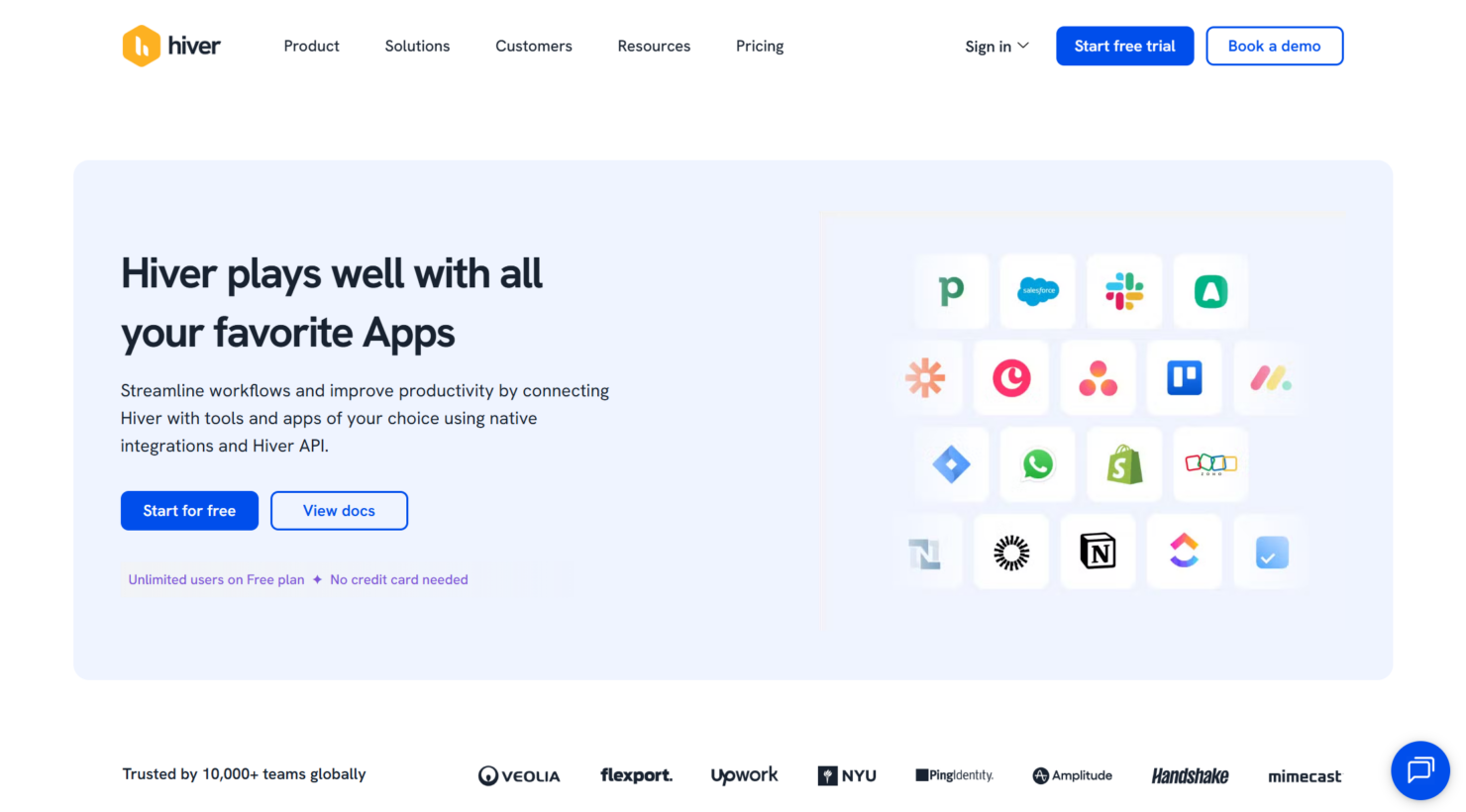
Hiver Introduces Public APIs for Custom Integrations
Hiver introduces public APIs that allow you to programmatically access and sync data across systems. This enables seamless integrations and helps teams bring customer context and actions into their existing workflows. Here are the details of the update:
- Public APIs Introduction: Developers can now access and sync Hiver data programmatically.
- Custom Integrations: These APIs enable the development of personalized integrations with other tools.
- Data Synchronization: The APIs allow pushing or pulling of conversation information, ensuring seamless data flows between Hiver and your existing application stack.
- Enhanced Customer Context: By integrating APIs, applications can bring enhanced customer context and actionable data directly into user apps.
Visit Hiver's official site for more details.
 for more details.
Hiver Introduces Chat Playground for Chat Testing
Hiver introduces Chat Playground to simulate chat interactions, validate bot responses, and test flow behavior before going live. This allows teams to identify issues early and deliver more reliable chat experiences. Here are the details of the update:
- Simulation of Visitor's Chat Experience: Test the chat widget from a visitor’s perspective to identify potential issues and improve user interaction.
- Validation of Bot Responses: Ensure that automated responses are correct and effective, improving communication and satisfaction.
- Flow Behaviour Checks: Verify and tweak the chat flow to ensure logical and smooth conversation paths.
Visit Hiver's official site for more details.

Hiver AI Updates: QA and Tagging Boost Efficiency
Hiver introduces AI QA and AI Tagging to evaluate response quality and automatically categorize incoming conversations. These updates improve support operations by surfacing quality insights and triggering automations based on conversation intent. Highlights include:
- AI QA: Evaluates team responses against quality parameters and surfaces performance insights across conversations.
- AI Tagging: Automatically assigns tags to conversations based on content and intent to support routing and automation.
Visit Hiver’s official site for more details.

Hiver Automatically Moves Personal Emails to Shared Inboxes
Hiver introduces automation that automatically moves customer emails sent to personal inboxes into Shared Inboxes. This improves collaboration by ensuring conversations are visible, assigned, and managed by the entire team. Highlights include:
- Automatic Email Movement: Emails addressed to personal inboxes can now be seamlessly redirected to Shared Inboxes, ensuring all team members have visibility.
- Centralized Tracking: By having all emails in one place, teams can track communications more efficiently and ensure all messages are responded to promptly.
- Improved Team Collaboration: Shared Inboxes prevent emails from being siloed, fostering a collaborative environment where team members can manage and assign conversations appropriately.
Visit Hiver's official site for more details.

Hiver Introduces Custom Objects for Data-Driven Workflows
Hiver introduces Custom Objects, enabling teams to import external data from CRM systems or spreadsheets and use it within workflows. This improves efficiency by allowing conversations to be automatically routed or managed based on predefined data relationships. Highlights include:
- Import External Data: Users can now import data from CRMs and spreadsheets directly into Hiver as Custom Objects.
- Dynamic Workflows: This feature empowers users to create dynamic workflows by utilizing imported data.
- Automated Routing: Custom Objects allow for automated routing of conversations based on predefined relationships, improving response time and accuracy.
Visit Hiver's official site for more details.

Hiver Enhances AI Sentiment Analysis
Hiver enhances AI sentiment analysis by continuously analyzing customer tone and conversation signals in real time. This improves response prioritization, helps teams identify risk early, and supports faster intervention in critical customer situations. Here are the details of the update:
- Continuous Sentiment Evaluation: Monitors customer tone across conversations to detect frustration or risk.
- Early Risk Identification: Helps teams spot at-risk or dissatisfied customers sooner.
- Smarter Response Prioritization: Enables teams to prioritize conversations based on sentiment signals.
Visit Hiver’s official site for more details.

Centralized Management In Hiver Omni
Hiver enhances centralized management in Hiver Omni by introducing a centralized Accounts and Contacts directory with full conversation context and activity history. This improves customer visibility, helps teams access key insights faster, and supports better relationship management. Here are the details of the update:
- Centralized Accounts and Contacts Directory: Access complete customer interaction history from a single view.
- Full Conversation Context: View activities, communications, and key details at account and contact level.
- Improved Customer Visibility: Enables teams to understand relationships and interactions more clearly.
Visit Hiver’s official site for more details.

Hiver Introduces AI Agent Analytics
Hiver introduces AI Agent Analytics, enabling teams to track AI-powered interactions, monitor key performance metrics, and filter AI versus human conversations in Chat Analytics. This improves visibility into AI effectiveness and helps teams understand how AI influences resolutions and customer experience. Here are the details of the update:
- AI Interaction Analytics: Track performance of AI Answers across conversations and workflows.
- AI vs Human Filtering: Filter interactions to compare AI and human performance in Chat Analytics.
- AI Performance Visibility: Monitor key AI metrics to understand impact on resolution quality and customer experience.
Visit Hiver’s official site for more details.

Hiver Omni Adds Support for Custom Email Providers
Hiver Omni now supports Custom Email Providers, enabling teams to connect any email service and manage conversations from a single dashboard. This improves inbox consolidation and simplifies multi-channel support workflows. Here are the details of the update:
- Custom Email Providers in Omni: This feature allows the integration of any email provider as a Shared Inbox, enabling seamless management of emails.
- Streamlined Communication: Users can now receive, send, and manage customer conversations from a unified workspace, improving workflow and reducing the need for multiple email accounts.
- Enhanced Collaboration: By centralizing emails, teams can collaborate more effectively on customer communications.
- Increased Flexibility: Organizations are no longer restricted to specific email services, allowing for greater adaptability and personalization of email management workflows.
- Improved Customer Interaction: With all email interactions in one place, customer queries can be addressed faster and more efficiently.
Visit Hiver's official site for more details.

Hiver Adds Salesforce and NetSuite Conversation Sync
Hiver now syncs conversations directly to Salesforce and NetSuite, automatically attaching emails and threads to the right contacts. This update improves CRM visibility and saves time on manual data entry. Benefits include:
- Automatic Syncing of Conversations: Automatically syncs email conversations from Hiver to the correct contact in Salesforce and NetSuite, eliminating the need for manual export.
- Enhanced CRM Records: Provides a more complete record in CRMs, ensuring no important conversation details are missed.
- Faster Audits: Facilitates quicker audits by centralizing conversation records within CRM systems.
Visit Hiver's official site for more details.
Hiver Specs
- Analytics
- API
- Batch Permissions & Access
- Call Integration
- Chat
- Contact Management
- Contact Sharing
- CRM Integration
- Customer Management
- Customer Service
- Dashboard
- Data Export
- Data Import
- Data Visualization
- Email Integration
- Escalation Management
- External Integrations
- Instant Chat Integration
- Knowledge Base
- Lead Management
- Lead Scoring
- Multi-User
- Notifications
- Real-time Alerts
- Scheduling
- Self-service Portal
- Social Media Integration
- Support Forum
- Third-Party Plugins/Add-Ons
- Ticket Management
- Workflow Management


