
Reseña de EdrawMax: Ventajas, desventajas, características y precios
EdrawMax destaca por sus capacidades intuitivas para la creación de diagramas, lo que lo convierte en una opción principal para equipos enfocados en la comunicación y colaboración visual.

Revisamos herramientas de forma independiente y las comisiones ayudan a financiar nuestras pruebas. Consulta nuestra política de transparencia, nuestra metodología o sugiere una herramienta.
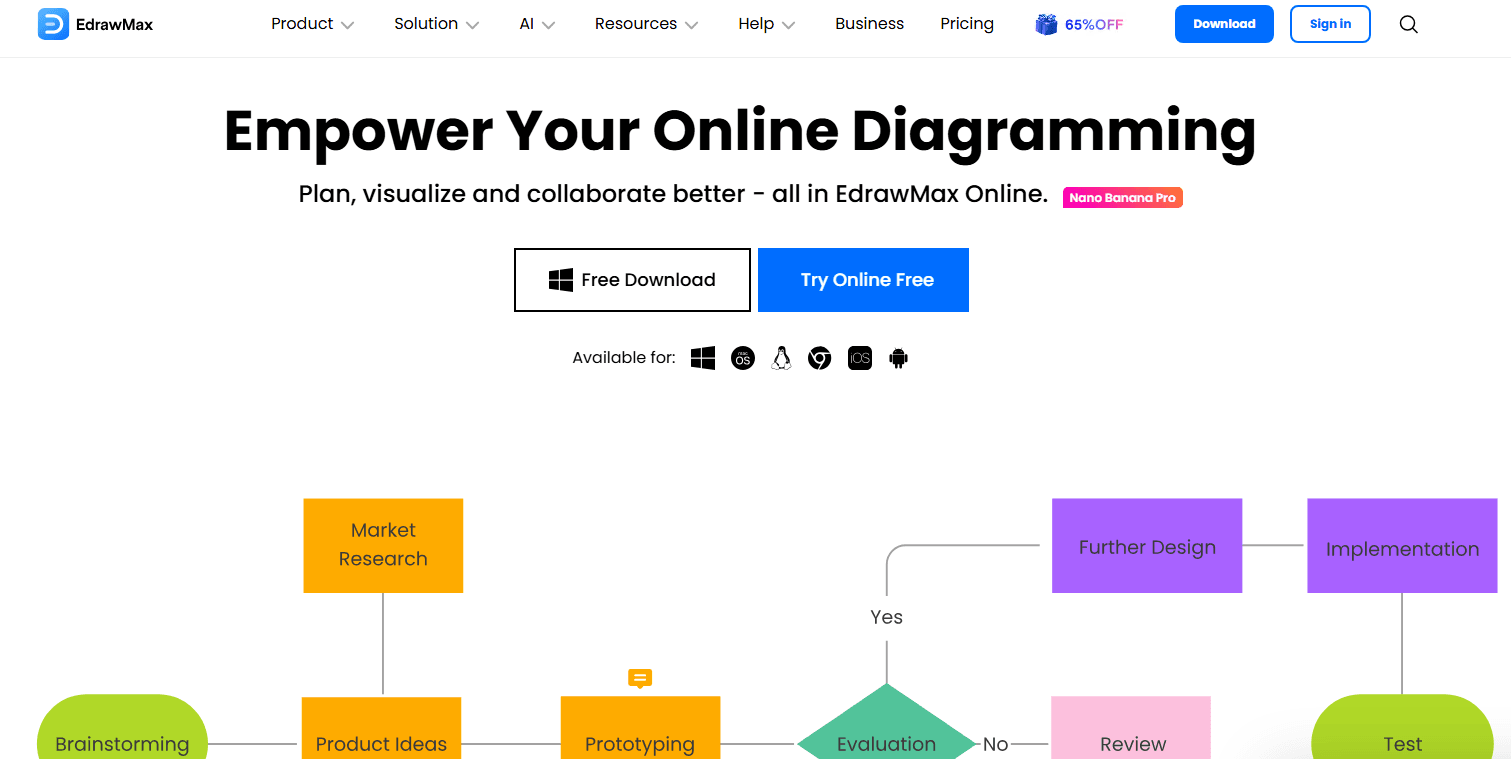
EdrawMax is an AI software for creating diagrams, flowcharts, network maps, and other technical visuals. It's worth considering if your team needs a diagramming tool that covers IT infrastructure, org charts, and mind maps in one place. I'd choose it over Lucidchart if offline access and a one-time license option matter to your workflow—EdrawMax supports both, while Lucidchart is subscription-only and cloud-dependent.
EdrawMax Evaluation Summary
4.5/5
- From $119/year (billed annually)
- 7-day free trial available
Por qué confiar en nuestras recomendaciones de software
6,700+
Reviews
20
Industry experts
16+
Evaluation factors
14
Years
Nuestro equipo lleva probando y evaluando software desde 2012. Como líderes tecnológicos, sabemos lo difícil —y lo importante— que es elegir el software adecuado.
Para esta guía, evaluamos las herramientas mediante pruebas prácticas e investigación independiente, puntuando las herramientas según nuestros criterios de selección.
Nuestras reseñas reflejan nuestro criterio editorial humano, no un discurso de ventas.
Revisores expertos:
- Paulo Gardini MiguelDirector técnico
 Tim FisherVP de IA
 Gabriel RosasTech Lead y arquitecto de software
 Christhian GruhnTech Lead y arquitecto de plataforma

EdrawMax Overview
In my opinion, EdrawMax stands out as an all-in-one AI-powered diagramming platform, especially for those within the design and IT fields. It offers an extensive library of templates and a user-friendly interface, making it accessible for both beginners and seasoned professionals. Compared to rivals like Microsoft Visio, EdrawMax is often appreciated for its one-time payment option, which many find more economical. However, some users might find the software's comprehensive features a bit overwhelming at first. If your team requires a tool for creating diverse diagrams without recurring costs, EdrawMax is worth considering.
Pros
- You can create complex diagrams with its extensive library of templates and symbols.
- It's easy to use with its intuitive drag-and-drop interface.
- You have access to a wide range of diagram types, from flowcharts to network diagrams.
Cons
- You might find the user interface overwhelming due to its multitude of features.
- It can be resource-intensive, possibly slowing down your system.
- Some users experienced occasional bugs that disrupted their work.
Is EdrawMax Right For Your Needs?
Who Would be a Good Fit for EdrawMax?
EdrawMax is a good fit for project managers, educators, and IT departments who need to create detailed diagrams and visuals. Its extensive template library and intuitive interface make it easy for your team to communicate complex ideas visually. If your work requires frequent use of flowcharts, organizational charts, or network diagrams, EdrawMax's versatile tools can help you achieve clarity and precision.
- Project ManagementEdrawMax helps you create clear project timelines and workflows with its Gantt charts, checklists, and transactional analysis.
- EducationTeachers can use EdrawMax to design engaging lesson plans with visual aids, infographics, and diagrams.
- IT DepartmentsYour team can visualize network structures and IT processes easily with EdrawMax's specialized templates.
- EngineeringEngineers can benefit from EdrawMax’s ability to create detailed technical diagrams and schematics.
- Marketing TeamsEdrawMax allows you to streamline marketing strategies using its diverse chart and graph options.
- Small BusinessesSmall businesses can draft organizational charts and business plans efficiently with EdrawMax's user-friendly tools.
Who Would be a Bad Fit for EdrawMax?
EdrawMax might not suit teams needing advanced real-time collaboration or those heavily relying on integrations with other tools. If your work demands constant live updates and collaboration features, you might find EdrawMax lacking compared to competitors like Miro. Large enterprises requiring complex workflows and seamless integration with other software may also find EdrawMax's capabilities limited.
- Large EnterprisesYour team might struggle with EdrawMax's limited integration options for complex enterprise systems.
- Real-Time CollaborationIf your work requires live collaboration, EdrawMax's features may not meet your needs.
- Software DevelopmentDevelopers may find EdrawMax lacking in specialized tools for coding and software architecture.
- Finance DepartmentsYour team might need more advanced analytical tools than what EdrawMax offers.
- Creative AgenciesCreative teams may miss the advanced design and editing features found in other software.
- Supply Chain ManagementEdrawMax may not provide the detailed tracking and logistics tools your team needs for supply chain management.
Nuestra metodología de revisión
Cómo probamos y puntuamos las herramientas
Hemos invertido años construyendo, refinando y mejorando nuestro sistema de pruebas y puntuación de software. La rúbrica está diseñada para captar los matices de la selección de software y lo que hace a una herramienta efectiva, enfocándose en aspectos críticos del proceso de toma de decisiones.
A continuación, puedes ver exactamente cómo nuestro sistema de prueba y puntuación funciona a través de siete criterios. Esto nos permite ofrecer una evaluación imparcial del software basada en funcionalidad central, características destacadas, facilidad de uso, incorporación, soporte al cliente, integraciones, reseñas de clientes y relación calidad-precio.
Funcionalidad principal (25% de la puntuación final)
El punto de partida de nuestra evaluación siempre es la funcionalidad central de la herramienta. ¿Tiene las características y funciones básicas que un usuario esperaría encontrar? ¿Alguna de esas funciones principales está limitada a planes de precios superiores? Esperamos que una herramienta esté a la altura de las capacidades básicas de sus competidores.
Características destacadas (25% de la puntuación final)
Luego, evaluamos las características poco comunes y sobresalientes que van más allá de la funcionalidad principal que normalmente se encuentra en herramientas de su tipo. Una puntuación alta refleja características especializadas o únicas que hacen el producto más rápido, eficiente o que ofrecen valor adicional al usuario.
También evaluamos qué tan fácil es integrar con otras herramientas que normalmente forman parte del ecosistema tecnológico para expandir la funcionalidad y utilidad del software. Las herramientas que ofrecen abundantes integraciones nativas, conexiones de terceros y acceso API para crear integraciones personalizadas obtienen la mejor puntuación.
Facilidad de uso (10% de la puntuación final)
Consideramos cuán rápido y sencillo es ejecutar las tareas definidas por la funcionalidad principal usando la herramienta. El software con mejor puntuación está bien diseñado, es intuitivo, ofrece aplicaciones móviles, proporciona plantillas y hace que tareas relativamente complejas parezcan sencillas.
Incorporación (10% de la puntuación final)
Sabemos lo importante que es la adopción rápida por parte del equipo para una nueva plataforma, por lo que evaluamos cuán fácil es aprender y usar una herramienta con entrenamiento mínimo. Evaluamos cuán rápido un miembro del equipo puede configurarla y comenzar a utilizarla sin experiencia previa. Las soluciones con mayor puntuación requieren poco o ningún soporte.
Soporte al cliente (10% de la puntuación final)
Revisamos qué tan rápido y sencillo es resolver dudas y encontrar ayuda por teléfono, chat en vivo o base de conocimientos. Las herramientas y compañías que proporcionan soporte en tiempo real obtienen la mejor puntuación, mientras que los chatbots obtienen la peor.
Reseñas de clientes (10% de la puntuación final)
Además de nuestras pruebas y evaluaciones, consideramos la puntuación neta de promotores por parte de clientes actuales y anteriores. Revisamos la probabilidad de que elijan la herramienta de nuevo para la funcionalidad principal. Una puntuación alta refleja una alta puntuación neta de promotores actuales o pasados.
Relación calidad-precio (10% de la puntuación final)
Por último, considerando todos los demás criterios, revisamos el precio promedio de los planes de nivel básico comparado con las funciones principales y consideramos el valor de los demás criterios de evaluación. El software que ofrezca más, por menos, obtendrá una puntuación mayor.
Core Features
Diagram Templates: EdrawMax offers a wide range of templates that help your team quickly start any project. You'll find options for flowcharts, network diagrams, and more.
Drag-and-Drop Interface: The intuitive interface lets you easily move elements around your workspace. It makes designing diagrams simple and efficient for your team.
Vector Graphics: EdrawMax uses vector graphics to ensure your diagrams are crisp and scalable. You can resize your work without losing quality.
Export Options: You can export your diagrams in various formats like PDF, Word, and PPT. Share your work easily while maintaining the original draft.
Customizable Shapes: EdrawMax lets you customize shapes to fit your specific needs. You can modify existing shapes or create new ones to suit your project.
Collaboration Tools: While limited in real-time, EdrawMax allows for team collaboration through shared files. A designer can make changes, which another teammate can later review.
Ease of Use
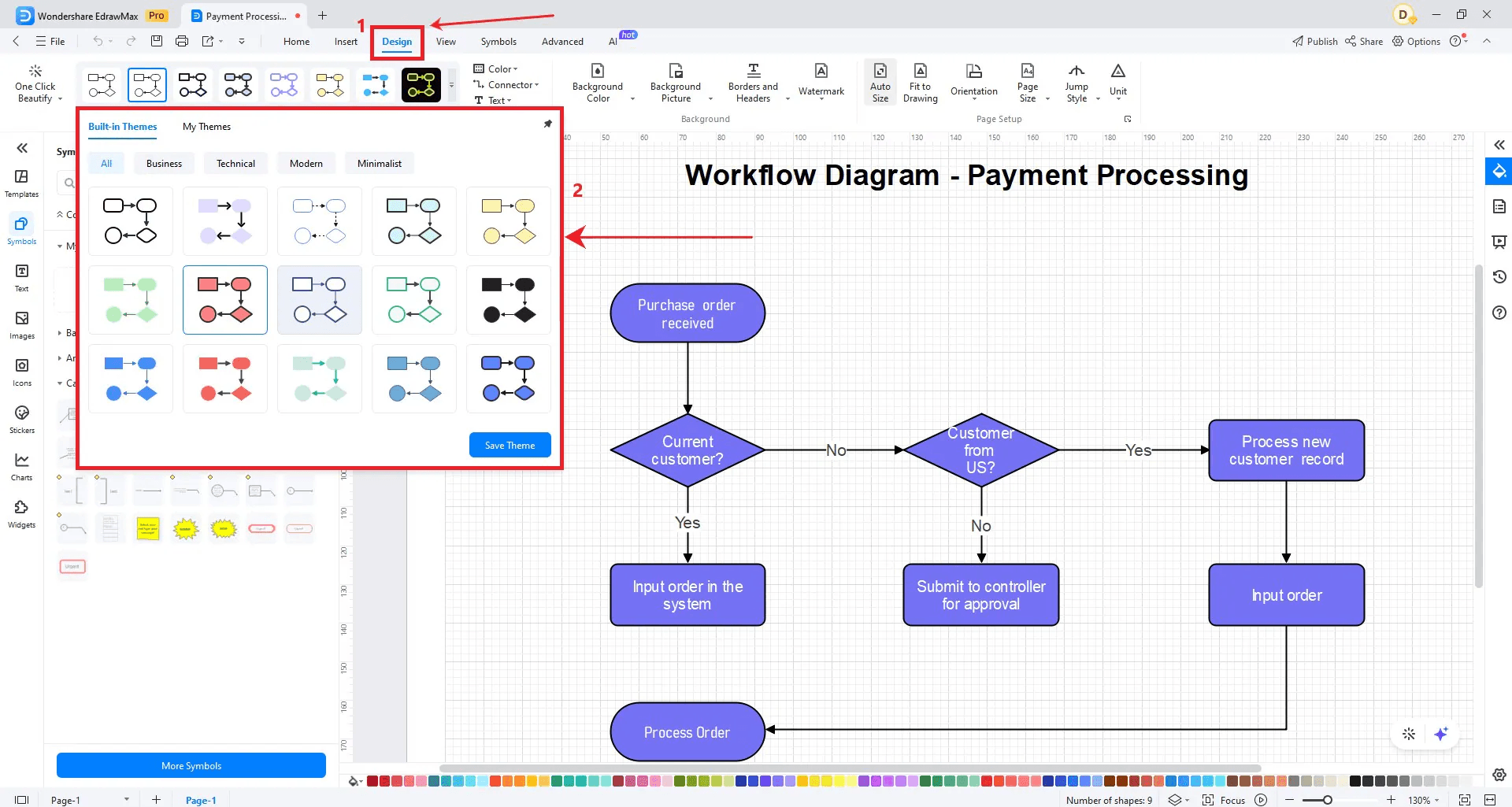
EdrawMax is user-friendly with its drag-and-drop interface and extensive template library, making it easy for your team to create diagrams quickly. The intuitive design ensures that even beginners can navigate the software without much hassle. You'll appreciate how simple it is to customize shapes and export your work in various formats, including HTML, PNG, JPG, and SVG. While it lacks some advanced collaboration features, its overall usability makes it a strong choice for teams prioritizing visual clarity and user experience.
Integrations
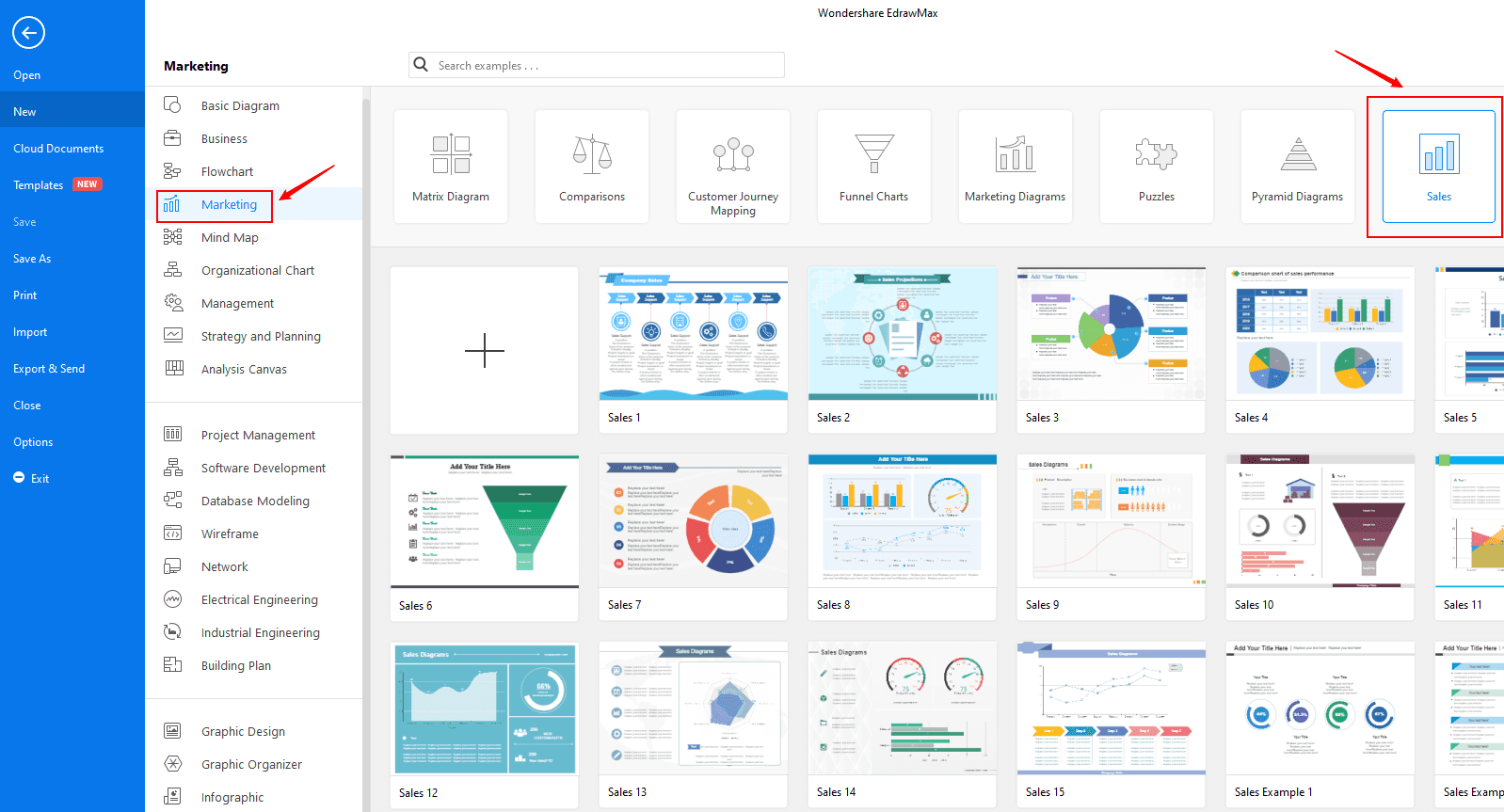
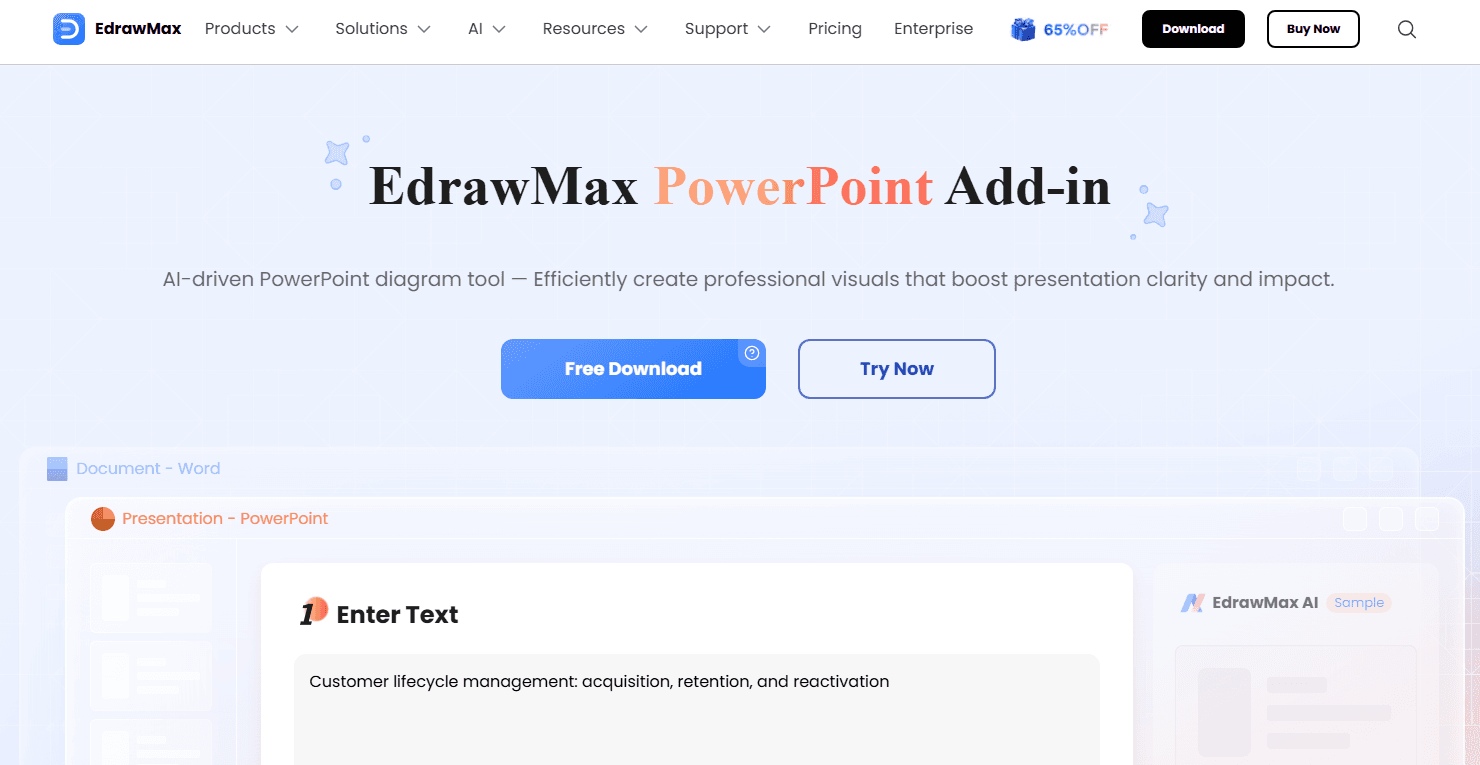
EdrawMax integrates with PowerPoint Add-in, Word Add-in, Nano Banana Pro, EdrawMind, and Edraw.AI.
EdrawMax Specs
- API: Yes
- Dashboard: Yes
- Data Export: Yes
- Data Import: Yes
- Data Visualization: Yes
- Email Integration: No
- External Integrations: Yes
- Gantt Charts: Yes
- Multi-User: Yes
- Notifications: Yes
- Project Management: Yes