

Reseña de Crazy Egg: Ventajas, desventajas, características y precios
Crazy Egg destaca por sus mapas de calor intuitivos y su interfaz fácil de usar, lo que lo convierte en la opción ideal para equipos que buscan análisis web sencillos.

Revisamos herramientas de forma independiente y las comisiones ayudan a financiar nuestras pruebas. Consulta nuestra política de transparencia, nuestra metodología o sugiere una herramienta.
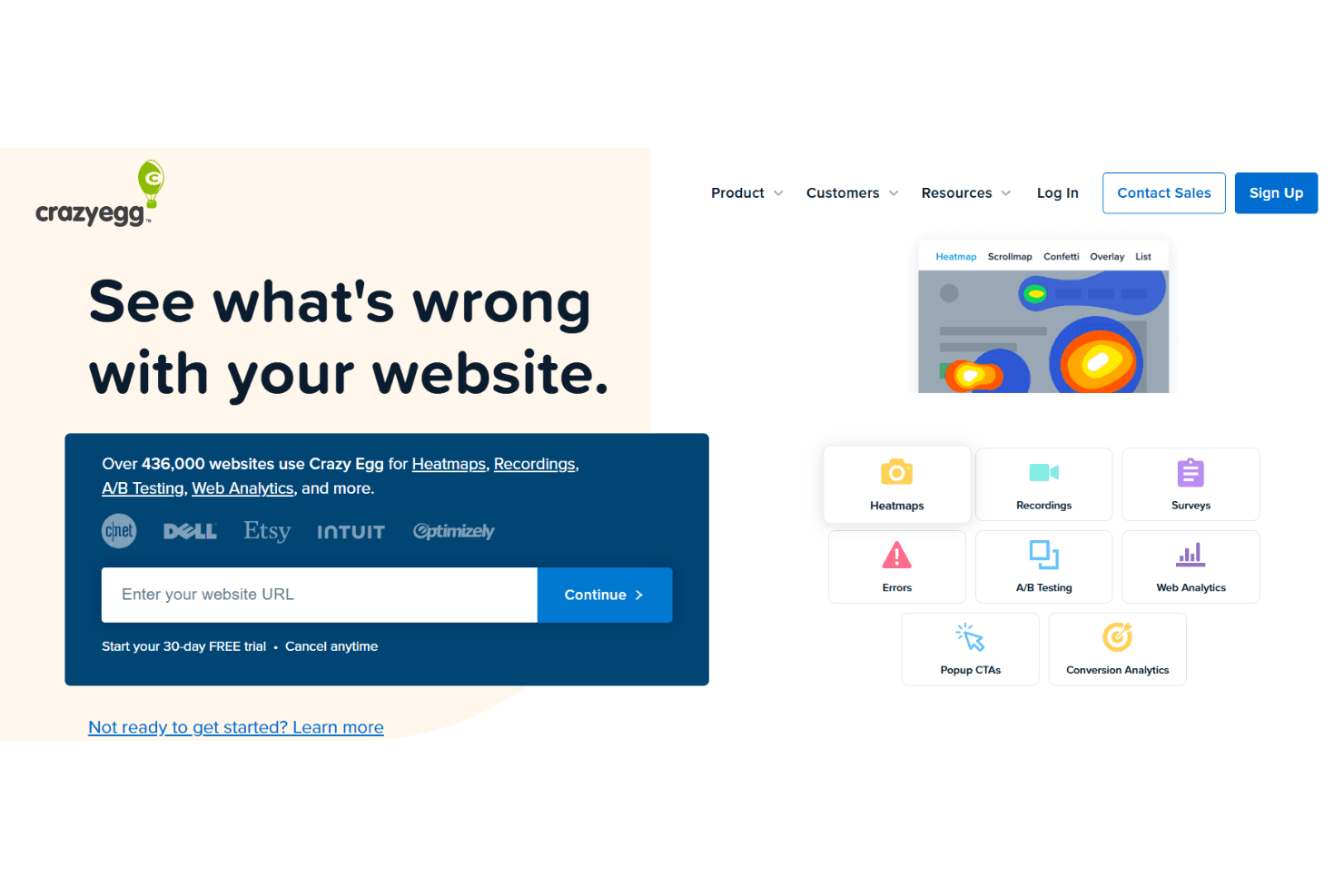
Crazy Egg is a web analytics platform and usability testing tool that helps you understand user behavior through heatmaps and user session recordings. It’s perfect for marketing teams, e-commerce businesses, and UX designers who want clear insights into website performance and metrics. With Crazy Egg, you get simple visual data to enhance user experience.
Crazy Egg tackles challenges like unclear user navigation and conversion issues, ideal for marketing and UX teams. In this article, I'll cover Crazy Egg's features, pros and cons, use cases, and pricing so you can decide if it aligns with your analytics needs and goals.
Crazy Egg Evaluation Summary
4.3/5
- From $29/month
- 30-day free trial available
Por qué confiar en nuestras recomendaciones de software
6,700+
Reviews
20
Industry experts
16+
Evaluation factors
14
Years
Nuestro equipo lleva probando y evaluando software desde 2012. Como líderes tecnológicos, sabemos lo difícil —y lo importante— que es elegir el software adecuado.
Para esta guía, evaluamos las herramientas mediante pruebas prácticas e investigación independiente, puntuando las herramientas según nuestros criterios de selección.
Nuestras reseñas reflejan nuestro criterio editorial humano, no un discurso de ventas.
Revisores expertos:
- Paulo Gardini MiguelDirector técnico
 Tim FisherVP de IA
 Gabriel RosasTech Lead y arquitecto de software
 Christhian GruhnTech Lead y arquitecto de plataforma

Crazy Egg Overview
In my opinion, Crazy Egg is a solid choice for teams seeking straightforward web analytics. Its heatmaps and session recordings offer valuable insights without overwhelming users. While it might lack some advanced features found in other heat mapping tools, its simplicity can be a major advantage for smaller teams or those new to web analytics. The pricing is reasonable, making it accessible for startups and small businesses. However, the onboarding process and customer support could use some improvement. If you're looking for a user-friendly tool to get started with web analytics, Crazy Egg is worth considering, especially if your focus is on improving website usability and conversion rates.
Pros
- You can easily understand user behavior with intuitive heatmaps.
- Your team will find the interface user-friendly and straightforward.
- It offers simple visual data that enhances website usability insights.
Cons
- You might find the onboarding process a bit lacking.
- Customer support could be more responsive to your team's needs.
- Advanced features are limited compared to some competitors.
Is Crazy Egg Right For Your Needs?
Who Would be a Good Fit for Crazy Egg?
Crazy Egg is ideal for small to medium-sized businesses and marketing departments looking to improve website usability. If your team values clear visual data, like heatmaps, scroll maps, and user recordings, Crazy Egg can help you understand how users interact with your site in real-time. It's particularly useful if you're focused on enhancing user experience without diving into overly complex analytics. Its straightforward interface suits teams that prefer simple, actionable insights.
- E-commerce BusinessesYou can track user clicks and behavior to optimize product page layouts and increase sales.
- Marketing TeamsYour team can use Crazy Egg's heatmaps to refine campaign landing pages for better conversion rates.
- UX DesignersCrazy Egg helps you visualize user interactions to improve site navigation and design.
- Small BusinessesIt offers easy-to-understand analytics without overwhelming your limited resources.
- Content CreatorsYou can see which parts of your content engage users the most, helping tailor future content.
- Web DevelopersCrazy Egg provides insights into user paths, aiding in more effective site structure planning.
Who Would be a Bad Fit for Crazy Egg?
Crazy Egg might not suit large enterprises or data-driven companies seeking in-depth analytics and advanced reporting. If your team requires detailed segmentation, predictive analytics, or integration with complex data systems, Crazy Egg's straightforward features may fall short. It's less ideal for those needing extensive customization or advanced data manipulation, as it focuses more on basic visual insights.
- Large CorporationsYour team might need more advanced analytics than what Crazy Egg offers.
- Data AnalystsCrazy Egg lacks the detailed data analysis tools you often require.
- Tech StartupsIf your work involves heavy data integration, Crazy Egg's capabilities might be too limited.
- Financial ServicesYour industry demands comprehensive data reports, which Crazy Egg doesn't provide.
- Healthcare OrganizationsYou need robust, secure analytics solutions that Crazy Egg doesn't specialize in.
- Enterprise IT DepartmentsAdvanced customization needs might not be met with Crazy Egg’s simpler offerings.
Nuestra metodología de revisión
Cómo probamos y puntuamos las herramientas
Hemos invertido años construyendo, refinando y mejorando nuestro sistema de pruebas y puntuación de software. La rúbrica está diseñada para captar los matices de la selección de software y lo que hace a una herramienta efectiva, enfocándose en aspectos críticos del proceso de toma de decisiones.
A continuación, puedes ver exactamente cómo nuestro sistema de prueba y puntuación funciona a través de siete criterios. Esto nos permite ofrecer una evaluación imparcial del software basada en funcionalidad central, características destacadas, facilidad de uso, incorporación, soporte al cliente, integraciones, reseñas de clientes y relación calidad-precio.
Funcionalidad principal (25% de la puntuación final)
El punto de partida de nuestra evaluación siempre es la funcionalidad central de la herramienta. ¿Tiene las características y funciones básicas que un usuario esperaría encontrar? ¿Alguna de esas funciones principales está limitada a planes de precios superiores? Esperamos que una herramienta esté a la altura de las capacidades básicas de sus competidores.
Características destacadas (25% de la puntuación final)
Luego, evaluamos las características poco comunes y sobresalientes que van más allá de la funcionalidad principal que normalmente se encuentra en herramientas de su tipo. Una puntuación alta refleja características especializadas o únicas que hacen el producto más rápido, eficiente o que ofrecen valor adicional al usuario.
También evaluamos qué tan fácil es integrar con otras herramientas que normalmente forman parte del ecosistema tecnológico para expandir la funcionalidad y utilidad del software. Las herramientas que ofrecen abundantes integraciones nativas, conexiones de terceros y acceso API para crear integraciones personalizadas obtienen la mejor puntuación.
Facilidad de uso (10% de la puntuación final)
Consideramos cuán rápido y sencillo es ejecutar las tareas definidas por la funcionalidad principal usando la herramienta. El software con mejor puntuación está bien diseñado, es intuitivo, ofrece aplicaciones móviles, proporciona plantillas y hace que tareas relativamente complejas parezcan sencillas.
Incorporación (10% de la puntuación final)
Sabemos lo importante que es la adopción rápida por parte del equipo para una nueva plataforma, por lo que evaluamos cuán fácil es aprender y usar una herramienta con entrenamiento mínimo. Evaluamos cuán rápido un miembro del equipo puede configurarla y comenzar a utilizarla sin experiencia previa. Las soluciones con mayor puntuación requieren poco o ningún soporte.
Soporte al cliente (10% de la puntuación final)
Revisamos qué tan rápido y sencillo es resolver dudas y encontrar ayuda por teléfono, chat en vivo o base de conocimientos. Las herramientas y compañías que proporcionan soporte en tiempo real obtienen la mejor puntuación, mientras que los chatbots obtienen la peor.
Reseñas de clientes (10% de la puntuación final)
Además de nuestras pruebas y evaluaciones, consideramos la puntuación neta de promotores por parte de clientes actuales y anteriores. Revisamos la probabilidad de que elijan la herramienta de nuevo para la funcionalidad principal. Una puntuación alta refleja una alta puntuación neta de promotores actuales o pasados.
Relación calidad-precio (10% de la puntuación final)
Por último, considerando todos los demás criterios, revisamos el precio promedio de los planes de nivel básico comparado con las funciones principales y consideramos el valor de los demás criterios de evaluación. El software que ofrezca más, por menos, obtendrá una puntuación mayor.
Core Features
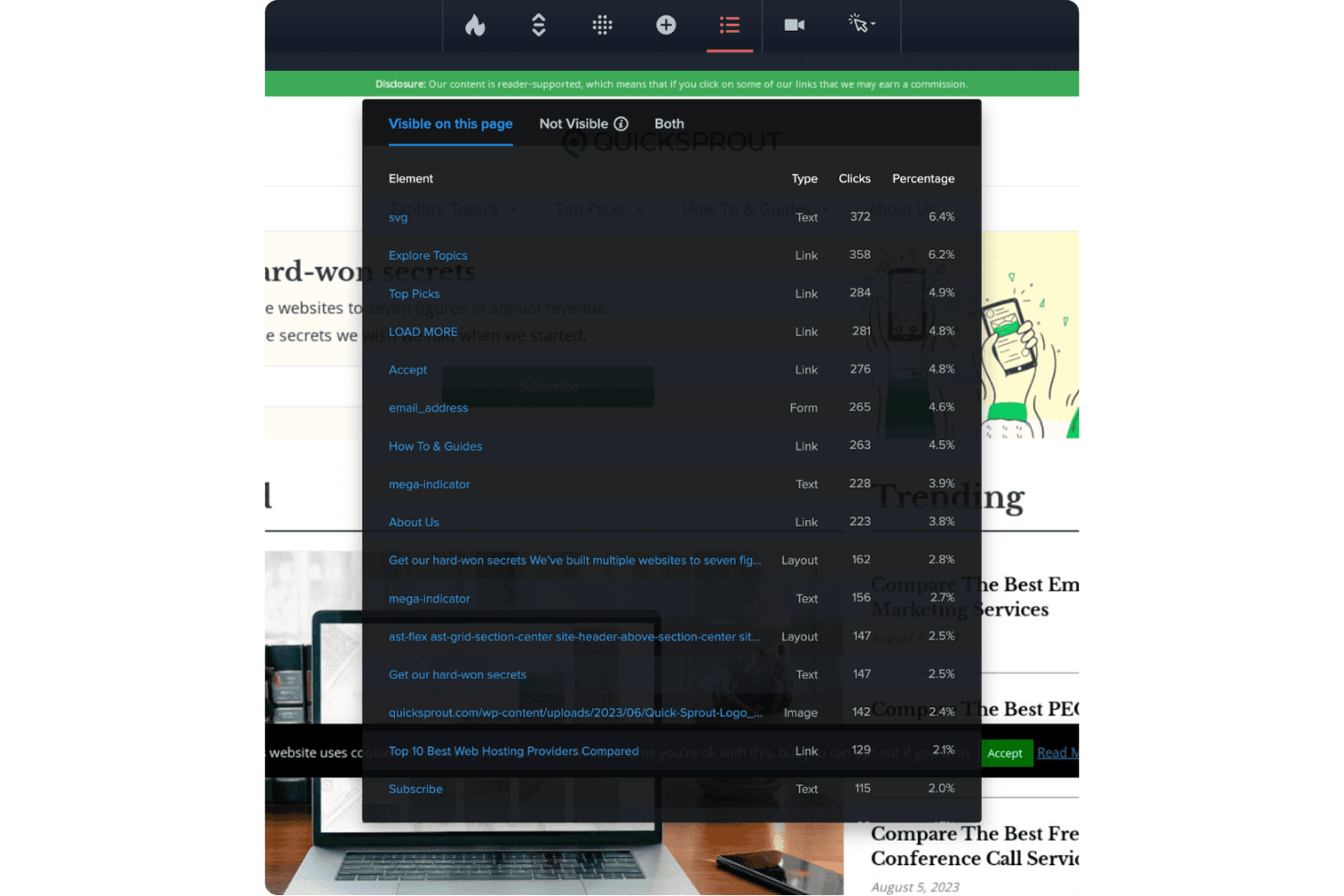
Heatmaps: You can visualize where users click, scroll, and engage on your site. This helps your team identify popular areas and optimize layout.
Session Recordings: Watch real user interactions on your site. This functionality feature lets you see exactly how visitors navigate and where they get stuck.
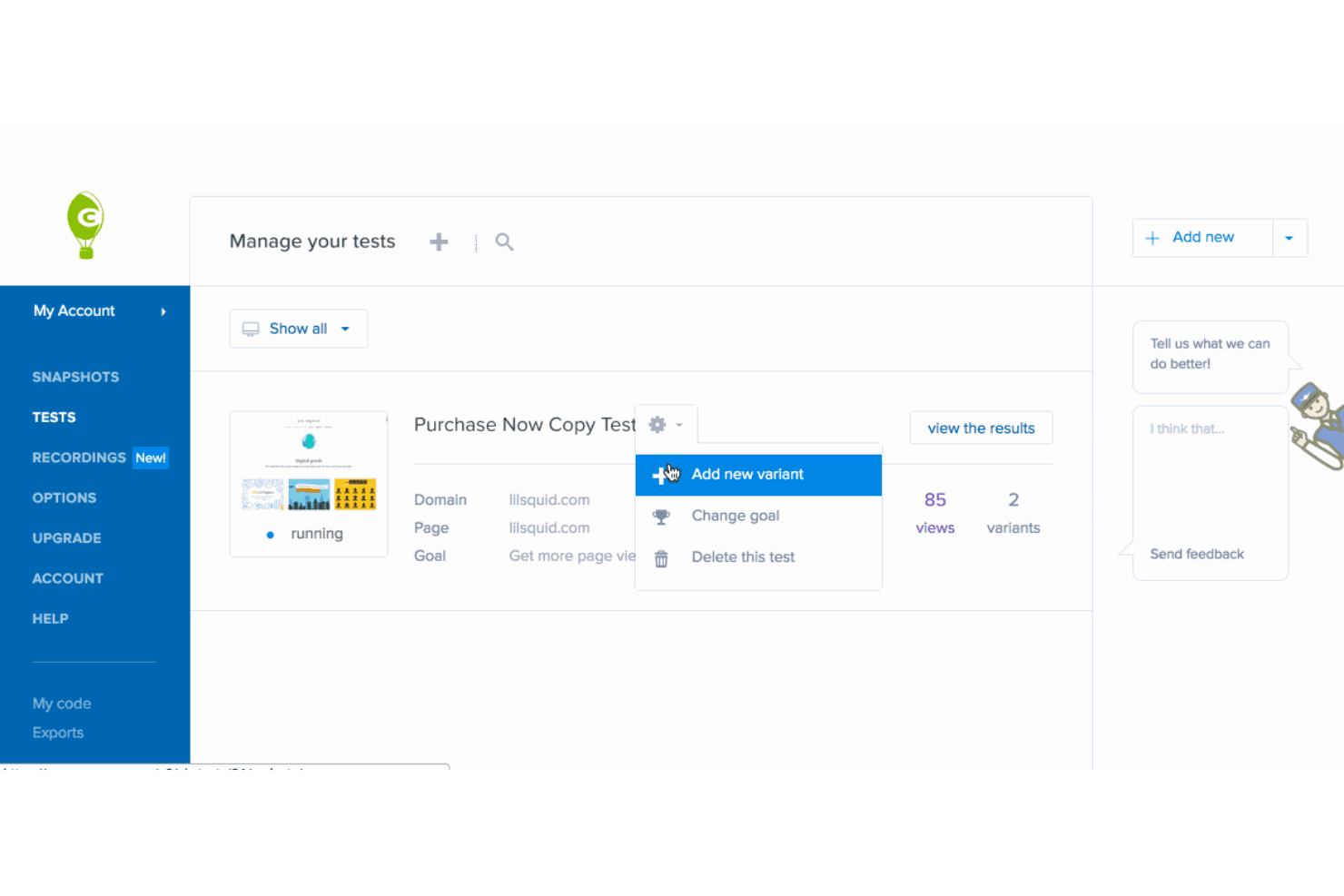
A/B Testing: Test different versions of a page to see which performs better. You’ll find this useful for conversion rate optimization and user engagement.
Traffic Analysis: Understand where your visitors come from and how they interact with your site. This helps you refine your marketing strategies and support some automation in reporting and alerts.
User Segmentation: Break down your audience into segments based on behavior. Your team can target specific user groups more effectively with this data.
Conversion Tracking: Track the steps users take to complete a desired action. You can use this to identify drop-off points and improve conversion rates.
Ease of Use
Crazy Egg is fairly user-friendly, but there's room for improvement. Your team will appreciate its clean interface and easy navigation, making it accessible even for beginners. However, some users find that the onboarding process takes extra time when exploring all features fully. Compared to other platforms, its simplicity can be a benefit if you prefer straightforward insights without complicated data analysis. Session recordings and heatmaps are intuitive, giving you quick access to valuable information without needing expert-level skills.
Integrations
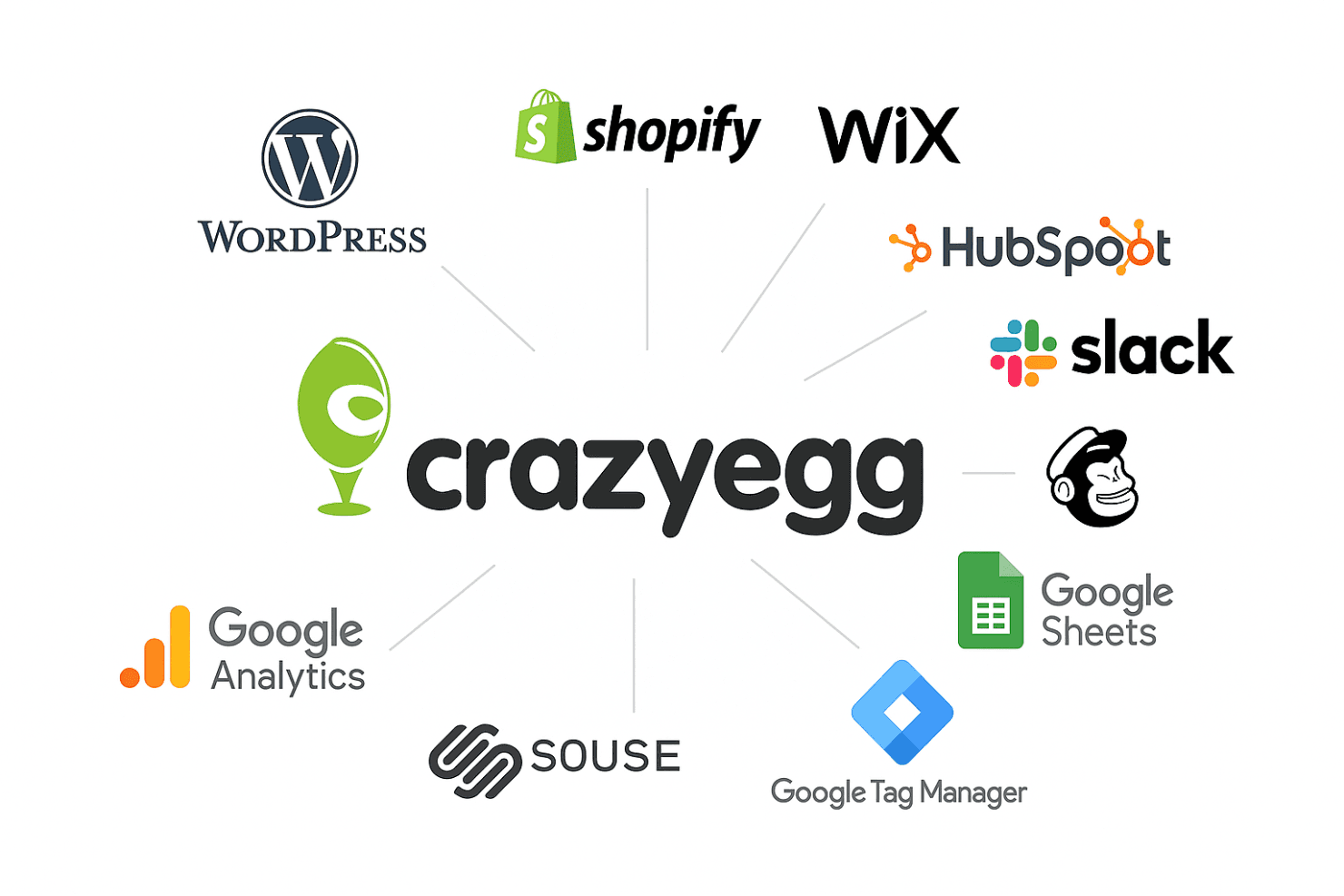
Crazy Egg integrates with Google Analytics, WordPress, Shopify, Wix, Squarespace, HubSpot, Slack, Google Tag Manager, Google Sheets, Mailchimp, and more.
Crazy Egg also has an API and connects with third-party integration tools.
Crazy Egg Specs
- A/B Testing: Yes
- AI Integration: No
- Analytics: Yes
- API: Yes
- Big Data: No
- Campaign Management: No
- Conversion Tracking: No
- Custom Reports: Yes
- Dashboard: Yes
- Data Export: Yes
- Data Import: Yes
- Data Visualization: Yes
- External Integrations: Yes
- Feedback Management: No
- Keyword Tracking: Yes
- Landing Pages: Yes
- Link Tracking: Yes
- Multi-User: Yes
- Notifications: Yes
- Process Reporting: Yes
- Referral Tracking: No
- Sentiment Analysis: No
- SEO: Yes
- Workflow Management: No


