

Kaseya-recension: Fördelar, nackdelar, funktioner och priser
Kaseya utmärker sig genom att erbjuda robust hantering av slutpunkter till konkurrenskraftiga priser, vilket gör det till ett starkt val för IT-team som söker effektiva säkerhetslösningar.

We review tools independently, and commissions help fund our testing. See our transparency policy, our methodology, or suggest a tool.
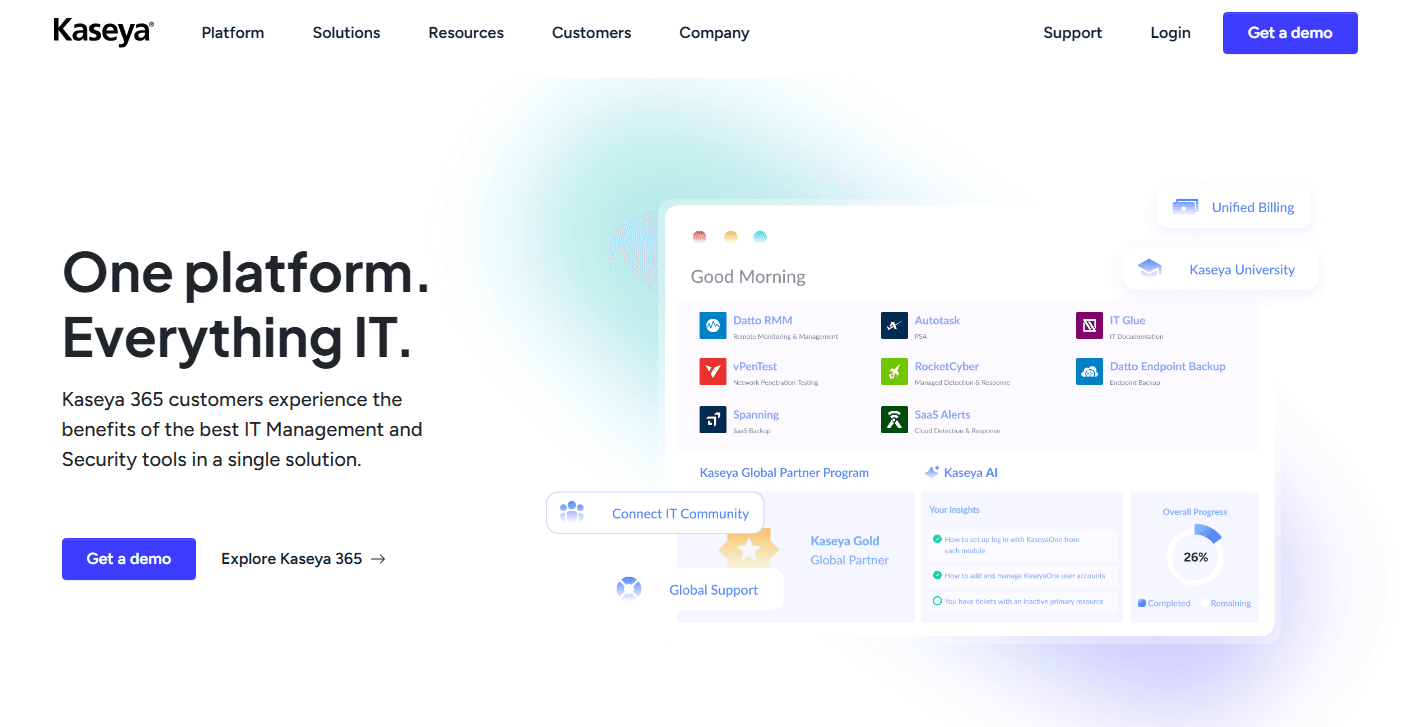
Kaseya is an endpoint protection software built for MSPs and internal IT teams managing large fleets of endpoints from a single platform. I'd consider it if your team is already operating within the Kaseya ecosystem and wants security that integrates natively with your RMM, rather than adding a standalone tool like CrowdStrike on top of a separate management layer. That tight integration between endpoint visibility and threat response is where Kaseya tends to have a real edge for teams running Kaseya VSA.
Kaseya Evaluation Summary
4/5
- Price upon request
- 14-day free trial
Varför du kan lita på våra programvarurekommendationer
6,700+
Reviews
20
Industry experts
16+
Evaluation factors
14
Years
Vårt team har testat och recenserat programvara sedan 2012. Som teknikledare själva vet vi hur svårt — och viktigt — det är att välja rätt programvara.
För den här guiden utvärderade vi verktyg genom praktisk testning och oberoende research, och betygsatte verktygen enligt våra urvalskriterier.
Våra recensioner speglar vårt mänskliga redaktionella omdöme, inte ett säljbudskap.
Expertgranskare:
- Paulo Gardini MiguelTeknikdirektör
 Tim FisherVP för AI
 Gabriel RosasTech Lead & mjukvaruarkitekt
 Christhian GruhnTech Lead & plattformsarkitekt

Kaseya Overview
In my opinion, Kaseya is a solid choice for endpoint cybersecurity, especially for mid-sized businesses and managed service providers. It excels in IT asset management with its automation capabilities and competitive pricing. However, the onboarding process and customer support could use improvement. Compared to competitors, Kaseya offers good value but may not be the easiest to use initially. It's best for teams that can invest time in learning the system and need a reliable solution for managing multiple endpoints.
Pros
- You can automate routine tasks in your IT environment with ease.
- It offers strong endpoint management features for your team.
- Its reporting tools help you track and manage your devices effectively.
Cons
- You might find the onboarding process a bit challenging.
- Customer support can be slow to respond to your issues.
- The user interface may feel outdated compared to other tools.
Is Kaseya Right For Your Needs?
Who Would be a Good Fit for Kaseya?
Kaseya suits mid-sized businesses and managed service providers that need strong endpoint management. If your team handles numerous devices, Kaseya's automation and reporting tools will help you manage them. It's especially useful if you're looking to automate routine IT tasks and need a solution that supports various devices.
- Mid-Sized BusinessesKaseya helps manage numerous devices with its automation and reporting features.
- Managed Service ProvidersYou can handle multiple clients' IT needs with Kaseya's strong management tools.
- IT DepartmentsKaseya's automation tools, such as out-of-the-box scripts, streamline your team's routine tasks.
- Healthcare IndustryKaseya ensures your devices comply with industry regulations through its comprehensive management features.
- Education SectorManage and secure numerous devices across campuses with Kaseya's endpoint management capabilities.
- Financial ServicesKaseya helps protect sensitive data with strong security measures and detailed reporting tools.
Who Would be a Bad Fit for Kaseya?
Kaseya isn't ideal for small businesses or startups with limited IT resources. Its onboarding process can be challenging, and smaller teams might struggle with its complexities. If you're in an industry that demands rapid deployment, Kaseya's interface might feel outdated. Teams needing immediate customer support may also find it lacking compared to other solutions.
- Small StartupsKaseya's complexity can overwhelm your limited IT resources.
- Rapid Deployment NeedsThe onboarding process might slow down your team's deployment timelines.
- Minimal IT TeamsKaseya's robust features require a dedicated team to manage effectively.
- Retail IndustryThe need for quick and simple solutions in retail might not align with Kaseya's setup.
- Fast-Paced EnvironmentsThe slow customer support might hinder your team's fast-paced needs.
Kaseya Specs
- API: Yes
- Batch Permissions & Access: Yes
- Customer Management: Yes
- Data Export: Yes
- Data Import: Yes
- External Integrations: Yes
- Malware Protection: Yes
- Multi-User: Yes
- Network Device Performance Monitoring: Yes
- Network Traffic Monitoring: Yes
- Network Visualization: Yes
- Notifications: Yes
- Password & Access Management: Yes


