
Recensione Duda: Pro, Contro, Funzionalità e Prezzi
Duda crea siti intuitivi e ottimizzati per dispositivi mobili con potenti strumenti di intelligenza artificiale e di e-commerce, rendendola una delle migliori scelte per agenzie e aziende focalizzate sul design.

Recensiamo gli strumenti in modo indipendente e le commissioni ci aiutano a finanziare i nostri test. Consulta la nostra politica sulla trasparenza, la nostra metodologia, oppure suggerisci uno strumento.
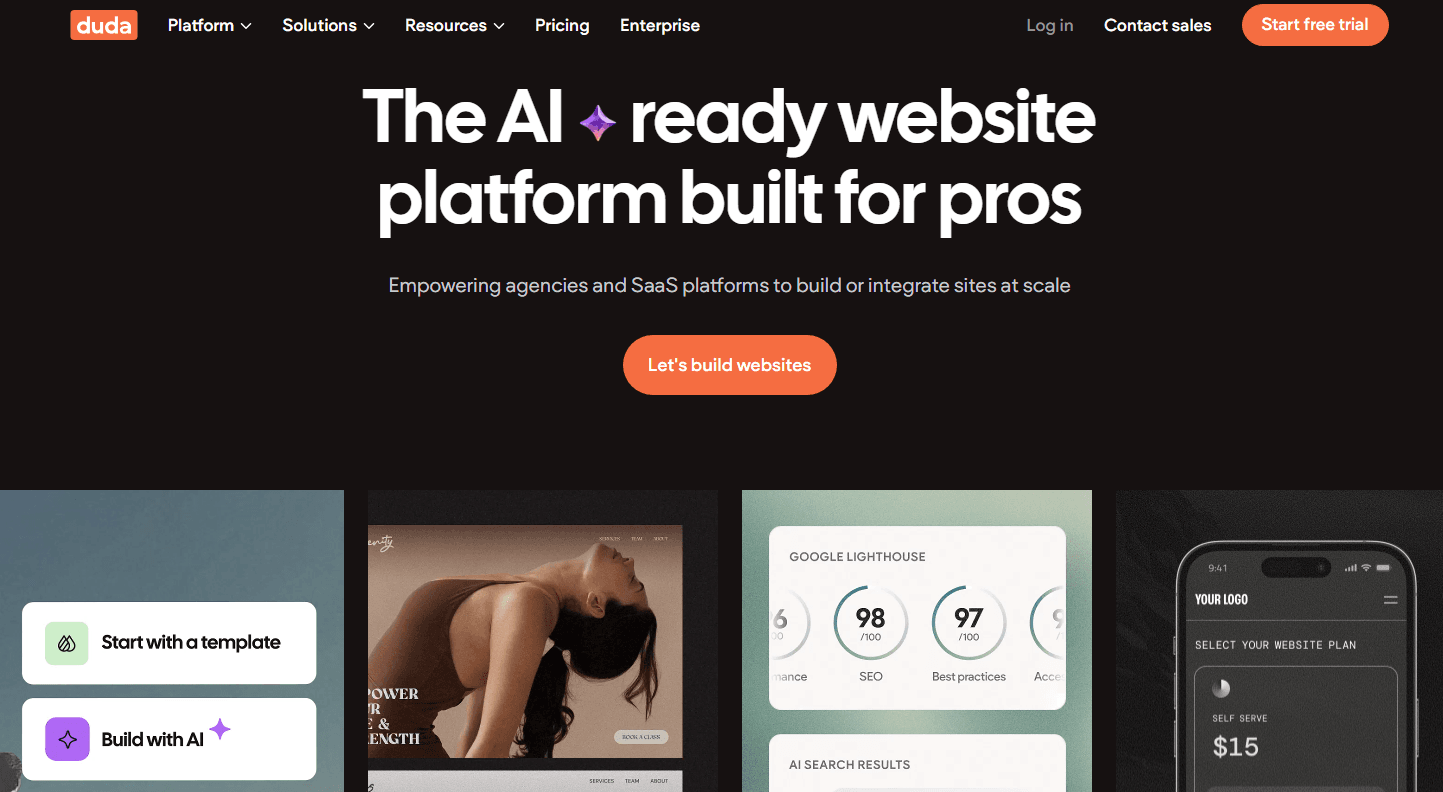
Duda is an AI software built for web professionals and agencies that need to design, manage, and white-label client websites at scale. I'd consider it over something like Webflow when your team's priority is multi-site management and client collaboration tools rather than a code-heavy, developer-first workflow. Duda gives agencies the operational structure to handle dozens of client sites without the steep learning curve.
Duda Evaluation Summary
4.6/5
- From $25/month
- 14-day free trial + free demo available
Perché fidarsi dei nostri consigli sui software
6,700+
Reviews
20
Industry experts
16+
Evaluation factors
14
Years
Il nostro team testa e recensisce software dal 2012. In quanto leader tecnologici noi stessi, sappiamo quanto sia difficile — e importante — scegliere il software giusto.
Per questa guida, abbiamo valutato gli strumenti attraverso test praticie ricerche indipendenti, assegnando un punteggio agli strumenti in base ai nostri criteri di selezione.
Le nostre recensioni riflettono il nostro giudizio editoriale umano, non un discorso di vendita.
Revisori esperti:
- Paulo Gardini MiguelDirettore tecnico
 Tim FisherVP dell'IA
 Gabriel RosasTech Lead e architetto software
 Christhian GruhnTech Lead e architetto della piattaforma

Duda Overview
In my opinion, Duda is a solid choice for agencies and small businesses needing a user-friendly platform with powerful add-ons for building websites. It stands out with its intuitive interface and excellent mobile optimization, making it easy to create professional sites without deep coding knowledge. Duda's pricing plans are competitive, though they may lack some advanced features found in pricier alternatives. Overall, Duda is best suited for teams focused on speed, rather than those needing extensive integrations or custom developments. If you're prioritizing ease of use and quick setup, Duda is worth considering.
Pros
- Beginners can create mobile-friendly websites quickly without coding.
- The platform provides an intuitive, easy-to-use interface for your team members.
- It offers strong e-commerce tools for your business needs.
Cons
- Your team might find limited advanced customization options compared to competitors like WordPress and Shopify.
- It may not meet the needs of users requiring complex integrations.
- Some users report a lack of extensive template variety.
Is Duda Right For Your Needs?
Who Would be a Good Fit for Duda?
Duda is a great fit for digital agencies and small businesses that need to build websites quickly without technical hassles. If your team values mobile optimization and ease of use, Duda's intuitive website builder lets you create professional sites without coding. It's particularly suited for industries like e-commerce, where fast, responsive design is crucial. The AI tools like AI Copilot and AI Assistant enhance your workflow by automating repetitive tasks. Teams focused on efficiency and quick turnaround will find Duda one of the best website builders available.
- Digital AgenciesYour agency can benefit from Duda's quick setup and easy-to-use interface, allowing you to deliver projects faster.
- Small BusinessesSmall businesses find Duda's mobile optimization crucial for reaching customers on any device.
- E-commerceDuda's strong e-commerce tools help your team set up online stores that are both functional and visually appealing.
- Marketing TeamsMarketing teams can use Duda's AI tools to automate content creation, saving time and improving productivity.
- FreelancersFreelancers appreciate Duda's no-code site-building, where they can create simple websites easily to expand their services.
- Design ProfessionalsDesign professionals love Duda's flexibility and design capabilities, which let them focus on creativity rather than coding.
Who Would be a Bad Fit for Duda?
Duda isn't ideal for large enterprises or tech-heavy industries needing complex integrations and advanced customization. If your team requires extensive backend development or specific integrations with custom software, Duda's site builder may not meet these needs. It lacks the deep customization options and extensive template variety that some businesses might need for highly specialized projects. Teams focused on intricate data management or unique system requirements might find Duda's capabilities limiting.
- Large EnterprisesLarge enterprises may find Duda's site builder too limited for complex integration and customization needs.
- Tech CompaniesTech companies requiring advanced backend capabilities won't find Duda suitable for their specialized projects.
- Custom DevelopmentIf your work involves custom development, Duda's limited coding options might not support your intricate needs.
- Highly Regulated IndustriesIndustries needing strict compliance and data handling may find Duda’s basic security insufficient.
- Complex Data ManagementTeams dealing with complex data systems will find Duda's platform insufficient for their management needs.
- Custom Enterprise IntegrationDuda doesn't support integrations with internal enterprise workflows, making it a poor choice for businesses with specific system requirements.
La Nostra Metodologia di Recensione
Come Testiamo e Valutiamo gli Strumenti
Abbiamo trascorso anni a costruire, perfezionare e migliorare il nostro sistema di testing e valutazione del software. Il nostro schema è progettato per cogliere le sfumature della selezione software e cosa rende efficace uno strumento, focalizzandosi sugli aspetti critici del processo decisionale.
Di seguito, puoi vedere esattamente come funziona il nostro testing e punteggio su sette criteri. Ci permette di offrire una valutazione imparziale del software basata su funzionalità principali, caratteristiche distintive, facilità d’uso, onboarding, assistenza clienti, integrazioni, recensioni dei clienti e rapporto qualità-prezzo.
Funzionalità Principali (25% del punteggio finale)
Il punto di partenza della nostra valutazione è sempre la funzionalità principale dello strumento. Ha le funzioni e caratteristiche base che ci si aspetta? Alcune di queste caratteristiche sono limitate ai piani tariffari superiori? Fondamentalmente, ci aspettiamo che uno strumento regga il confronto rispetto alle capacità di base dei concorrenti.
Caratteristiche Distintive (25% del punteggio finale)
Successivamente, valutiamo le caratteristiche distintive e non comuni che vanno oltre la funzionalità base tipicamente trovata negli strumenti di questa categoria. Un punteggio alto riflette funzionalità specializzate o uniche che rendono il prodotto più veloce, efficiente o offrono ulteriore valore all’utente.
Valutiamo inoltre quanto sia semplice integrare altri strumenti tipicamente utilizzati nell’infrastruttura tecnologica per espandere la funzionalità e l’utilità del software. Gli strumenti che offrono numerose integrazioni native, connessioni di terze parti e accesso API per creare integrazioni personalizzate ottengono i punteggi migliori.
Facilità d’Uso (10% del punteggio finale)
Consideriamo quanto sia rapido e semplice svolgere i compiti definiti nella funzionalità principale utilizzando lo strumento. Il software con punteggio alto è ben progettato, intuitivo da usare, offre app mobili, fornisce modelli e rende semplici attività relativamente complesse.
Onboarding (10% del punteggio finale)
Sappiamo quanto sia importante l’adozione rapida da parte del team per una nuova piattaforma, quindi valutiamo quanto sia facile imparare e utilizzare uno strumento con formazione minima. Valutiamo quanto velocemente un membro del team possa iniziare a usare lo strumento anche senza esperienza. Soluzioni con punteggio alto indicano che sono richiesti pochi o nessun supporto.
Assistenza Clienti (10% del punteggio finale)
Esaminiamo quanto sia veloce e facile ricevere assistenza e risolvere problemi tramite telefono, live chat o knowledge base. Gli strumenti e le aziende che garantiscono supporto in tempo reale ottengono il miglior punteggio, mentre i chatbot ottengono il peggiore.
Recensioni dei Clienti (10% del punteggio finale)
Oltre ai nostri test e valutazioni, prendiamo in considerazione il net promoter score dei clienti attuali e passati. Valutiamo la probabilità che, data la scelta, selezionerebbero nuovamente lo strumento per la funzionalità principale. Un software con punteggio alto riflette un alto net promoter score da parte dei clienti attuali o passati.
Rapporto Qualità-Prezzo (10% del punteggio finale)
Infine, considerando tutti gli altri criteri, analizziamo il prezzo medio dei piani base rispetto alle funzionalità principali e consideriamo il valore degli altri criteri di valutazione. Il software che offre di più a meno otterrà un punteggio più alto.
Core Features
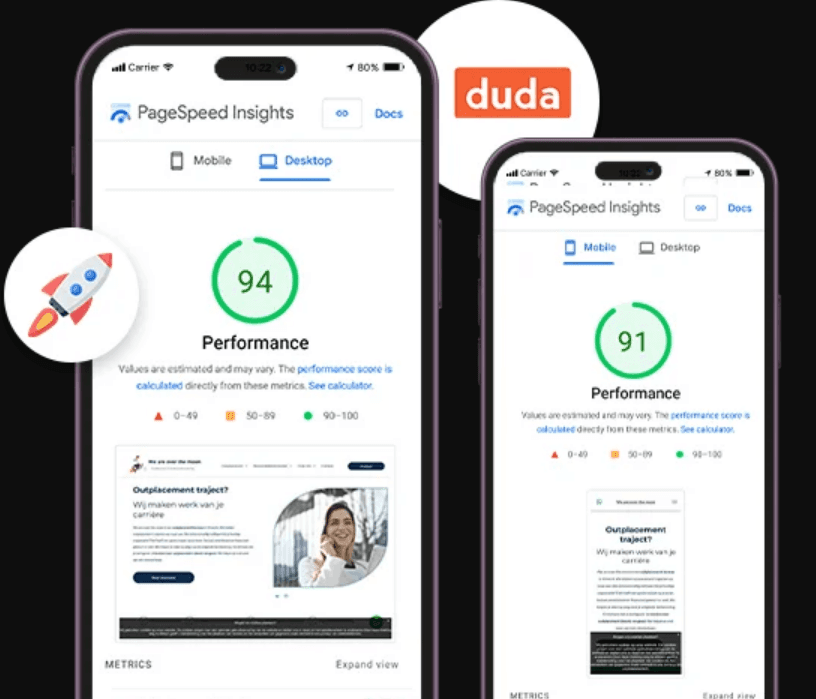
Mobile Optimization: Duda ensures your websites look great on any device by automatically adjusting layouts for mobile users. This feature helps you reach your audience wherever they are without extra work.
Drag-and-Drop Editor: You can easily create and customize your website with Duda's intuitive drag-and-drop editor. Without coding, your team can create professional landing pages.
AI Copilot: The AI Copilot assists in automating tasks, freeing up your time for more creative work. It helps streamline repetitive processes, boosting your productivity.
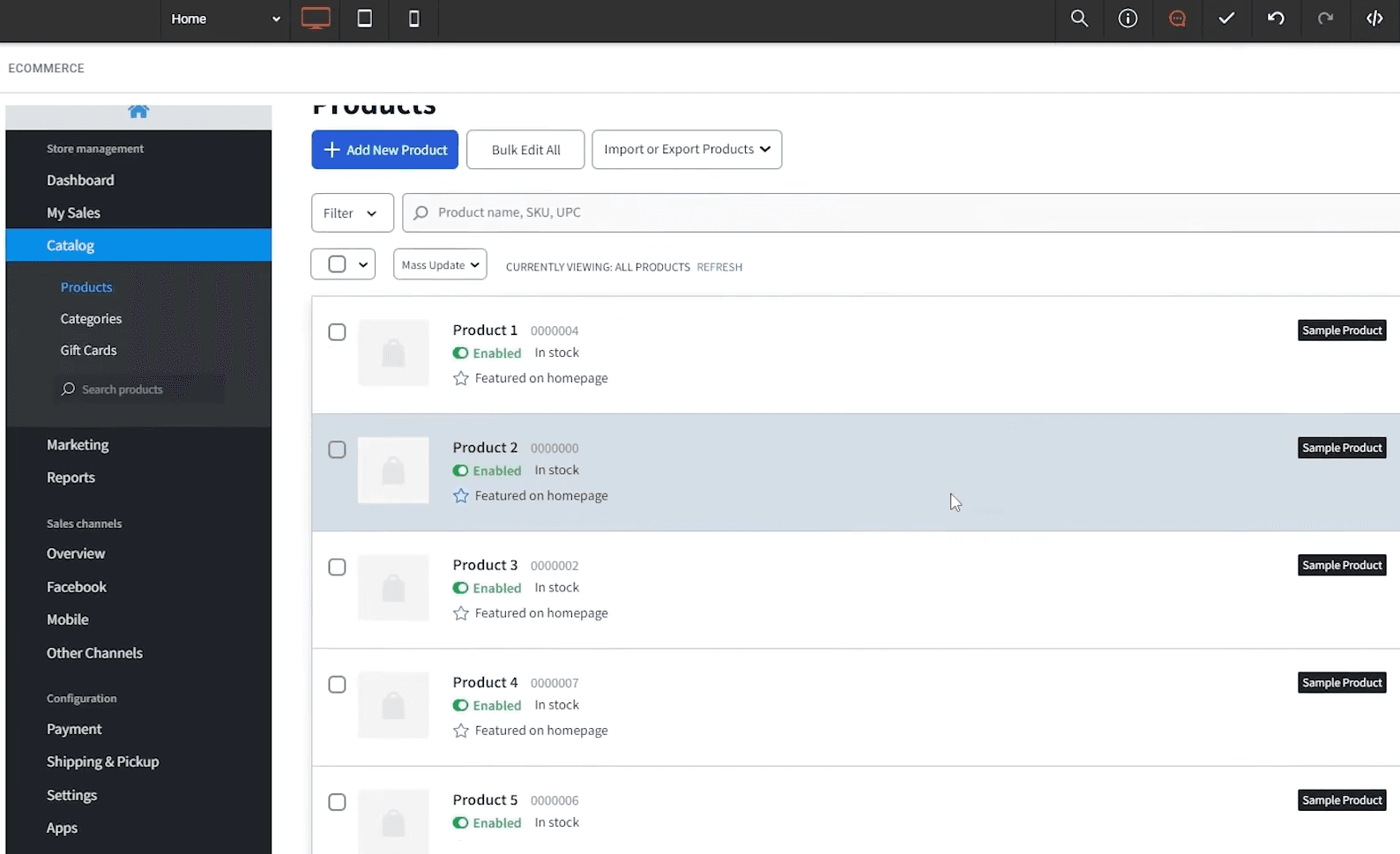
E-commerce Tools: Duda offers a range of e-commerce features like product listings and payment gateways. You can create an online store, track conversions, and manage inventories more easily.
Customizable Templates: With a variety of design templates, you can tailor your website to fit your brand's identity. This flexibility lets you create a unique look without starting from scratch.
SEO Management: Duda's built-in SEO tools help improve your site's visibility on search engines. You can easily manage meta tags, alt text, and more to enhance your online presence.
Ease of Use
Duda stands out for its user-friendliness, making it ideal for teams without technical expertise. The drag-and-drop editor allows you to build and customize sites effortlessly, saving time and reducing the learning curve. Its intuitive interface means your team can focus on web design rather than getting bogged down in coding. Once designed, you can purchase a domain name from the platform itself. Duda also automatically secures created websites with Secure Sockets Layer (SSL) to prevent unauthorized data interception.
Integrations
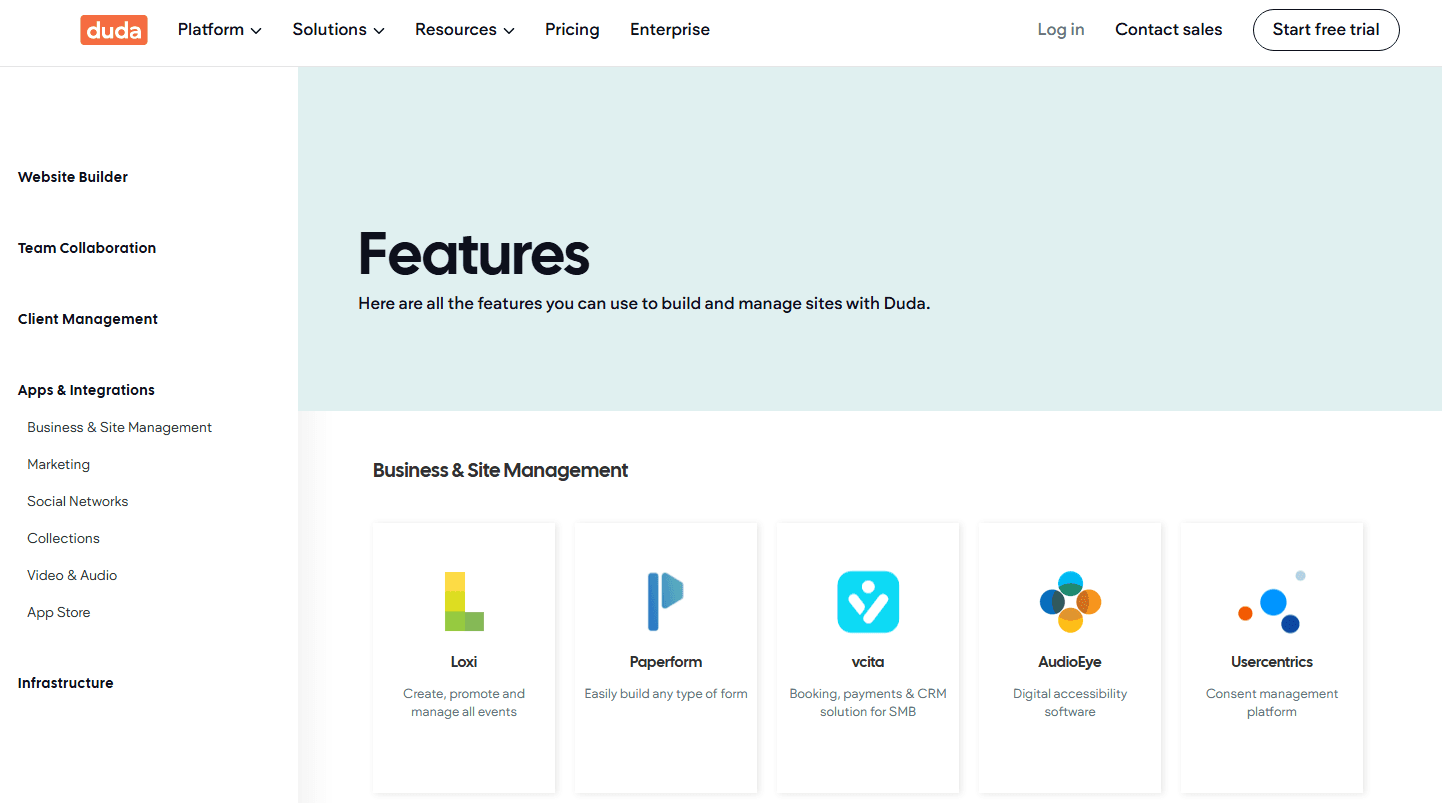
Duda integrates with Loxi, Paperform, vcita, PayPal, Google Calendar, Google Analytics, Mapbox, Zapier, Uberall, Mailchimp, and more.
Duda also provides an application programming interface (API) and connects with third-party integration tools.
Duda Specs
- A/B Testing: Yes
- API: Yes
- Data Export: Yes
- Data Import: Yes
- External Integrations: Yes
- Landing Pages: Yes
- Multi-User: Yes
- Third-Party Plugins/Add-Ons: Yes


