


Zendesk vs. Zoho Desk: Comparison and Expert Reviews for 2026

We review tools independently, and commissions help fund our testing. See our transparency policy, our methodology, or suggest a tool.
Choosing between Zendesk and Zoho Desk often comes down to whether you want Zendesk’s polished, enterprise-ready experience or Zoho Desk’s flexible, budget-friendly approach to IT helpdesk software. If you’re weighing these two, you’re likely searching for a solution that can handle complex ticketing, streamline support, and keep your team productive, without creating new headaches.
This guide breaks down the real-world differences, strengths, and tradeoffs so you can confidently pick the right fit for your IT environment.
Zendesk
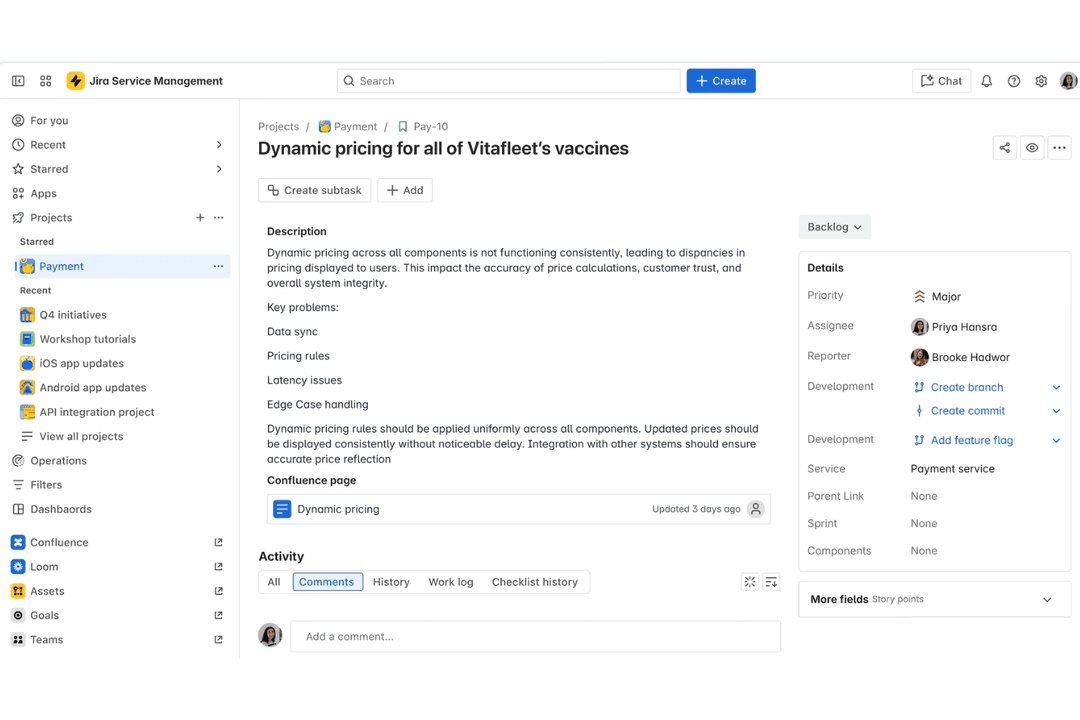
4.3/5
- Free trial available
- From $25/agent/month (billed annually)
Zoho Desk
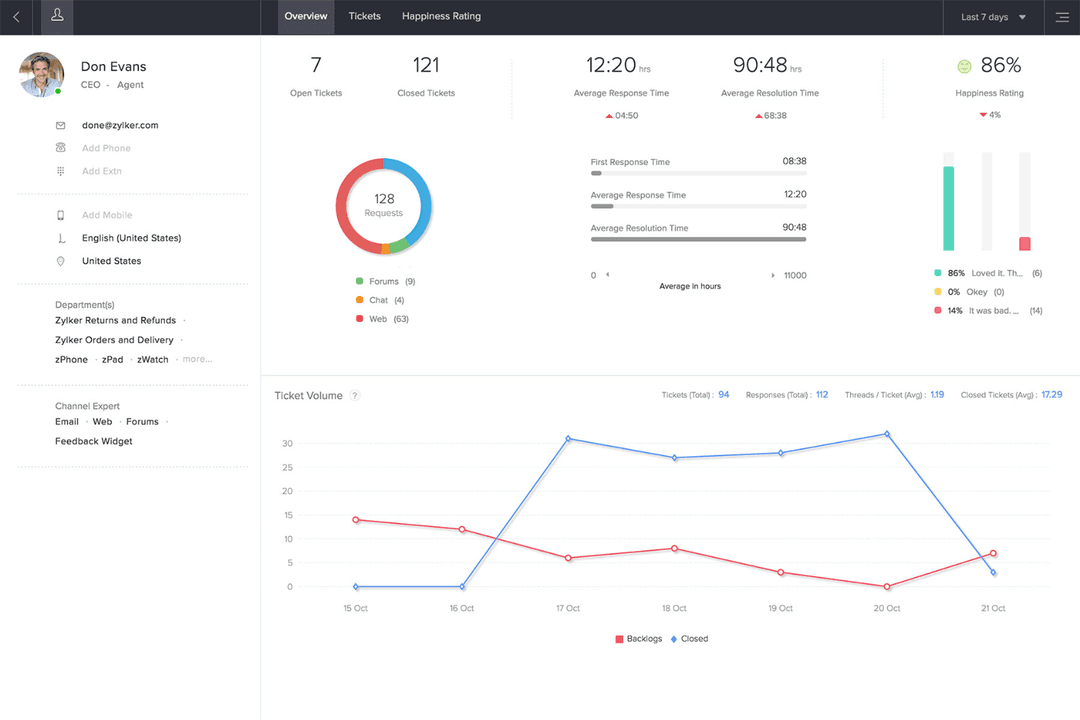

4.4/5
- 15-day free trial
- Pricing upon request
Why Trust Our Software Recommendations
6,700+
Reviews
20
Industry experts
16+
Evaluation factors
14
Years
Our team has been testing and reviewing software since 2012. As tech leaders ourselves, we know how difficult—and important—it is to choose the right software.
For this guide, we evaluated tools using hands-on testing and independent research, scoring tools using our selection criteria.
Our reviews reflect our human editorial judgment, not a sales pitch.
Expert reviewers:
- Paulo Gardini MiguelTech Director
 Tim FisherVP of AI
 Gabriel RosasTech Lead & Software Architect
 Christhian GruhnTech Lead & Platform Architect

| Zendesk | Zoho Desk | |
|---|---|---|
| Free Trial | Free trial available | 15-day free trial |
| Pricing | From $25/agent/month (billed annually) | Pricing upon request |
Zendesk vs. Zoho Desk Pricing & Hidden Costs
Zendesk uses a tiered subscription model, with each plan unlocking more advanced features and integrations. You may encounter extra charges for add-ons, premium support, or advanced analytics, so costs can climb as your needs grow. Zoho Desk also offers tiered plans, but tends to bundle more features at each level and includes some customization options at no extra charge. However, you might still face additional fees for certain integrations or expanded automation.
To choose the right pricing model, map out your must-have features and estimate how your support needs might evolve over the next year or two. Look beyond the base price, factor in potential add-ons, integration costs, and user limits. Ask each vendor for a detailed quote based on your real usage scenarios, and request clarity on what’s included versus what’s extra.
Both Zendesk and Zoho Desk overlap heavily in core help desk functionality, offering multi-channel ticketing, automation, knowledge bases, and reporting in a single platform. They’re designed to centralize customer conversations across email, chat, and social channels while helping teams track performance and resolve issues efficiently.
In practice, most teams can run a full support operation on either tool, since both include workflows, SLAs, analytics dashboards, and self-service capabilities out of the box. Where they stand out is in how those features are executed.
Zendesk differentiates itself with a deeply unified omnichannel workspace and advanced automation (like skill-based routing and macros) built for complex, high-volume environments.
Zoho Desk, on the other hand, stands out with its built-in AI assistant (Zia) and strong no-code customization, giving smaller teams powerful automation and insights without needing add-ons or technical expertise.
| Zendesk | Zoho Desk | |
|---|---|---|
| Analytics | Yes | Yes |
| API | Yes | Yes |
| Batch Permissions & Access | No | Yes |
| Call Integration | Yes | Yes |
| Chat | Yes | Yes |
| Contact Management | Yes | Yes |
| Contact Sharing | Yes | Yes |
| CRM Integration | Yes | Yes |
| Customer Management | Yes | Yes |
| Customer Service | Yes | No |
| Dashboard | Yes | Yes |
| Data Export | Yes | Yes |
| Data Import | Yes | Yes |
| Data Visualization | Yes | Yes |
| Email Integration | Yes | Yes |
| Escalation Management | Yes | Yes |
| External Integrations | Yes | Yes |
| Instant Chat Integration | Yes | Yes |
| Knowledge Base | Yes | Yes |
| Lead Management | No | Yes |
| Lead Scoring | No | Yes |
| Multi-User | Yes | Yes |
| Notifications | Yes | Yes |
| Real-time Alerts | Yes | Yes |
| Scheduling | Yes | Yes |
| Self-service Portal | Yes | Yes |
| Social Media Integration | Yes | Yes |
| Support Forum | Yes | Yes |
| Third-Party Plugins/Add-Ons | Yes | Yes |
| Ticket Management | Yes | Yes |
| Workflow Management | Yes | Yes |
| Integration | Zendesk | Zoho Desk |
| Slack | ✅ | ✅ |
| Microsoft Teams | ✅ | ✅ |
| Salesforce | ✅ | ✅ |
| Jira | ✅ | ✅ |
| Shopify | ✅ | ❌ |
| HubSpot | ✅ | ✅ |
| Trello | ✅ | ❌ |
| Zoho CRM | ❌ | ✅ |
| Google Workspace | ✅ | ✅ |
| API | ✅ | ✅ |
| Zapier | ✅ | ✅ |
Both Zendesk and Zoho Desk cover the most popular integrations IT teams rely on, but Zendesk offers a slightly broader range, especially for eCommerce and project management tools. Zoho Desk, on the other hand, is especially powerful for deeply integrating with tools within the Zoho system. With API and Zapier support in both platforms, you can connect to almost any system, so either solution should fit most integration needs.
| Factor | Zendesk | Zoho Desk |
| Data Encryption | Encrypts data in transit and at rest using industry-standard protocols. | Uses TLS/SSL for data in transit and AES-256 for data at rest. |
| Regulatory Compliance | Offers GDPR, SOC 2, and HIPAA compliance options for enterprise clients. | Provides GDPR compliance and supports other global privacy standards. |
| Access Controls | Supports SSO, role-based permissions, and detailed audit logs. | Includes SSO, custom roles, and granular permission settings. |
| Uptime Guarantee | Delivers a published 99.9% uptime SLA with real-time status monitoring. | Maintains high uptime with a public status page and proactive alerts. |
Both Zendesk and Zoho Desk deliver strong security and compliance, but Zendesk stands out with more advanced certifications and a published uptime SLA. Zendesk’s enterprise-grade compliance and monitoring appeal to larger organizations, while Zoho Desk’s privacy controls and reliability are a great fit for teams focused on data protection and operational continuity.
| Factor | Zendesk | Zoho Desk |
| User Interface | Features a polished, modern interface with intuitive navigation and clear ticket views. | Offers a clean, customizable dashboard that adapts to different workflows. |
| Onboarding | Provides guided setup, in-app tutorials, and a robust knowledge base for new users. | Includes step-by-step onboarding, contextual help, and video guides. |
| Customization | Allows limited UI customization but strong workflow customization and automation. | Enables deep customization of layouts, fields, and automation rules. |
| Support Resources | Offers 24/7 support, community forums, and extensive documentation. | Delivers responsive support, detailed help docs, and active user forums. |
Zendesk feels more polished and ready out of the box, while Zoho Desk gives you more flexibility to tailor the experience to your team’s needs. Zendesk’s interface and onboarding are especially strong for new users, but Zoho Desk’s customization options make it a favorite for teams with unique workflows.
Zendesk
- Your team can easily manage customer interactions with its intuitive interface.
- It offers powerful reporting tools to help you track and improve performance.
- Zendesk provides excellent support, ensuring your issues are addressed promptly.
- You might find the initial setup process a bit complex.
- Customization options can feel limited for advanced users.
- Some users report occasional delays in loading times.
Zoho Desk
- Automation rules simplify repetitive ticket management tasks
- AI-powered suggestions help agents resolve tickets faster
- Multi-channel support covers email, chat, phone, and social media
- Reporting customization is limited for complex analytics needs
- Some users report slow or inconsistent customer support
- Bulk ticket updates can be slow with large ticket volumes
Zendesk
- Large EnterprisesZendesk scales well for companies with high customer support volumes and complex workflows.
- E-commerceThe platform integrates with online stores and provides tools for managing high volumes of customer inquiries.
- SaaS CompaniesZendesk's features align well with subscription-based businesses needing to manage ongoing customer relationships.
- IT DepartmentsThe software offers IT service management capabilities suitable for handling internal tech support requests.
- Multichannel SupportZendesk excels in unifying customer interactions across various channels like email, chat, and social media.
- Global TeamsThe platform supports multiple languages and time zones, making it suitable for international customer service operations.
Zoho Desk
- Healthcare ClinicsHIPAA-compliant workflows and secure ticket handling protect patient data.
- Education InstitutionsSelf-service portals and knowledge base tools support students and staff.
- Internal IT DepartmentsCustomizable SLAs and ticket routing fit internal support needs.
- Ecommerce RetailersMulti-channel support covers email, chat, and social media inquiries.
- Managed IT ServicesCentralized ticketing and workflow automation streamline client support operations.
- SaaS StartupsZoho Desk’s automation and affordable plans help manage rapid ticket growth.
Who Should Use Zendesk, and Who Should Use Zoho Desk?
Zendesk is best suited for mid-sized to large organizations, enterprise teams, or fast-scaling companies that need highly advanced automation, deep integrations, and robust reporting.
It’s particularly strong for businesses managing complex support operations, multiple channels, or strict compliance requirements. If you prioritize a polished user experience and need a platform that can handle sophisticated workflows at scale, Zendesk is the better choice—though it comes with higher cost and setup complexity.
Zoho Desk is a strong fit for small to mid-sized businesses, budget-conscious teams, or companies already using the Zoho ecosystem. It offers solid functionality, flexible customization, and easier setup without requiring heavy technical resources. Choose Zoho Desk if you want a cost-effective, user-friendly help desk that covers all core support needs, with the ability to grow—though it may feel limiting for highly complex or enterprise-scale environments.
| Zendesk | Zoho Desk | |
|---|---|---|
| Automation | Zendesk Advanced, highly granular automation (triggers, macros, AI routing, SLAs) suited for complex workflows. | Zoho Desk Flexible automation with custom rules and blueprints. |
| Customization | Zendesk Limited UI customization but highly customizable in other ways (APIs, workflows, help centers). Customization often requires technical expertise. | Zoho Desk Easier, no-code customization (layouts, fields, workflows) with less technical effort. |
| Free Plan | Zendesk No free plan. | Zoho Desk Free plan available (limited to small teams). |
| Integration Range | Zendesk Broader integrations with third-party apps and enterprise platforms. | Zoho Desk Strong Zoho ecosystem integration and popular third-party apps. |
| Reporting & Analytics | Zendesk Advanced analytics (Zendesk Explore) with deep customization. | Zoho Desk Solid reporting but less flexible for enterprise-level analysis. |
| API & Zapier | Both offer open APIs and Zapier integration, making it easy to connect with other tools and automate tasks. |
|---|---|
| Knowledge Base | Each provides a built-in knowledge base for self-service, with customizable articles and search features. |
| Mobile Apps | Both offer mobile apps for iOS and Android so agents can manage tickets on the go. |
| SLA Management | Each supports SLA policies, escalation rules, and automated reminders to help teams meet response targets. |
| Ticket Management | Both offer multi-channel ticketing, automated ticket assignment, and easy tracking for efficient support. |