

Valimail Review: Pros, Cons, Features and Pricing Explained
I dive into how Valimail turns DMARC from a technical headache into a streamlined solution, revealing where it truly stands out—and what you should watch for before you commit.

We review tools independently, and commissions help fund our testing. See our transparency policy, our methodology, or suggest a tool.
Valimail is DMARC software for organizations that need to authenticate outbound email, prevent domain spoofing, and reach DMARC enforcement without manually managing SPF and DKIM records. I'd consider it over a tool like Proofpoint Email Fraud Defense if you want automated DNS-based authentication and a faster path to enforcement without the heavier configuration and consulting overhead that enterprise suites often bring. As a DMARC solution it leans on automation rather than consulting hours, which is the main reason DMARC management stops being a standing quarterly project.
Valimail Evaluation Summary
4.5/5
- Pricing upon request
- Free plan available
Why Trust Our Software Recommendations
6,700+
Reviews
20
Industry experts
16+
Evaluation factors
14
Years
Our team has been testing and reviewing software since 2012. As tech leaders ourselves, we know how difficult—and important—it is to choose the right software.
For this guide, we evaluated tools using hands-on testing and independent research, scoring tools using our selection criteria.
Our reviews reflect our human editorial judgment, not a sales pitch.
Expert reviewers:
- Paulo Gardini MiguelTech Director
 Tim FisherVP of AI
 Gabriel RosasTech Lead & Software Architect
 Christhian GruhnTech Lead & Platform Architect

Valimail Overview
I think Valimail is a top pick if you want DMARC enforcement that minimizes manual work and accelerates deployment. Its automation, clear interface, and integration with Microsoft 365 make it easier for IT teams to roll out quickly compared to tools that require more hands-on management. Getting from monitoring to p=reject is the whole job, and the way it parses DMARC reports for you is what shortens that path. You give up some advanced customization and reporting, and pricing is on the premium side, but I’d select it when you need to protect a complex mail environment without sinking lots of hours into DNS management or training.
Pros
- Automates SPF and DKIM management for rapid DMARC enforcement
- Provides detailed sender discovery diagnostics for unknown sources
- Responsive support team assists with complex domain configurations
Cons
- Limited customization for advanced reporting dashboards
- Premium pricing compared to direct competitors in the market
- Some users report delays in processing DNS changes


Our Review Methodology
How We Test & Score Tools
We’ve spent years building, refining, and improving our software testing and scoring system. The rubric is designed to capture the nuances of software selection and what makes a tool effective, focusing on critical aspects of the decision-making process.
Below, you can see exactly how our testing and scoring works across seven criteria. It allows us to provide an unbiased evaluation of the software based on core functionality, standout features, ease of use, onboarding, customer support, integrations, customer reviews, and value for money.
Core Functionality (25% of final scoring)
The starting point of our evaluation is always the core functionality of the tool. Does it have the basic features and functions that a user would expect to see? Are any of those core features locked to higher-tiered pricing plans? At its core, we expect a tool to stand up against the baseline capabilities of its competitors.
Standout Features (25% of final scoring)
Next, we evaluate uncommon standout features that go above and beyond the core functionality typically found in tools of its kind. A high score reflects specialized or unique features that make the product faster, more efficient, or offer additional value to the user.
We also evaluate how easy it is to integrate with other tools typically found in the tech stack to expand the functionality and utility of the software. Tools offering plentiful native integrations, 3rd party connections, and API access to build custom integrations score best.
Ease of Use (10% of final scoring)
We consider how quick and easy it is to execute the tasks defined in the core functionality using the tool. High scoring software is well designed, intuitive to use, offers mobile apps, provides templates, and makes relatively complex tasks seem simple.
Onboarding (10% of final scoring)
We know how important rapid team adoption is for a new platform, so we evaluate how easy it is to learn and use a tool with minimal training. We evaluate how quickly a team member can get set up and start using the tool with no experience. High scoring solutions indicate little or no support is required.
Customer Support (10% of final scoring)
We review how quick and easy it is to get unstuck and find help by phone, live chat, or knowledge base. Tools and companies that provide real-time support score best, while chatbots score worst.
Customer Reviews (10% of final scoring)
Beyond our own testing and evaluation, we consider the net promoter score from current and past customers. We review their likelihood, given the option, to choose the tool again for the core functionality. A high scoring software reflects a high net promoter score from current or past customers.
Value for Money (10% of final scoring)
Lastly, in consideration of all the other criteria, we review the average price of entry level plans against the core features and consider the value of the other evaluation criteria. Software that delivers more, for less, will score higher.
Core Features
Automated DMARC Enforcement
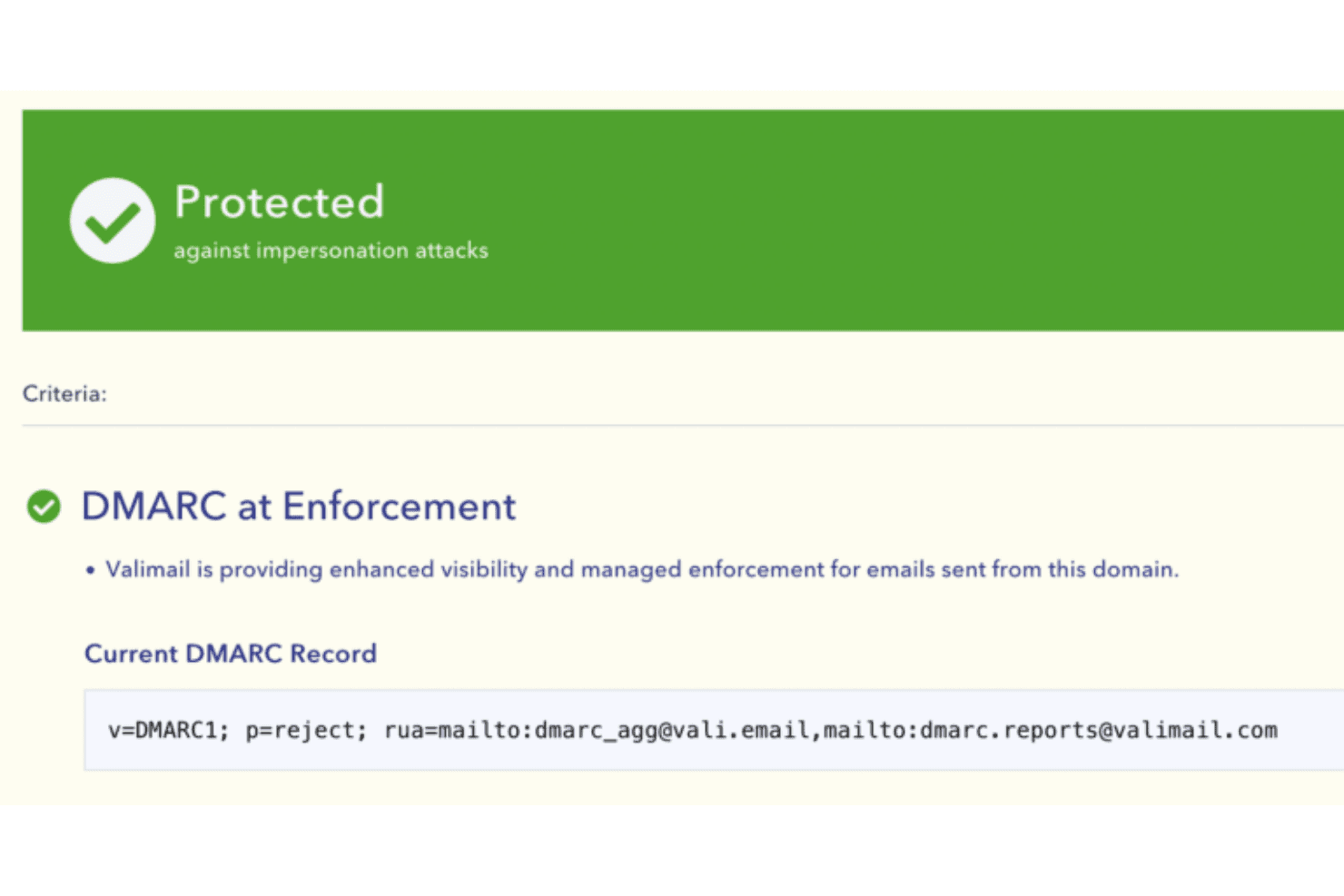
Automatically moves domains to DMARC enforcement using proprietary automation. This helps organizations quickly achieve full protection without manual policy updates.
Sender Discovery and Analysis
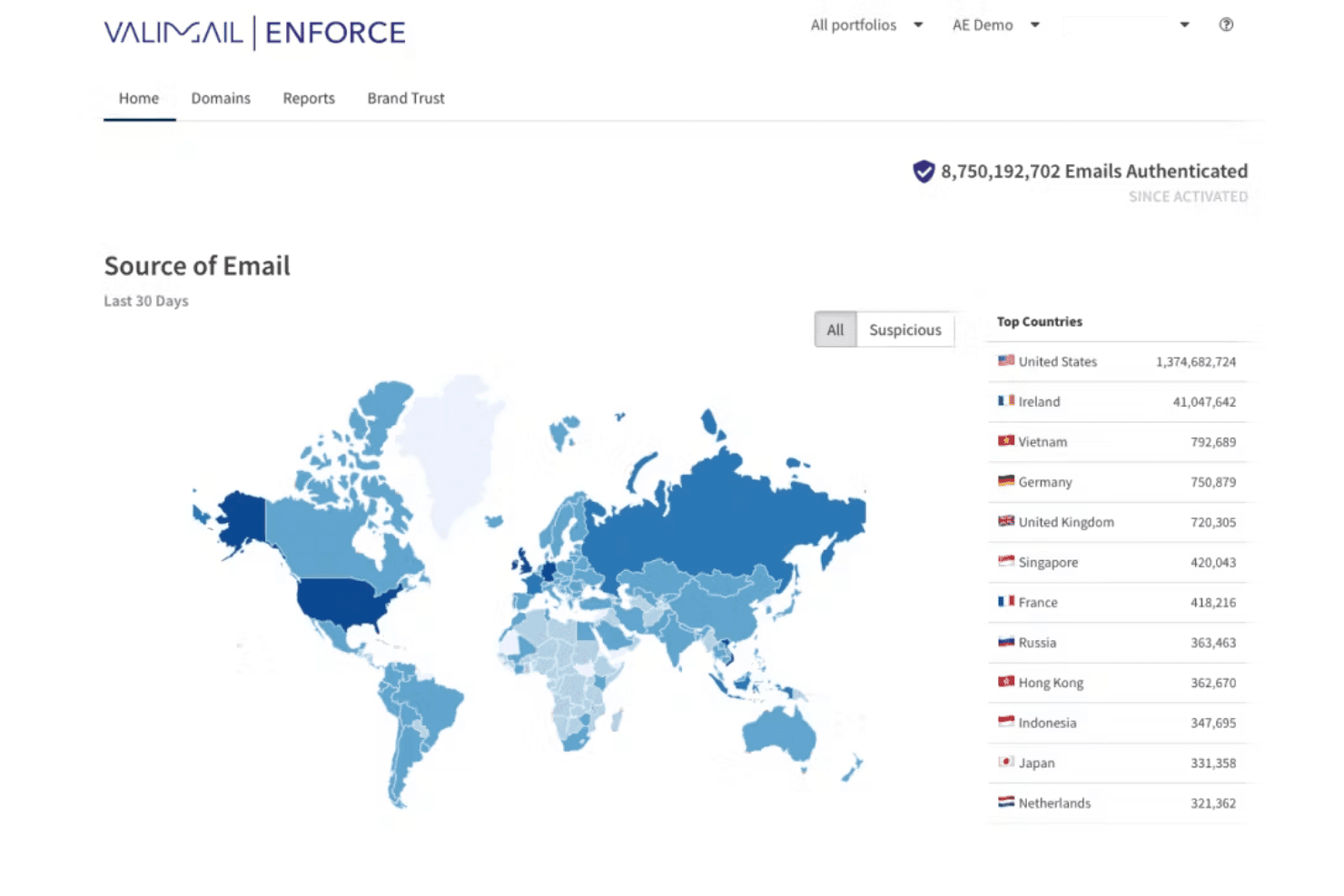
Finds and maps every legitimate and unauthorized email sender for your domains. Users get a clear list of each source, IP address, and service to eliminate blind spots.
Self-Service Policy Management
Update, enforce, or relax DMARC policies with a few clicks. DMARC monitoring runs alongside, so you never touch a DNS TXT record directly.
Real-Time Monitoring and Alerts
Valimail Monitor delivers ongoing visibility into authentication status through a live dashboard. It notifies you immediately about authentication failures or threats.
Identity-Based Email Authentication
Ties authentication to identities instead of IPs or mail servers. This makes it easier to keep up with complex and changing cloud or hybrid environments.
Guided Onboarding and Support
Guides users step by step to full DMARC enforcement with in-app help and expert support. Even teams with limited email security experience can reach compliance swiftly.
Ease of Use
Valimail stands out for user-friendliness, thanks to its automated enforcement workflows and visual tools that simplify complex DMARC tasks. I’ve seen users highlight how its sender discovery feature and guided onboarding save time, while the clear dashboard helps spot authentication issues fast. As a DMARC platform it also nudges email deliverability in the right direction, since properly authenticated mail lands more reliably. Even teams with limited email security experience say they’re able to reach compliance without outside consultants.

Integrations
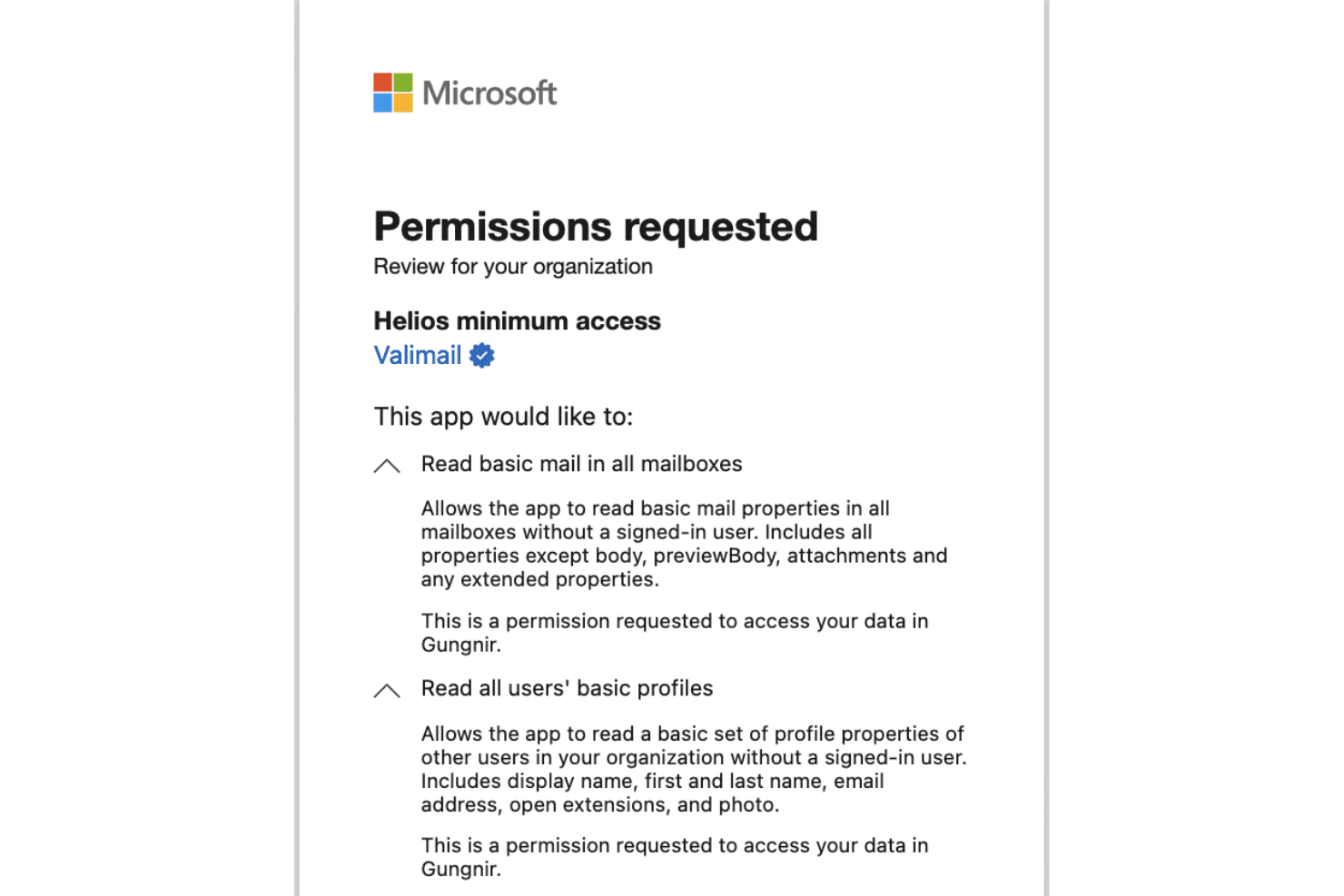
Valimail offers documented integrations with Microsoft 365, Google Workspace, and Microsoft Sentinel. It also provides APIs that support custom workflows, reporting, and configuration.
Valimail Specs
- 2-Factor Authentication: Yes
- Accounts Payable: Yes
- Accounts Receivable: Yes
- API: Yes
- Approval Workflows: Yes
- Balance Sheet: Yes
- Billing/Invoicing: Yes
- Budgeting: Yes
- Calendar Management: Yes
- Comparative Reporting: Yes
- CRM Integration: Yes
- Custom Reports: Yes
- Customer Management: Yes
- Dashboard: Yes
- Data Export: Yes
- Data Import: Yes
- Data Visualization: Yes
- Expense Tracking: Yes
- External Integrations: Yes
- Forecasting: Yes
- General Account Ledger: Yes
- Historical Data Analysis: Yes
- Inventory Tracking: Yes
- Multi-Currency: Yes
- Multi-User: Yes
- Notifications: Yes
- P&L: Yes
- Payroll: Yes
- Scenario Planning: Yes
- Scheduling: Yes
- Supplier Management: Yes
- Tax Management: Yes
- Time Management: Yes


