

KNIME-beoordeling: voor- en nadelen, functies en prijzen
Het open-source KNIME-analyseplatform biedt uw team uitgebreide mogelijkheden voor gegevensintegratie van begin tot eind en een flexibiliteit die door de meeste concurrenten niet wordt geëvenaard.

We review tools independently, and commissions help fund our testing. See our transparency policy, our methodology, or suggest a tool.
KNIME is an open-source data integration tool for teams that need to build, automate, and run data pipelines using a visual, node-based workflow designer. It's worth a serious look if your team needs flexible ETL and analytics workflows but can't justify the licensing costs of something like Alteryx. KNIME's open-source model gives you access to a broad library of nodes and extensions at no cost, making it a practical pick for data engineering and analytics teams working within tighter budget constraints.
KNIME Evaluation Summary
4.6/5
- From $19/month
- Free plan available
Waarom u onze softwareaanbevelingen kunt vertrouwen
6,700+
Reviews
20
Industry experts
16+
Evaluation factors
14
Years
Ons team test en beoordeelt software sinds 2012. Als technologieleiders weten we zelf hoe moeilijk — en belangrijk — het is om de juiste software te kiezen.
Voor deze gids hebben we tools geëvalueerd met behulp van praktijktests en onafhankelijk onderzoek, waarbij we tools beoordeeden aan de hand van onze selectiecriteria.
Onze reviews weerspiegelen ons menselijke redactionele oordeel, geen verkooppraatje.
Deskundige beoordelaars:
- Paulo Gardini MiguelTechnisch directeur
 Tim FisherVP AI
 Gabriel RosasTech Lead & software-architect
 Christhian GruhnTech Lead & platformarchitect

KNIME Overview
In my opinion, KNIME is a solid choice for data preprocessing and integration, especially for teams that value an open-source platform. It offers flexibility, strong scalability, and extensive integration options, suitable for businesses with complex data needs. However, the onboarding process could be smoother, and some users may find the interface less intuitive than competitors such as Alteryx.
KNIME is best for data scientists, IT departments, and software engineering teams in finance and healthcare where complex workflows are common. Despite minor drawbacks, its value for money and excellent support make it a strong contender among machine learning platforms.
Pros
- KNIME offers a user-friendly drag-and-drop interface for easy workflow creation.
- It supports a wide range of data formats.
- Its open-source nature allows your team to customize and extend its capabilities.
Cons
- The interface can be less intuitive for beginners compared to other tools.
- Onboarding may require more time and resources than expected.
- Some users find the documentation lacking in detailed explanations.
Is KNIME Right For Your Needs?
Who Would be a Good Fit for KNIME?
KNIME is a great fit for data scientists and IT teams in industries such as finance, healthcare, and research. Its open-source platform allows your team to customize workflows and handle complex data. KNIME's drag-and-drop interface simplifies data processing, making it suitable for building data models without extensive coding. KNIME is ideal if your work involves diverse data formats.
- Finance TeamsKNIME allows your finance team to manage complex workflows and analyze large datasets for risk assessment and fraud detection.
- Healthcare ResearchersKNIME helps your researchers integrate and analyze patient data for insights into treatment outcomes.
- Marketing DepartmentsUse KNIME to process and analyze customer data, which helps your team tailor effective marketing strategies.
- Medium-Sized EnterprisesKNIME’s flexibility and cost-efficiency make it suitable for your enterprise's growing data needs.
- Academic ResearchersKNIME supports complex data analysis, making it ideal for your academic research projects.
- IT DepartmentsKNIME enables your IT team to automate data workflows and integrate diverse data sources.
Who Would be a Bad Fit for KNIME?
KNIME may not be suitable for small businesses or teams with limited technical expertise. While its interface is powerful, it can be daunting for users without a data science background. If your team lacks the resources for a steep learning curve or detailed onboarding, KNIME's complexities may outweigh its benefits. It may also not be ideal if your work requires real-time data processing.
- Small StartupsYour startup may struggle with KNIME's complexity, especially if your technical resources are limited.
- Retail ChainsThe real-time data processing needs in retail could make KNIME a less efficient choice for your team.
- Non-Tech DepartmentsDepartments without tech-savvy staff may find KNIME's interface challenging and time-consuming.
- Event Planning TeamsYour team's need for quick, simple data insights may be hindered by KNIME's learning curve.
- Freelance ConsultantsIf you're seeking quick, easy-to-use tools, KNIME's complexity may not align with your needs.
- Customer Service TeamsYour focus on real-time customer interactions may not fit well with KNIME's data processing capabilities.
Our Review Methodology
How We Test & Score Tools
We’ve spent years building, refining, and improving our software testing and scoring system. The rubric is designed to capture the nuances of software selection and what makes a tool effective, focusing on critical aspects of the decision-making process.
Below, you can see exactly how our testing and scoring works across seven criteria. It allows us to provide an unbiased evaluation of the software based on core functionality, standout features, ease of use, onboarding, customer support, integrations, customer reviews, and value for money.
Core Functionality (25% of final scoring)
The starting point of our evaluation is always the core functionality of the tool. Does it have the basic features and functions that a user would expect to see? Are any of those core features locked to higher-tiered pricing plans? At its core, we expect a tool to stand up against the baseline capabilities of its competitors.
Standout Features (25% of final scoring)
Next, we evaluate uncommon standout features that go above and beyond the core functionality typically found in tools of its kind. A high score reflects specialized or unique features that make the product faster, more efficient, or offer additional value to the user.
We also evaluate how easy it is to integrate with other tools typically found in the tech stack to expand the functionality and utility of the software. Tools offering plentiful native integrations, 3rd party connections, and API access to build custom integrations score best.
Ease of Use (10% of final scoring)
We consider how quick and easy it is to execute the tasks defined in the core functionality using the tool. High scoring software is well designed, intuitive to use, offers mobile apps, provides templates, and makes relatively complex tasks seem simple.
Onboarding (10% of final scoring)
We know how important rapid team adoption is for a new platform, so we evaluate how easy it is to learn and use a tool with minimal training. We evaluate how quickly a team member can get set up and start using the tool with no experience. High scoring solutions indicate little or no support is required.
Customer Support (10% of final scoring)
We review how quick and easy it is to get unstuck and find help by phone, live chat, or knowledge base. Tools and companies that provide real-time support score best, while chatbots score worst.
Customer Reviews (10% of final scoring)
Beyond our own testing and evaluation, we consider the net promoter score from current and past customers. We review their likelihood, given the option, to choose the tool again for the core functionality. A high scoring software reflects a high net promoter score from current or past customers.
Value for Money (10% of final scoring)
Lastly, in consideration of all the other criteria, we review the average price of entry level plans against the core features and consider the value of the other evaluation criteria. Software that delivers more, for less, will score higher.
Core Features
Data Blending
KNIME lets you easily combine data from different sources. Your team can merge datasets to gain comprehensive insights.
Visual Workflow Editor
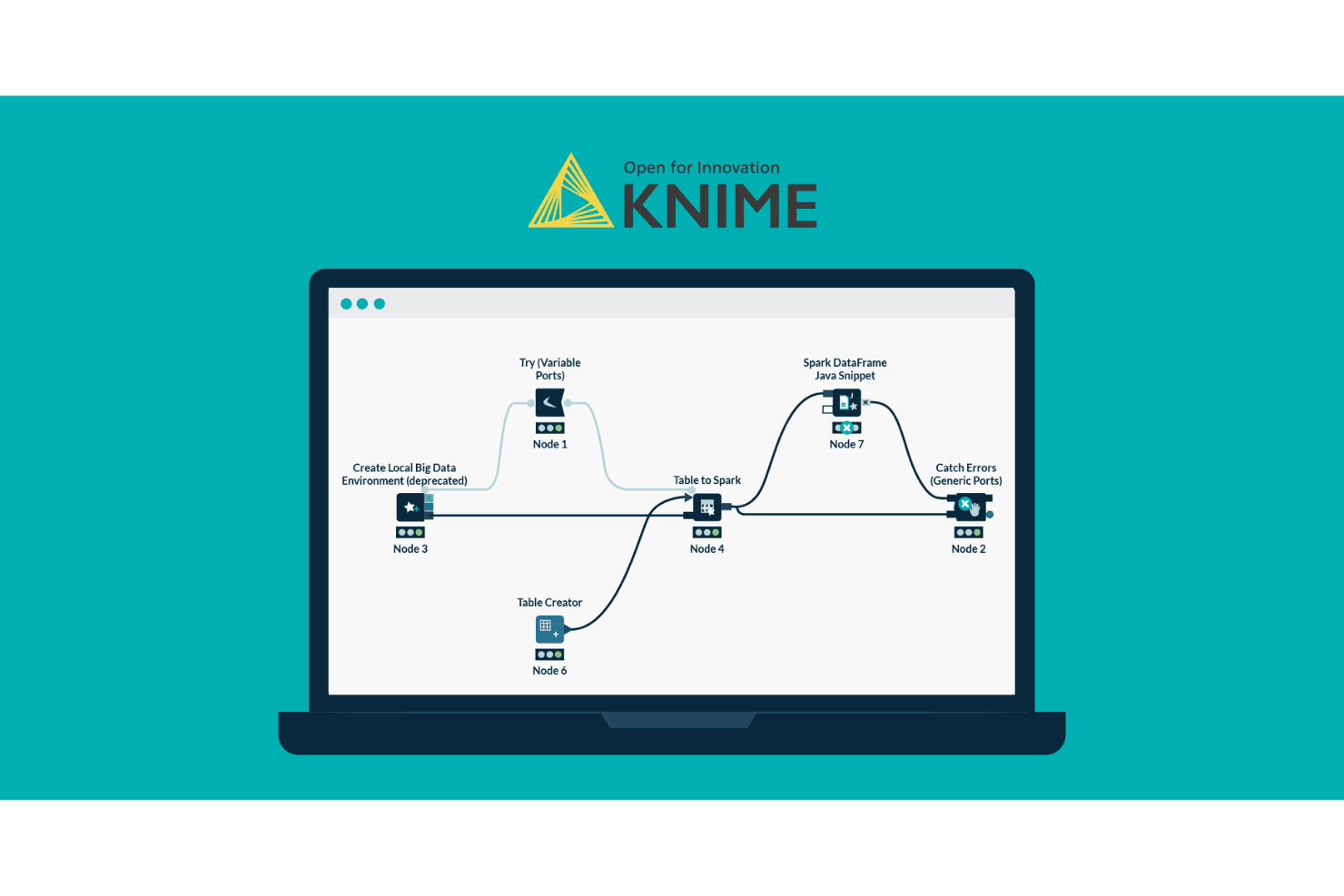
With KNIME's drag-and-drop interface, you can build workflows without coding, simplifying your data processing tasks.
Data Transformation
Use KNIME's powerful tools to clean, filter, and aggregate data to fit your analysis needs.
Advanced Analytics
KNIME supports statistical analysis and machine learning. Your team can develop predictive models to enhance decision-making.
Data Visualization
Create visual representations of your data with KNIME's built-in tools to help your team communicate findings effectively.
Automation
KNIME allows you to automate repetitive tasks, saving your team time and reducing the risk of human errors.

Ease of Use
KNIME's drag-and-drop interface makes it accessible, but the learning curve can be steep for beginners. If your team has a data science background, you'll find its visual workflow editor intuitive and powerful. However, users without technical expertise may struggle initially. Although KNIME's detailed documentation and community support are helpful, onboarding requires time and effort. Once you're familiar with it, the platform's flexibility and automation capabilities make it a valuable tool for complex data tasks.

Integrations
KNIME integrates with Oracle, MySQL, AWS, Google Cloud, SAP, Salesforce, Tableau, Power BI, OpenAI, and Google AI. It also offers an API for custom integrations and connects with third-party integration tools to expand its capabilities.

KNIME Specs
- A/B Testing: No
- AI Integration: Yes
- Analytics: Yes
- API: Yes
- Calendar Management: No
- Comparative Reporting: No
- Conversion Tracking: No
- Custom Reports: Yes
- Dashboard: No
- Data Export: Yes
- Data Import: Yes
- Data Mining: No
- Data Visualization: No
- External Integrations: Yes
- Forecasting: No
- Historical Data Analysis: Yes
- Keyword Tracking: No
- Link Tracking: No
- Multi-Site: Yes
- Multi-User: Yes
- Notifications: No
- Referral Tracking: Yes
- Scenario Planning: No
- Scheduling: No
- SEO: No
- Time Series Modeling: Yes
- Workflow Management: Yes


