

CodeScene-arvostelu: hyvät ja huonot puolet, ominaisuudet ja hinnoittelu selitettynä
CodeScene erottuu yhdistämällä koodianalyysin ja tiimin näkemykset, joten se sopii erinomaisesti organisaatioille, jotka etsivät toimintaan johtavaa ja kontekstin huomioivaa koodikatsausta tavallisen staattisen analyysin lisäksi.

We review tools independently, and commissions help fund our testing. See our transparency policy, our methodology, or suggest a tool.
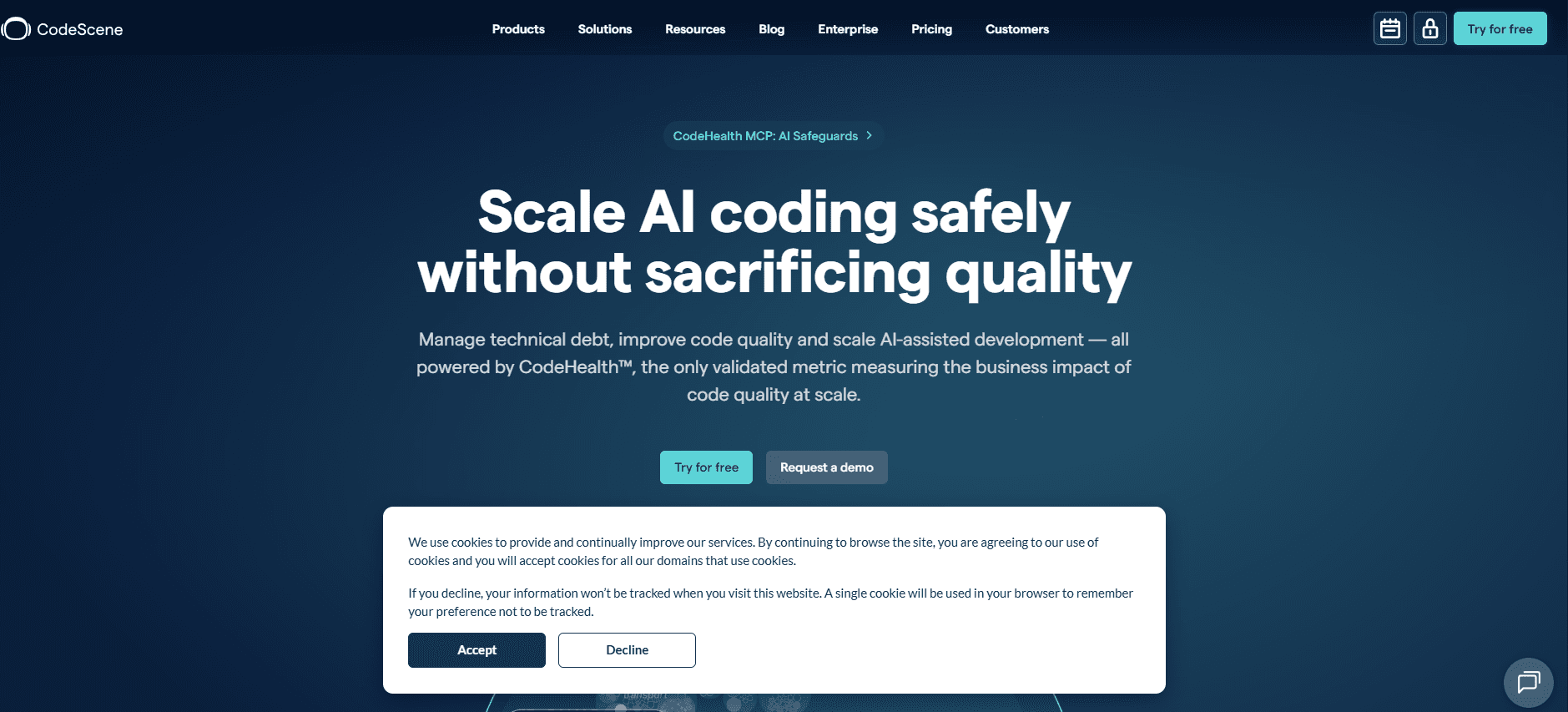
CodeScene is a code review tool that uses your git history to analyze code health, technical debt hotspots, and team coupling patterns over time. It's worth a serious look if your team needs to understand how your codebase is evolving, not just whether it passes static rules today. If you've tried SonarQube and found it great for flagging rule violations but limited in explaining why certain areas keep breaking down, CodeScene's behavioral analysis fills that gap by connecting code quality directly to development patterns and delivery risk.
CodeScene Evaluation Summary
4.6/5
- $21/month
- Enterprise (Pricing Upon Request)
Miksi luottaa ohjelmistosuosituksiimme
6,700+
Reviews
20
Industry experts
16+
Evaluation factors
14
Years
Tiimimme on testannut ja arvioinut ohjelmistoja vuodesta 2012 lähtien. Teknologiajohtajina tiedämme itse, kuinka vaikeaa — ja tärkeää — oikean ohjelmiston valitseminen on.
Tätä opasta varten arvioimme työkaluja käytännön testauksen ja itsenäisen tutkimuksen avulla, pisteyttäen työkalut valintakriteeriemme perusteella.
Arvostelumme perustuvat inhimilliseen toimitukselliseen harkintaamme, eivät myyntipuheeseen.
Asiantuntija-arvioijat:
- Paulo Gardini MiguelTech Director
 Tim FisherVP of AI
 Gabriel RosasTech Lead & Software Architect
 Christhian GruhnTech Lead & Platform Architect

CodeScene Overview
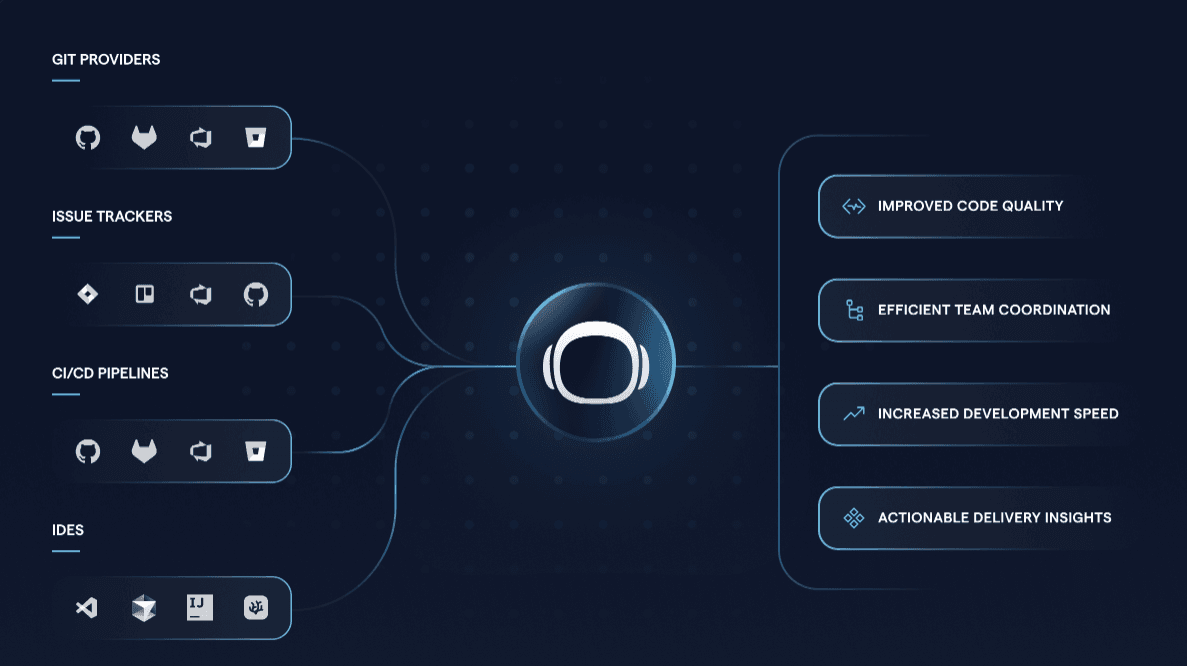
When judging CodeScene against other code review tools, its behavioral code analysis and hotspot detection set it apart for teams prioritizing technical debt management. The interface is modern and onboarding is straightforward, but pricing may be higher than some alternatives. Integrations with major version control systems are strong, though support for niche platforms is limited. If you’re selecting a tool for large, distributed teams or legacy codebases, CodeScene’s actionable insights and team metrics make it a top contender. However, smaller teams or those with simple workflows might find its advanced features more than they need.
Pros
- Identifies code hotspots using behavioral analysis
- Highlights technical debt and code health risks
- Provides team-based metrics for collaboration insights
Cons
- Lacks support for some niche version control systems
- Advanced features may overwhelm small teams
- Pricing is higher than many alternatives
Is CodeScene Right For Your Needs?
Who Would be a Good Fit for CodeScene?
CodeScene is best suited for organizations with complex codebases, distributed teams, or a strong focus on technical debt and code health. Its behavioral analysis and team metrics make it valuable for industries where code quality and collaboration are critical. Teams managing legacy systems or working in regulated environments will also benefit from its risk detection and compliance features.
- Large EnterprisesCodeScene’s advanced analytics scale well for large, multi-team organizations.
- Regulated IndustriesBehavioral analysis and audit trails support compliance and risk management.
- DevOps TeamsHotspot detection helps prioritize refactoring and deployment planning.
- Legacy System MaintenanceIdentifies high-risk areas in aging, complex codebases.
- Remote Development TeamsTeam metrics reveal collaboration patterns and bottlenecks.
- Software ConsultanciesProvides actionable insights for client codebase assessments.
Who Would be a Bad Fit for CodeScene?
CodeScene may not be the best choice for small teams, startups, or organizations with simple code review needs. Its advanced features and pricing are often unnecessary for straightforward projects or environments with minimal technical debt.
- Small StartupsFeature set and pricing exceed the needs of small teams.
- Early-Stage ProjectsLimited code history reduces the value of behavioral analysis.
- Non-Technical DepartmentsLacks relevance for teams outside software development.
- Open Source CommunitiesPricing and licensing may not align with open source models.
- Educational InstitutionsComplexity and cost are barriers for student projects
- Agencies With Simple WorkflowsAdvanced analytics are unnecessary for basic code review tasks.
Our Review Methodology
How We Test & Score Tools
We’ve spent years building, refining, and improving our software testing and scoring system. The rubric is designed to capture the nuances of software selection and what makes a tool effective, focusing on critical aspects of the decision-making process.
Below, you can see exactly how our testing and scoring works across seven criteria. It allows us to provide an unbiased evaluation of the software based on core functionality, standout features, ease of use, onboarding, customer support, integrations, customer reviews, and value for money.
Core Functionality (25% of final scoring)
The starting point of our evaluation is always the core functionality of the tool. Does it have the basic features and functions that a user would expect to see? Are any of those core features locked to higher-tiered pricing plans? At its core, we expect a tool to stand up against the baseline capabilities of its competitors.
Standout Features (25% of final scoring)
Next, we evaluate uncommon standout features that go above and beyond the core functionality typically found in tools of its kind. A high score reflects specialized or unique features that make the product faster, more efficient, or offer additional value to the user.
We also evaluate how easy it is to integrate with other tools typically found in the tech stack to expand the functionality and utility of the software. Tools offering plentiful native integrations, 3rd party connections, and API access to build custom integrations score best.
Ease of Use (10% of final scoring)
We consider how quick and easy it is to execute the tasks defined in the core functionality using the tool. High scoring software is well designed, intuitive to use, offers mobile apps, provides templates, and makes relatively complex tasks seem simple.
Onboarding (10% of final scoring)
We know how important rapid team adoption is for a new platform, so we evaluate how easy it is to learn and use a tool with minimal training. We evaluate how quickly a team member can get set up and start using the tool with no experience. High scoring solutions indicate little or no support is required.
Customer Support (10% of final scoring)
We review how quick and easy it is to get unstuck and find help by phone, live chat, or knowledge base. Tools and companies that provide real-time support score best, while chatbots score worst.
Customer Reviews (10% of final scoring)
Beyond our own testing and evaluation, we consider the net promoter score from current and past customers. We review their likelihood, given the option, to choose the tool again for the core functionality. A high scoring software reflects a high net promoter score from current or past customers.
Value for Money (10% of final scoring)
Lastly, in consideration of all the other criteria, we review the average price of entry level plans against the core features and consider the value of the other evaluation criteria. Software that delivers more, for less, will score higher.
Core Features
Hotspot Analysis
Pinpoints files and modules with high change frequency and complexity. Helps teams focus reviews and refactoring on the riskiest parts of the codebase.
Technical Debt Visualization
Maps out areas with accumulated technical debt using visual dashboards. Lets you prioritize remediation efforts based on real code health data.
Change Coupling Detection
Identifies files that often change together, revealing hidden dependencies. Supports better impact analysis and reduces the risk of breaking changes.
Code Health Metrics
Scores code quality using maintainability, complexity, and churn indicators. Offers clear, actionable feedback for continuous improvement.
Team Collaboration Insights
Tracks contribution patterns, code ownership, and knowledge distribution. Highlights bottlenecks and helps balance workload across teams.
Predictive Risk Analysis
Uses historical data to forecast potential issues in upcoming releases. Enables proactive risk management before code reaches production.
Ease of Use
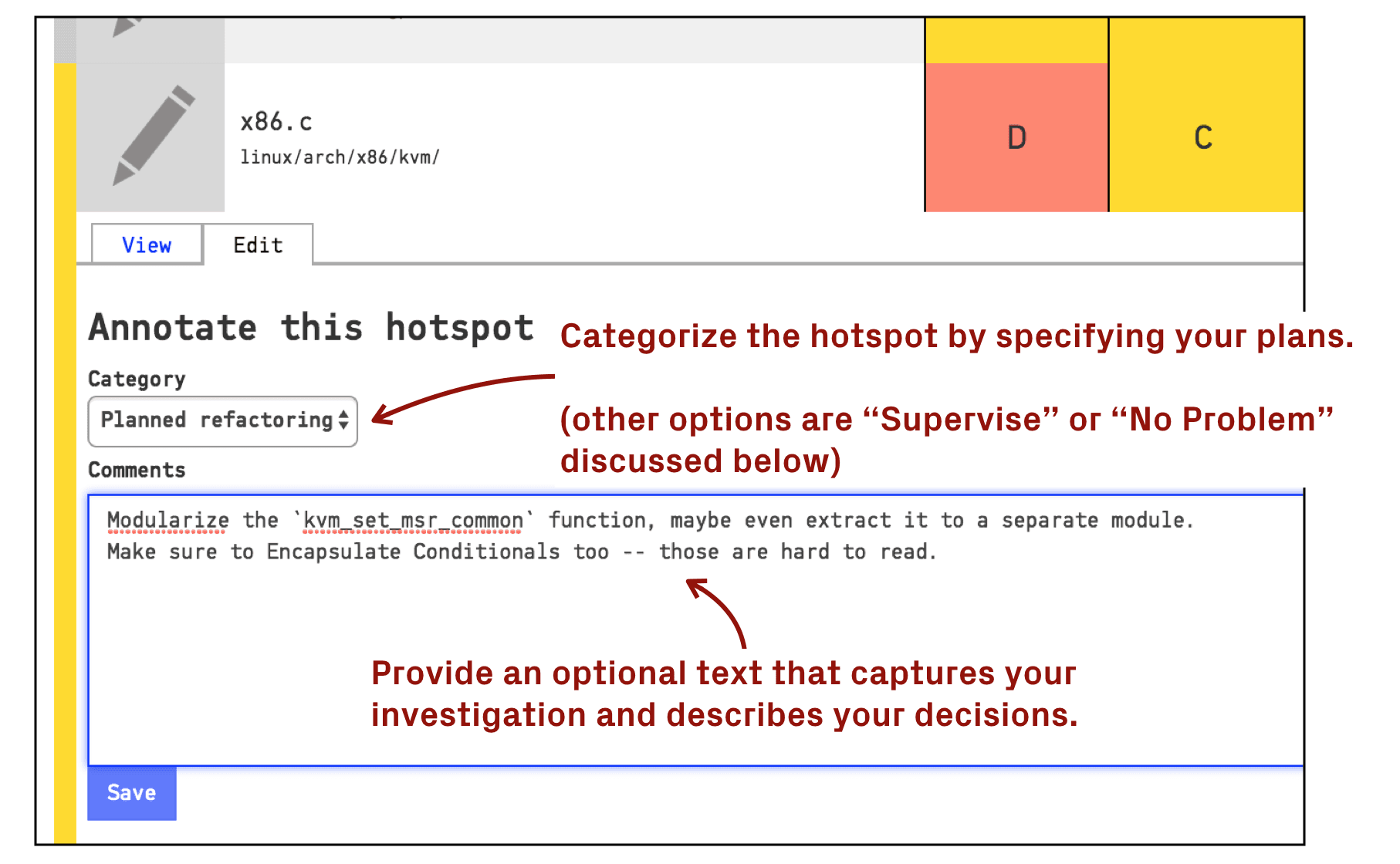
CodeScene offers a modern, intuitive interface that most users find easy to navigate, even with its advanced analytics. Onboarding is straightforward, with clear documentation and guided setup for connecting repositories. Some users note that the depth of features can feel overwhelming at first, but the visual dashboards and actionable insights help flatten the learning curve. Overall, CodeScene balances powerful functionality with a user experience that supports both new and experienced code reviewers.
Integrations
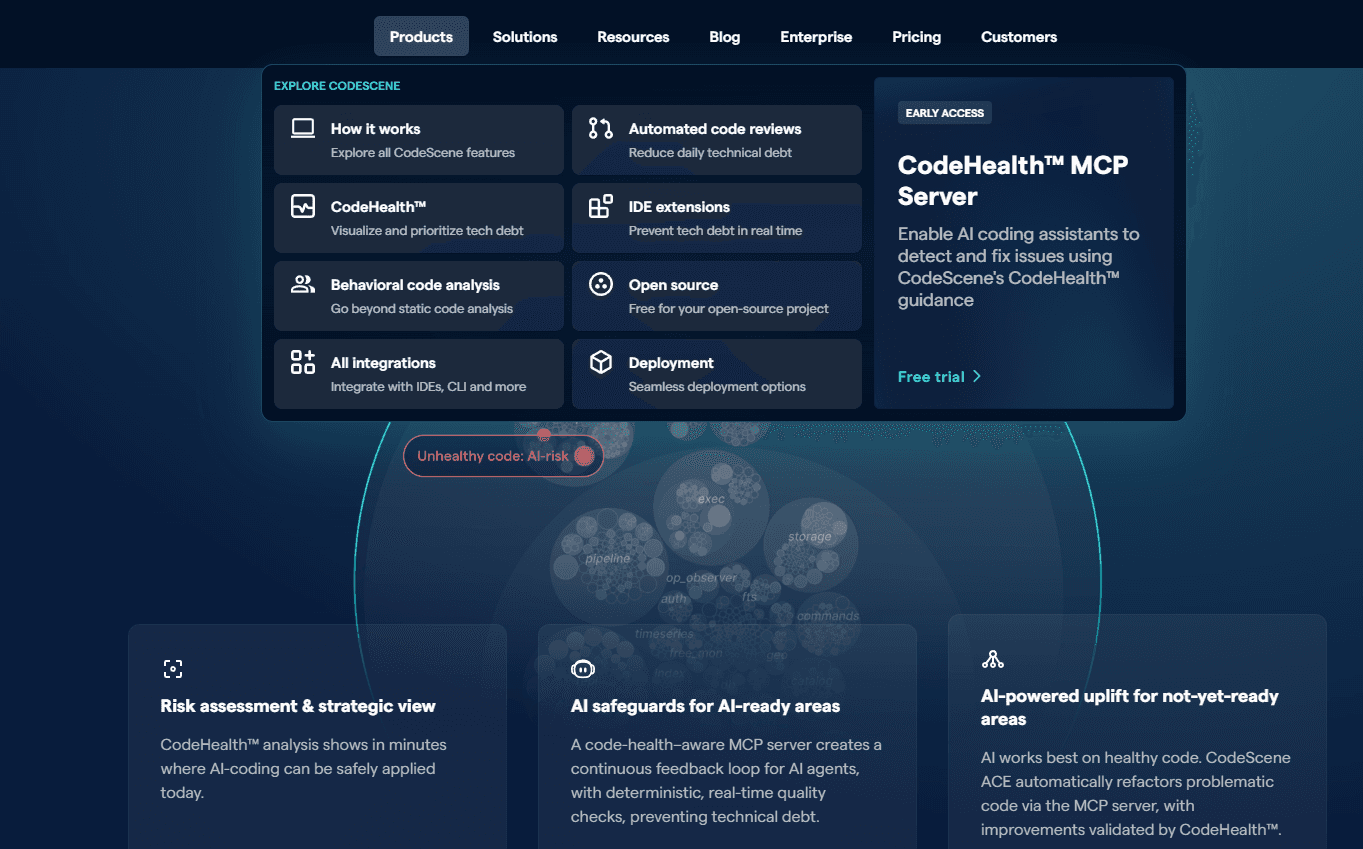
CodeScene integrates with GitHub, GitLab, Bitbucket, Azure DevOps, Jira, VS Code, Jira, Cursor, and IntelliJ, among others.
CodeScene also offers a REST API for custom integrations and automation.
CodeScene Specs
- API: Yes
- Bug Tracking: Yes
- CI/CD Integration: No
- Cloud Deployment: Yes
- Code Review: Yes
- Code Transformation: Yes
- Collaboration Support: Yes
- Data Export: Yes
- Data Import: Yes
- Developer Tools: Yes
- External Integrations: Yes
- Git Integration: Yes
- History/Version Control: Yes
- IDE Plugins: Yes
- Local Deployment: Yes
- Multi-User: Yes
- Notifications: Yes
- Project Management: No
- Release Management: No
- Static Analysis: Yes
- Task Scheduling/Tracking: No
- Testing: Yes


