

Sublime Text Review 2026: Pros, Cons, Features, and Pricing
Sublime Text stands out for its speed, customization, and distraction-free interface, making it ideal for power users, though its pricing and limited collaboration tools may deter some teams.

We review tools independently, and commissions help fund our testing. See our transparency policy, our methodology, or suggest a tool.
Sublime Text is a text editor software built for developers who need fast, distraction-free editing without the overhead of a full IDE. I'd consider it if you want something lighter and quicker to load than VS Code, but still capable enough to handle large files, multiple cursors, and a solid plugin ecosystem. It's a strong fit for developers who find VS Code's memory footprint a problem or just want an editor that stays out of the way and lets them focus on the code.
Sublime Text Evaluation Summary

4.5/5
- From $99/license
- Free download available
Why Trust Our Software Recommendations
6,700+
Reviews
20
Industry experts
16+
Evaluation factors
14
Years
Our team has been testing and reviewing software since 2012. As tech leaders ourselves, we know how difficult—and important—it is to choose the right software.
For this guide, we evaluated tools using hands-on testing and independent research, scoring tools using our selection criteria.
Our reviews reflect our human editorial judgment, not a sales pitch.
Expert reviewers:
- Paulo Gardini MiguelTech Director
 Tim FisherVP of AI
 Gabriel RosasTech Lead & Software Architect
 Christhian GruhnTech Lead & Platform Architect

Sublime Text Overview
When judging Sublime Text against other text editing software, its speed, low resource usage, and deep customization set it apart. The interface is clean and distraction-free, and the plugin ecosystem covers most advanced needs. Pricing is a one-time fee, which some may prefer over subscriptions. However, onboarding can be less intuitive for beginners, and built-in collaboration or support options are limited.
If you’re selecting a tool for solo development, scripting, or rapid editing on large files, Sublime Text is a top contender. For teams needing integrated collaboration, you may want to compare alternatives.
Pros
- You can customize it extensively to fit your workflow.
- It offers lightning-fast performance, even with large files.
- The interface is clean and distraction-free, boosting your productivity.
Cons
- It lacks built-in collaboration tools for team projects.
- The onboard documentation can be sparse, making self-learning tricky.
- It doesn't have a built-in terminal, which some developers might miss.
Is Sublime Text Right For Your Needs?
Who Would be a Good Fit for Sublime Text?
If you’re a developer or a coder who values speed and customization, Sublime Text is a great choice. Individual developers, startups, and tech teams benefit from its fast performance and extensive customization options. If you work with large codebases or need a distraction-free interface, you’ll find Sublime Text’s capabilities align well with your needs. Its lightweight nature ensures that it won’t slow down your workflow, making it ideal for web developers handling HTML, CSS, and JavaScript projects.
- Web DevelopersSublime Text’s speed and support for HTML, CSS, and JavaScript make it perfect for web development tasks.
- FreelancersIts customizable interface allows freelancers to tailor the editor to fit their unique workflows.
- Small StartupsWith its lightweight design, startups can quickly adapt Sublime Text to their growing development needs.
- Tech TeamsThe distraction-free interface helps tech teams focus on coding without unnecessary interruptions.
- Software EngineersEngineers handling large codebases will appreciate Sublime Text’s efficient performance and quick loading times.
- Programming StudentsStudents can benefit from its straightforward interface and extensive community support for learning coding basics.
Who Would be a Bad Fit for Sublime Text?
Large enterprises or teams that rely heavily on collaboration might not find Sublime Text suitable due to its lack of built-in collaboration tools. If your work requires real-time editing with multiple team members or integrated project management features, you’ll find Sublime Text lacking in these areas. Those who need extensive onboarding support or prefer a more guided user experience might also struggle, as Sublime Text’s documentation can be sparse.
- Large EnterprisesEnterprises needing extensive collaboration capabilities will find Sublime Text lacking in real-time editing features.
- Project ManagersProject managers looking for integrated project oversight tools won’t find them in Sublime Text.
- Collaborative TeamsTeams that require simultaneous editing and built-in communication tools will miss these features in Sublime Text.
- New CodersBeginners seeking extensive onboarding resources might find Sublime Text’s documentation insufficient.
- Design DepartmentsDesign teams needing visual editing features won’t find Sublime Text suitable for design tasks.
- Non-Tech BusinessesBusinesses without tech-savvy staff may struggle with customization and lack of user-friendly guidance.
Our Review Methodology
How We Test & Score Tools
We’ve spent years building, refining, and improving our software testing and scoring system. The rubric is designed to capture the nuances of software selection and what makes a tool effective, focusing on critical aspects of the decision-making process.
Below, you can see exactly how our testing and scoring works across seven criteria. It allows us to provide an unbiased evaluation of the software based on core functionality, standout features, ease of use, onboarding, customer support, integrations, customer reviews, and value for money.
Core Functionality (25% of final scoring)
The starting point of our evaluation is always the core functionality of the tool. Does it have the basic features and functions that a user would expect to see? Are any of those core features locked to higher-tiered pricing plans? At its core, we expect a tool to stand up against the baseline capabilities of its competitors.
Standout Features (25% of final scoring)
Next, we evaluate uncommon standout features that go above and beyond the core functionality typically found in tools of its kind. A high score reflects specialized or unique features that make the product faster, more efficient, or offer additional value to the user.
We also evaluate how easy it is to integrate with other tools typically found in the tech stack to expand the functionality and utility of the software. Tools offering plentiful native integrations, 3rd party connections, and API access to build custom integrations score best.
Ease of Use (10% of final scoring)
We consider how quick and easy it is to execute the tasks defined in the core functionality using the tool. High scoring software is well designed, intuitive to use, offers mobile apps, provides templates, and makes relatively complex tasks seem simple.
Onboarding (10% of final scoring)
We know how important rapid team adoption is for a new platform, so we evaluate how easy it is to learn and use a tool with minimal training. We evaluate how quickly a team member can get set up and start using the tool with no experience. High scoring solutions indicate little or no support is required.
Customer Support (10% of final scoring)
We review how quick and easy it is to get unstuck and find help by phone, live chat, or knowledge base. Tools and companies that provide real-time support score best, while chatbots score worst.
Customer Reviews (10% of final scoring)
Beyond our own testing and evaluation, we consider the net promoter score from current and past customers. We review their likelihood, given the option, to choose the tool again for the core functionality. A high scoring software reflects a high net promoter score from current or past customers.
Value for Money (10% of final scoring)
Lastly, in consideration of all the other criteria, we review the average price of entry level plans against the core features and consider the value of the other evaluation criteria. Software that delivers more, for less, will score higher.
Core Features
Syntax Highlighting
Sublime Text automatically colors your code to make it easier to read and debug. This feature supports numerous programming languages, helping you spot errors quickly.
Multiple Selection
You can edit multiple lines simultaneously, saving time on repetitive tasks. This is perfect for making bulk changes to your code.
Command Palette
Access all your commands and options with a few keystrokes. It speeds up your workflow by letting you execute tasks without leaving the keyboard.
Distraction-Free Mode
Focus on your code with a full-screen, uncluttered interface. This mode is ideal for deep work sessions without interruptions.
Split Editing
View and edit different files side-by-side or within the same file. This feature helps you manage complex projects more efficiently.
Instant Project Switch
Quickly switch between projects without losing your place. This feature allows you to manage multiple projects seamlessly.

Standout Features
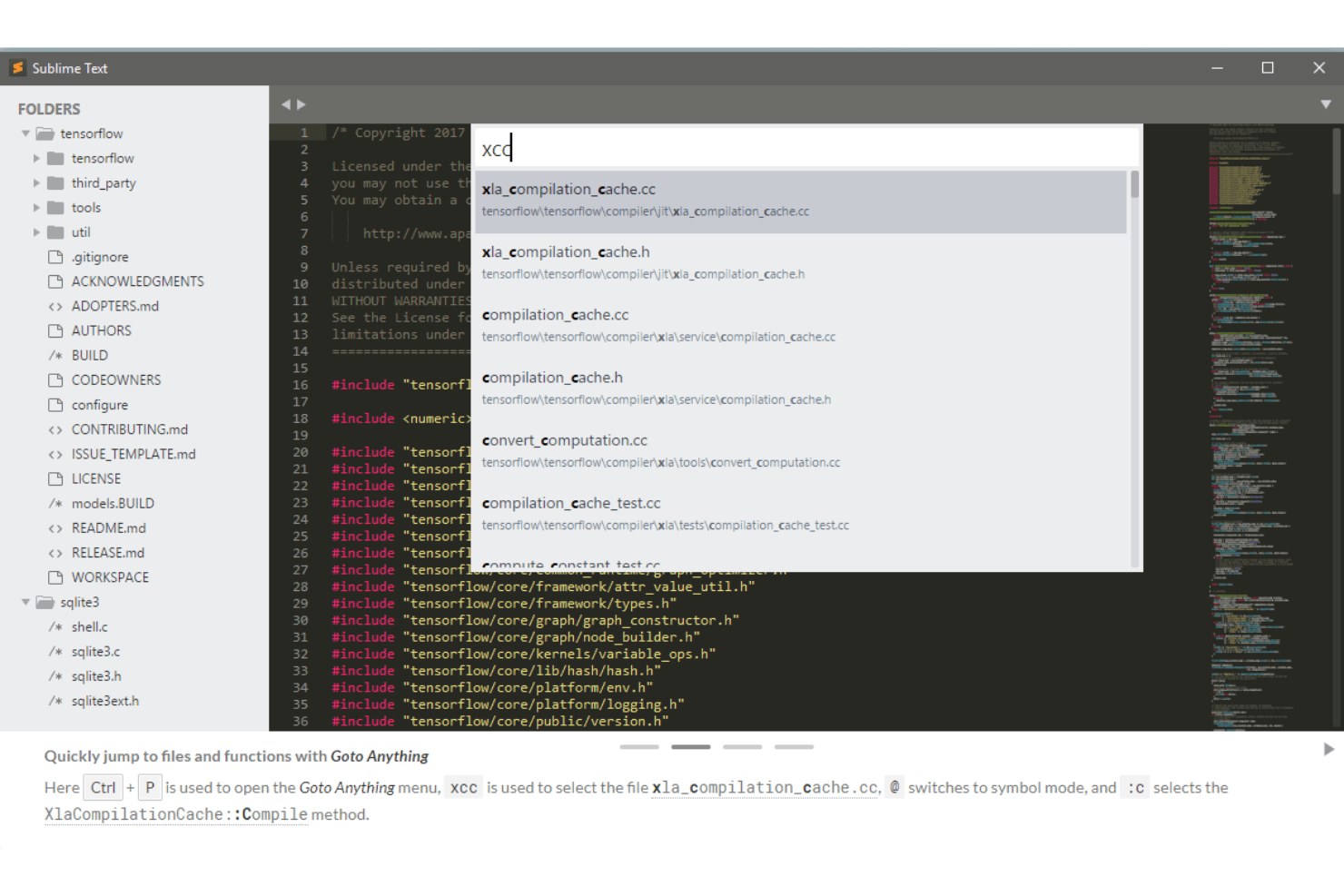
Goto Anything
Jump to files, lines, or symbols in seconds using this powerful search feature. It enhances navigation, especially in large codebases.
Extensible via Plugins
Customize your editor with a vast array of community-created plugins. This flexibility allows you to tailor Sublime Text to fit your specific development needs.
Ease of Use
Sublime Text is highly regarded for its speed and minimalist interface, which many users find intuitive once they’re familiar with the basics. However, new users may find the lack of onboarding and built-in guidance challenging at first. Power users appreciate the extensive keyboard shortcuts and command palette, which make navigation and editing fast. The software’s customization options and plugin support allow experienced users to tailor the environment, but beginners may need time to unlock its full potential.

Onboarding
Sublime Text’s onboarding experience is minimal, with little in-app guidance or tutorials for new users. Most users rely on community forums, unofficial guides, and documentation to get started. While the command palette and settings are powerful, they can be overwhelming without prior experience. User reviews often mention that it takes time to discover advanced features, but those who invest the effort find the software highly rewarding and customizable for their workflows.
Customer Support
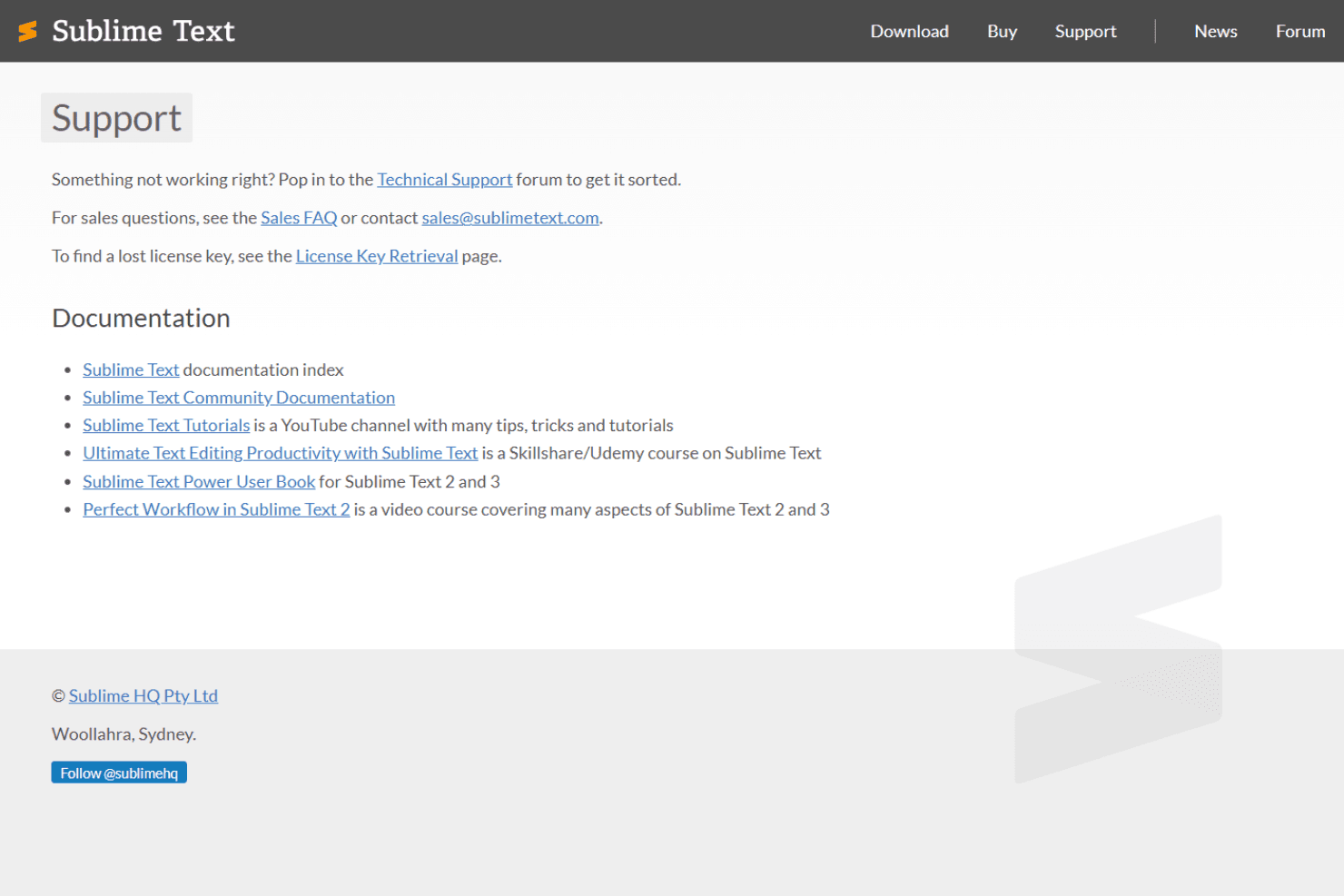
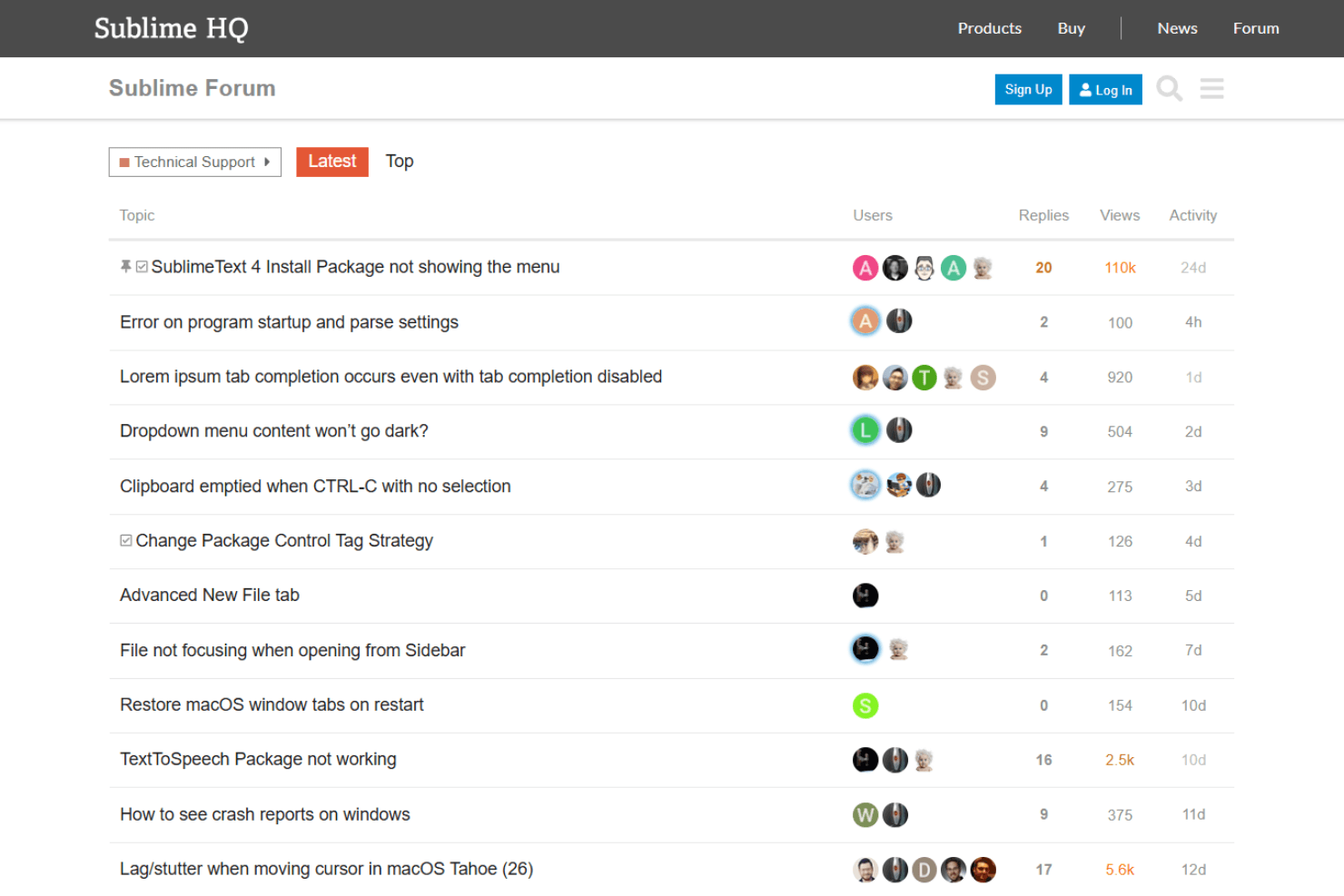
Sublime Text offers limited official customer support, relying mostly on email and a community forum for assistance. User reviews often note that responses from the official team can be slow, and there’s no live chat or phone support. Most troubleshooting and advanced help come from community-driven resources, which are extensive but not always beginner-friendly. This approach works for experienced users but may frustrate those who expect direct, timely support from the vendor.
Integrations
Sublime Text integrates with Git, Sublime Merge, external terminals, SFTP/FTP via plugins, Markdown previewers, code linters, build systems, Emmet, Docker tools, and code formatters, among others.
Sublime Text also offers a Python-based API, allowing users to build custom plugins and connect with third-party integration tools.
Value for Money
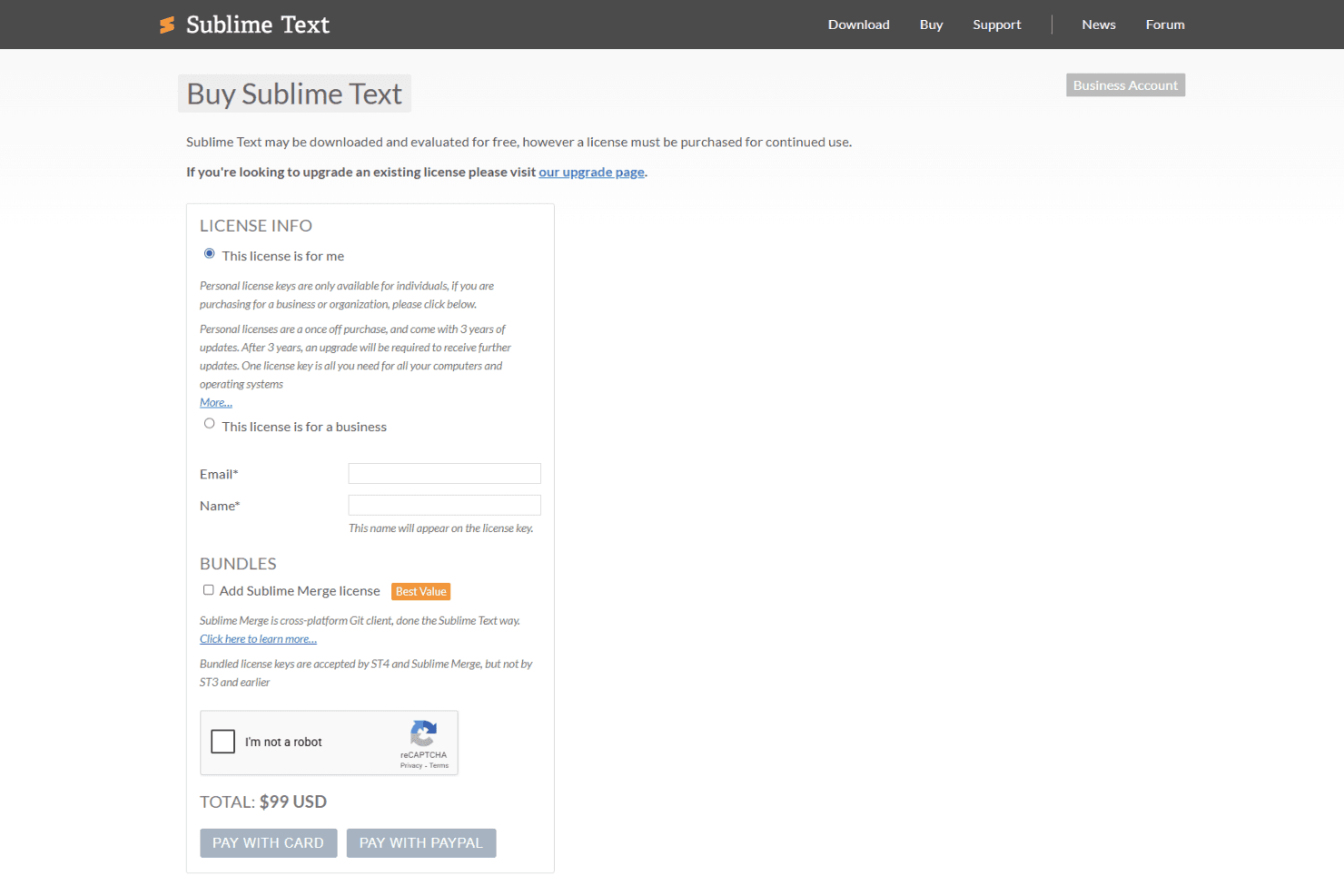
Sublime Text pricing offers solid value for developers who need a fast, customizable editor. The one-time license fee is competitive, especially considering the extensive features and plugins available. Users appreciate the balance of cost and functionality, making it a worthwhile investment for those looking for performance without ongoing subscription fees.
- Single License: One-time fee for full access on all personal devices.
- Business License: Volume licensing for organizations, with centralized management and compliance options.
Sublime Text Specs
- API: Yes
- External Integrations: Yes
- Multi-User: Yes
Sublime Text FAQs
Sublime Text Company Overview & History
Sublime Text is developed by Sublime HQ Pty Ltd, headquartered in Woollahra, Sydney, Australia. The company was founded by Jon Skinner and has a small workforce, estimated between 11-50 employees. The company is known for building a fast, lightweight code editor widely used by developers for its speed, customization, and minimal interface. Sublime HQ operates with a small, independent team led by founder Jon Skinner, and it focuses primarily on maintaining and improving Sublime Text rather than expanding into a broad product suite.
Sublime Text Major Milestones
- 2007: Initial development of Sublime Text begins.
- 2008: First public release of Sublime Text.
- 2018: Launch of Sublime Merge, expanding the product lineup.
- 2021: Release of Sublime Text 4 with major new features and enhancements.