

Red Sift Review: Pros, Cons, Features and Pricing Explained
Dive into my hands-on take: here’s how Red Sift’s DMARC platform doesn’t just crunch email data—it actually transforms how you spot, investigate, and resolve email threats in 2026.

We review tools independently, and commissions help fund our testing. See our transparency policy, our methodology, or suggest a tool.
Red Sift is a DMARC software for security and IT teams that need to authenticate outbound email, monitor sending sources, and enforce DMARC, SPF, DKIM, and BIMI across their domains. I'd reach for it over a tool like Valimail when you want deeper visibility into your email ecosystem paired with broader domain and certificate discovery, rather than a narrower DMARC-only workflow. Red Sift OnDMARC is the piece that drives DMARC enforcement, and it arrives bundled with the wider domain-security tooling rather than sold separately.
Red Sift Evaluation Summary
4.8/5
- From $9/month (billed annually)
- Free trial available
Why Trust Our Software Recommendations
6,700+
Reviews
20
Industry experts
16+
Evaluation factors
14
Years
Our team has been testing and reviewing software since 2012. As tech leaders ourselves, we know how difficult—and important—it is to choose the right software.
For this guide, we evaluated tools using hands-on testing and independent research, scoring tools using our selection criteria.
Our reviews reflect our human editorial judgment, not a sales pitch.
Expert reviewers:
- Paulo Gardini MiguelTech Director
 Tim FisherVP of AI
 Gabriel RosasTech Lead & Software Architect
 Christhian GruhnTech Lead & Platform Architect

Red Sift Overview
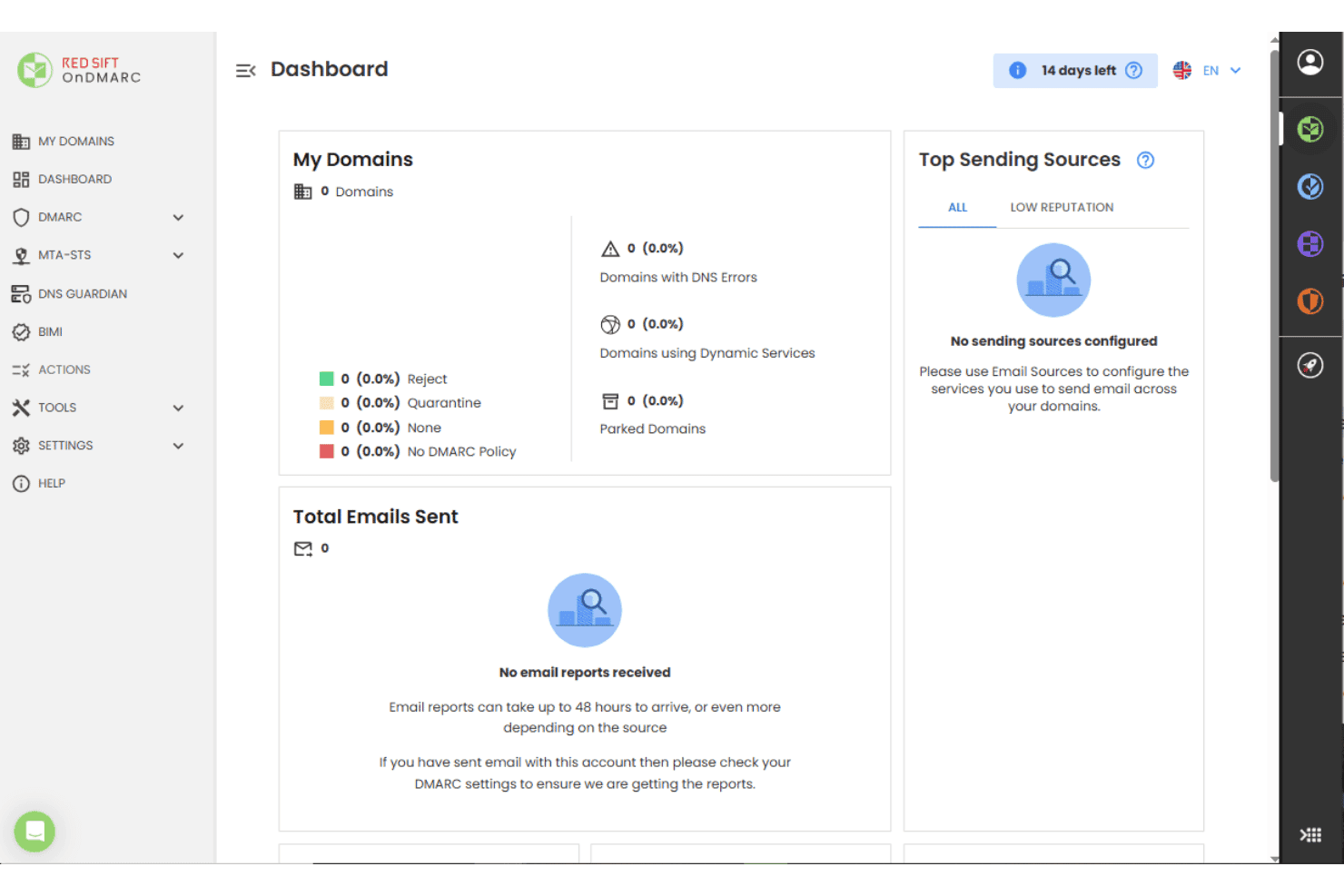
I think Red Sift stands out for its rich reporting, automated DMARC setup, and unified visibility across multiple domains, making it easy to judge your compliance posture at a glance. I find its clear interface and responsive support make initial onboarding smooth. It writes and validates the DNS records for you, which is where most rollouts stall and where email deliverability quietly suffers. Pricing lands on the higher end, and you might miss granular API integrations available elsewhere, but if you’re selecting a solution for complex enterprise or multi-brand environments, Red Sift is a strong, reliable choice.
Pros
- Offers BIMI automation and hosted MTA-STS management
- Gives detailed reporting for threat detection and source analysis
- Supports monitoring multiple domains and subdomain activity in a single dashboard
Cons
- Most plans require a quote
- Can overwhelm small teams with the feature set
- Lacks in-depth guided remediation for advanced authentication issues


Our Review Methodology
How We Test & Score Tools
We’ve spent years building, refining, and improving our software testing and scoring system. The rubric is designed to capture the nuances of software selection and what makes a tool effective, focusing on critical aspects of the decision-making process.
Below, you can see exactly how our testing and scoring works across seven criteria. It allows us to provide an unbiased evaluation of the software based on core functionality, standout features, ease of use, onboarding, customer support, integrations, customer reviews, and value for money.
Core Functionality (25% of final scoring)
The starting point of our evaluation is always the core functionality of the tool. Does it have the basic features and functions that a user would expect to see? Are any of those core features locked to higher-tiered pricing plans? At its core, we expect a tool to stand up against the baseline capabilities of its competitors.
Standout Features (25% of final scoring)
Next, we evaluate uncommon standout features that go above and beyond the core functionality typically found in tools of its kind. A high score reflects specialized or unique features that make the product faster, more efficient, or offer additional value to the user.
We also evaluate how easy it is to integrate with other tools typically found in the tech stack to expand the functionality and utility of the software. Tools offering plentiful native integrations, 3rd party connections, and API access to build custom integrations score best.
Ease of Use (10% of final scoring)
We consider how quick and easy it is to execute the tasks defined in the core functionality using the tool. High scoring software is well designed, intuitive to use, offers mobile apps, provides templates, and makes relatively complex tasks seem simple.
Onboarding (10% of final scoring)
We know how important rapid team adoption is for a new platform, so we evaluate how easy it is to learn and use a tool with minimal training. We evaluate how quickly a team member can get set up and start using the tool with no experience. High scoring solutions indicate little or no support is required.
Customer Support (10% of final scoring)
We review how quick and easy it is to get unstuck and find help by phone, live chat, or knowledge base. Tools and companies that provide real-time support score best, while chatbots score worst.
Customer Reviews (10% of final scoring)
Beyond our own testing and evaluation, we consider the net promoter score from current and past customers. We review their likelihood, given the option, to choose the tool again for the core functionality. A high scoring software reflects a high net promoter score from current or past customers.
Value for Money (10% of final scoring)
Lastly, in consideration of all the other criteria, we review the average price of entry level plans against the core features and consider the value of the other evaluation criteria. Software that delivers more, for less, will score higher.
Core Features
Automated DMARC Report Analysis
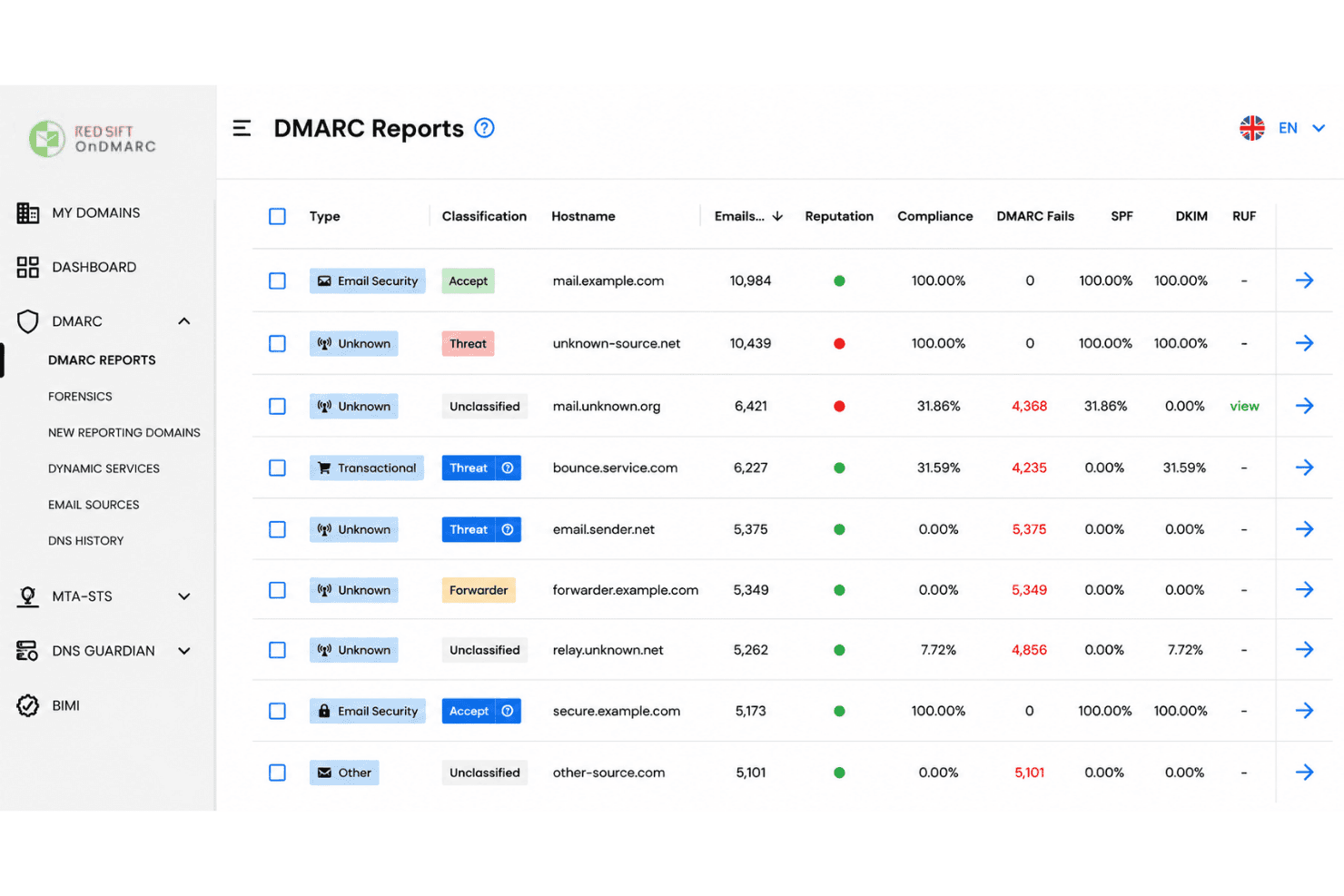
Red Sift auto-collects, aggregates, and analyzes DMARC reports to surface threat trends. You see source-specific insights without needing manual parsing.
BIMI and MTA-STS Automation
The platform manages BIMI records, VMC provisioning, and hosted MTA-STS policies out of the box. This streamlines brand authentication and transport security.
Multi-Domain Monitoring
Monitor and compare authentication activity across all domains in one dashboard. DNS Guardian watches for subdomain takeover attempts as that estate grows.
Threat Intelligence Integration
Red Sift correlates report data with global threat feeds to identify malicious senders fast. Teams spot business email compromise sooner than with raw logs.
Visual Policy Builder
A drag-and-drop interface lets you create and update DMARC, SPF records, and DKIM policies. This reduces misconfigurations and simplifies enforcement for non-experts.
Real-Time Alerts and Recommendations
Actionable alerts and practical guidance land when new risks, policy failures, or lookalike domains appear. This helps you remediate before issues escalate.
Ease of Use
Red Sift feels approachable for both technical and non-technical users thanks to its clear dashboards, guided setup flows, and policy wizards. I think the real value shows up in how quickly you can move from DMARC data to prioritized actions, with plenty of context provided in alerts and reports. Dynamic SPF is a small mercy here too, since it keeps you inside the 10 SPF lookup limit without hand-editing records every time a vendor changes. Some users say the breadth of features can be a bit much early on, but most find it intuitive after initial onboarding.

Integrations
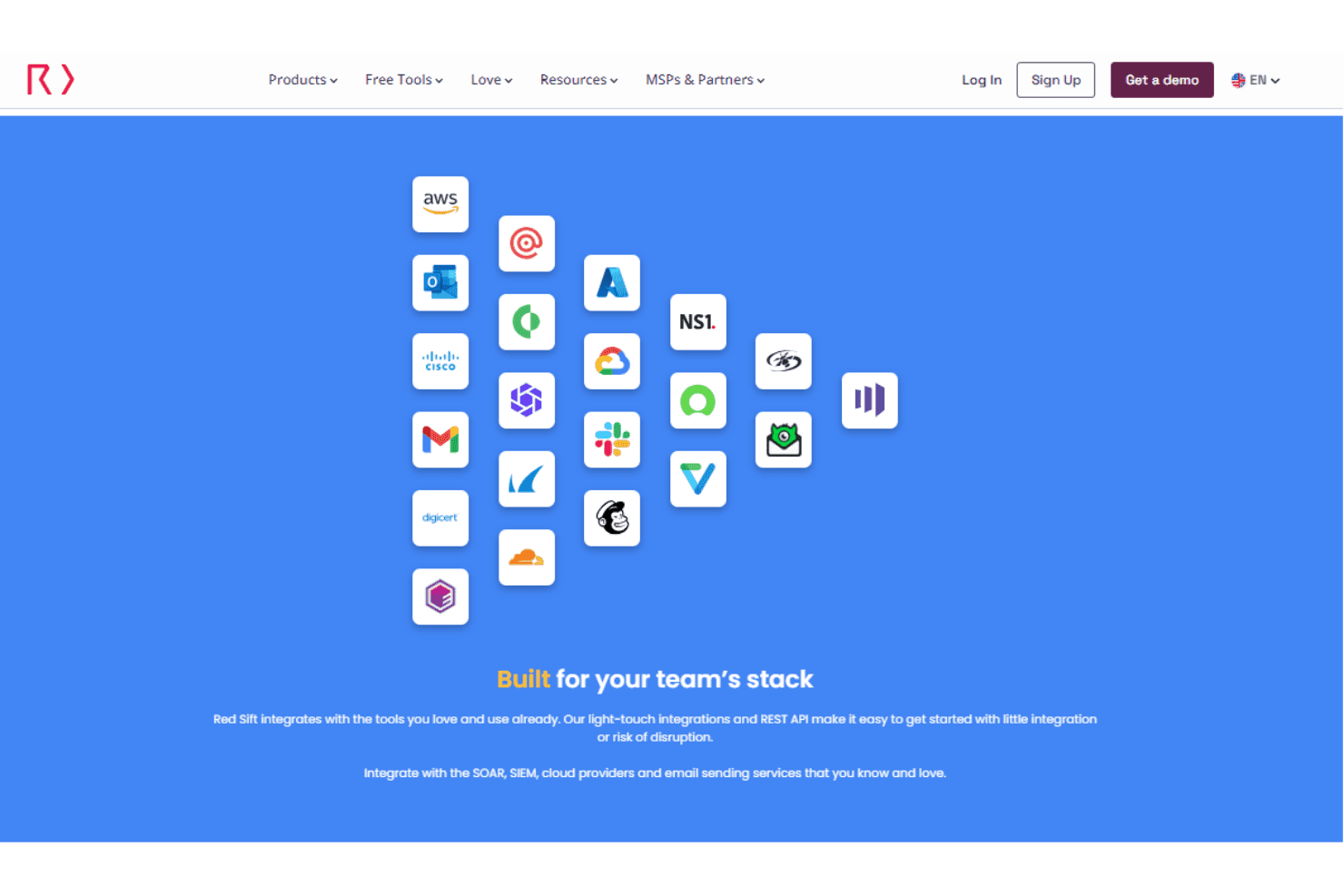
Red Sift integrates with AWS, Microsoft Outlook, Cisco, Gmail, DigiCert, Cloudflare, and NS1, alongside supported SIEM, SOAR, cloud, and email-sending services.
Red Sift also provides light-touch integrations and a REST API for connecting its platform with external tools and custom workflows.
Red Sift Specs
- 2-Factor Authentication: Yes
- Access Management: Yes
- Anti-Virus: No
- API: Yes
- Audit Management: Yes
- Audit Trail: Yes
- Batch Permissions & Access: No
- Compliance Tracking: Yes
- Dashboard: Yes
- Data Export: Yes
- Data Import: Yes
- DDoS Protection: No
- External Integrations: Yes
- File Sharing: No
- File Transfer: No
- Firewall: No
- Incident Management: No
- Malware Protection: No
- Multi-User: Yes
- Notifications: Yes
- Password & Access Management: Yes
- Policy Management: Yes
- Real-time Alerts: Yes
- Report & Compliance: Yes
- Risk Assessment: Yes
- Security Migration: No
- Threat Detection: Yes
- Workflow Management: No


