NinjaOne vs. N-able: Comparison & Expert Reviews for 2026
When slow response times, security gaps, and mounting IT issues start holding your team back, the wrong platform can add even more friction. Choosing the right solution means finding the balance between control, reliability, and ease of use.
If you’re weighing NinjaOne against N-able, you’re probably aiming to fix slow response times, tackle security gaps, or finally get a handle on your IT headaches. Both platforms promise to make IT management simpler, but they go about it very differently: one sells a single platform, the other sells a portfolio you assemble. The right IT management software for your team comes down to real differences in features, workflow, and day-to-day reliability.
In this article, you’ll get a side-by-side comparison including pros and cons, best-fit use cases, pricing breakdowns, security features, and overall usability. I’ll help you sort through the noise so you can be confident about your choice.
NinjaOne vs. N-able: An Overview
NinjaOne
Visit NinjaOneOpens new windowWhy Trust Our Software Reviews
We’ve been testing and reviewing software since 2023. As tech leaders ourselves, we know how critical and difficult it is to make the right decision when selecting software.
We invest in deep research to help our audience make better software purchasing decisions. We’ve tested more than 2,000 tools for different tech use cases and written over 1,000 comprehensive software reviews. Learn how we stay transparent & our software review methodology.
NinjaOne vs. N-able Pricing Comparison
| NinjaOne | N-able | |
|---|---|---|
| Free Trial | 14-day free trial available | 14-day free trial |
| Pricing | Pricing upon request | Pricing upon request |
NinjaOne vs. N-able Pricing & Hidden Costs
NinjaOne and N-able both route you to a quote, but the shape of what you are quoting differs. NinjaOne prices per device on volume tiers, publishes an indicative range before you speak to anyone, and folds onboarding, training, and support into the subscription. N-able quotes almost everything, and the only product that describes its model publicly is Cove Data Protection, which charges a flat rate per server or workstation and a flat per-user rate for Microsoft 365 with cloud storage included.
To find the best fit, map out exactly which features and device counts you’ll need in the next 12–24 months, not just what you have right now. Ask both vendors for a detailed breakdown of included features, optional add-ons, and any potential extra costs as your environment grows. This approach helps you avoid surprises and ensures you’re comparing true total costs, not just entry fees.
NinjaOne vs. N-able Feature Comparison
| NinjaOne | N-able | |
|---|---|---|
| API | ||
| Bug Tracking | ||
| Data Export | ||
| Data Import | ||
| External Integrations | ||
| Multi-User | ||
| Notifications | ||
| Project Management |
NinjaOne vs. N-able Integrations
| Integration | NinjaOne | N-able |
|---|---|---|
| ConnectWise | ✅ | ✅ |
| Autotask | ✅ | ✅ |
| HaloPSA | ✅ | ✅ |
| Microsoft Intune | ✅ | ✅ |
| IT Glue | ✅ | ✅ |
| SentinelOne | ✅ | ✅ |
| Bitdefender | ✅ | ✅ |
| Webroot | ✅ | ✅ |
| ServiceNow | ✅ | ❌ |
| Splashtop | ✅ | ❌ |
| Acronis | ❌ | ✅ |
| Cisco Meraki | ❌ | ✅ |
| Zapier | ❌ | ❌ |
| API | ✅ | ✅ |
N-able has the bigger published catalog, with a directory running into the high eighties and real depth in security tooling, backup, documentation, and MSP business systems. NinjaOne names fewer partners but covers the same ground where most teams actually operate, and it wins on ITSM with ServiceNow and Zendesk connections N-able does not list. The overlap is heavy where it counts, with ConnectWise, Autotask, and the major security vendors appearing on both sides. Both publish REST APIs with documentation readable without a login, and N-able adds a GraphQL endpoint on top. Neither talks to Zapier. And in a detail that says something about how this market actually works, NinjaOne is itself listed in N-able’s integrations directory.
NinjaOne vs. N-able Security, Compliance & Reliability
| Factor | NinjaOne | N-able |
|---|---|---|
| Certifications | ISO 27001 certified, SOC 2 and SOC 3, FedRAMP Moderate authorized with High in ready status, plus GovRAMP and TX-RAMP Level 2 | SOC 2 Type II and ISO 27001, HIPAA attestation across N-central, N-sight, and Cove, and ongoing CMMC 2.0 readiness work, but no FedRAMP authorization |
| Encryption | AES-256 at rest, TLS 1.2 or 1.3 in transit, AES-256-GCM for remote sessions | TLS at the highest level the customer browser supports, with specific ciphers and key lengths not published |
| Access Controls | SAML SSO, SCIM provisioning, enforced MFA, and granular role-based permissions | Multi-factor authentication and role-based access controls, though single sign-on is not documented in the security statement |
| Data Residency | Seven customer-selectable regions, including EU, Canada, Japan, Australia, and a federal instance | Geographically dispersed data centers, with no named regional options published |
| Reliability | Public status page for every region with published recovery objectives, but no contractual uptime SLA | Status and live uptime dashboards across the whole product line, but no published SLA percentage |
| Vulnerability Handling | Bug bounty program run through HackerOne, plus an annual third-party penetration test | Coordinated vulnerability disclosure program and penetration testing inside the development lifecycle, with no bug bounty |
Both are credible here, and a few of the old assumptions need retiring. NinjaOne is the more specific of the two, publishing AES-256 at rest, TLS 1.2 or 1.3 in transit, seven customer-selectable data regions, and a status page for each one. N-able holds SOC 2 Type II and ISO 27001, carries HIPAA attestation across N-central, N-sight, and Cove, and has been working toward CMMC 2.0 readiness, but it describes encryption only as TLS at the highest level your browser supports and its data centers only as geographically dispersed.
Public sector work is the cleanest split, since NinjaOne holds FedRAMP Moderate authorization and N-able does not. Neither publishes a contractual uptime percentage, so treat any SLA promise as something to pin down in the contract rather than read off a website.
NinjaOne vs. N-able Ease of Use
| Factor | NinjaOne | N-able |
|---|---|---|
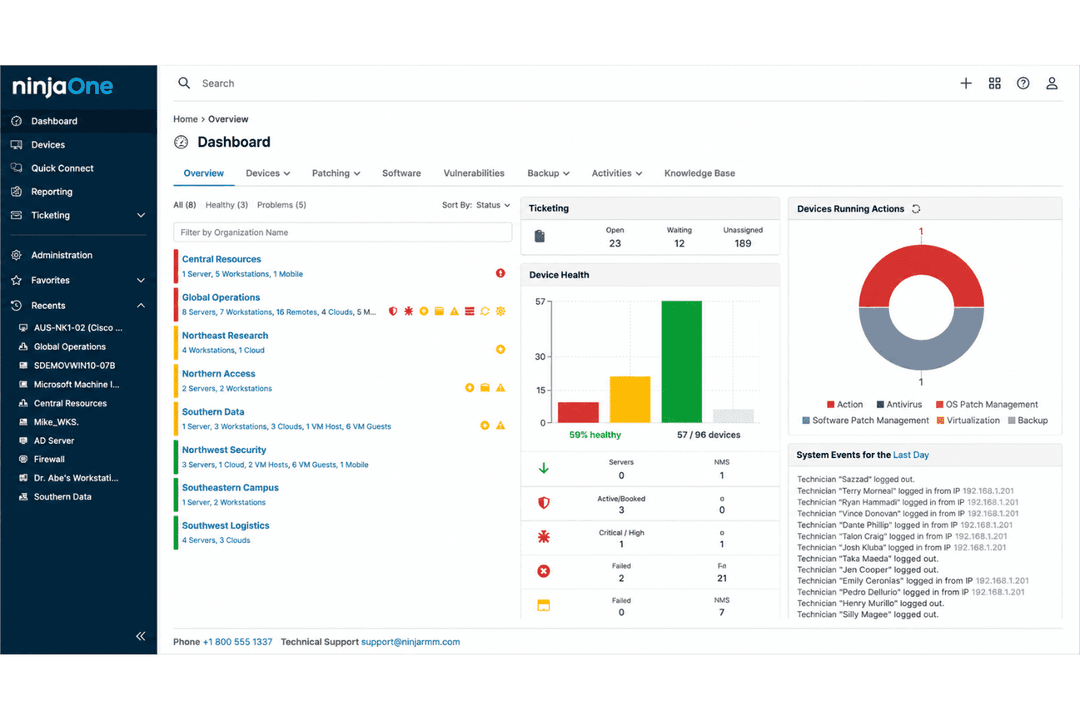
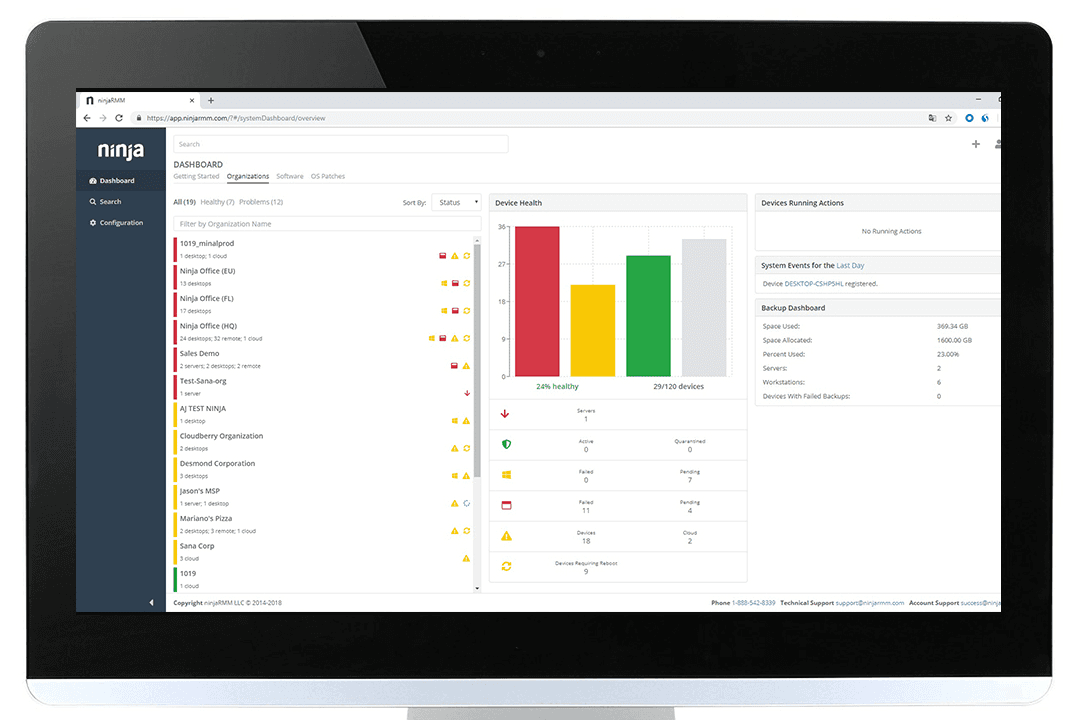
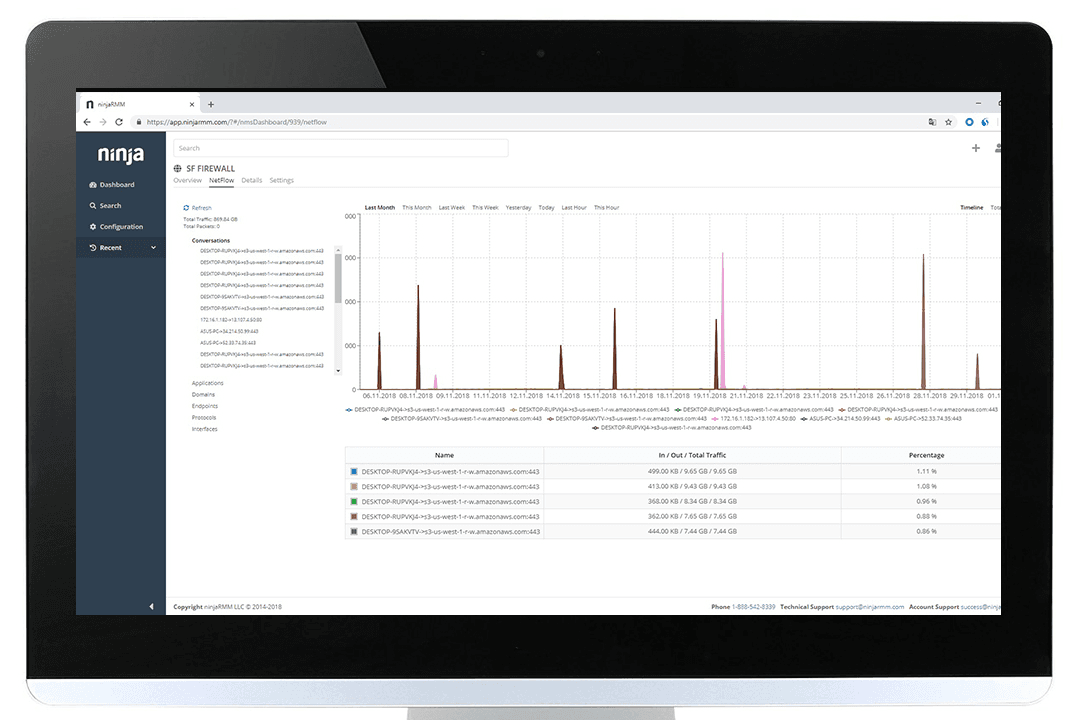
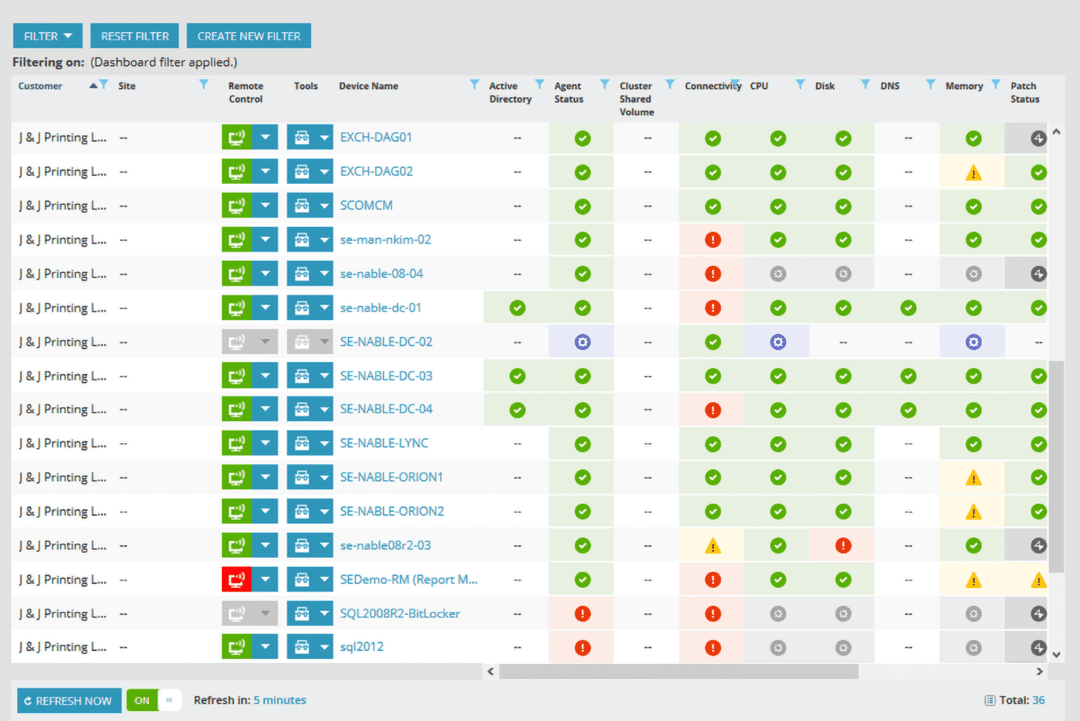
| User Interface | Clean, intuitive dashboard with minimal clutter makes navigation simple | Depends which one you bought: N-sight is deliberately spare, N-central is denser and far more configurable |
| Onboarding | Free unlimited onboarding and training, with a self-serve trial that unlocks the full platform | Free trials with no card required, but hands-on implementation is sold as a paid professional services engagement |
| Setup Time | Deployment averaging under 30 days, with operators proficient in roughly ten | N-sight runs quickly on preconfigured policies; N-central expects genuine configuration work |
| Support Access | Free unlimited support 24/7 in seven languages, roughly 30-minute average response, 98% CSAT | A Partner Success team of onboarders, success engineers, and support specialists, though hours and response commitments are not published |
| Training | Free certification through the academy, plus documentation and an active community | N-able U is free and runs hundreds of courses, backed by Head Nerds boot camps and the partner community |
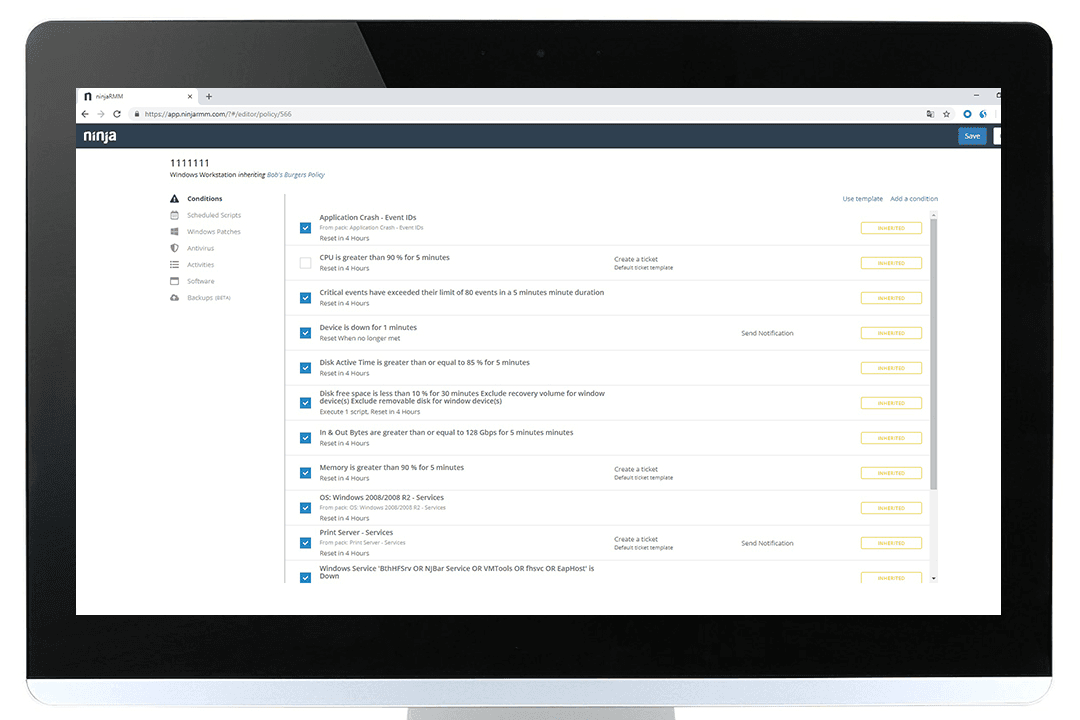
| Customization | Policy engine plus scripting in PowerShell, Batch, JavaScript, shell, and VBScript | Automation Manager drag-and-drop workflows and hundreds of prebuilt scripts |
NinjaOne is easier to pick up on day one, and it isn’t especially close. Deployment averages under 30 days, operators reach proficiency in roughly ten, and onboarding, training, and 24/7 support come at no charge. N-able’s answer is to give you a choice instead: N-sight is deliberately simple with preconfigured policies, while N-central trades that simplicity for configurability and is the one that demands real setup work. N-able also invests seriously in education, with a free university running hundreds of courses and a Head Nerds team running boot camps, though implementation help itself is a paid engagement.
NinjaOne vs N-able: Pros & Cons
NinjaOne
- Deploys fast and delivers detailed endpoint visibility with no on-premise servers to maintain.
- Pulls patching, backup, remote access, and ticketing into one console.
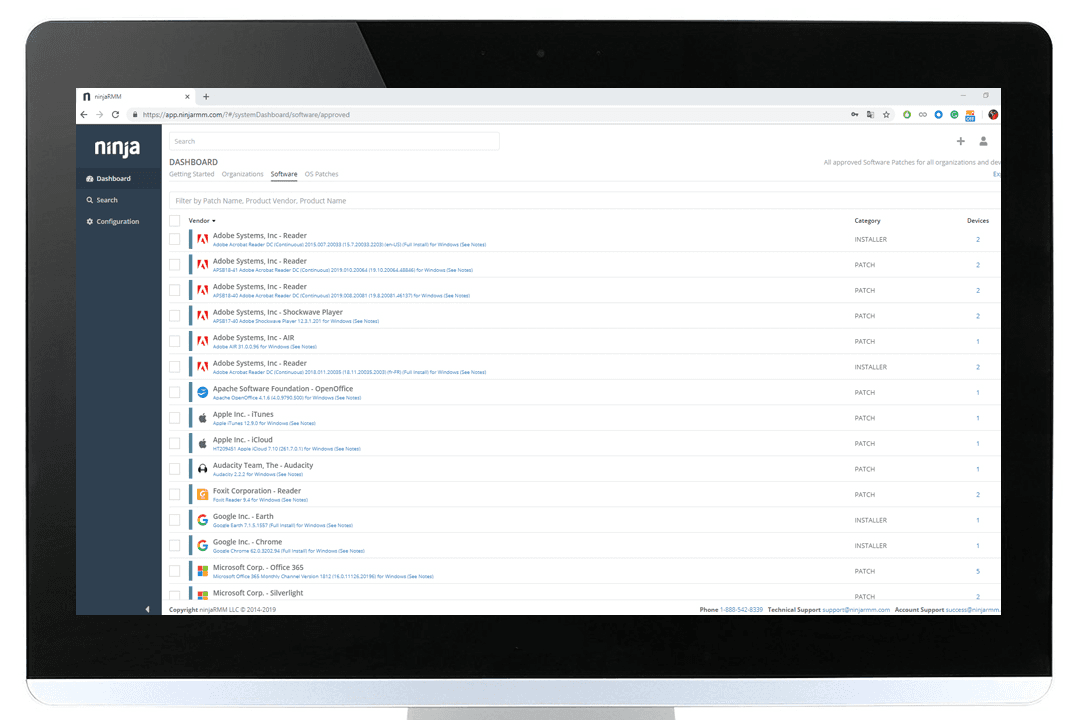
- Automates patching with CVE and CVSS context, stability scoring, and dependable scripting.
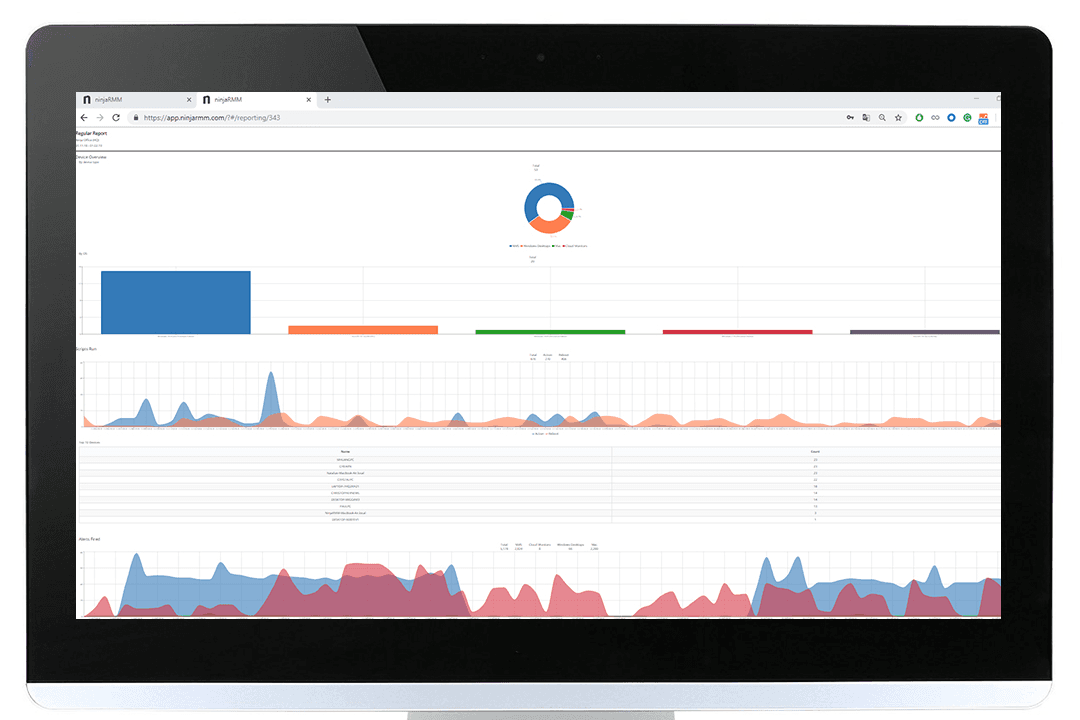
- Built-in reporting is thin for client-facing work.
- Mobile device management is less robust than desktop support.
- The service desk and PSA are sized for SMB teams rather than enterprise ITSM or high-end MSP workflows.
N-able
- Automated patch management covers Windows, Mac, and Linux.
- Centralized multi-tenant dashboard for managing multiple client sites.
- Strong remote control and monitoring tools for hybrid teams.
- Reporting customization is limited for advanced analytics needs.
- Interface feels dated and lacks modern design polish.
- Some security features cost extra or require add-ons.
Best Use Cases for NinjaOne and N-able
NinjaOne
- Managed Service Providers NinjaOne’s multi-tenant architecture and remote support streamline managing multiple client environments from a single dashboard.
- Small to Midsize Businesses Device-based pricing and easy deployment provide SMBs effective IT management without extra complexity.
- Healthcare IT Departments Patch management and compliance reporting features help healthcare teams meet standards and secure sensitive data.
- Education Institutions Remote monitoring and access ease support for student and faculty devices across multiple sites.
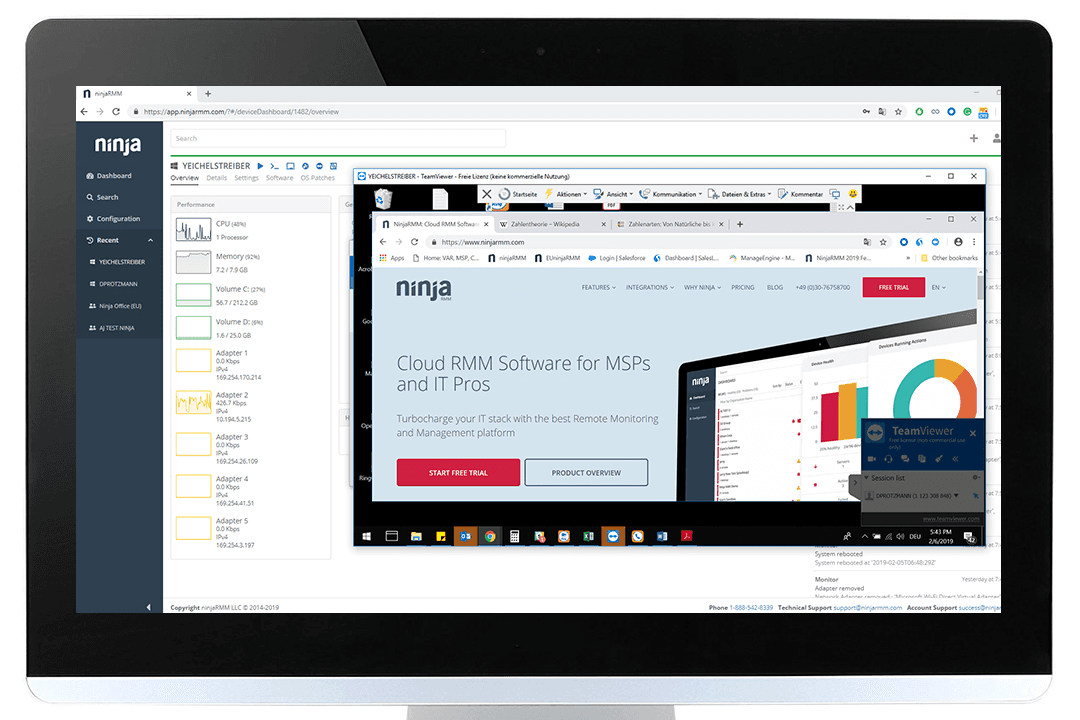
- Hybrid Workforce Support Policy management, help desk, and remote access empower teams supporting remote and distributed users.
- Enterprise IT Teams Multi-tenant architecture and automation scale to support large, distributed fleets and high endpoint volume.
N-able
- Managed Service Providers Centralized management, multi-client dashboards, and flexible billing features suit MSPs handling diverse customer environments.
- Large Enterprises The automation, device inventories, and scalable security controls help large IT teams oversee complex, distributed environments.
- Healthcare IT Robust compliance and security reporting help healthcare organizations maintain strict data privacy and system uptime requirements.
- Education IT Departments Remote management, multi-site support, and routine patching align with the needs of school districts and universities.
- Regulated Industries Auditing, reporting, and policy enforcement features assist financial services, legal, and other regulated sectors in meeting compliance.
- Multi-Site Retailers Centralized device tracking and bulk actions enable efficient support for many locations and endpoints.
Who Should Use NinjaOne, and Who Should Use N-able?
NinjaOne is ideal for small to mid-sized IT teams, MSPs, and businesses that want an easy-to-learn platform with fast deployment and minimal ongoing management, and it scales further than its reputation suggests, with enterprise tenants running six-figure endpoint counts. Public sector buyers should note the FedRAMP authorization. N-able makes more sense when you want a single vendor for management, backup, and security operations under one relationship, or when you need an on-premise deployment.
If you would rather buy security from the same company that sells you the RMM, N-able is likely the better fit. Otherwise, NinjaOne is the stronger choice if you prioritize straightforward endpoint management, fast deployment, and a simpler day-to-day experience.
Differences Between NinjaOne and N-able
| NinjaOne | N-able | |
|---|---|---|
| Backup | First-party backup built into the platform | Cove Data Protection is a separate product, sold standalone as well as bundled |
| Contract Terms | Monthly or annual billing, with notice required to cancel outside a promotional commitment | Month-to-month or one, two, or three-year terms, with no auto-renewals and no high-watermark billing |
| Deployment | Cloud only, with no on-premise servers to maintain | N-central offers an on-premise deployment option; N-sight is cloud only |
| Product Structure | One platform with modules switched on as needed | Two separate RMM products, N-sight for smaller teams and N-central for large or complex ones, surrounded by standalone SKUs |
| Security Model | Manages third-party antivirus and EDR rather than selling its own | Sells security as its own line, with EDR powered by SentinelOne and Adlumin for XDR and managed detection |
| Visit NinjaOneOpens new window | Read N-able ReviewOpens new window |
Similarities Between NinjaOne and N-able
| First-Party Remote Access | Both built their own remote control product rather than reselling someone else’s, and both support unattended sessions. |
|---|---|
| Open APIs | Both publish REST APIs with documentation you can read without a customer login, so custom workflows stay on the table. |
| Patch Management | Each delivers automated patching for operating systems and third-party applications, shrinking the vulnerability window. |
| Remote Monitoring | Both provide reliable, real-time monitoring of endpoints and servers, letting admins detect and resolve issues quickly. |
| Visit NinjaOneOpens new window Read N-able ReviewOpens new window | |
| Reporting Tools | Each offers built-in reports and customizable dashboards to track IT health and key metrics. |
| Role-Based Access | Both support granular role-based permissions and multi-factor authentication for safe, flexible user management. |
| Visit NinjaOneOpens new window Read N-able ReviewOpens new window | |