

GoodSync Review: Pros, Cons, Features, and Pricing
GoodSync excels in offering user-friendly backup and synchronization, making it a reliable choice for both personal and professional data management.

We review tools independently, and commissions help fund our testing. See our transparency policy, our methodology, or suggest a tool.
GoodSync is a backup software built around two-way file synchronization across local drives, network storage, NAS devices, and cloud targets. It's worth a close look if your team needs flexible, location-agnostic sync that isn't locked to a single cloud provider. I'd reach for GoodSync over something like Backblaze when you need bidirectional sync between on-premises and cloud environments, not just one-way backup to a hosted destination. This review covers GoodSync's features, pricing, and where it fits within a broader IT infrastructure setup.
GoodSync Evaluation Summary
0/5
- From $49.95/user (billed annually)
Why Trust Our Software Recommendations
6,700+
Reviews
20
Industry experts
16+
Evaluation factors
14
Years
Our team has been testing and reviewing software since 2012. As tech leaders ourselves, we know how difficult—and important—it is to choose the right software.
For this guide, we evaluated tools using hands-on testing and independent research, scoring tools using our selection criteria.
Our reviews reflect our human editorial judgment, not a sales pitch.
Expert reviewers:
- Paulo Gardini MiguelTech Director
 Tim FisherVP of AI
 Gabriel RosasTech Lead & Software Architect
 Christhian GruhnTech Lead & Platform Architect

GoodSync Overview
In my opinion, GoodSync is a solid choice for teams looking for dependable backup solutions. Its standout features are its versatile synchronization options, which outperform many competitors. However, onboarding could be smoother compared to some more intuitive platforms. GoodSync is best for small to medium-sized businesses or IT departments that need reliable data protection without breaking the bank. The pricing is fair, and the customer support is commendable, though not exceptional. If you prioritize functionality over flashy interfaces, GoodSync should definitely be on your shortlist.
Pros
- You can rely on GoodSync for versatile file synchronization.
- It offers dependable data protection for your work.
- GoodSync handles multiple file types efficiently.
Cons
- You might find the onboarding process a bit slow.
- The user interface isn't as intuitive as some other tools.
- Your team may need time to adjust to its features.
Is GoodSync Right For Your Needs?
Who Would be a Good Fit for GoodSync?
GoodSync suits small to medium businesses, IT departments, and remote teams needing reliable file synchronization and data protection. If your work involves handling various file types, GoodSync's versatility is a plus. It's particularly useful for tech startups or healthcare providers, where data security is crucial. Its ability to efficiently manage multiple file types makes it a dependable choice for those environments.
- Tech StartupsYour tech startup can benefit from GoodSync's reliable data protection and versatile file handling.
- Healthcare ProvidersGoodSync offers dependable backup solutions for healthcare providers needing to secure sensitive data.
- Remote TeamsRemote teams can rely on GoodSync for efficient file sync across different locations.
- Small BusinessesSmall businesses will find GoodSync's straightforward backup features ideal for their data security needs.
- IT DepartmentsIT departments can use GoodSync to manage diverse file types and ensure data integrity.
- Educational InstitutionsEducational institutions can benefit from GoodSync's ability to handle multiple file formats efficiently.
Who Would be a Bad Fit for GoodSync?
GoodSync might not suit large enterprises or teams needing a highly intuitive interface. If onboarding ease is a priority for your team, GoodSync's learning curve could be a hurdle. It's not the best fit for industries requiring advanced user interfaces or those looking for a seamless onboarding experience. Large corporations with complex data management needs may find its features lacking compared to more sophisticated solutions.
- Large EnterprisesLarge enterprises might find GoodSync's features insufficient for complex data management needs.
- Design TeamsDesign teams may struggle with GoodSync's less intuitive interface compared to other user-friendly tools.
- Corporate ITCorporate IT departments needing advanced functionalities may find GoodSync lacking.
- Finance DepartmentsFinance departments requiring seamless integration with financial software might not benefit from GoodSync.
- Marketing AgenciesMarketing agencies needing intuitive tools for quick onboarding might find GoodSync challenging.
- Retail ChainsRetail chains requiring advanced data analytics may not find GoodSync suitable for their needs.
Our Review Methodology
How We Test & Score Tools
We’ve spent years building, refining, and improving our software testing and scoring system. The rubric is designed to capture the nuances of software selection and what makes a tool effective, focusing on critical aspects of the decision-making process.
Below, you can see exactly how our testing and scoring works across seven criteria. It allows us to provide an unbiased evaluation of the software based on core functionality, standout features, ease of use, onboarding, customer support, integrations, customer reviews, and value for money.
Core Functionality (25% of final scoring)
The starting point of our evaluation is always the core functionality of the tool. Does it have the basic features and functions that a user would expect to see? Are any of those core features locked to higher-tiered pricing plans? At its core, we expect a tool to stand up against the baseline capabilities of its competitors.
Standout Features (25% of final scoring)
Next, we evaluate uncommon standout features that go above and beyond the core functionality typically found in tools of its kind. A high score reflects specialized or unique features that make the product faster, more efficient, or offer additional value to the user.
We also evaluate how easy it is to integrate with other tools typically found in the tech stack to expand the functionality and utility of the software. Tools offering plentiful native integrations, 3rd party connections, and API access to build custom integrations score best.
Ease of Use (10% of final scoring)
We consider how quick and easy it is to execute the tasks defined in the core functionality using the tool. High scoring software is well designed, intuitive to use, offers mobile apps, provides templates, and makes relatively complex tasks seem simple.
Onboarding (10% of final scoring)
We know how important rapid team adoption is for a new platform, so we evaluate how easy it is to learn and use a tool with minimal training. We evaluate how quickly a team member can get set up and start using the tool with no experience. High scoring solutions indicate little or no support is required.
Customer Support (10% of final scoring)
We review how quick and easy it is to get unstuck and find help by phone, live chat, or knowledge base. Tools and companies that provide real-time support score best, while chatbots score worst.
Customer Reviews (10% of final scoring)
Beyond our own testing and evaluation, we consider the net promoter score from current and past customers. We review their likelihood, given the option, to choose the tool again for the core functionality. A high scoring software reflects a high net promoter score from current or past customers.
Value for Money (10% of final scoring)
Lastly, in consideration of all the other criteria, we review the average price of entry level plans against the core features and consider the value of the other evaluation criteria. Software that delivers more, for less, will score higher.
Core Features
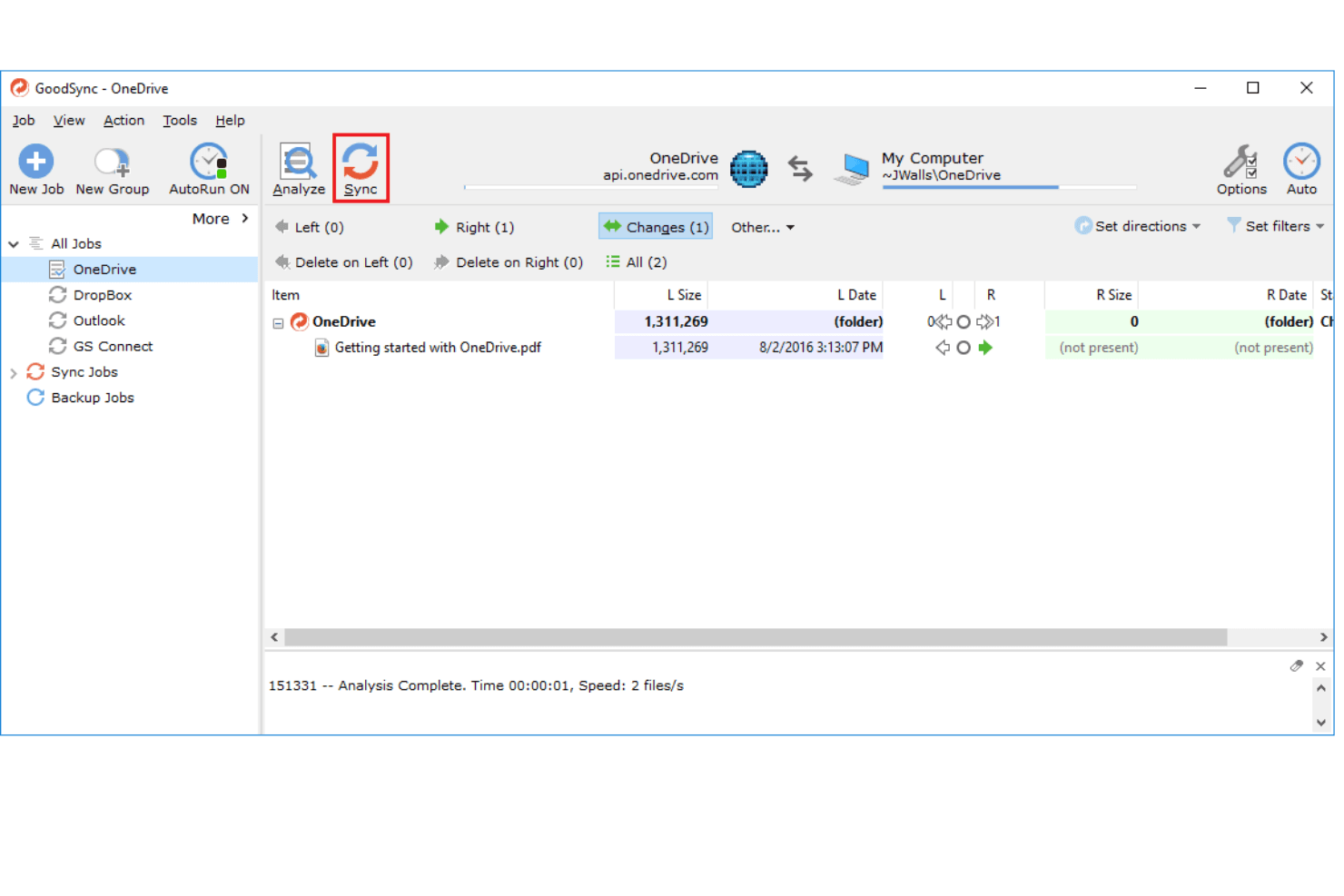
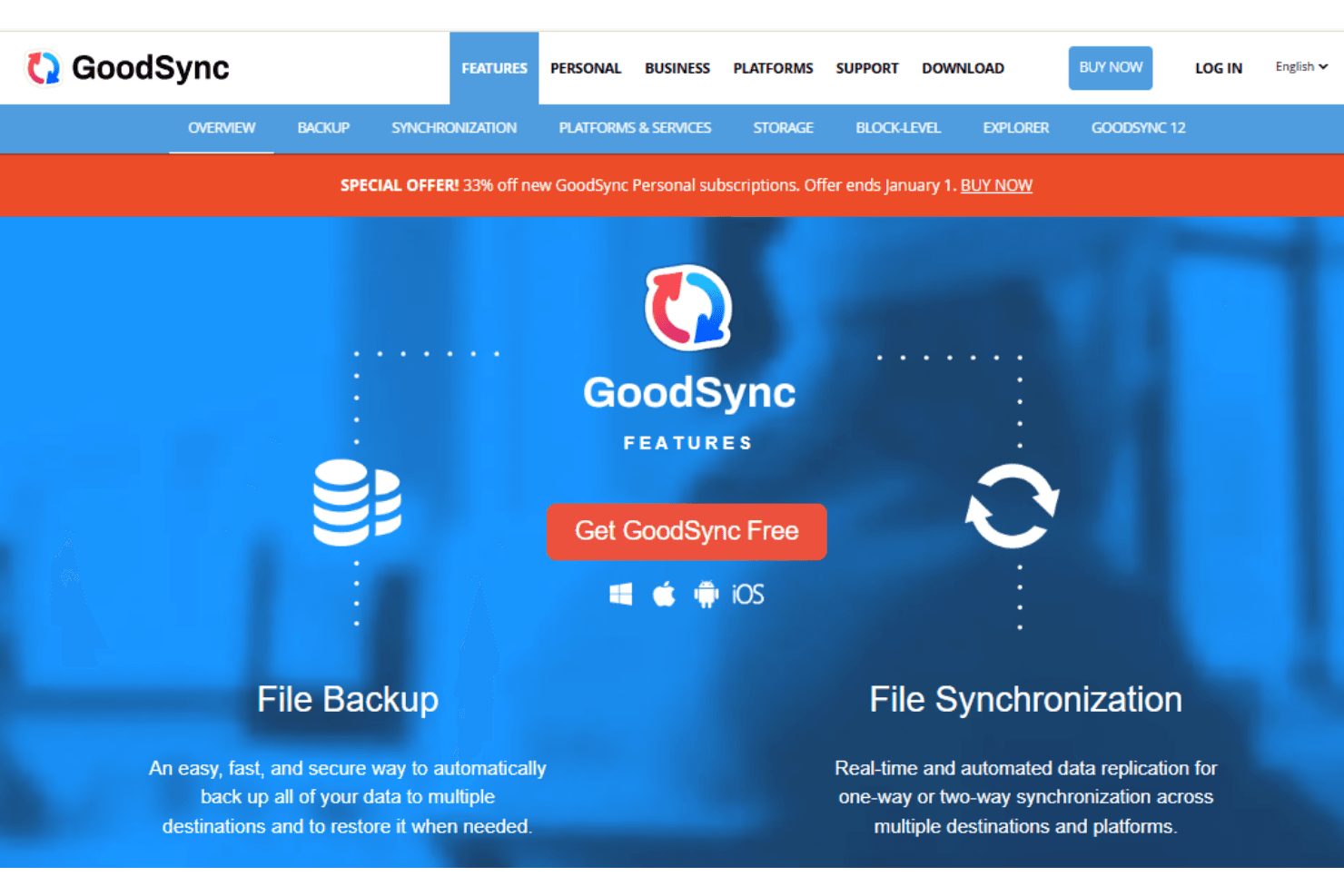
File Synchronization: GoodSync software offers reliable file synchronization across devices. You can ensure your work is consistently updated and accessible.
Automated Backups: Set up automated backups to protect your data without manual input. This feature saves you time and ensures data safety.
Version History: Keep track of file changes with version history. You can revert to previous versions easily if needed.
Cross-Platform Support: GoodSync supports various operating systems, ensuring compatibility with your devices. This feature makes it versatile for different environments.
Encryption: Secure your data with GoodSync's encryption options. It helps protect sensitive information from unauthorized access.
Data Compression: Reduce storage space with data compression. It makes your backups efficient and saves on storage costs.
Standout Features
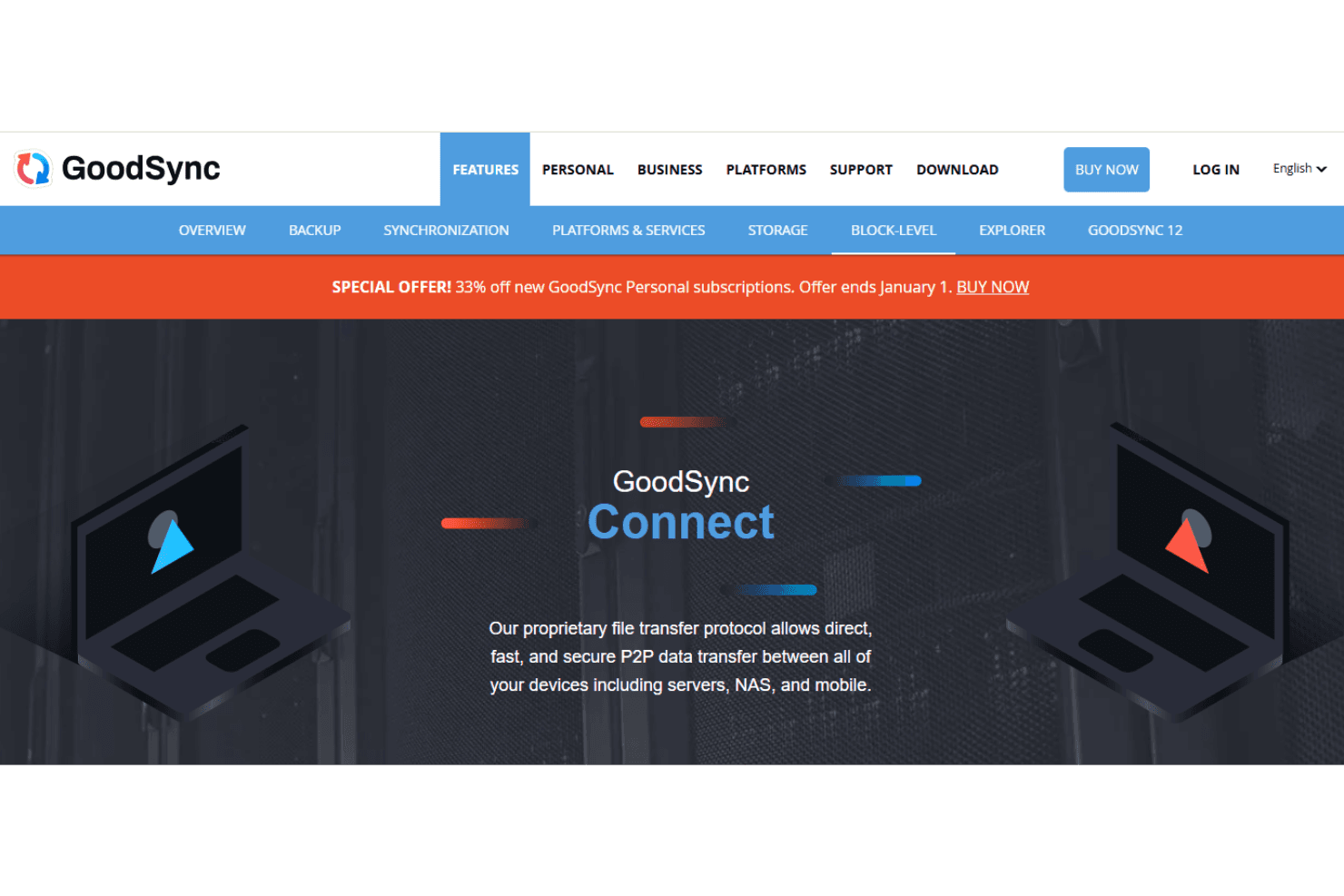
Direct P2P Sync: GoodSync enables direct peer-to-peer synchronization. It allows you to sync files without going through a cloud server, enhancing speed and privacy.
Real-Time Data Sync: GoodSync provides real-time synchronization, keeping your data updated instantly. This feature is particularly useful for teams needing immediate access to the latest files.
Ease of Use
GoodSync is fairly user-friendly but has a bit of a learning curve. You might find the interface less intuitive than some others, making onboarding a challenge. However, once you get the hang of it, the straightforward setup of automated backups and real-time synchronization can significantly enhance your workflow. If your team values functionality over aesthetics, GoodSync's usability aligns well with those priorities.
Onboarding
The onboarding process for GoodSync could be smoother, as it requires some time to understand its full functionality. Your team might find the initial setup a bit challenging without prior experience. However, GoodSync offers comprehensive support resources and documentation to guide you through the process. As you become familiar with its features, the value it adds becomes apparent, making the initial learning curve worthwhile.
Customer Support
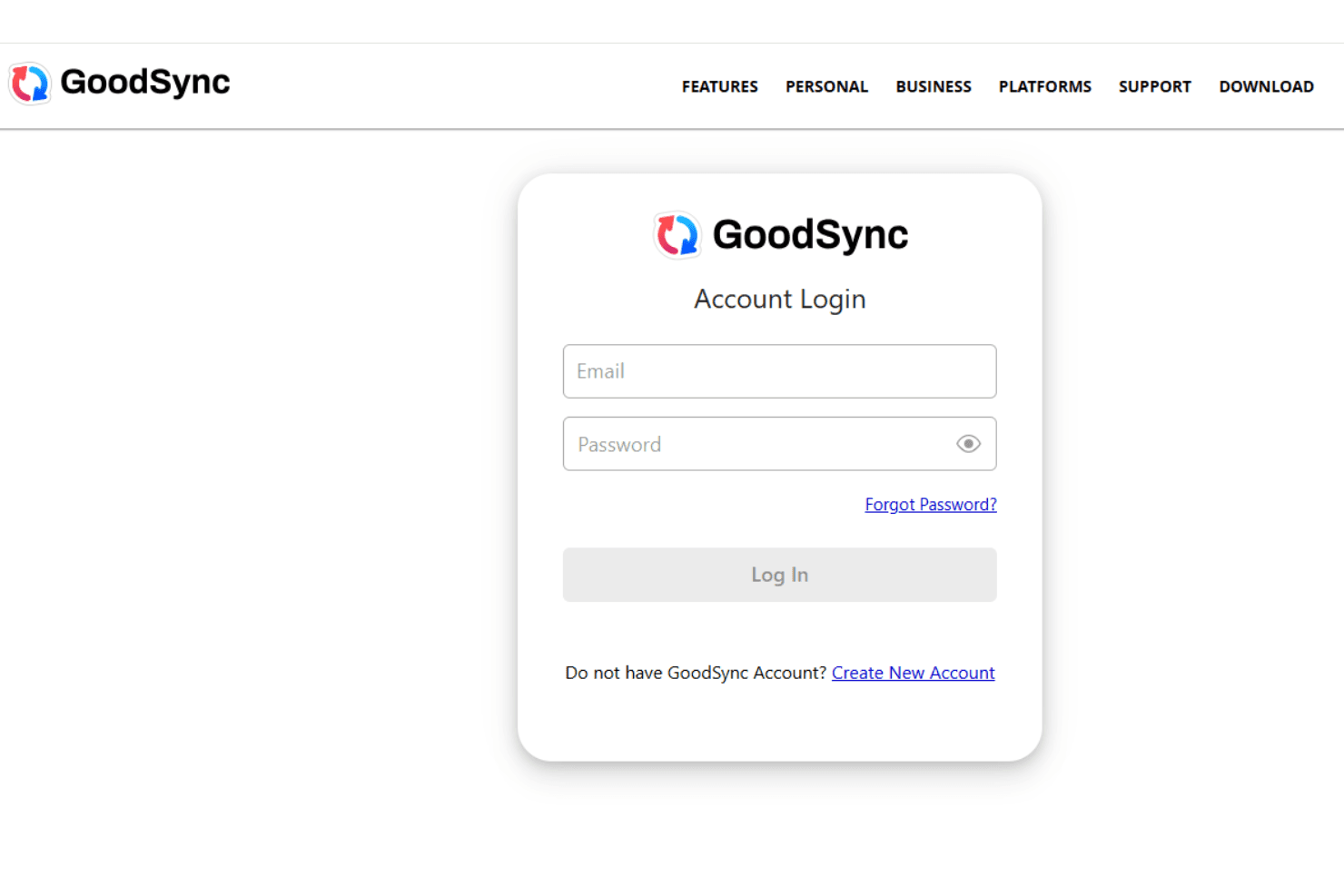
GoodSync offers solid customer support that effectively assists users when needed. You can access various resources, including detailed documentation and responsive support channels, to help resolve issues. User reviews often highlight the helpfulness of their support team, which can be a relief when troubleshooting complex problems. While not exceptional, the support provided is reliable and generally meets the needs of most users, ensuring your team can get back on track quickly.
Integrations
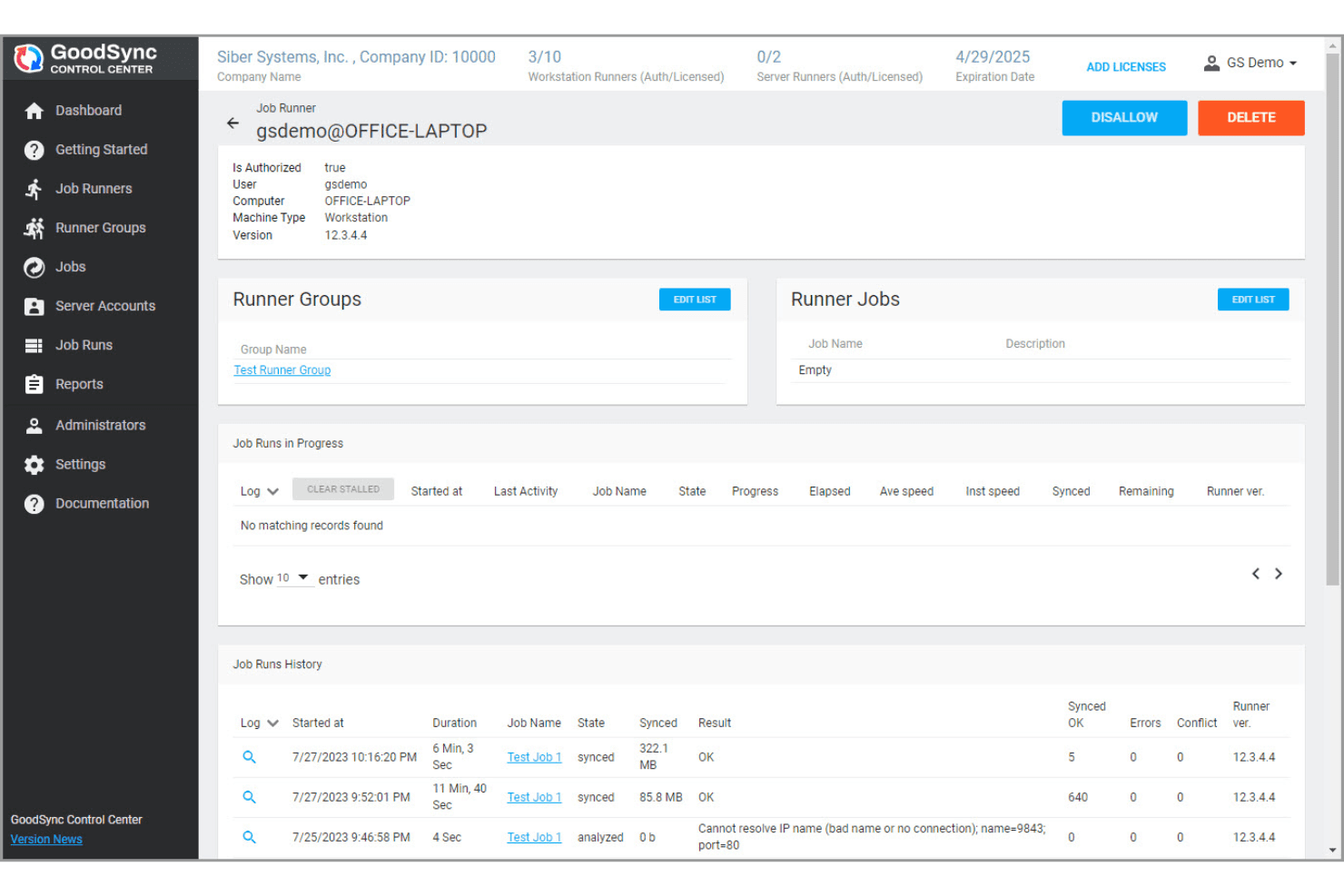
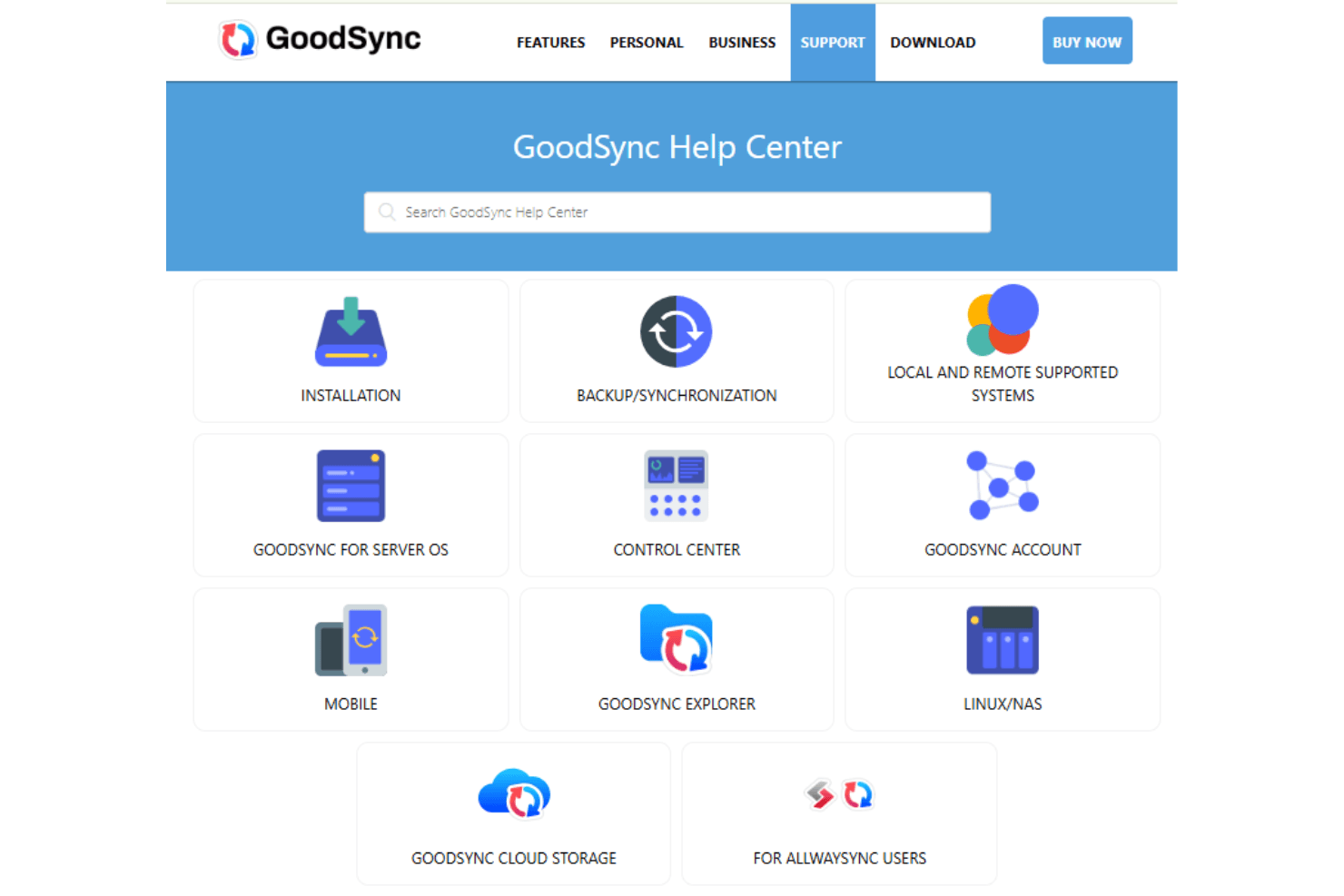
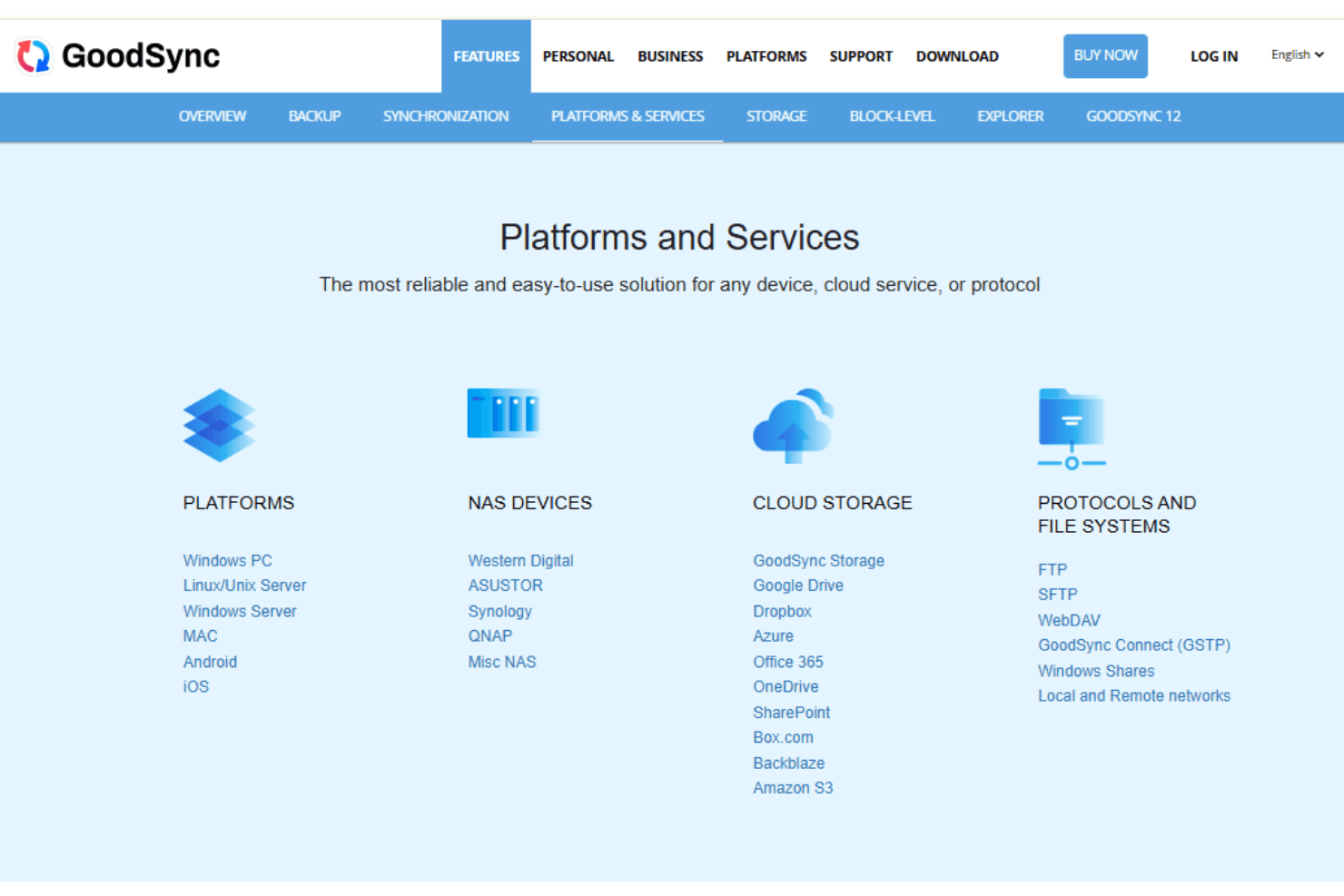
GoodSync integrates with Amazon S3, Google Drive, OneDrive, Dropbox, Backblaze B2, Azure, Box, FTP, SFTP, and WebDAV.
GoodSync also offers an API for custom integrations and connects with third-party integration tools.
Value for Money
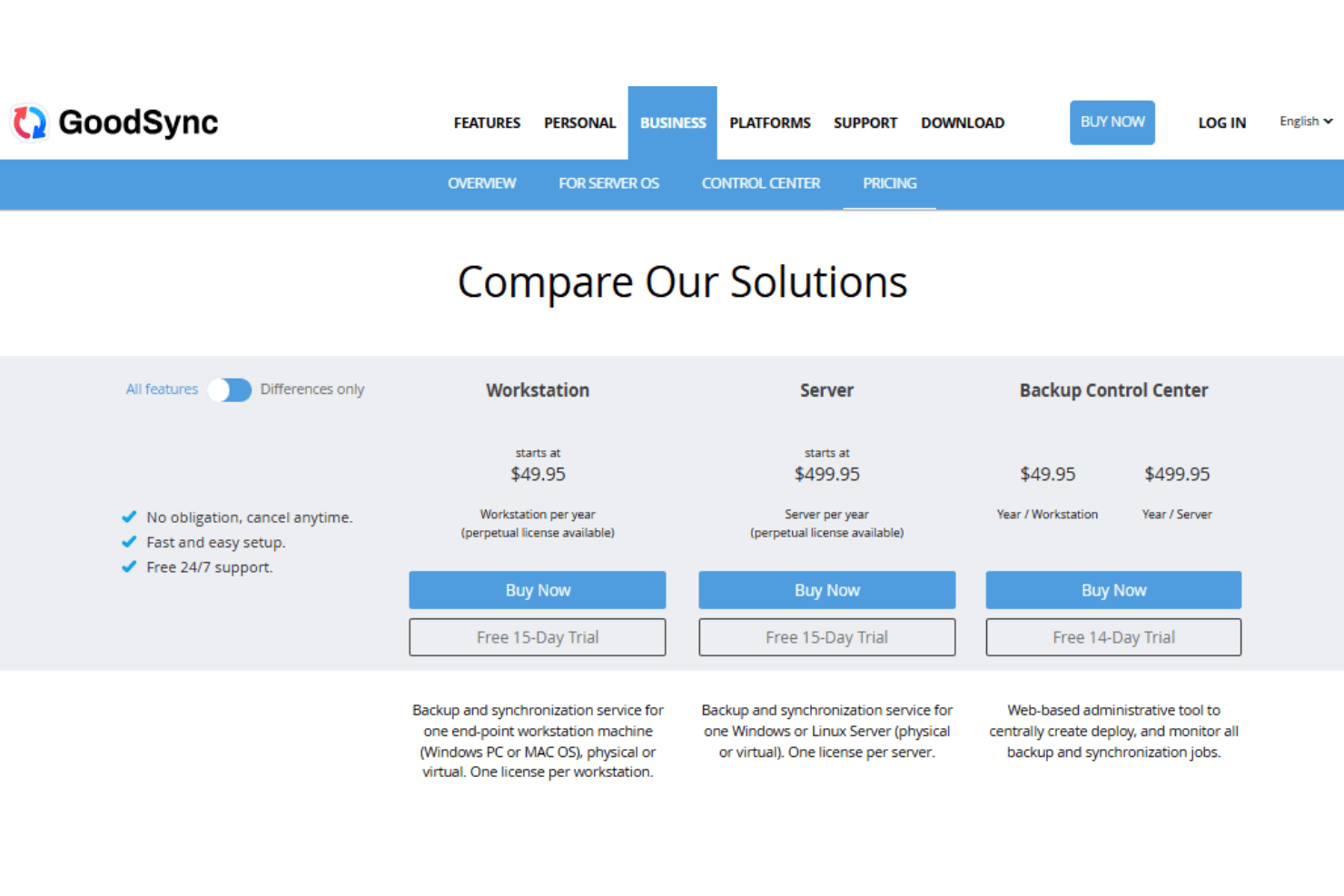
GoodSync provides substantial value with its versatile backup and synchronization features at reasonable pricing. The different GoodSync pricing tiers cater to varied needs, making it accessible for both individual users and larger organizations. A limited free plan is available for basic use, and a free trial as well, allowing your team to evaluate the software before purchasing.
- Free Plan: Limited use with restrictions on the number of jobs and files per day.
- Personal Plan: For personal use across multiple devices. Unlimited number of files, premium technical support, and GoodSync connect.
- Workstation Plan: For one endpoint workstation (Windows or Mac OS). This is primarily offered as an annual subscription.
- Server Plan: For one Windows or Linux server with both an annual subscription and a perpetual license option.
- Backup Control Center: Centralized management for backup and synchronization jobs. This requires separate workstation or server licenses to function.
GoodSync Specs
- 2-Factor Authentication: Yes
- Access Management: Yes
- Anti-Virus: Yes
- API: Yes
- Audit Trail: Yes
- Bug Tracking: Yes
- Calendar Management: Yes
- Customer Management: Yes
- Dashboard: Yes
- Data Export: Yes
- Data Import: Yes
- Data Visualization: Yes
- Email Integration: Yes
- External Integrations: Yes
- File Sharing: Yes
- File Transfer: Yes
- Firewall: Yes
- Google Apps Integration: Yes
- Inventory Tracking: Yes
- Malware Protection: Yes
- Multi-User: Yes
- Network Device Performance Monitoring: Yes
- Network Traffic Monitoring: Yes
- Network Visualization: Yes
- Notifications: Yes
- Project Management: Yes
- Remote Access: Yes
- Risk Assessment: Yes
- SAP Integration: Yes
- Scheduling: Yes
- Software Integration: Yes
- Third-Party Plugins/Add-Ons: Yes
- Ticket Management: Yes
GoodSync FAQs
GoodSync Company Overview & History
GoodSync, developed by Siber Systems Inc., is headquartered in Fairfax, Virginia. Known for its reliable backup and file synchronization software, it supports multiple operating systems like Windows, OS X, Android, and iOS. The software is available in various editions, including shareware, Pro, and Enterprise, and is favored for its user-friendly interface. GoodSync is widely used by both individuals and businesses to ensure data integrity and accessibility across devices.
GoodSync Major Milestones
- 2006: GoodSync was first launched.
- 2009: Release of GoodSync Enterprise for servers and workstations.
- 2023: Acquired Allway Sync to offer more advanced and comprehensive features.