


CrowdSec Review: Pros, Cons, Features, and Pricing



CrowdSec is a community-driven threat intelligence solution for IT and security teams. It delivers real-time IP reputation data and behavioral threat detection across your infrastructure. I'd particularly recommend it over platforms like Recorded Future if cost and community coverage matter. CrowdSec's open-source model gives you continuously updated, crowd-sourced blocklists from a global contributor network—without the enterprise licensing costs of proprietary intel feeds.
CrowdSec Evaluation Summary

- From $200/month
Why Trust Our Software Recommendations
Our team has been testing and reviewing software since 2012. As tech leaders ourselves, we know how difficult—and important—it is to choose the right software.
For this guide, we evaluated tools using hands-on testing and independent research, scoring tools using our selection criteria.
Our reviews reflect our human editorial judgment, not a sales pitch.
Expert reviewers:
CrowdSec Overview
In my opinion, CrowdSec offers a solid threat intelligence solution with standout features like real-time community-driven threat alerts. It excels in value for money, especially for small to medium businesses and IT departments looking for budget-friendly options. While its ease of use and onboarding could improve, it provides robust support and a user-friendly interface. Compared to other solutions, it stands out for its collaborative approach to threat intelligence, fostering a community-driven defense system. However, it might not suit large enterprises needing extensive integrations. If you prioritize cost-effectiveness and community engagement, CrowdSec is worth considering.
pros
-
You get real-time threat alerts from a community-driven platform.
-
It offers a user-friendly interface that's easy to navigate.
-
Your team benefits from collaborative threat intelligence sharing.
cons
-
Onboarding can be tricky for new users.
-
You might find that advanced features are limited and can’t adequately meet a large enterprise’s requirements.
-
Your team may experience occasional delays in customer support responses, unless you signed up for premium support
Is CrowdSec Right For Your Needs?
Who Would be a Good Fit for CrowdSec?
CrowdSec suits small to medium businesses and IT departments needing affordable, community-driven threat intelligence. Your team will benefit from real-time alerts and collaborative defense mechanisms. It's ideal for industries needing a cost-friendly security solution like Fail2Ban, but with more robust detection features. Its user-friendly interface helps teams that lack dedicated cybersecurity staff to improve their security posture. You’ll appreciate its community support and shared intelligence, which enhance your threat detection and response capabilities.
-
Small Businesses
You get budget-friendly threat protection with community-driven insights.
-
IT Departments
Your team will benefit from easy-to-use interfaces, endpoint protection, and real-time alerts.
-
Cybersecurity Teams
Organizations can enhance defense strategies with access to collaborative threat intelligence.
-
Healthcare Providers
You can protect sensitive patient data with community-shared threat alerts.
-
Retail Industries
Your business can secure customer data with affordable threat intelligence.
-
Education Institutions
Schools can safeguard student information with a user-friendly threat defense platform.
Who Would be a Bad Fit for CrowdSec?
CrowdSec might not suit large enterprises or industries needing extensive integrations and advanced features. If your team relies heavily on complex, customized threat intelligence systems, you may find CrowdSec lacking. Its community-driven approach may not meet the high security requirements of sectors such as finance or critical infrastructure. You’ll also find its onboarding process challenging without premium support.
-
Large Enterprises
Your team might need advanced features and extensive integrations that CrowdSec couldn’t provide.
-
Financial Institutions
You need more robust security measures and dedicated support than CrowdSec offers.
-
Critical Infrastructure
Your work requires high-level security and customized threat intelligence systems.
-
Telecommunications
You need seamless integration with existing complex systems, which CrowdSec lacks.
-
Telecommunications
You need seamless integration with existing complex systems, which CrowdSec lacks.
-
Government Agencies
Your department requires strong compliance features and extensive support.
-
High-Tech Industries
You need advanced vulnerability detection capabilities beyond CrowdSec's community-driven model.
Our Review Methodology
How We Test & Score Tools
We’ve spent years building, refining, and improving our software testing and scoring system. The rubric is designed to capture the nuances of software selection and what makes a tool effective, focusing on critical aspects of the decision-making process.
Below, you can see exactly how our testing and scoring works across seven criteria. It allows us to provide an unbiased evaluation of the software based on core functionality, standout features, ease of use, onboarding, customer support, integrations, customer reviews, and value for money.
Core Functionality (25% of final scoring)
The starting point of our evaluation is always the core functionality of the tool. Does it have the basic features and functions that a user would expect to see? Are any of those core features locked to higher-tiered pricing plans? At its core, we expect a tool to stand up against the baseline capabilities of its competitors.
Standout Features (25% of final scoring)
Next, we evaluate uncommon standout features that go above and beyond the core functionality typically found in tools of its kind. A high score reflects specialized or unique features that make the product faster, more efficient, or offer additional value to the user.
We also evaluate how easy it is to integrate with other tools typically found in the tech stack to expand the functionality and utility of the software. Tools offering plentiful native integrations, 3rd party connections, and API access to build custom integrations score best.
Ease of Use (10% of final scoring)
We consider how quick and easy it is to execute the tasks defined in the core functionality using the tool. High scoring software is well designed, intuitive to use, offers mobile apps, provides templates, and makes relatively complex tasks seem simple.
Onboarding (10% of final scoring)
We know how important rapid team adoption is for a new platform, so we evaluate how easy it is to learn and use a tool with minimal training. We evaluate how quickly a team member can get set up and start using the tool with no experience. High scoring solutions indicate little or no support is required.
Customer Support (10% of final scoring)
We review how quick and easy it is to get unstuck and find help by phone, live chat, or knowledge base. Tools and companies that provide real-time support score best, while chatbots score worst.
Customer Reviews (10% of final scoring)
Beyond our own testing and evaluation, we consider the net promoter score from current and past customers. We review their likelihood, given the option, to choose the tool again for the core functionality. A high scoring software reflects a high net promoter score from current or past customers.
Value for Money (10% of final scoring)
Lastly, in consideration of all the other criteria, we review the average price of entry level plans against the core features and consider the value of the other evaluation criteria. Software that delivers more, for less, will score higher.
Core Features
Real-Time Alerts: CrowdSec provides real-time notifications on potential threats, keeping your team informed and ready to act. You'll receive timely updates to enhance your security measures.
Community-Driven Intelligence: Your team benefits from threat data shared by a global community, improving detection accuracy. This collaboration enriches your threat intelligence database.
User-Friendly Interface: Navigate easily through CrowdSec's intuitive dashboard, making your work smoother and more efficient. It simplifies your threat monitoring tasks.
Scalability: CrowdSec adapts as your business grows, ensuring consistent protection. Small and medium businesses (SMBs) won't need to worry about outgrowing CrowdSec’s capabilities.
Customizable Configurations: Tailor CrowdSec to fit your specific security needs. For example, your team can install CrowdSec on a virtual private server (VPS) and adjust its settings without complex processes.
Automated Defense: Automate threat responses to save time and reduce manual intervention. This feature enhances your team's efficiency in handling threats.

Standout Features
Collaborative Blocklist: You can access a blocklist built from community-shared data, enhancing your threat prevention strategy. It's a unique feature that leverages global insights.
Open-Source Flexibility: CrowdSec's open-source nature allows your team to customize and improve the software’s source code, which is available on GitHub. This flexibility sets it apart and encourages innovation.
Ease of Use
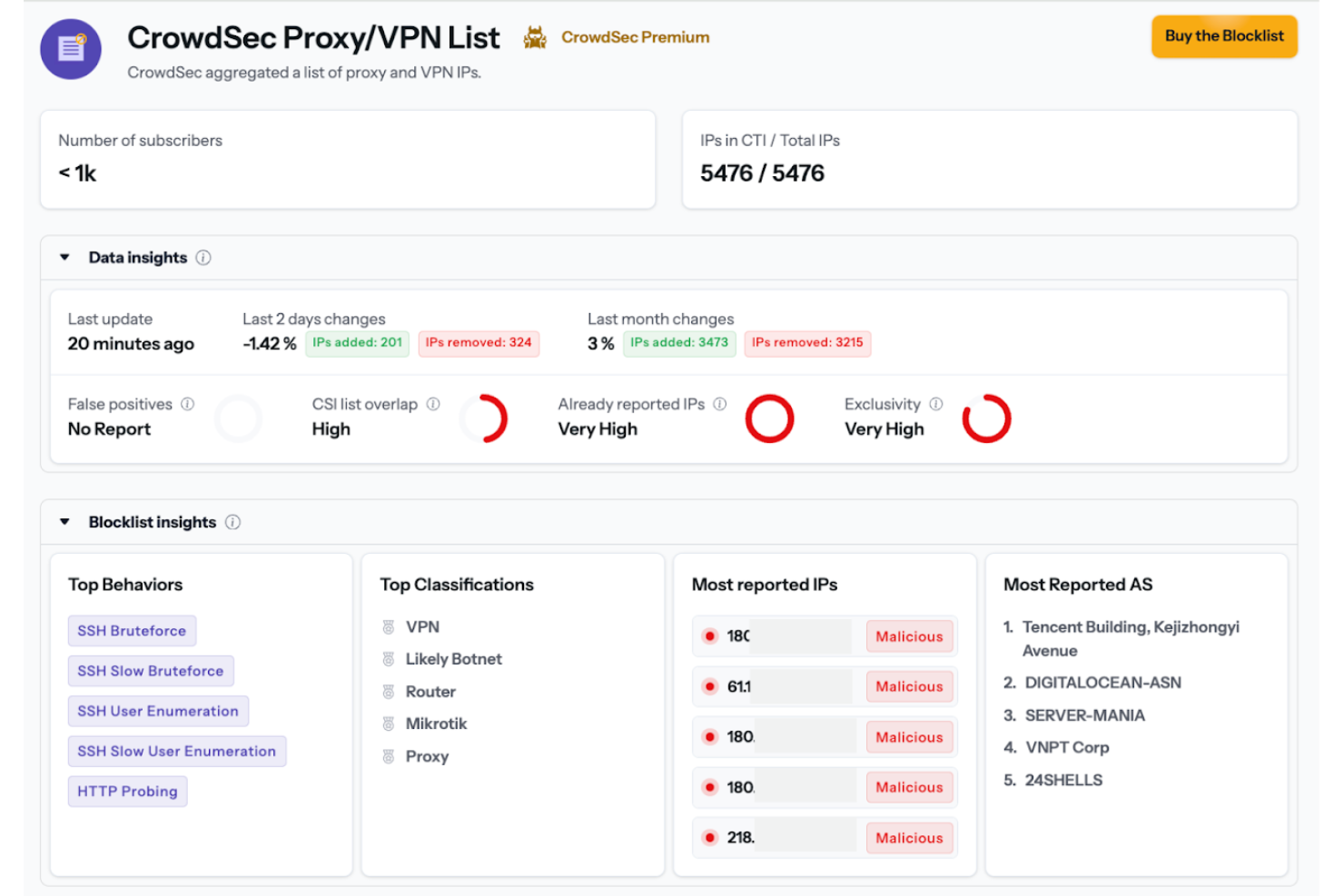
CrowdSec's user-friendly interface makes navigating threat intelligence straightforward for your team. Its intuitive dashboard simplifies monitoring, allowing you to focus on security rather than struggling with software. While onboarding might pose challenges initially, the simplicity of its core features ensures a smoother experience over time. Compared to other options, you’ll find it easier to manage and configure, even without extensive cybersecurity expertise. This usability makes it a practical choice for small to medium businesses.

Onboarding
CrowdSec's onboarding process can be challenging, especially for teams new to threat intelligence software. While initial setup might take time, the platform offers substantial documentation and community support to guide you. You'll find user forums helpful for troubleshooting common issues. Although onboarding isn't the quickest, once configured, your team will find the intuitive interface and real-time alerts helpful. This support structure gradually builds your team's confidence in managing security threats effectively.
Customer Support
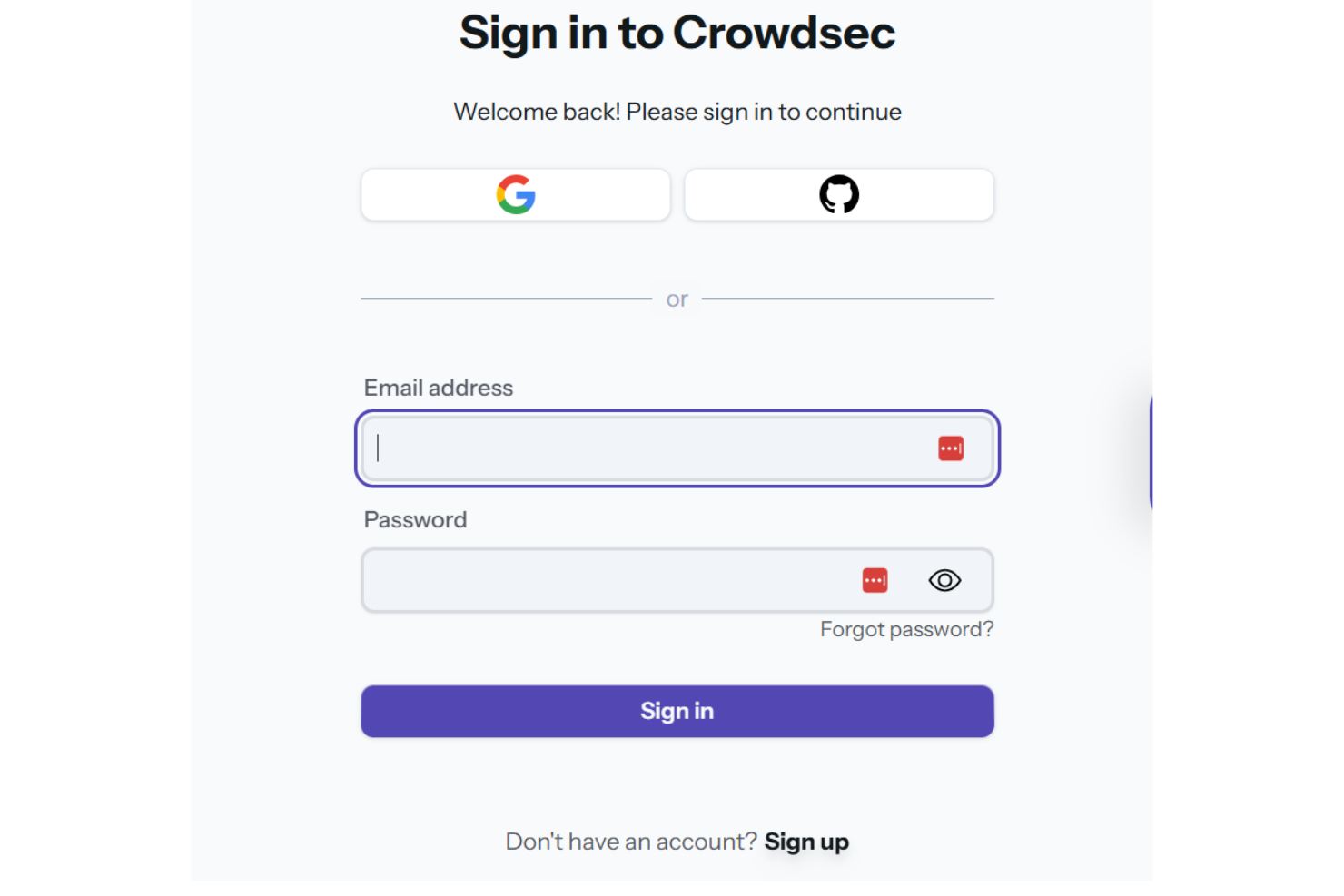
CrowdSec provides decent customer support through an active community and detailed documentation. While response times can vary, you'll find the user forums and community engagement helpful for resolving issues. Your team can access a wealth of shared knowledge, which often compensates for the lack of immediate direct support. Though not the fastest, the support structure ensures you have the resources needed to effectively manage and troubleshoot security threats.
Integrations
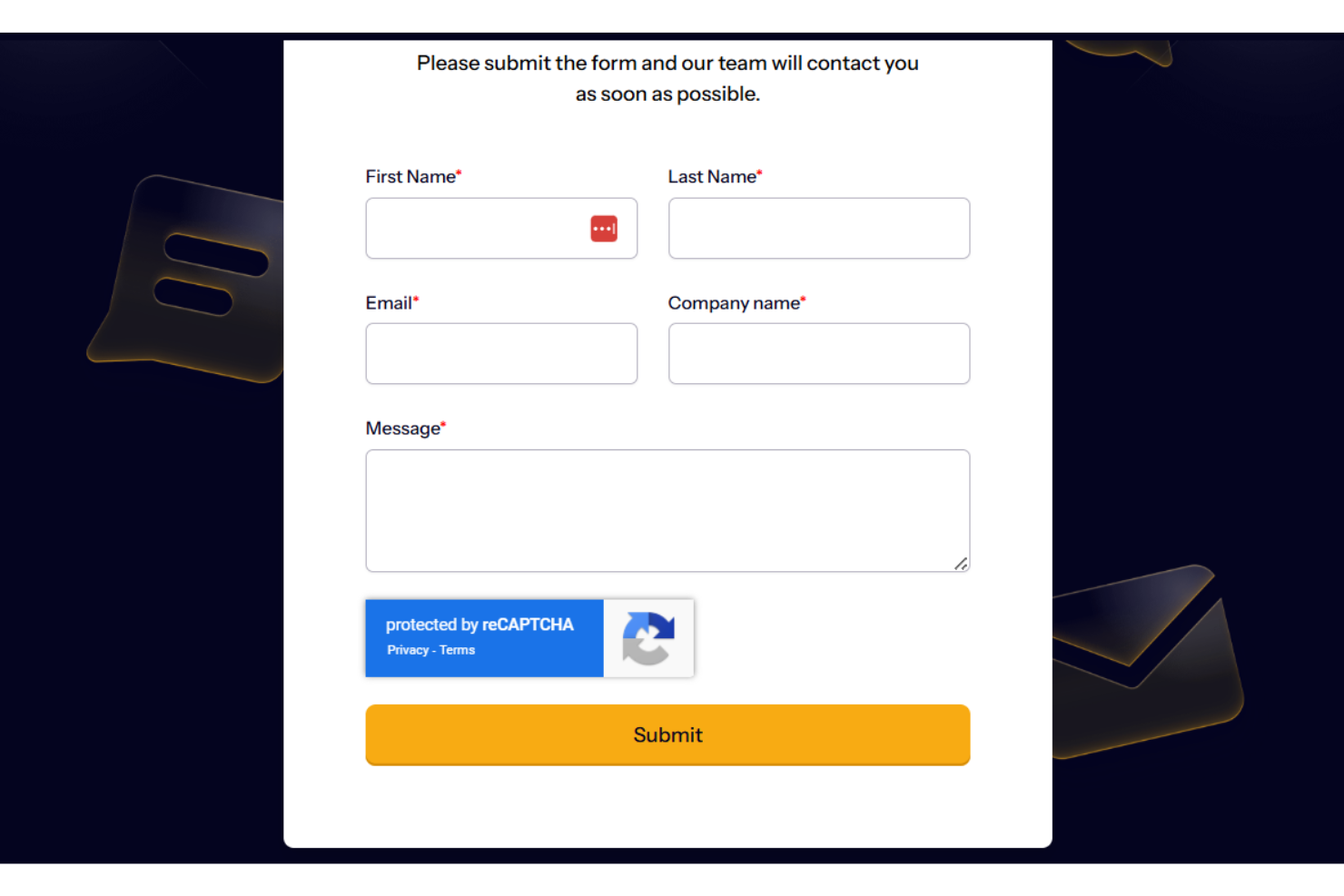
CrowdSec integrates with Juniper, Sophos, PaloAlto, Fortinet, Checkpoint, Cloudflare, F5, Cisco, SUSE, Nginx, Open-appsec, Syslog, and more.
CrowdSec also offers an application programming interface (API) and can connect with third-party integration tools to enhance its capabilities.

Value for Money
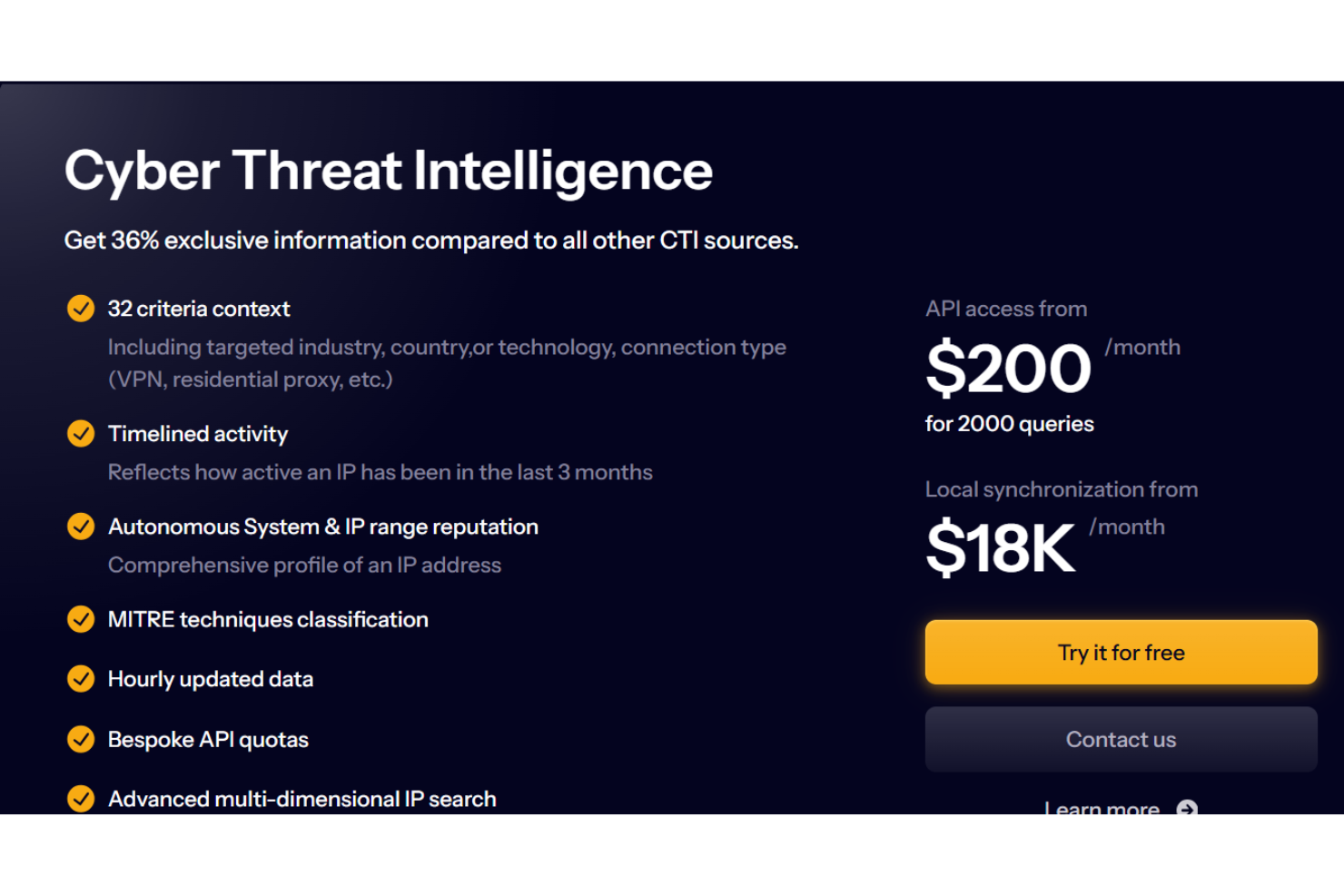
CrowdSec offers a range of pricing plans that cater to different needs, making it accessible for various budgets. The Cyber Threat Intelligence plan, starting at $200/month provides essential features without breaking the bank, while the Platinum Blocklists plan offers comprehensive protection for larger enterprises. The availability of a free version allows teams to explore its basic security features before committing to a purchase.
Cyber Threat Intelligence: From $200/month; includes threat alerts, IP address management, and hourly data updates.
Platinum Blocklists: From $900/month; offers an in-depth threat intelligence blocklist content delivery network (CDN), and firewall integrations.
CrowdSec Console Premium: A Pay-as-you-Grow plan that includes stack management, premium community blocklist, advanced integrations, and more.
CrowdSec Specs
- 2-Factor Authentication
- Access Management
- Anti-Virus
- API
- Audit Trail
- Bug Tracking
- Calendar Management
- Customer Management
- Dashboard
- Data Export
- Data Import
- Data Visualization
- Email Integration
- External Integrations
- File Sharing
- File Transfer
- Firewall
- Google Apps Integration
- Inventory Tracking
- Malware Protection
- Multi-User
- Network Device Performance Monitoring
- Network Traffic Monitoring
- Network Visualization
- Notifications
- Project Management
- Remote Access
- Risk Assessment
- SAP Integration
- Scheduling
- Software Integration
- Third-Party Plugins/Add-Ons
- Ticket Management
CrowdSec FAQs
How does CrowdSec ensure data security and compliance?
Can CrowdSec be customized to fit specific security needs?
How does CrowdSec handle threat detection?
What is the role of the community in CrowdSec?
How does CrowdSec support incident response?
Is CrowdSec suitable for my existing IT infrastructure?
What kind of support can my team expect from CrowdSec?
How does CrowdSec ensure continuous improvement and updates?
CrowdSec Company Overview & History
CrowdSec, headquartered in Montrouge, France, was founded by cybersecurity experts with the mission to make the internet safer through collaboration. The company is known for its open-source security engine, which leverages community-driven threat intelligence to protect against cyber threats. CrowdSec emphasizes a positive work culture focused on transparency, respect, and community engagement. The company has grown its user base globally, empowering individuals and businesses to join forces against cybercriminals.
CrowdSec Major Milestones
2019: Founded by cybersecurity experts Philippe Humeau and Thibault Koechlin.
2020: Launched the CrowdSec project, introducing a collaborative security solution.
2022: Raised €14 million in Series A funding to enhance its cybersecurity efforts.