
Corgea vs. ZeroPath: Comparison & Expert Reviews For 2026
We review tools independently, and commissions help fund our testing. See our transparency policy, our methodology, or suggest a tool.
You’ve been reviewing security findings, comparing new tools, and trying to figure out which AppSec platform actually fits your team’s workflow without adding more noise or overhead.
The shortlist got smaller, the stakes got higher, and now the real comparison begins.
This guide breaks down Corgea vs. ZeroPath so you can understand how each platform approaches security, workflows, and scaling in practice.
Corgea
0/5
- Free plan available
- From $34/developer/month
Zeropath

4.5/5
- Free plan available
- From $200/month
Why Trust Our Software Recommendations
6,700+
Reviews
20
Industry experts
16+
Evaluation factors
14
Years
Our team has been testing and reviewing software since 2012. As tech leaders ourselves, we know how difficult—and important—it is to choose the right software.
For this guide, we evaluated tools using hands-on testing and independent research, scoring tools using our selection criteria.
Our reviews reflect our human editorial judgment, not a sales pitch.
Expert reviewers:
- Paulo Gardini MiguelTech Director

Tim FisherVP of AI
Gabriel RosasTech Lead & Software Architect

Christhian GruhnTech Lead & Platform Architect
| Corgea | Zeropath | |
|---|---|---|
| Free Trial | Free plan available | Free plan available |
| Pricing | From $34/developer/month | From $200/month |
Corgea vs. ZeroPath Pricing & Hidden Costs
Corgea follows a per-developer pricing model with a free tier and progressively higher tiers that add workflow integrations, reporting, governance, and enterprise controls.
The entry tier already includes broad scanning capabilities, but most teams will need higher plans for analytics, team management, and policy enforcement. Because pricing scales with engineering headcount and key enterprise features sit in top tiers, costs can increase significantly as teams grow or require SSO, audit logs, and advanced support.
ZeroPath uses a platform subscription model with a limited free plan and paid tiers that unlock full scanning, automated patching, integrations, dashboards, and collaboration features.
This structure can be more predictable for larger teams since pricing isn’t tied to the number of developers, but repository limits and enterprise requirements can push organizations toward higher tiers sooner as their codebase and compliance needs expand.
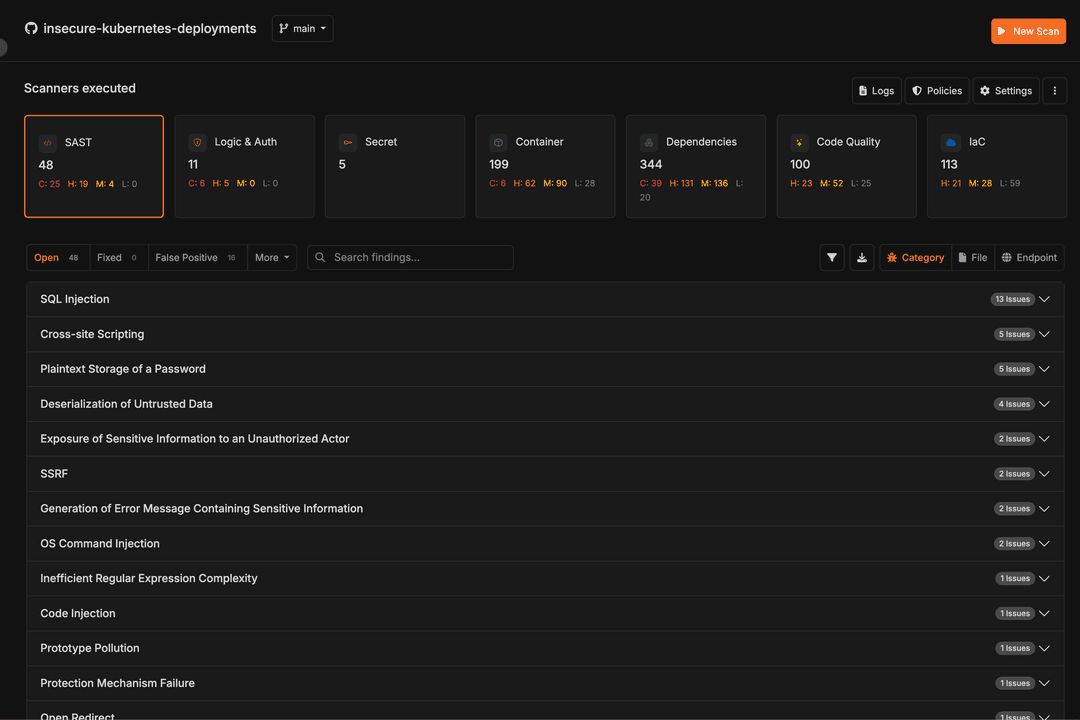
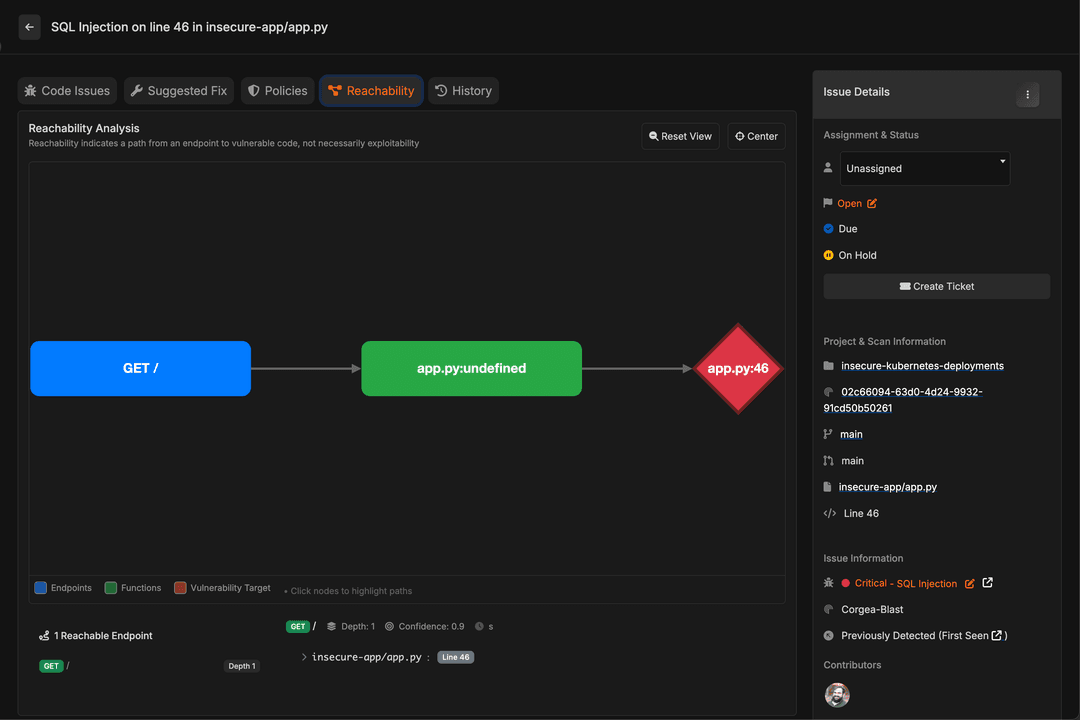
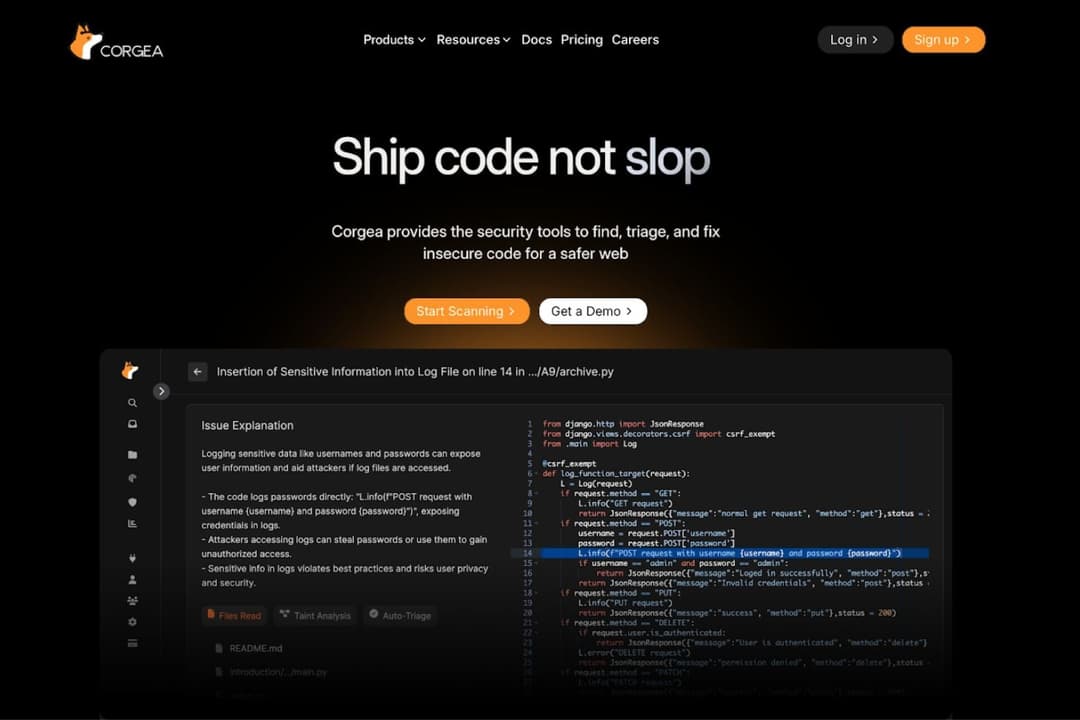
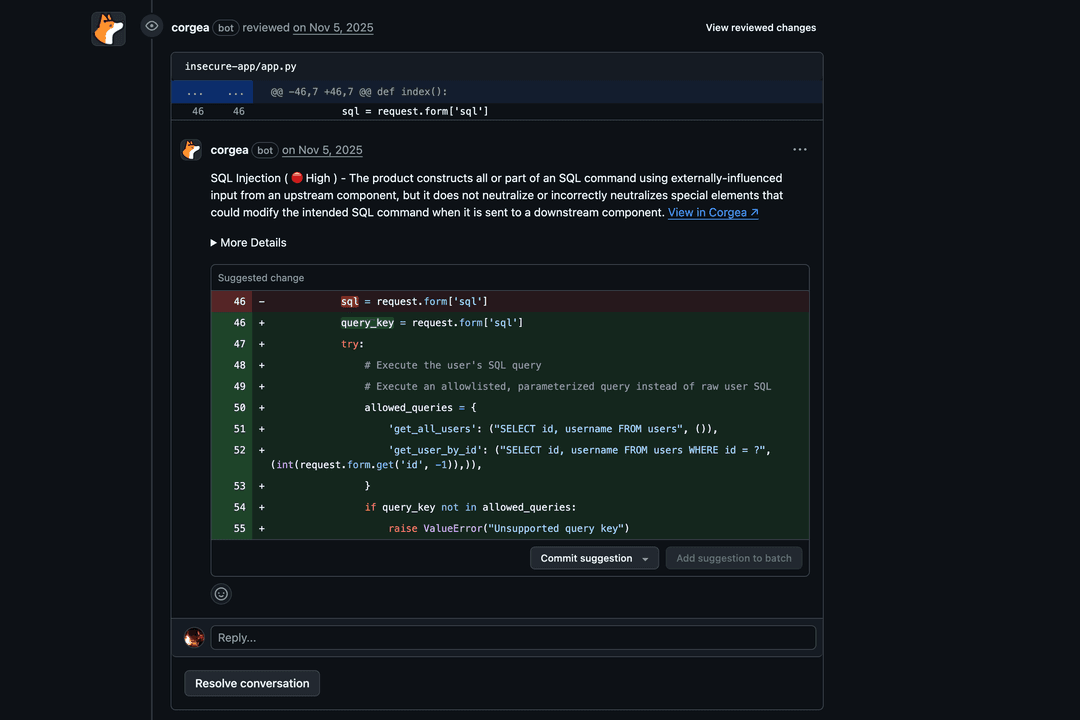
Corgea focuses on AI-driven vulnerability detection, triage, and remediation within developer workflows. Its core capabilities include AI SAST, OSS dependency scanning, secrets detection, malware scanning, IaC scanning, and PII/PHI detection, alongside standout features such as automated AI-generated fixes, false-positive detection, source-and-sink tracing, and contextual vulnerability analysis that helps identify complex issues such as business logic flaws and authorization vulnerabilities. Additional capabilities include policy management and integrations through its GitHub app and VS Code extension.
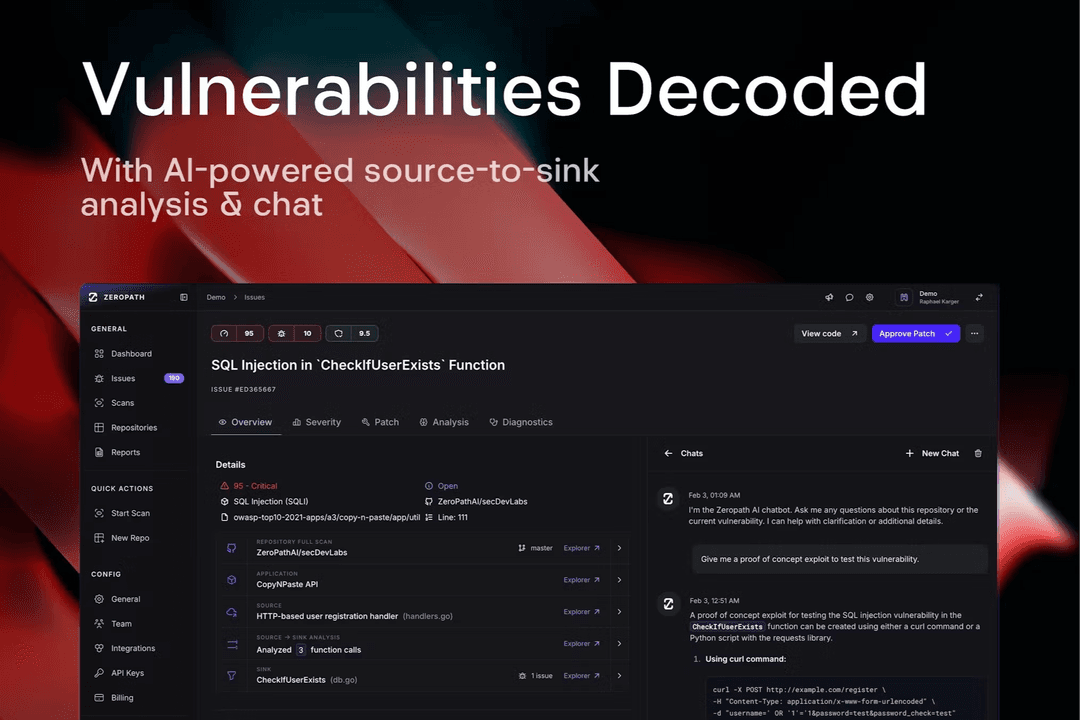
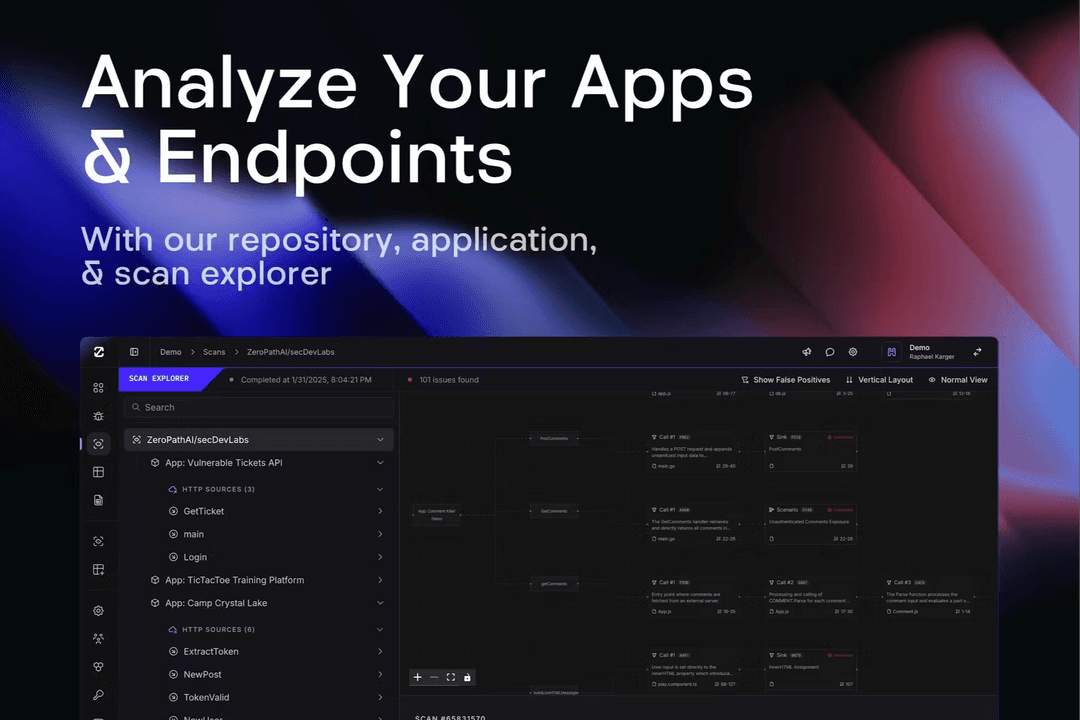
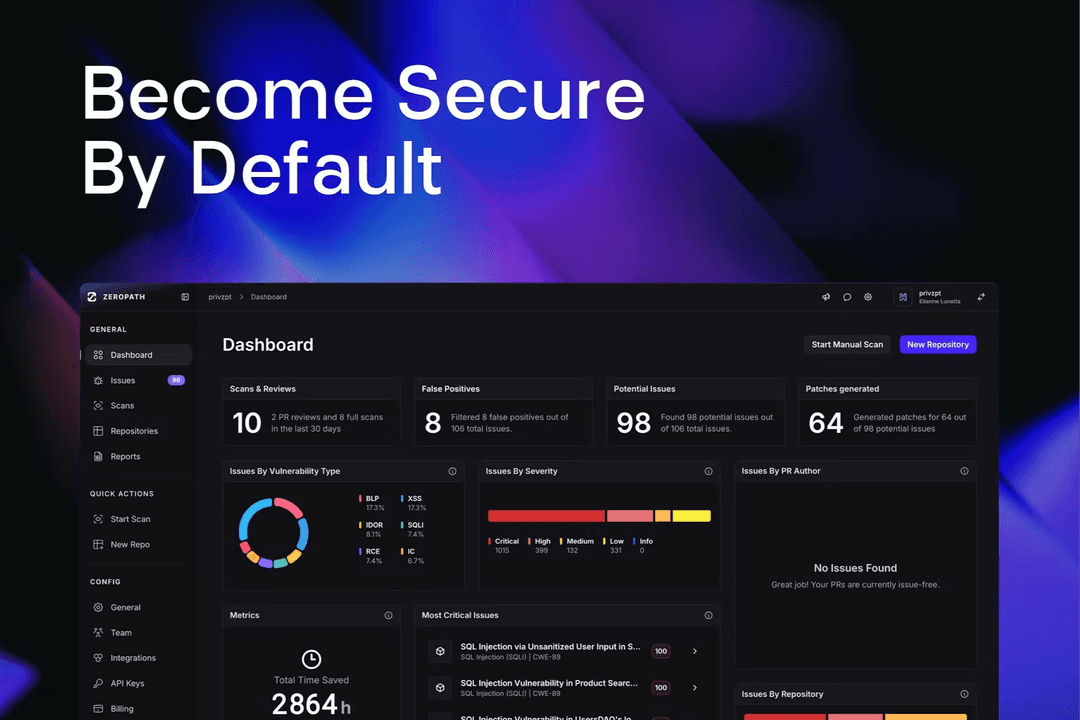
ZeroPath centers on a broad AI AppSec platform that combines SAST, SCA, secrets detection, and IaC security with workflow automation. Notable features include automated patch generation, PR security reviews, policy enforcement, risk prioritization, and a policy engine designed to support CI/CD pipelines and collaboration across engineering and security teams.
| Corgea | Zeropath | |
|---|---|---|
| 2-Factor Authentication | No | No |
| Access Management | No | No |
| Anti-Virus | No | No |
| API | Yes | No |
| Audit Management | No | No |
| Audit Trail | No | No |
| Batch Permissions & Access | No | No |
| Compliance Tracking | No | No |
| Dashboard | Yes | Yes |
| Data Export | Yes | Yes |
| Data Import | Yes | Yes |
| DDoS Protection | No | No |
| External Integrations | Yes | Yes |
| File Sharing | No | No |
| File Transfer | No | No |
| Firewall | No | No |
| Incident Management | Yes | No |
| Malware Protection | No | No |
| Multi-User | Yes | Yes |
| Notifications | Yes | Yes |
| Password & Access Management | No | Yes |
| Policy Management | Yes | No |
| Real-time Alerts | Yes | Yes |
| Report & Compliance | Yes | Yes |
| Risk Assessment | Yes | Yes |
| Security Migration | No | No |
| Threat Detection | No | Yes |
| Workflow Management | Yes | No |
| Integration | Corgea | ZeroPath |
| Jira | ✅ | ✅ |
| Slack | ✅ | ✅ |
| GitHub | ✅ | ✅ |
| GitLab | ✅ | ✅ |
| Bitbucket | ✅ | ✅ |
| Azure DevOps | ✅ | ✅ |
| Visual Studio | ✅ | ✅ |
| Linear | ❌ | ✅ |
| API | ✅ | ✅ |
| Zapier | ✅ | ❌ |
Both platforms provide integrations with common developer and DevOps tools such as Jira, Slack, GitHub, GitLab, Bitbucket, Azure DevOps, Visual Studio, and APIs, indicating support for CI/CD pipelines, issue tracking, and developer workflows.
| Factor | Corgea | ZeroPath |
| Data Privacy | Customer data and code are protected through encryption in transit and at rest, with secure cloud infrastructure and access controls. | Fully GDPR compliant with transparent data handling and minimal data retention. |
| Regulatory Compliance | Follows SOC 2 security best practices and is currently undergoing SOC 2 auditing. | SOC 2 Type II certified, demonstrating a commitment to security, availability, and confidentiality. |
| Incident Response | Maintains a vulnerability disclosure program and a defined process for reporting and addressing security issues. | Documented response plan, 72-hour breach notification, and post-incident reports on request. |
| System Uptime | Publicly reports service status and uptime, showing 100% uptime in its recent uptime history. | Provides a public status page showing about 99.894% uptime and operational services. |
With Corgea, customer data and code are encrypted in transit and at rest. They follow SOC 2 security best practices while undergoing SOC 2 auditing and maintain a vulnerability disclosure program, publicly reporting 100% uptime in its recent status history.
ZeroPath highlights full GDPR compliance with minimal data retention, SOC 2 Type II certification, a documented incident response process with 72-hour notification, and a public status page showing about 99.894% uptime and operational services.
| Factor | Corgea | ZeroPath |
| User Interface | Developer-focused interface for reviewing vulnerabilities, managing scans, and applying AI-generated fixes within existing workflows. | Provides a dashboard for viewing scan results, tracking metrics, managing policies, and reviewing findings directly within pull requests. |
| Onboarding Experience | Offers a guided setup with a wizard, GitHub app installation, and step-by-step onboarding. | Offers a Quick Start guide for creating an account, connecting repositories, and starting scans. |
| Setup | Lets users connect or upload a repo, run scans, review findings, and apply fixes via PRs, IDE integrations, or downloads. | Setup involves connecting a repository, configuring scan settings, and running automated scans. |
| Support | Offers a help center, documentation, contact options, and premium support in higher tiers. | Provides documentation, email support, and a community Discord for help and guidance. |
Corgea provides a developer-focused interface for reviewing vulnerabilities, managing scans, and applying AI-generated fixes. It includes a guided setup with a wizard and GitHub app installation, and its workflow covers connecting or uploading repositories, running scans, reviewing findings, and applying fixes through pull requests, IDE integrations, or downloads. Support includes documentation, a help center, contact options, and premium support tiers.
ZeroPath’s dashboard is good for non-technical users as it provides a quick view for scan results, tracking metrics, managing policies, and reviewing findings within pull requests. It offers a Quick Start guide for creating an account, connecting repositories, and starting scans, with setup focused on connecting repositories, configuring scan settings, and running automated scans. Support is available through documentation, email, and a community Discord.
Corgea
- AI-generated security fixes help reduce manual remediation work.
- Strong automation helps streamline vulnerability detection, prioritize actionable findings, and reduce time spent reviewing low-value alerts.
- Built to integrate into developer workflows and existing toolchains.
- Primarily designed for technical teams.
- Newer vendor with a limited track record.
- Reporting and analytics are limited to higher-tier plans, so teams that need deeper visibility may have to upgrade sooner.
Zeropath
- It catches logic flaws and hidden risks you might miss in normal scans.
- Cuts down noisy findings so your team can focus on real issues.
- Gives you clear fixes that speed up your security reviews.
- You may need time to adjust your workflow around its automation.
- Integration options may not be extensive enough for complex enterprise environments.
- You won’t get a lightweight experience if you only want simple vulnerability checks.
Corgea

- Fast-Moving Software Development TeamsFrequent release teams benefit from continuous scanning and auto-fix, which detect vulnerabilities and generate remediation pull requests automatically.
- DevOps and CI/CD-Driven WorkflowsTeams using GitHub, GitLab, Jenkins, or Azure DevOps benefit from native integrations that run security checks directly in pipelines and pull requests.
- Teams With Large Security BacklogsAuto-triage helps engineering and security teams prioritize real risks and reduce false positives.
- Companies Using Open-Source DependenciesTeams that rely on third-party libraries benefit from OSS dependency scanning that detects vulnerable packages early.
- Organizations Handling Sensitive DataBusinesses working with personal or healthcare data benefit from using PII/PHI and secret scanning to detect exposed sensitive information.
- Security Teams Supporting Developer ProductivityPolicies and automated remediation help AppSec and DevSecOps teams enforce security standards with minimal manual effort.
Zeropath

- Tech StartupsZeroPath’s clean interface helps early-stage teams adopt security workflows quickly, even if they don’t have a dedicated AppSec specialist. It supports fast setup, so you can introduce scanning without adding process overhead.
- Agile TeamsAutomated checks and real-time alerts fit naturally into sprint-based development, helping teams resolve issues without disrupting release timing.
- Cybersecurity DepartmentsZeroPath’s scanning and reporting tools provide an efficient way to track vulnerabilities across repositories and keep security reviews consistent.
- Software DevelopersDevelopers get clear, actionable scan results that reduce guesswork during remediation and make it easier to prioritize fixes.
- Enterprise AppSecYou need dashboards, compliance insights, and automated tracking that make large-scale oversight easier.
- Project ManagersProvides visibility into the security status of ongoing work, helping PMs track risk areas without needing to dive into technical details.
Who Should Use Corgea, and Who Should Use ZeroPath?
Overall, Corgea is best for developer-led teams since its AI SAST, auto-triage, contextual vulnerability analysis, and automated pull-request fixes are aimed at reducing backlogs and embedding security into daily workflows. Teams that need visibility into business logic and authorization risks alongside traditional code vulnerabilities may find the platform particularly appealing.
ZeroPath, on the other hand, is good for security, DevSecOps, and enterprise teams (including non-technical users) looking for a unified AppSec platform. It combines SAST, SCA, secrets scanning, IaC security, and automated patch generation into one platform designed to secure code and support compliance across repositories.
| Corgea | Zeropath | |
|---|---|---|
| Compliance | Corgea Highlights SOC 2 best practices, vulnerability disclosure processes, and developer-focused security enforcement through policies. | Zeropath Highlights SOC 2 Type II certification, GDPR compliance, automated compliance workflows, and breach notification processes. |
| Integrations | Corgea Includes Zapier and strong IDE tooling support, reflecting an emphasis on automation and developer workflows. | Zeropath Includes Linear and collaboration-focused tooling, reflecting emphasis on cross-team coordination and security operations. |
| Pricing Model | Corgea Corgea uses a per-developer, tiered pricing model where higher plans unlock governance, analytics, SSO, audit logs, and enterprise controls. Costs scale as engineering teams grow. | Zeropath ZeroPath uses a platform subscription model where pricing is tied to repositories, scans, and platform usage rather than headcount. |
| Setup and Onboarding | Corgea Provides guided onboarding with a setup wizard and GitHub app installation, focused on getting developers scanning quickly. | Zeropath Provides a Quick Start flow centered on connecting repositories, configuring scans, and running automated PR reviews. |
| Vulnerability Management | Corgea Strong emphasis on AI-generated fixes, false-positive reduction, and source-and-sink tracing, with additional focus on identifying business logic and authorization vulnerabilities that may be difficult for traditional static analysis approaches to detect. | Zeropath Emphasizes automated patch generation, PR security reviews, and risk prioritization across the broader security lifecycle. |
| AI-Driven AppSec | Both position themselves as AI-powered application security platforms designed to detect and fix vulnerabilities earlier in development. |
|---|---|
| CI/CD Pipeline Integration | Both integrate scanning directly into repositories, pull requests, and CI/CD pipelines. |
| Multi-Layer Security Testing | Both provide SAST, SCA, secrets detection, and IaC security to cover multiple layers of the software supply chain. |
| Visibility | Both offer dashboards and reporting for tracking vulnerabilities, scans, and security posture across projects. |
| Workflow Automation | Both focus on reducing manual security work through automation and continuous scanning. |