

Cacti Review: Pros, Cons, Features and Pricing
Cacti offers a unique blend of simplicity and power, making it a favorite for teams seeking an efficient yet user-friendly network monitoring solution.

We review tools independently, and commissions help fund our testing. See our transparency policy, our methodology, or suggest a tool.
Cacti is an open-source network monitoring software built around RRDtool for polling network devices and generating detailed performance graphs. It's a strong fit for IT teams that need granular visibility into network traffic, bandwidth, and device health without a licensing budget. If you've looked at PRTG Network Monitor but want to avoid per-sensor pricing, Cacti gives you flexible, customizable monitoring at no cost—though it does require more hands-on configuration to get up and running.
Cacti Evaluation Summary
.png&w=1920&q=75)
0/5
- Free to use
- Free to download
Why Trust Our Software Recommendations
6,700+
Reviews
20
Industry experts
16+
Evaluation factors
14
Years
Our team has been testing and reviewing software since 2012. As tech leaders ourselves, we know how difficult—and important—it is to choose the right software.
For this guide, we evaluated tools using hands-on testing and independent research, scoring tools using our selection criteria.
Our reviews reflect our human editorial judgment, not a sales pitch.
Expert reviewers:
- Paulo Gardini MiguelTech Director
 Tim FisherVP of AI
 Gabriel RosasTech Lead & Software Architect
 Christhian GruhnTech Lead & Platform Architect

Cacti Overview
In my opinion, Cacti is a solid choice for mid-sized IT departments needing an affordable network monitoring system. It shines with its data visualization, offering clear insights into network performance and metrics through customizable dashboards. Compared to pricier options, Cacti may lack some advanced features but compensates with flexibility and customization. It's best suited for environments where teams appreciate open-source solutions and have some technical know-how. If your team values cost-effectiveness without sacrificing essential monitoring capabilities, Cacti is worth considering.
Pros
- You can customize graphs to fit your specific network monitoring needs.
- It offers detailed data visualization, making it easier to track network performance.
- Your team will appreciate its open-source flexibility and community support.
Cons
- Your team might find the initial setup and configuration a bit challenging.
- It lacks some advanced features found in paid network monitoring tools.
- You may find the user interface a bit outdated compared to newer software.
Is Cacti Right For Your Needs?
Who Would be a Good Fit for Cacti?
Cacti is a great fit for small or mid-sized IT departments and educational institutions that need affordable network monitoring. Its custom graphing capabilities help you visualize network data effectively. If your team values open-source flexibility and has the technical skills to manage initial setup, Cacti provides a strong solution, especially for server monitoring within a web-based platform. It’s ideal for environments where cost-efficiency and a community-driven approach are important.
- Educational InstitutionsCacti's affordability and data visualization make it ideal for schools managing extensive network systems.
- Mid-sized BusinessesYour team can benefit from Cacti’s customization to monitor internal networks without breaking the bank.
- IT DepartmentsCacti gives your IT team the flexibility to tailor network graphs, fitting specific monitoring needs and notifications for thresholds.
- Healthcare FacilitiesCacti helps your facility track network performance, ensuring critical systems remain operational.
- Retail ChainsYou can use Cacti to monitor multiple store networks from a central location, improving oversight.
- Government AgenciesCacti’s open-source nature means you can modify it to fit specific regulatory or security requirements.
Who Would be a Bad Fit for Cacti?
Cacti isn't ideal for large enterprises needing advanced features and seamless integration with other systems. If your team relies on a modern interface and comprehensive support, Cacti might disappoint. It’s not suited for businesses that lack the technical know-how to handle its setup and configuration. If you need real-time, robust analytics or advanced reporting, you might find Cacti lacking compared to higher-end solutions.
- Large EnterprisesCacti may not scale well to meet the complex needs of large organizations requiring advanced monitoring features.
- Non-Technical TeamsWithout technical expertise, your team might struggle with Cacti’s setup and customization.
- Financial InstitutionsCacti lacks the advanced security and real-time monitoring features crucial for sensitive financial data.
- Startups with Rapid GrowthIf your startup is scaling quickly, Cacti’s limitations might hinder your network monitoring capabilities.
- Media CompaniesCacti’s outdated interface may not meet the demands of tech-savvy media teams requiring cutting-edge tools.
- E-commerce GiantsFor massive online retailers, Cacti may not provide the real-time data analytics needed for fast-paced operations.
Our Review Methodology
How We Test & Score Tools
We’ve spent years building, refining, and improving our software testing and scoring system. The rubric is designed to capture the nuances of software selection and what makes a tool effective, focusing on critical aspects of the decision-making process.
Below, you can see exactly how our testing and scoring works across seven criteria. It allows us to provide an unbiased evaluation of the software based on core functionality, standout features, ease of use, onboarding, customer support, integrations, customer reviews, and value for money.
Core Functionality (25% of final scoring)
The starting point of our evaluation is always the core functionality of the tool. Does it have the basic features and functions that a user would expect to see? Are any of those core features locked to higher-tiered pricing plans? At its core, we expect a tool to stand up against the baseline capabilities of its competitors.
Standout Features (25% of final scoring)
Next, we evaluate uncommon standout features that go above and beyond the core functionality typically found in tools of its kind. A high score reflects specialized or unique features that make the product faster, more efficient, or offer additional value to the user.
We also evaluate how easy it is to integrate with other tools typically found in the tech stack to expand the functionality and utility of the software. Tools offering plentiful native integrations, 3rd party connections, and API access to build custom integrations score best.
Ease of Use (10% of final scoring)
We consider how quick and easy it is to execute the tasks defined in the core functionality using the tool. High scoring software is well designed, intuitive to use, offers mobile apps, provides templates, and makes relatively complex tasks seem simple.
Onboarding (10% of final scoring)
We know how important rapid team adoption is for a new platform, so we evaluate how easy it is to learn and use a tool with minimal training. We evaluate how quickly a team member can get set up and start using the tool with no experience. High scoring solutions indicate little or no support is required.
Customer Support (10% of final scoring)
We review how quick and easy it is to get unstuck and find help by phone, live chat, or knowledge base. Tools and companies that provide real-time support score best, while chatbots score worst.
Customer Reviews (10% of final scoring)
Beyond our own testing and evaluation, we consider the net promoter score from current and past customers. We review their likelihood, given the option, to choose the tool again for the core functionality. A high scoring software reflects a high net promoter score from current or past customers.
Value for Money (10% of final scoring)
Lastly, in consideration of all the other criteria, we review the average price of entry level plans against the core features and consider the value of the other evaluation criteria. Software that delivers more, for less, will score higher.
Core Features
Data Visualization
Cacti lets you create custom graphs to visualize network data, helping your team easily track performance trends.
Network Traffic Analysis
You can monitor network traffic efficiently, identifying potential bottlenecks before they become issues.
Threshold Alerts
Set alerts for network thresholds so your team gets notified when performance deviates from the norm.
Template Management
Use templates to standardize monitoring setups, saving time and ensuring consistency across your network.
User Management
Cacti allows you to manage user permissions, ensuring that only authorized team members access specific data.
SNMP Support
With SNMP support, you can gather data from various network devices, enhancing your monitoring capabilities and enabling teams to troubleshoot across the broader IT infrastructure.

Standout Features
Customizable Graphs
Cacti’s graphs are highly customizable, letting you tailor them to fit your specific monitoring needs.
Open-Source Flexibility
Being open-source, Cacti offers your team the ability to modify and extend the software to suit unique requirements.
Ease of Use
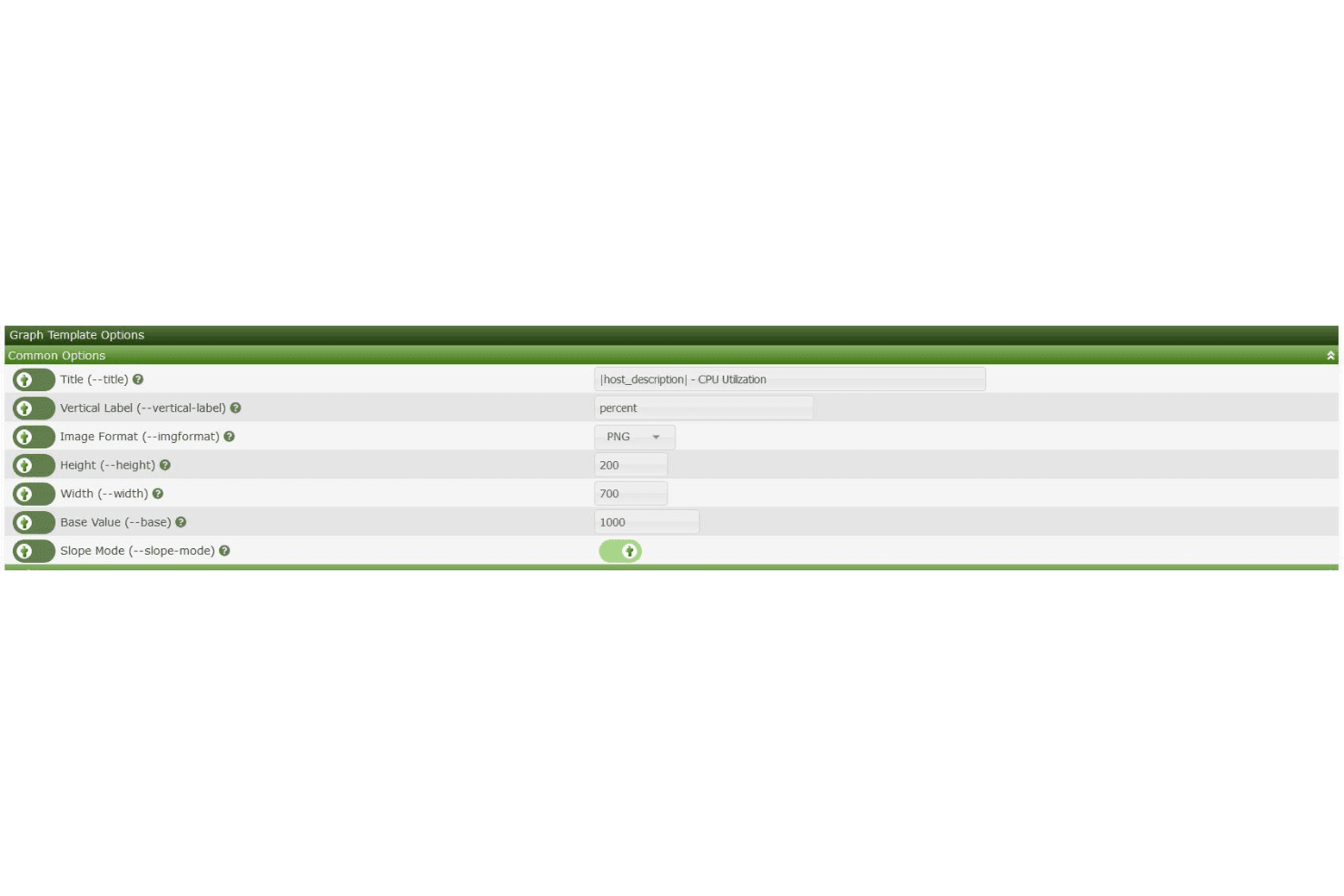
Cacti isn’t the most user-friendly network monitoring tool, especially if your team lacks technical expertise. Its setup and configuration can be tricky, requiring a good grasp of network concepts. The interface feels a bit outdated, which might slow down your workflow. However, once you’ve navigated the initial learning curve, Cacti’s customization and visualization capabilities provide great value for those willing to invest the time.

Onboarding
Onboarding with Cacti can be a bit challenging, especially if your team isn’t familiar with network monitoring setups. The documentation is helpful but may not be enough for those new to the field. While community forums offer support, the lack of structured onboarding resources might slow down your time to value. Your team should be prepared for a learning curve and possibly seek additional resources or expertise to get up and running effectively.
Customer Support
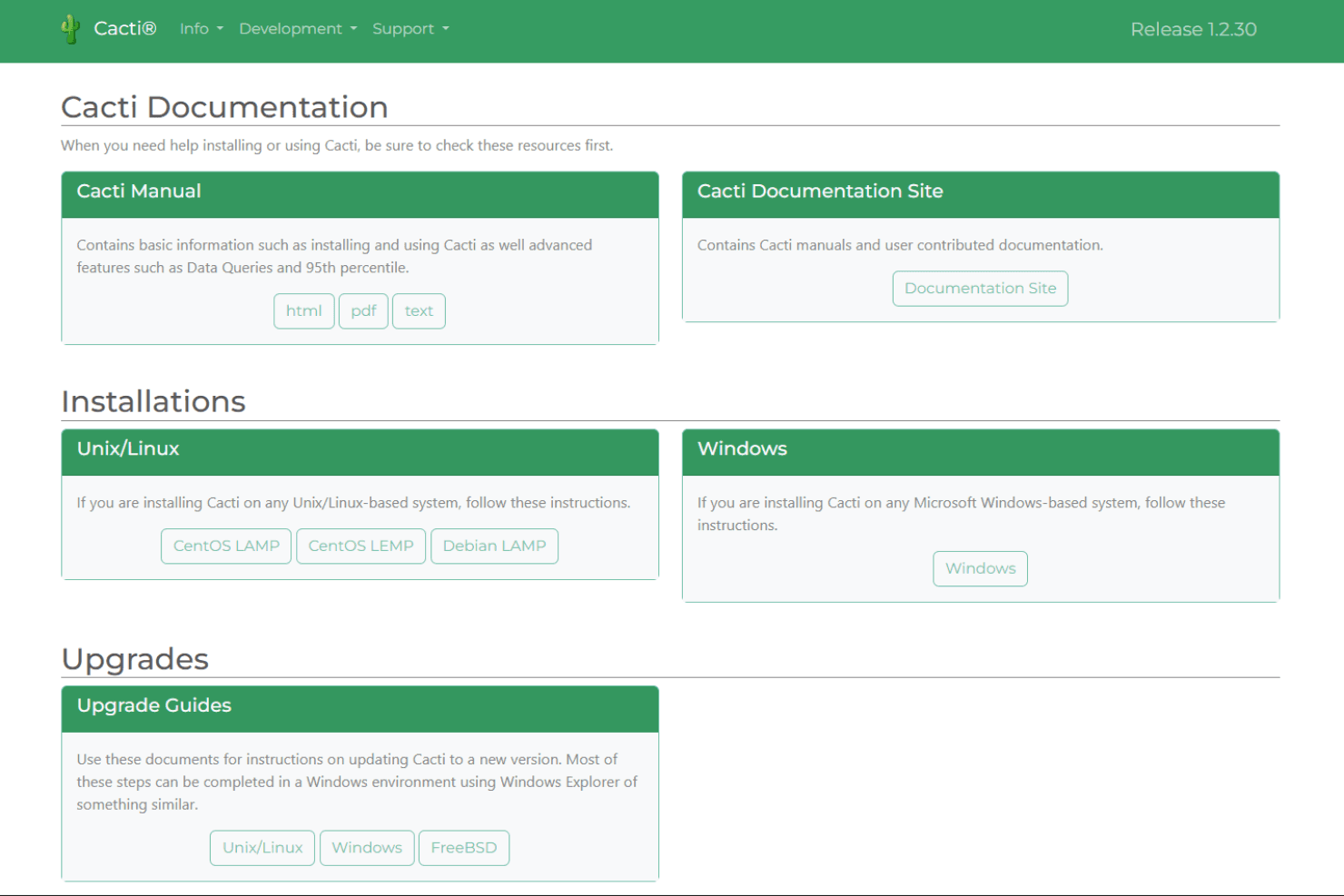
Cacti's customer support relies heavily on community forums and user-contributed documentation, which can be a mixed bag. While you might find helpful advice from experienced users, the lack of dedicated support staff can be frustrating if you need quick answers. Your team may encounter delays in resolving issues, so having someone with technical expertise in-house is beneficial. Overall, the support is decent but may not meet the needs of users seeking immediate, professional assistance.
Integrations
Cacti can integrate with New Relic, Datadog, and Drupal. Cacti does not have a native REST API, but it allows data extraction directly from its database tables.

Value for Money
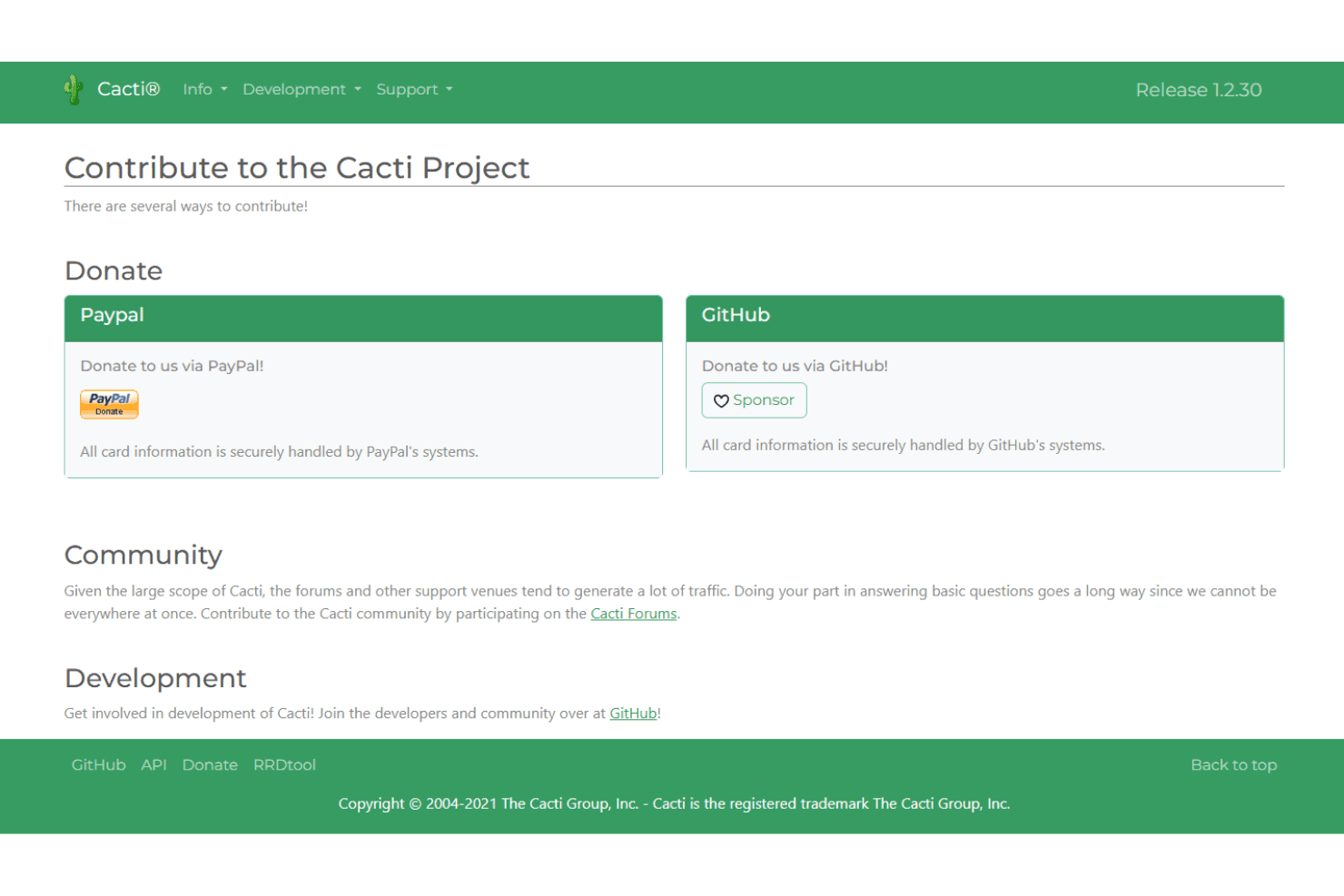
Cacti is available for free through the GNU General Public License .
Cacti Specs
- API: Yes
- Bug Tracking: No
- CI/CD Integration: No
- Cloud Deployment: No
- Code Review: No
- Code Transformation: No
- Collaboration Support: No
- Data Export: Yes
- Data Import: Yes
- Developer Tools: No
- External Integrations: Yes
- Git Integration: No
- History/Version Control: No
- IDE Plugins: No
- Local Deployment: No
- Multi-User: Yes
- Notifications: Yes
- Project Management: No
- Release Management: No
- Static Analysis: No
- Task Scheduling/Tracking: No
- Testing: No
Cacti FAQs
Cacti Company Overview & History
Cacti is an open-source network monitoring and graphing tool headquartered in the United States. It's widely used by telecommunications providers and educational institutions globally, operating on a community-driven model. Cacti relies on user contributions for development and support, evolving significantly since its initial release in 2001. The tool features support for devices and automated device discovery, making it a flexible solution for various network monitoring needs.
Cacti Major Milestones
- 2001: Initial release of Cacti by Ian Berry.
- 2017: Release of version 1.0.0, marking a significant update.
- 2019: Launch of version 1.2.0, introducing further enhancements.
- 2025: Latest stable release of version 1.2.30.