
Aisera Review 2026: Features, Pros, Cons and Pricing
I’ve dug into Aisera AI’s service management tools—here’s what actually sets it apart and where it falls short, so you know if it’s the smart move for transforming support in 2026.

We review tools independently, and commissions help fund our testing. See our transparency policy, our methodology, or suggest a tool.
Aisera is a service management software built for IT and tech teams that need to automate, scale, and personalize support operations without drowning in tickets or manual processes. For IT leaders who face mounting pressure to reduce downtime, drive self-service adoption, and quickly resolve issues across increasingly complex environments, Aisera brings AI-driven automation and conversational support to the table.
In this review, I’ll break down Aisera’s core features, best and worst use cases, pricing, and the real pros and cons you can expect if you’re considering it for your own tech stack.
Aisera Evaluation Summary
4.5/5
- Pricing upon request
- Free demo available
Why Trust Our Software Recommendations
6,700+
Reviews
20
Industry experts
16+
Evaluation factors
14
Years
Our team has been testing and reviewing software since 2012. As tech leaders ourselves, we know how difficult—and important—it is to choose the right software.
For this guide, we evaluated tools using hands-on testing and independent research, scoring tools using our selection criteria.
Our reviews reflect our human editorial judgment, not a sales pitch.
Expert reviewers:
- Paulo Gardini MiguelTech Director
 Tim FisherVP of AI
 Gabriel RosasTech Lead & Software Architect
 Christhian GruhnTech Lead & Platform Architect

Aisera Overview
From my perspective, Aisera stands out for its strong AI automation, intuitive interface, and deep integration options, which makes selecting it appealing if reducing manual workloads is a top priority. While its pricing is on the higher side and onboarding may need some dedicated time, I think it outperforms much of the market for enterprise IT teams seeking customizable, scalable workflows.
Its real strength shows up in environments where fast ticket resolution and proactive self-service matter most, but those juggling tight budgets or looking for simple out-of-the-box setups might judge other options more favorably.
Pros
- AI-driven ticket routing reduces manual triage for IT teams
- Conversational AI chatbot supports advanced self-service workflows
- Strong automation for repetitive support and incident tasks
Cons
- Setup and implementation can require significant upfront effort
- Limited real-time analytics compared to some competitors
- Pricing can be high for smaller IT organizations


Our Review Methodology
How We Test & Score Tools
We’ve spent years building, refining, and improving our software testing and scoring system. The rubric is designed to capture the nuances of software selection and what makes a tool effective, focusing on critical aspects of the decision-making process.
Below, you can see exactly how our testing and scoring works across seven criteria. It allows us to provide an unbiased evaluation of the software based on core functionality, standout features, ease of use, onboarding, customer support, integrations, customer reviews, and value for money.
Core Functionality (25% of final scoring)
The starting point of our evaluation is always the core functionality of the tool. Does it have the basic features and functions that a user would expect to see? Are any of those core features locked to higher-tiered pricing plans? At its core, we expect a tool to stand up against the baseline capabilities of its competitors.
Standout Features (25% of final scoring)
Next, we evaluate uncommon standout features that go above and beyond the core functionality typically found in tools of its kind. A high score reflects specialized or unique features that make the product faster, more efficient, or offer additional value to the user.
We also evaluate how easy it is to integrate with other tools typically found in the tech stack to expand the functionality and utility of the software. Tools offering plentiful native integrations, 3rd party connections, and API access to build custom integrations score best.
Ease of Use (10% of final scoring)
We consider how quick and easy it is to execute the tasks defined in the core functionality using the tool. High scoring software is well designed, intuitive to use, offers mobile apps, provides templates, and makes relatively complex tasks seem simple.
Onboarding (10% of final scoring)
We know how important rapid team adoption is for a new platform, so we evaluate how easy it is to learn and use a tool with minimal training. We evaluate how quickly a team member can get set up and start using the tool with no experience. High scoring solutions indicate little or no support is required.
Customer Support (10% of final scoring)
We review how quick and easy it is to get unstuck and find help by phone, live chat, or knowledge base. Tools and companies that provide real-time support score best, while chatbots score worst.
Customer Reviews (10% of final scoring)
Beyond our own testing and evaluation, we consider the net promoter score from current and past customers. We review their likelihood, given the option, to choose the tool again for the core functionality. A high scoring software reflects a high net promoter score from current or past customers.
Value for Money (10% of final scoring)
Lastly, in consideration of all the other criteria, we review the average price of entry level plans against the core features and consider the value of the other evaluation criteria. Software that delivers more, for less, will score higher.
Core Features
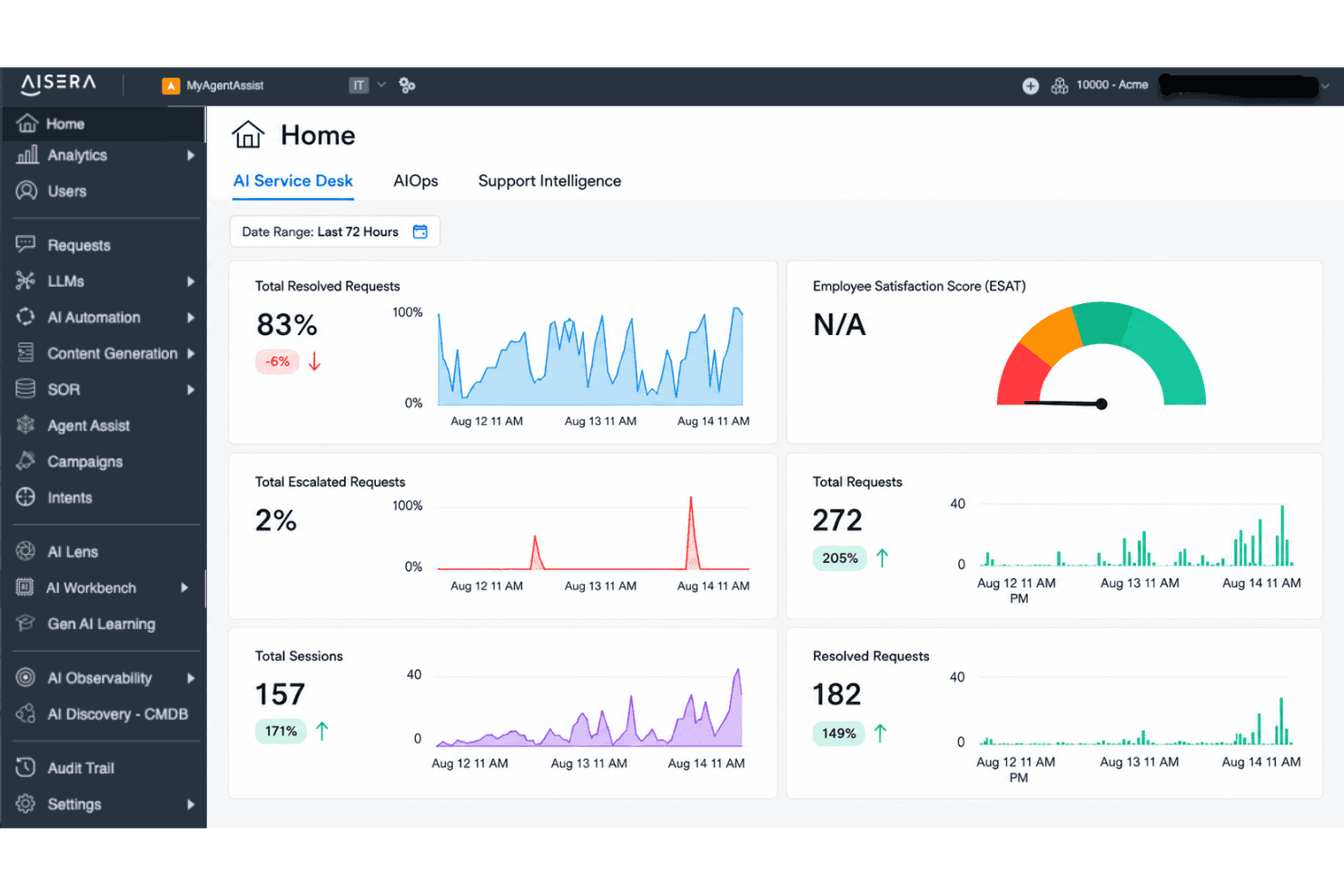
AI-Powered Ticket Routing
Automatically assigns tickets to the right support team or agent using AI models. This helps IT teams cut down on misrouted or delayed tickets.
Conversational AI Chatbot
Handles user queries and requests through natural conversations on chat platforms and portals. The chatbot resolves common issues instantly and escalates complex problems as needed.
Workflow Automation
Automates multi-step support processes like approvals, escalations, and status notifications. You can build custom workflows to fit your organization’s unique needs.
Knowledge Management
Surfaces relevant articles and answers for users and agents within the support interface. This reduces repeat questions and improves self-service adoption.
Incident Management
Tracks, categorizes, and resolves IT incidents with clear timelines and ownership. Real-time updates keep your team aligned and enable fast resolution.
Service Catalog
Presents end users with an AI-powered catalog for submitting service requests. Employees can browse, request, and track services with self-service at the front end.
Ease of Use
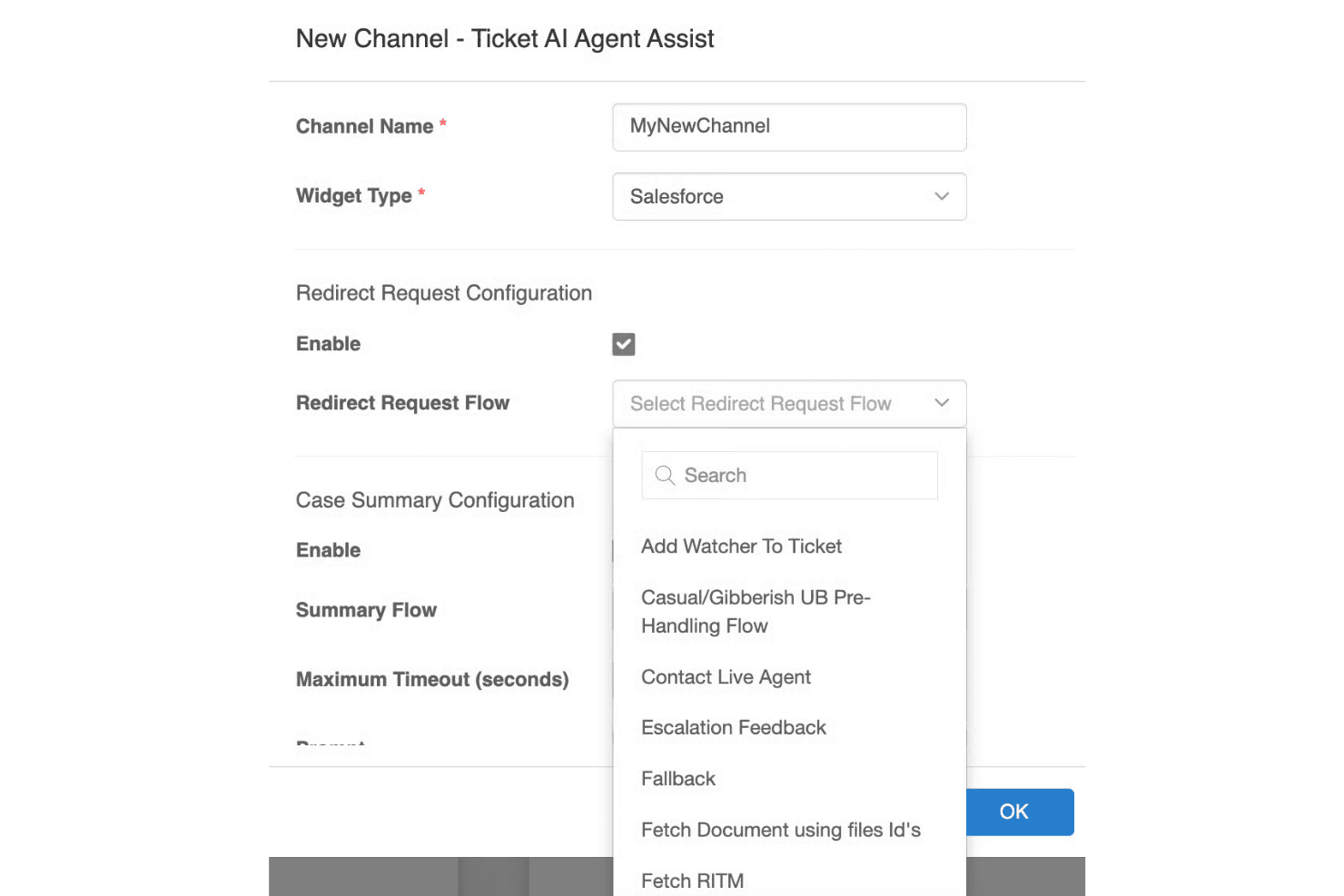
Aisera makes complex service workflows feel much simpler thanks to its conversational UI, smart ticket handling, and clear dashboards. I find the AI-driven interface intuitive for both end users and IT staff, especially when automating repetitive requests or surfacing knowledge articles. Some reviewers note initial setup can be dense, but daily interactions and ongoing management feel approachable and streamlined compared to more manual tools.
Integrations
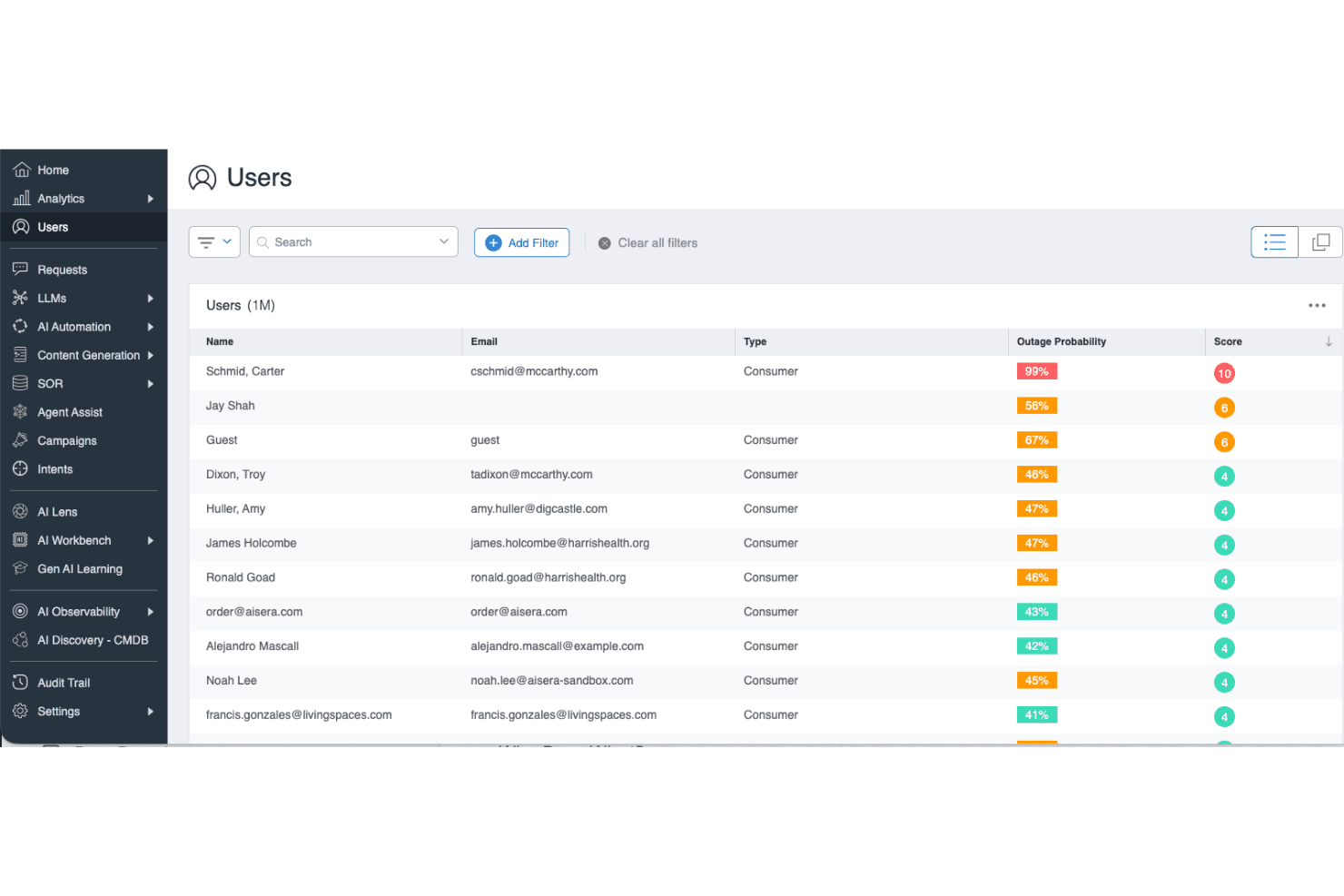
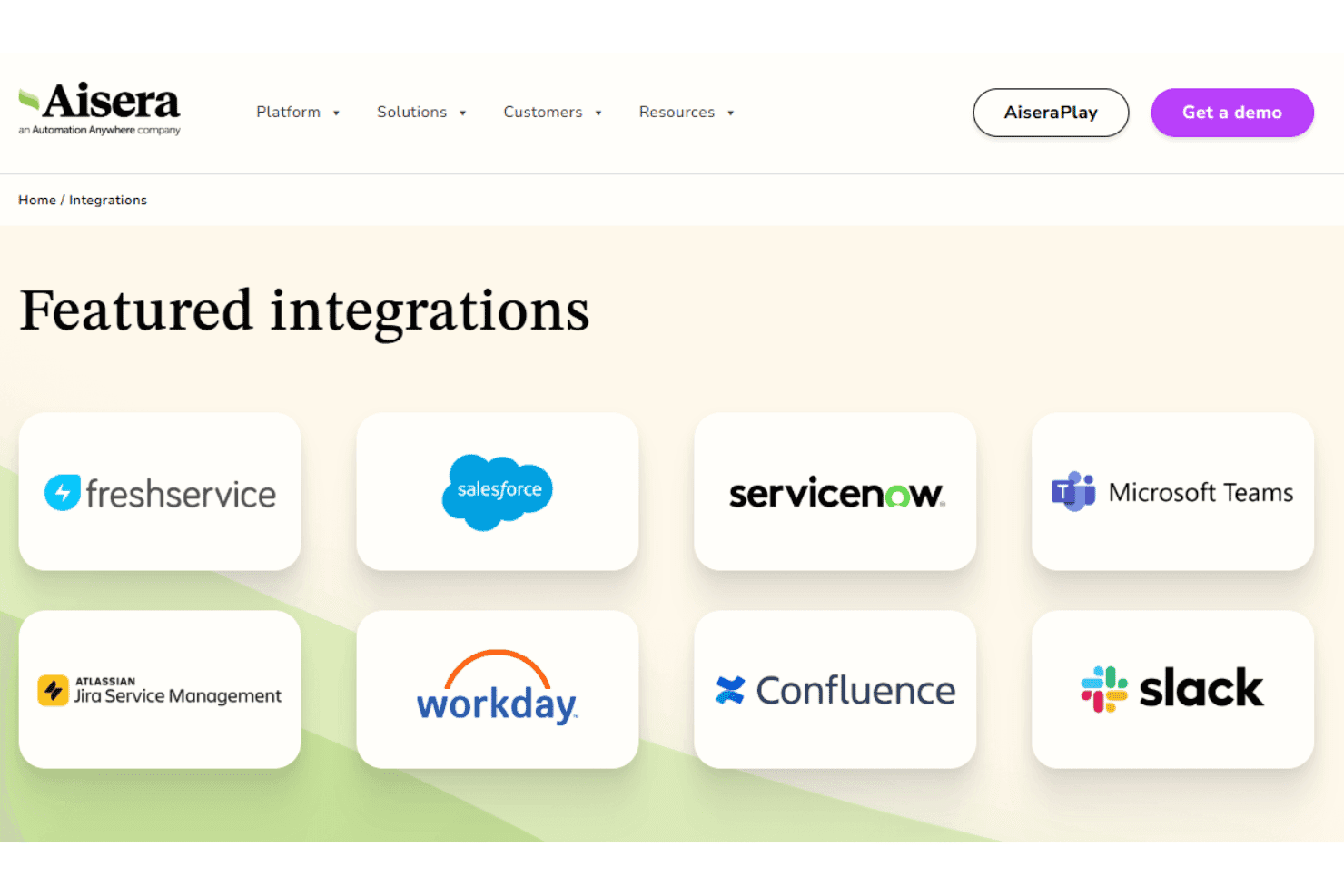
Aisera integrates with ServiceNow, Salesforce, Microsoft Teams, Slack, Zendesk, Jira, Okta, Zoom, Freshdesk, and Google Workspace, among others.
You can also connect Aisera to other systems using its open API architecture, and it supports third-party integration tools like Workato for broader connectivity.
Aisera Specs
- Analytics: Yes
- API: Yes
- Batch Permissions & Access: No
- Call Integration: Yes
- Chat: Yes
- Contact Management: No
- Contact Sharing: No
- CRM Integration: Yes
- Customer Management: No
- Customer Service: Yes
- Dashboard: Yes
- Data Export: Yes
- Data Import: Yes
- Data Visualization: Yes
- Email Integration: Yes
- Escalation Management: Yes
- External Integrations: Yes
- Instant Chat Integration: Yes
- Knowledge Base: Yes
- Lead Management: Yes
- Lead Scoring: Yes
- Multi-User: Yes
- Notifications: Yes
- Real-time Alerts: Yes
- Scheduling: Yes
- Self-service Portal: Yes
- Social Media Integration: No
- Support Forum: No
- Third-Party Plugins/Add-Ons: No
- Ticket Management: Yes
- Workflow Management: Yes


