
IT Glue-recension: Fördelar, nackdelar, funktioner och priser
IT Glue utmärker sig inom dokumentationshantering och erbjuder oöverträffad organisation, användarvänlighet och effektivitet för IT-team jämfört med andra ITSM-lösningar.

We review tools independently, and commissions help fund our testing. See our transparency policy, our methodology, or suggest a tool.
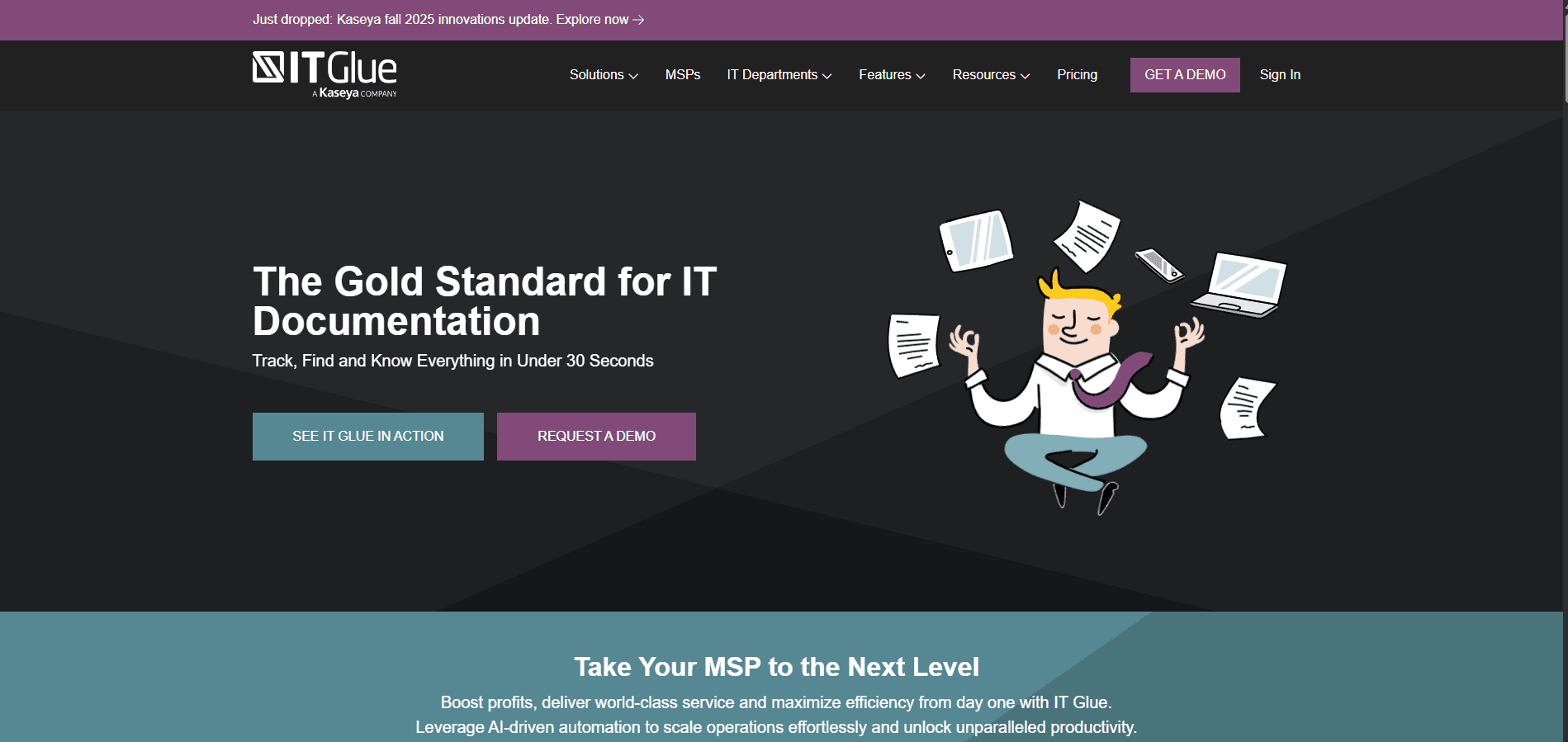
IT Glue is an ITSM tool built for IT documentation—centralizing runbooks, passwords, asset records, and configurations in a structured, relationship-linked system. I'd consider it most seriously if your team manages documentation across multiple clients or environments and needs more than a flat wiki. Compared to Confluence, IT Glue is purpose-built for IT environments, with native password vaulting and asset relationship mapping included from the start. Confluence needs significant customization to match those capabilities out of the box.
IT Glue Evaluation Summary
4.6/5
- From $29/user/month (5 users minimum)
- Free demo available
Varför du kan lita på våra programvarurekommendationer
6,700+
Reviews
20
Industry experts
16+
Evaluation factors
14
Years
Vårt team har testat och recenserat programvara sedan 2012. Som teknikledare själva vet vi hur svårt — och viktigt — det är att välja rätt programvara.
För den här guiden utvärderade vi verktyg genom praktisk testning och oberoende research, och betygsatte verktygen enligt våra urvalskriterier.
Våra recensioner speglar vårt mänskliga redaktionella omdöme, inte ett säljbudskap.
Expertgranskare:
- Paulo Gardini MiguelTeknikdirektör
 Tim FisherVP för AI
 Gabriel RosasTech Lead & mjukvaruarkitekt
 Christhian GruhnTech Lead & plattformsarkitekt

IT Glue Overview
In my opinion, IT Glue is a solid choice for IT documentation and management. It shines with its intuitive interface and ease of use, making it a great fit for IT departments and managed service providers. While the onboarding could be more comprehensive, the customer support team is generally helpful. Compared to other documentation software listed on Capterra, IT Glue excels in centralizing information, maintaining a clear audit trail, and supporting SOPs, though it could improve in offering more powerful integrations. For teams looking to simplify their IT documentation processes, IT Glue offers good value, despite its slightly higher price point.
Pros
- You can easily find and organize your IT documentation, SOPs, and DOC files.
- The platform offers a user-friendly interface and mobile app.
- IT Glue enhances efficiency with centralized information and real-time notifications.
Cons
- Your team may find the onboarding process a bit challenging.
- It lacks some advanced functionalities found in other ITSM tools.
- You may encounter occasional limitations in customization options and add-ons.
Is IT Glue Right For Your Needs?
Who Would be a Good Fit for IT Glue?
IT Glue is ideal for managed service providers and IT departments that need to organize and access documentation quickly. If your team struggles with scattered information, IT Glue's centralized platform can simplify your processes through checklists and structured workflows. It’s particularly beneficial for industries such as healthcare and finance, where SOC 2 compliance, authentication, and data accuracy are crucial. The accessible interface helps your team work efficiently and reduces time spent searching for information.
- Managed ServiceProviders IT Glue helps your team keep client documentation organized and accessible, improving service delivery and reducing downtime during outages.
- IT DepartmentsYour IT team can centralize documentation, manage asset tracking, and troubleshoot issues more efficiently using real-time insights.
- Healthcare OrganizationsIT Glue supports strict documentation requirements, SOC 2 compliance, and secure authentication, aiding in data accuracy.
- Financial ServicesThe platform enhances your team's ability to maintain accurate records, create audit trails, and support regulatory needs.
- Small to Midsize BusinessesIT Glue provides your team with a cost-effective way to manage IT documentation without complex systems, making it an accessible SaaS solution.
- Educational InstitutionsYour institution can simplify IT operations by centralizing documentation, checklists, and staff access.
Who Would be a Bad Fit for IT Glue?
IT Glue may not be ideal for startups or small businesses with minimal IT infrastructure, as its extensive capabilities could be overwhelming. If your team doesn't require detailed documentation or centralized data management, the platform may be more than you need. Additionally, industries that need highly customizable solutions may find IT Glue's customization options limited.
- StartupsYour team may find IT Glue too complex if your IT needs are minimal and straightforward.
- Small BusinessesIf your company doesn't need extensive IT documentation, IT Glue's offerings may be excessive.
- FreelancersFor solo work, IT Glue’s centralized documentation features may offer more than you require.
- Creative AgenciesIf you focus on creative projects, IT Glue’s IT-centric options might not align with your needs.
- Non-IT DepartmentsYour non-IT teams may not benefit from IT Glue’s specialized documentation tools.
- Highly Specialized IndustriesIf your industry needs highly tailored solutions, IT Glue's customization may not meet your requirements.
Core Features
Centralized Documentation: IT Glue lets your team store all IT documentation in one place, making it easy to access and update. This reduces time spent searching for information, boosting your team's efficiency.
Asset Management: IT Glue allows you to track and manage your IT assets, providing a clear overview of your resources. This helps you maintain accurate records and plan for future needs.
Password Management: IT Glue offers a secure way to store and share passwords with your team, ensuring that sensitive information is protected and accessible only to authorized users.
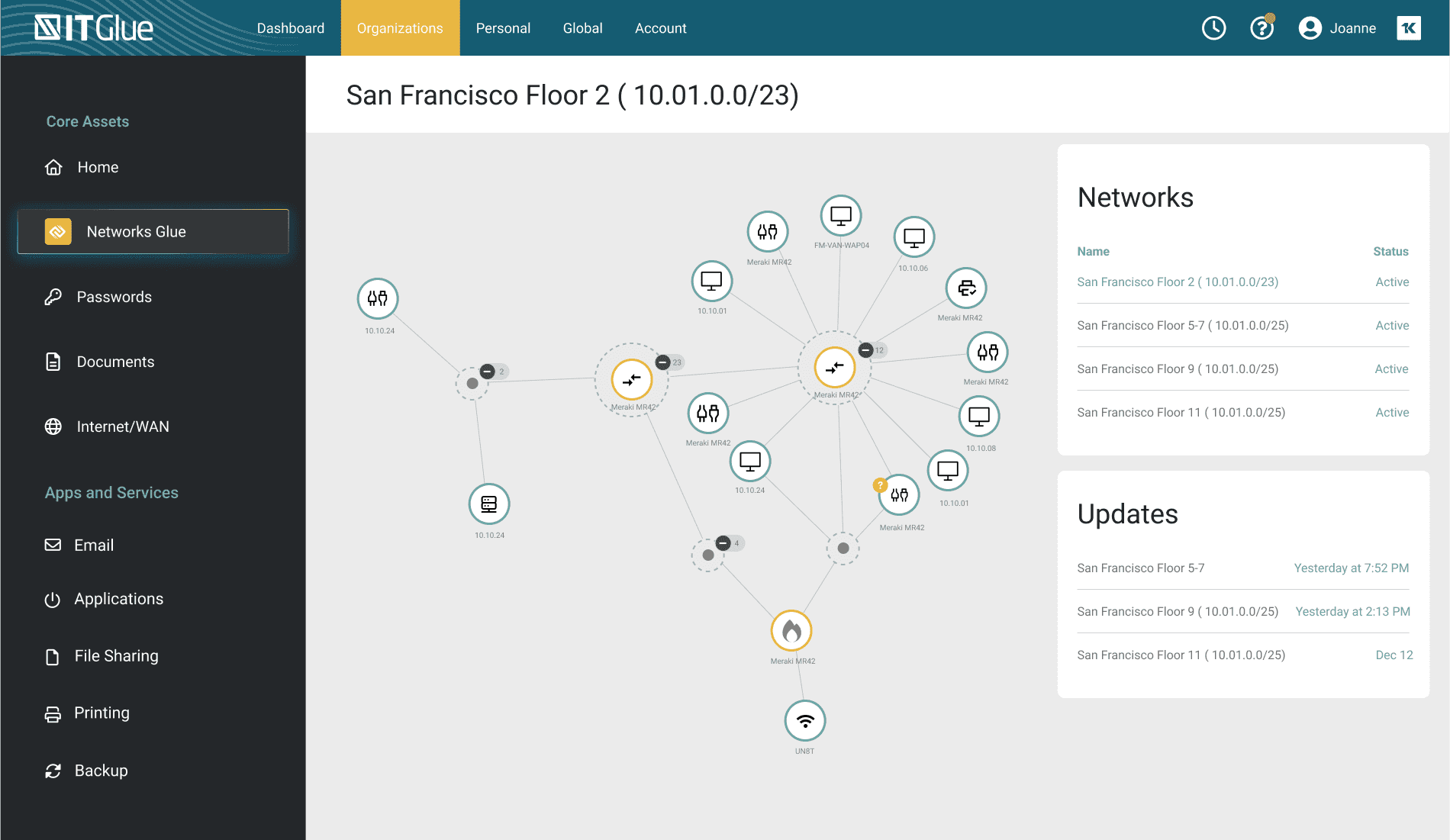
Relationship Mapping: This allows your team to visualize connections between different IT assets and documentation. It helps you understand dependencies and manage your IT environment better.
Version Control: IT Glue keeps track of changes made to documentation, allowing your team to revert to previous versions if needed, enhancing data integrity and accountability.
Search Functionality: You can quickly find the information you need with IT Glue's powerful search tool, which saves time and helps your team work more efficiently.
Ease of Use
IT Glue is user-friendly, making it easy to navigate and manage IT documentation. The intuitive interface provides quick search functionality and asset management access without unnecessary complexity. Users often appreciate how straightforward it is to centralize information and track changes. Compared to other ITSM solutions, IT Glue stands out for its simplicity, enabling your team to focus on work rather than learning a complicated system.
Integrations
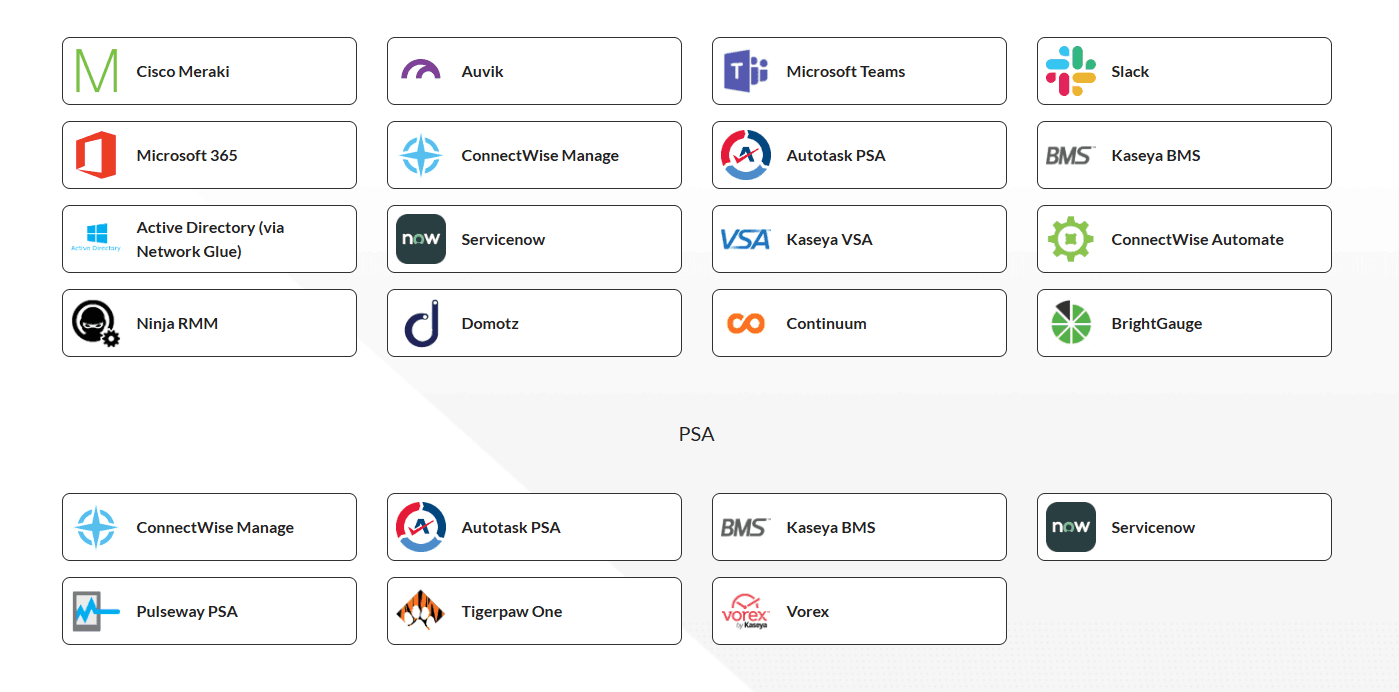
IT Glue integrates with ConnectWise Manage, Autotask PSA, Kaseya BMS, ServiceNow, Cisco Meraki, Auvik, Kaseya VSA, ConnectWise Automate, Ninja RMM, and Microsoft Teams.
It also provides an API for building custom integrations and supports connections with third-party integration tools.
IT Glue Specs
- 2-Factor Authentication: Yes
- API: Yes
- Approval Workflows: No
- Audit Trail: No
- Batch Permissions & Access: Yes
- Chat: No
- Dashboard: Yes
- Data Export: Yes
- Data Import: Yes
- Document Comparison: No
- Document Sharing: No
- Electronic Signature: No
- Email Integration: No
- External Integrations: Yes
- File Sharing: Yes
- File Transfer: No
- Google Apps Integration: No
- History/Version Control: Yes
- Metadata Management: No
- Multi-User: Yes
- NDA Management: No
- Notifications: Yes
- Password & Access Management: Yes
- Project Management: No
- Template Designer: No


