

Chef-beoordeling: voordelen, nadelen, functies en prijzen
Chef Software blinkt uit in geavanceerde DevOps-automatisering en is daarmee een uitstekende keuze voor teams die efficiënt infrastructuurbeheer nastreven.

We review tools independently, and commissions help fund our testing. See our transparency policy, our methodology, or suggest a tool.
Chef is a DevOps automation tool built around infrastructure as code, using a Ruby-based DSL to define and enforce server configurations across large environments. It's a good fit for engineering teams managing configuration at scale, particularly across heterogeneous infrastructure. I'd pick it over something like Puppet if your team prefers a code-forward approach—Chef's programmatic model handles conditional logic and configuration reuse better than Puppet's more constrained declarative syntax when your environments get complex.
Chef Evaluation Summary
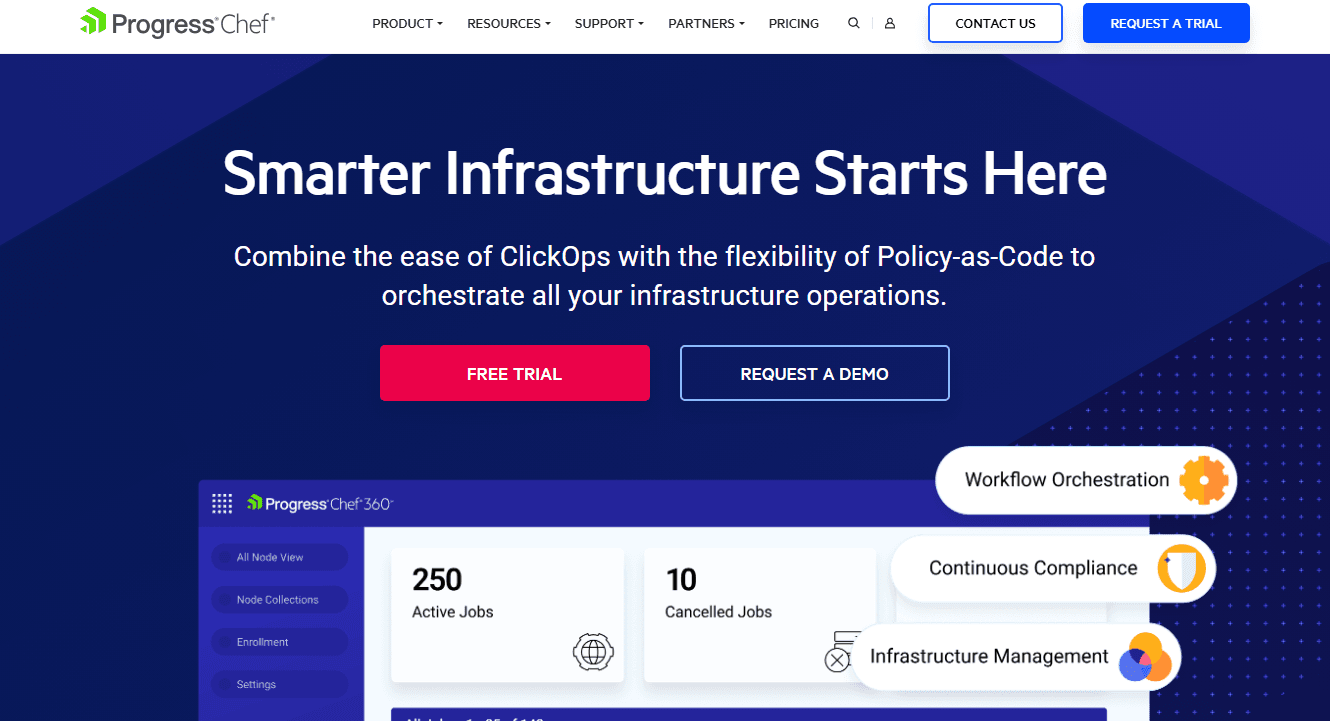
4.7/5
- Pricing upon request
- Free demo available
Waarom u onze softwareaanbevelingen kunt vertrouwen
6,700+
Reviews
20
Industry experts
16+
Evaluation factors
14
Years
Ons team test en beoordeelt software sinds 2012. Als technologieleiders weten we zelf hoe moeilijk — en belangrijk — het is om de juiste software te kiezen.
Voor deze gids hebben we tools geëvalueerd met behulp van praktijktests en onafhankelijk onderzoek, waarbij we tools beoordeeden aan de hand van onze selectiecriteria.
Onze reviews weerspiegelen ons menselijke redactionele oordeel, geen verkooppraatje.
Deskundige beoordelaars:
- Paulo Gardini MiguelTechnisch directeur
 Tim FisherVP AI
 Gabriel RosasTech Lead & software-architect
 Christhian GruhnTech Lead & platformarchitect

Chef Overview
In my opinion, Chef is a solid choice for teams that need reliable automation for IT infrastructure management. It stands out with its robust automation capabilities, making it a strong contender for large enterprises where infrastructure management is a priority. However, its onboarding process could be smoother, which might deter smaller teams without dedicated IT resources. Compared to competitors, it offers a fine balance of features and support, though it may not be the simplest tool to start with. For companies with complex infrastructure needs, Chef is worth considering.
Pros
- Automates complex IT, infrastructure, and compliance tasks to make your work easier.
- Offers powerful infrastructure management, including Chef Cookbook, that stores configurations, templates, and resources you can easily deploy.
- Provides strong support for large-scale application deployments.
Cons
- Has a steep learning curve for your team.
- Onboarding can be time-consuming for your new users.
- Its user interface might feel outdated compared to others.
Is Chef Right For Your Needs?
Who Would be a Good Fit for Chef?
Chef suits large enterprises in tech and finance, where managing complex infrastructures is key. Its automation capabilities help your team handle repetitive tasks efficiently, allowing focus on innovation. If your work involves large-scale infrastructure operations or you need strong configuration management, Chef's feature set aligns well with your needs. It’s a good fit if you’ve got a dedicated IT team ready to tackle its learning curve.
- Large EnterprisesChef is great for large enterprises needing advanced automation for complex infrastructure management.
- Tech IndustryYour tech team will benefit from its robust automation features that streamlines configuration management with policy-as-code capabilities.
- Finance SectorFor the finance sector, Chef ensures secure and efficient infrastructure management.
- IT DepartmentsIT departments will appreciate the powerful tools for managing and automating infrastructure tasks across different operating systems.
- DevOps TeamsDevOps teams can use Chef to automate repetitive tasks and focus on innovation.
- Software DevelopmentChef aids software engineers manage large-scale infrastructure deployments efficiently.
Who Would be a Bad Fit for Chef?
Chef isn’t ideal for small businesses or teams without dedicated IT resources. Its steep learning curve and complex setup can overwhelm your team if you're looking for a straightforward, easy-to-use infrastructure management platform. If your work involves simple infrastructure or you lack the time for extensive onboarding, consider other options that require less technical expertise and provide quicker implementation.
- Small BusinessesChef's complexity might overwhelm small businesses with limited IT resources.
- StartupsStartups needing quick, simple solutions will find Chef's setup too cumbersome.
- Non-Tech IndustriesNon-tech industries without a dedicated IT team might struggle with Chef's technical demands and complex infrastructure management.
- FreelancersFreelancers will find Chef excessive for their simpler, individual needs.
- Marketing TeamsMarketing teams won’t benefit from Chef’s infrastructure-focused features.
- Education SectorSmaller schools and colleges might find Chef's functionalities too advanced for their basic needs.
Core Features
Automation: Chef automates repetitive tasks, freeing your team to focus on innovation. Its automation tools help streamline complex infrastructure deployments efficiently using the Ruby programming language.
Infrastructure Management: Chef offers advanced infrastructure management across Windows, Linux and MacOS workstations.. Your team can manage configurations and environments with ease.
Configuration Management: Chef ensures consistent configurations across your systems. This feature helps prevent drift and maintains stability in your deployments.
Version Control: With Chef, you can track changes and maintain version control. Your team can quickly revert to a previous configuration state if needed.
Policy-Based Management: Chef enables policy-driven automation, aligning with your organization's rules and regulations. It simplifies compliance tasks for your team.
Scalability: Chef scales with your growing infrastructure needs. It supports your team's efforts to manage a larger ecosystem of infrastructure modules without hassle.
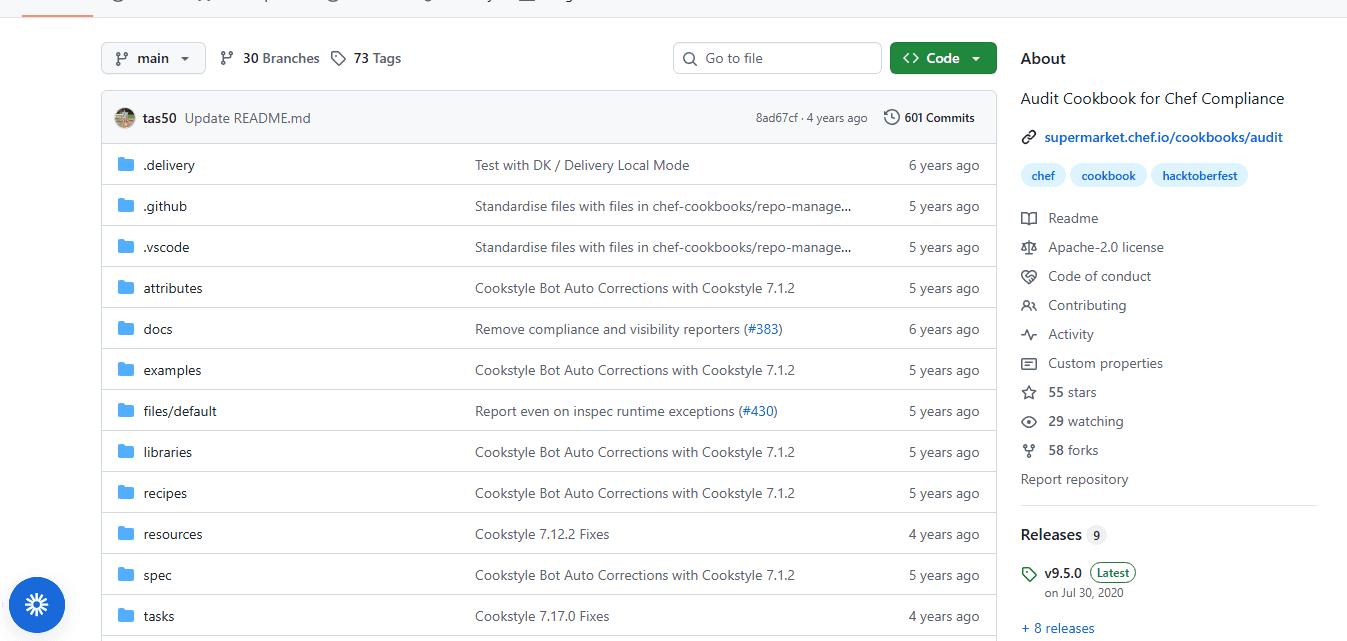
Ease of Use
Chef isn't the easiest tool to get started with, especially if your team lacks IT expertise. Its powerful features come with a learning curve that can be daunting. The interface might feel complex, and setting up can take time. However, once you're familiar with it, the automation and configuration management capabilities can greatly enhance your work efficiency. If your team can invest the time to learn, you'll find it rewarding in the long run.
Integrations
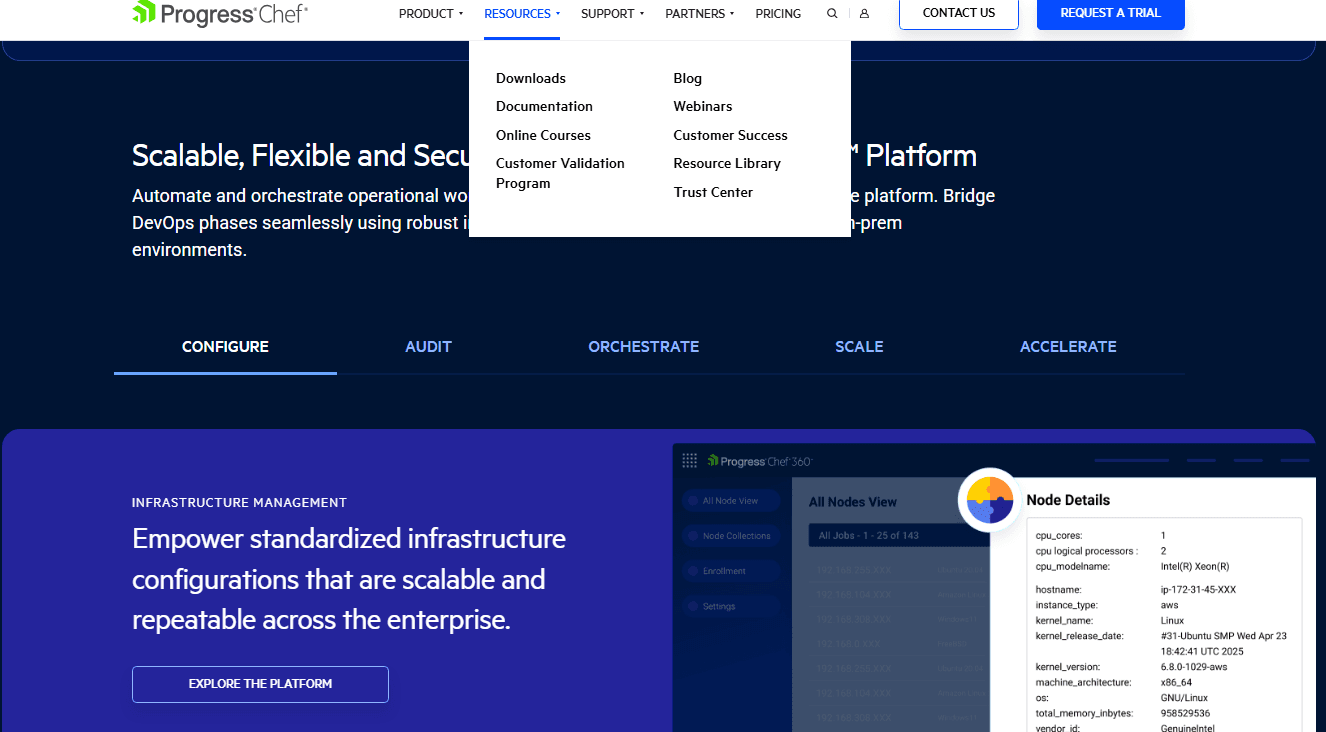
Chef integrates with AWS, Microsoft Azure, Google Cloud Platform, Slack, GitHub, GitLab, Jenkins, Docker, Kubernetes, ServiceNow, and more.
Chef also offers an API for custom integrations and supports connections with third-party integration tools.
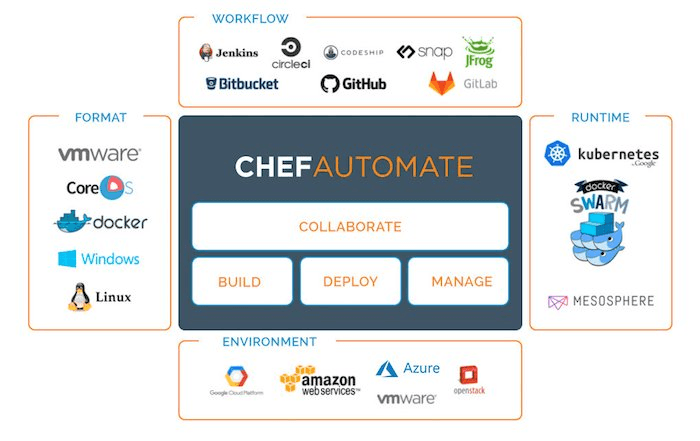
Chef Specs
- API: Yes
- Bug Tracking: No
- CI/CD Integration: Yes
- Cloud Deployment: Yes
- Code Review: No
- Code Transformation: No
- Collaboration Support: Yes
- Data Export: Yes
- Data Import: No
- Developer Tools: Yes
- External Integrations: Yes
- Git Integration: Yes
- History/Version Control: No
- IDE Plugins: Yes
- Local Deployment: Yes
- Multi-User: Yes
- Notifications: Yes
- Project Management: No
- Release Management: Yes
- Static Analysis: Yes
- Task Scheduling/Tracking: No
- Testing: Yes


