
Beoordeling van Claris FileMaker: voordelen, nadelen, functies en prijzen
Claris FileMaker blinkt uit in het flexibel en eenvoudig creëren van aangepaste bedrijfsapplicaties, waardoor het een opvallende keuze is op de markt voor low-codeplatformen.

We review tools independently, and commissions help fund our testing. See our transparency policy, our methodology, or suggest a tool.
Claris FileMaker is a low code development platform built around database-driven app creation. It's designed for teams that need custom internal tools without writing much code. You can build, deploy, and manage apps across macOS, Windows, iOS, and the web from one environment. I'd consider it over Microsoft Power Apps if your team isn't rooted in the Microsoft 365 ecosystem. FileMaker gives you more control over your data structure and app design without the ecosystem lock-in.
Claris FileMaker Evaluation Summary
4.4/5
- From $22/user/month (billed annually)
- Free trial available
Waarom u onze softwareaanbevelingen kunt vertrouwen
6,700+
Reviews
20
Industry experts
16+
Evaluation factors
14
Years
Ons team test en beoordeelt software sinds 2012. Als technologieleiders weten we zelf hoe moeilijk — en belangrijk — het is om de juiste software te kiezen.
Voor deze gids hebben we tools geëvalueerd met behulp van praktijktests en onafhankelijk onderzoek, waarbij we tools beoordeeden aan de hand van onze selectiecriteria.
Onze reviews weerspiegelen ons menselijke redactionele oordeel, geen verkooppraatje.
Deskundige beoordelaars:
- Paulo Gardini MiguelTechnisch directeur
 Tim FisherVP AI
 Gabriel RosasTech Lead & software-architect
 Christhian GruhnTech Lead & platformarchitect

Claris FileMaker Overview
In my opinion, Claris FileMaker is a strong choice for teams needing custom app solutions without heavy coding demands. Its standout features, like extensive database capabilities, make it a versatile tool. However, onboarding might be a bit challenging due to its complex interface. Compared to competitors, it offers good value for money, especially for small to medium-sized businesses. The customer support is reliable, which can be crucial for those new to low-code platforms. I think it's best suited for organizations with specific customization needs, such as educational institutions or specialized departments.
Pros
- You can easily create custom apps with powerful database capabilities.
- Your team will appreciate its flexibility in designing tailored solutions.
- It offers reliable customer support to help you when you need it.
Cons
- You might find the interface a bit complex at first.
- Onboarding could be smoother for those new to low-code platforms.
- Your team may need time to learn its full potential.
Is Claris FileMaker Right For Your Needs?
Who Would be a Good Fit for Claris FileMaker?
Claris FileMaker is ideal for small to medium-sized businesses and educational institutions needing custom apps without heavy coding. If your team requires tailored solutions like sales tracking or inventory management, FileMaker's powerful database capabilities can help. Its flexibility supports application development for specific needs, making it a valuable tool for departments like HR or finance where unique processes are common.
- Small BusinessesYou’ll find it easy to create custom solutions for unique business processes without needing a large IT team.
- Education SectorYour institution can manage student data and administrative tasks with customizable databases.
- Sales TeamsYour sales tracking becomes efficient with tailored apps to manage leads and customer interactions.
- HR DepartmentsYou can streamline employee data management and recruitment processes with custom applications.
- Inventory ManagementYour team can track stock levels and orders with precision using FileMaker’s database features.
- NonprofitsYou can manage donor information and event planning efficiently with custom-made solutions.
Who Would be a Bad Fit for Claris FileMaker?
Claris FileMaker might not suit large enterprises needing highly complex system integrations and extensive scalability. If your team relies on intricate workflows with multiple integrations across different systems, FileMaker's capabilities may fall short. It's also not ideal for tech teams looking for extensive customization options beyond database-focused applications. The onboarding process can be challenging, which is a drawback for teams with limited time for training.
- Large EnterprisesYour need for extensive system integrations and scalability might not be fully met with FileMaker.
- Tech GiantsYour complex workflows and demand for deep customization could exceed FileMaker's capabilities.
- Advanced DevelopersYou might find the platform limiting if you're looking for more coding freedom and control.
- Financial InstitutionsYour intricate financial systems and regulations require more specialized software than FileMaker offers.
- Healthcare ProvidersYour need for compliance and integration with existing healthcare systems might not align with FileMaker's offerings.
- Startups with Fast GrowthYour rapid scaling needs might outpace what FileMaker can handle efficiently.
Core Features
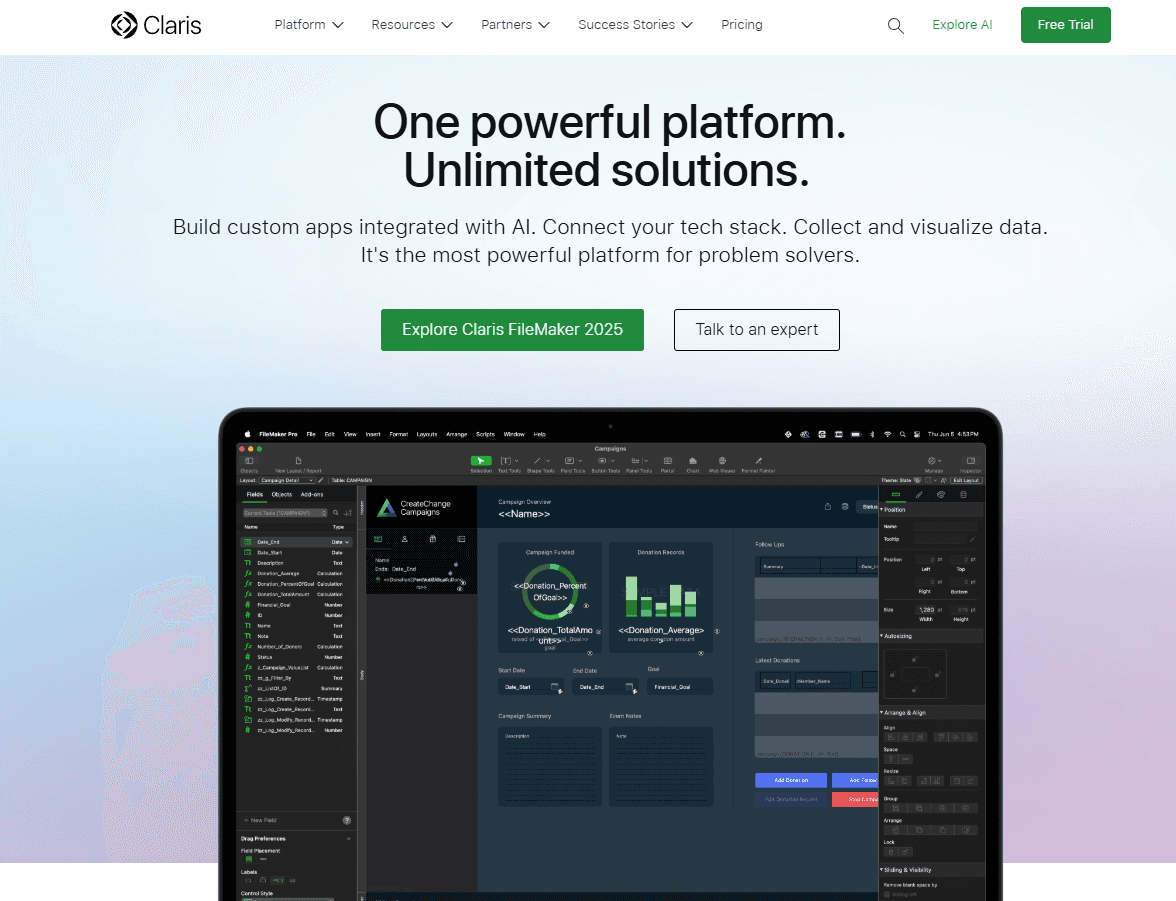
Custom App Creation: You can build tailored applications to suit your specific business needs without needing extensive coding skills. This flexibility allows your team to address unique processes efficiently.
Database Management: Claris FileMaker offers strong relational database capabilities, with SQL query support, letting you organize and manage backend data effectively. It helps your team track and analyze information in real-time.
User Interface Design: You can craft intuitive interfaces using built-in templates that make your applications user-friendly. This ensures your team can navigate and use the apps with ease.
Cross-Platform Compatibility: Your work can be accessed on different devices and centrally hosted using the cloud-based FileMaker Server. This makes it convenient for teams working between desktop and mobile devices.
Reporting Tools: Generate reports with ease and surface key data in a centralized dashboard to gain insights. This feature helps your team make informed decisions quickly.
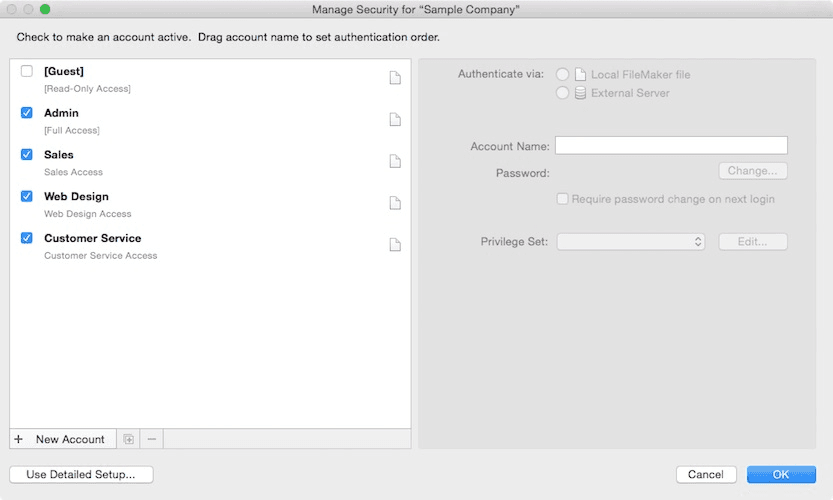
Security Features: Protect your data with robust security options. You can control access and ensure sensitive information stays secure.
Ease of Use
Claris FileMaker is fairly user-friendly, but its interface might feel complex at first. If you're new to low-code development environments, you might need some time to get comfortable. However, once you get the hang of it, the intuitive design and drag-and-drop features make creating custom apps easier for your team. The cross-platform compatibility ensures your work isn't limited to a single device, enhancing usability. Overall, it's suitable for those willing to invest a little time in learning.
Integrations
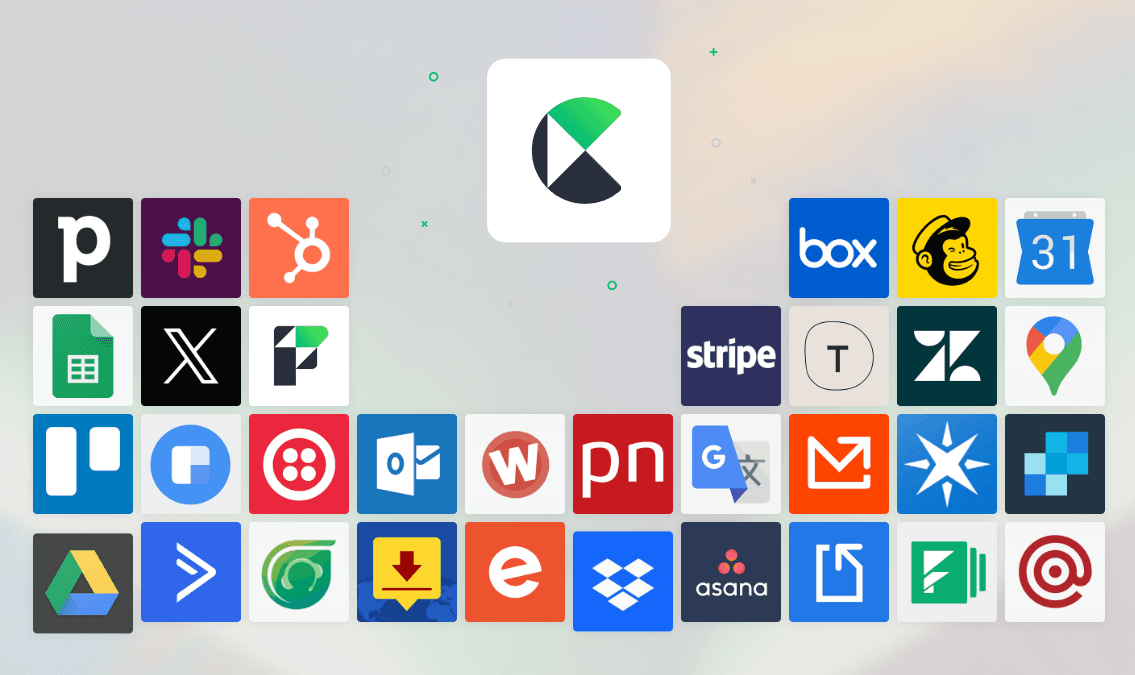
Claris FileMaker integrates with QuickBooks, Slack, Google Sheets, DocuSign, Microsoft 365, Mailchimp, Formstack, Typeform, and more.
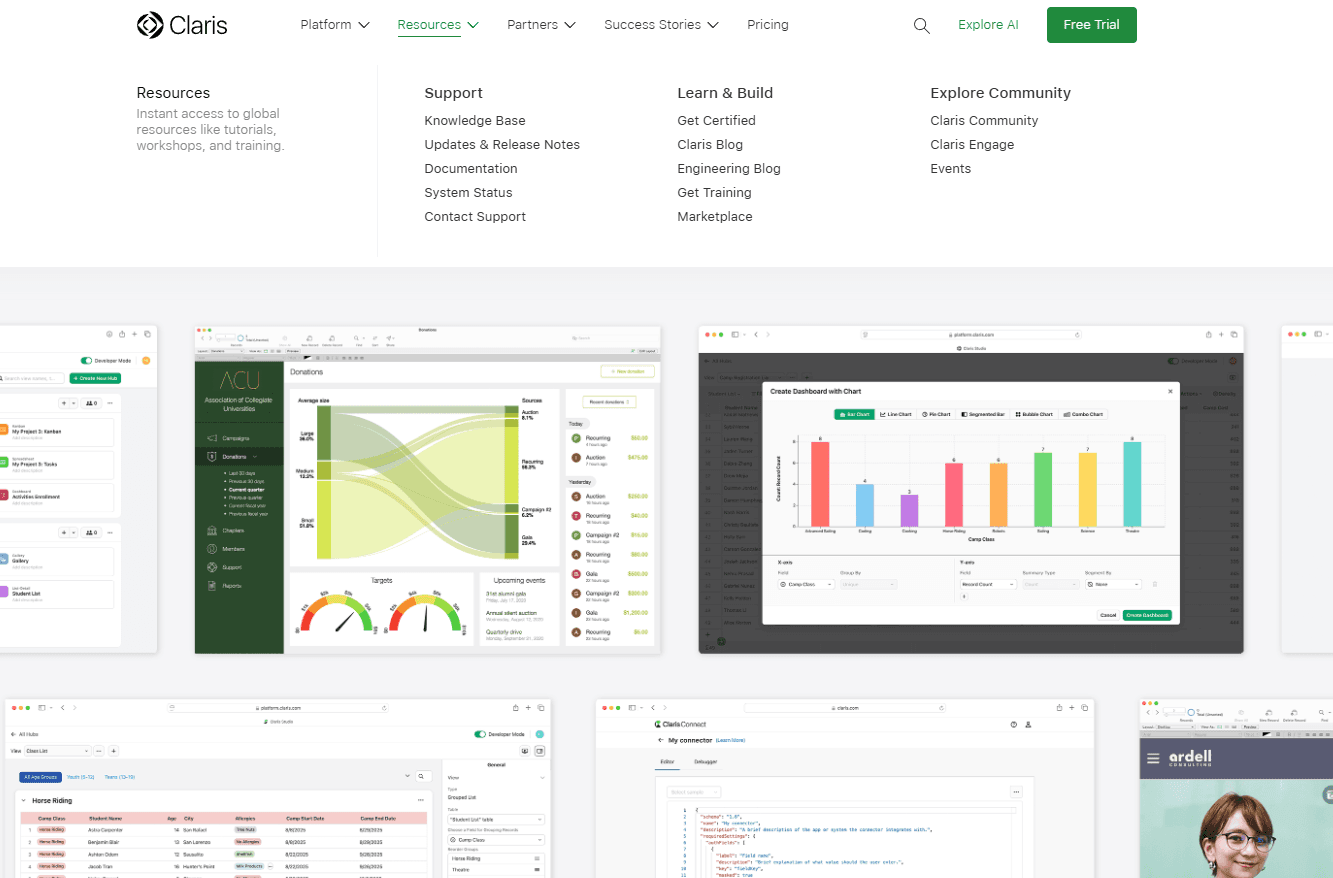
Claris FileMaker also offers an API for custom integrations, allowing you to connect with third-party integration tools. Additionally, the Claris Marketplace supports add-ons, templates, plugins, and sample files that help teams extend functionality and accelerate development.
Claris FileMaker Specs
- API: Yes
- Batch Permissions & Access: Yes
- Budgeting: No
- Calendar Management: Yes
- Collaboration Support: No
- Contact Management: Yes
- Contact Sharing: No
- Customer Management: No
- Dashboard: Yes
- Dashboards: No
- Data Export: No
- Data Import: Yes
- Data Visualization: No
- Dependency Tracking: No
- Document Sharing: No
- Expense Tracking: No
- External Integrations: Yes
- File Sharing: No
- Gantt Charts: Yes
- Kanban Boards: Yes
- Multi-User: Yes
- Notifications: No
- Project Management: Yes
- Resource Management: Yes
- Scheduling: No
- Task Scheduling/Tracking: Yes
- Third-Party Plugins/Add-Ons: Yes
- Time Management: Yes
- Travel Management: No
- Workflow Management: Yes


