NinjaOne vs. N-able: Confronto e Recensioni degli Esperti per il 2026
When slow response times, security gaps, and mounting IT issues start holding your team back, the wrong platform can add even more friction. Choosing the right solution means finding the balance between control, reliability, and ease of use.
If you’re weighing NinjaOne against N-able, you’re probably aiming to fix slow response times, tackle security gaps, or finally get a handle on your IT headaches. Both platforms promise to make IT management simpler, but they go about it very differently: one sells a single platform, the other sells a portfolio you assemble. The right IT management software for your team comes down to real differences in features, workflow, and day-to-day reliability.
In this article, you’ll get a side-by-side comparison including pros and cons, best-fit use cases, pricing breakdowns, security features, and overall usability. I’ll help you sort through the noise so you can be confident about your choice.
NinjaOne vs. N-able: An Overview
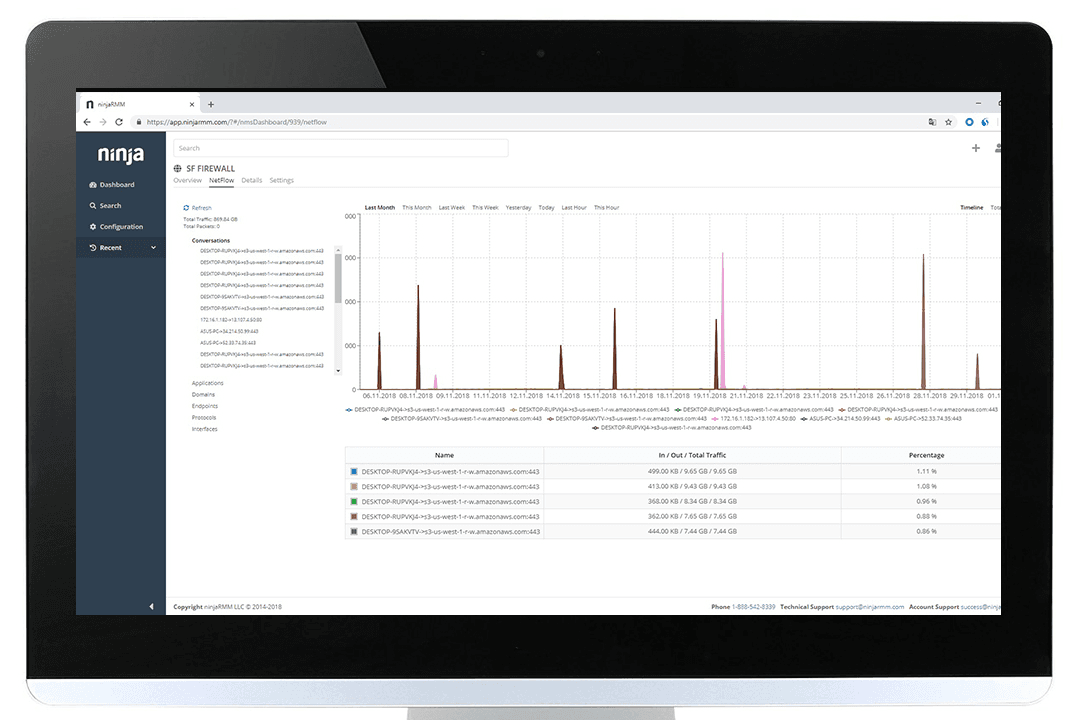
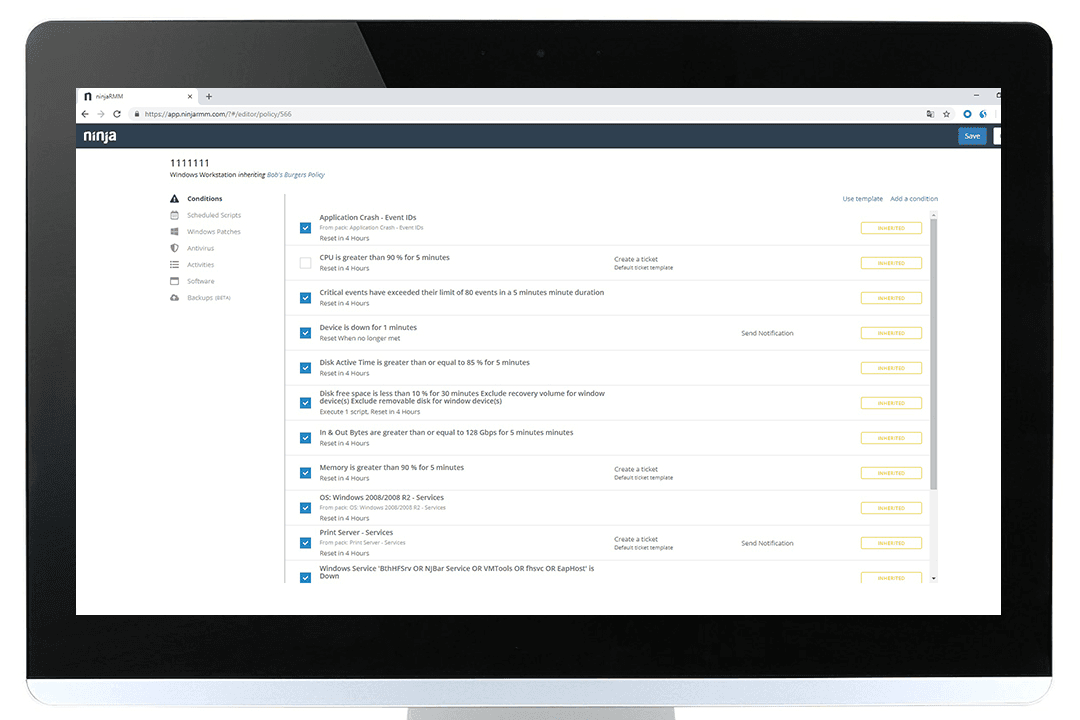
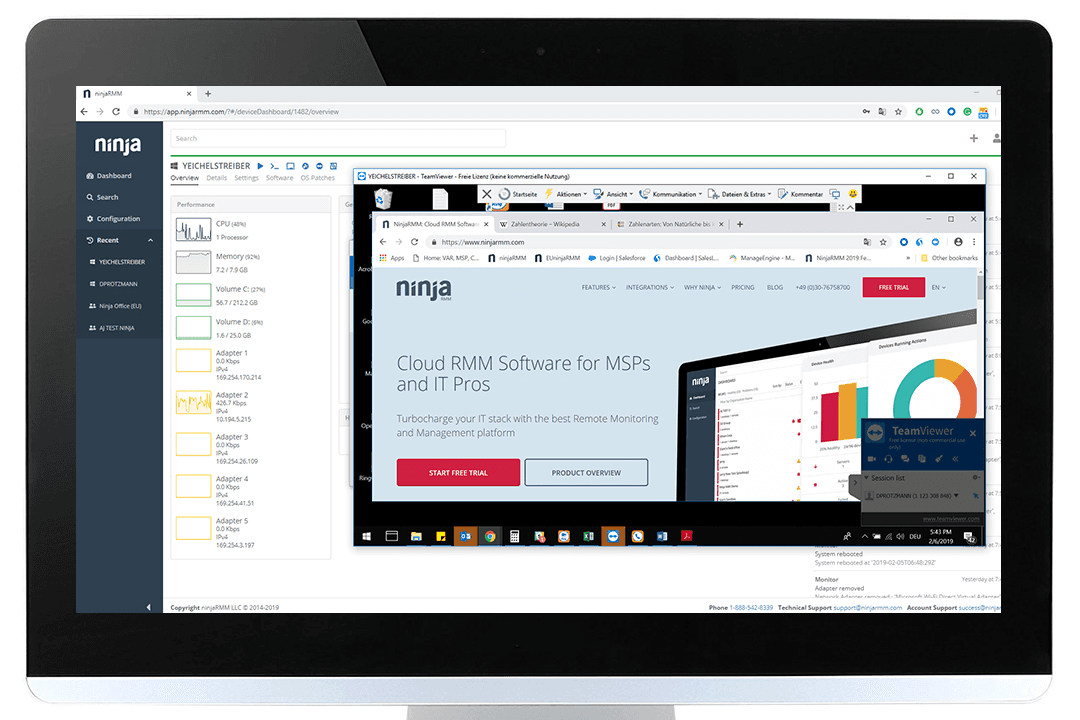
NinjaOne
Visit NinjaOneOpens new windowPerché Fidarti delle Nostre Recensioni Software
Testiamo e recensiamo software dal 2023. Come leader tecnologici, sappiamo quanto sia cruciale e difficile prendere la decisione giusta nella scelta di un software.
Investiamo in una ricerca approfondita per aiutare il nostro pubblico a effettuare scelte migliori di acquisto software. Abbiamo testato oltre 2.000 strumenti per diversi casi d’uso tecnologici e scritto più di 1.000 recensioni complete. Scopri come restiamo trasparenti e la nostra metodologia di recensione del software.
NinjaOne vs. N-able Pricing Comparison
| NinjaOne | N-able | |
|---|---|---|
| Free Trial | 14-day free trial available | 14-day free trial |
| Pricing | Pricing upon request | Pricing upon request |
Prezzi e costi nascosti di NinjaOne vs. N-able
Sia NinjaOne che N-able ti indirizzano a richiedere un preventivo, ma la modalità di quotazione è diversa. NinjaOne applica un prezzo per dispositivo secondo fasce di volume, pubblica una fascia indicativa prima di parlarti e include onboarding, formazione e supporto nell’abbonamento. N-able invece fornisce preventivi per quasi tutto, e l’unico prodotto che spiega pubblicamente il proprio modello è Cove Data Protection, che applica una tariffa fissa per server o workstation e una tariffa fissa per utente per Microsoft 365 con archiviazione cloud inclusa.
Per trovare la soluzione più adatta, traccia in dettaglio quali funzionalità e quanti dispositivi ti serviranno nei prossimi 12–24 mesi, non solo quelli attuali. Chiedi a entrambi i fornitori un riepilogo dettagliato delle caratteristiche incluse, degli eventuali componenti aggiuntivi e di tutti i potenziali costi extra con la crescita del tuo ambiente. Questo approccio ti aiuta a evitare sorprese e ti garantisce di confrontare i veri costi totali, non solo quelli iniziali.
NinjaOne vs. N-able Feature Comparison
| NinjaOne | N-able | |
|---|---|---|
| API | ||
| Bug Tracking | ||
| Data Export | ||
| Data Import | ||
| External Integrations | ||
| Multi-User | ||
| Notifications | ||
| Project Management |
NinjaOne vs. N-able: Facilità d'Uso
| Fattore | NinjaOne | N-able |
|---|---|---|
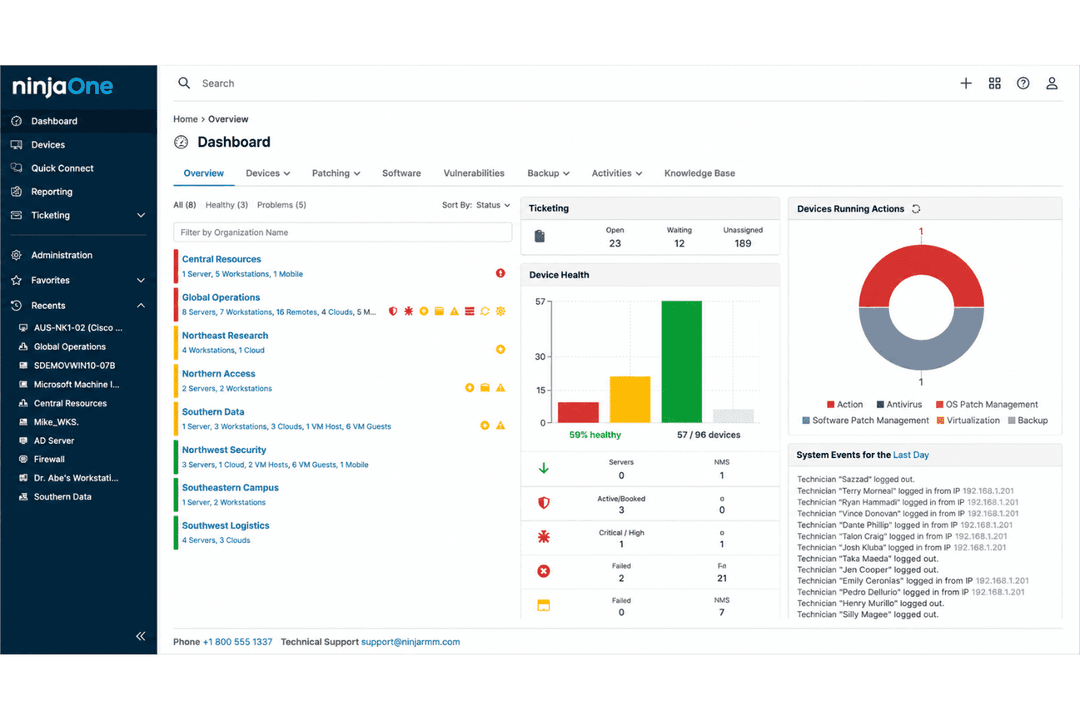
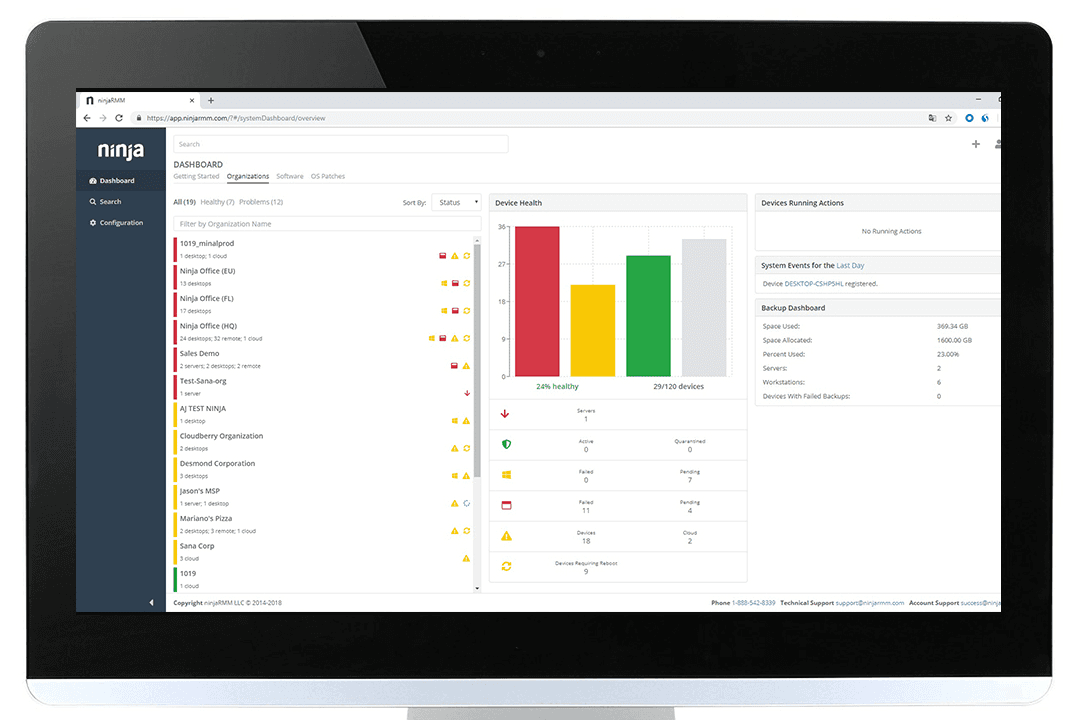
| Interfaccia Utente | Dashboard pulita e intuitiva con minimo ingombro che rende semplice la navigazione | Dipende da quale hai acquistato: N-sight è volutamente essenziale, N-central è più densa e molto più personalizzabile |
| Onboarding | Onboarding e formazione illimitati gratuiti, con una prova self-service che sblocca l'intera piattaforma | Prove gratuite senza carta richiesta, ma l’implementazione pratica è venduta come servizio professionale a pagamento |
| Tempo di Configurazione | Implementazione con una media inferiore a 30 giorni, con operatori competenti in circa dieci | N-sight funziona rapidamente con policy preconfigurate; N-central richiede un vero lavoro di configurazione |
| Accesso al Supporto | Supporto illimitato gratuito 24/7 in sette lingue, risposta media di circa 30 minuti, CSAT 98% | Un team Partner Success composto da onboarder, ingegneri di successo e specialisti di supporto, anche se ore e tempi di risposta non sono pubblicati |
| Formazione | Certificazione gratuita tramite l'accademia, oltre a documentazione e una community attiva | N-able U è gratuita e offre centinaia di corsi, supportata dai boot camp di Head Nerds e dalla community partner |
| Personalizzazione | Motore di policy più scripting in PowerShell, Batch, JavaScript, shell e VBScript | Workflow drag-and-drop di Automation Manager e centinaia di script predefiniti |
NinjaOne è più facile da utilizzare dal primo giorno, senza troppi confronti. L'implementazione richiede in media meno di 30 giorni, gli operatori diventano competenti in circa dieci, e onboarding, formazione e supporto 24/7 sono gratuiti. La risposta di N-able è invece offrire una scelta: N-sight è volutamente semplice con policy preconfigurate, mentre N-central scambia quella semplicità con la configurabilità ed è quello che richiede un vero lavoro di set-up. N-able investe anche seriamente nella formazione, con un’università gratuita che offre centinaia di corsi e un team Head Nerds che organizza boot camp, benché il supporto all’implementazione sia un servizio a pagamento.
NinjaOne vs N-able: Pros & Cons
NinjaOne
- Deploys fast and delivers detailed endpoint visibility with no on-premise servers to maintain.
- Pulls patching, backup, remote access, and ticketing into one console.
- Automates patching with CVE and CVSS context, stability scoring, and dependable scripting.
- Built-in reporting is thin for client-facing work.
- Mobile device management is less robust than desktop support.
- The service desk and PSA are sized for SMB teams rather than enterprise ITSM or high-end MSP workflows.
N-able
- Automated patch management covers Windows, Mac, and Linux.
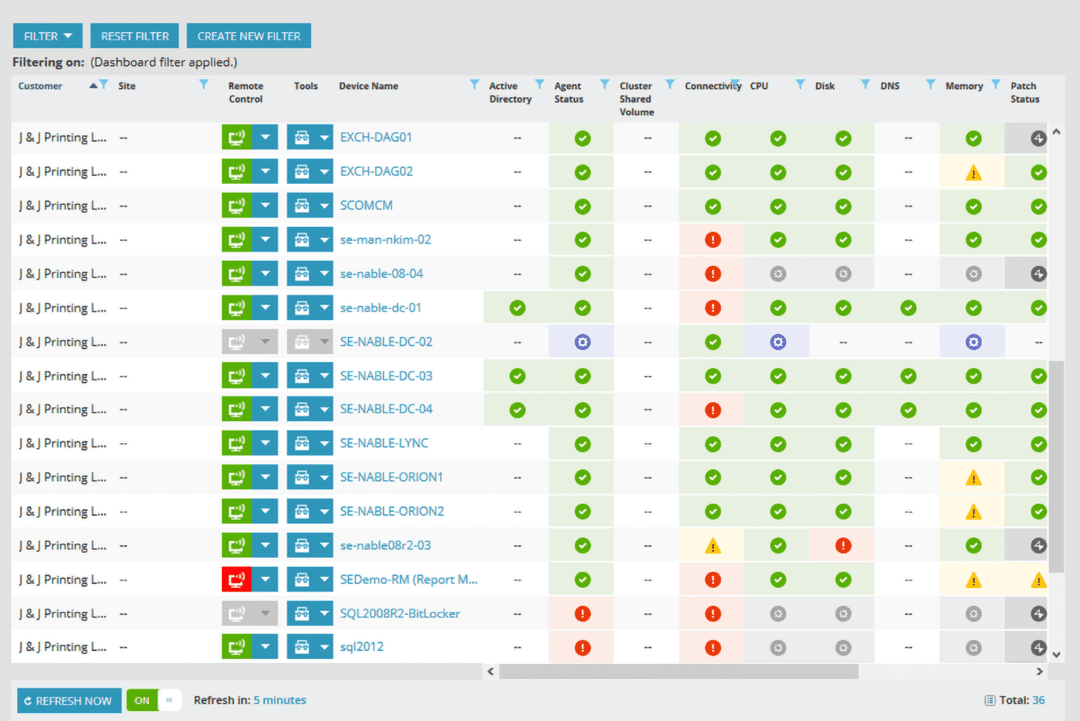
- Centralized multi-tenant dashboard for managing multiple client sites.
- Strong remote control and monitoring tools for hybrid teams.
- Reporting customization is limited for advanced analytics needs.
- Interface feels dated and lacks modern design polish.
- Some security features cost extra or require add-ons.
Best Use Cases for NinjaOne and N-able
NinjaOne
- Managed Service Providers NinjaOne’s multi-tenant architecture and remote support streamline managing multiple client environments from a single dashboard.
- Small to Midsize Businesses Device-based pricing and easy deployment provide SMBs effective IT management without extra complexity.
- Healthcare IT Departments Patch management and compliance reporting features help healthcare teams meet standards and secure sensitive data.
- Education Institutions Remote monitoring and access ease support for student and faculty devices across multiple sites.
- Hybrid Workforce Support Policy management, help desk, and remote access empower teams supporting remote and distributed users.
- Enterprise IT Teams Multi-tenant architecture and automation scale to support large, distributed fleets and high endpoint volume.
N-able
- Managed Service Providers Centralized management, multi-client dashboards, and flexible billing features suit MSPs handling diverse customer environments.
- Large Enterprises The automation, device inventories, and scalable security controls help large IT teams oversee complex, distributed environments.
- Healthcare IT Robust compliance and security reporting help healthcare organizations maintain strict data privacy and system uptime requirements.
- Education IT Departments Remote management, multi-site support, and routine patching align with the needs of school districts and universities.
- Regulated Industries Auditing, reporting, and policy enforcement features assist financial services, legal, and other regulated sectors in meeting compliance.
- Multi-Site Retailers Centralized device tracking and bulk actions enable efficient support for many locations and endpoints.
Chi dovrebbe usare NinjaOne e chi dovrebbe usare N-able?
NinjaOne è ideale per team IT di piccole e medie dimensioni, MSP e aziende che desiderano una piattaforma facile da apprendere, con implementazione rapida e gestione minima continua. Inoltre, offre una scalabilità maggiore di quanto si possa pensare, ospitando tenant enterprise con un numero di endpoint a sei cifre. Gli acquirenti del settore pubblico dovrebbero tenere presente l’autorizzazione FedRAMP. N-able ha più senso quando si desidera un unico fornitore per la gestione, il backup e le operazioni di sicurezza tramite un solo interlocutore, oppure quando serve una distribuzione on-premise.
Se preferisci acquistare la sicurezza dalla stessa azienda che ti fornisce il RMM, probabilmente N-able è la scelta più adatta. In alternativa, NinjaOne rappresenta l’opzione migliore se dai priorità alla gestione semplice degli endpoint, all’implementazione veloce e a un’esperienza quotidiana più snella.
Differences Between NinjaOne and N-able
| NinjaOne | N-able | |
|---|---|---|
| Backup | First-party backup built into the platform | Cove Data Protection is a separate product, sold standalone as well as bundled |
| Contract Terms | Monthly or annual billing, with notice required to cancel outside a promotional commitment | Month-to-month or one, two, or three-year terms, with no auto-renewals and no high-watermark billing |
| Deployment | Cloud only, with no on-premise servers to maintain | N-central offers an on-premise deployment option; N-sight is cloud only |
| Product Structure | One platform with modules switched on as needed | Two separate RMM products, N-sight for smaller teams and N-central for large or complex ones, surrounded by standalone SKUs |
| Security Model | Manages third-party antivirus and EDR rather than selling its own | Sells security as its own line, with EDR powered by SentinelOne and Adlumin for XDR and managed detection |
| Visit NinjaOneOpens new window | Read N-able ReviewOpens new window |
Similarities Between NinjaOne and N-able
| First-Party Remote Access | Both built their own remote control product rather than reselling someone else’s, and both support unattended sessions. |
|---|---|
| Open APIs | Both publish REST APIs with documentation you can read without a customer login, so custom workflows stay on the table. |
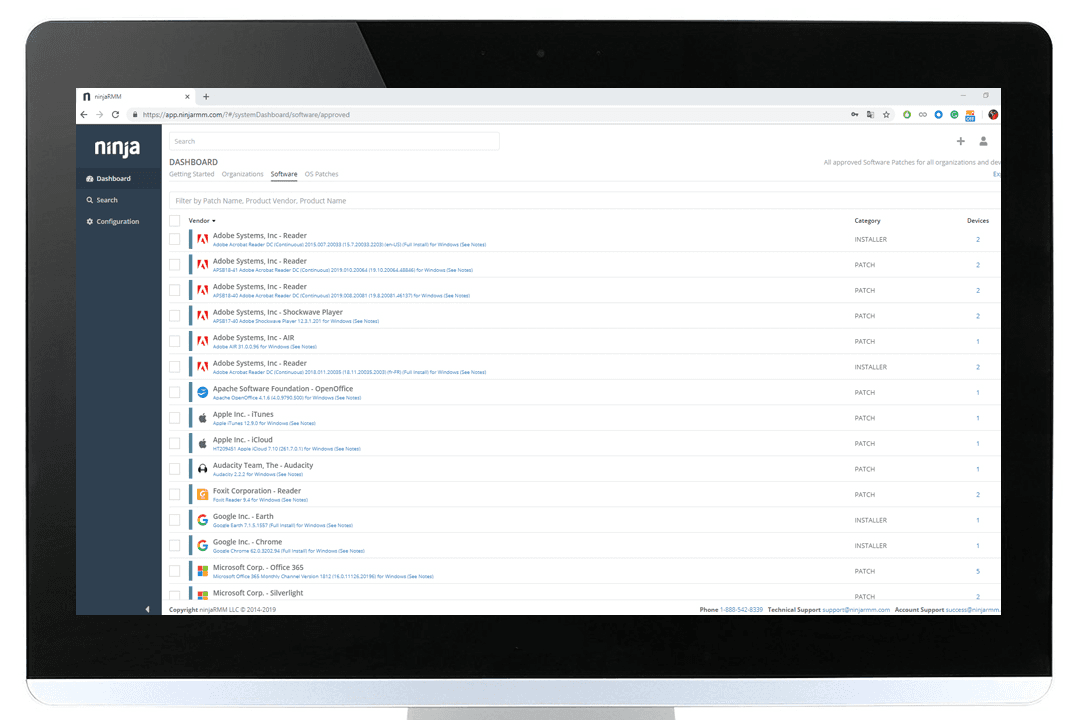
| Patch Management | Each delivers automated patching for operating systems and third-party applications, shrinking the vulnerability window. |
| Remote Monitoring | Both provide reliable, real-time monitoring of endpoints and servers, letting admins detect and resolve issues quickly. |
| Visit NinjaOneOpens new window Read N-able ReviewOpens new window | |
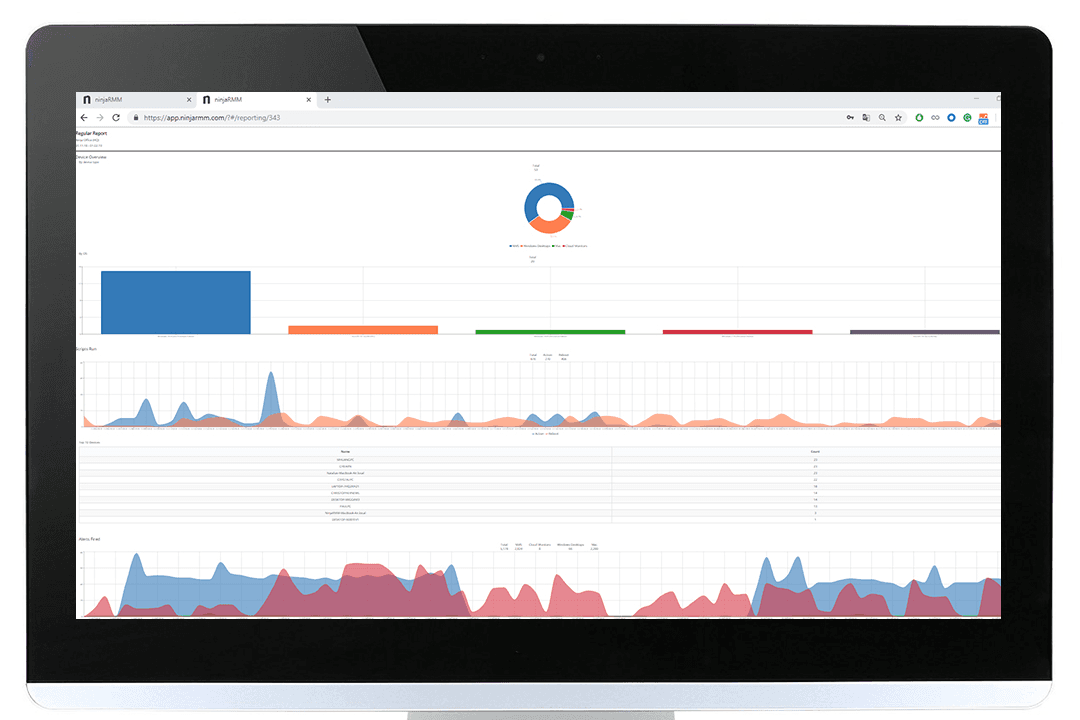
| Reporting Tools | Each offers built-in reports and customizable dashboards to track IT health and key metrics. |
| Role-Based Access | Both support granular role-based permissions and multi-factor authentication for safe, flexible user management. |
| Visit NinjaOneOpens new window Read N-able ReviewOpens new window | |