
Avis sur Aisera 2026 : fonctionnalités, avantages, inconvénients et tarifs
I’ve dug into Aisera AI’s service management tools—here’s what actually sets it apart and where it falls short, so you know if it’s the smart move for transforming support in 2026.

Nous évaluons les outils indépendamment ; les commissions aident à financer nos tests. Consultez notre politique de transparence et notre méthodologie.
Aisera is a service management software built for IT and tech teams that need to automate, scale, and personalize support operations without drowning in tickets or manual processes. For IT leaders who face mounting pressure to reduce downtime, drive self-service adoption, and quickly resolve issues across increasingly complex environments, Aisera brings AI-driven automation and conversational support to the table.
In this review, I’ll break down Aisera’s core features, best and worst use cases, pricing, and the real pros and cons you can expect if you’re considering it for your own tech stack.
Aisera Evaluation Summary
4.5/5
- Pricing upon request
- Free demo available
Pourquoi faire confiance à nos recommandations de logiciels
6,700+
Reviews
20
Industry experts
16+
Evaluation factors
14
Years
Notre équipe teste et évalue des logiciels depuis 2012. En tant que leaders technologiques nous-mêmes, nous savons à quel point il est difficile — et important — de choisir le bon logiciel.
Pour ce guide, nous avons évalué les outils grâce à des tests pratiques et une recherche indépendante, en notant les outils selon nos critères de sélection.
Nos avis reflètent notre jugement éditorial humain, et non un argumentaire de vente.
Réviseurs experts:
- Paulo Gardini MiguelDirecteur technique
 Tim FisherVP de l'IA
 Gabriel RosasTech Lead et architecte logiciel
 Christhian GruhnTech Lead et architecte plateforme

Aisera Overview
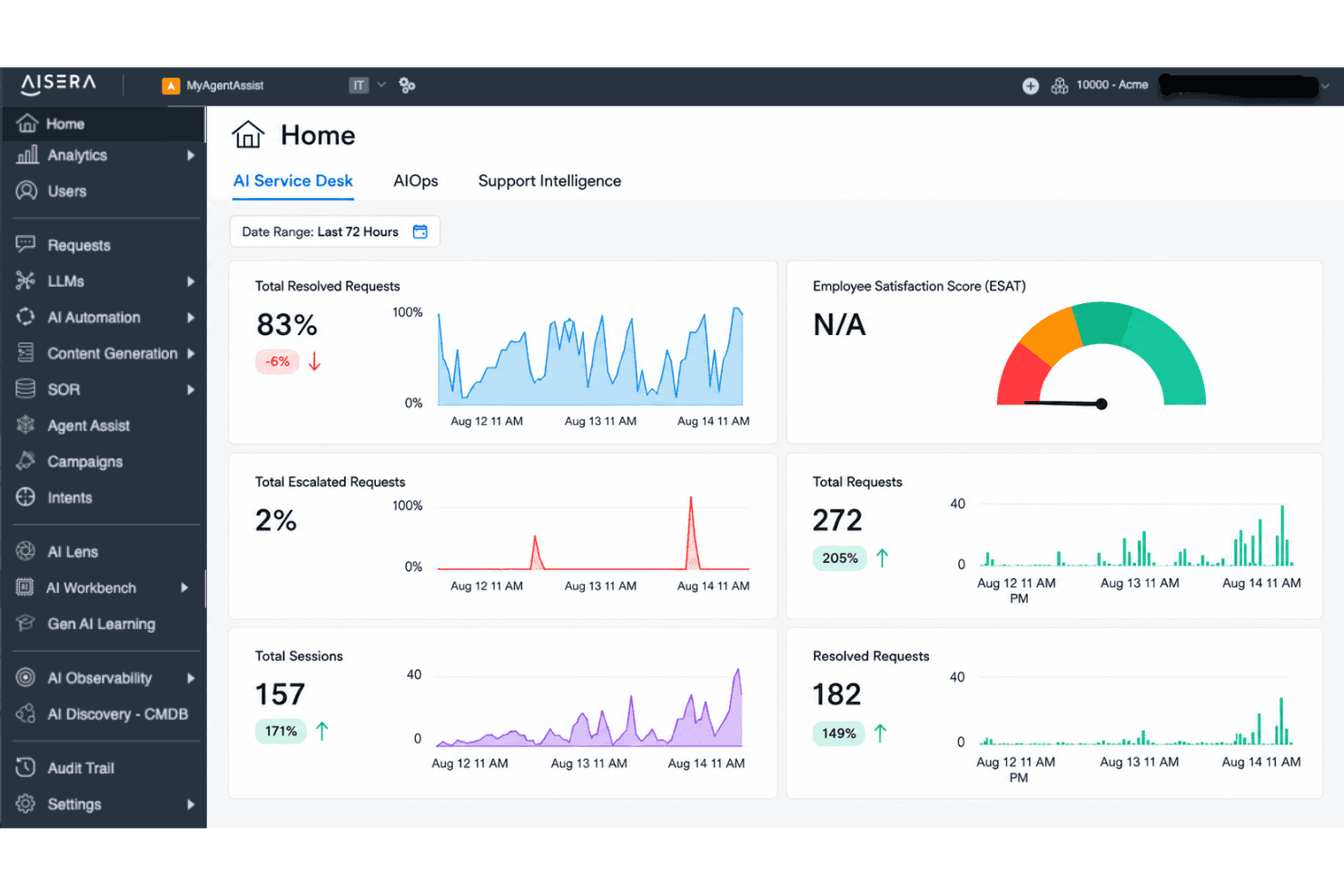
From my perspective, Aisera stands out for its strong AI automation, intuitive interface, and deep integration options, which makes selecting it appealing if reducing manual workloads is a top priority. While its pricing is on the higher side and onboarding may need some dedicated time, I think it outperforms much of the market for enterprise IT teams seeking customizable, scalable workflows.
Its real strength shows up in environments where fast ticket resolution and proactive self-service matter most, but those juggling tight budgets or looking for simple out-of-the-box setups might judge other options more favorably.
Pros
- AI-driven ticket routing reduces manual triage for IT teams
- Conversational AI chatbot supports advanced self-service workflows
- Strong automation for repetitive support and incident tasks
Cons
- Setup and implementation can require significant upfront effort
- Limited real-time analytics compared to some competitors
- Pricing can be high for smaller IT organizations
Is Aisera Right For Your Needs?
Who Would be a Good Fit for Aisera?
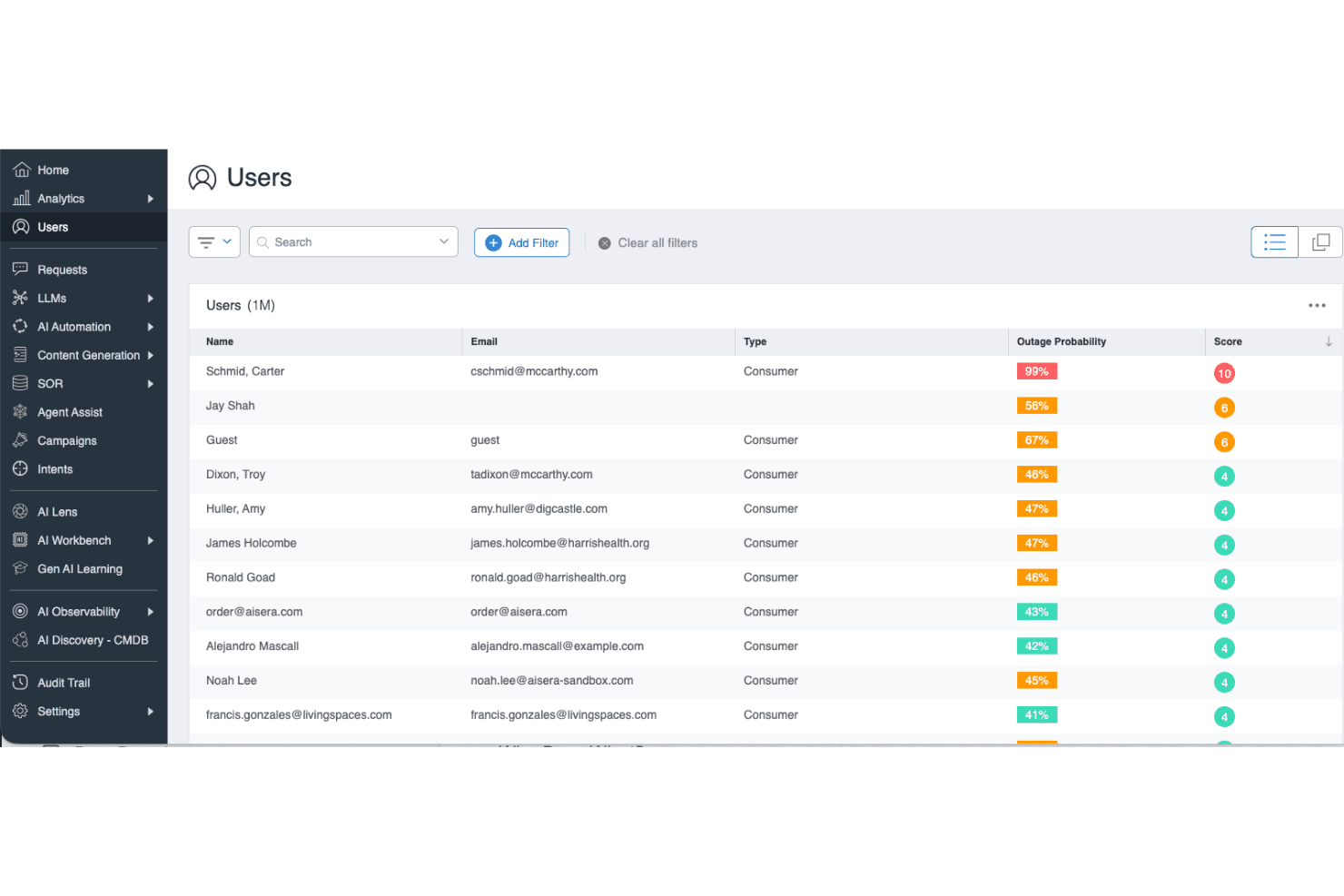
Aisera is well suited for organizations with high ticket volumes, diverse data sources, and strong automation needs. Enterprise IT, managed services, and regulated industries gain the most value from its AI-driven workflows, broad integrations, and advanced ticket resolution capabilities. Fast-growing SaaS providers and hybrid workforce support teams also benefit from automation, while departments with distributed support get rapid, consistent responses.
- Enterprise IT DepartmentsYou get scalable automation for complex internal service requests and system integrations.
- Financial Services FirmsAisera helps manage high compliance demands and strict documentation requirements with robust recordkeeping.
- Healthcare OrganizationsThe platform’s secure, AI-powered responses and audit trails support sensitive patient and operational inquiries.
- Global Customer SupportYou handle high volumes and varied languages, taking advantage of Aisera’s multi-channel and multilingual support.
- SaaS Growth TeamsAisera helps support teams maintain speed and quality as user bases expand rapidly.
- Hybrid or Remote WorkforcesAI-driven self-service is ideal for distributed teams dealing with mixed technical and business needs.
Who Would be a Bad Fit for Aisera?
Aisera isn’t built for everyone. Small startups, hands-on boutique agencies, and businesses with very low ticket volume may find its cost hard to justify. Teams needing basic email support, limited automation, or heavy customization that falls outside AI-driven models might struggle with its approach. Niche industries with highly specialized workflows or organizations with strict on-premises requirements also face challenges.
- Small StartupsThe entry price and advanced features typically exceed what a small team really needs.
- Boutique Consulting FirmsHands-on, relationship-driven support models won’t benefit from Aisera’s heavy automation focus.
- Nonprofit OrganizationsBudget-sensitive teams with fewer IT complexities may not see enough value for the investment.
- Minimalist IT OperationsIf your support needs are basic and ticket volume is consistently low, Aisera’s AI features add unnecessary cost and complexity.
- On-Premises-Only EnvironmentsAisera’s cloud-first architecture can’t always accommodate strict on-premises data or security requirements.
- Highly Specialized IndustriesWorkflows requiring extremely unique or nonstandard support processes may not map well to Aisera’s automation models.
Notre méthodologie d'évaluation
Comment nous testons et notons les outils
Nous avons passé des années à développer, affiner et améliorer notre système de test et de notation des logiciels. Cette grille d’évaluation est conçue pour saisir les subtilités de la sélection des logiciels et ce qui rend un outil efficace, en se concentrant sur les aspects critiques du processus de décision.
Vous trouverez ci-dessous le détail de notre processus de test et de notation sur sept critères. Cela nous permet de fournir une évaluation impartiale du logiciel basée sur les fonctionnalités principales, les caractéristiques distinctives, la facilité d’utilisation, l’intégration, l’accompagnement lors de la prise en main, le support client, les avis utilisateurs et le rapport qualité-prix.
Fonctionnalité principale (25% de la note finale)
Le point de départ de notre évaluation est toujours la fonctionnalité principale de l’outil. Possède-t-il les fonctions de base auxquelles un utilisateur s’attend ? Certaines de ces fonctionnalités principales sont-elles limitées à des forfaits plus chers ? Nous attendons d’un outil qu’il soit au moins à la hauteur des capacités de base de ses concurrents.
Fonctionnalités remarquables (25% de la note finale)
Ensuite, nous évaluons les fonctionnalités exceptionnelles qui dépassent la fonctionnalité de base habituellement trouvée dans ce type d’outil. Un score élevé reflète des fonctionnalités spécialisées ou uniques rendant le produit plus rapide, plus efficace ou apportant une valeur ajoutée à l’utilisateur.
Nous évaluons aussi la facilité d’intégration avec d’autres outils courants dans la pile technologique pour élargir les fonctionnalités et l’utilité du logiciel. Les outils dotés de nombreuses intégrations natives, de connexions tierces et d’un accès API facilitant des intégrations personnalisées obtiennent les meilleurs scores.
Facilité d’utilisation (10% de la note finale)
Nous considérons la rapidité et la simplicité d’exécution des tâches principales avec l’outil. Les logiciels les mieux notés sont bien conçus, intuitifs, proposent des applications mobiles, offrent des modèles et rendent des tâches relativement complexes très simples.
Accompagnement lors de la prise en main (10% de la note finale)
Nous savons que l’adoption rapide d’une nouvelle plateforme au sein d’une équipe est cruciale. Nous évaluons donc la facilité avec laquelle un nouvel utilisateur peut apprendre et utiliser un outil avec un minimum de formation. Les meilleures solutions permettent une mise en route rapide, sans nécessité de support.
Support client (10% de la note finale)
Nous analysons la facilité et la rapidité avec lesquelles il est possible d’obtenir de l’aide par téléphone, chat en direct ou base de connaissances. Les outils et entreprises offrant une assistance en temps réel obtiennent les meilleurs scores, tandis que les chatbots sont moins bien notés.
Avis utilisateurs (10% de la note finale)
Au-delà de nos propres tests et évaluations, nous tenons compte du net promoter score des utilisateurs actuels et passés. Nous regardons la probabilité qu’ils choisiraient à nouveau l’outil pour ses fonctionnalités principales. Un logiciel bien noté reflète un net promoter score élevé.
Rapport qualité-prix (10% de la note finale)
Enfin, en tenant compte de tous les autres critères, nous examinons le prix moyen des forfaits d’entrée de gamme par rapport aux fonctionnalités principales et à la valeur des autres critères. Un logiciel offrant plus, pour moins cher, obtiendra un meilleur score.
Core Features
AI-Powered Ticket Routing
Automatically assigns tickets to the right support team or agent using AI models. This helps IT teams cut down on misrouted or delayed tickets.
Conversational AI Chatbot
Handles user queries and requests through natural conversations on chat platforms and portals. The chatbot resolves common issues instantly and escalates complex problems as needed.
Workflow Automation
Automates multi-step support processes like approvals, escalations, and status notifications. You can build custom workflows to fit your organization’s unique needs.
Knowledge Management
Surfaces relevant articles and answers for users and agents within the support interface. This reduces repeat questions and improves self-service adoption.
Incident Management
Tracks, categorizes, and resolves IT incidents with clear timelines and ownership. Real-time updates keep your team aligned and enable fast resolution.
Service Catalog
Presents end users with an AI-powered catalog for submitting service requests. Employees can browse, request, and track services with self-service at the front end.
Ease of Use
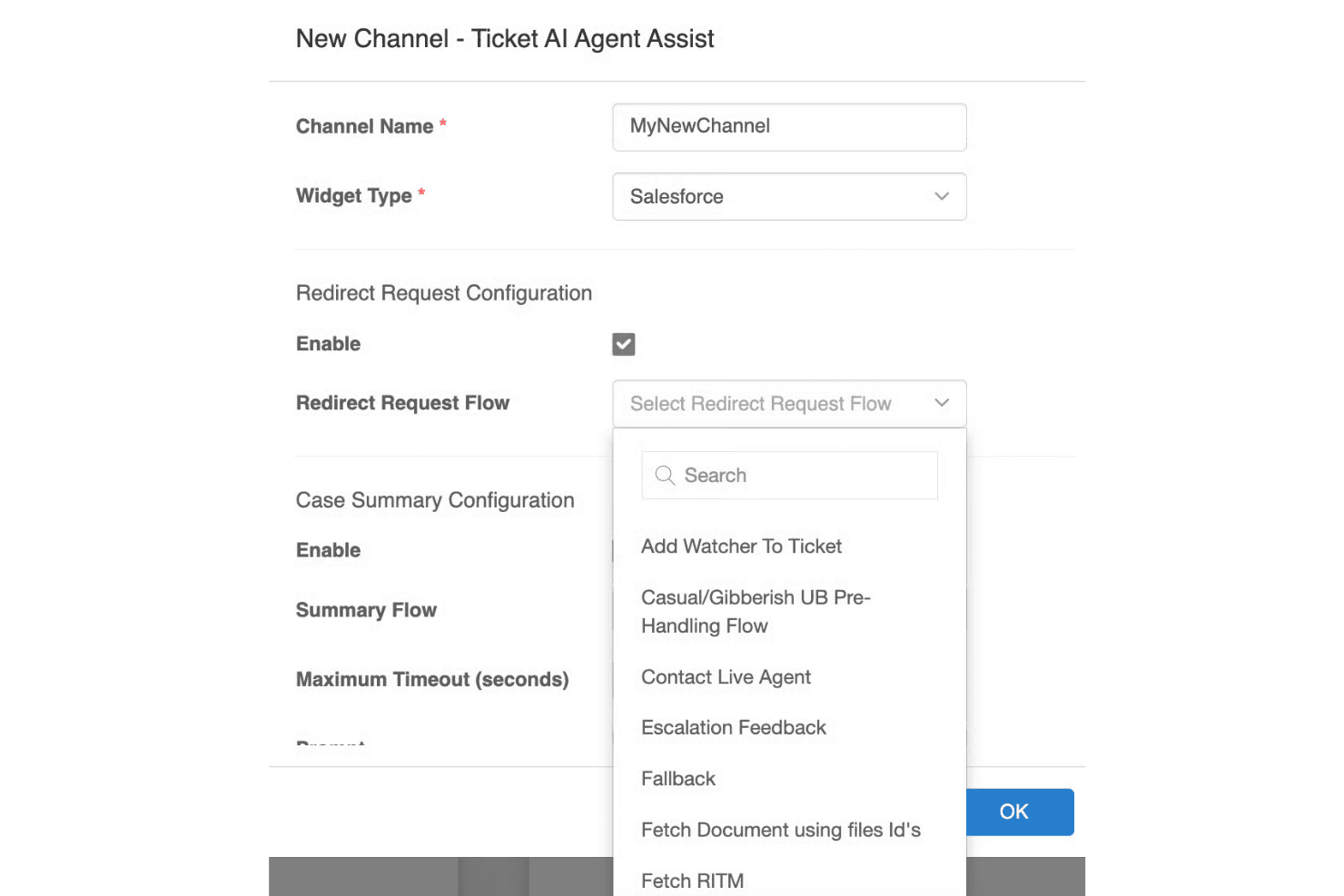
Aisera makes complex service workflows feel much simpler thanks to its conversational UI, smart ticket handling, and clear dashboards. I find the AI-driven interface intuitive for both end users and IT staff, especially when automating repetitive requests or surfacing knowledge articles. Some reviewers note initial setup can be dense, but daily interactions and ongoing management feel approachable and streamlined compared to more manual tools.
Integrations
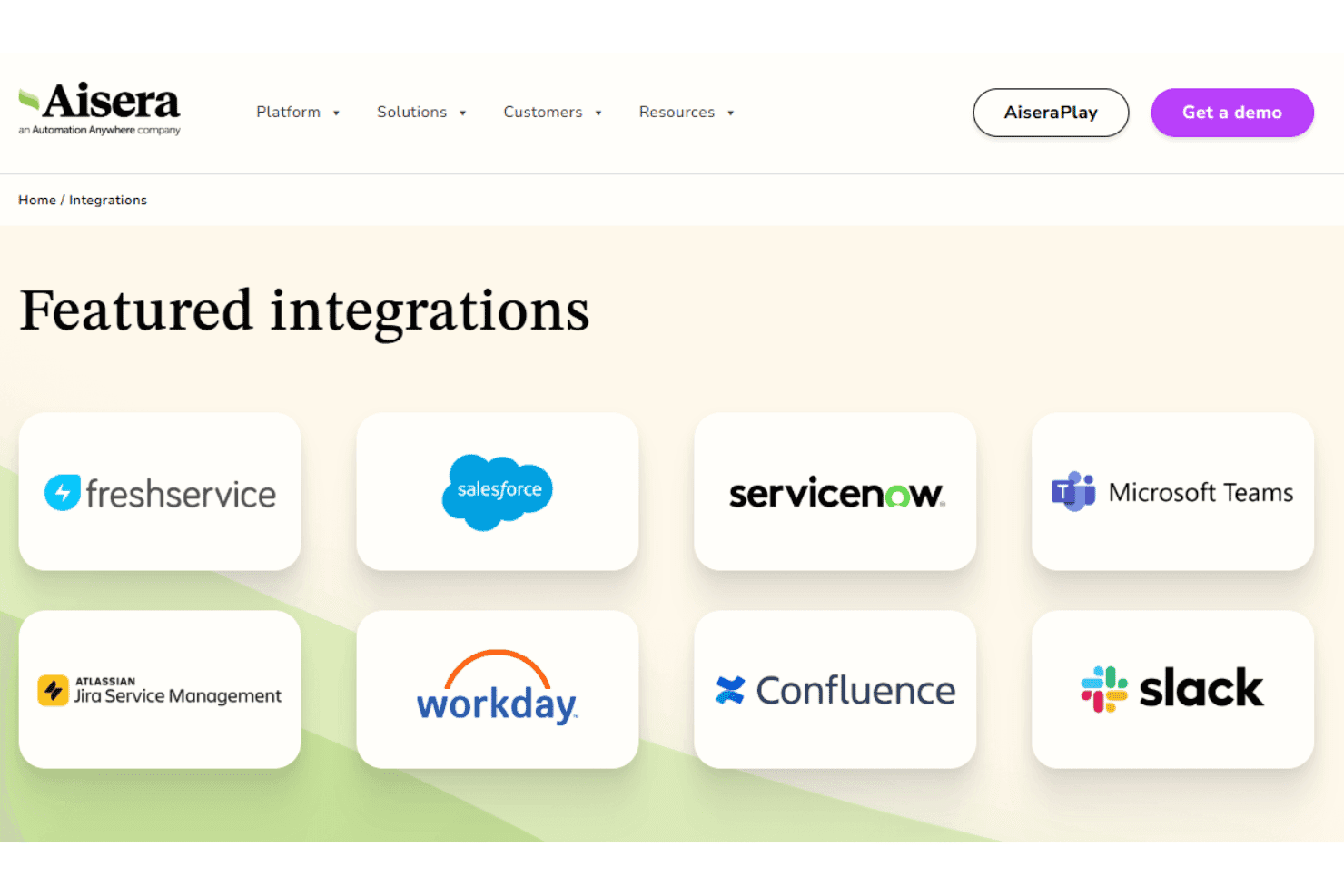
Aisera integrates with ServiceNow, Salesforce, Microsoft Teams, Slack, Zendesk, Jira, Okta, Zoom, Freshdesk, and Google Workspace, among others.
You can also connect Aisera to other systems using its open API architecture, and it supports third-party integration tools like Workato for broader connectivity.
Aisera Specs
- Analytics: Yes
- API: Yes
- Batch Permissions & Access: No
- Call Integration: Yes
- Chat: Yes
- Contact Management: No
- Contact Sharing: No
- CRM Integration: Yes
- Customer Management: No
- Customer Service: Yes
- Dashboard: Yes
- Data Export: Yes
- Data Import: Yes
- Data Visualization: Yes
- Email Integration: Yes
- Escalation Management: Yes
- External Integrations: Yes
- Instant Chat Integration: Yes
- Knowledge Base: Yes
- Lead Management: Yes
- Lead Scoring: Yes
- Multi-User: Yes
- Notifications: Yes
- Real-time Alerts: Yes
- Scheduling: Yes
- Self-service Portal: Yes
- Social Media Integration: No
- Support Forum: No
- Third-Party Plugins/Add-Ons: No
- Ticket Management: Yes
- Workflow Management: Yes


