

Zabbix-arvostelu 2026: hyvät ja huonot puolet, ominaisuudet ja hinnoittelu
Zabbix erottuu edukseen vankalla avoimen lähdekoodin valvonnallaan ja joustavuudellaan, mikä tekee siitä ihanteellisen monimutkaisiin IT-ympäristöihin, mutta sen oppimiskäyrä voi olla jyrkempi kuin yksinkertaisemmissa verkkotyökaluissa.

We review tools independently, and commissions help fund our testing. See our transparency policy, our methodology, or suggest a tool.
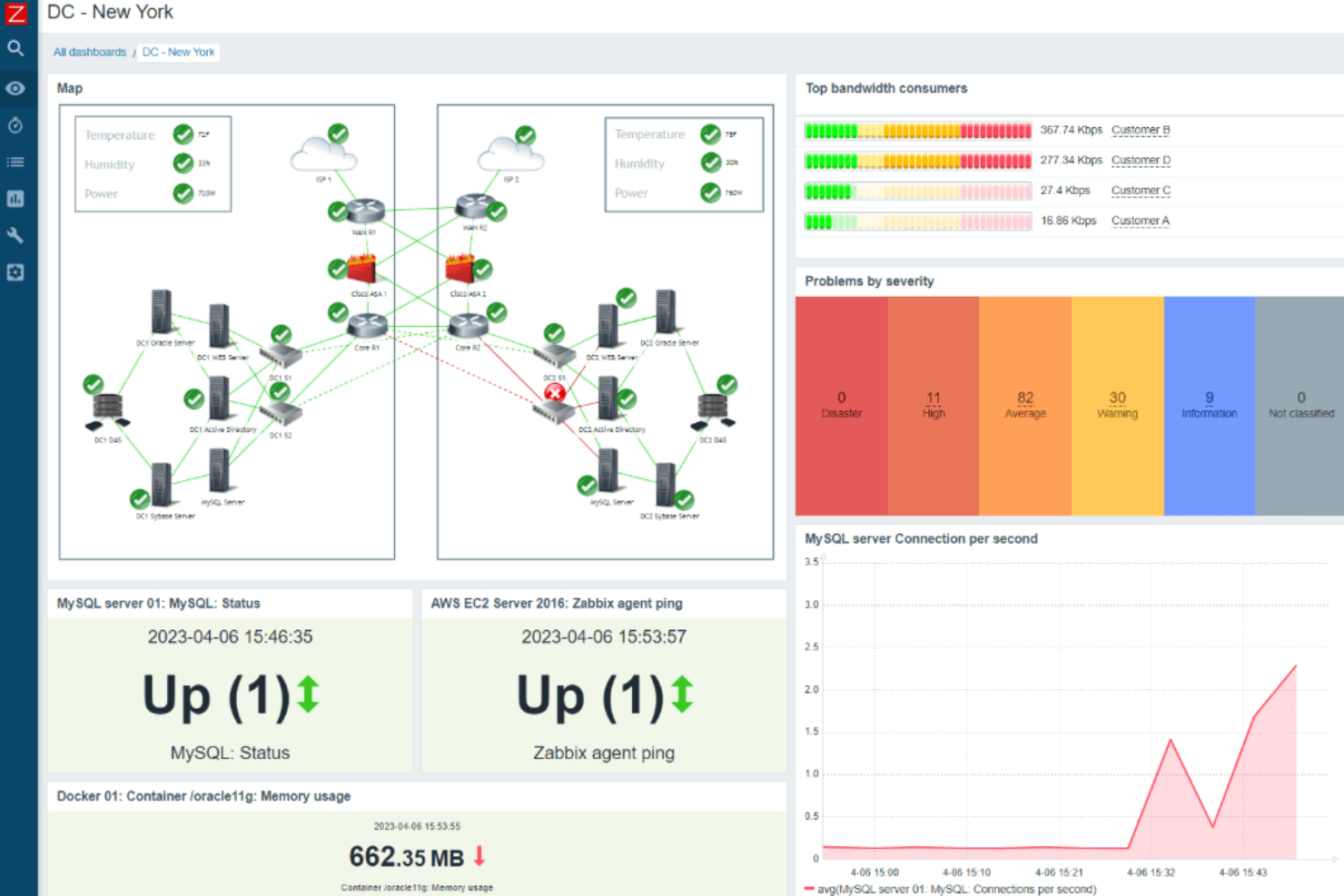
Zabbix is an open-source server monitoring tool built to track the health and performance of servers, networks, applications, and virtual machines at scale. I'd consider it the go-to option when your infrastructure is large and complex, but per-host licensing costs from tools like Datadog are hard to justify. Zabbix gives you comparable depth in metrics collection, alerting, and custom dashboards without the usage-based pricing model—making it a strong fit for IT teams managing hundreds or thousands of hosts on a fixed budget.
Zabbix Evaluation Summary
4.4/5
- From $325/month (billed annually)
- Free download available
Why Trust Our Software Recommendations
6,700+
Reviews
20
Industry experts
16+
Evaluation factors
14
Years
Our team has been testing and reviewing software since 2012. As tech leaders ourselves, we know how difficult—and important—it is to choose the right software.
For this guide, we evaluated tools using hands-on testing and independent research, scoring tools using our selection criteria.
Our reviews reflect our human editorial judgment, not a sales pitch.
Expert reviewers:
- Paulo Gardini MiguelTech Director
 Tim FisherVP of AI
 Gabriel RosasTech Lead & Software Architect
 Christhian GruhnTech Lead & Platform Architect

Zabbix Overview
Zabbix impresses with its no-cost open-source model, extensive protocol support, and flexible alerting. Its interface and onboarding can feel complex compared to simpler tools, but its automation, integrations, and scalability make it a top pick for large, multi-site, or hybrid environments.
If you’re selecting a solution for deep customization and enterprise-level monitoring without recurring license fees, Zabbix is a strong contender. However, teams seeking rapid setup or extensive vendor support may find the learning curve and community-driven help less appealing. For highly technical teams, Zabbix’s capabilities often outweigh these tradeoffs.
Pros
- Open-source with no licensing fees for core features
- Supports SNMP, agent, and agentless monitoring methods
- Highly customizable alerting and escalation workflows
Cons
- Initial configuration is time-consuming for large environments
- User interface feels dated compared to newer tools
- Official support requires a paid subscription or partner services
Is Zabbix Right For Your Needs?
Who Would be a Good Fit for Zabbix?
Zabbix is best suited for organizations with complex, distributed IT environments that require deep customization and granular monitoring. Its open-source model, protocol flexibility, and automation features make it ideal for teams with technical expertise and the need for scalable, enterprise-grade monitoring. Businesses in regulated industries, large enterprises, and those with hybrid or multi-cloud infrastructure will find Zabbix’s capabilities align well with their requirements.
- Large EnterprisesZabbix handles high-volume device monitoring and complex network topologies.
- Managed Service ProvidersMulti-tenant support and customizable dashboards suit client-facing operations.
- Financial ServicesGranular alerting and audit trails help meet strict compliance needs.
- Data CentersAgent and agentless monitoring support diverse hardware and network gear.
- Higher Education ITSupports campus-wide, multi-site monitoring with flexible notification rules.
- DevOps TeamsAPI access and automation features integrate with CI/CD pipelines.
Who Would be a Bad Fit for Zabbix?
Zabbix is less suitable for organizations seeking rapid deployment, minimal maintenance, or extensive out-of-the-box integrations. Smaller businesses, non-technical teams, and those prioritizing modern interfaces or vendor-led support may find Zabbix’s setup and management requirements burdensome compared to more turnkey solutions.
- Small BusinessesSetup and maintenance overhead outweighs benefits for limited infrastructure.
- Non-Technical TeamsRequires technical skills for configuration and ongoing management.
- Retail ChainsLacks built-in templates for common POS and retail devices.
- StartupsTime-to-value is slower than plug-and-play monitoring tools.
- Marketing DepartmentsDoes not offer native integrations with marketing analytics platforms.
- Remote-Only CompaniesOn-premises focus may not align with fully cloud-native environments.
Our Review Methodology
How We Test & Score Tools
We’ve spent years building, refining, and improving our software testing and scoring system. The rubric is designed to capture the nuances of software selection and what makes a tool effective, focusing on critical aspects of the decision-making process.
Below, you can see exactly how our testing and scoring works across seven criteria. It allows us to provide an unbiased evaluation of the software based on core functionality, standout features, ease of use, onboarding, customer support, integrations, customer reviews, and value for money.
Core Functionality (25% of final scoring)
The starting point of our evaluation is always the core functionality of the tool. Does it have the basic features and functions that a user would expect to see? Are any of those core features locked to higher-tiered pricing plans? At its core, we expect a tool to stand up against the baseline capabilities of its competitors.
Standout Features (25% of final scoring)
Next, we evaluate uncommon standout features that go above and beyond the core functionality typically found in tools of its kind. A high score reflects specialized or unique features that make the product faster, more efficient, or offer additional value to the user.
We also evaluate how easy it is to integrate with other tools typically found in the tech stack to expand the functionality and utility of the software. Tools offering plentiful native integrations, 3rd party connections, and API access to build custom integrations score best.
Ease of Use (10% of final scoring)
We consider how quick and easy it is to execute the tasks defined in the core functionality using the tool. High scoring software is well designed, intuitive to use, offers mobile apps, provides templates, and makes relatively complex tasks seem simple.
Onboarding (10% of final scoring)
We know how important rapid team adoption is for a new platform, so we evaluate how easy it is to learn and use a tool with minimal training. We evaluate how quickly a team member can get set up and start using the tool with no experience. High scoring solutions indicate little or no support is required.
Customer Support (10% of final scoring)
We review how quick and easy it is to get unstuck and find help by phone, live chat, or knowledge base. Tools and companies that provide real-time support score best, while chatbots score worst.
Customer Reviews (10% of final scoring)
Beyond our own testing and evaluation, we consider the net promoter score from current and past customers. We review their likelihood, given the option, to choose the tool again for the core functionality. A high scoring software reflects a high net promoter score from current or past customers.
Value for Money (10% of final scoring)
Lastly, in consideration of all the other criteria, we review the average price of entry level plans against the core features and consider the value of the other evaluation criteria. Software that delivers more, for less, will score higher.
Core Features
SNMP and Agent Monitoring
Monitor devices using SNMP v1, v2c, v3, or Zabbix agents for broad compatibility. Supports agentless checks such as IPMI, JMX, HTTP, and SSH for monitoring without installing agents.
Customizable Alerting
Set flexible thresholds and escalation rules for precise, actionable notifications. Configure notifications using email, SMS, webhooks, and scripts based on trigger conditions.
Automatic Device Discovery
Scan network ranges to detect, onboard, and group new devices automatically. Discovery rules can automatically assign templates, host groups, and monitoring items.
Pre-Built Templates
Apply over 300 vendor-specific templates for rapid deployment and consistent monitoring. Templates include predefined items, triggers, graphs, and discovery rules.
Aggregated and Calculated Metrics
Aggregate traffic, error counts, and other metrics over time for trend analysis. Calculated items allow combining multiple metrics into a single monitoring value.
Root Cause Analysis
Define alert dependencies to reduce noise and highlight primary issues in complex networks. Event correlation suppresses related alerts when a primary issue is detected.
Ease of Use
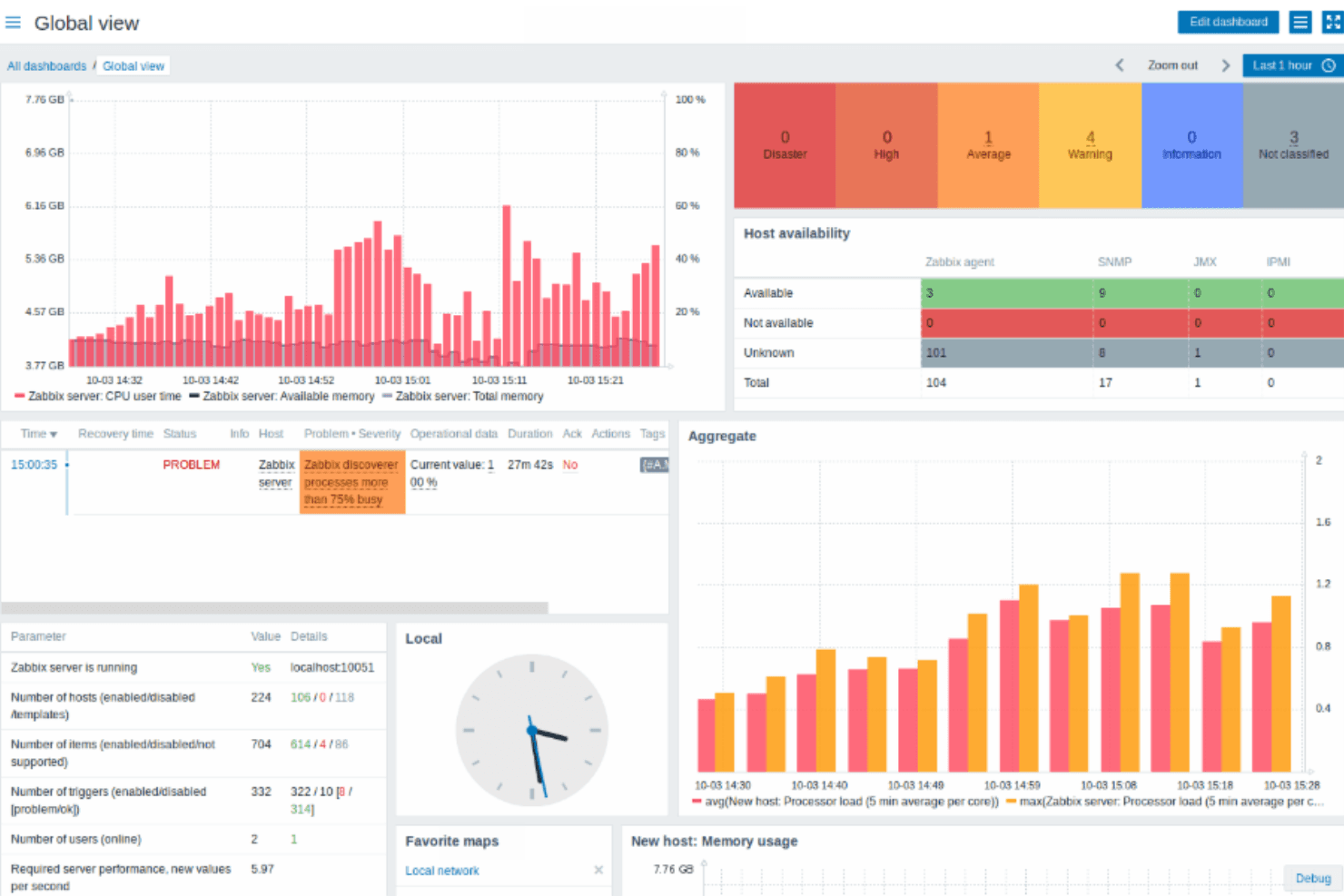
Zabbix’s interface and setup process are often described as complex, especially for teams without prior experience in network monitoring software. Many users note that configuring hosts, triggers, and templates requires technical knowledge and careful planning. While the platform offers extensive customization and documentation, the learning curve can be steep. However, once configured, Zabbix provides reliable, detailed monitoring and flexible dashboards that experienced IT teams appreciate for their depth and control.
Integrations
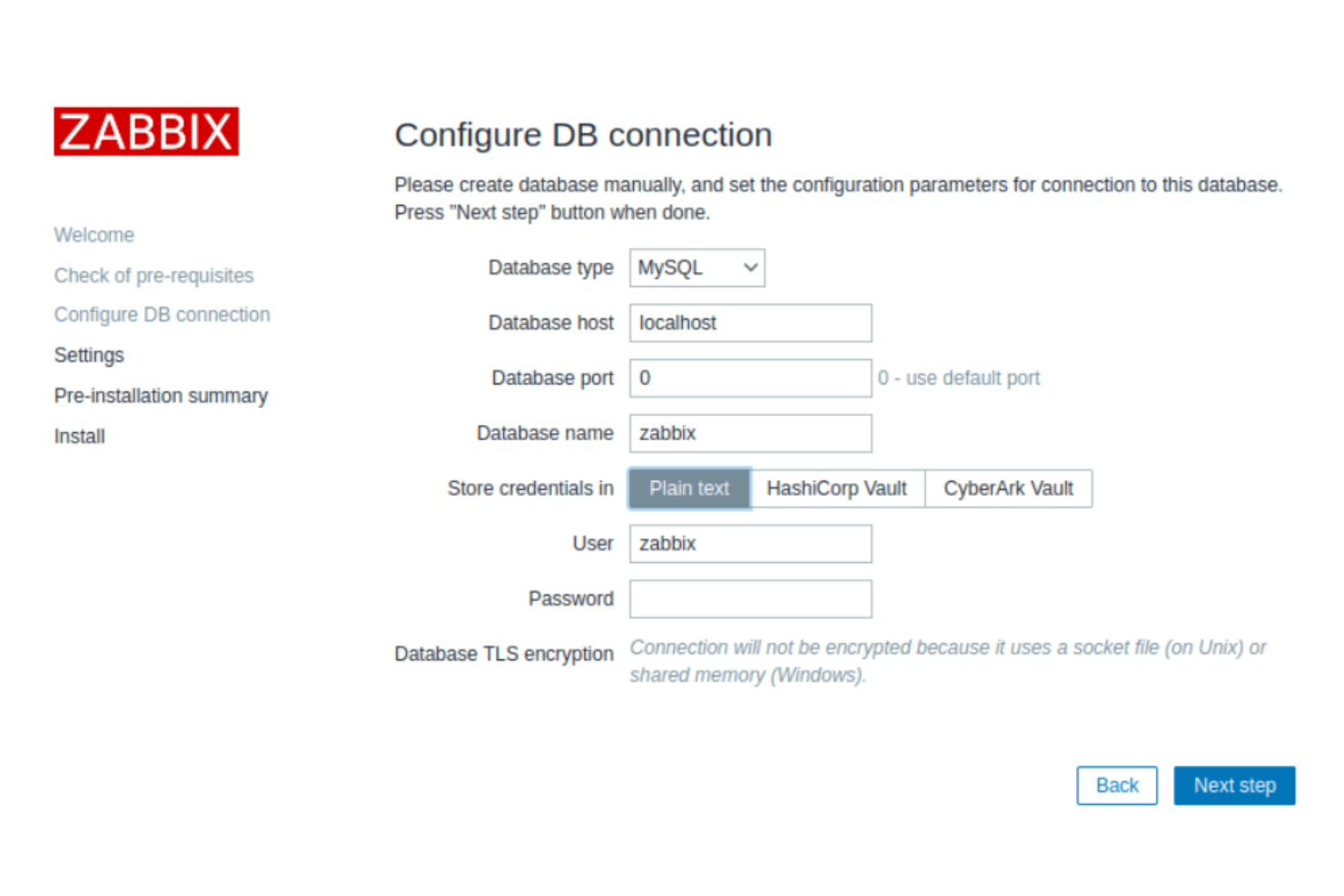
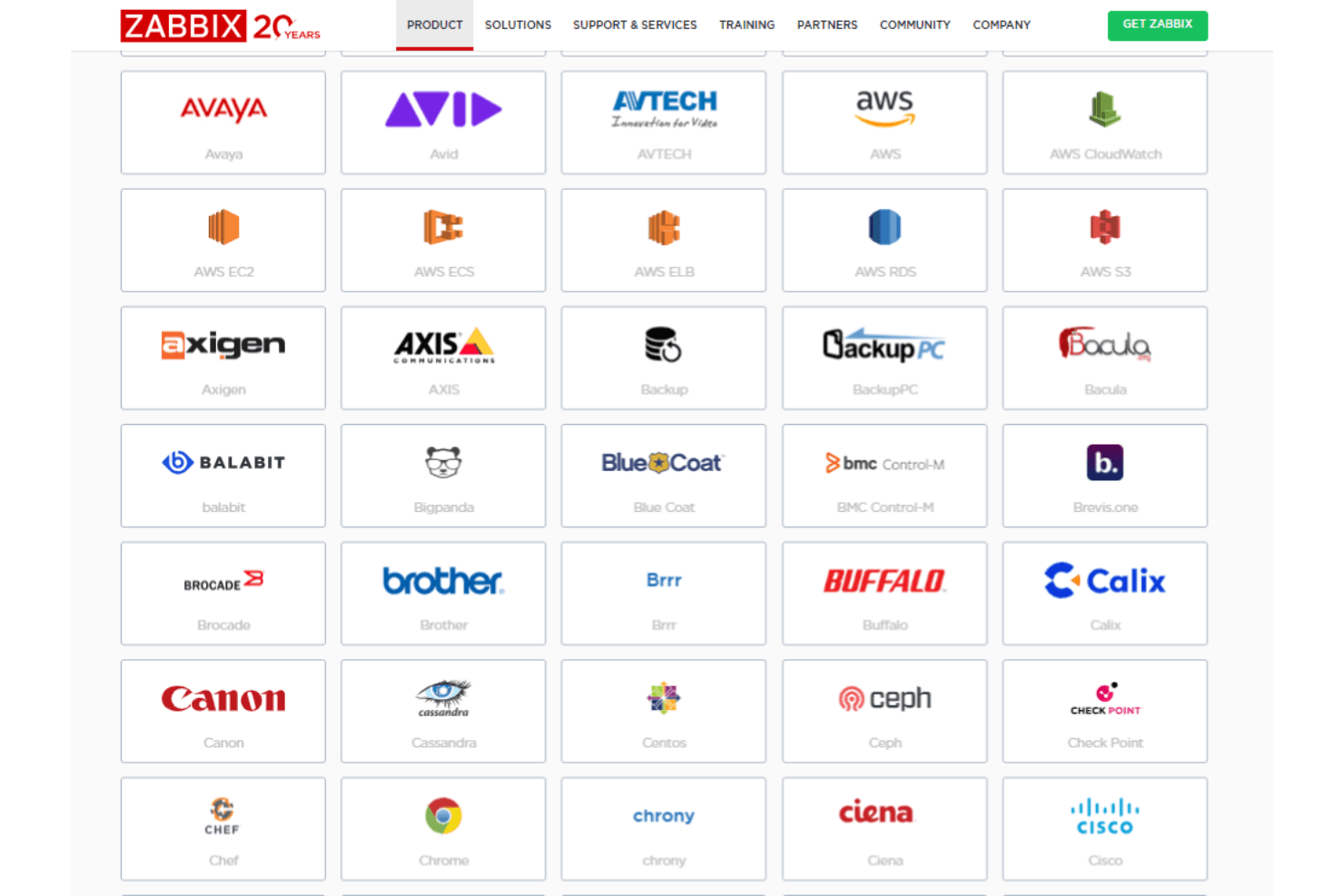
Zabbix integrates with VMware vSphere, Docker, Kubernetes, Amazon Web Services (AWS), Microsoft Azure, Google Cloud Platform, Cisco devices, HP devices, IBM servers, and Oracle databases, among others.
Zabbix also offers a REST API for custom integrations and supports connections with third-party integration tools.
Zabbix Specs
- Access Management: No
- Bug Tracking: No
- Compliance Tracking: No
- Custom Reports: No
- DDoS Protection: No
- Incident Management: No
- Malware Protection: No
- Network Device Performance Monitoring: Yes
- Network Traffic Monitoring: Yes
- Network Visualization: No
- Risk Assessment: No
- Security Migration: No
- Technical Health Assessment: No
- Workflow Management: No


